If you have deployed a GPT-5.6 agent and watched it confidently walk off a cliff, you are not alone. The five mistakes people make with GPT-5.6 agents are not exotic edge cases. They are the default behavior when teams skip the unsexy parts of agent design and jump straight to building. Production agents are not like demos. They hit real APIs that go down, real context limits that cut off memory, and real users who phrase requests in ways no prompt ever anticipated. The failures are quiet, repeatable, and fixable once you know where they come from.
Why Agents Break in Ways Nobody Expects
The Demo-to-Production Gap
Agent demos are optimized to succeed. They run on curated inputs, with hand-picked tools, generous context, and a developer watching. Production is the opposite. An agent that works in a notebook will fail in production because production has latency spikes, tool APIs that return 429s, token windows that fill up mid-task, and users who phrase requests in ways the prompt never anticipated. The gap is not a bug. It is a design assumption that was never written down.
Real production agents fail in five predictable patterns. Not in random ways, not from mysterious model failures, but from structural choices made during design that seemed fine at the time. Recognizing these patterns is the first step toward building agents that work every day, not just during the demo.
What Every Failure Has in Common
Across all five patterns, the common thread is the same: the agent was given the responsibility to handle something it was never designed to handle. Too many tools, too little memory, a vague directive, no fallback plan, no human backstop. Each one is a point where the builder trusted the model to figure it out. Sometimes it does. Eventually, it does not. The model is not the weak link. The design is.
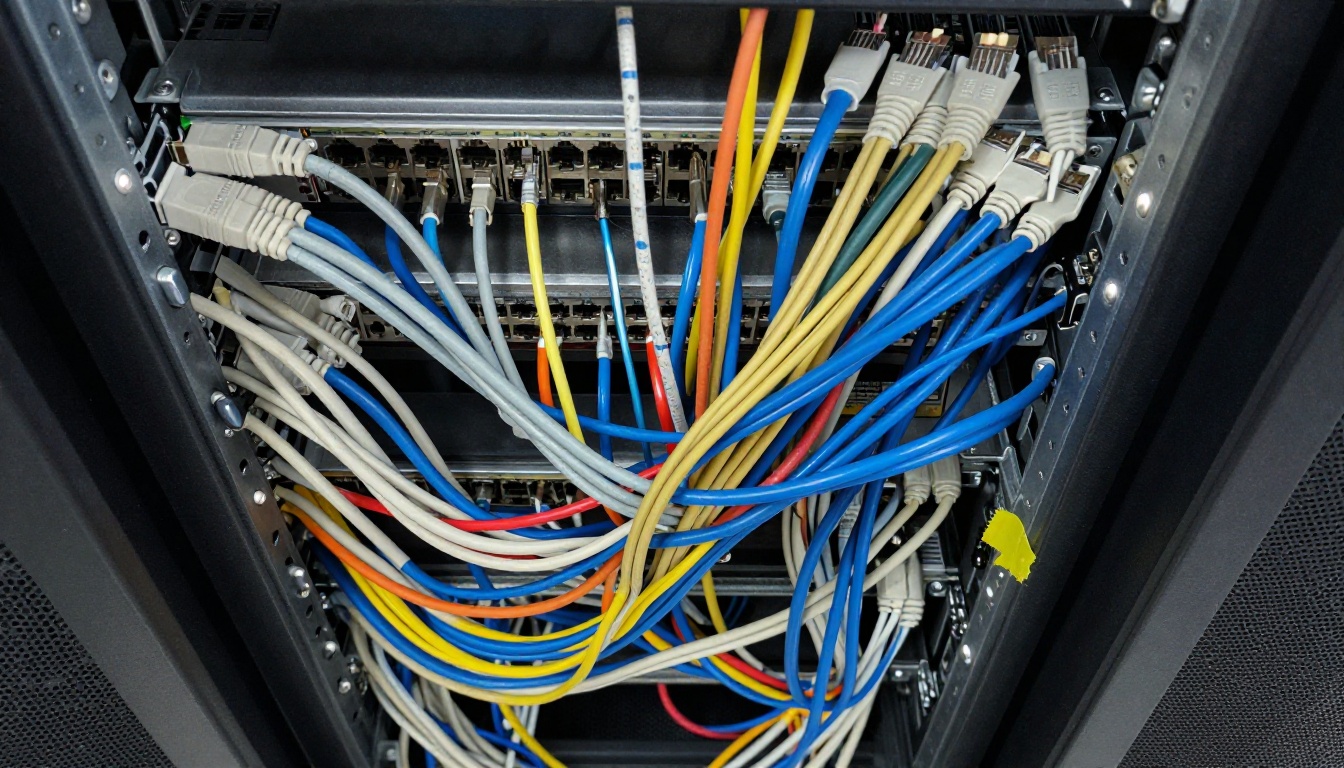
How Tool Overload Degrades Performance
The assumption is that more tools equal more capability. In practice, more tools equal more confusion. When you give a GPT-5.6 agent access to twenty tools in a single context, the model has to reason about which tool applies to every step of every task. The more tools in scope, the more likely the agent calls the wrong one, uses a valid tool for the wrong purpose, or calls multiple tools in sequence when one would have done the job.
This is not a GPT-5.6-specific limitation. It is a fundamental characteristic of how instruction-following models reason about large action spaces. When the action space is large and loosely constrained, the probability of a suboptimal tool choice rises at every decision step. Multiply that across a ten-step agentic task and the compounding error rate becomes significant. A team that builds one monolithic agent with access to every tool in the company's stack will spend more time debugging wrong tool calls than building useful features.
The Right Tool-to-Task Ratio
The fix is scoping. Each agent instance should receive only the tools relevant to its current task. If the agent handles email, give it email tools. If a sub-agent handles search, give it search tools. This requires splitting a monolithic agent into a coordinator plus specialists, an orchestration pattern that is more work to build and dramatically more reliable to run.
A practical rule: if you cannot explain in one sentence why every tool in the current set is needed for this specific task, one of them should not be there. Trim before you build, not after you debug.
💡 Rule of thumb: Cap tool context at 7 tools per agent instance. For broader workflows, delegate to sub-agents with scoped toolsets. The coordinator handles routing. The specialists handle execution.
| Tool Count | Approximate Task Accuracy | Notes |
|---|
| 1 to 5 | Very high | Ideal for single-purpose agents |
| 6 to 10 | Good | Multi-step but focused workflows |
| 11 to 20 | Degraded | Wrong tool calls increase noticeably |
| 20+ | Unreliable | Frequent hallucinated tool usage |
Mistake 2: No Real Memory Strategy
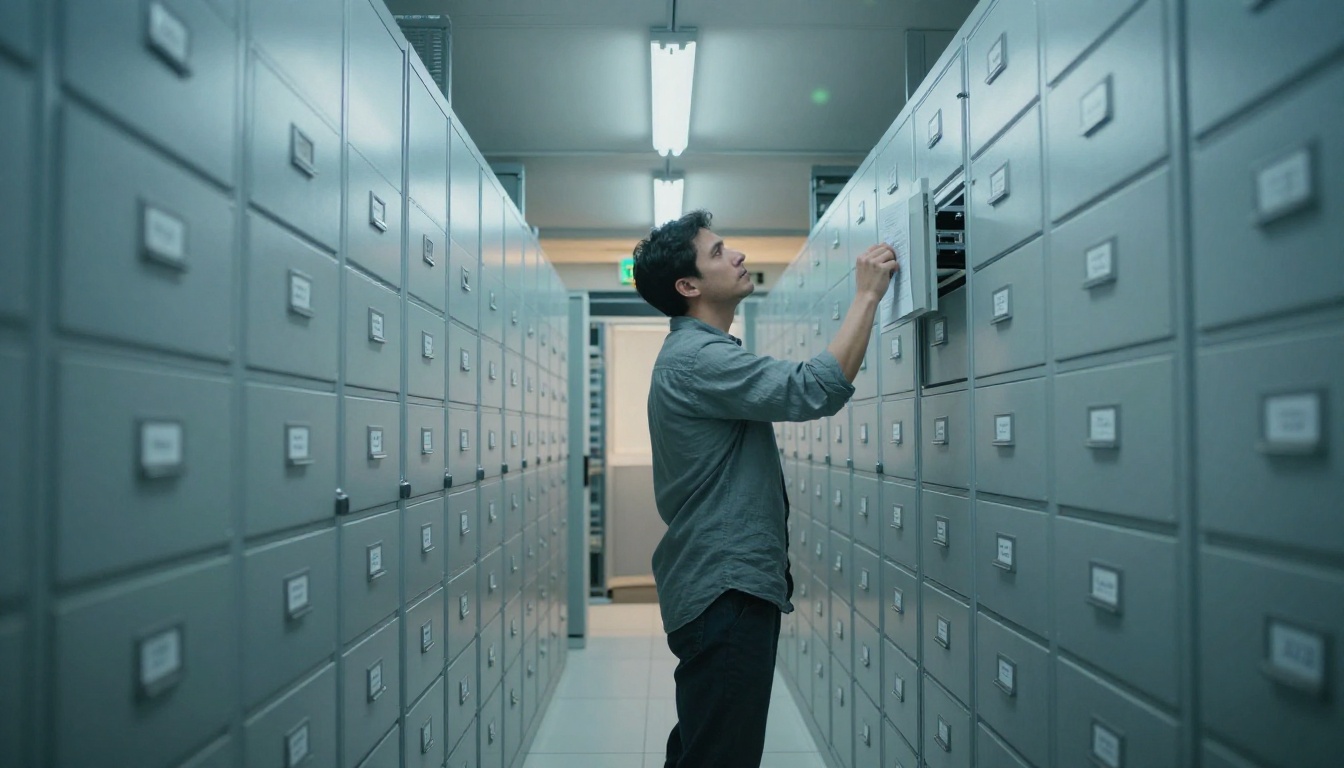
Why the Context Window Is Not Memory
This is the most common misunderstanding in agent design. The context window is not memory. It is a scratchpad. Everything in it disappears when the session ends, and it fills up fast during multi-step tasks. An agent that crams thirty pages of documentation into its context to "remember" facts is burning tokens on information retrieval, leaving less room for actual reasoning, and guaranteeing it will hit the token limit on longer tasks.
The context window is for reasoning. Memory is what feeds the context window the right information at the right time. These are different systems, and treating one as a substitute for the other produces agents that work on short tasks and break on long ones. Most teams discover this the hard way when their agent starts dropping task state halfway through a complex workflow.
Building Persistent Agent Memory
Real memory architecture has three layers:
- Working memory: The current context. The task description, recent tool results, and the last few steps. This is the only layer that lives in the context window at runtime.
- Episodic memory: Retrieved summaries of past sessions or related tasks, pulled in at the start of a new session via vector similarity search. The agent does not remember the past directly. It reads a retrieved summary of what is relevant.
- Semantic memory: A structured store of facts the agent needs across all tasks. Loaded selectively based on what the current task requires, not dumped in wholesale at the start of every session.
GPT 5.6 Terra and GPT 5.6 Sol are strong at reasoning when given well-retrieved context. They are not strong at retrieving their own past from a flat context dump. The design work is on the retrieval side, not the model side. Build the retrieval pipeline first, then wire the model to it.
💡 Practical step: Before your next agent build, draw three boxes: working memory, episodic store, semantic store. If all three collapse into "the context window," you have a memory problem that will surface in production.
Mistake 3: System Prompts That Say Everything and Nothing

The Anatomy of a Weak System Prompt
A weak system prompt is long, vague, and tries to handle every case by writing more words. It says things like "be helpful, accurate, and professional" and "think step by step before answering." It spends three paragraphs describing the agent's personality before specifying what tools it has or when to use them. Every token spent on vague aspiration is a token not spent on specific constraint. Agents running weak prompts become creative in exactly the wrong moments.
The tell-tale sign of a weak prompt is that it is hard to write a test for. If you cannot describe a specific input and a specific expected output based on your system prompt alone, the prompt is not specific enough. Long prompts with low specificity are worse than short prompts with high specificity. Length is not rigor.
What a Tight System Prompt Looks Like
A strong system prompt for a GPT-5.6 agent has four sections and nothing else:
1. Role: One sentence. What this agent does and, critically, what it does not do.
2. Tools: Each tool listed with a one-line description of when to use it and when not to. Not paragraphs. One line per tool. The model does not need an essay. It needs a clear signal.
3. Output format: Exactly what the agent returns and in what structure. JSON schema if applicable. A short example output if there is any ambiguity.
4. Constraints: Hard rules. Things the agent must never do regardless of what the user asks. Specific, not aspirational. "Never return data from tool X without first validating Y" is a constraint. "Always be professional" is not.
That is the entire prompt. Short, specific, and testable. The model handles the rest. Resist the urge to add more words when the agent misbehaves. Most misbehavior comes from contradictory or ambiguous instructions, not from insufficient ones. Edit for clarity, not for volume.

Tool Failures Are Normal, Not Edge Cases
APIs return errors. Rate limits fire. External services go down for maintenance or hit unexpected load during peak hours. A GPT-5.6 agent running multi-step tasks will encounter tool failures in production. Not occasionally. Regularly. The question is not whether your agent's tools will fail. The question is what the agent does when they do.
Without an explicit recovery plan in the agent design, the default behavior is unpredictable. Sometimes the model retries indefinitely, looping on the same failed call until the session times out. Sometimes it hallucinates a result to fill the gap and continues as if the tool had returned valid data. Sometimes it silently skips a step and proceeds, leaving a gap in the task state that only surfaces as a confusing downstream error. None of these are acceptable in a system that real users depend on.
Designing Fallback Chains
Every tool in your agent's toolset should have a documented failure mode and a defined response. The pattern is straightforward and worth spelling out explicitly for every tool in the set:
- Primary call: Use the preferred tool with normal parameters.
- Retry with backoff: If the tool returns a transient error (429, 503, timeout), wait a fixed interval and retry once.
- Fallback tool: If the retry fails, switch to an alternative tool or data source where one exists.
- Graceful stop: If no fallback exists, return a structured failure report to the orchestrator with the current task state preserved, so the task can be resumed or handed to a human without losing progress.
The agent should never hallucinate a tool result to fill a gap. That is a hard constraint in the system prompt, not something to rely on model behavior to handle correctly under pressure. Write it explicitly. Test it explicitly.
💡 Design tip: Add a report_failure tool to your agent's toolset. Give the agent a clean, explicit way to escalate rather than improvise. Agents that cannot fail gracefully will eventually fail ungracefully at the worst possible moment.
Mistake 5: Treating Agent Output as Ground Truth

Agentic Hallucination Is a Different Problem
Standard LLM hallucination is a problem. Agentic hallucination is a different class of problem. When an agent hallucinates, it does not just produce a wrong sentence. It produces a wrong sentence and then acts on it, calls a tool based on it, stores it in memory, and passes it downstream to the next step. By the time the hallucination surfaces as a visible error, it may have influenced five downstream decisions that all looked correct because they were internally consistent with the hallucinated premise.
The confidence level of GPT-5.6 models on agentic tasks is generally high. That is mostly a strength, but it makes hallucinated steps harder to spot because they look exactly like correct steps. A model that outputs "I am not sure" is easy to catch. A model that produces a plausible but wrong tool call with full confidence and a clean JSON output is not. Building systems that catch this requires structural choices, not just better prompting.
Where Human Review Still Matters
The instinct to remove all human-in-the-loop steps to maximize autonomy is understandable and usually wrong. The right question is not "can we remove humans?" but "at which points does human review add more reliability than it costs in latency?" High-stakes decisions, novel task types, and outputs that will be sent externally are the obvious checkpoints. Routine, well-tested subtasks within a known workflow are where autonomy is appropriate.
The architecture should make that distinction explicit. Flatten everything into one autonomy policy and you will either over-approve risky actions or over-block safe ones.
| Decision Type | Recommended Review | Reason |
|---|
| Sending messages to users | Human approval | Reputational risk |
| Writing to production databases | Human approval | Irreversible action |
| Generating internal drafts | Automated | Low stakes, reversible |
| Routing between sub-agents | Automated | Low stakes, fully logged |
| Deleting files or records | Human approval | Irreversible action |
| Summarizing internal data | Automated | Low stakes, verifiable |
GPT-5.6 Models Worth Running on PicassoIA

PicassoIA gives you direct access to the full GPT-5.6 family without local setup or API configuration. Each variant is optimized for a different part of the agentic workflow, and choosing the right one for the right job is itself one of the practical ways to avoid the mistakes covered above.
GPT 5.6 Luna for Fast Iteration Cycles
GPT 5.6 Luna is the speed-optimized model in the family. It prioritizes response latency, which makes it the right choice for the coordination layer of a multi-agent system, short planning steps, and any subtask where turnaround time matters more than exhaustive reasoning depth. If you are running a coordinator agent that routes tasks to specialist sub-agents, Luna handles that routing without burning time on heavyweight inference. It is also the right model for rapid prompt iteration during development, where you want fast feedback cycles before locking in a design.
GPT 5.6 Terra for Production-Grade Output
GPT 5.6 Terra is built for outputs that need to be right the first time. It produces cleaner, more consistent structured output, which matters when your agent is generating JSON for downstream systems, drafting text that will reach users, or producing summaries that feed into another model's context. Terra is the model to use when the cost of a wrong output is higher than the cost of an extra few hundred milliseconds. If your agent's output goes directly into a production workflow, Terra is the variant for that layer.
GPT 5.6 Sol for Complex Reasoning Chains
GPT 5.6 Sol is the deep-reasoning variant in the GPT-5.6 family. It handles tasks that require extended reasoning chains, complex code generation, and multi-step problem decomposition. If your agent is working across several data sources, planning a long sequence of dependent steps, or producing production code, Sol is the model for that layer. The extra inference time is worth it when getting the reasoning right matters more than getting it fast.

Beyond the GPT-5.6 family, PicassoIA also runs other strong LLMs worth pairing in a multi-model workflow. Claude Fable 5 is exceptional for coding-heavy agent tasks. DeepSeek R1 produces detailed reasoning traces that make agent decisions auditable, which is directly relevant to Mistake 5. Kimi K2.6 has strong tool-use architecture that handles complex agentic pipelines well. Grok 4 handles problems that require deep logical decomposition before acting.
For tasks where you want extended thinking before the agent commits to an action, GPT 5 Pro includes built-in extended thinking. For multimodal agentic tasks that involve both text and image analysis, Claude Opus 4.7 handles both modalities with strong reasoning across both.

Matching Model to Agent Role
| Agent Role | Recommended Model | Why |
|---|
| Coordinator / Router | GPT 5.6 Luna | Speed, low latency, fast routing |
| Production text output | GPT 5.6 Terra | Consistency, clean structure |
| Reasoning / code tasks | GPT 5.6 Sol | Depth, multi-step decomposition |
| Auditable decision chains | DeepSeek R1 | Visible chain-of-thought output |
| Tool-heavy pipelines | Kimi K2.6 | Strong tool-use architecture |
| Extended thinking tasks | GPT 5 Pro | Built-in reasoning before action |
Build Something That Actually Ships

The five mistakes people make with GPT-5.6 agents are not about misusing a model. They are about misdesigning the system around the model. Tool scope, memory architecture, prompt specificity, error recovery, and output validation are not optional engineering concerns. They are the difference between an agent that impresses in a controlled run and one that does reliable work every day without a developer watching over it.
Each of the five mistakes has a corresponding fix that is more structural than technical. Scope your tools. Build real memory layers. Write tight, testable system prompts. Design fallback chains before you need them. Put human review at the points where it adds the most value. None of these are complicated. All of them require intention.
PicassoIA makes it straightforward to run and test the GPT-5.6 models side by side, compare how each variant handles the same task, and build the kind of hands-on intuition that produces better agentic design decisions over time. You can access GPT 5.6 Luna, GPT 5.6 Terra, and GPT 5.6 Sol right now, alongside the full library of large language models at picassoia.com/en/all-models.
If you have been shipping agents that mostly work, now is a good time to go back and design them so they reliably work. The five patterns are well-understood. The fixes are not complicated. The only variable is whether you apply them before or after your next production failure.


