Most people picking up Seedance 2.5 for the first time are surprised at first. The demo reels look cinematic, fluid, and effortless. Then they run their own first generation and stare at something flat, generic, or completely off from what they had in mind.
The issue is almost never the model. It is almost always one of five specific mistakes that new and intermediate users repeat constantly. Each one has a clear cause and a straightforward fix. This article breaks down all five, shows exactly why they happen, and tells you what to do differently starting with your next generation.
Mistake 1: Vague Prompts That Destroy Quality
What a weak prompt actually does
When you type "a person walking in a city" and hit generate, you are handing Seedance 2.5 almost no usable information. The model fills in every blank itself: the city type, the time of day, the camera angle, the pace of movement, the weather, the clothing, the mood. Some of those choices will land. Most will clash.
The result feels generic because it is generic. The model made dozens of arbitrary decisions that you did not specify, and the odds of all of them aligning to your creative vision are extremely low.
This is the single most common mistake, and it costs more time than any other error on this list.

How to write prompts that actually produce results
Seedance 2.5 responds strongly to structured, layered prompts. The format that works consistently follows this pattern:
Subject + Action + Environment + Lighting + Camera + Motion
For example: "A young woman in a red linen dress walks slowly through a narrow Parisian street at dusk, warm golden street lamps just switching on, shot from a low-angle following dolly that tracks alongside her at waist height, slight film grain, shallow depth of field."
That single prompt gives the model six distinct categories of information. Every blank you fill in is a decision Seedance 2.5 does not have to make arbitrarily.
💡 Tip: Write your prompt as if you are briefing a cinematographer who has never seen your vision. The more operational your language ("dolly follows from left", "camera tilts up slowly"), the more control you get over motion.
A few specific additions that consistently improve output quality:
- Lighting specifics: "golden hour", "overcast diffuse light", "single practical lamp from the right"
- Motion tempo: "slow," "brisk," "stationary camera," "gentle pan"
- Texture language: "cobblestone reflection on wet pavement," "linen shirt rippling in wind"
- Shot type: "wide establishing shot," "tight close-up," "medium tracking shot"
Do not worry about prompt length. Seedance 2.5 handles long prompts effectively and uses the extra context to resolve ambiguity.
The visual difference between a 10-word prompt and a 60-word structured prompt is not subtle. It is the difference between a clip you delete immediately and one you actually publish.
Mistake 2: Ignoring Duration and Aspect Ratio
Why the 30-second ceiling matters
Seedance 2.5 can generate videos up to 30 seconds long, which is one of its headline capabilities. Most users see that number and immediately push every generation to the maximum. This approach has two consistent problems.
First, longer generations are harder to keep coherent. Motion consistency, subject stability, and lighting continuity all degrade as duration increases. A well-crafted 8-second clip will outperform a scrambled 25-second one every time.
Second, the prompt workload scales with duration. A 30-second generation needs a prompt that describes what happens across the entire arc of the clip, not just a single frozen moment. Most users write static moment prompts and then wonder why the model invents its own mid-clip narrative that has nothing to do with their intent.
Picking the right ratio for your platform
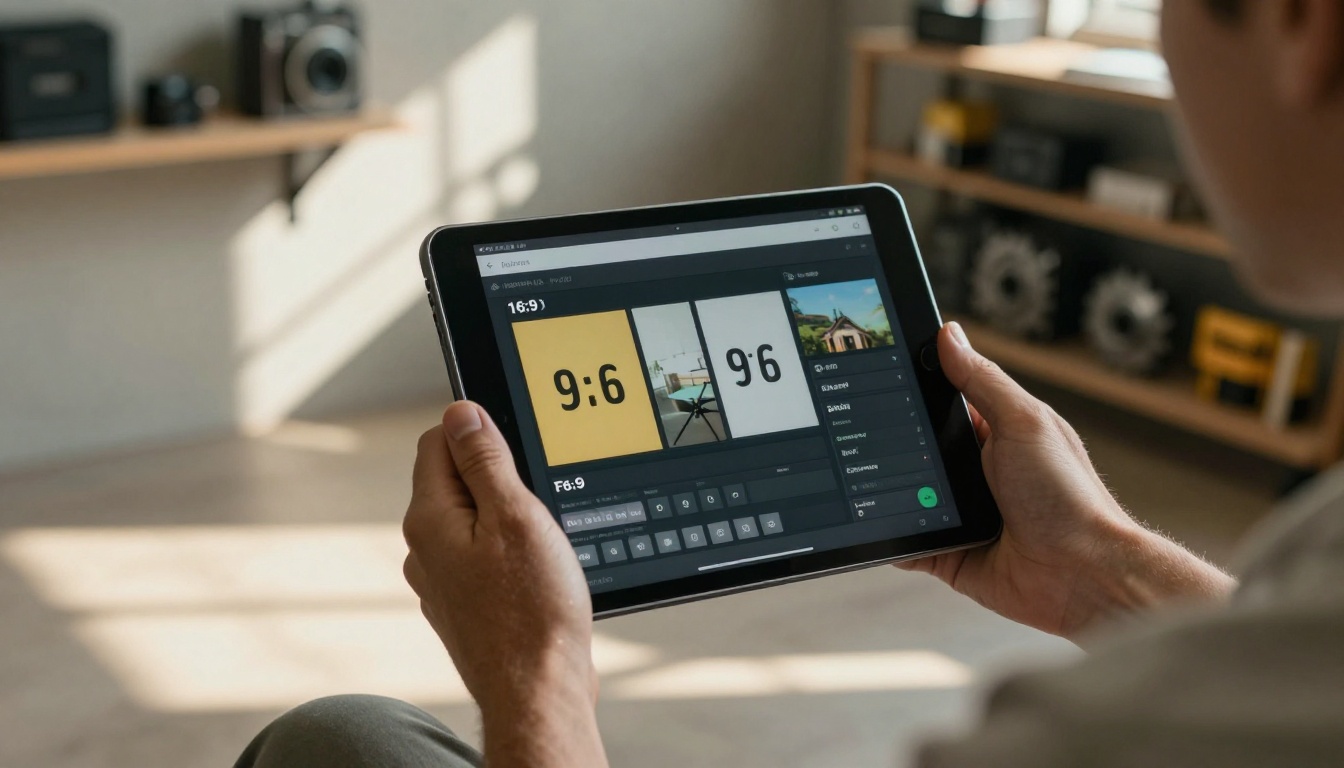
Seedance 2.5 supports multiple aspect ratios, and using the wrong one for your target platform creates a crop-or-letterbox problem that is entirely avoidable.
| Platform | Recommended Ratio | Notes |
|---|
| YouTube | 16:9 | Standard widescreen |
| Instagram Reels | 9:16 | Vertical native |
| Instagram Feed | 1:1 or 4:5 | Square or portrait |
| TikTok | 9:16 | Full vertical |
| LinkedIn | 16:9 or 1:1 | Widescreen or square |
| Twitter/X | 16:9 | Landscape native |
Set the ratio before you write the prompt. The composition logic of your prompt should match your ratio. A 9:16 vertical prompt needs a subject that fills a tall narrow frame, not a wide landscape sweep.
💡 Rule of thumb: Generate at the ratio you intend to publish. Never plan to crop a 16:9 generation into a 9:16 post-production. You will lose significant frame information and the composition will break in ways that are hard to fix.
Mistake 3: Never Using a Reference Image
The gap between text-only and image-conditioned output
This is arguably the biggest quality gap in Seedance 2.5 usage. Text-only generation is powerful. Image-conditioned generation is in a different league.
When you provide a reference image, Seedance 2.5 uses it as the first frame of the video. The model now knows exactly what the subject looks like, the lighting direction, the color palette, the composition, and the environment. Every one of those decisions is already resolved before generation begins.
The visual coherence of image-conditioned outputs is noticeably stronger. Subject consistency across the full clip improves dramatically. Lighting stays stable rather than drifting across the generation. The model spends its capacity producing smooth, realistic motion rather than inventing the scene from nothing.
What makes a good reference image
Not all reference images produce equal results. These characteristics consistently yield better video outputs:
- Sharp focus on the main subject: Blurry or low-resolution reference images produce blurry or unstable video
- Clear, non-cluttered composition: A strong reference has an obvious subject the model can track through motion
- Natural, realistic lighting: Seedance 2.5 works best with reference images that have photographic lighting rather than illustration or graphic styles
- Correct aspect ratio: Match your reference image ratio to your target video ratio before generating
You can generate a high-quality source image using any text-to-image model on PicassoIA and use that as your reference. This two-step process, image first then video, consistently outperforms single-step text-to-video generation for complex or character-specific scenes.
Mistake 4: Committing to One Model Without Comparing
The Seedance version landscape
ByteDance has released multiple versions of the Seedance family, and each one has a different strength profile. Defaulting to Seedance 2.5 for every job without testing alternatives is a form of workflow blindness.
Here is how the current Seedance lineup compares on PicassoIA:

When the Lite version is the right choice
Seedance 2.5 Lite is frequently dismissed as the inferior option. That framing misses the point entirely. For prompt development and iteration workflows, Lite is often the correct tool.
Running 5 to 10 test generations on Lite to identify the prompt and composition that works, then running the final output on full Seedance 2.5, is faster and more efficient than running 10 costly full-resolution generations while guessing.
Use Seedance 2.5 Lite to:
- Test prompt phrasing before committing to full generation
- Quickly compare motion styles (slow pan vs. tracking shot)
- Validate that a reference image is working before full resolution
- Run high-volume iteration cycles on tight timelines
Use Seedance 2.5 for the final output once the creative decisions are already resolved.
💡 Think of it as rough cut vs. final render. Cinematographers shoot low-quality test frames before locking exposure. The same logic applies to AI video generation.
Mistake 5: Treating Every Generation as the Final Version
Why iteration is not optional
The biggest conceptual mistake in AI video generation is treating a single output as the answer. It is not. It is a data point.
Every generation tells you something: where the prompt is working, where the model is making unwanted choices, which motion cues are being picked up, which are being ignored. Users who iterate are not wasting time. They are collecting information that makes the next generation better.
A practical iteration protocol
Rather than changing everything between generations, isolate one variable at a time:
- Run generation 1 with your base prompt
- Identify the primary issue: Is it the motion? The subject consistency? The lighting? The camera angle?
- Change only that element in generation 2
- Compare side by side before changing anything else
- Lock elements that work and only iterate on what is still off
This controlled approach produces significantly better final outputs than random prompt rewrites between runs. It also builds a reusable prompt library. Once you find phrasing that produces a specific type of motion or lighting reliably, document it. That phrasing will work across future projects.
The users who get the best results from Seedance 2.5 are not necessarily the ones with the best initial prompts. They are the ones who iterate systematically and treat each generation as information rather than a pass or fail verdict.
How to Use Seedance 2.5 on PicassoIA
PicassoIA gives you direct access to Seedance 2.5 alongside the full Seedance family and dozens of competing models in one interface. Here is a straightforward workflow that puts the lessons above into practice immediately:
Step-by-step: Your first quality generation
Step 1: Start with an image
Generate or source a reference image representing the first frame of your intended video. Sharp focus, natural lighting, correct aspect ratio for your target platform.
Step 2: Write a structured prompt
Use the Subject + Action + Environment + Lighting + Camera + Motion framework. Write at least 3 to 4 sentences. Specify the pace of motion and name the camera movement type explicitly.
Step 3: Choose your duration intentionally
If you are still testing, set duration to 5 to 8 seconds. Reserve 15 to 30-second outputs for final generations where the prompt is already validated.
Step 4: Match your aspect ratio
Set the ratio to match your target platform before generating. Do not plan to crop post-generation.
Step 5: Run on Lite first
Use Seedance 2.5 Lite to validate your prompt and reference image. Check motion consistency, subject stability, and overall composition.
Step 6: Iterate on the Lite result
Isolate one issue at a time. Change that element only. Re-run. Compare. Repeat until the Lite output matches your intent at low resolution.
Step 7: Final generation on Seedance 2.5
With a validated prompt and reference image, run the final generation on full Seedance 2.5 at your target resolution and duration.

Settings worth paying attention to
- Prompt adherence: Higher values lock the model more tightly to your prompt, useful for precise motion control. Lower values give the model more creative latitude
- Seed: Once you find a generation you like, note the seed value. Reusing it with slight prompt modifications maintains visual consistency across clips in a series
- Resolution: Seedance 2.5 produces its best motion consistency at higher resolutions. Use the highest resolution your workflow can handle for final outputs
Other Models Worth Testing
Seedance 2.5 is excellent for long-form, cinematic, audio-synced video generation. It is not always the right tool for every situation. These models on PicassoIA cover specific gaps well:
For real-time speed without sacrificing too much quality:
Seedance 2.0 Fast and LTX 2.3 Fast both deliver rapid turnaround when speed matters more than maximum resolution.
For cinematic HDR and high-motion scenes:
Ray 3.2 from Luma is built specifically for cinematic output with strong HDR performance and fluid motion control.
For photorealistic short-form clips:
Veo 3.1 produces some of the most photorealistic short video available, with native audio generation built in.
For consistent 1080p with strong camera motion:
Kling v2.6 delivers reliable 1080p output with strong fidelity on complex camera movements and action sequences.
For HD text-to-video at 1080p:
Wan 2.7 T2V converts text directly to 1080p video with strong subject tracking and coherent motion across the clip.
For high-quality image-to-video with cinematic motion:
Hailuo 2.3 produces cinematic results from still images with fluid, natural movement that holds consistency well.
A practical workflow is to run the same core prompt across two or three models and compare results before committing to a workflow. PicassoIA makes this straightforward because the entire model library is accessible from the same interface without switching platforms or accounts.
💡 Different models carry different motion signatures. Seedance 2.5 tends toward smooth, natural movement. Kling v2.6 handles fast action and physics-heavy scenes well. Ray 3.2 produces more cinematic, controlled pacing. Knowing those tendencies lets you pick the right tool before generating rather than discovering it after wasted credits.
What to Do Right Now
The five mistakes above are not complicated to fix. Each one has a clear, mechanical correction: write longer structured prompts, set the right aspect ratio before generating, use a reference image, test on Lite before committing to full resolution, and iterate one variable at a time.
None of those changes require more time overall. They require different habits applied upfront. And those habits compound quickly. A creator who applies systematic iteration on Seedance 2.5 over two weeks will be producing outputs in week three that look and feel like a completely different workflow.
The fastest way to close that gap is to start generating with these corrections in place today. PicassoIA gives you access to the full Seedance family, Seedance 2.5 Lite for fast iteration, and the broader model library for comparison, all in one place. Pick one prompt. Apply the structured format. Run it on Lite first. Iterate once. Then run the final on Seedance 2.5.
That single cycle, repeated consistently, is what separates generic AI video output from work that actually looks professional and intentional.


