There's a gap between what AI companies announce and what their models actually deliver. It happens with every major release. You read the press materials, watch the carefully curated demo reels, and form a set of expectations that reality then quietly dismantles. That's what made working with Sora 2 Pro so genuinely interesting: it surprised us, but not in the ways we anticipated. Several capabilities landed well above our expectations. A few raised entirely new questions. Here are the five things that surprised us most about Sora 2 Pro, documented honestly from extended hands-on testing.
What Sora 2 Pro Actually Is
Before getting into the surprises, a quick orientation. Sora 2 Pro is OpenAI's current flagship text-to-video model, representing the top tier of the Sora 2 family. It builds on Sora 2, which brought synced audio to the lineup. The Pro tier increases resolution ceilings, extends maximum clip duration, and applies significantly more compute per generation to improve consistency and motion quality throughout.
Where the Bar Sat Before This
Coming into testing, we had benchmarked heavily against Veo 3.1 from Google, Kling v2.6 from Kwai, and Seedance 2.5 from ByteDance. Each had genuinely impressed us in different domains. Kling v2.6 set a high bar for motion smoothness. Veo 3.1 was the clear front-runner for integrated audio quality. Seedance 2.5 punched hard on pure generation speed. Our expectations for Sora 2 Pro were calibrated accordingly: strong overall, with the field close behind.
We were wrong in five specific ways.
1. Temporal Consistency That Holds Up
Most AI video models share a version of the same problem: elements drift. A character's shirt changes color subtly between frames. A prop disappears and reappears. A tattoo migrates across someone's arm over the course of a ten-second clip. This is the most persistent complaint from professional users of AI video tools, and it's the one that makes generated clips feel unmistakably artificial even when individual frames look photorealistic.
Objects Stay Objects
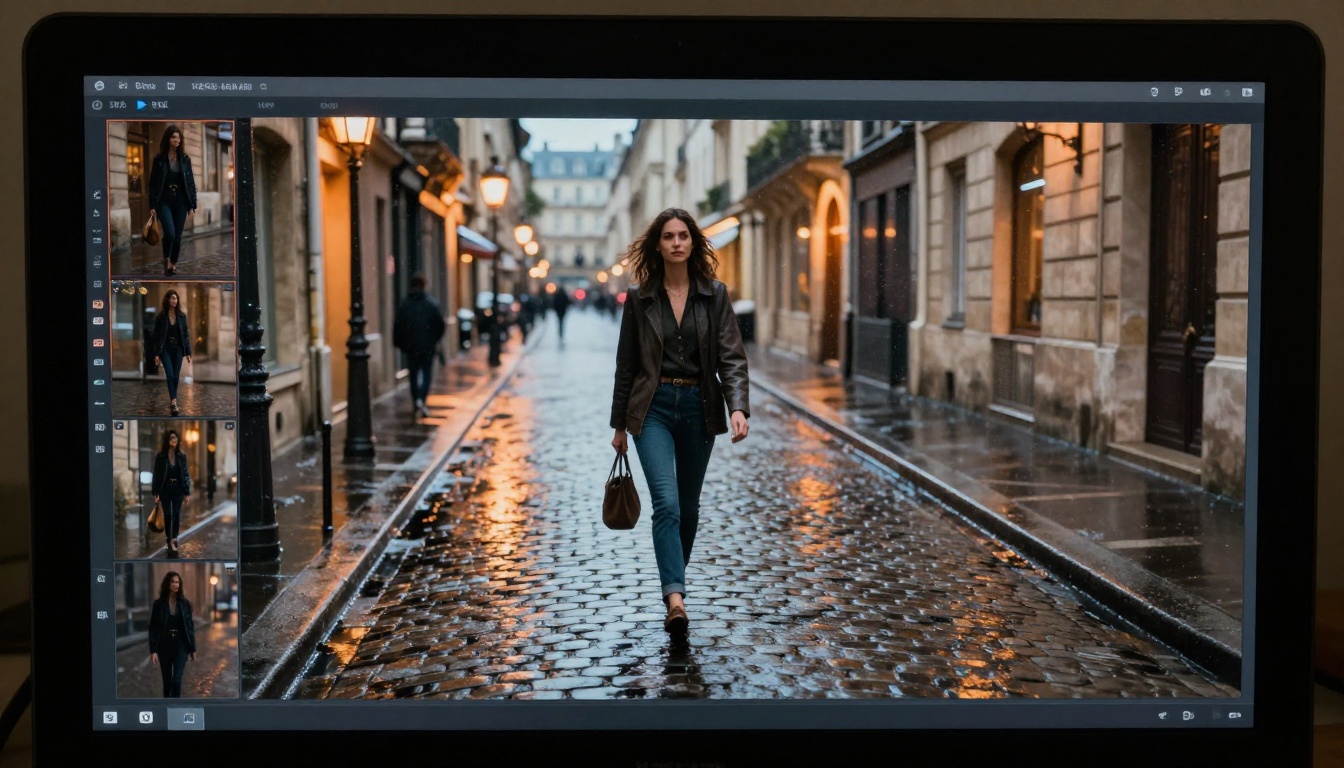
Sora 2 Pro handles temporal drift substantially better than anything we've tested at this generation length. In a sequence of a woman walking down a rainy Parisian street, her coat color, belt, bag strap, and hair stayed visually stable across the full clip. We ran the same prompt multiple times to check whether consistency was a lucky seed, and the results held across five separate generations. We then pushed further: a man sets a coffee cup on a table, leaves the frame, and returns. The cup was in the same position when he came back. That seems like a basic expectation. In practice, it wasn't guaranteed before this generation of models.
💡 What's happening here: The model appears to maintain stronger internal state representations across frames, treating each video not as a sequence of near-independent image outputs but as a coherent world state that evolves over time. The practical difference in output quality is significant.
Why This Changes Production Workflows
When temporal consistency is unreliable, you compensate in ways that constrain your creative options. You keep clips short to limit the frames where drift can compound. You avoid close-ups that expose character-level inconsistencies. You cut more frequently to hide continuity errors. You choose simpler prompts that stay stable rather than prompts that actually serve the content you're trying to make.
With Sora 2 Pro, that compensation becomes less necessary. Longer takes work. Close-ups are viable. Prompts with multiple specified elements hold together across the clip duration. This isn't a minor quality-of-life improvement. It changes the type of content you can produce in a single generation without spending hours in manual correction.
The caveat: consistency still breaks down in complex multi-character scenes with significant background variation, particularly when multiple characters interact closely with each other. It's better, not perfect.
2. Physics That Does Not Cheat
Physics simulation in AI video has historically been the clearest tell that something was generated artificially. Water behaves like gel. Cloth clips through surfaces or floats unnaturally. Fire shrinks and grows at random intervals. These aren't subtle artifacts. They're immediately visible to any viewer who has spent time observing how physical materials actually behave in the real world.
Fluid Dynamics and Soft Bodies
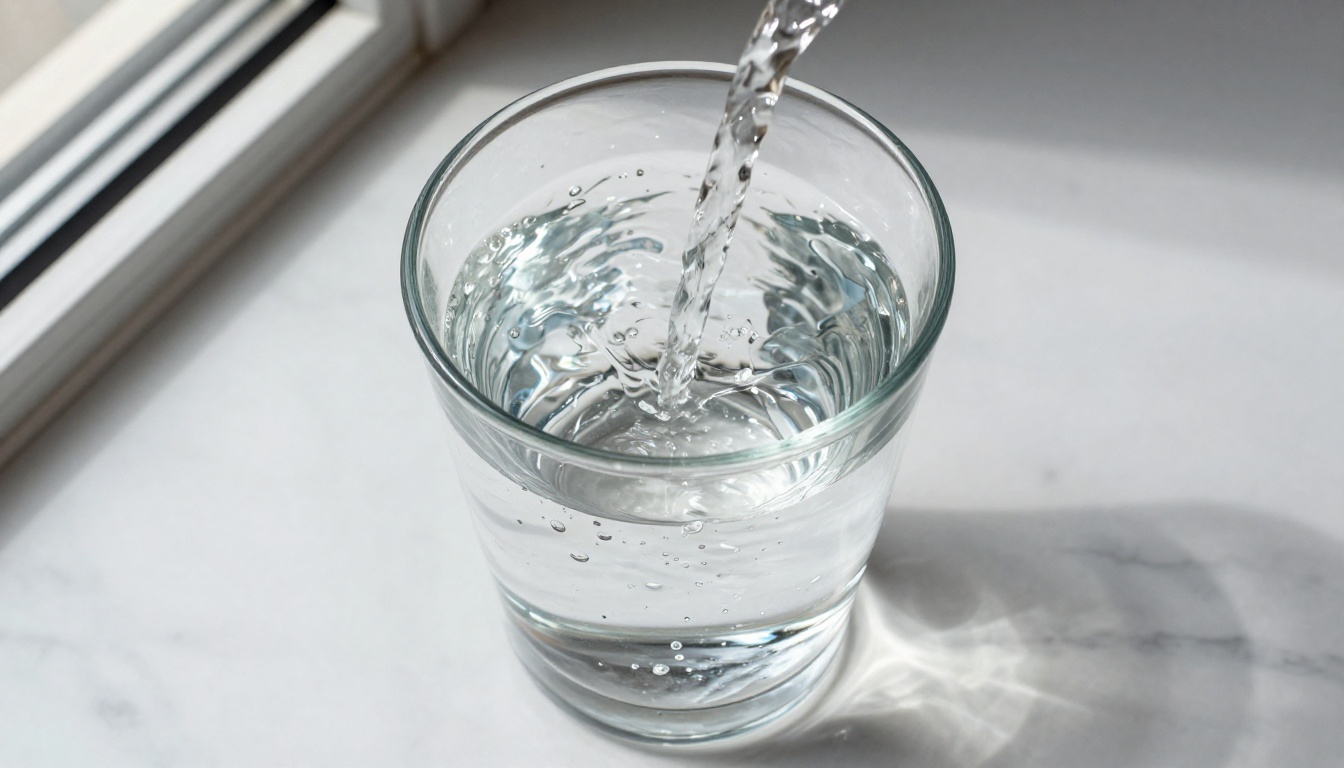
We ran a battery of physics-specific prompts with Sora 2 Pro: liquid poured into a glass, cloth draped over furniture falling naturally to the floor, paper crumpled and slowly unfolded. The results were not perfect, but they were credible in a way that earlier models rarely achieved.
- Water: Surface tension behaved correctly at glass edges. Pour dynamics created plausible turbulence and ripple propagation rather than uniform, frictionless smoothness. Droplets had weight.
- Cloth: Fabric folds respected gravity and the shape of the object underneath. Draping happened at realistic speed with secondary fold propagation responding correctly to the underlying surface.
- Collision: Objects that should push other objects actually did. A book sliding off a shelf displaced the items beside it rather than clipping through or ignoring them entirely.
- Fire and smoke: Flame movement responded to implied airflow direction. Smoke rose, diffused, and interacted with obstructions rather than simply ascending uniformly regardless of scene context.
What's Likely Behind It
Physics accuracy at this level in a generative model generally suggests one of two things: massive training data diversity specifically targeting real-world physical behavior, or architectural changes that improve multi-frame causal reasoning. The evidence from our testing suggests it's both. The original Sora white paper described training on video at many different time scales and resolutions, which builds implicit physics knowledge through observation. The Pro version applies that foundation with more consistent payoff across longer sequences.
Comparison note: Kling v2.6 and Veo 3.1 both handle some physics scenarios well, but neither matched Sora 2 Pro on cloth and liquid tests specifically.
3. Camera Control You Actually Trust
AI video models have claimed camera control for a while. The documentation says to describe the camera movement in your prompt. In practice, this has typically meant that including the words "slow dolly in" makes the camera move somewhat in some direction for part of the clip. Actual cinematographic precision, where you specify a move and get that move faithfully executed, has been rare to the point of being unreliable for production work.
Cinematic Movements on Demand
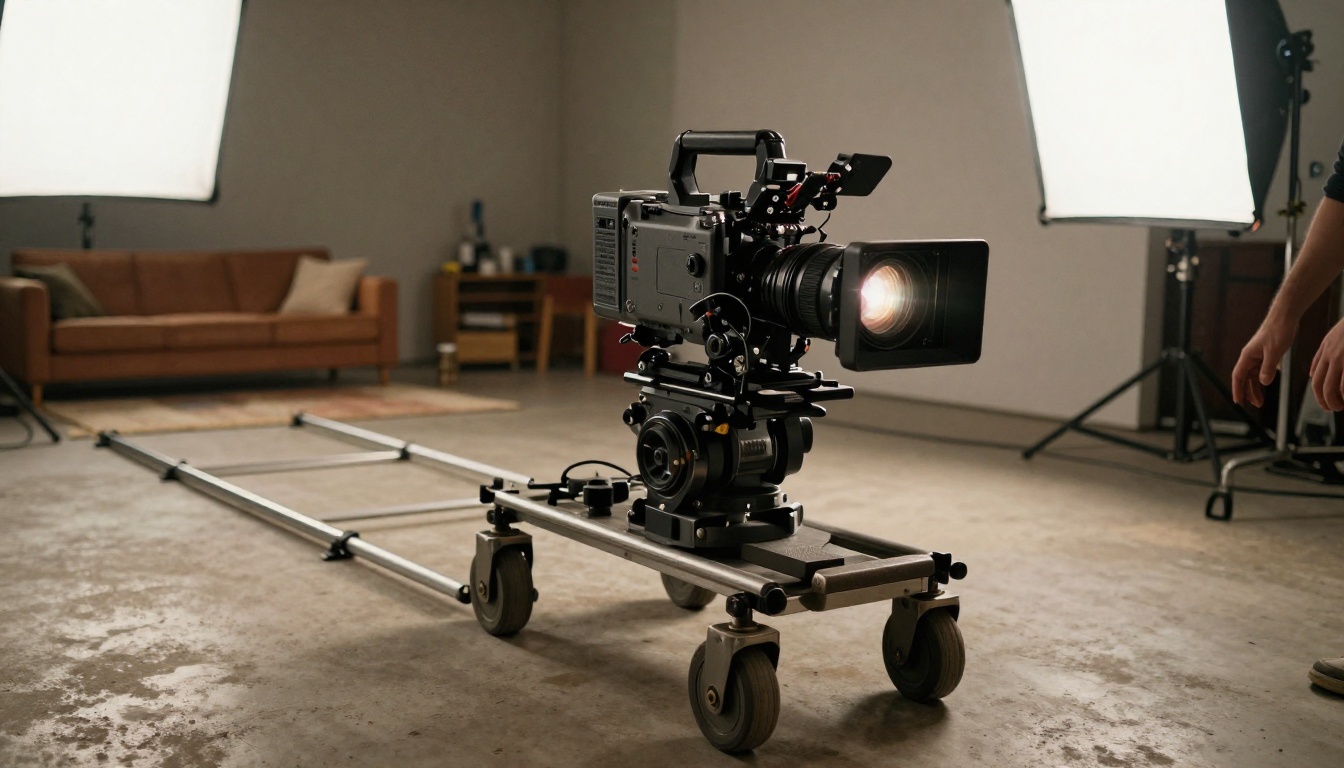
Sora 2 Pro responded to camera instructions with precision that genuinely caught us off guard. We tested a range of movements:
| Camera Instruction | Result |
|---|
| Slow dolly-in toward subject | Correctly executed, consistent speed throughout |
| Aerial crane shot descending | Clean vertical drop with horizon stable |
| Dutch angle tilt, static position | Correct tilt maintained for full clip duration |
| Rack focus from foreground to background | Focus shift executed at correct midpoint |
| Handheld follow shot with slight shake | Organic motion, not mechanical oscillation |
| Slow pan left across a landscape | Smooth, consistent speed with correct parallax |
The handheld result was the most impressive of the set. Generating authentic camera shake, rather than programmatic oscillation, requires the model to understand what causes handheld movement rather than just imitating its visual pattern. Organic camera movement has subtle micro-variation in both speed and direction that mechanical simulation consistently gets wrong. Sora 2 Pro got it right.
The Practical Impact
For anyone producing content that needs specific visual language, this matters enormously. A talking head that slowly dollies in as the subject reaches an important moment in their message. An establishing shot that descends from above to street level over five seconds. A documentary-style follow shot that keeps the subject centered while the environment moves around them. These are standard in professional video production. Being able to call them reliably from a text prompt changes what a solo creator can actually ship.
💡 Tip: Be specific in your camera descriptions. "Slow dolly in" works, but "slow 5-second dolly in from wide to medium shot, subject centered throughout" gives noticeably better adherence. Duration, framing, and subject position all matter.
4. Audio Sync That Was Not Bolted On
Integrated audio in AI video is still a relatively young capability. Most implementations feel like two separate systems running in loose parallel: one generates the video, one generates audio, with an attempt at coordination layered on top afterward. The seams show in the timing of discrete sound events, where audio and visual moments arrive at slightly different times.
How Sound Tracks Action
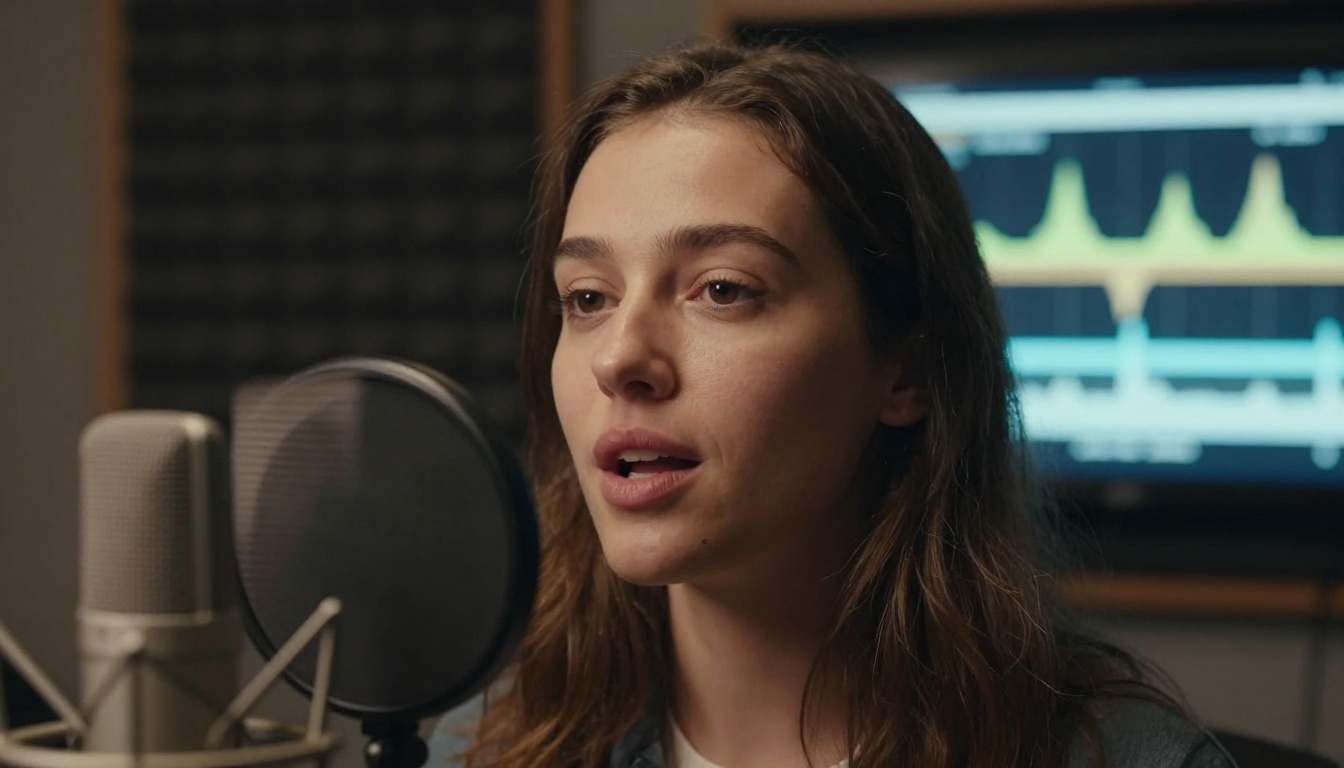
Sora 2 Pro generates audio that tracks visual events with precision that goes beyond what we expected. In our tests:
- A champagne bottle opening produced a pop sound timed to the cork leaving the bottle, not a half-second after it was already in mid-air
- Footsteps on different floor surfaces (tile, carpet, gravel) produced different sounds, and those sounds changed correctly as the character moved between materials within a single shot
- Rain ambience varied in intensity as the camera moved from an interior window shot to an exterior wide shot
- Crowd noise in a busy scene scaled appropriately with how many people were visible in frame at a given moment
- A glass being set on a table produced contact sound at the exact moment of contact, not before or after
Where It Sits Against Veo 3.1
Veo 3.1 has stronger overall audio generation quality in atmospheric and musical scenarios. It produces richer ambient soundscapes with more textural depth. What Sora 2 Pro does noticeably better is tight event synchronization, particularly for discrete physical sounds tied to specific visual moments. If your clip has distinct sound events that need to land on specific frames, Sora 2 Pro is currently the more reliable choice.
Speech remains the weakest point across all models. Generating dialogue-quality speech that stays in sync with on-screen lip movements is still an active limitation across the field. The model performs better when characters are not speaking directly on screen, or when speech is an off-camera voiceover element. This is true across all current offerings, including Seedance 2.5 and Ray 3.2. It's the next major frontier for AI video as a category.
5. Prompt Adherence That Actually Sticks
This one surprised us most. Prompt adherence in AI video has been variable because video generation has so many more degrees of freedom than image generation. More frames. Moving elements. Temporal causality. Every additional dimension creates a new way for the model to misinterpret or quietly drop part of your specification across the generation.
What Changed from Earlier Versions
Sora 2 Pro took complex, multi-element prompts and returned results that reflected a genuine attempt to honor every specified condition. We tested this with deliberately dense prompts containing multiple simultaneous constraints:
Example prompt: "A red bicycle leans against a yellow wall in a narrow alley. A cat walks past the bicycle from left to right, pauses to sniff the front tire, then continues walking. Light is midday, casting short shadows directly below objects."
Result: Bicycle was red. Wall was yellow. Cat moved left to right, paused at the tire, resumed movement. Shadows were short and correctly directional, consistent with midday overhead sun.
Every specified element was honored across the full clip duration. This seems like a minimal expectation. In practice, it has historically not been. Earlier models at this complexity level would typically honor three or four elements while quietly drifting on others. The cat might skip the pause. The shadows might be wrong. The wall color might shift subtly over the clip. The bicycle might migrate position between frames. Sora 2 Pro's multi-condition execution is a genuine differentiator for production use cases.
The Trade-Off Worth Knowing
Tight prompt adherence is powerful for production scenarios where you need specific visual outcomes. It does mean, however, that vague or open-ended prompts produce correct but conservative results rather than creative interpretations. When you leave the model room to fill in its own details, it tends to stay cautious rather than reaching for something interesting. This is the right trade-off if you're producing content with specific visual requirements. It may be less suited for exploratory generation where you want the model to reach past your explicit instructions and add its own interpretation.

How to Use Sora 2 Pro on PicassoIA
Sora 2 Pro is available directly on PicassoIA alongside over 100 other video generation models, so you can compare outputs from Sora 2 Pro, Veo 3.1, Kling v2.6, and others without switching platforms or accounts.
Step-by-Step
Step 1: Open Sora 2 Pro on PicassoIA and access the generation interface directly from the model page.
Step 2: Write your prompt with specificity. Include the subject, the action sequence, the environment, the lighting condition, and a camera movement description. The more precise the input, the better Sora 2 Pro performs, given its strong prompt adherence.
Step 3: Set your resolution. For final-quality output, use the highest available resolution setting. Sora 2 Pro's consistency advantages are most visible at higher resolutions where temporal drift becomes more apparent in lower-quality outputs.
Step 4: Submit and wait. Sora 2 Pro takes longer to generate than faster models like LTX 2 Pro or Wan 2.7 T2V. The quality difference justifies the queue time for final output. For drafts and rough passes, a faster model is often more efficient for iteration.
Step 5: Review the result. If temporal consistency or physics accuracy broke down, regenerate with a slightly simplified scene or shorter clip duration. Sora 2 Pro's consistency ceiling is high, but scenes with many simultaneous moving elements can push past it.
Step 6: Iterate on camera language. If your camera movement didn't land precisely, refine the description with duration and framing specifics. Sora 2 Pro responds well to camera instructions that include timing ("a slow 4-second dolly") alongside direction.

💡 Prompt structure that works well: [Subject + starting state] + [Action sequence with causal steps] + [Environment details: surface, light source, time of day] + [Camera movement with duration and framing]
How It Stacks Up Against the Field
Testing Sora 2 Pro in isolation only tells part of the story. Here's how it compares against the models we benchmark most regularly on PicassoIA:
| Capability | Sora 2 Pro | Veo 3.1 | Kling v2.6 | Seedance 2.5 |
|---|
| Temporal consistency | Best in class | Strong | Good | Good |
| Physics simulation | Best in class | Strong | Moderate | Good |
| Camera control precision | Best in class | Strong | Strong | Moderate |
| Audio event synchronization | Strong | Best in class | None | None |
| Multi-element prompt adherence | Best in class | Strong | Good | Good |
| Generation speed | Slow | Moderate | Fast | Fastest |
| Max resolution | High | High | High | High |
Seedance 2.5 wins on raw throughput if speed is your primary constraint. Veo 3.1 produces stronger ambient audio atmospheres for musical and nature scenes. Kling v2.6 is the most efficient option for motion smoothness in shorter clips. Ray 3.2 balances quality and speed well for mid-tier production needs. P Video remains a solid choice for rapid iteration on simple scenes.
Sora 2 Pro is not the fastest or most cost-efficient model on the platform. It earns its position by doing the things that matter most for production-quality output across longer sequences: keeping scenes coherent, honoring your prompt precisely, and letting physics behave like physics rather than like a plausible approximation of physics.
Start Making AI Videos Right Now
The five things that surprised us about Sora 2 Pro all point in the same direction: the gap between AI-generated video and professionally produced video is closing faster than most people in the field expected. Temporal consistency, physics accuracy, camera control, audio synchronization, and prompt precision were all supposed to be multi-year problems requiring continued architectural innovation. Sora 2 Pro didn't solve all of them completely, but it moved the line meaningfully on all five within a single model release.
If you haven't used a current-generation AI video model in real production work, the time to start is now. The tools have matured past the experimental phase where outputs required extensive manual correction before they were usable. PicassoIA gives you access to Sora 2 Pro alongside the full competitive field, including Veo 3.1, Kling v2.6, Ray 3.2, and P Video, so you can select the right model for each specific project type without committing to a single platform or signing up across multiple services.
Start with a scene you'd normally commission at real production cost. Write a precise, specific prompt. See what Sora 2 Pro returns. The result might surprise you too.
Browse all video generation models at picassoia.com/en/all-models.


