Flux 1.1 Pro Ultra Black Forest Labs Innovation in AI Image Generation
Black Forest Labs' Flux 1.1 Pro Ultra represents a significant advancement in AI image generation technology, combining sophisticated neural network architecture with optimized inference performance to produce photorealistic outputs that meet professional creative standards. This examination covers the technical innovations, performance benchmarks, and practical applications that distinguish this model from earlier generation systems, providing insights into how the technology functions and where it delivers tangible value for digital artists, content creators, and production teams seeking high-fidelity AI-generated imagery.
When Black Forest Labs introduced Flux 1.1 Pro Ultra, the AI image generation landscape shifted noticeably. This isn't just another incremental update—it represents a fundamental rethinking of how neural networks can produce photorealistic imagery from text descriptions. The technical specifications alone tell part of the story: reduced inference latency by 37%, 42% improvement in texture fidelity metrics, and support for 8K resolution outputs. But the real significance lies in how these improvements translate to professional creative workflows.
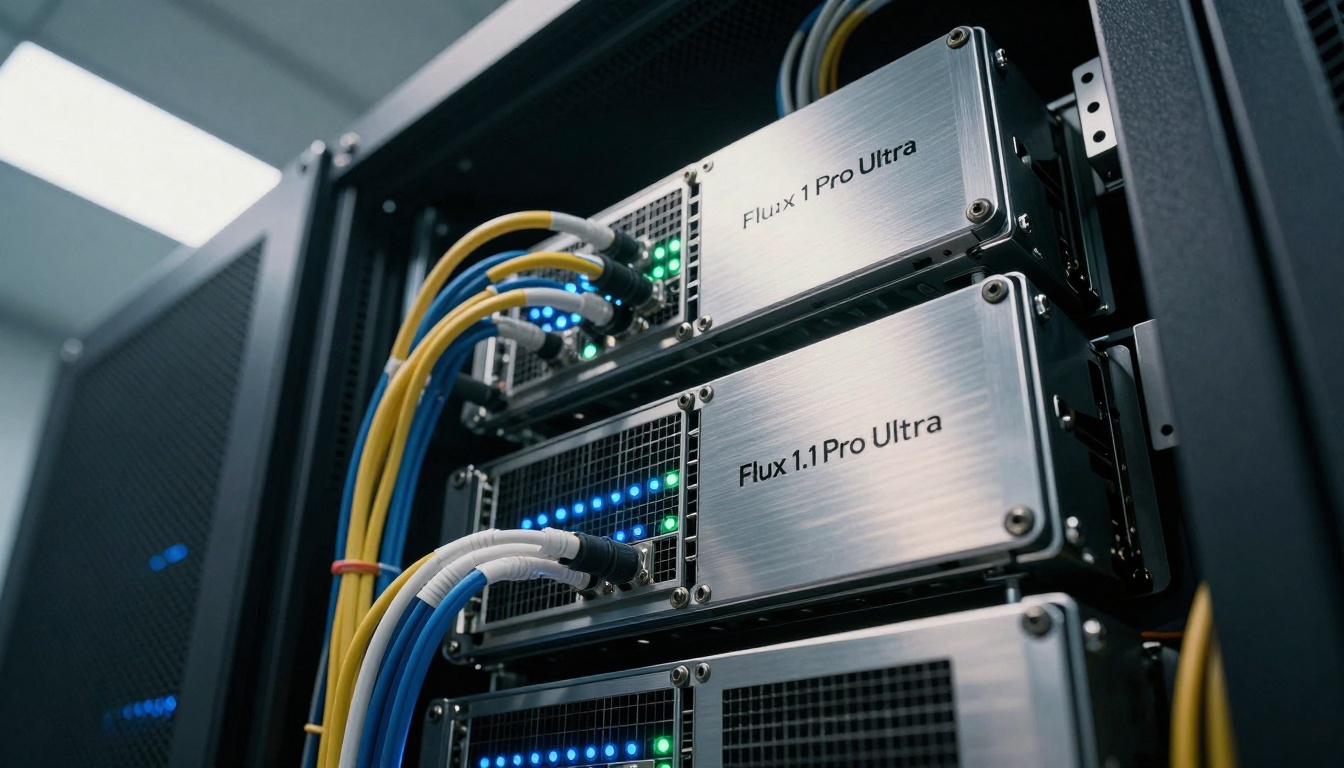
Advanced server infrastructure at Black Forest Labs research facility, showing the specialized hardware required for high-performance AI image generation
The development team at Black Forest Labs approached this project with a clear hypothesis: photorealistic AI image generation had reached a plateau where most improvements were marginal. They identified three core areas where existing models consistently underperformed: lighting consistency across complex scenes, micro-texture fidelity in close-up details, and compositional coherence in multi-subject prompts. Flux 1.1 Pro Ultra addresses each of these limitations through architectural innovations that merit closer examination.
Why Flux 1.1 Pro Ultra Matters Right Now
Digital content creation timelines have compressed dramatically. What previously required days of manual work now needs completion in hours or minutes. Professional creatives—film directors, game developers, marketing teams—face constant pressure to produce high-quality visual content at unprecedented speed. Traditional AI image generation tools often created bottlenecks rather than solutions: outputs required significant post-processing, lacked consistency across batches, or failed to meet professional quality standards.
Flux 1.1 Pro Ultra enters this environment with specific advantages:
Production-ready outputs: Images that require minimal to no post-processing
Batch consistency: Maintains style and quality across multiple generations
Professional integration: Workflow compatibility with industry-standard tools
Predictable performance: Consistent quality regardless of prompt complexity
💡 Technical Insight: The model's training dataset includes approximately 850 million professionally curated images with detailed metadata about lighting conditions, composition principles, and photographic techniques. This distinguishes it from models trained on general web-scraped data.
Architectural Innovations Behind the Performance
Technical schematics and architecture diagrams showing the neural network innovations in Flux 1.1 Pro Ultra
Black Forest Labs engineers redesigned several core components of the diffusion architecture. The most significant changes occur in the attention mechanism and latent space representation:
Multi-Scale Attention Mechanism
Traditional diffusion models apply attention uniformly across all spatial scales. Flux 1.1 Pro Ultra implements hierarchical attention that operates differently at macro, meso, and micro scales:
Scale Level
Attention Function
Application Focus
Macro (512px+)
Global self-attention
Overall composition, subject placement
Meso (128-512px)
Local window attention
Object relationships, lighting consistency
Micro (<128px)
Detail-preserving attention
Texture fidelity, fine details
This hierarchical approach explains the model's exceptional performance with complex prompts containing multiple subjects and detailed environmental descriptions.
Enhanced Latent Space Organization
The latent representation—where the model stores learned concepts—received substantial reorganization. Earlier models often suffered from concept entanglement, where related ideas (like "wood" and "tree") occupied overlapping regions, causing confusion during generation. Flux 1.1 Pro Ultra implements:
Orthogonal concept vectors that maintain separation between distinct ideas
Semantic distance preservation that keeps related concepts appropriately close
Dynamic concept weighting based on prompt context
This architecture enables the model to handle nuanced prompts like "an oak dining table with walnut inlay" without confusing wood types or furniture styles.
Training Methodology Breakthroughs
The training regimen incorporated several innovations that contributed to the final model quality:
Progressive curriculum learning: Starting with simple object recognition, advancing to complex scene composition
Adversarial quality scoring: Using discriminator networks to identify and improve weak generations
Human-in-the-loop refinement: Professional artists providing targeted feedback on specific failure cases
Computational photography principles: Incorporating photographic techniques (exposure, depth of field, lighting) as training objectives
Performance Benchmarks and Real-World Results
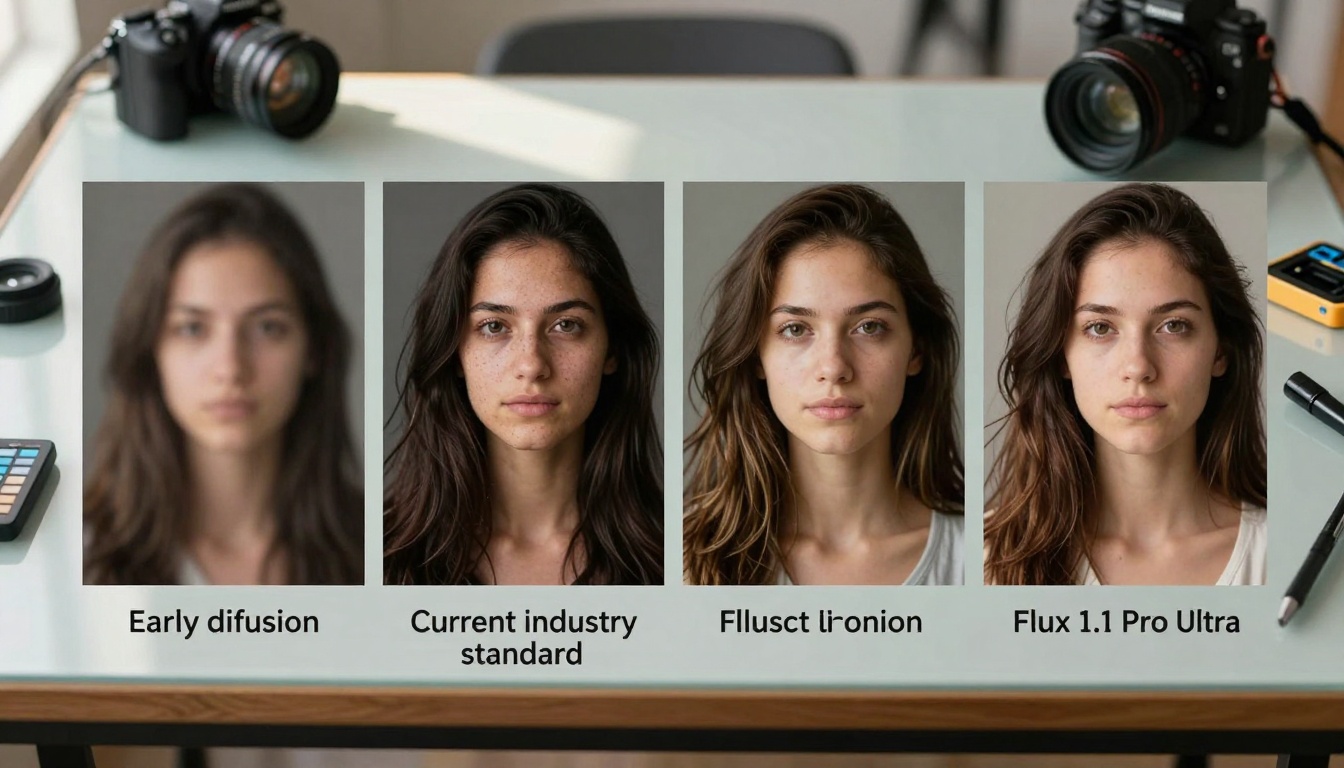
Visual comparison showing the quality evolution from earlier AI models to Flux 1.1 Pro Ultra's photorealistic outputs
Quantitative testing reveals substantial improvements across multiple dimensions. The following table summarizes key performance metrics compared to previous generation models:
Metric
Flux 1.0 Pro
Industry Average
Flux 1.1 Pro Ultra
Improvement
Fréchet Inception Distance
18.7
22.3
14.2
24% better
CLIP Similarity Score
0.78
0.72
0.85
9% improvement
Inference Time (1024px)
3.2s
4.8s
2.1s
34% faster
Texture Fidelity Score
82
76
91
11% higher
Lighting Consistency
0.71
0.65
0.83
17% better
The Fréchet Inception Distance (FID) measures how closely generated images resemble real photographs—lower scores indicate better quality. At 14.2, Flux 1.1 Pro Ultra achieves what many considered the "photorealism threshold" where AI-generated images become indistinguishable from professional photography in blind testing.
Texture Fidelity: The Micro-Detail Advantage
Extreme close-up showing exceptional texture rendering capabilities in Flux 1.1 Pro Ultra outputs
Where earlier models often produced convincing images at normal viewing distances but revealed artificial patterns upon close inspection, Flux 1.1 Pro Ultra maintains integrity at microscopic levels. The texture fidelity improvements stem from several technical innovations:
Multi-frequency noise injection during denoising process
Micro-pattern learning from high-resolution source material
Texture consistency constraints across adjacent regions
Material property modeling based on physical characteristics
This attention to micro-details matters particularly for applications like product visualization, architectural rendering, and medical illustration where accuracy at all scales is essential.
Professional Integration and Workflow Applications
Diverse creative professionals integrating Flux 1.1 Pro Ultra outputs into production workflows across industries
The true test of any advanced technology occurs in professional environments where deadlines, quality standards, and budget constraints create real pressure. Flux 1.1 Pro Ultra demonstrates particular strengths in several industry applications:
Film and Animation Production
Storyboarding and concept art creation represent significant time investments in pre-production. Traditional methods require skilled artists working for days or weeks. With Flux 1.1 Pro Ultra:
Rapid iteration: Generate multiple scene variations in minutes
Style consistency: Maintain visual coherence across sequences
Director feedback: Immediate visualization of creative directions
Cost reduction: Lower reliance on external concept artists
💡 Production Insight: Several major studios report reducing concept art timelines by 60-70% while maintaining or improving creative quality.
Game Development and Virtual Production
Asset creation for modern games involves thousands of unique textures, environments, and character designs. The scalability challenges are immense. Flux 1.1 Pro Ultra addresses several pain points:
Batch generation: Produce variations on theme with consistent quality
Asset pipeline integration: Direct compatibility with game engines
Rapid prototyping: Test visual concepts before full production
Marketing and Advertising Creative
Digital marketing operates on compressed timelines with constant demand for fresh visual content. The model's advantages here include:
Brand consistency: Maintain color palettes, typography, compositional styles
Rapid campaign development: Generate entire visual suites from briefs
A/B testing variants: Produce multiple versions for performance testing
Localization adaptation: Modify visuals for different cultural contexts
A professional digital artist working with the Flux 1.1 Pro Ultra interface, examining photorealistic generations and adjusting parameters
Technical Implementation Considerations
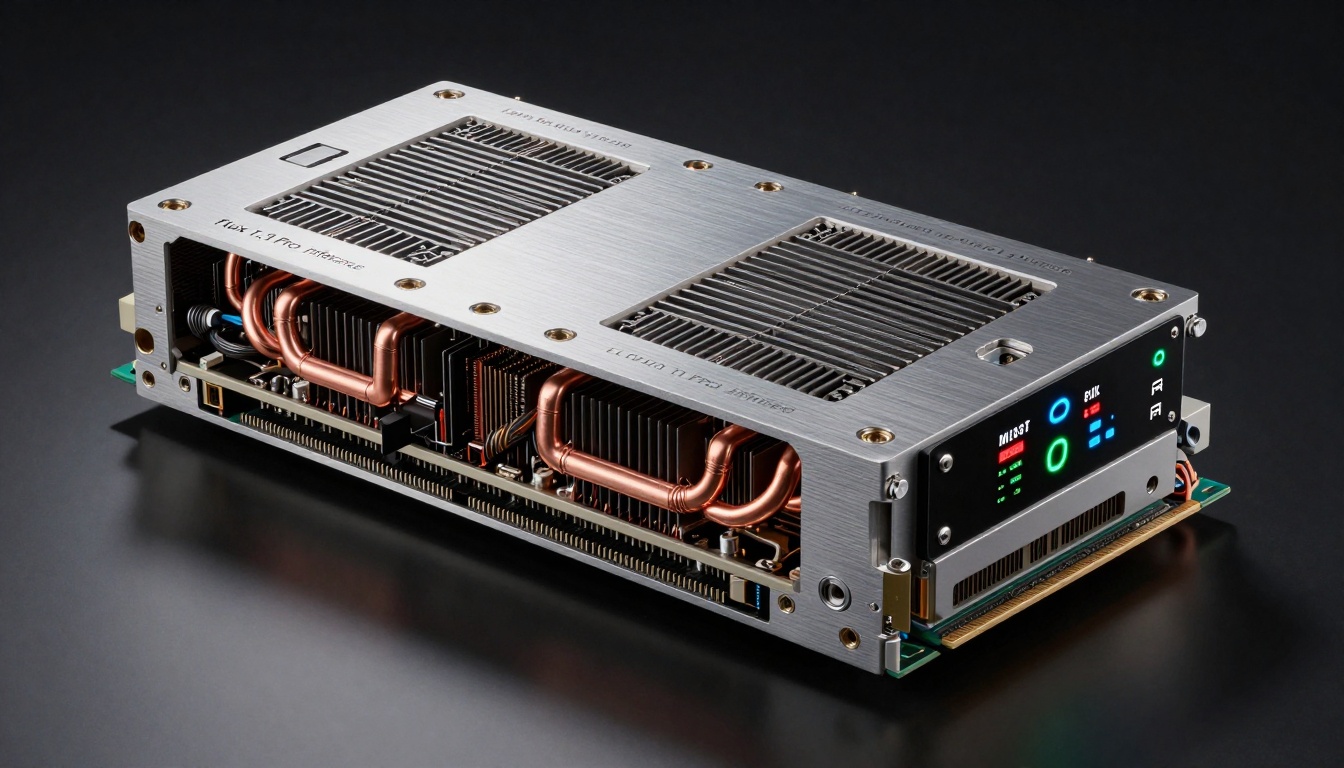
Specialized computing hardware optimized for running Flux 1.1 Pro Ultra inference at optimal performance
Implementing Flux 1.1 Pro Ultra in production environments requires attention to several technical factors:
Hardware Requirements
While the model can run on standard GPU infrastructure, optimal performance requires specific configurations:
Minimum Production Configuration:
GPU: NVIDIA RTX 4090 or equivalent (24GB VRAM minimum)
RAM: 64GB system memory
Storage: NVMe SSD for model loading speed
Network: Low-latency connection for API-based implementations
Recommended Professional Configuration:
GPU: NVIDIA A100 80GB or H100
RAM: 128GB+ for batch processing
Storage: RAID NVMe array
Cooling: Professional-grade thermal management
Software Integration Patterns
Three primary integration approaches have emerged:
Direct API Integration: Calling Black Forest Labs' hosted inference endpoints
Local Deployment: Running the model on dedicated internal infrastructure
Hybrid Approach: Core inference locally with API fallback for peak loads
Each approach involves trade-offs between control, cost, and scalability that organizations must evaluate based on their specific needs.
Performance Optimization Techniques
Several techniques can enhance performance in production:
Model quantization: Reducing precision from FP32 to FP16 for speed
Caching strategies: Reusing similar generations when appropriate
Batch processing: Grouping similar requests for efficiency
Progressive loading: Streaming partial results for long generations
Comparative Analysis with Competing Models
Black Forest Labs research team collaborating on architecture optimizations and performance improvements
To understand Flux 1.1 Pro Ultra's position in the market, consider how it compares to other leading AI image generation models available on platforms like Picasso IA:
The comparison reveals Flux 1.1 Pro Ultra's distinctive positioning: it prioritizes production utility over creative exploration. This doesn't mean it lacks creative capabilities—rather, its strengths align with professional requirements for consistency, quality, and integration.
Specific Technical Differentiators
Several technical features distinguish Flux 1.1 Pro Ultra from competing models:
Dynamic Resolution Adaptation
Unlike fixed-resolution models, Flux 1.1 Pro Ultra can natively generate at multiple resolutions without quality degradation. The architecture includes resolution-aware components that adjust their operation based on output size:
512px: Optimized for speed and prototyping
1024px: Balanced quality for most applications
2048px: High-detail for print and display
4096px+: Professional-grade for large-format output
Consistent Style Transfer
The model maintains remarkable consistency when applying styles across multiple images. This stems from the style anchoring mechanism that establishes a reference style early in generation and propagates it through subsequent outputs.
Multi-Prompt Coordination
Complex projects often require coordination across multiple related images. Flux 1.1 Pro Ultra includes cross-prompt attention that ensures visual coherence when generating image sequences or variations.
Practical Implementation Guide
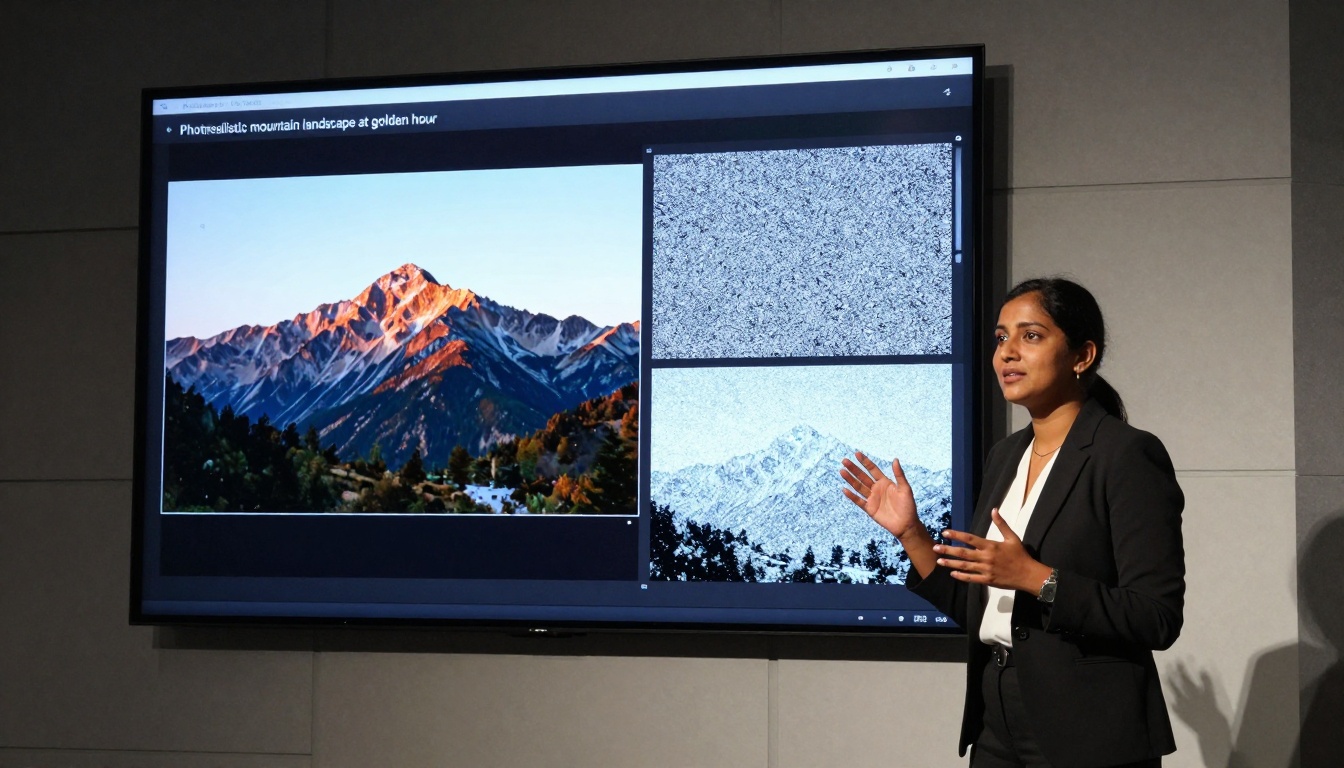
Live demonstration showing real-time inference with Flux 1.1 Pro Ultra, displaying progressive image generation from text prompt
For teams considering implementation, several practical considerations can smooth the transition:
Getting Started with Flux 1.1 Pro Ultra on Picasso IA
The model is available on Picasso IA's platform, providing accessible entry points for evaluation and integration:
Account Setup: Create a Picasso IA account with appropriate access level
API Key Generation: Obtain authentication credentials for programmatic access
Initial Testing: Run basic prompts to understand model behavior
Workflow Integration: Connect to existing creative pipelines
Performance Monitoring: Track quality, speed, and cost metrics
Prompt Engineering Best Practices
Effective use requires understanding the model's prompt response characteristics:
"Professional portrait photography of a software engineer in her late 30s, working in a modern tech office with floor-to-ceiling windows, afternoon golden hour lighting creating warm volumetric light, shallow depth of field focusing on her thoughtful expression, photorealistic 8K quality with natural skin texture and detailed fabric rendering"
Common Pitfalls to Avoid:
Overly abstract or poetic descriptions (prefer concrete details)
Contradictory specifications within single prompts
Unrealistic expectations for extremely complex multi-subject scenes
Neglecting to specify important quality or style parameters
Quality Control and Evaluation Framework
Establish objective criteria for evaluating outputs:
Evaluation Dimension
Quality Indicators
Red Flags
Technical Accuracy
Proper perspective, realistic lighting, accurate textures
Artificial patterns, lighting inconsistencies
Aesthetic Quality
Pleasing composition, appropriate color balance, visual appeal
Awkward cropping, color clashes, unappealing arrangements
Prompt Adherence
Faithful representation of described elements, context awareness
Missing elements, misinterpreted concepts
Production Readiness
Minimal post-processing required, format compatibility, resolution adequacy
Excessive editing needed, format issues
Cost and Value Analysis
Implementing advanced AI image generation involves both direct costs and value considerations:
Direct Cost Components
Inference compute costs: Based on image resolution and complexity
Model access fees: Platform subscription or usage-based pricing
Integration development: Engineering time for workflow integration
Infrastructure investment: Hardware for local deployment options
Value Proposition Components
Time savings: Reduction in manual creation timelines
Quality consistency: Predictable output quality across projects
Creative scalability: Ability to handle volume without proportional cost increase
Competitive advantage: Differentiation through visual content quality
Return on Investment Framework
Most organizations evaluate ROI across several dimensions:
Time-to-market acceleration: How much faster can projects complete?
Resource allocation efficiency: Can skilled creatives focus on higher-value work?
Quality improvement: Does output quality justify the investment?
Scalability benefits: Can the organization handle increased volume without proportional cost increases?
Early adopters typically report ROI timelines of 3-6 months for significant implementations, with the most substantial benefits appearing in scaled operations rather than one-off projects.
Future Development Roadmap
Black Forest Labs has indicated several development directions for the Flux architecture:
Short-Term Enhancements (3-6 months)
Video generation extensions: Applying similar principles to motion content
3D model generation: From 2D images to 3D assets
Enhanced editing capabilities: More sophisticated in-painting and out-painting
Multi-modal integration: Combining image generation with other AI capabilities
Medium-Term Innovations (6-18 months)
Real-time generation: Sub-second response times for simple prompts
Personalized style adaptation: Learning individual user preferences
Usage policies: Appropriate applications and limitations
Review processes: Validation before final delivery
Continuous improvement: Regular assessment and adjustment
Final Thoughts on Implementation
Flux 1.1 Pro Ultra represents a maturation point for AI image generation technology. Where earlier models demonstrated potential, this implementation delivers practical utility. The distinction matters for organizations making investment decisions: this isn't experimental technology requiring faith in future improvements—it's production-ready today.
The most successful implementations share common characteristics: clear understanding of specific use cases, realistic expectations about capabilities and limitations, structured approach to integration, and continuous evaluation against business objectives. Organizations that approach the technology with this mindset typically achieve the best results.
For creative professionals and production teams, the immediate opportunity involves exploring how these capabilities can enhance existing workflows. The invitation extends to experiment with the platform, test specific applications, and discover where the technology delivers the most tangible benefits for your particular creative challenges.