If you've been testing Flux 1.1 and Grok Imagine side by side for NSFW results, you already know the frustration. One model hits a content wall. The other slows down after a handful of generations. The free tiers exist, but they're short. This article breaks down exactly what each tool produces, where each one fails, and where you can get sharper, faster, and completely unrestricted results right now, without jumping between tools every time a filter blocks you.
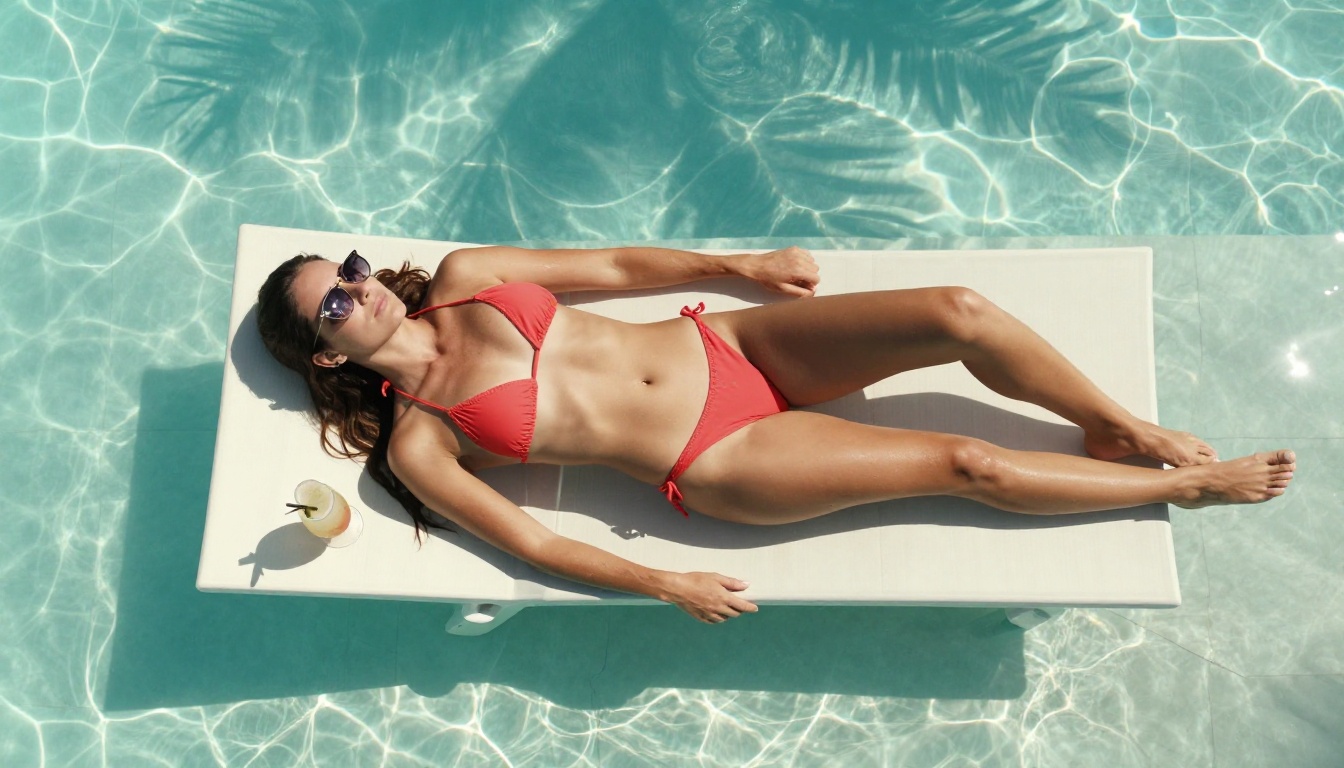
What Flux 1.1 and Grok Imagine Actually Do
Both models target photorealistic image generation, but they approach the problem differently. Knowing those differences explains everything about the NSFW results each one produces.
Two Different Architectures
Flux 1.1 is developed by Black Forest Labs and sits at the top of the Flux lineage. It uses a rectified flow transformer architecture that prioritizes prompt adherence, fine anatomical detail, and lighting fidelity. The model was designed to outperform earlier Flux versions on realism benchmarks, and in controlled tests it does. The 1.1 Pro variant, available through Black Forest Labs and select platforms, adds faster inference while holding the same quality ceiling.
Grok Imagine (also called Aurora) is xAI's image generation model, tightly integrated into the Grok chatbot on X (formerly Twitter). It uses a diffusion backbone tuned to produce lifelike human subjects with strong facial detail. Its image-to-image capability is where it shines most for NSFW use: feed it an existing photo and it will transform the outfit or setting into something more revealing, realistically and quickly.
💡 Key difference: Flux 1.1 excels at text-to-image prompts from scratch. Grok Imagine is often more powerful as an image editor, converting reference photos into suggestive outputs.
Why Free Tiers Feel Limited
Neither model gives you unlimited free access. Flux 1.1 Pro charges per generation outside of partner platform allowances. Grok Imagine on X gives premium subscribers a daily limit, and free users get even fewer slots. Once you hit the cap, you wait until the next reset or upgrade. For anyone trying to iterate on prompts, test lighting conditions, or produce a set of consistent images, those caps become a problem fast.
Flux 1.1 NSFW Results: The Real Test
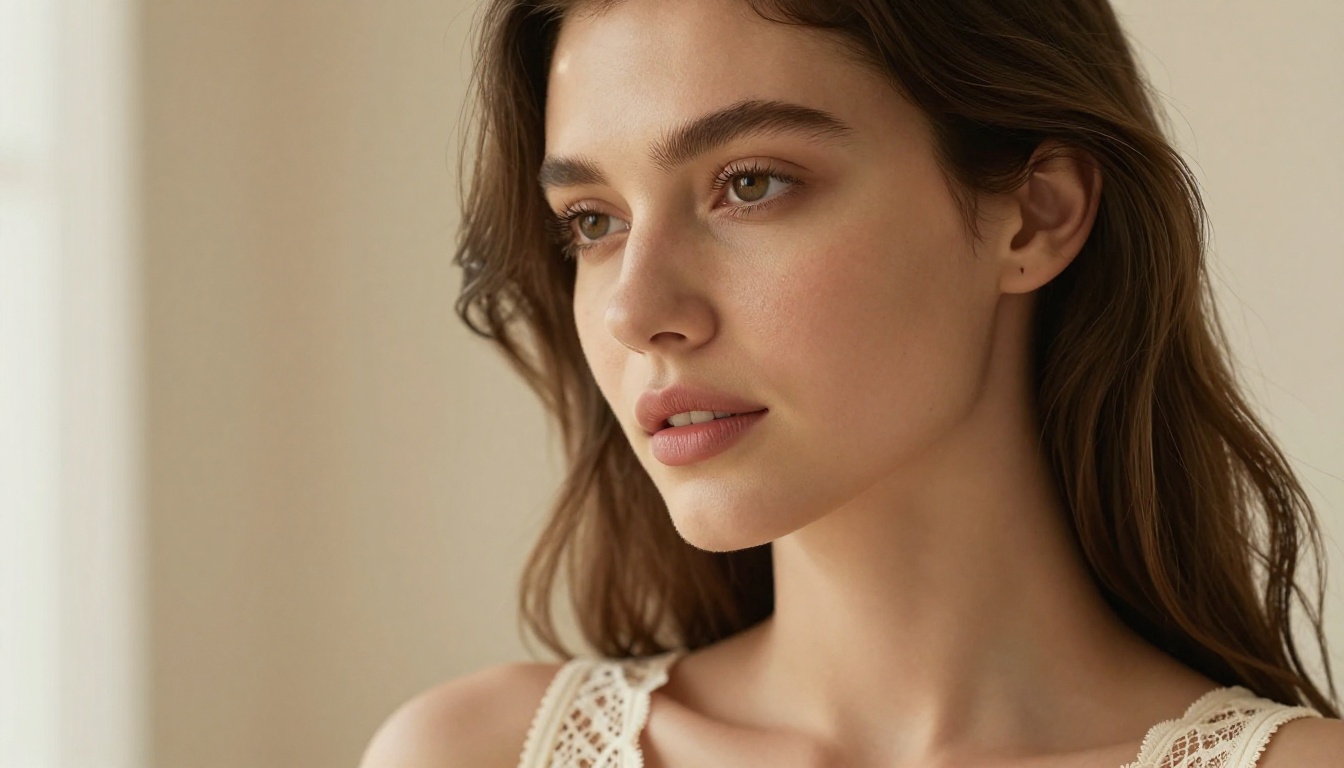
Flux 1.1 produces some of the most technically detailed NSFW images available from any public model. Here is what the actual output looks like across different prompt styles.
Skin Texture and Lighting
This is where Flux 1.1 genuinely separates itself from older generators. The model renders skin with visible pore structure, natural sheen variation, and coherent shadow behavior across complex lighting setups. In golden hour prompts, you get warm specular highlights on skin without the plastic flatness that plagued earlier diffusion models. At 8K output resolution, fine details like individual hair strands, natural freckles, and fabric thread weave appear without upscaling post-processing.
The lighting engine correctly interprets directional light sources, which matters for NSFW content where natural body lighting should follow believable physics. A rim-light prompt produces a properly rendered silhouette edge rather than a blurred halo.
Prompt Accuracy on Complex Scenes
Flux 1.1 follows multi-clause prompts more reliably than most comparable models. You can specify outfit color, pose, camera angle, background, and lighting direction in a single prompt and expect most of those elements to appear in the output. This is important for NSFW work where compositional control directly determines the quality of the final image.
The model does have areas where it underperforms. Very specific anatomical placement and complex hand gestures still cause issues, as with all current diffusion models. Prompt weighting for outfit details sometimes drops one descriptor when multiple constraints compete.
Speed vs. Quality Tradeoff
Flux 1.1 Pro is not instant. Inference on the hosted API takes 10 to 20 seconds per image depending on server load. For casual one-off generations this is acceptable. For iterative sessions where you're testing 20 prompt variations to find the right composition, that latency adds up. The quality justifies the wait for final production images, but not for experimentation phases.
Grok Imagine NSFW Results: What Changes
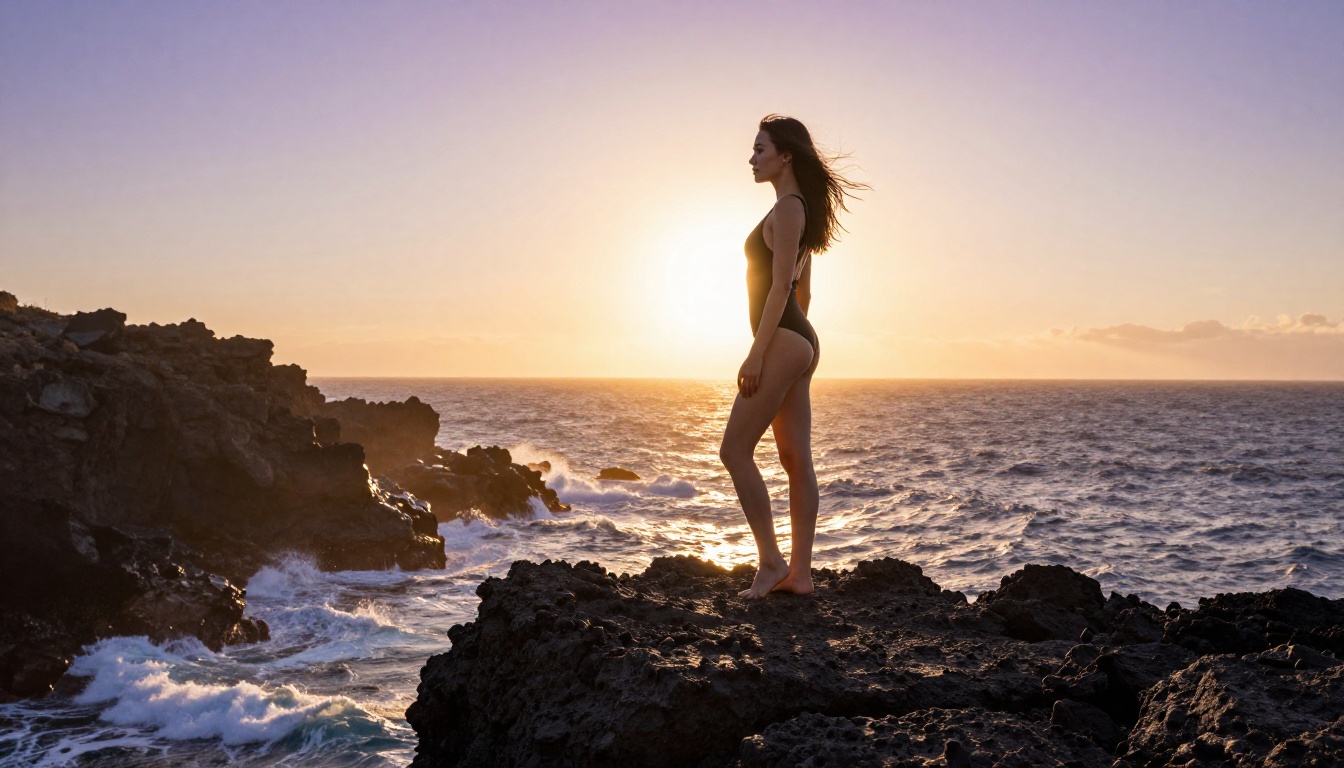
Grok Imagine takes a different approach. Its strength is transformation rather than pure generation, and the results reflect that.
Aurora's Image Style
Aurora, the engine behind Grok Imagine, produces outputs with a characteristic look: slightly higher contrast, punchier skin tones, and a sharper edge definition compared to Flux 1.1's more naturalistic rendering. For NSFW applications this creates vivid, attention-grabbing images, though sometimes at the cost of the subtle organic realism that Flux 1.1 handles better.
Where Aurora really stands out is in its image-to-image mode. Upload a clothed portrait and prompt it toward a bikini version: Aurora handles the outfit swap with impressive coherence. The body proportions stay consistent, the background remains intact, and the lighting adjusts to match the new outfit naturally. This workflow is faster and requires less prompt engineering than building a scene from scratch in Flux 1.1.
💡 Practical tip: For outfit transformation prompts, Grok Imagine's image-to-image mode often delivers a usable result in one or two tries. Flux 1.1 typically requires more prompt refinement to achieve the same transformation from text alone.
What the Free Access Actually Covers
Grok Imagine on X has filters that activate on explicit requests. Suggestive, glamour-style, and bikini prompts generally pass through without issue. More explicit requests hit content blocks more consistently. The model positions itself as suggestive but not pornographic, which aligns with what many creators actually need, though it still blocks content that more permissive models allow.
The daily generation limit for free X accounts sits at roughly a dozen images, sometimes fewer depending on prompt type. Premium subscribers get a larger allowance but still face caps. This is the structural limitation that sends serious creators looking for alternatives.
Direct Comparison: Quality That Matters
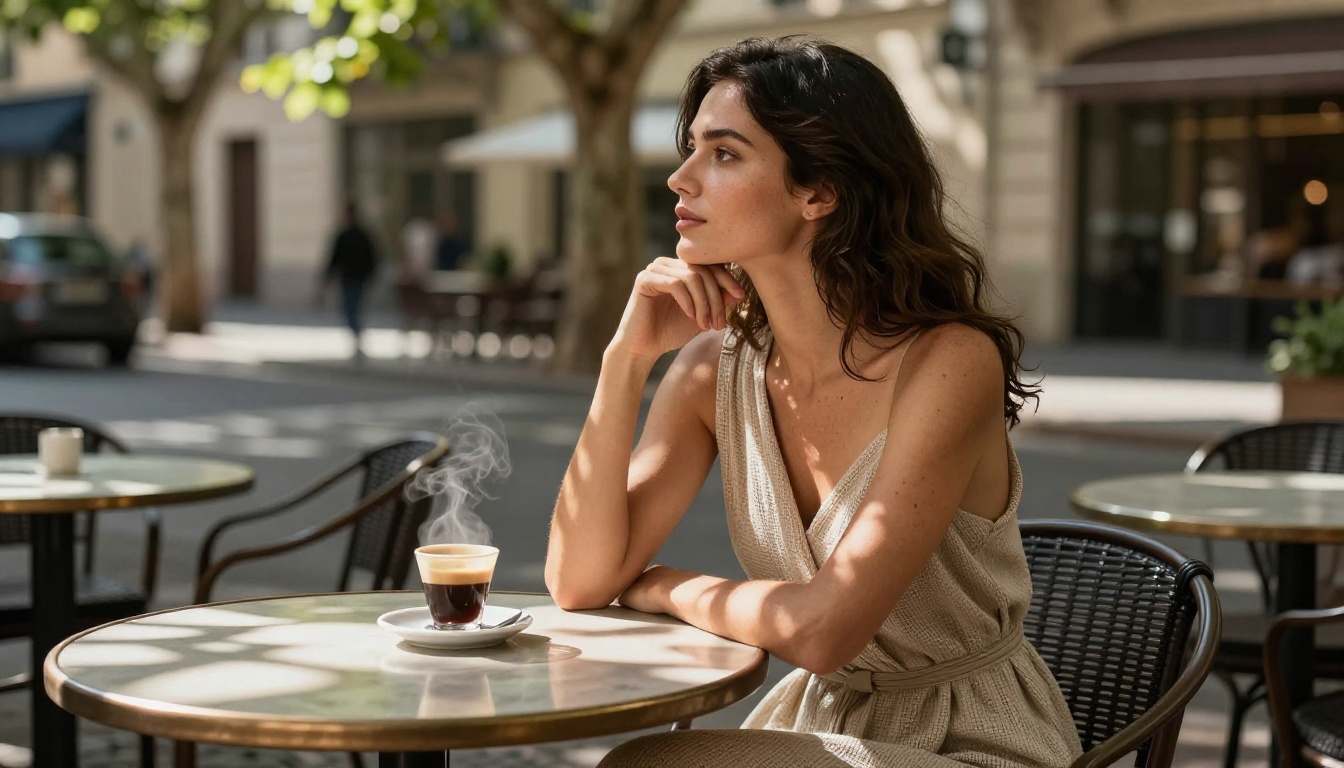
Put them head-to-head across the metrics that matter for NSFW content and the differences become concrete.
| Metric | Flux 1.1 Pro | Grok Imagine (Aurora) |
|---|
| Skin Realism | Excellent, pore-level detail | Very Good, slightly punchy |
| Lighting Fidelity | Excellent, directionally accurate | Good, higher contrast |
| Text-to-Image NSFW | Excellent | Good |
| Image-to-Image Transformation | Limited | Excellent |
| Prompt Adherence | Very High | High |
| Generation Speed | 10 to 20 seconds | 5 to 15 seconds |
| Free Daily Limit | Very low / paid tier | Limited on free X plan |
| Explicit Content Support | Moderate | Moderate |
| Anatomy Accuracy | Very Good | Good |
| Color Grading | Natural, filmic | Vivid, contrasty |
Realism in Close-Up Shots
Flux 1.1 wins this category cleanly. At close crop distances, the micro-detail rendering of skin, hair, and fabric is more technically accurate. This matters when the goal is photorealistic glamour or boudoir-style imagery where every square centimeter of the frame is scrutinized.
Anatomy Accuracy
Both models fail on edge cases involving complex limb positions. For standard poses, both are solid. Flux 1.1 tends to handle body proportions more consistently across different body types when prompted with specific descriptions. Grok Imagine occasionally stretches proportions in transformation scenarios.
Color Grading Differences
Flux 1.1 outputs look like they were shot on film stock: warm in the shadows, neutral-to-cool in the highlights, with that organic Portra 400 grain feel. Grok Imagine outputs look more like modern digital photography post-processed with a punch to the saturation. Neither is wrong. It depends what aesthetic you're targeting.
Here is the honest assessment: both tools are impressive, and both have walls that serious creators hit quickly.
Where Safety Filters Activate
Flux 1.1's hosted tiers (through Replicate, fal.ai, and similar) apply their own content policies on top of the base model. The raw Flux 1.1 weights without any filtering can be self-hosted, but that requires compute access most people don't have. In practice, using Flux 1.1 through any hosted service means accepting some filter layer.
Grok Imagine's filters are part of xAI's product policy. They're embedded at the inference level for the hosted version. You cannot disable them from the user side. The model flags certain prompt patterns proactively, even when the requested output is not actually explicit.
Rate Limits That Break Workflow
This is the bigger issue for most creators. When you're testing prompts iteratively, trying to nail a specific composition or lighting setup, you need to generate 30, 50, or 100 variations before landing on the right one. Both Flux 1.1 (through paid API limits) and Grok Imagine (through daily caps) break that workflow. You either slow down significantly or start paying per-image rates that add up fast for volume work.
💡 Cost example: At typical Flux 1.1 Pro API pricing, generating 1,000 images costs roughly $50 to $100 depending on resolution and the hosting platform used. That same 1,000 images on a model with an unlimited subscription plan costs zero extra.
The Best Free NSFW AI Models Right Now
If Flux 1.1 and Grok Imagine are hitting your workflow with caps and filters, these models solve both problems at once.
Seedream 4.5 Takes the Top Spot
Seedream 4.5 by ByteDance is the current top recommendation for NSFW AI generation. It accepts adult content without the filter layers that restrict Flux 1.1 hosted APIs and Grok Imagine. It supports both text-to-image generation and image editing within the same model, so you get both workflows in a single tool.
What sets it apart from every other option on this list is speed. Seedream 4.5 generates images in under 3 seconds. That means your 50-variation testing session takes minutes instead of hours. The realism output rivals Flux 1.1 on skin texture and lighting accuracy, with particular strength in portraiture and fashion-adjacent content.
Note: Seedream 5 Lite, the newer version, does not support NSFW content. Stick with Seedream 4.5 for this use case.
PicassoIA Image Editor Pro: Unlimited Generations
PicassoIA Image Editor Pro operates as an image-to-image model, which makes it directly comparable to Grok Imagine's strongest feature: outfit transformation and image editing.
The structural difference is the pricing model. On Elite and Infinite subscription plans, generations are unlimited. No daily cap. No per-image fee. No waiting for a counter to reset. If you want 1,000 images, you generate 1,000 images at no extra cost. On pay-per-generation models like certain Flux 1.1 API tiers, that same volume costs around $100. Here it costs nothing beyond the base subscription.
Results come back in under 1 second. The model accepts NSFW content and produces outputs with strong coherence on outfit transformations, consistent with or better than what Grok Imagine delivers on the same task. A free trial of 3 generations is available with no credit card required.
More Models Worth Using
These additional models on PicassoIA round out the toolkit for different scenarios:
-
Qwen Image 2 — Open-source model that handles both image creation and editing with highly detailed realism. Accepts NSFW prompts without restrictions.
-
Grok Imagine Image on PicassoIA — The same Aurora engine, but accessible through PicassoIA's interface. Specializes in converting reference images into bikini format with strong coherence and realistic results.
-
Recraft V4 — Text-to-image with very high photorealism output. Accepts NSFW content and consistently produces clean, detailed results in standard portrait and fashion formats.
-
P-Image by PrunaAI — NSFW text-to-image generation completing in under 1 second. Best for rapid iteration where speed matters more than absolute quality ceiling.
-
Wan 2.2 Image by PrunaAI — Generates highly realistic images from text descriptions without content filters. Strong on complex compositional prompts.
Sharper Results with AI Upscaling
Once you have a strong base image, whether from Flux 1.1, Seedream 4.5, or any other model, upscaling adds the final layer of detail that makes the output look genuinely professional.
Three Upscalers Worth Trying
Clarity Pro Upscaler by philz1337x is the go-to option for photorealistic content. It adds micro-detail rather than just blowing up pixel dimensions. Skin texture, fabric grain, and hair detail improve noticeably on outputs that were already good.
Topaz Image Upscale from Topaz Labs scales images up to 6x while preserving sharpness. For final production images intended for printing or large-format display, this is the strongest option available on PicassoIA.
Real ESRGAN handles the 4x upscale case reliably and for free. It works well on portraits and fashion photography where you need more resolution without altering the composition.
💡 Workflow tip: Generate at standard resolution for rapid iteration, then apply upscaling only to your 2 to 3 final selected images. This saves generation credits and time during the testing phase.
Pairing a fast generator like Seedream 4.5 or P-Image with a dedicated upscaler gives you a production-ready workflow that beats what either Flux 1.1 or Grok Imagine offers end-to-end.
Start Generating Right Now
Flux 1.1 and Grok Imagine are genuinely capable models. If you have paid access and your use case fits within their content policies, both are worth using. Flux 1.1 wins on pure realism for text-to-image prompts. Grok Imagine wins on image transformation speed and coherence.
But if you're running into daily caps, filter blocks, or per-image costs that eat into your workflow, the models available on PicassoIA solve all three problems simultaneously. Seedream 4.5 delivers results in under 3 seconds with no content restrictions. PicassoIA Image Editor Pro gives you unlimited generations for outfit transformations and edits. And Grok Imagine Image itself is available directly on the platform if Aurora's image style is what you prefer.
The full catalog of uncensored, high-performance models is waiting at picassoia.com/en/all-models. Pick any model, test it with 3 free generations, no credit card required, and see exactly what the output looks like on your specific prompt before committing to anything.


