Black Forest Labs has been one of the most watched AI research teams since releasing FLUX.1 to widespread acclaim. Their second major release, Flux 2, takes everything that worked about the original and addresses what didn't. Whether you're a developer looking for on-device options or a creative professional demanding maximum output quality, the Flux 2 family has a specific model built for your context.
What Flux 2 Actually Is
Flux 2 is Black Forest Labs' next-generation text-to-image model family, built on the rectified flow transformer architecture that made FLUX.1 so effective. The jump from FLUX.1 to Flux 2 isn't a simple iteration, it's a rethink of how these models are trained, optimized, and deployed across different hardware environments.
Where FLUX.1 offered three main tiers (Schnell, Dev, and Pro), Flux 2 expands this into a more nuanced ecosystem with models explicitly designed for different contexts: maximum quality output, rapid iteration, lightweight on-device generation, and flexible fine-tuning.

Black Forest Labs' Track Record
Black Forest Labs launched in 2023 with a team largely composed of former Stability AI researchers, including Robin Rombach and Andreas Blattmann, the core architects behind Latent Diffusion Models and Stable Diffusion. That pedigree showed immediately when FLUX.1 reached users.
FLUX.1 became the go-to model for anyone demanding photorealism, prompt accuracy, and fine structural coherence in generated images. Its handling of human anatomy, text rendering in images, and complex compositional prompts set it apart from contemporaries. Flux 2 inherits those strengths and builds specifically on the identified weaknesses.
From FLUX.1 to Flux 2
The original FLUX.1 lineup gave users Flux Dev, Flux Pro, and Flux Schnell as the core trio. Each had clear positioning. Dev was open-weight and research-focused. Pro was the commercial quality tier. Schnell was the speed play.
Flux 2 keeps that logic but expands the product surface area significantly. The new family spans Pro, Dev, Max, Flex, and the entirely new Klein series in both 4B and 9B parameter counts. This matters because it signals Black Forest Labs is now building for the full deployment spectrum, from cloud API calls to local consumer hardware.
The Flux 2 Model Family
The Flux 2 family isn't one model with minor tuning variations. Each variant has a distinct purpose, and choosing wrong costs you either quality, speed, or compute budget.

Flux 2 Pro and Max
Flux 2 Pro is the flagship. It targets commercial applications where image quality is non-negotiable and generation time is a secondary concern. Architectural improvements over Flux 1.1 Pro include better multi-subject compositions, more stable rendering of fine textures, and improved skin tone accuracy across diverse subjects.
Flux 2 Max takes this further, trading generation speed for absolute output ceiling. This is the model you reach for when the final image needs to hold up at print resolution, when every facial feature in a group portrait needs to be individually coherent, or when you're generating hero images for campaigns where quality is the product.
💡 Tip: Use Flux 2 Max when your output will be viewed at large sizes or in high-stakes contexts. For iteration and testing, Flux 2 Pro is faster and still excellent.
Flux 2 Dev and Flex
Flux 2 Dev is the open-weight variant, continuing Black Forest Labs' commitment to the research community. It's suitable for building custom pipelines, fine-tuning experiments, and integrations where you need full model access without commercial API constraints.
Flux 2 Flex is arguably the most interesting variant for working professionals. It's designed around flexibility in resolution, aspect ratio, and output type without the strict generation parameters of the Pro tier. If you need to batch-generate content in non-standard formats or need a model that adapts well to ControlNet-style conditioning, Flux 2 Flex is worth testing.

The Klein Series (4B and 9B)
This is where Flux 2 separates itself most clearly from the original FLUX.1 concept. The Klein variants represent Black Forest Labs' push into efficient, deployable AI: small enough to run on consumer GPUs and mobile hardware, capable enough to remain genuinely useful.
Flux 2 Klein 9B carries 9 billion parameters and sits in a compelling middle ground. It's substantially more capable than the 4B variant while still running at speeds that make it practical for real-time or near-real-time applications. The 9B model retains most of what makes the larger Flux 2 models impressive: prompt adherence, realistic lighting, and structural coherence.
Flux 2 Klein 4B is the most aggressive compression yet from Black Forest Labs. At 4 billion parameters, it's designed to run locally on machines that couldn't handle full-scale Flux models. The tradeoff is visible in complex compositions and fine detail, but for everyday use cases, portrait generation, and simple scene creation, the gap narrows considerably.
Both Klein variants also come in Base and Base-LoRA versions, giving developers clean checkpoints for custom training at Klein 9B Base and Klein 4B Base.
What Actually Changed From FLUX.1
Knowing which variant to use only matters if Flux 2 genuinely improves on its predecessor. Here's where the real differences live.
Prompt Following Gets Real
FLUX.1 was already strong at prompt adherence compared to Stable Diffusion XL and many others, but it still had failure modes with long, complex, or multi-clause prompts. It would sometimes latch onto one phrase and lose the rest of the description entirely.
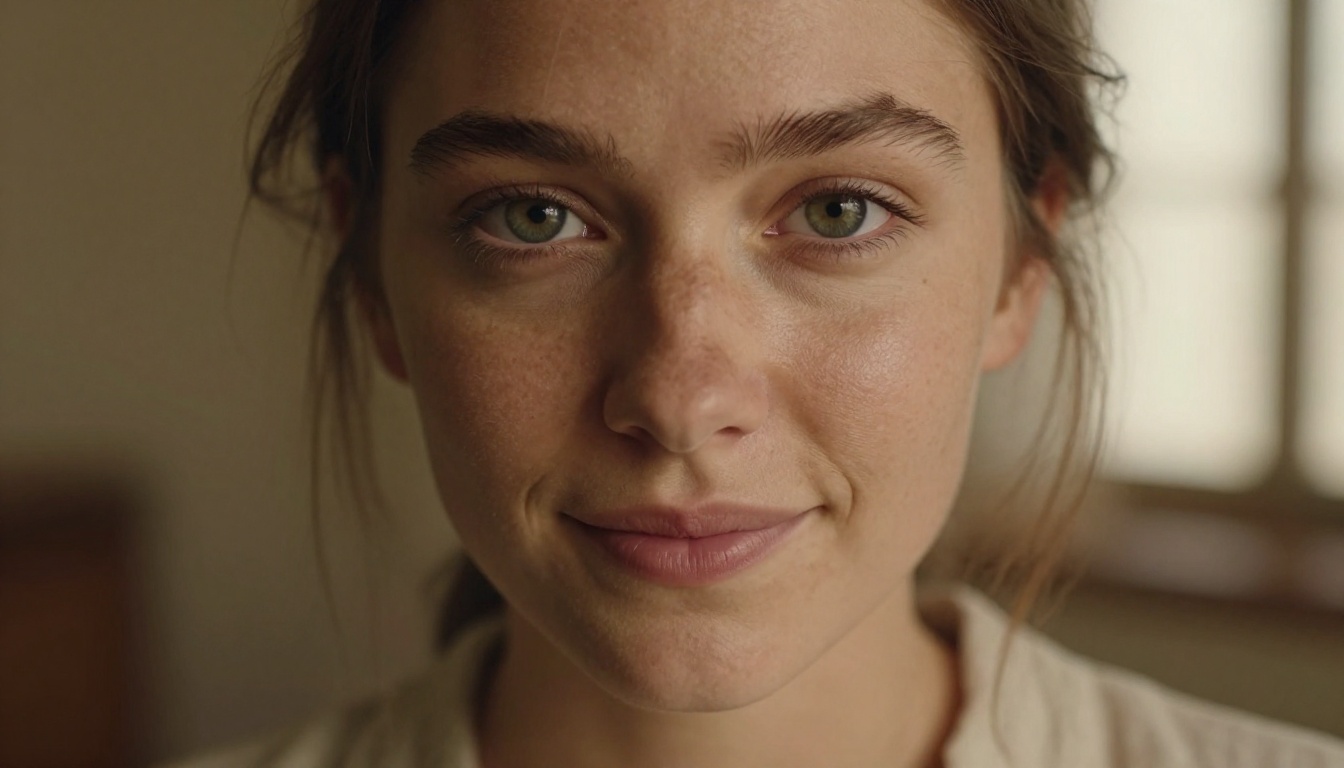
Flux 2 shows measurable improvement here. Multi-subject scenes where each person, object, or area has distinct described properties come out more consistently. Negation handling improved too, meaning instructions like "no text", "no background clutter", or "no artificial lighting" are honored more reliably.
This translates directly into fewer regeneration cycles and less prompt engineering overhead for professionals who depend on first-pass accuracy.
Speed Without Sacrificing Quality
The Klein series gets the headline here, but improvements spread across the full family. Generation times on Flux 2 Pro are shorter than on FLUX.1 Pro for equivalent quality outputs. This is partly architectural and partly better inference optimization baked in during training.
For high-volume use cases where you're generating hundreds of images, these marginal time improvements stack into meaningful cost and time savings. At scale, that matters.
Resolution and Fine Texture
One area where FLUX.1 Pro was already strong, and Flux 2 extends further, is fine texture rendering. Fabric weave, skin pores, water surface detail, architectural stonework. These are the things that make an AI-generated image look like a photograph or look like a render. Flux 2 handles these with noticeably fewer smoothing artifacts.
The model also handles large-format generation better. At resolutions above 1024x1024, some FLUX.1 variants would start showing compositional drift or repeated elements. Flux 2 manages high-resolution generation with greater stability throughout the image.
Flux 2 vs. the Competition
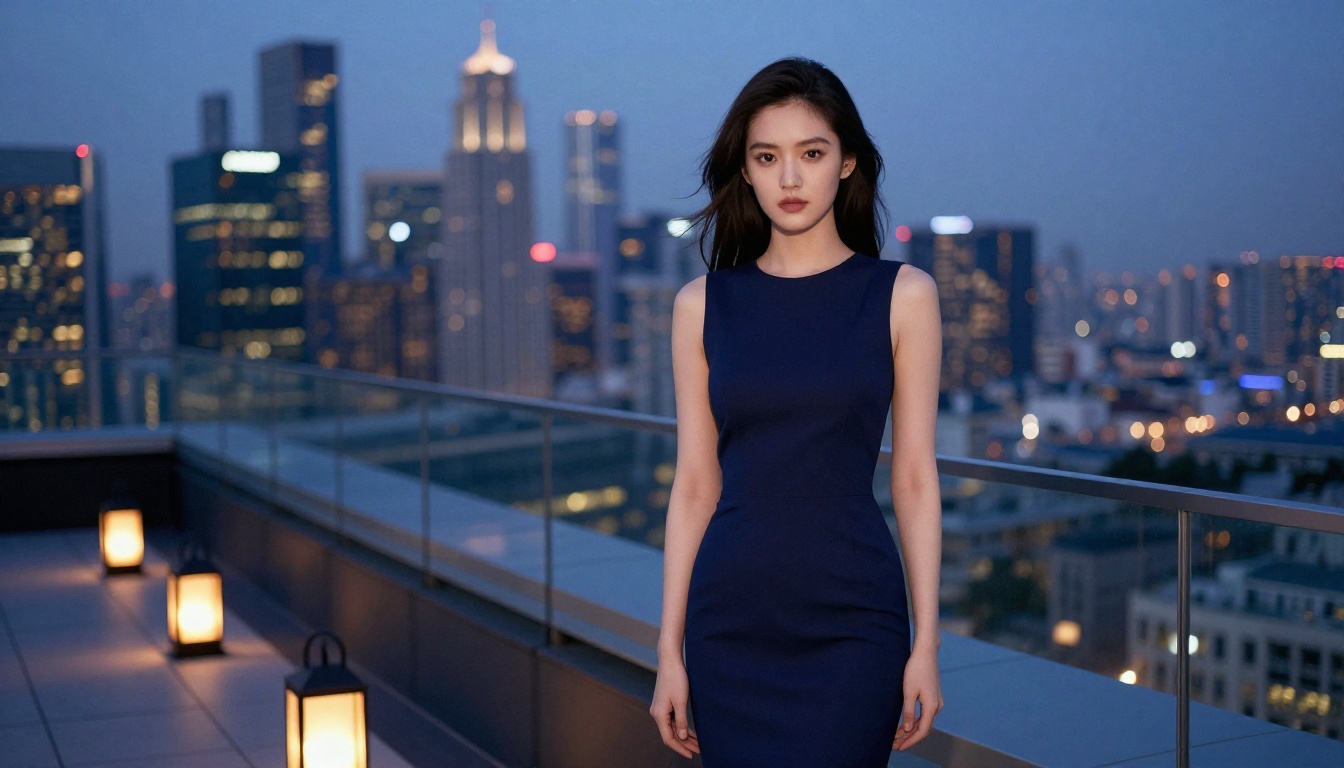
It's worth anchoring the Flux 2 improvements against the actual competitive landscape rather than treating the comparison as abstract.
| Model | Photorealism | Prompt Adherence | Speed | Open Weight | Compact Variant |
|---|
| Flux 2 Pro | Excellent | Excellent | Fast | No | No |
| Flux 2 Klein 4B | Good | Good | Very Fast | Yes | Yes |
| Midjourney v7 | Excellent | Very Good | Medium | No | No |
| SDXL | Good | Medium | Fast | Yes | No |
| DALL-E 3 | Very Good | Excellent | Medium | No | No |
Midjourney v7 remains competitive in aesthetic consistency and artistic style, but it's locked to their platform with no API flexibility. Flux 2 wins on deployability and open-weight access. DALL-E 3 handles complex text-following better in some scenarios, but Flux 2 Pro closes that gap significantly and offers more control over visual output.
The real differentiator for Flux 2 is the Klein series. No comparable model in the photorealism tier runs at that parameter count on consumer hardware without a major quality penalty. This is genuinely new territory in the AI image landscape.
How to Use Flux 2 on PicassoIA
Flux 2 is available on PicassoIA across all major variants. This means no API keys, no local compute, no setup requirements. You log in, pick your model, write a prompt, and generate.

Picking the Right Variant
The choice depends on what you're making:
Step-by-Step on PicassoIA
- Go to the Text to Image section on PicassoIA
- Select Flux 2 Pro (or your preferred variant) from the model selector
- Write a descriptive prompt: subject, environment, lighting conditions, camera style
- Set your aspect ratio (16:9 for landscape, 1:1 for social, 9:16 for vertical content)
- Generate and review the result
- For refinements, adjust the prompt rather than regenerating blindly. Flux 2 Pro responds well to increased specificity.

Tips for Better Results
Be specific about light. Flux 2 excels at interpreting lighting direction. "Late afternoon sidelight from the left" produces noticeably better results than "nice lighting". Specify whether it's natural, artificial, directional, or diffused.
Describe texture. Instead of just describing what something is, describe what it looks like. "Worn leather jacket with visible grain and distressed creases" beats "old jacket" every time.
Avoid conflicting instructions. Flux 2 is better at negation than FLUX.1, but conflicting instructions still cause drift. If you don't want something in the image, lead with what you do want and use clear negative framing at the end of your prompt.
Use camera language. Phrases like "85mm f/1.4 depth of field", "wide angle perspective", or "overhead aerial shot" meaningfully affect composition. Flux 2 Pro in particular responds well to photographic framing language that mirrors how photographers describe their setups.
💡 Tip: For portraits, include skin tone descriptors, specific hair characteristics, and exact eye color. Flux 2 picks up these details precisely and the output shows it in every strand of hair and skin pore.
Where Flux 2 Wins and Where It Doesn't
No model dominates every scenario. Knowing the real limits saves you from chasing perfect outputs where the model has structural constraints.

Flux 2 wins at:
- Photorealistic human portraits with accurate anatomy and skin detail
- Complex scenes with multiple described elements staying distinct
- Fine texture and surface detail in materials, fabrics, and skin
- Consistent lighting physics across an entire generated image
- Fast iteration cycles with the Klein and Dev variants
- Non-standard aspect ratios and resolution targets with Flex
Flux 2 struggles with:
- Extremely abstract or surrealist prompts that reward artistic drift
- Generating consistent characters across multiple separate images without fine-tuning
- Very specific typographic rendering in images (still improving, but not perfected)
- Prompts that rely heavily on cultural or conceptual nuance rather than visual descriptors
For consistent character generation across a series, the Flux Kontext Pro model on PicassoIA handles image-to-image conditioning that helps solve this problem. Pairing a base Flux 2 generation with Kontext for follow-up frames gives much better character consistency than regenerating from prompt alone.
The Open-Weight Significance
It's worth pausing on what it means that Flux 2 Dev and the Klein Base variants are open-weight.
Open-weight doesn't mean open-source in the traditional sense. Black Forest Labs maintains usage restrictions, particularly around commercial deployment. But for researchers, fine-tuners, and developers building tools that need model access beyond what an API allows, open-weight is the difference between possible and impossible.
The Klein Base variants specifically are clean checkpoints without instruction tuning or RLHF layers, making them ideal starting points for domain-specific fine-tuning. A medical imaging researcher training on anatomical illustrations, or a fashion brand training on their visual identity, can use Klein 4B Base and Klein 9B Base without navigating around instruction-tuned behaviors that interfere with specialized training.
This positions Black Forest Labs favorably against closed-weight alternatives in terms of long-term adoption in serious applications.
What Black Forest Labs Is Building Toward
Reading the Flux 2 release as a product decision rather than just a technical one reveals something about where Black Forest Labs is going. The Klein series isn't about winning benchmark comparisons with Flux 2 Max. It's about putting Black Forest Labs models into every deployment context, including devices and applications that will never call a cloud API.
The Flex variant similarly signals a push toward professional creative tooling, where workflow integration matters as much as raw image quality. Flux 2 Flex is built for people who generate images as part of a production pipeline, not just as a final output.
Combined, these signals suggest Black Forest Labs is building toward ubiquity: the model that runs everywhere, adapts to everything, and scales from a 4B on-device inference to a Max-quality studio production render.

Start Creating With Flux 2
The best way to understand what Flux 2 actually does is to use it. PicassoIA gives you access to the full Flux 2 family, including Flux 2 Pro, Flux 2 Max, Flux 2 Dev, Flux 2 Flex, and both Klein 9B and Klein 4B variants, all without any local setup or hardware requirements.
Start with a prompt that describes exactly the image you need: subject, environment, lighting, camera angle, texture details. Compare the same prompt across Flux 2 Pro and Klein 9B to see where the quality gap actually sits for your specific use case. Most users find the gap smaller than expected for portraits and simple compositions, and larger for complex multi-element scenes.
Pick a model, write a prompt with real detail, and see for yourself what Black Forest Labs built with Flux 2.


