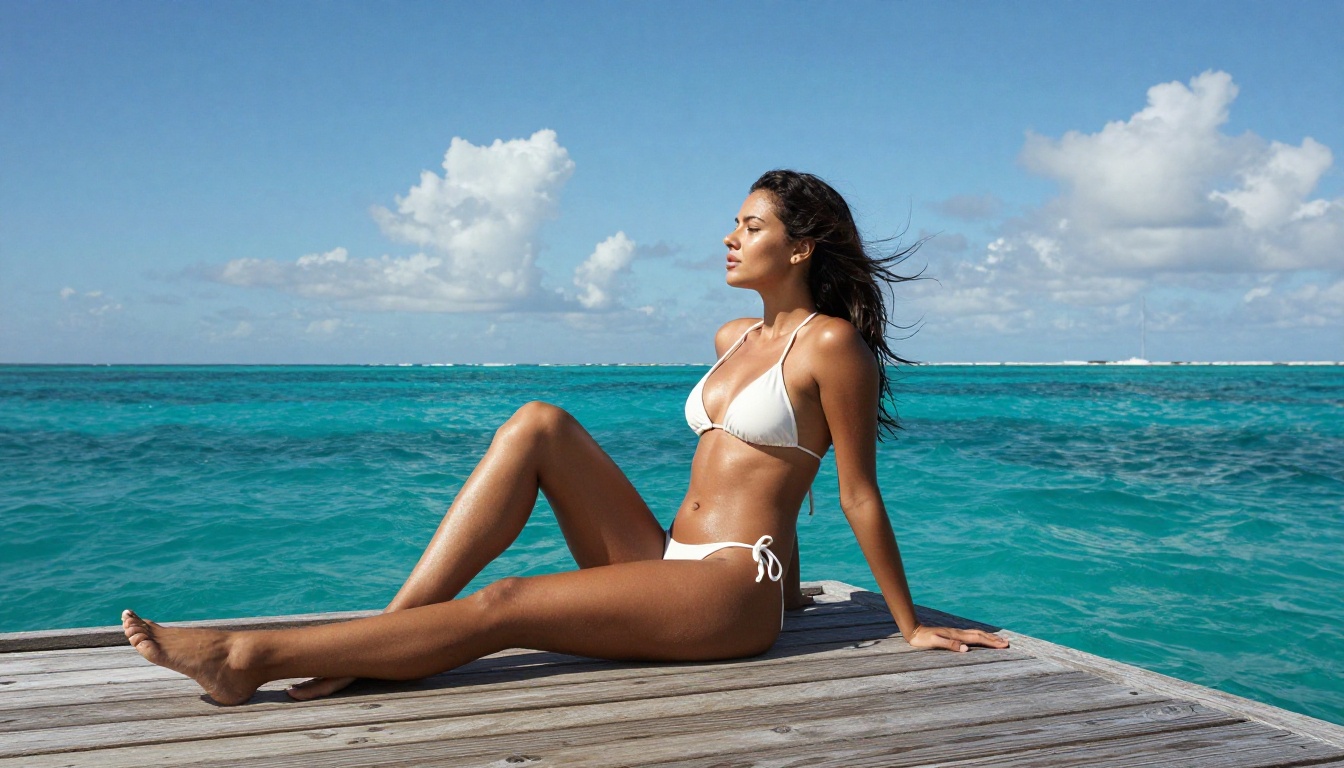
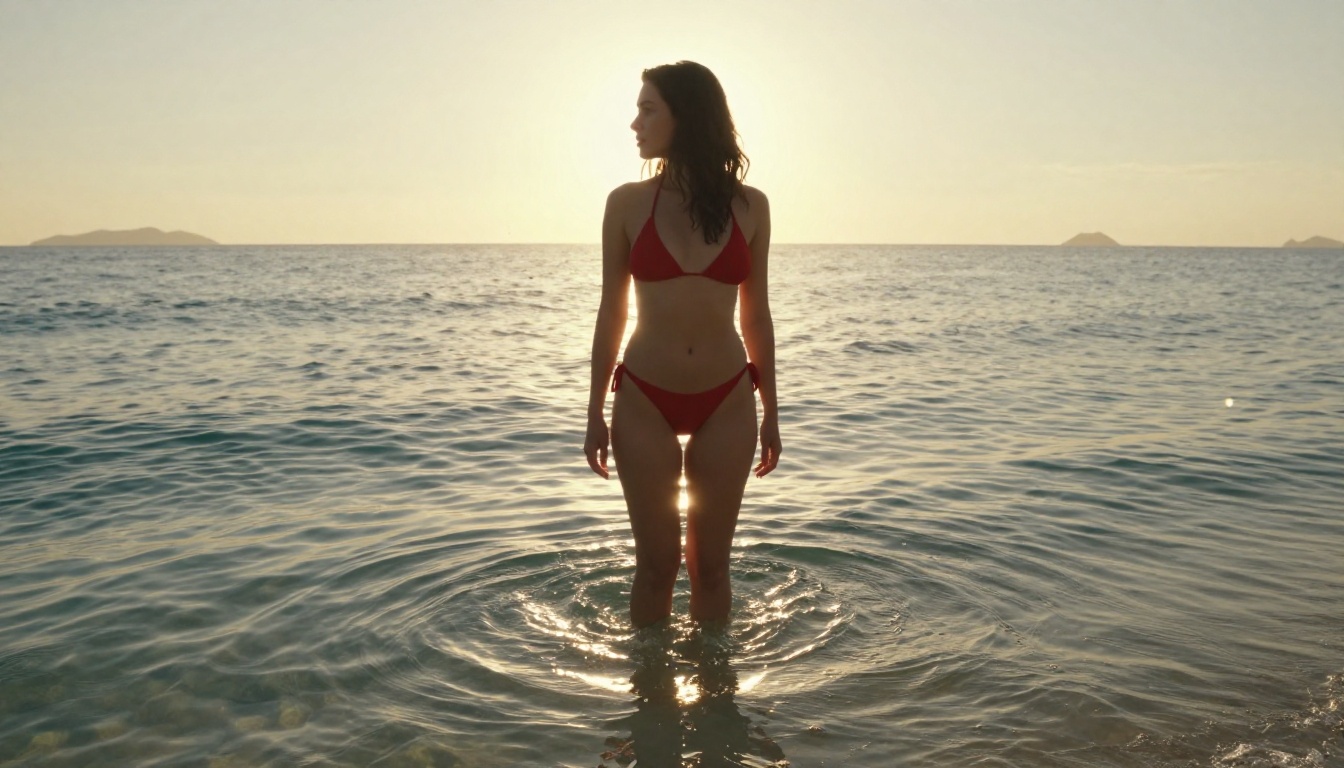
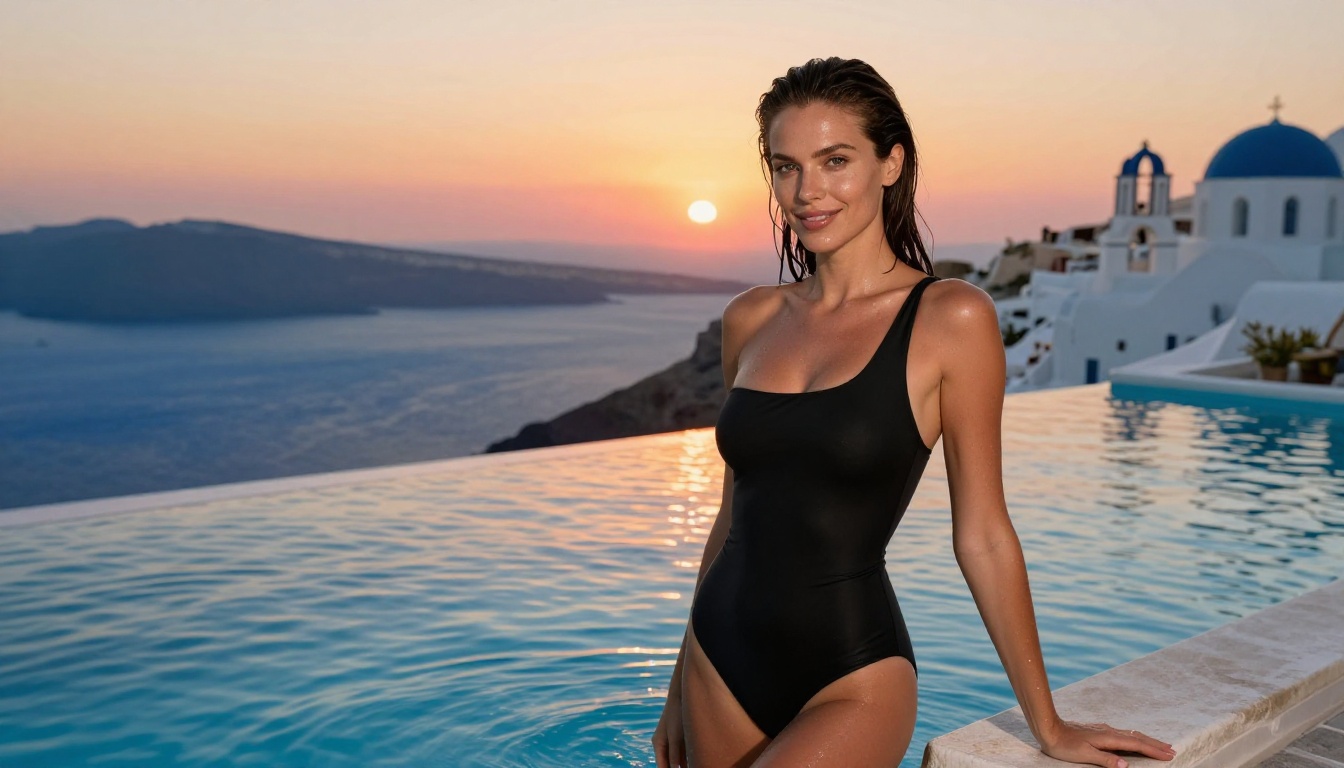
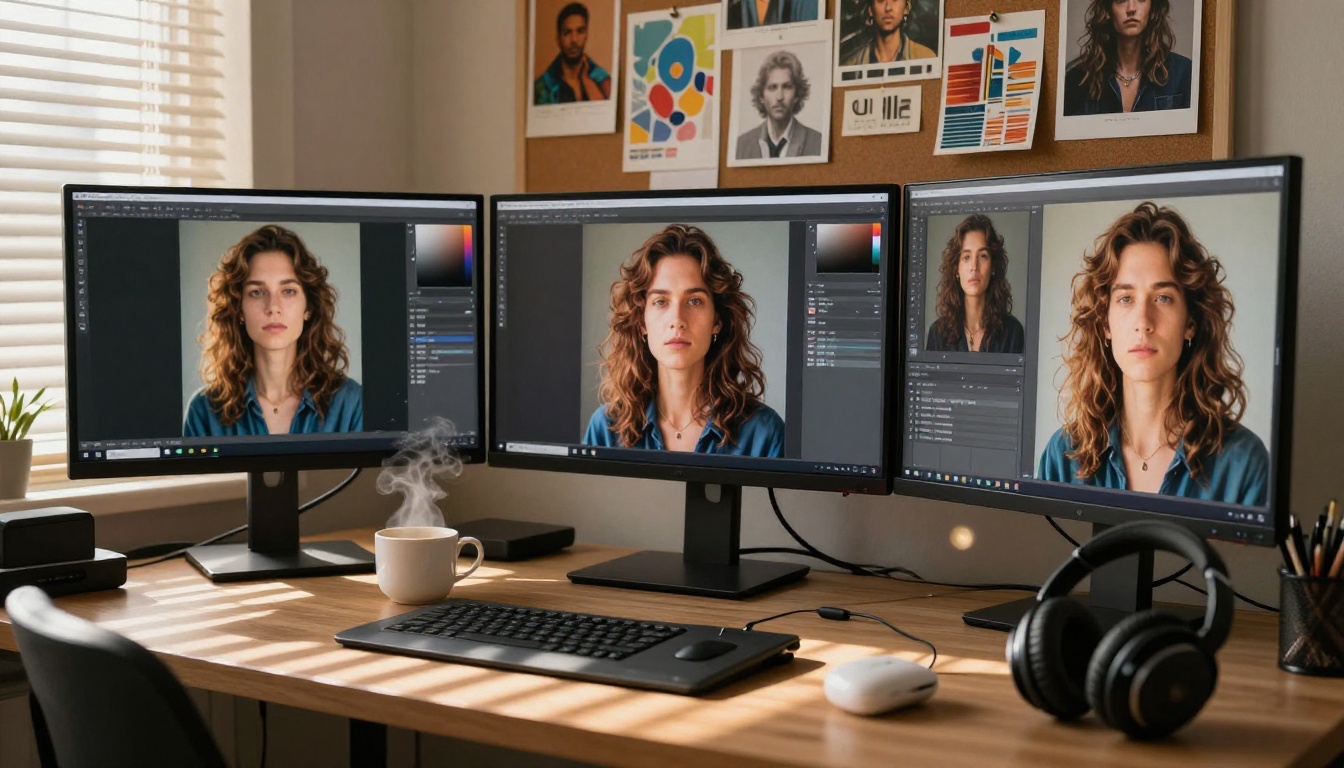
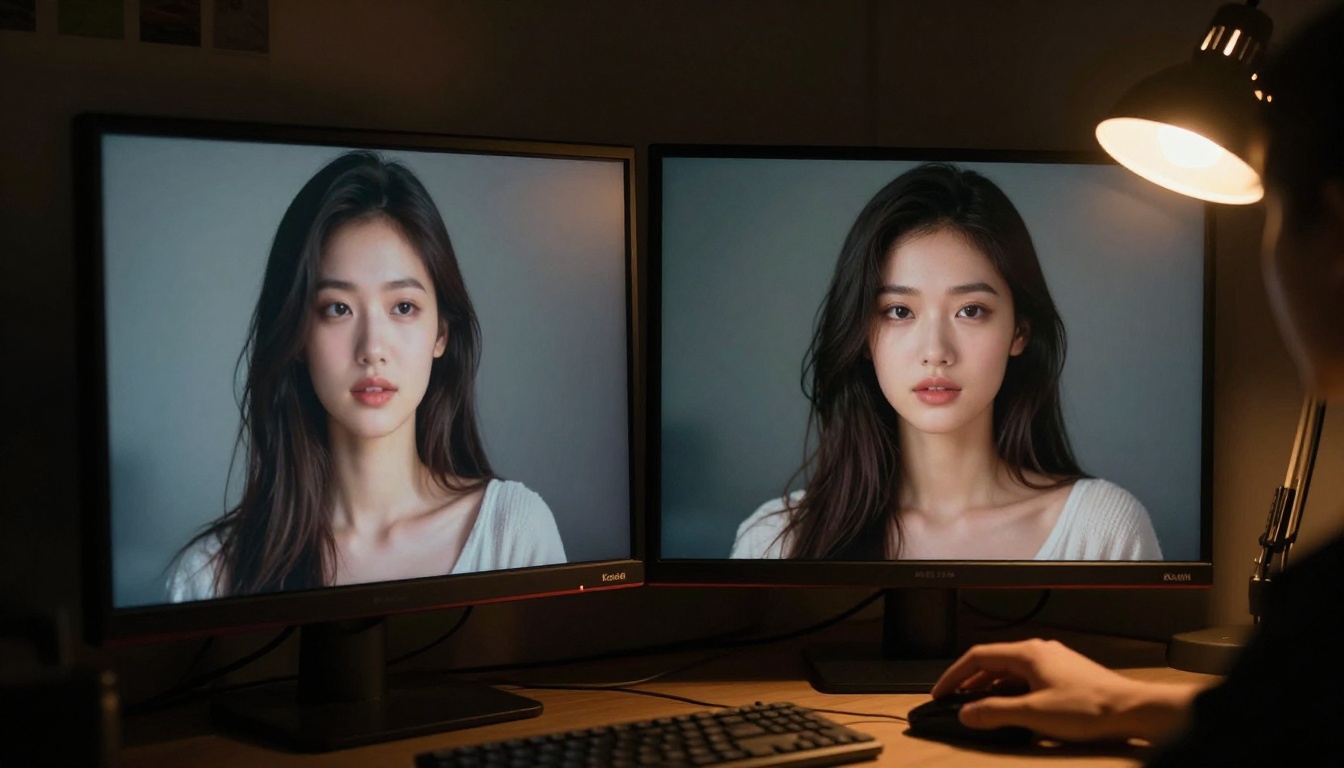
Flux 2 and Chroma have merged into a single uncensored AI image model that combines photorealistic quality with broader creative freedom. This article breaks down how the merge works, what changed in image quality, and which platforms let you run unrestricted NSFW generation right now.
The AI image generation space just got more interesting. A community-driven merge between Flux 2 and Chroma has produced a single, uncensored model that combines the photorealistic output quality of Black Forest Labs' latest architecture with Chroma's color fidelity and flexibility. For creators who have been looking for a way around content filters without sacrificing image quality, this merge is worth paying attention to.
What the Flux 2 Chroma Merge Is
The merge is a model fusion of two separate diffusion architectures: Flux 2 from Black Forest Labs and Chroma, a community-built variant optimized for color accuracy and prompt control. The merged weights were released publicly and can be loaded like any standard diffusion model checkpoint.
This is not a fine-tune. It is a full weight merge, meaning the internal parameters of both models were blended using techniques like SLERP (spherical linear interpolation) or task arithmetic, depending on which release you are looking at. The result is a model that inherits characteristics from both parents.
What Flux 2 Brought
Flux 2 Pro represents Black Forest Labs' second-generation architecture. It improved significantly on Flux 1 in several areas:
Prompt adherence: Flux 2 follows complex, multi-clause prompts with much higher accuracy
Photorealism: Skin textures, fabric wrinkles, and environmental lighting all render with greater fidelity
Anatomy: The model handles hands, fingers, and body proportions far better than its predecessor
Speed: An optimized inference pipeline reduces generation time at comparable quality settings
The Flux 2 Dev variant offers a balance between full Pro quality and faster iteration speeds, making it the preferred base for community merges.
What Chroma Brought
Chroma is a community-developed diffusion model known for its exceptional color palette accuracy and stylistic range. Where Flux 2 excels at technical realism, Chroma brought:
Richer color saturation without blowing out highlights
Better handling of artistic styles beyond strict photorealism
Looser content filtering in the base weights, which made it a natural merge candidate for NSFW projects
Strong composition sense: Chroma tended to produce well-balanced, naturally framed outputs even with minimal prompting
Why They Work Together
The merge trades on the complementary strengths of each model. Flux 2 provides the structural backbone: accurate anatomy, fine skin detail, and environmental realism. Chroma contributes color richness and relaxed content parameters. The result is a model that produces high-fidelity photorealistic images with a broader creative range than either model offered alone.
How Model Merging Actually Works
Understanding why this merge produces good results requires a basic look at how weight merging functions in practice.
The SLERP Method
SLERP treats the model weights as points on a high-dimensional sphere. Rather than simply averaging the values, which can cancel out learned features, it interpolates along the curved surface between them. This preserves more of the structural information from both models.
The alpha value controls how much of each model's character comes through. Merges released to the community often come with optimized alpha values that were tested across hundreds of image comparisons.
Task Arithmetic
Some merges use task arithmetic instead, which works by isolating the "task vector" of each model (the direction of change from a common base) and combining those vectors. This can produce cleaner merges where the specific capabilities of each model are more distinctly preserved.
What "Uncensored" Means Here
The term "uncensored" in the context of model merges refers to the absence of a safety classifier in the model's inference pipeline. Most commercial models ship with a built-in NSFW checker that either rejects prompts or degrades the output when adult content is detected.
The Flux 2 Chroma merge removes this layer. The model generates what the prompt describes. This does not mean the model has any special training on adult content. It simply means the safety filter is not present.
💡 Note: Responsible use still applies. Generating illegal content remains illegal regardless of which model you use.
Flux 2 vs Chroma: A Direct Look
Here is a comparison of the two source models before the merge:
Feature
Flux 2 Pro
Chroma
Photorealism
Exceptional
Good
Skin texture detail
Very high
Moderate
Color accuracy
Accurate
Vibrant, rich
Prompt adherence
Excellent
Good
Content filtering
Present (commercial)
Minimal
Anatomy accuracy
Excellent
Good
Artistic style range
Moderate
Wide
Generation speed
Fast
Moderate
Community availability
Paid platform
Open weights
The merged model effectively occupies the top row of nearly every column: photorealism close to Flux 2 Pro, with color richness matching Chroma, and no content filter.
Why NSFW Creators Care About This
The practical impact of this merge is significant for adult content creators who have been frustrated by the content filters on mainstream platforms.
The Content Filter Problem
Most hosted AI platforms apply multiple layers of filtering. There is the model-level filter (baked into the weights), the API-level filter (applied before generation), and the platform-level filter (applied to output images). Each layer adds friction and degrades output quality on borderline prompts.
For creators producing bikini photography, glamour art, or artistic nudity, these filters often trigger false positives. A tasteful beach scene can get rejected because of the swimwear. A beauty portrait with bare shoulders gets flagged. The result is a frustrating loop of prompt rewrites that move further from the original creative intent.
What This Merge Changes
With the Flux 2 Chroma merge, creators can generate:
Glamour photography with natural, realistic poses and accurate skin rendering
Swimwear and lingerie shoots with the detail level of a high-end fashion campaign
Artistic figure studies without compositional degradation from safety downsampling
Beauty and editorial work that maintains photographic quality across all body types
The main difference is that the creative intent survives the generation pipeline intact.
Best NSFW Models on PicassoIA Right Now
If you want to use these capabilities on a platform rather than running local inference, PicassoIA currently offers the best combination of model quality, generation speed, and content freedom. Here are the top models in order of recommendation:
Seedream 4.5 The top all-around choice for NSFW generation. Accepts adult content, supports image editing, and produces ultra-realistic results in under 3 seconds. Its successor, Seedream 5 Lite, does not support NSFW content.
PicassoIA Image Editor Pro The strongest value proposition on the platform. With Elite or Infinite subscriptions, you get unlimited generations. That same 1,000-image batch that would cost around $100 on models like Nano Banana 2 costs nothing here. Results come back in under a second, and a free 3-generation trial is available with no credit card required.
Qwen Image 2 Open-source architecture that lets you edit or create any image in seconds. Very detailed realism, no content restrictions.
Grok Imagine Image Realistically converts any image to a bikini format. Very reliable for swimwear-style transformations.
Recraft V4 Very realistic text-to-image results. Works particularly well for editorial and fashion-style content.
P-Image NSFW text-to-image in under 1 second. Consistently fast with high-fidelity outputs.
Wan 2.2 Image Generate highly realistic images from detailed text descriptions without content filters.
Flux 2 responds very well to descriptive, structured prompts. Follow this pattern for consistently strong results:
Subject description: Who or what is in the frame, what they are wearing, their pose
Environment: The setting, time of day, background elements
Lighting: Direction, color temperature, hard or soft quality
Camera specifics: Focal length, aperture, film stock or sensor style
Atmosphere: Mood, texture details, any finishing notes
Example prompt: "A young woman in a white linen shirt sitting on a café terrace in morning light, sunlight from camera right, shallow depth of field, 50mm f/2.0, Kodak Portra 400, stone cobblestone street visible in bokeh background, steam rising from her coffee cup"
Parameters That Matter
CFG Scale: Keep between 3.5 and 5.0 for photorealistic outputs. Higher values produce oversaturation.
Steps: 25 to 35 steps is the sweet spot for Flux 2. Going beyond 40 rarely improves quality.
Sampler: DPM++ 2M Karras or Euler A both work well.
Resolution: Native 16:9 ratios (1344x768 or 1536x864) tend to produce the best compositions.
Upscaling After Generation
The merge produces excellent base images, but for print-quality or high-resolution work, upscaling adds significant value. PicassoIA offers several strong options:
💡 Tip: For Flux 2 Chroma merge output, run Clarity Pro Upscaler at 2x first. It preserves the film grain aesthetic while adding genuine resolution detail rather than just interpolating pixels.
The combination of Flux 2's photorealistic base, Chroma's color richness, and a high-quality upscaler creates a pipeline that matches or exceeds results from dedicated photography post-processing software for the types of images this model excels at.
What the Community Is Doing With It
Since the merge was released, the community output has been striking. Forums and Discord servers dedicated to AI art have filled up with images that demonstrate the model's range.
Portrait and Glamour Work
The most common use case is high-fidelity portrait photography. The merge handles skin tones, hair textures, and clothing fabrics with a level of realism that previous uncensored models consistently failed at. Eyes in particular look natural, with accurate iris textures and realistic light reflections.
Fashion and Swimwear Shoots
Fashion creators have found the model especially useful for concept work. Being able to generate a full swimwear shoot with accurate lighting, body proportions, and fabric detail without triggering content filters speeds up the concept-to-client pipeline significantly.
Figure Studies and Artistic Nude
The artistic community has used the merge for figure study work: accurate anatomy without the plasticky, overly smoothed quality that safety-filtered models tend to produce. The Chroma side of the merge contributes to natural skin tone variation and shadow rendering that makes these images look genuinely photographic rather than digitally generated.
Running It on a Platform vs Locally
There are two ways to access this capability: running the merge locally on your own hardware, or using a platform that hosts compatible models.
Local Inference
Running the merge locally requires:
GPU: At minimum an 8GB VRAM card (RTX 3070 or equivalent) for 8-bit quantized inference. 16GB or more is recommended for full precision.
Software: ComfyUI or A1111 with the appropriate Flux nodes installed.
Time: Setup takes several hours for a first-time user. Model file sizes are typically 8 to 20GB.
Cost: Hardware cost upfront, electricity ongoing.
Platform Access
Using a platform like PicassoIA removes all of that friction. No hardware, no setup, no file downloads. You open the model page, type a prompt, and generate. For users who want the creative capability without the technical overhead, this is the practical choice.
The trade-off is that platforms apply their own content policies. PicassoIA's current model lineup, particularly Seedream 4.5 and PicassoIA Image Editor Pro, provides a content freedom level that is competitive with local inference for most use cases.
Visual Effects and Style Control
One underrated aspect of the Chroma side of this merge is its effect on visual style control. Where Flux 2 alone tends toward a specific hyperrealism aesthetic, the merged model has a wider stylistic range.
Film Stock Emulation
The merge responds particularly well to film stock references in prompts. Kodak Portra 400, Fuji Superia 400, and Ilford HP5 all produce distinct and accurate color profiles. This makes it valuable for photographers who want digital outputs that match specific analog aesthetics.
Lighting Scenarios
Complex mixed lighting (tungsten interior plus natural window light, for example) renders with far fewer artifacts in the merge than in either parent model individually. This is likely the Chroma influence: its training data may have included more diverse lighting situations.
Visual Effects Integration
For creators working in post-production, the merge's outputs pair well with PicassoIA's visual effects tools. Starting with a high-fidelity base image from the Flux 2 Chroma merge and running it through targeted edits using PicassoIA Image Editor Pro creates a non-destructive workflow where the base generation quality is never compromised.
Start Creating on PicassoIA
The Flux 2 Chroma merge is one of the more significant community developments in AI image generation in 2027. The combination of Flux 2's technical foundation with Chroma's color flexibility opens creative territory that was previously difficult to access without compromising on quality.
If you want to work with these capabilities right now without setting up a local environment, PicassoIA is the fastest path. Start with Seedream 4.5 for photorealistic NSFW work, Flux 2 Pro for commercial-quality editorial images, and PicassoIA Image Editor Pro for unlimited-volume projects on Elite and Infinite plans.
The full catalog of over 90 text-to-image models, plus video, audio, and upscaling tools, is waiting at picassoia.com/en/all-models. Pick a model, write a prompt, and see what this generation of merged architecture can actually produce.