Flux 2 Custom LoRA Training: How to Fine-Tune Your Own Model
A practical walkthrough of custom LoRA training on Flux 2, covering everything from dataset curation and captioning to training parameters, loss monitoring, and running inference with your fine-tuned weights on any platform.
Training a custom LoRA on Flux 2-Dev is one of the most powerful things you can do with modern diffusion models. Whether you want to replicate a specific art style, teach the model to recognize your face, or capture a product with pixel-perfect consistency, LoRA fine-tuning gives you that control without spending weeks and thousands on full model training. The process has become significantly more accessible in 2027, and this article walks you through every step, from raw dataset to your first successful inference.
What LoRA Training Actually Does
LoRA, short for Low-Rank Adaptation, does not retrain the entire model. It injects small, trainable weight matrices into specific layers of the frozen base model, training only those. The result is a compact adapter file, usually between 50MB and 300MB, that when loaded alongside the base model shifts its outputs toward whatever style, subject, or concept you trained on.
LoRA vs Full Fine-Tuning
Method
File Size
Training Cost
Quality Ceiling
Full Fine-Tune
10+ GB
Very High
Highest
DreamBooth
2-8 GB
High
High
LoRA
50-300 MB
Low
High
LyCORIS
100-500 MB
Medium
Very High
The economics here are obvious. LoRA lets you iterate fast, try different datasets, and share your trained weights without sharing the whole model. For most creators and developers, it is the right tool.
Why Flux 2 Responds Better
Earlier diffusion architectures had inconsistent responses to LoRA training. Getting a clean style transfer out of SDXL often required hundreds of carefully selected images and multiple hyperparameter tuning sessions. Flux 2-Dev is fundamentally different. Its flow matching architecture responds more directly to low-rank adaptations, meaning you can achieve strong concept capture with as few as 10 to 20 images for a person and fewer total training steps. The quality ceiling is also higher: Flux 2-Pro and Flux 2-Max produce significantly sharper, more coherent outputs than predecessors when a LoRA is applied correctly.
Building Your Training Dataset
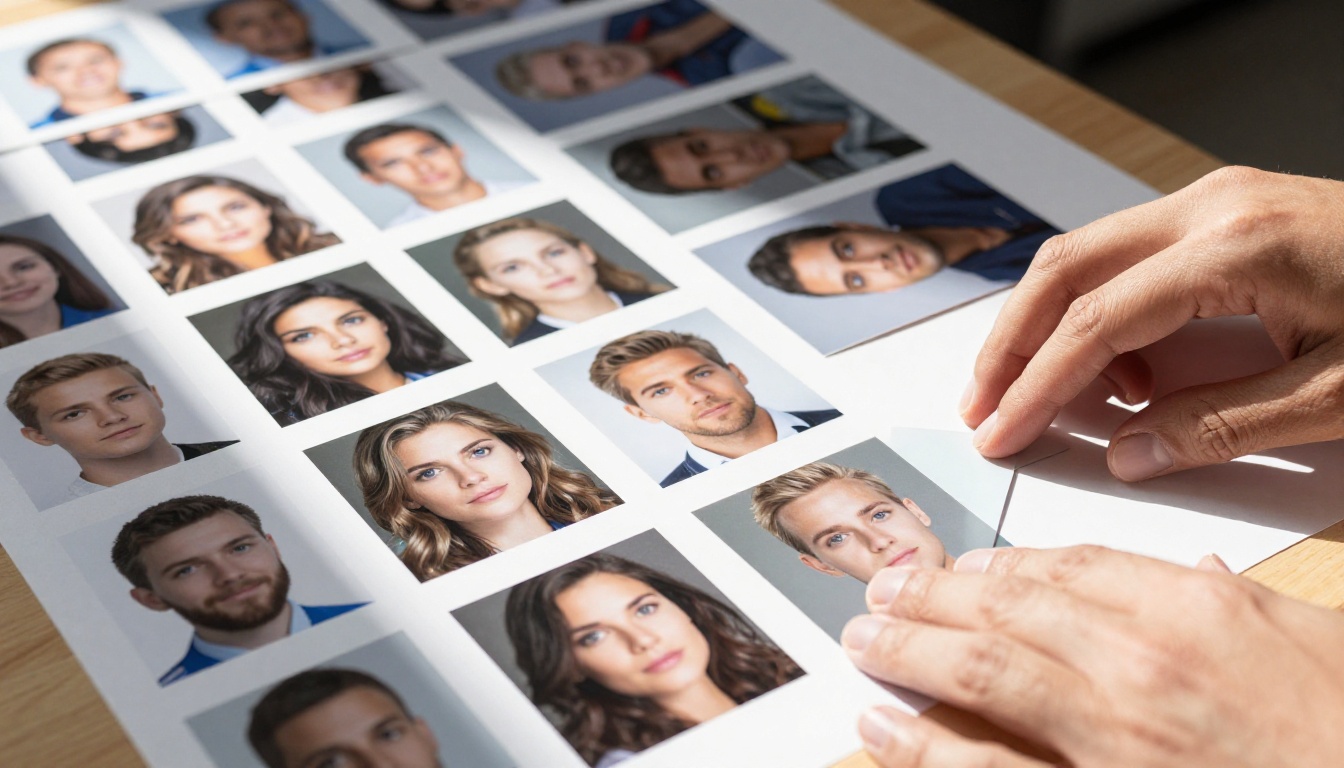
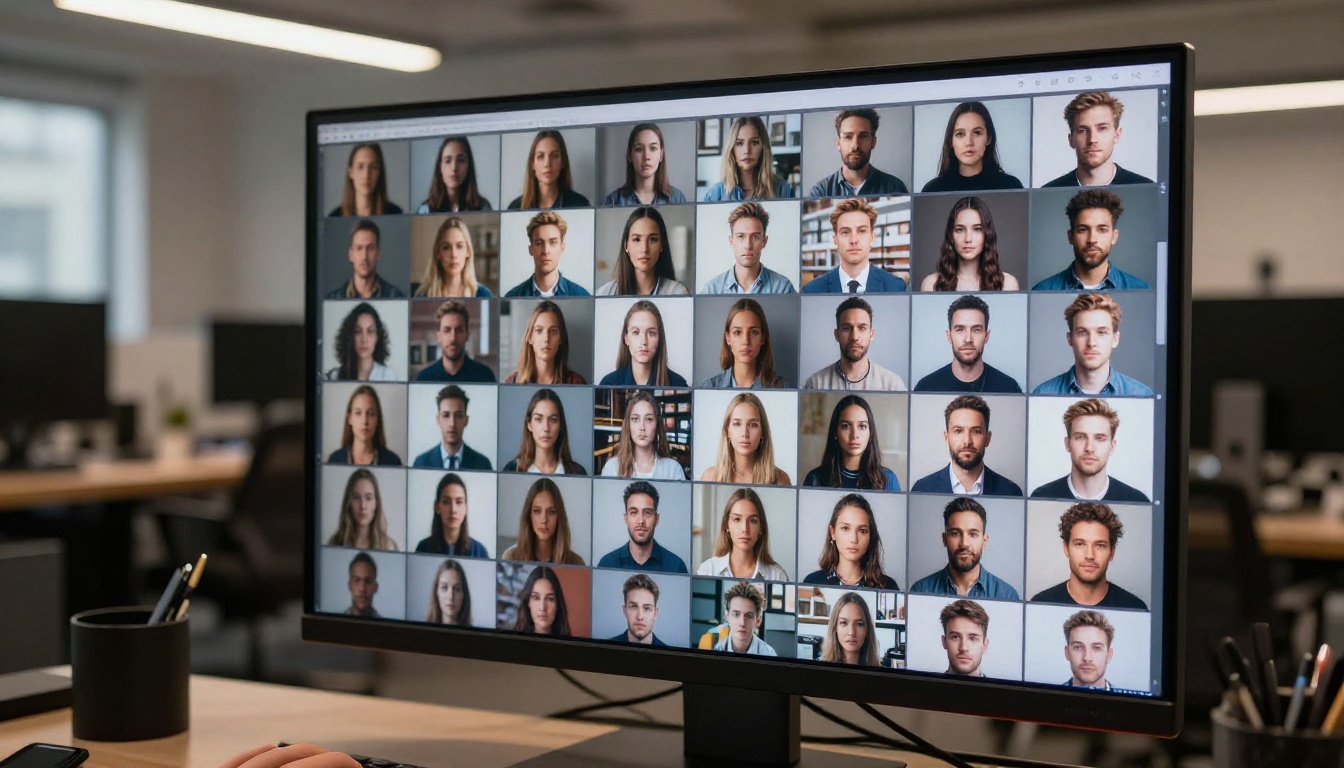
Your dataset is the single most important factor in custom LoRA training. Bad data produces bad LoRAs, and no amount of clever training configuration fixes a broken dataset.
Image Count and Quality
For subject-driven generation (training a specific person, character, or object):
Minimum: 10 images
Optimal: 20 to 30 images
For style training: 50 to 150 images works best
Every image must be sharp and well-lit. Blurry photos, heavy compression artifacts, and mixed resolutions all degrade the LoRA's ability to extract the concept cleanly. Shoot at a minimum of 512x512 resolution; 1024x1024 is preferred for Flux 2 LoRAs.
💡 Variety matters more than quantity. Ten sharp, varied images beat fifty similar ones. Include different angles, lighting conditions, and backgrounds to prevent your LoRA from baking in a single environmental context.
Captioning Your Images Right
Captioning is where most beginners lose quality. Each training image needs a text caption that describes everything in the image except the concept you are teaching. The concept itself should be represented by a unique trigger word that does not already exist in the base model's vocabulary.
For example, training a person named Sarah:
Weak caption: "A photo of Sarah smiling"
Strong caption: "A photo of sks person smiling in a park, warm afternoon light, casual clothing"
The trigger word sks (or any short, unique token you choose) becomes the anchor. When you write sks person in a prompt later, the model understands exactly which specific person to generate.
Tools for auto-captioning:
WD-1.4 Tagger for anime and stylized subjects
BLIP-2 for photorealistic subjects
LLaVA / Qwen-VL for detailed scene descriptions
What to Avoid in Your Dataset
Watermarked images
Screenshots or images with overlaid text
Images with multiple subjects when training a single subject
Extreme crops or overly uniform backgrounds
More than 15% of images from a single session or photoshoot
The Right Training Parameters
Flux 2 LoRA training is sensitive to a few key parameters. Getting these right separates a tight, usable LoRA from a blurry or overfit one.
Learning Rate Sweet Spot
The learning rate (LR) controls how aggressively the model weights shift with each training step. Too high, and your LoRA overfits fast. Too low, and the model barely responds to your data.
LoRA Type
Recommended LR
Scheduler
Subject / Person
1e-4 to 4e-4
Cosine with restarts
Art Style
5e-5 to 2e-4
Constant with warmup
Object / Product
1e-4 to 3e-4
Cosine
A cosine decay schedule is the safest general choice. It starts at your set LR, decays smoothly, and avoids the sudden drops that can destabilize training toward the final steps.
Steps, Rank, and Alpha
Training steps for Flux 2 LoRAs typically land between 500 and 2000. Multiply your image count by 100 as a rough starting point (20 images = 2000 steps). Watch your loss curve and stop early if it plateaus or begins rising.
LoRA Rank (written as r) controls the complexity of the adapter:
Rank 4-8: Small, fast, good for simple concepts
Rank 16: Balanced, works well for most subjects
Rank 32-64: Higher detail capture, larger file, slower training
Alpha controls effective learning rate scaling. A common practice is setting alpha equal to rank (alpha = 16 when rank = 16), or half of rank for more subtle adaptation.
Batch Size and Resolution
For most consumer GPU setups (RTX 3090 / RTX 4090 with 24GB VRAM):
Gradient accumulation: 4 steps when batch size is 1
Training at 512px saves VRAM but produces noticeably softer results. Flux 2 is optimized for 1024px outputs, and LoRA adapters trained at that resolution perform significantly better during inference.
Training Flux 2 LoRA: Step by Step
The most widely used training framework for Flux 2 LoRAs in 2027 is SimpleTuner, though kohya-ss/sd-scripts with the Flux 2 branch also works well for users already familiar with that ecosystem.
Training on a single RTX 4090 at these settings takes approximately 30 to 90 minutes depending on step count and dataset size.
Reading Your Loss Curves
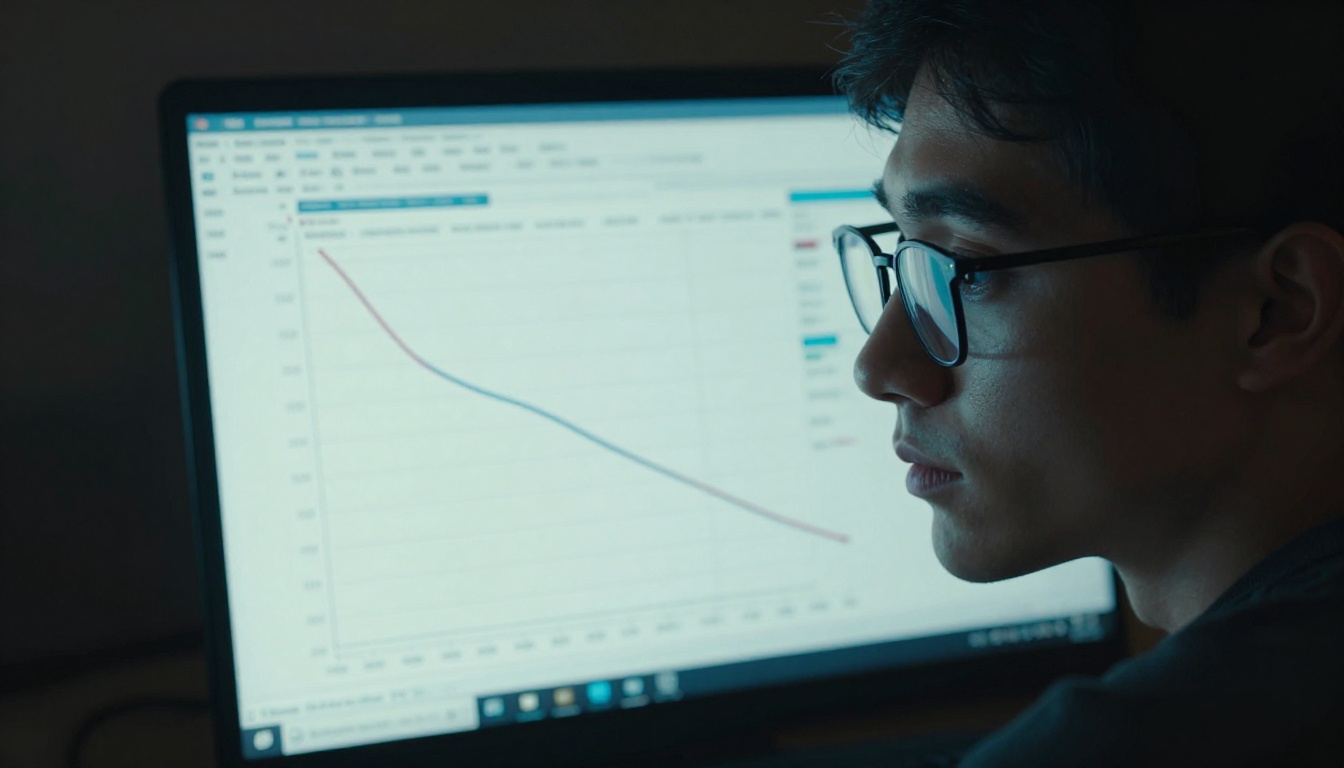
Loss curves tell you whether your LoRA is actually learning. In a healthy training run:
Loss drops sharply in the first 200 to 300 steps
Then levels off and stabilizes at a consistently low value
Loss that keeps dropping without stabilizing signals overfitting
💡 Save checkpoints every 250 to 500 steps. The best LoRA is rarely at the final step. Test intermediate checkpoints with a few prompts to find your sweet spot before the model overfits.
A training loss around 0.05 to 0.15 is typical for Flux 2 subject LoRAs. Style LoRAs usually settle around 0.08 to 0.20 depending on stylistic distance from the base model's training distribution.
Testing Your Fine-Tuned Model
First Inference Test
Once training completes, load your .safetensors LoRA file alongside Flux 2-Dev or Flux 2-Pro using your inference framework of choice. A ComfyUI or Automatic1111 setup with the Flux 2 extension handles this directly.
Start with a simple prompt using your trigger word:
a portrait of sks person in a coffee shop, natural light, 85mm lens
If the model generates a recognizable representation of your trained subject, the LoRA is working. If results are generic or inconsistent, your trigger word placement or captioning likely needs revision.
Trigger Words That Work
Use Case
Example Trigger Placement
Person
"a photo of sks person"
Art Style
"in the style of myart"
Product / Object
"a brd product on a white table"
Character
"mychar character standing outdoors"
Always place the trigger word early in your prompt and pair it with clear contextual description. The model responds to the full semantic context surrounding the trigger, not just the token itself.
How to Use LoRA Models on PicassoIA
PicassoIA gives you direct access to LoRA-powered Flux 2 models without any local setup. If you want to test fine-tuned Flux 2 outputs immediately after training, the platform has several ready-to-use options.
LoRA-Compatible Models on the Platform
The most relevant models for LoRA-based generation on PicassoIA are:
flux-dev-lora: The official Flux Dev variant with LoRA support built in. Load your own .safetensors weights directly from a HuggingFace URL and run inference immediately, no GPU required on your end.
p-image-lora: A pruned, optimized version of the Flux pipeline with LoRA adapter support. Runs faster without significant quality loss, ideal for rapid iteration and testing multiple checkpoints.
sdxl-multi-controlnet-lora: Combines LoRA with multi-ControlNet conditioning for structured, pose-aware generation from the SDXL base.
You can also use Flux 2-Dev, Flux 2-Pro, Flux 2-Flex, and Flux 2-Max for high-quality base inference to evaluate output quality before deploying your LoRA more broadly.
In the LoRA URL field, paste the public HuggingFace URL of your trained .safetensors file
Set LoRA Scale: start at 0.8 for strong influence, reduce to 0.5 for subtle blending
Write your prompt with your trigger word included near the beginning
Set guidance scale between 3.5 and 4.5 (Flux 2 uses lower guidance values than SDXL)
Generate and evaluate the output against your trained concept
💡 LoRA Scale tip: A scale above 1.0 tends to oversaturate the concept and produce artifacts. Stay between 0.6 and 0.9 for most use cases.
Prompt Tips for Custom LoRAs
Writing effective prompts for a custom LoRA differs from standard prompting. A few rules that consistently improve output quality:
Lead with the trigger word in the first sentence of your prompt
Describe the situation, not just the subject: "sks person hiking in golden hour forest light" consistently outperforms "sks person" written alone
Negative prompts still help: "blurry, low quality, distorted face" reduces artifacts even with LoRA active
Guidance scale matters: Flux 2 works best at 3.5 to 5.0 for LoRA inference, lower than what you might be used to from SDXL workflows
3 Mistakes That Kill LoRA Quality
1. Training on too-similar images. If 80% of your 20 images are taken in the same room with the same lighting, your LoRA overfits that context. The model bakes in the environment as part of the concept itself. Vary backgrounds, lighting, and framing aggressively across your dataset.
2. Skipping the caption review step. Many training pipelines offer auto-captioning, and users trust it without reviewing the output. Auto-captions regularly include the subject's distinctive features in the description text rather than isolating them to the trigger word. Always review and manually correct captions before training.
3. Not testing intermediate checkpoints. Overfit LoRAs do not fail suddenly. They degrade gradually after a certain step count. The version at step 1000 is often significantly better than the version at step 2000 for subject LoRAs. Build checkpoint evaluation into your workflow from the start.
💡 Quick quality test: Generate 5 images using the trigger word with wildly different prompts. A strong LoRA preserves the subject across all 5. A weak one only works when the prompt closely mirrors the conditions from your training images.
Build Something That Looks Like Nothing Else
Custom LoRA training is how you stop using AI as a generic image machine and start using it as a tool that reflects your specific creative vision. Whether it is your photography style, a fictional character, a product line, or a face the model has never seen, the workflow above gives you everything you need to make it happen.
PicassoIA's collection of LoRA-compatible models, including flux-dev-lora, p-image-lora, and the full Flux 2 family, means you can test your trained weights immediately in the cloud without needing a local high-end GPU. Pick a model, load your LoRA, write your trigger word, and see what the model does with what you trained it on.
The best way to get sharp at this is to train something, evaluate it honestly, identify where it fails, and train it again with better data. Every iteration reveals something that no written resource can fully replicate.