If you've spent any time searching for a truly uncensored AI image generator, you've probably heard the name FLUX.2 Max come up more than once. It is not hype. Black Forest Labs built something with FLUX.2 Max that actually delivers on the promise of photorealistic, unrestricted adult image generation, and right now it sits at the top of the field. This article breaks down exactly what makes it special, where it has real limits, how it compares to the strongest NSFW alternatives available, and how you can start generating on PicassoIA today without hitting content walls or credit ceilings every five minutes.
What FLUX.2 Max Actually Is
FLUX 2 Max is the flagship model from Black Forest Labs, the team behind the original FLUX architecture that rewrote expectations for open AI image generation. The FLUX 2 family runs as a spectrum: FLUX 2 Dev and FLUX 2 Flex sit at the faster, more accessible end. FLUX 2 Pro sits in the middle. FLUX.2 Max is the ceiling, built to push photorealistic output as far as the current architecture will go.
The Architecture Doing the Work
FLUX models use a hybrid transformer architecture combining diffusion model strengths with more precise text conditioning. In practice this means the model follows your prompt more accurately than most competitors and renders fine detail at a level that surprises even experienced users. Skin texture, fabric weave, individual hair strands, reflected light on wet surfaces, the specific quality of natural morning light on human skin. All of it.
For NSFW generation specifically, this level of detail matters more than almost any other factor. The gap between "AI image" and "something that actually looks real" has always lived in the small things. Pores. Shadows under fabric. The way light catches a collarbone. FLUX.2 Max handles those with far less prompt engineering than competing models demand.
Why "Max" Matters Here
FLUX 2 Max runs the largest parameter count in the FLUX 2 family. More parameters does not automatically produce better images, but here it translates directly to better anatomy, more consistent faces across generations, and higher-fidelity skin rendering. The smaller variants, FLUX 2 Klein 4B and FLUX 2 Klein 9B, are faster and cheaper but show their limits quickly when you push into detailed human figures and faces. Max does not.
FLUX.2 Max for NSFW Content
The real test for any NSFW AI generator is not the marketing copy. It is what comes out when you push it. FLUX.2 Max passes that test in ways most models cannot match.
Realism That Holds Up on Close Inspection
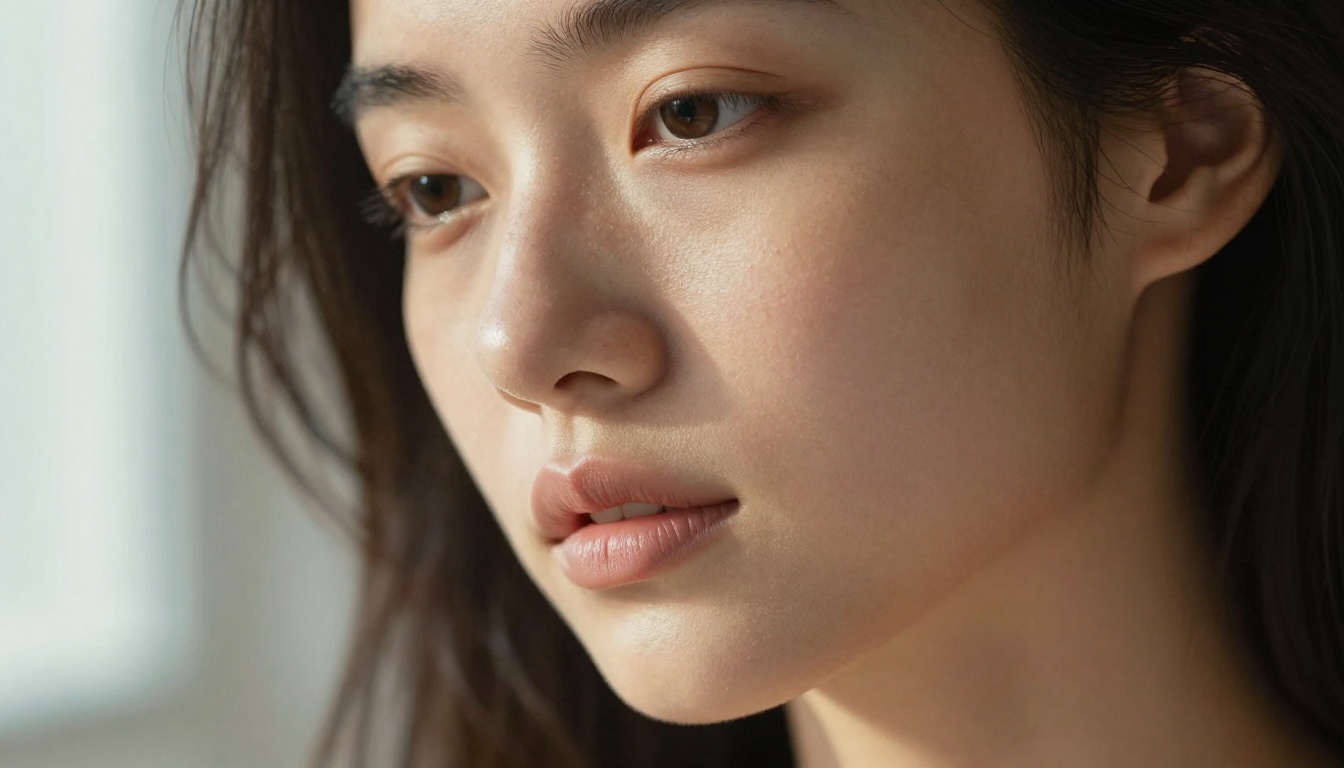
Most AI image generators fall apart on details your brain detects before your eyes fully register them. Fingernails that look wrong. Fabric with no weight to it. Hair that appears painted on after the fact. FLUX.2 Max is genuinely different. At 16:9 native output the detail level holds from full-view down to a 100% pixel crop.
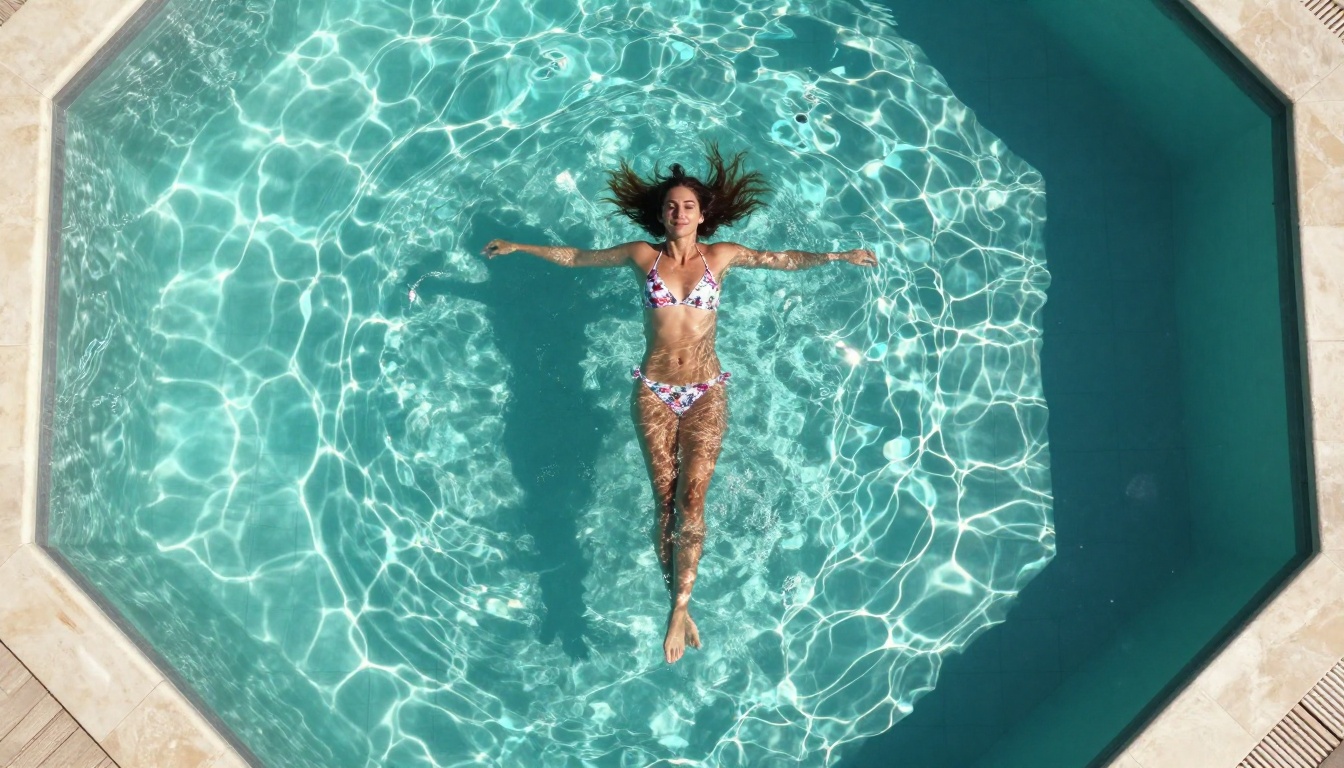
The model handles body proportions well, which is a bottleneck for competing models at similar or higher price points. Poses that break other models, three-quarter body shots with extended arms, figures against complex backgrounds, figures partially behind translucent fabric or partially submerged in water, FLUX.2 Max handles them without the usual anatomical distortion artifacts.
💡 Tip: When generating NSFW content with FLUX.2 Max, specify lighting direction explicitly. "Soft window light from the left creating a rim on her right shoulder" produces dramatically better skin rendering than a generic "good lighting" instruction.
What It Still Struggles With
No model is flawless. FLUX.2 Max's current weaknesses:
- Hands at mid-distance: Fingers in mid-shot or full-body frames benefit from explicit prompting. Add "detailed realistic hands" or use negative prompting against distorted fingers.
- Multiple figures: Two or more people in the same frame increases anatomical error rates significantly. Single-subject frames are where this model shines.
- Dark scenes without explicit lighting: Underexposed prompts without specific light source descriptions produce muddy, undefined results. Always name your lights.
- Very close eye crops: Iris detail at extreme close-up zoom occasionally loses the subtle asymmetry that makes eyes look alive.
None of these are critical for the primary NSFW use case. Single figures in well-described lighting environments are precisely where FLUX.2 Max performs at its best.
How FLUX.2 Max Stacks Up
Before committing to a model, understanding where FLUX.2 Max sits relative to the real competition matters. Here is an honest comparison:
FLUX.2 Max wins on absolute image quality and detail fidelity. Where it loses is speed and cost per generation. If you are running production-volume workflows or need rapid iteration previews, models like Seedream 4.5 or P-Image handle the early rounds more efficiently, with FLUX.2 Max reserved for final renders.
💡 Pro workflow: Iterate fast using P-Image (under 1 second per generation), lock in the composition you want, then finalize with FLUX.2 Max for the production-quality result.
Best NSFW Models on PicassoIA
PicassoIA hosts FLUX.2 Max alongside a curated set of the most capable uncensored generators available today. No content filtering, no surprise bans mid-generation, no arbitrary restrictions on what you can create. Here is the full breakdown of what is available and when to use each:
1. Seedream 4.5: The Top All-Around Choice
Seedream 4.5 ⭐ is the first recommendation for most users starting with NSFW AI generation. It accepts adult content, supports both text-to-image and image editing in a single interface, and generates in under 3 seconds. The realism level sits just below FLUX.2 Max but at a fraction of the wait and cost. For high-volume work, this is the model to reach for.
Important: Seedream 5 Lite does not support NSFW content. Stick with Seedream 4.5 for adult generation.
2. PicassoIA Image Editor Pro: Unlimited Generations
PicassoIA Image Editor Pro is the image-to-image option with one advantage no other model in this list has: unlimited generations on Elite or Infinite plans. Need 500 images for a project? That is 500 images at no additional cost. The same volume on a per-credit model like Nano Banana 2 would cost roughly $100. Here it is included in your subscription. Results return in under 1 second, it accepts NSFW content, and it includes 3 free trial generations with no credit card required.
3. Qwen Image 2: Open-Source Realism
Qwen Image 2 brings open-source architecture to NSFW generation with very detailed realism. Open-source weights mean fewer corporate content restrictions baked into the model. It creates and edits images in seconds, and its detail level on human skin and fabric holds up well against proprietary alternatives.
4. Grok Imagine Image: Image Conversion Specialist
Grok Imagine Image has a specific strength worth noting: it converts any source image to a bikini or swimwear format with realistic results that other image-to-image models cannot consistently match. For workflows involving adaptation of existing photos, this is the model to reach for.
5. Recraft V4: Text-to-Image Precision
Recraft V4 produces very realistic results from text prompts only. It does not support image editing, but for pure text-to-image NSFW generation it delivers quality that competes with models priced significantly higher.
6. P-Image: Speed and Volume First
P-Image generates NSFW images in under 1 second. For prompt iteration or large-quantity production, nothing else in this list matches its speed-to-quality ratio. Use it to vet your prompts before committing to a FLUX.2 Max render.
7. Wan 2.2 Image: Prompt Fidelity Without Filters
Wan 2.2 Image generates highly realistic human figures from text descriptions with no content restrictions. It follows detailed anatomical prompts closely and consistently produces natural-looking results even on complex body positions that trip up faster models.
How to Use FLUX.2 Max on PicassoIA
PicassoIA hosts FLUX 2 Max directly. No API keys to manage, no local GPU requirements, no model file downloads. Here is the exact process:
Step 1: Open the Model Page
Go to picassoia.com/en/collection/text-to-image/black-forest-labs-flux-2-max. The prompt interface loads immediately.
Step 2: Choose Your Aspect Ratio
For portrait work use 9:16. For landscape or scene-based generation, 16:9 distributes detail most effectively across the canvas. FLUX.2 Max handles both well, but aspect ratio significantly affects how the model allocates resolution across the image.
Step 3: Write a Structured Prompt
FLUX.2 Max responds well to prompts that specify all of the following elements:
- Subject and pose: who is in the image, what they are wearing, what position they are in
- Environment: location, background elements, camera distance
- Lighting: light source, direction, color temperature
- Camera specs: lens length, aperture, shooting angle
- Quality modifiers: film stock, resolution reference, style
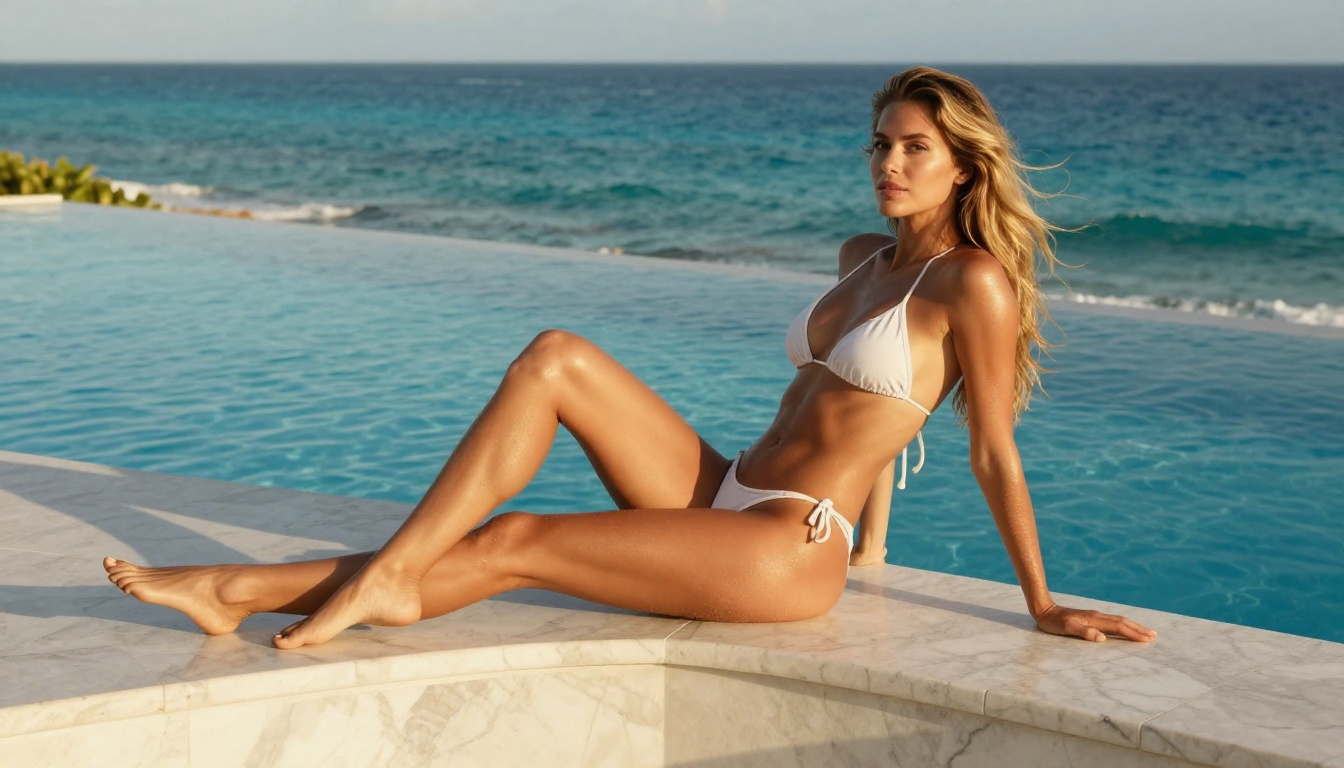
A prompt like "Beautiful woman in a white bikini, seated on a marble poolside ledge, golden afternoon sunlight from the left, 85mm f/1.8, Kodak Portra 400, photorealistic RAW 8K" consistently outperforms a vague request every single time.
Step 4: Iterate With Faster Models First
If your prompt concept is still being refined, run it through Seedream 4.5 or P-Image first to preview composition in seconds. Once the direction is confirmed, switch to FLUX.2 Max for the final high-quality output.
Step 5: Push Further With Super-Resolution
After generating with FLUX.2 Max, native resolution outputs are already very sharp. But if you need print-ready or poster-scale files, PicassoIA's super-resolution models will take you to 4x without visible quality loss, turning a strong AI image into something truly production-ready.
Prompt Patterns That Actually Work
After generating large numbers of NSFW images across models, certain prompt structures consistently produce better results with FLUX.2 Max specifically.
The Photography Brief Format
Write your prompt the way you would brief a photographer:
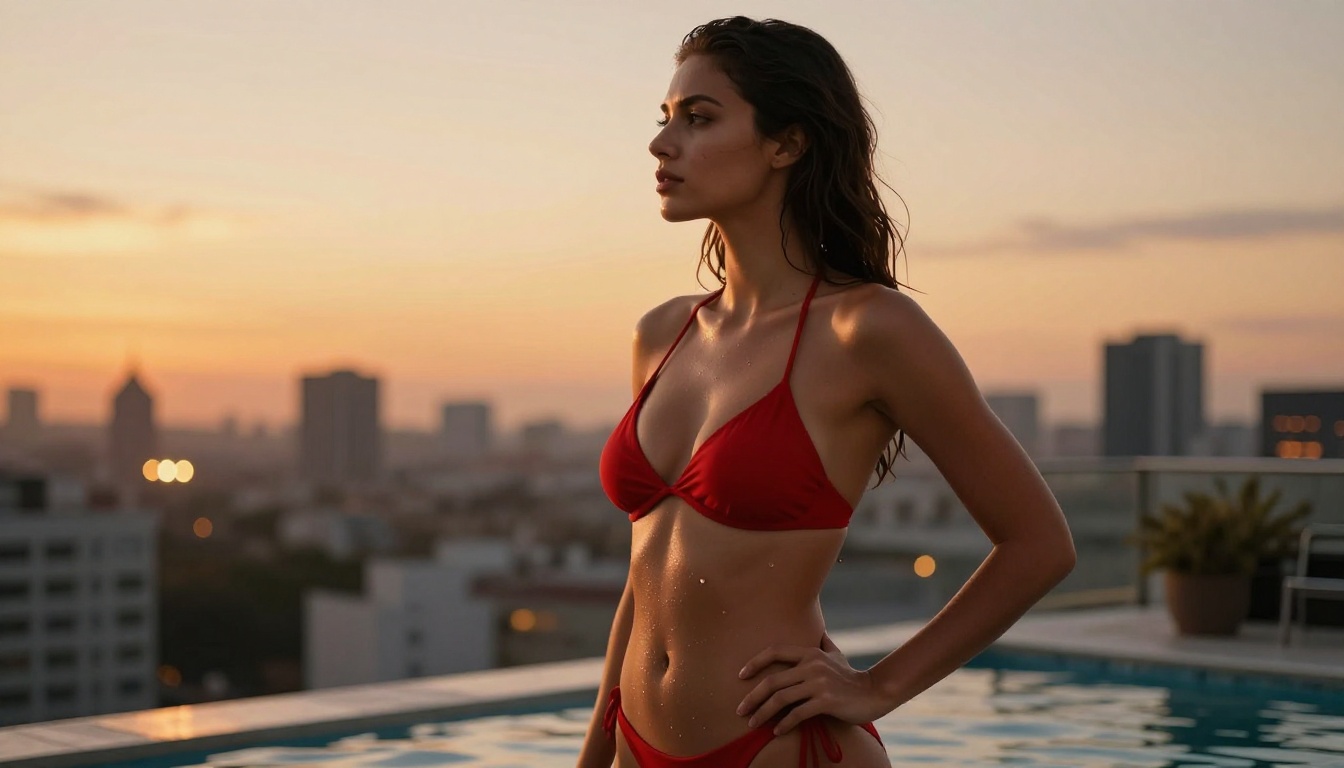
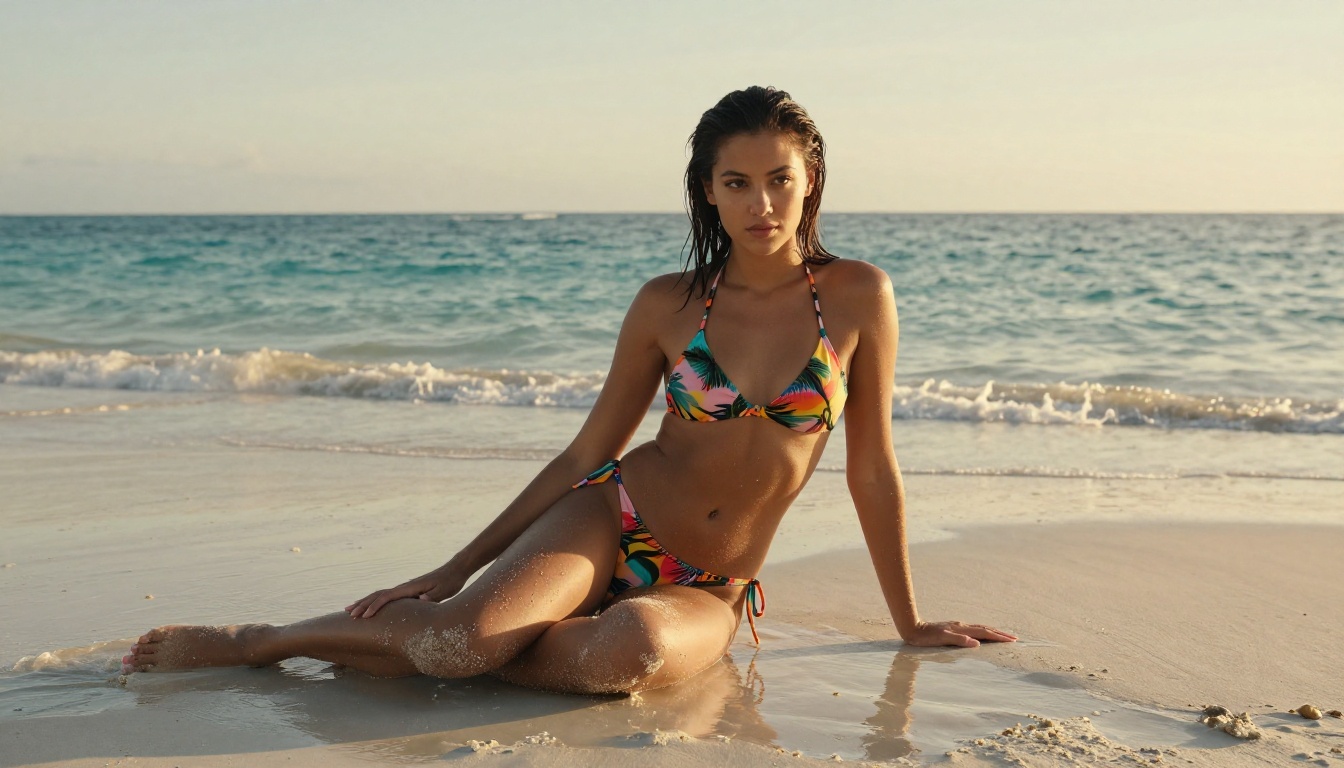
"Close-up portrait of a woman with damp hair on a white sand beach at golden hour, wearing a black bikini top, shot from eye-level at 50mm f/2.0, warm backlight from the sun directly behind her, soft fill from the overcast sky in front, fine skin texture with visible salt water droplets on skin, Kodak Portra 400 grain"
This format works because FLUX.2 Max was trained heavily on photography. Photography-style prompts activate that training directly and produce more consistent anatomy and lighting than abstract conceptual descriptions.
Specify Material Behavior Explicitly
NSFW generation rises or falls on how fabric, skin, and water behave in the final output. Push the specificity as far as you can:
- "Silk fabric with visible directional wrinkles and surface sheen" beats "silk dress"
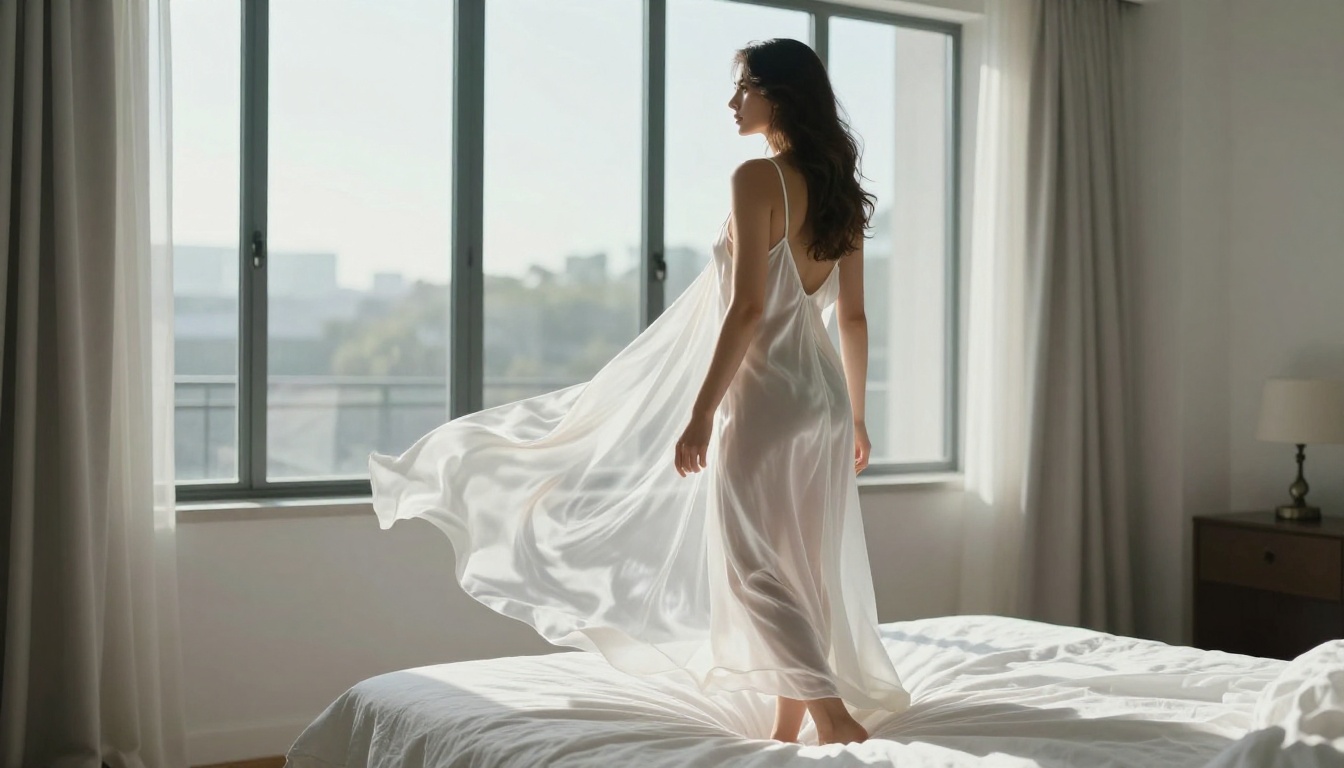
- "Wet cotton clinging naturally to body contours with slight transparency" beats "wet shirt"
- "Sheer black lace with skin visible underneath, individual thread detail rendered" beats "lace top"
- "Water droplets on skin surface, light refracting as a halo at each droplet" beats "wet skin"
Name Your Light Source
Every prompt that produces exceptional results with FLUX.2 Max names exactly where the light comes from.
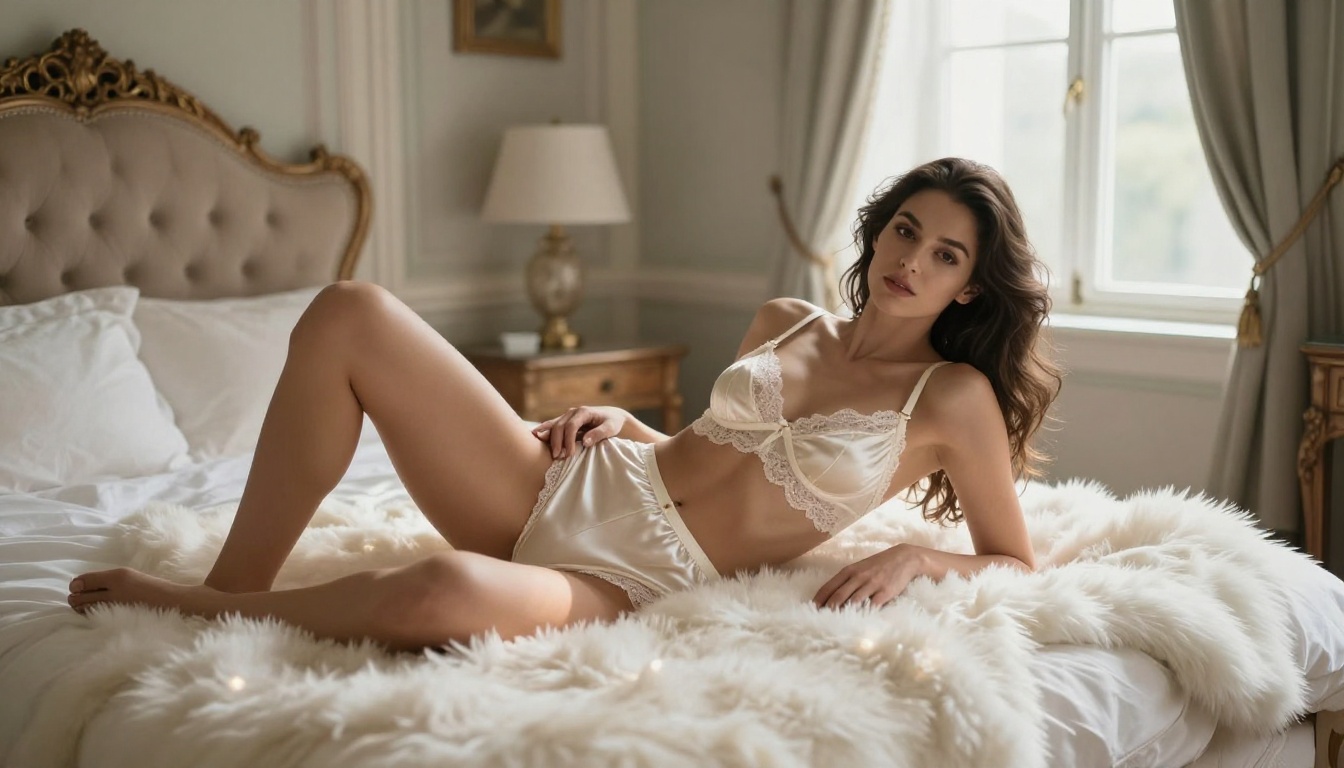
💡 "Volumetric morning light entering from the upper-left window, casting a long diagonal shadow across the right side of her body, skin lit warm amber on the left and in cool shadow on the right" is the level of lighting specificity that separates average outputs from outputs that look like they came from a professional photography studio.
FLUX.2 Max Versus the Full FLUX 2 Family
Knowing where the other FLUX 2 models fit helps you optimize your workflow for both cost and quality across different use cases:
| Model | Best Use Case | Speed | Output Quality |
|---|
| FLUX 2 Max | Final renders, maximum photorealism | Slower | Highest |
| FLUX 2 Pro | Balanced quality and generation speed | Moderate | Very High |
| FLUX 2 Dev | Development iteration and testing | Faster | High |
| FLUX 2 Klein 9B | Volume generation, rapid previews | Fast | Good |
| FLUX 2 Klein 4B | Concept validation only | Very Fast | Moderate |
For NSFW work, FLUX.2 Max is the one to use for anything that needs to look genuinely real. The Klein variants lose too much anatomical detail to be satisfying at detailed NSFW prompt levels. Reserve them for quick concept validation before committing to a Max render.

Where PicassoIA Has the Edge
The model quality alone is not the whole picture. Where you run FLUX.2 Max matters just as much as the model itself. PicassoIA's advantage breaks down to three concrete factors:
No content restrictions. Most mainstream AI platforms block NSFW prompts outright or censor outputs before they reach you. PicassoIA does not intercept your prompts or filter your results. FLUX.2 Max, Seedream 4.5, and every other model on the platform run without content walls between you and your output.
Unlimited generation plans. With PicassoIA Image Editor Pro, Elite and Infinite subscribers generate without per-image limits. That changes the economics of production-scale creative work entirely. No per-image cost anxiety, no credit management mid-project, no surprise bills when a batch runs long.
A full creative stack in one place. Beyond image generation, PicassoIA runs PicassoIA Video for unlimited text-to-video at up to 720p, P-Video for 1080p clips with the safety filter off by default, face swap, super-resolution upscaling, background removal, lipsync, and more. One account, one subscription, one platform.
Try It: No Setup Required
FLUX 2 Max is live on PicassoIA right now. No local hardware, no model downloads, no API configuration. Open the model page, write a detailed prompt, and your first image is ready within seconds.
If you want to sample the full NSFW model lineup before committing to a plan, PicassoIA Image Editor Pro offers 3 free generations with no credit card required. A free trial is the fastest way to see what uncensored, high-realism AI image generation actually looks like in practice, without spending anything.
The complete catalog of NSFW-capable models, including FLUX.2 Max, Seedream 4.5, Qwen Image 2, Grok Imagine Image, Recraft V4, P-Image, and everything else covered in this article, is available at picassoia.com/en/all-models.
Pick a model. Write a real prompt. See what unrestricted AI image generation actually produces.


