Flux 2 Max sits at the top of Black Forest Labs' second-generation lineup, and in 2027, that means something real. Image quality, prompt accuracy, and resolution fidelity have all improved substantially since the first Flux generation, and the Max tier pushes those numbers further than any other Flux 2 variant. But "further" comes with tradeoffs: cost, compute time, and specific use-case fit. This review cuts through the noise to give you a straight answer on whether Flux 2 Max deserves space in your workflow.
What Flux 2 Max Actually Is
Flux 2 Max is the flagship text-to-image model from Black Forest Labs, released as the highest-tier option in the Flux 2 generation. It is not a fine-tune and it is not a variant of something smaller. It was built from the ground up to maximize output fidelity at scale, particularly for professional and commercial applications where image quality cannot be compromised.
The Flux 2 family sits in a clear progression: Flux 2 Klein 4B and Flux 2 Klein 9B at the compact end, Flux 2 Dev for experimentation and local runs, Flux 2 Pro for the production sweet spot, and Max for when quality is the only variable that matters.
The Black Forest Labs approach
Black Forest Labs built Flux from a different set of assumptions than most image-generation labs. Rather than optimizing for speed at the cost of detail, their architecture prioritizes prompt adherence and structural coherence in every output. Flux 2 Max inherits that philosophy and amplifies it, using additional capacity to ensure that complex multi-subject prompts produce outputs where every element lands where it should be, at the resolution it should be.
The result is a model that behaves predictably under pressure. When your prompt is technical, specific, and detailed, Flux 2 Max rewards that precision with outputs that match the mental image behind the words more faithfully than any previous Black Forest Labs release.
Where it sits in the Flux 2 lineup
Output Quality: The Raw Truth
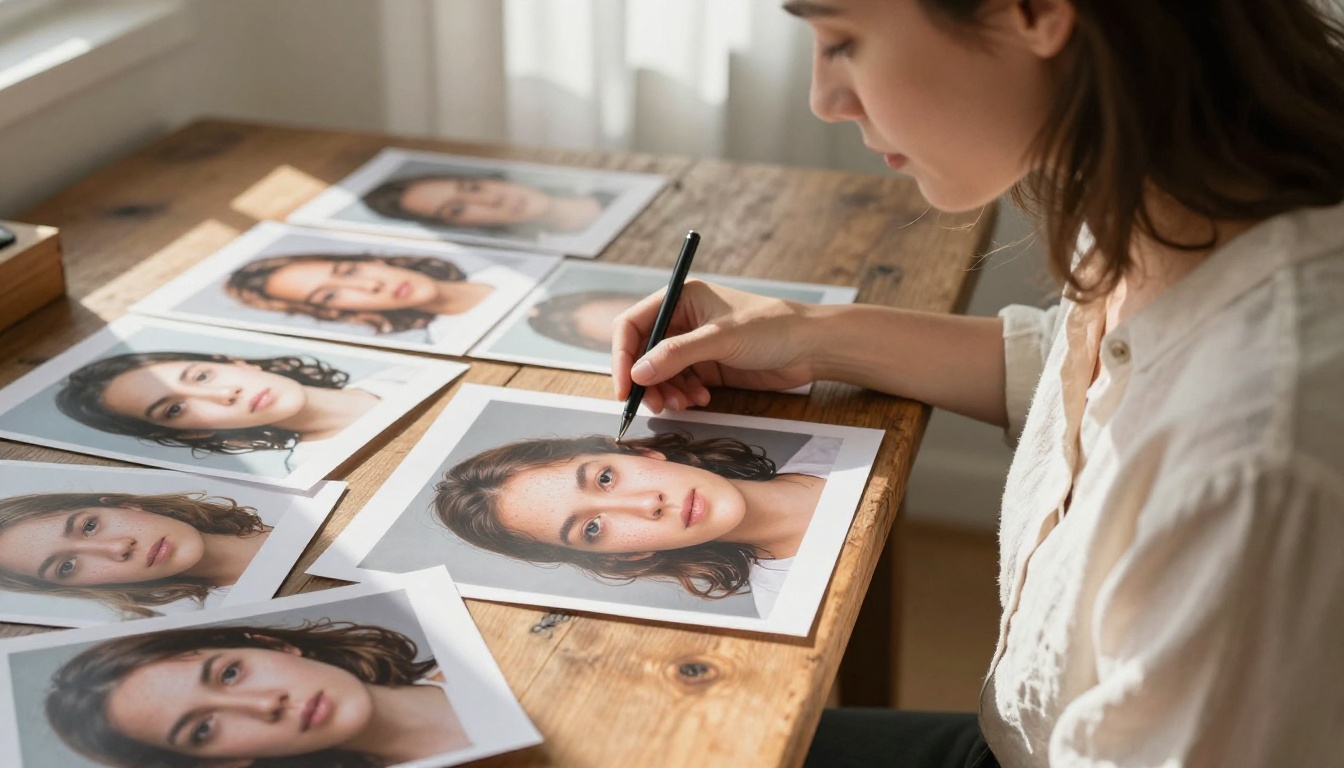
This is where Flux 2 Max earns its position. The outputs from this model are, in practical terms, the most photorealistic AI-generated images currently available on PicassoIA. That is not marketing. That is what happens when you run the same prompt through Flux 2 Pro and Flux 2 Max side by side.
Photorealism that stands out
The specific areas where Max separates itself from Pro are worth naming precisely, because they determine whether the premium is worth it for your use case:
- Skin and surface texture: Pores, hair strands, fabric weave, and material grain all render with a specificity that stops short of uncanny and lands squarely in believable. The difference is most visible in close-up portrait work and fabric-heavy product shots.
- Lighting coherence: Complex lighting setups involving multiple sources, mixed color temperatures, and directional shadows hold together correctly across the full image, not just in the focal point. This is where many competing models fall apart.
- Depth and focus accuracy: Lens simulation is dramatically improved. Bokeh behaves like real aperture physics, not like a blur filter applied in post. Specify 85mm f/1.4 and the model renders the depth falloff that lens produces.
- Micro-detail in backgrounds: Where most models let backgrounds go soft and generic, Flux 2 Max keeps environmental detail sharp and contextually correct even at 4MP. That specificity matters for architectural and interior work.
💡 Tip: Prompts with specific lighting directions (e.g., "volumetric morning light from the upper-left, 85mm f/1.4") extract significantly more from Flux 2 Max than vague lighting descriptions. This model responds to technical specificity.
Where it struggles
No model is flawless. Flux 2 Max shows weakness in a few consistent areas:
- Hands and fine extremities at certain angles still produce subtle anatomical inaccuracies. It is better than Flux 2 Pro but not immune.
- Text rendering is improved but still inconsistent for anything beyond a few characters in a familiar font. If precise in-image text is a hard requirement, use a model specifically trained for it.
- Highly abstract compositions sometimes produce literal interpretations rather than stylistically faithful ones. Max is a realism model at its core; abstract prompts work better on more expressive architectures.
Speed and Cost in Real Workflows
Flux 2 Max is not fast. That is not a criticism; it is a specification. The model was built for quality, and that requires inference time. In real usage on PicassoIA, a standard 4MP generation takes between 20 and 35 seconds depending on queue load and prompt complexity.
Generation time breakdown
| Resolution | Approximate Time |
|---|
| 1MP | 8-12 seconds |
| 2MP | 12-20 seconds |
| 4MP | 20-35 seconds |
For workflows where you are doing rapid prompt iteration to test compositions, this latency matters. Running 20 tests with Max will take significantly longer than running them with Flux 2 Dev or Flux 2 Klein 9B. The recommended professional workflow: use a faster model for iteration, then switch to Max for the final generations once your composition is locked.

Pricing compared to Flux 2 Pro
Flux 2 Max costs more per generation than Flux 2 Pro. On PicassoIA, both are accessible without needing to manage API keys or infrastructure, which removes the single biggest friction point for most creators. The credit cost difference is meaningful for high-volume work but not prohibitive when each image is expected to be a final deliverable.
💡 Practical workflow: Use Flux 2 Pro for iterations 1 through N-1. Switch to Max for the final generation that goes to the client.
How It Compares to Other Flux 2 Models
The Flux 2 family gives professionals more configuration options than any previous generation. Understanding where Max wins and where it is overkill is important for keeping costs and generation time under control.
Flux 2 Max vs Flux 2 Pro
Flux 2 Pro is the workhorse of the Flux 2 lineup. It produces excellent outputs for most professional use cases. The quality gap with Max shows up most clearly in:
- Fine surface textures on fabrics, skin, natural materials, and reflective objects
- Complex scene coherence when a prompt contains many distinct elements that must coexist correctly
- Specular highlights and physically accurate reflective material behavior
For standard product photography, portraits, and editorial work, Flux 2 Pro often reaches within 90% of Max quality at lower cost and faster speed. Whether that 10% gap justifies the premium depends entirely on the deliverable's requirements.
Flux 2 Max vs Flux 2 Dev
Flux 2 Dev is the open-weight variant designed for local runs, experimentation, and fine-tuning bases. It is not optimized for production output quality. Running the same prompt through Dev and Max will show a visible quality gap in lighting fidelity, detail density, and structural accuracy. Dev is valuable for building with, not for delivering to clients.
Flux 2 Max vs Flux 2 Klein
The Flux 2 Klein 9B and Flux 2 Klein 4B models are built for speed. Klein 4B is particularly fast, making it excellent for high-volume low-stakes generation such as thumbnails, social posts, and mockups. The quality gap between Klein and Max is the widest in the family. If the final image is a hero shot for a campaign, Klein is not the answer. If it is one of 500 variations being tested for fit, it absolutely is.
How to Use Flux 2 Max on PicassoIA
PicassoIA gives you direct access to Flux 2 Max without API setup, billing configuration, or rate-limit management. You navigate to the model, write your prompt, and generate.
Getting your first image
- Go to Flux 2 Max on PicassoIA
- Write your prompt: start with the subject, then environment, then lighting, then camera specifics
- Set your aspect ratio. For commercial work, 16:9 or 4:3 covers most applications
- Set resolution to 4MP for final outputs, lower for initial tests
- Click Generate and wait for the result. The model takes 20-35 seconds at full resolution
Prompting tips that actually work
Flux 2 Max rewards precise, technical language. Generic descriptions produce generic images regardless of model quality.
Prompts that extract maximum quality from Max:
- Specify lighting direction precisely: "volumetric afternoon light from the upper-left"
- Name the lens and aperture: "85mm f/1.4 depth of field"
- Describe surface texture in words: "fine linen weave visible at shoulder seam"
- Give atmosphere specifics: "thin morning mist settling in the valley below"
- Close with technical keywords: "RAW 8K, Kodak Portra 400 film grain, photorealistic"
Prompts that waste Max's capacity:
- "A beautiful woman in a nice room with good lighting" (far too vague)
- "Digital art style fantasy scene" (wrong style for this model's strengths)
- Prompts with contradictory elements that create subject confusion
💡 Format tip: Structure your prompt as [Subject and action] + [Environment detail] + [Lighting specifics] + [Camera lens and angle] + [Texture and atmosphere] + [Technical keywords]. This structure consistently produces the highest-fidelity outputs from Flux 2 Max.
Settings that make a difference
- Steps: 30-40 steps produce the best quality-to-time ratio for Max. Higher step counts improve detail density but increase generation time proportionally.
- Guidance scale: 3.5 to 5.0 for photorealistic work. Higher values push literal prompt adherence at the cost of natural-looking composition flow.
- Seed: Save seeds from results you like. Flux 2 Max is deterministic with a fixed seed, which lets you iterate on prompt wording while preserving a composition that is already working.

Real Use Cases That Work
Understanding the right application for a tool matters as much as understanding its technical specs. Flux 2 Max has a clear sweet spot across three professional domains.
Commercial product photography
This is where Flux 2 Max performs most consistently. Product photography demands precise material rendering, controlled lighting, and clean backgrounds. Max delivers on all three. Texture fidelity on glass, metal, fabric, and leather is sufficient for most commercial applications without post-processing corrections.
For creative directors producing catalog imagery, campaign heroes, or e-commerce shots, the model closes the gap between AI-generated and studio-shot to a point where distinguishing the two often requires close inspection. That is a meaningful cost reduction for high-volume commercial production.
Portrait and editorial work
Skin texture accuracy is the benchmark for portrait work, and Max performs well here. The model reliably handles:
- Multiple subjects with consistent proportional relationships in the same frame
- Complex hair with individual strand separation in well-lit areas
- Age-appropriate skin texture differentiation across different subject types
- Natural expression rendering without the subtle plasticity common in earlier models
Editorial work, where mood and atmosphere carry as much weight as technical accuracy, benefits from Max's lighting coherence. A single well-specified prompt produces consistent, usable results across multiple generations.
Architectural and spatial visualization
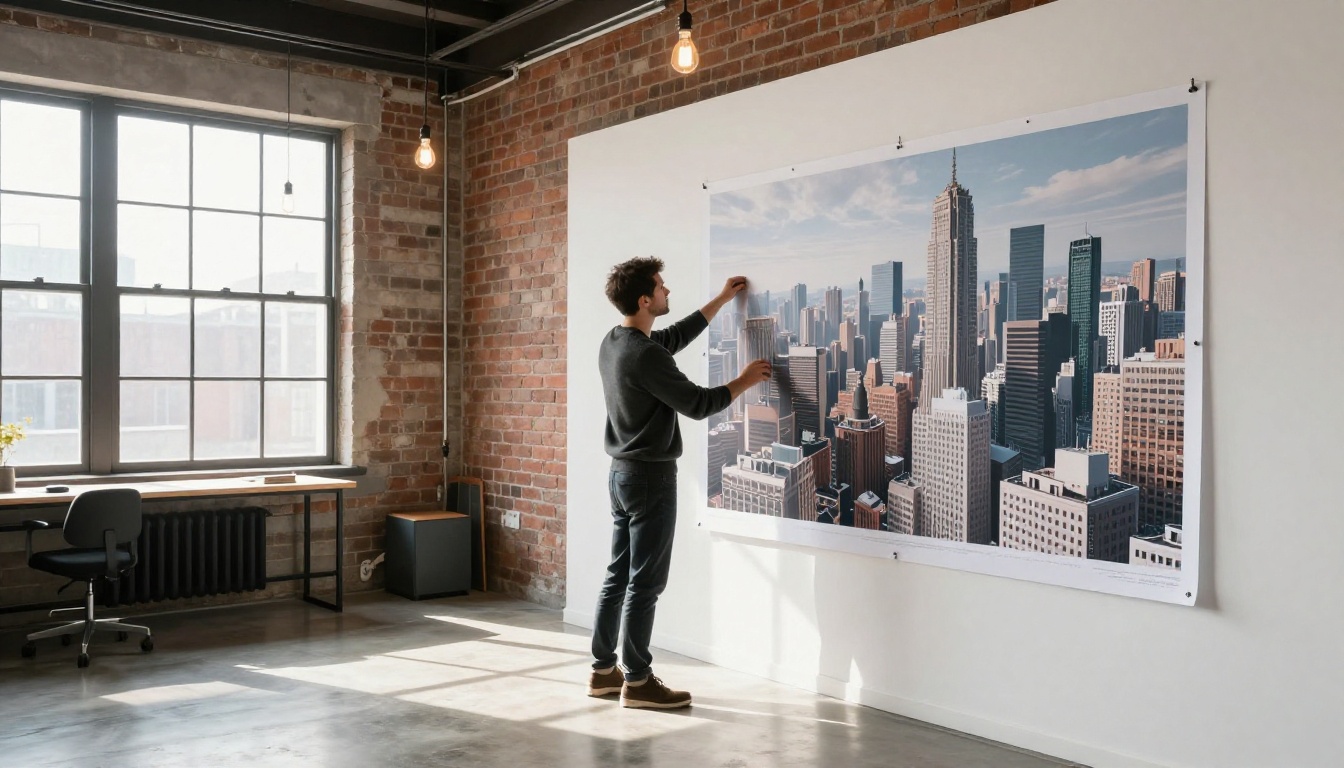
Exterior architectural renders in photorealistic style are among the strongest use cases for Flux 2 Max. The model handles complex geometry, material differentiation across glass, concrete, steel, and wood, and environmental context with high accuracy. Interior scenes are more variable but still produce usable early-stage visualization at a fraction of traditional rendering cost.

For teams working with image editing alongside generation, PicassoIA's inpainting and outpainting tools let you refine Max outputs without starting over from a new prompt. Flux Fill Pro is the natural companion model for filling or extending Max-generated images while preserving their quality level. If you need structural control based on a reference image, Flux Depth Pro and Flux Canny Pro are purpose-built for that workflow.
When It Makes Sense (and When It Doesn't)
Flux 2 Max is not the right tool for every job. Here is an honest breakdown based on practical use:
Use Flux 2 Max when:
- The output is a final deliverable intended for a client, campaign, or portfolio
- Photorealism is a non-negotiable requirement for the project
- You are generating a small number of high-value images rather than large volumes
- The subject requires precise material, lighting, or texture accuracy to be credible
Use a different model when:
The other dimension worth considering is the Flux 1.1 Pro Ultra from the first Flux generation. In 2027, the second-generation Max supersedes it for most use cases, but Ultra remains relevant for specific workflows where first-gen fine-tunes and LoRAs have been built on top of it. If your team has invested in Flux Schnell LoRA or Flux Dev LoRA tooling from previous projects, those remain usable without migration.

Build Something With It
The only way to form a real opinion on Flux 2 Max is to run it. Reading a review gives you a framework, but the model's actual value shows up in the specific images you need for your specific work.
PicassoIA gives you access to Flux 2 Max and the entire Flux 2 family in one place, without infrastructure overhead, API key management, or billing configuration. Start with a prompt you have already tested on a faster model, bring it to Max for the final version, and compare the outputs directly. The quality difference across models in the family is real and visible, and seeing it on your own subject matter will clarify exactly where Max fits in your workflow.
Flux 2 Max is the right answer when quality is the only variable that matters. For everything else in the lineup, PicassoIA has you covered with Flux 2 Pro, Flux 2 Dev, and the full catalog of text-to-image models spanning over 90 options for every use case and budget. Try your first Flux 2 Max generation today and see what your prompts look like when the model is no longer the limiting factor.


