FLUX.2 Max is quietly becoming the go-to AI image model for people who want spicy, uncensored results without dealing with account walls, credit card forms, or content filters that block everything remotely interesting. If you have spent time fighting with censored platforms that blur outputs or refuse suggestive prompts entirely, FLUX.2 Max on PicassoIA is a different experience.
This article details everything you need: what the model actually does differently, the best way to use it on PicassoIA, how to write prompts that get real results, and which other models to combine it with for the best output.
What FLUX.2 Max Actually Does
The Model Behind the Results
FLUX.2 Max is a high-parameter diffusion model built by Black Forest Labs, the team that originally developed the Stable Diffusion architecture. The "Max" variant sits at the top of the FLUX.2 lineup, offering the highest resolution, the strongest prompt adherence, and the most detailed outputs of any model in the family.
Where earlier FLUX versions were strong at general image generation, FLUX.2 Max specifically shines in photorealistic human figures. Skin texture, lighting on curved surfaces, fabric physics, facial detail at close range, all of it renders with a level of accuracy that previous open-source models consistently struggled with. The outputs look like photography, not illustrations.
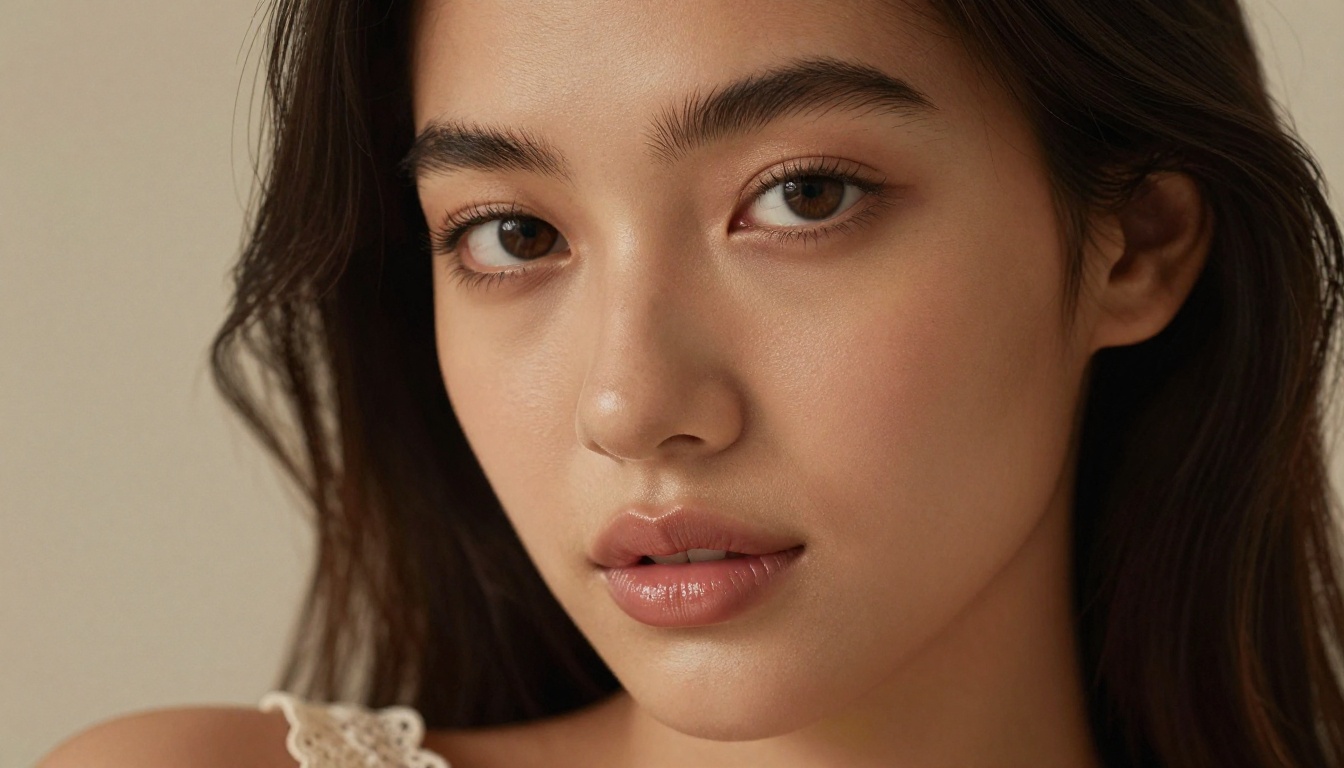
The main technical advantage is FLUX.2 Max's flow matching architecture, which replaces the traditional U-Net approach with a transformer-based structure. This lets the model apply attention across the entire image simultaneously rather than working patch by patch. The result is better spatial coherence. Bodies look anatomically correct, proportions hold across different poses, and the model does not invent phantom limbs or warped anatomy that plagues other generators.
💡 Technical note: FLUX.2 Max runs at native resolutions up to 2048×2048. When paired with super-resolution upscaling, outputs can reach print-quality detail at 4K and beyond.
Why No Signup Changes Everything
The signup barrier in most AI image platforms is not just inconvenient. It is a filtering mechanism. Registration gates let platforms collect data, enforce content policies per account, shadow-ban heavy users, and rate-limit output based on subscription tier.
FLUX.2 Max on PicassoIA removes that gate entirely. You arrive, you prompt, you generate. No email confirmation, no credit card, no waiting for account verification. The generation queue is open and the model runs without the overhead of per-account content filtering layers that typically slow down censored platforms.
For spicy content specifically, this matters more. Platforms with accounts tend to implement progressive restrictions. Your first few images are fine, then the model starts refusing, then your account gets flagged. Without an account, none of that applies.
Best Models for Spicy AI Images on PicassoIA
PicassoIA hosts over 90 text-to-image models. Not all of them handle suggestive content with equal quality. Here are the models that consistently deliver the best results for this category.
Seedream 4.5 Takes the Lead
Seedream 4.5 is the strongest starting point for NSFW and spicy AI image generation on PicassoIA right now. It produces exceptionally realistic skin, handles intimate lighting conditions well, and responds accurately to detailed anatomical prompts without distorting the output.
Seedream 4.5 is particularly strong at:
- Photorealistic portraits with accurate facial anatomy
- Skin texture and tone consistency across different ethnicities
- Intimate lighting such as candlelight, low bedroom light, and rim-lit silhouettes
- Fabric and clothing physics including sheer fabrics, stretch materials, and wet clothing
The model runs quickly even at high resolutions, making it practical for iterating through multiple prompt variations without waiting long between outputs.
💡 Important: Do not use Seedream 5 Lite for NSFW content. The Lite variant has a content filter that blocks adult-adjacent prompts. Stick with Seedream 4.5 for uncensored results.

PicassoIA Image Editor Pro
PicassoIA Image Editor Pro is the unlimited generation option. Where some models on the platform have soft limits or slower queue times for heavy users, Image Editor Pro is built for sustained use. You can run dozens of iterations without throttling.
This makes it ideal for the prompt refinement workflow: generate a base image, identify what is off, adjust the prompt, regenerate. For spicy content where getting the exact lighting angle, body position, or fabric treatment right requires multiple attempts, having unlimited generations without a cooldown is a real advantage.
The model also handles inpainting and outpainting well, letting you extend or fix specific areas of an existing image without regenerating from scratch.
FLUX.2 Max for Photorealistic Detail
FLUX.2 Max is best used when you want maximum photorealistic quality and are willing to spend slightly more time per generation. Its outputs take longer than Seedream 4.5 but deliver noticeably higher detail in:
- Micro skin texture (pores, fine hair, moisture)
- Fabric specularity and shadow definition
- Background depth and environmental coherence
- Facial expression accuracy at close-up framing
The practical workflow many users follow: draft with Seedream 4.5 for speed and iteration, finalize with FLUX.2 Max when a composition is working well and you want the highest quality output.
How to Prompt for Spicy Content
Prompting for suggestive or adult AI content is a skill. The same phrase that produces a vivid result in one model produces a blurry mess in another. FLUX.2 Max responds best to specific, descriptive language rather than vague requests.
What Works in a Prompt
The most effective prompts for spicy AI images follow a predictable structure:
1. Subject and clothing state
Describe exactly who is in the image and what they are wearing. Be specific: "a woman in a white sheer linen shirt unbuttoned at the collar" produces a completely different result than "a woman in a shirt."
2. Environment and lighting
Lighting is what separates photorealistic spicy images from flat, lifeless ones. Always specify:
- Direction of light (side light, backlight, overhead, diffuse)
- Source (golden hour sun, single lamp, candles, window)
- Quality (hard shadows, soft diffusion, rim light, ambient glow)
3. Camera and lens
FLUX.2 Max responds to photographic metadata in prompts. Including lens specifications forces the model toward photorealistic rendering:
85mm f/1.4 shallow depth of field35mm wide angle, sharp foreground105mm macro, extreme close-up detail
4. Film and texture cues
Adding film emulation terms brings the output closer to photography and away from CGI:
Kodak Portra 400Fujifilm Pro 400Hnatural film grain, ISO 800
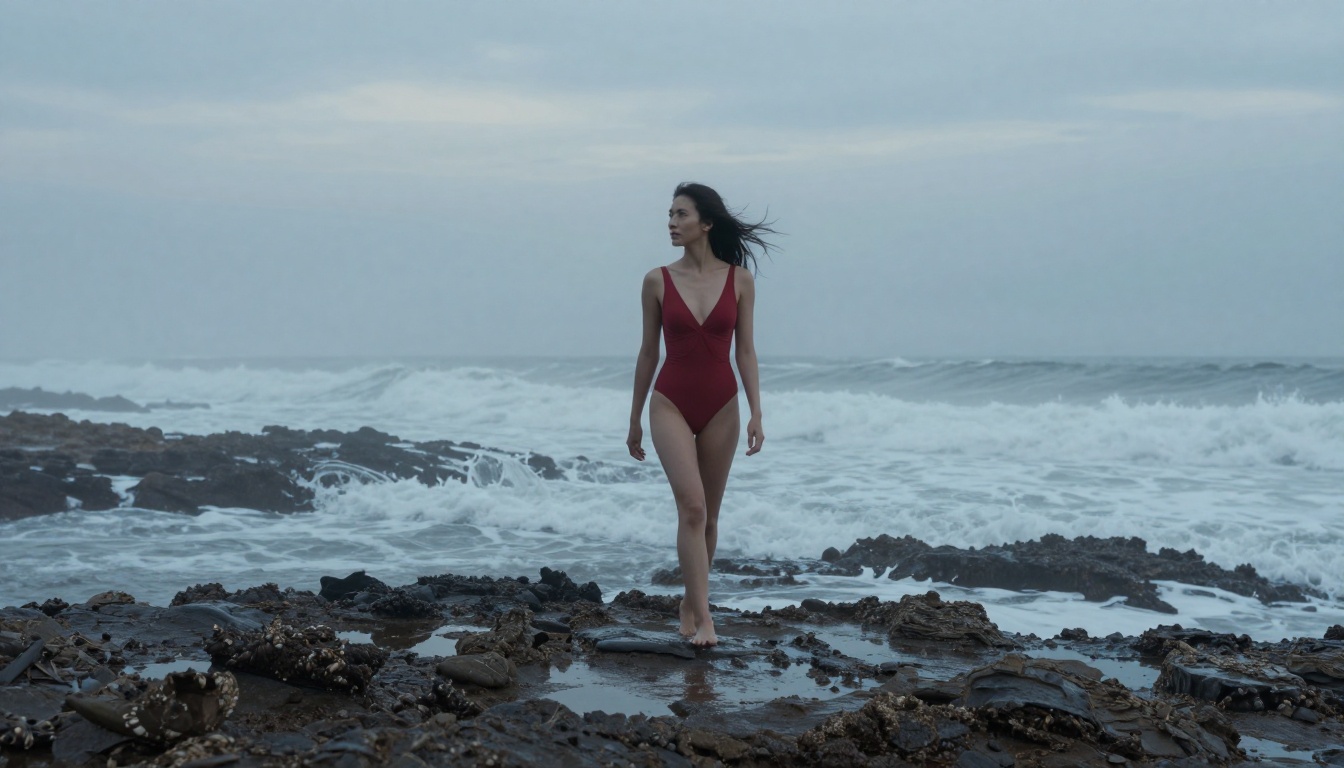
Full prompt example that works:
"A beautiful woman with dark hair lying on white hotel sheets in the morning, wearing only a thin white linen shirt, sunlight streaming through sheer curtains creating soft shadows across her waist, 85mm f/1.4 shallow depth of field, Kodak Portra 400 tones, natural skin texture, photorealistic 8K RAW photography"
Prompt Mistakes People Make
These are the most common errors that produce disappointing results with FLUX.2 Max:
- Being vague: "a sexy woman" gives the model too little to work with. The model defaults to average outputs.
- Stacking style words without substance: "ultra realistic cinematic stunning gorgeous" without describing the actual image produces generic results.
- Skipping lighting: Without lighting direction, outputs look flat and unnatural.
- Using forbidden style words: Avoid "digital art," "3D render," "illustration," "cartoon." These push FLUX.2 Max toward non-photorealistic outputs.
- Forgetting the background: Even if the subject is the focus, specifying the background (blurred hotel room, outdoor pool, stone wall) anchors the image in reality.
💡 Tip: Write your prompt as if briefing a real photographer on a shoot. Include the location, time of day, outfit, mood, and exact camera setup.
FLUX.2 Max vs Other Models
Here is how FLUX.2 Max compares to the other common options for spicy AI image generation:
| Factor | FLUX.2 Max | Midjourney | DALL-E 3 | Stable Diffusion |
|---|
| No Signup Required | ✅ Yes | ❌ No | ❌ No | Varies |
| NSFW Support | ✅ Full | ❌ Blocked | ❌ Blocked | Varies |
| Photorealism | ⭐⭐⭐⭐⭐ | ⭐⭐⭐⭐ | ⭐⭐⭐ | ⭐⭐⭐⭐ |
| Prompt Accuracy | ⭐⭐⭐⭐⭐ | ⭐⭐⭐⭐ | ⭐⭐⭐⭐ | ⭐⭐⭐ |
| Generation Speed | Moderate | Fast | Fast | Fast |
| Free Access | ✅ Via PicassoIA | ❌ Paid | ❌ Paid | Self-host only |
The critical difference is the combination: FLUX.2 Max offers the highest photorealistic quality in the market while running on a platform that does not require account creation or payment to start generating.

Midjourney v6 is genuinely impressive but its content policies block almost all adult content. Even mildly suggestive prompts get refused. DALL-E 3 is stricter still, with OpenAI's content filtering layer rejecting anything that mentions skin, intimacy, or swimwear in certain framings. Stable Diffusion base models support NSFW but require local installation and GPU hardware to run without a service layer.
FLUX.2 Max on PicassoIA is the only option in this list that combines top-tier photorealism, NSFW support, and zero-barrier access.
How to Use FLUX.2 Max on PicassoIA
5 Steps to Your First Image
Getting your first spicy AI image with FLUX.2 Max takes under two minutes from a cold start.
Step 1: Go to picassoia.com/en/all-models and open the text-to-image section.
Step 2: Select FLUX.2 Max from the model list.
Step 3: Write your prompt in the text box. Follow the structure above: subject, clothing, environment, lighting, camera, film.
Step 4: Set the aspect ratio. For horizontal full-body shots, use 16:9. For vertical portrait shots, use 9:16.
Step 5: Click generate. No account needed. The result downloads directly to your device.
Settings That Matter
FLUX.2 Max on PicassoIA exposes a few main generation parameters worth adjusting:
Steps (inference steps): Higher steps equal more detail but slower generation. For spicy content where skin texture and fabric rendering matter, use 30-40 steps. Quick draft iterations can run at 20.
CFG Scale (guidance scale): Controls how closely the model follows your prompt. A value of 7-8 is the sweet spot for FLUX.2 Max. Going above 10 often produces oversaturated, artifacted results.
Seed: Fix the seed when you want to iterate on a specific composition. Change one element of the prompt while keeping the seed constant to compare variations.
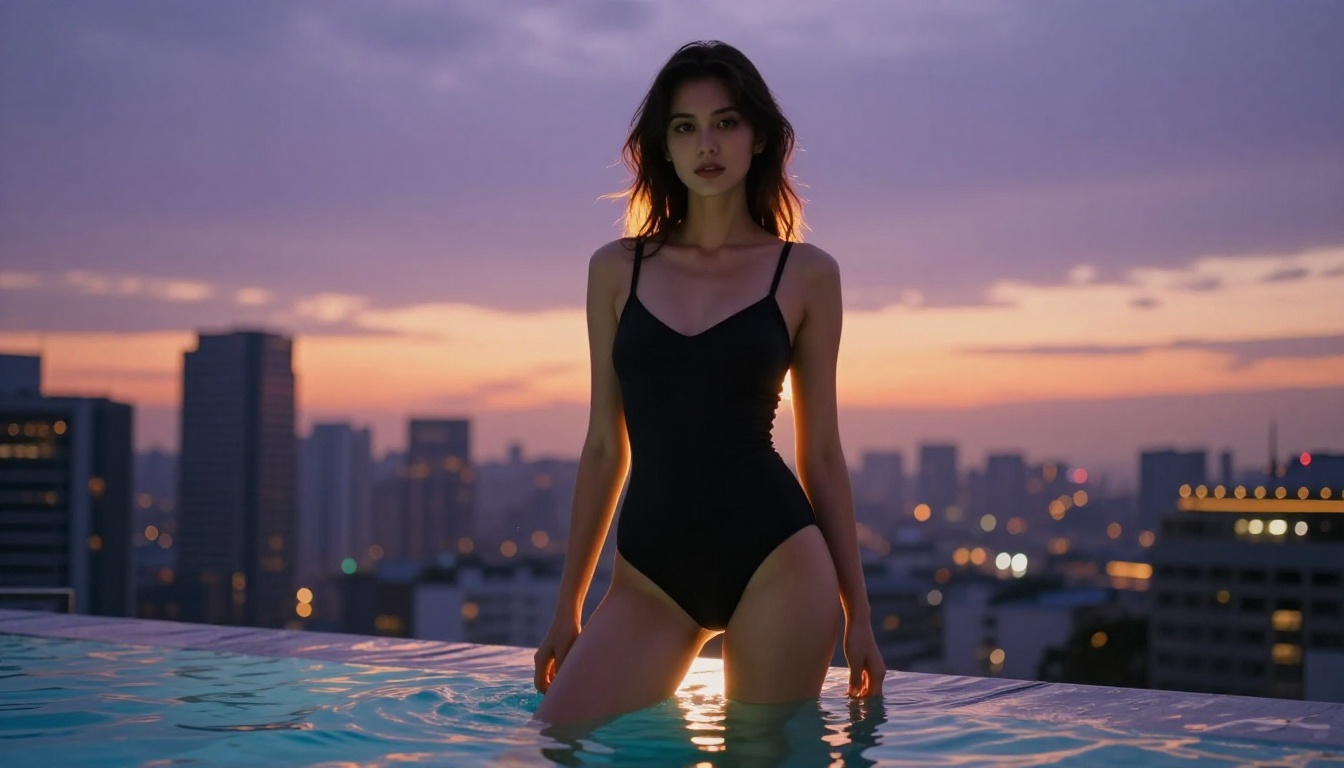
Resolution: FLUX.2 Max outputs at up to 2048px natively. For the highest quality, generate at 1024×576 (16:9) and then upscale using the super-resolution tools on PicassoIA.
Upscale and Refine Your Images
Super Resolution on PicassoIA
Super Resolution on PicassoIA takes your FLUX.2 Max outputs and scales them 2x or 4x while preserving and improving detail. This is particularly valuable for spicy images where skin texture and fine detail are part of the appeal.
The super-resolution models on PicassoIA use real-ESRGAN and similar architectures to:
- Recover fine skin detail that was soft in the original output
- Sharpen fabric texture without introducing haloing artifacts
- Increase resolution to print-quality without visual degradation
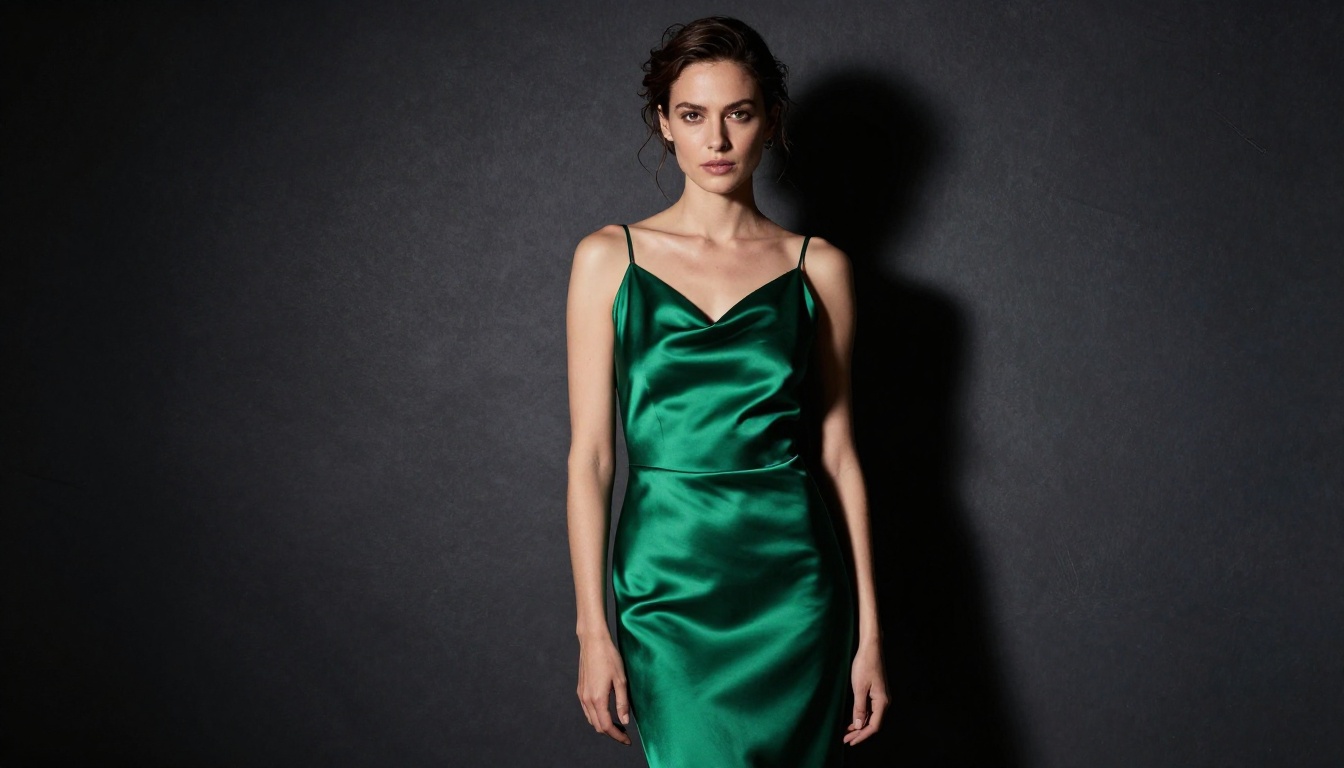
The workflow: generate at standard resolution in FLUX.2 Max, confirm the composition and lighting are correct, then pass the output through super-resolution to get the final high-detail version. This is faster than generating at maximum resolution from scratch every time.
Other editing tools worth using after generation:
- Inpainting: Fix specific areas (a face that is slightly off, a hand that looks wrong) without regenerating the whole image
- Object Replacement: Swap clothing items or accessories in an existing image
- Background Removal: Isolate the figure for use in composites
All of these are available without account creation on PicassoIA.
Create Your Own Right Now
The combination of FLUX.2 Max's photorealistic quality, Seedream 4.5's speed for iteration, and PicassoIA's no-signup access creates a workflow that works better than any single censored platform for spicy AI image generation.
There is no reason to keep fighting with platforms that blur your outputs or lock the good models behind a paywall. Everything described in this article is running right now, free, and requires nothing more than a browser.
Start with FLUX.2 Max for your best outputs. Switch to Seedream 4.5 when you need speed. Use PicassoIA Image Editor Pro when running long sessions with unlimited generations. Finish every keeper image with Super Resolution for the highest quality output.
The full model catalog, including over 90 text-to-image options and 87 video generation models, is at picassoia.com/en/all-models.


