The AI image generation landscape has exploded with powerful new models, but two names consistently rise to the top: Flux 2 Max and Stable Diffusion 3.5. Both promise stunning results, but which one actually delivers for your specific needs?
I've spent considerable time testing both models on PicassoIA, pushing them through various scenarios from product photography to fantasy landscapes. Here's what I found.
What Makes These Models Different?
Before diving into head-to-head comparisons, it's worth understanding what each model brings to the table.
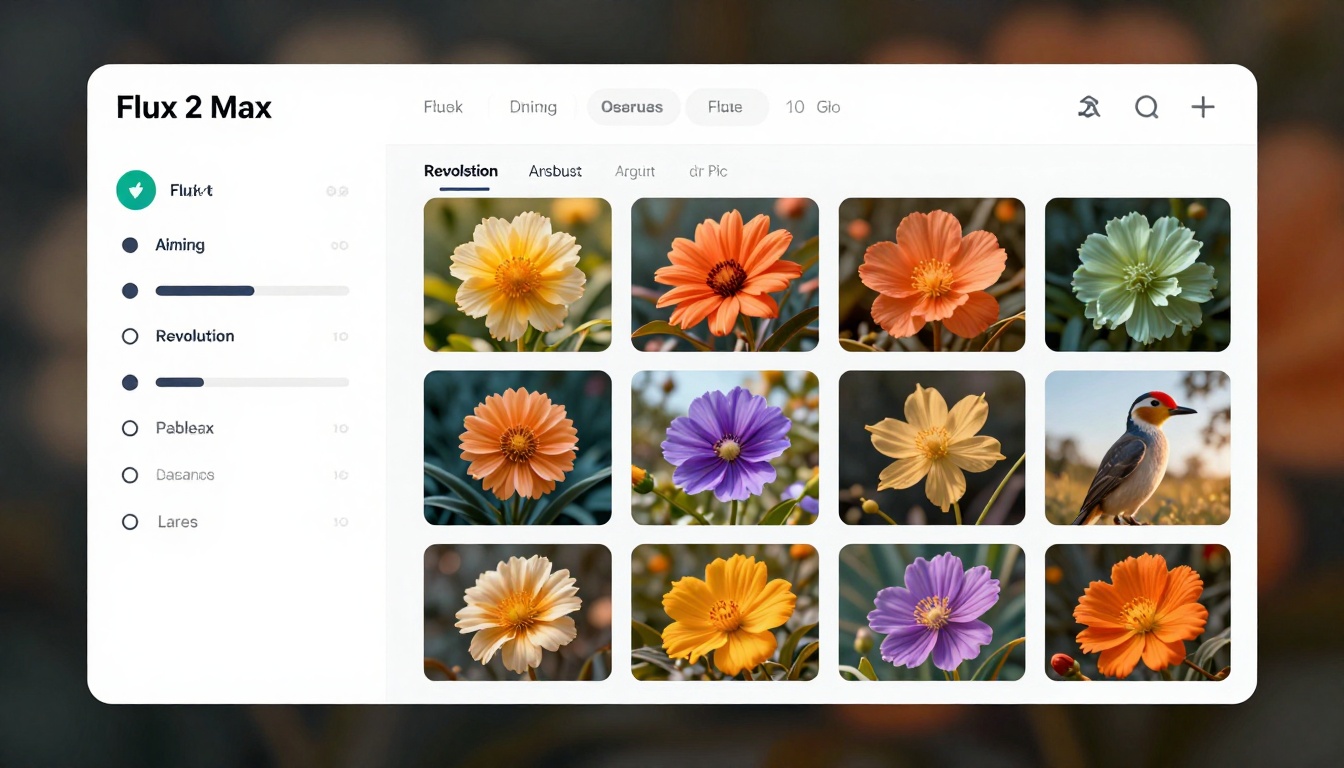
Flux 2 Max comes from Black Forest Labs and represents their latest push for high-fidelity image generation. The model supports resolutions up to 4 megapixels and can work with up to 8 reference images simultaneously. One feature that stands out is its flexible aspect ratio system, including a custom option where you can specify exact dimensions.
Stable Diffusion 3.5 Large, developed by Stability AI, takes a different approach. It focuses heavily on artistic versatility and prompt adherence. The model excels at interpreting complex descriptions and offers fine-tuned control through guidance scale adjustments.
Resolution and Output Quality
This is where things get interesting. Both models produce high-quality images, but they shine in different areas.
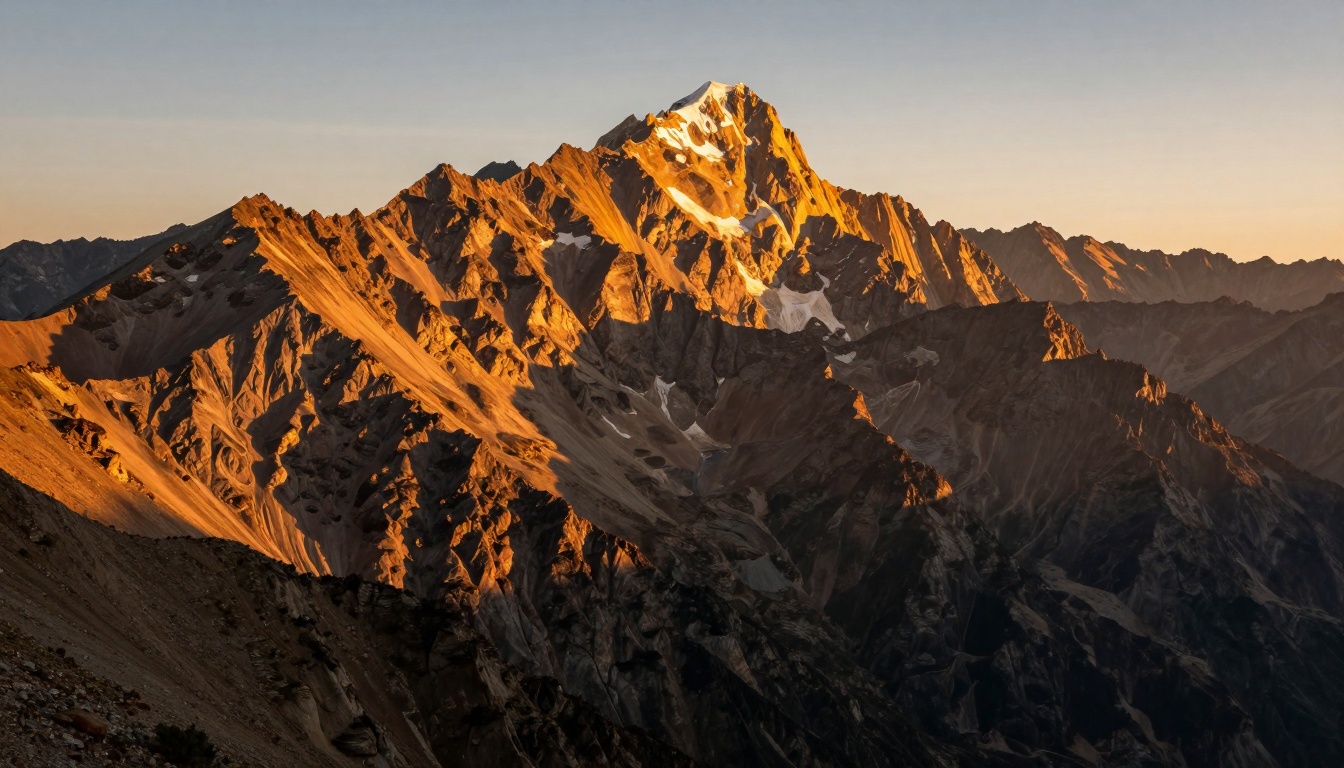
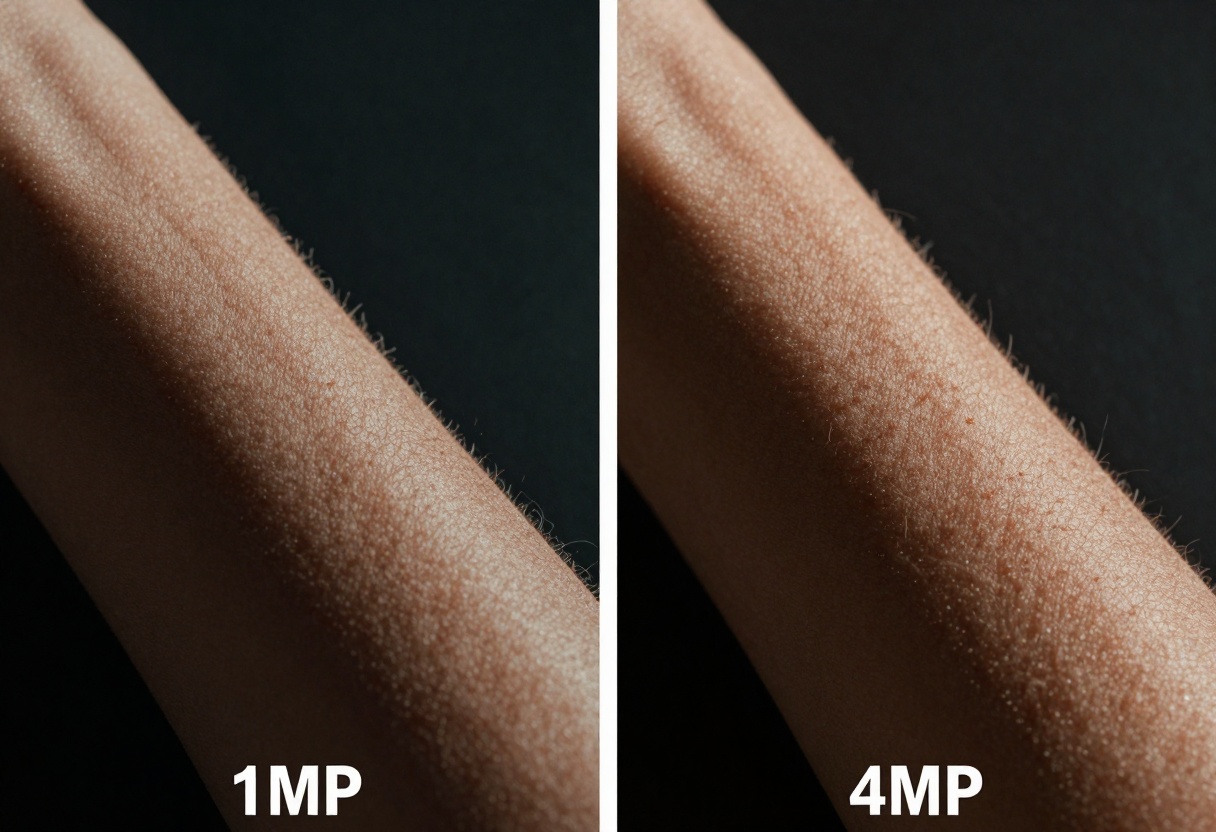
Flux 2 Max offers more granular resolution control. You can choose between 0.5 MP, 1 MP, 2 MP, and 4 MP outputs. The higher resolutions produce incredibly detailed images, though the sweet spot seems to be around 2 MP for most use cases. Push it to 4 MP and you'll get stunning detail, but generation times increase noticeably.
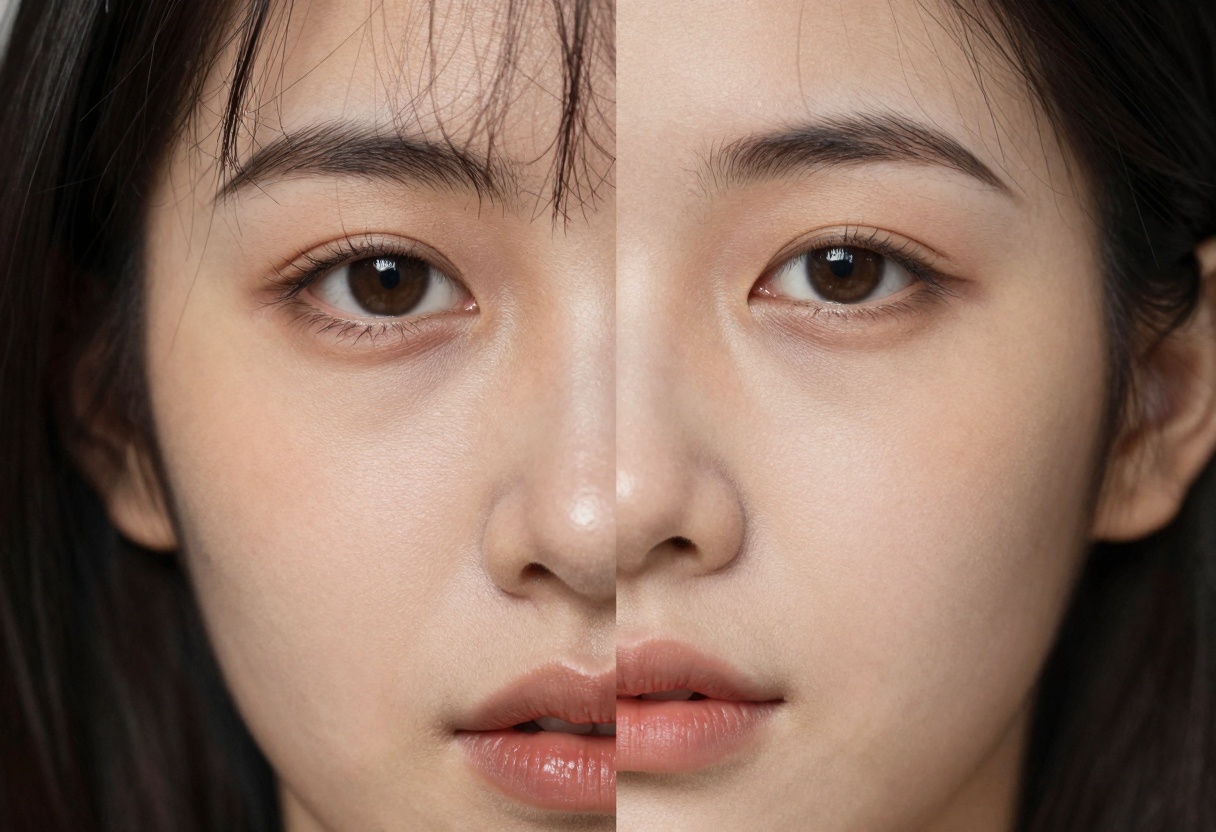
Stable Diffusion 3.5 doesn't specify resolution in megapixels but instead focuses on aspect ratio choices. The results are consistently sharp and detailed, particularly when working with photorealistic subjects. I found the model handles fine textures exceptionally well, especially in architectural renders and portrait work.
Aspect Ratio Flexibility
Flux 2 Max takes the crown here. The model supports 10 different aspect ratios including 1:1, 16:9, 3:2, 2:3, 4:5, 5:4, 9:16, 3:4, and 4:3. Even better, there's a custom option where you can specify exact width and height (in multiples of 32). This flexibility makes it perfect for specific deliverables like Instagram posts, YouTube thumbnails, or print layouts.
Stable Diffusion 3.5 offers nine aspect ratios: 16:9, 1:1, 21:9, 2:3, 3:2, 4:5, 5:4, 9:16, and 9:21. While this covers most common use cases, the lack of custom dimensions can be limiting for specialized projects.
Prompt Interpretation
Here's where personal preference comes into play. Both models interpret prompts differently, and which you prefer depends on your workflow.
Flux 2 Max tends to be more literal with prompts. Give it a detailed description and it will follow it closely. This makes it predictable and reliable for commercial work where you need specific outcomes. The model also benefits from reference images, using them to guide style and composition.
Stable Diffusion 3.5 offers more creative interpretation. The same prompt can yield varying results, which is fantastic for creative exploration but can be frustrating when you need consistency. The guidance scale parameter (cfg) helps control this, letting you dial in how strictly the model follows your prompt.
In practical testing, both models perform well, but there are differences worth noting.
Flux 2 Max generation times vary with resolution. At 1 MP, you're looking at quick generations suitable for rapid iteration. Push it to 4 MP and you'll wait longer, but the quality justifies the patience for final deliverables.
Stable Diffusion 3.5 Large maintains relatively consistent generation times across different aspect ratios. The "Large Turbo" variant offers faster processing with minimal quality trade-offs, making it ideal for projects where you need to generate multiple variations quickly.
Creative Versatility
Both models handle diverse styles, but they have different strengths.
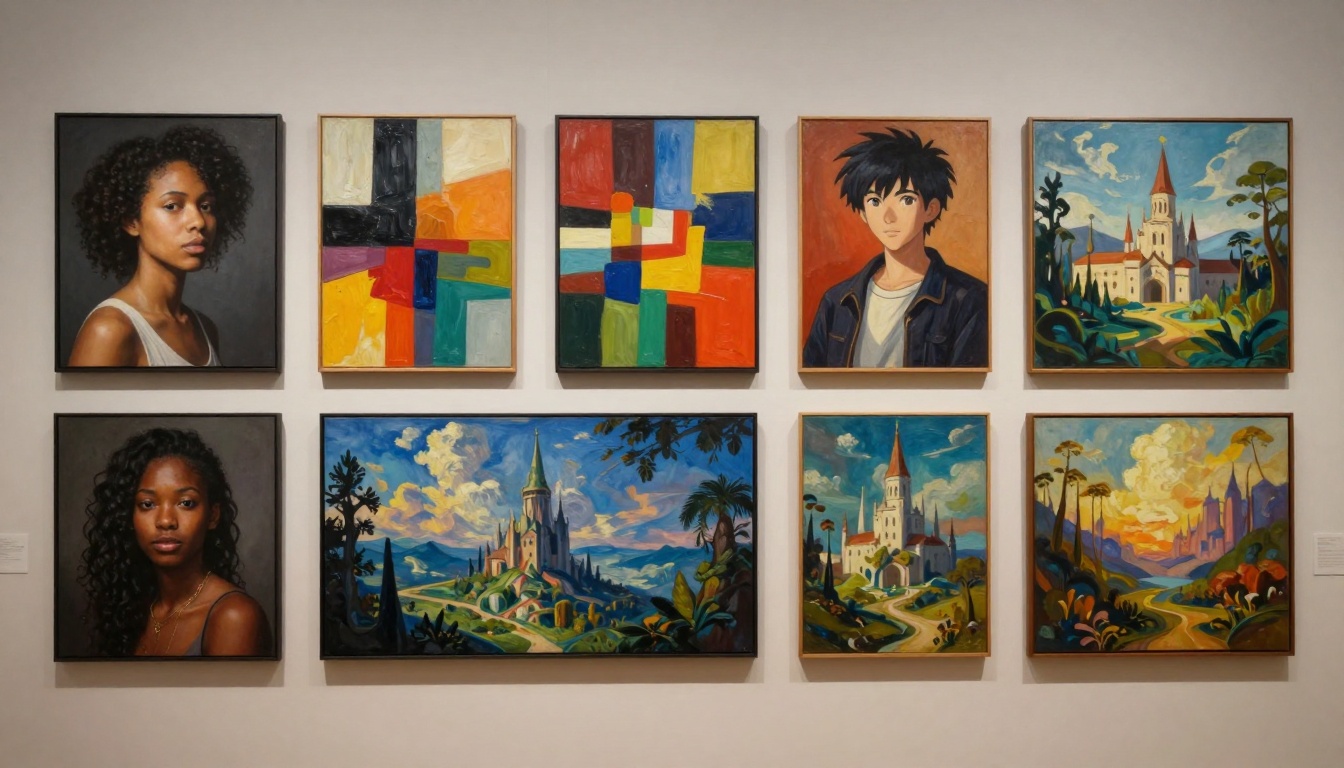
Flux 2 Max excels at photorealistic outputs and product visualization. Its support for multiple input images makes it particularly effective for maintaining brand consistency or working within established visual guidelines. The safety tolerance parameter also gives you control over content restrictions.
Stable Diffusion 3.5 shines with artistic and stylized content. Its strength lies in interpreting artistic direction, making it excellent for concept art, illustration, and experimental visuals. The negative prompt feature helps exclude unwanted elements, which is useful when refining specific aspects of your images.
Real-World Applications
Let me break down where each model excels based on actual use cases.

For marketing and advertising: Flux 2 Max wins. Its predictability, high resolution options, and multiple reference image support make it perfect for creating on-brand visuals that meet specific campaign requirements.
For creative exploration: Stable Diffusion 3.5 takes the lead. The model's creative interpretation encourages experimentation, and the various guidance controls let you find that sweet spot between following your vision and discovering unexpected results.
For product visualization: Flux 2 Max again. The ability to match aspect ratios from input images and maintain consistent styling across multiple outputs makes it ideal for e-commerce and product marketing.
For concept art and illustration: Stable Diffusion 3.5 excels here. Its artistic interpretation and style range make it perfect for brainstorming visual directions and creating unique illustrations.
Which Features Matter Most?
After extensive testing, certain features emerged as game-changers depending on your workflow.
Custom dimensions (Flux 2 Max only): If you need exact pixel dimensions for specific deliverables, this feature is invaluable. No more generating at standard aspect ratios and cropping later.
Guidance scale control (Stable Diffusion 3.5 only): Being able to adjust how strictly the model follows your prompt gives you creative flexibility. Lower values allow for more interpretation, higher values keep things precise.
Multiple input images (Flux 2 Max only): Supporting up to 8 reference images lets you maintain visual consistency across a series or blend different stylistic elements effectively.
Negative prompts (Stable Diffusion 3.5 only): This feature helps you exclude unwanted elements without rephrasing your entire prompt, making iterations faster and more efficient.
Technical Considerations
Both models handle technical requirements differently, which affects practical usage.
Flux 2 Max requires your images to be jpeg, png, gif, or webp format when using input images. The output quality parameter ranges from 0 to 100, giving you fine control over file size versus quality trade-offs. The seed parameter ensures reproducibility, which is crucial for client work where you might need to recreate specific variations.
Stable Diffusion 3.5 offers image-to-image transformation where the output aspect ratio automatically matches your input image. This simplifies workflows where you're iterating on existing visuals. The prompt strength parameter (0-1) controls how much the model transforms your input image, with higher values creating more dramatic changes.
Price and Accessibility
Both models are available on PicassoIA, making them accessible without complex setup or technical knowledge. You can start generating immediately through the web interface without worrying about local hardware requirements or API configurations.
The pay-as-you-go model means you only spend money when you're actually generating images, which is perfect for freelancers or small businesses that don't need constant access to AI generation tools.
Making Your Choice
So which model should you choose? Here's my honest take after working with both extensively.
Choose Flux 2 Max if you:
- Need precise control over output dimensions
- Work on commercial projects requiring consistency
- Want to use multiple reference images
- Prioritize photorealistic results
- Need high-resolution outputs (up to 4 MP)
Choose Stable Diffusion 3.5 if you:
- Value creative interpretation and artistic results
- Need strong negative prompt support
- Want fine control over prompt adherence
- Focus on concept art and illustration
- Prefer diverse stylistic outputs
In reality, the best approach might be using both. I often start exploration with Stable Diffusion 3.5 to discover interesting directions, then switch to Flux 2 Max for final production work where consistency and precision matter.
Getting Started with Flux 2 Max on PicassoIA
Want to try Flux 2 Max yourself? Here's how to start generating images right now.
Step 1: Access the Model
Navigate to the Flux 2 Max page on PicassoIA. The interface is straightforward, with all parameters clearly labeled.
Step 2: Write Your Prompt
Enter your text prompt in the main input field. Be specific about what you want to see. Instead of "a cat," try "a fluffy orange tabby cat sitting on a windowsill, morning sunlight streaming through, soft focus background."
Step 3: Choose Your Resolution
Select your target resolution. For quick tests, 1 MP works great. For final outputs, consider 2 MP as the sweet spot between quality and generation time. Only use 4 MP when you absolutely need maximum detail.
Step 4: Set Your Aspect Ratio
Pick from the available aspect ratios based on your final use case:
- 1:1 for Instagram posts or profile images
- 16:9 for YouTube thumbnails or presentations
- 9:16 for Instagram Stories or mobile content
- Custom for exact dimensions (must be multiples of 32)
Step 5: Configure Optional Settings
Output Format: Choose between WEBP (smaller file size), JPG (universal compatibility), or PNG (lossless quality).
Output Quality: Set between 0-100. For web use, 80 is perfect. For print, go with 90-100.
Safety Tolerance: Adjust from 1 (most restrictive) to 5 (most permissive) based on your content needs.
Seed: Leave blank for random results, or set a specific number to reproduce exact outputs.
Step 6: Add Reference Images (Optional)
If you want to guide the style or composition, upload up to 8 reference images. The model will analyze these and incorporate similar visual elements into your generation.
Step 7: Generate and Download
Click generate and wait for the model to process your request. Once complete, you can download your image in your chosen format. The generated image will match your specified resolution and aspect ratio perfectly.
Tips for Better Results
After generating hundreds of images with Flux 2 Max, I've learned a few tricks that consistently improve results.
Be specific with lighting descriptions. Instead of "well-lit," try "soft morning light from the left, golden hour warmth, subtle shadows."
Mention texture and material. The model responds well to descriptions like "brushed metal," "rough canvas texture," or "smooth glass surface."
Use aspect ratio strategically. Landscape ratios (16:9, 3:2) work better for scenic views, while portrait ratios (9:16, 2:3) suit character-focused images.
Start with lower resolutions for testing. Generate at 1 MP while you refine your prompt, then bump up to 2 MP or 4 MP for your final output.
Leverage reference images for brand consistency. Upload your brand's color palette or style references to maintain visual coherence across multiple generations.
Final Thoughts
Both Flux 2 Max and Stable Diffusion 3.5 are exceptional AI image generators with distinct personalities. Your choice depends entirely on your specific needs, workflow, and creative goals.
For commercial work where precision matters, Flux 2 Max offers the control and consistency you need. For creative exploration and artistic projects, Stable Diffusion 3.5 provides the flexibility and interpretive qualities that spark innovation.
The good news? PicassoIA gives you access to both models through a single platform, so you're never locked into one approach. Try both, see which fits your workflow, and don't be afraid to switch between them based on your project requirements.
Ready to start generating? Visit PicassoIA and experiment with both models. The first few generations will tell you everything you need to know about which one feels right for your work.


