AI image generation has opened new possibilities for creators working with mature content. Flux 2 Pro stands out as a professional-grade tool that offers exceptional control over output quality, safety settings, and artistic style when generating adult imagery.
Why Flux 2 Pro for Mature Content
Creating 18+ content requires more than just technical capability. You need a model that understands artistic nuance, respects creative vision, and delivers professional results consistently. Flux 2 Pro checks all these boxes with its advanced architecture and flexible safety controls.
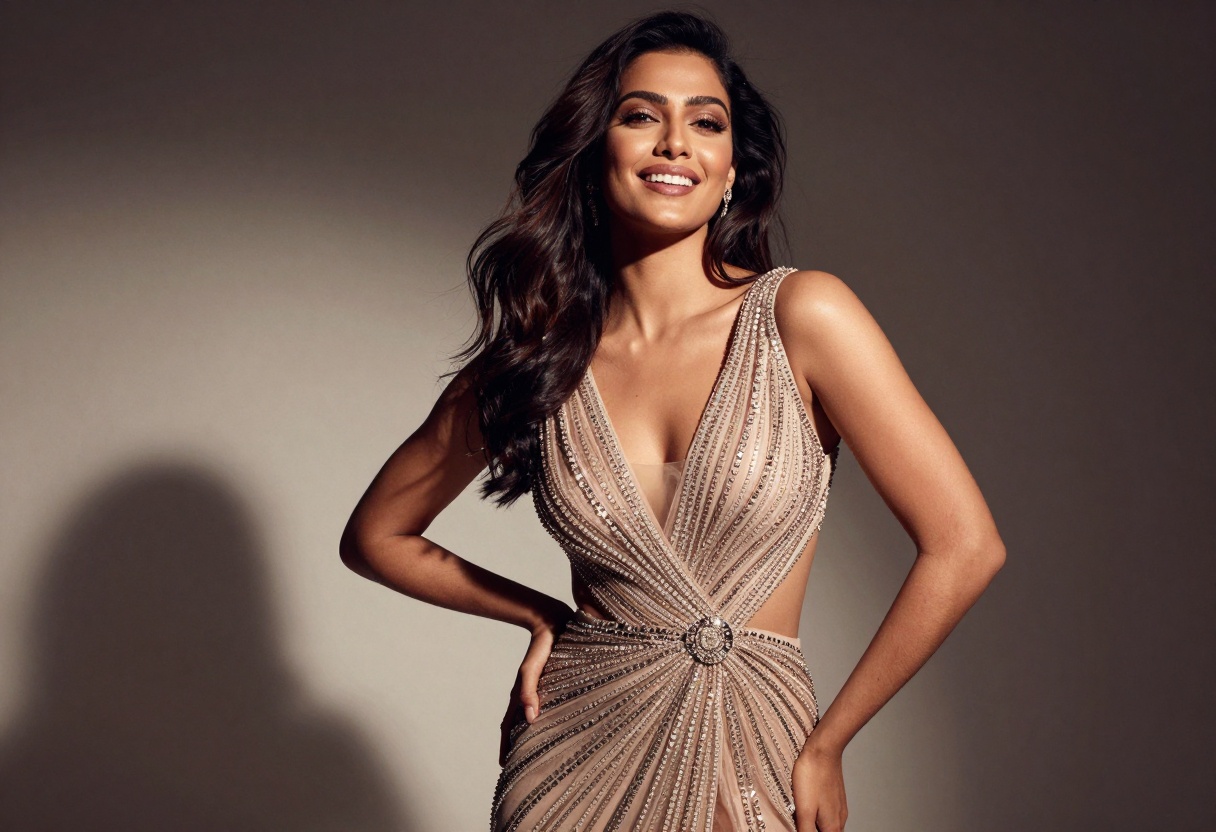
The model excels at producing imagery that balances sensuality with sophistication. Rather than creating crude or overly explicit content, Flux 2 Pro generates tasteful visuals that maintain artistic integrity while meeting the needs of mature audiences.
Safety Tolerance Controls
One of Flux 2 Pro's standout features is its adjustable safety tolerance system. This parameter ranges from 1 (most restrictive) to 5 (most permissive), giving you precise control over content filtering. For mature content creation, setting this to 4 or 5 allows the model to interpret prompts without unnecessary censorship while still maintaining quality standards.
This flexibility means you can:
- Generate artistic nudity for fine art projects
- Create content for adult entertainment platforms
- Produce editorial photography with mature themes
- Design marketing materials for adult products
Writing Effective Prompts
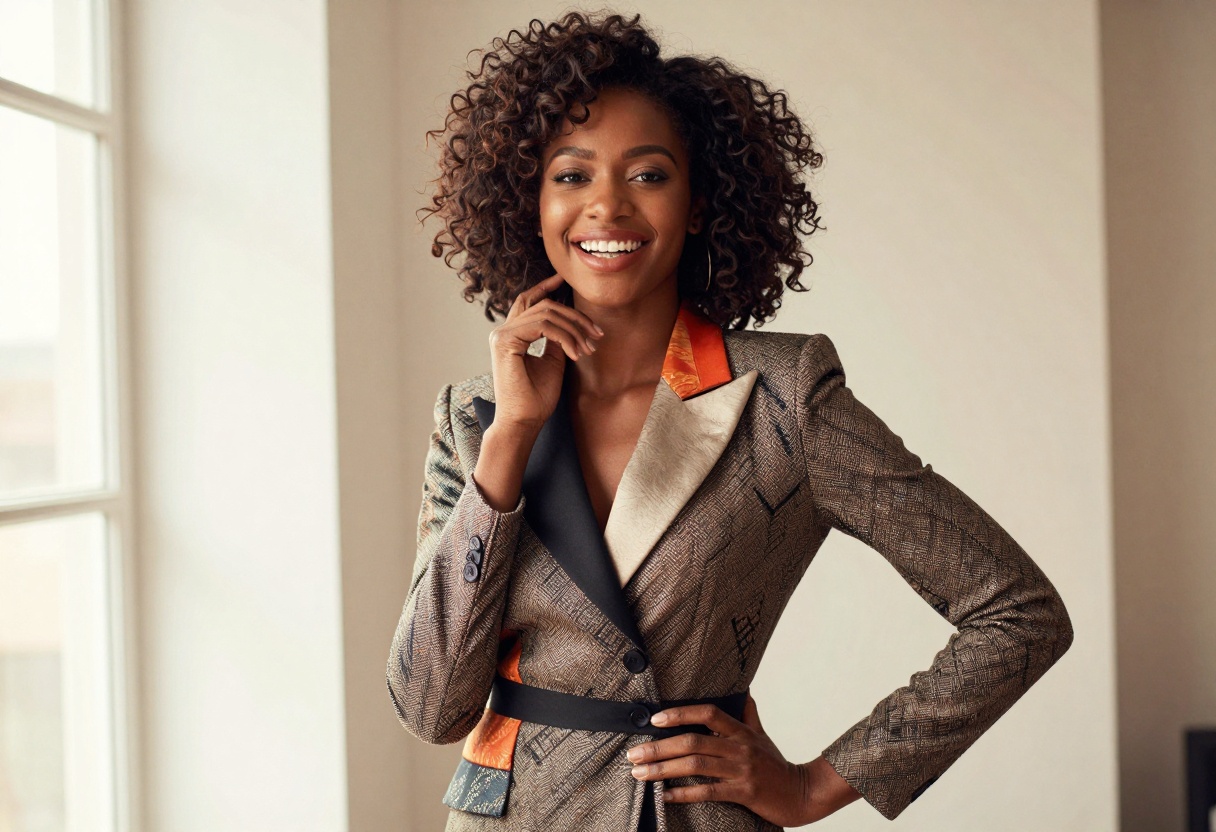
When crafting prompts for mature content, specificity matters more than ever. The model responds best to detailed descriptions that communicate both visual elements and artistic intent.
Prompt Structure for Best Results
Your prompts should include several key elements:
Subject description - Be clear about what you want to see. Instead of "attractive person," try "confident woman in her thirties with athletic build and flowing dark hair."
Clothing and styling - Specify garments, accessories, and styling details. "Wearing elegant black lingerie with lace details" gives better results than "wearing lingerie."
Lighting and atmosphere - Technical details about lighting create professional-looking images. Terms like "soft window light," "dramatic studio lighting," or "golden hour glow" help shape the mood.
Artistic style - Reference photography styles or artistic movements. "Fashion photography style," "boudoir aesthetic," or "fine art nude" guide the model toward your intended look.
Example Prompts That Work
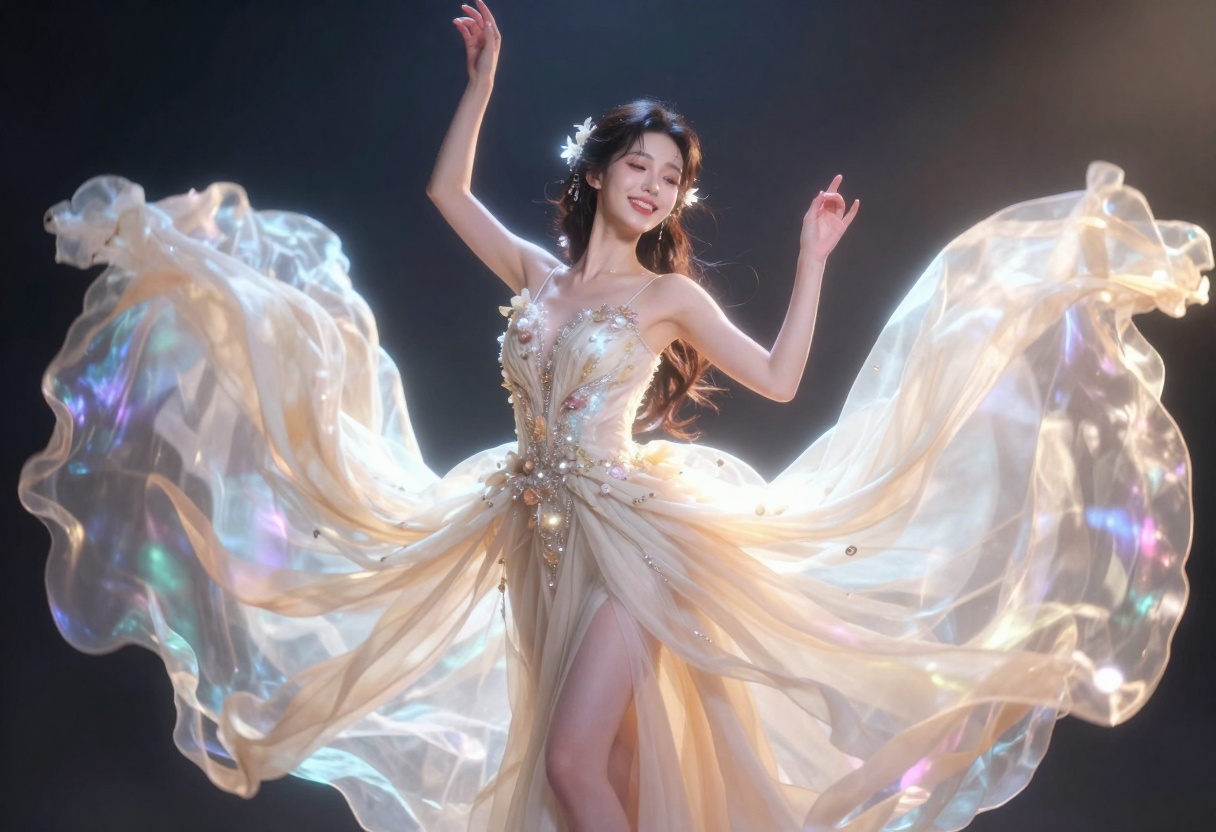
Here are some prompt examples that produce quality mature content:
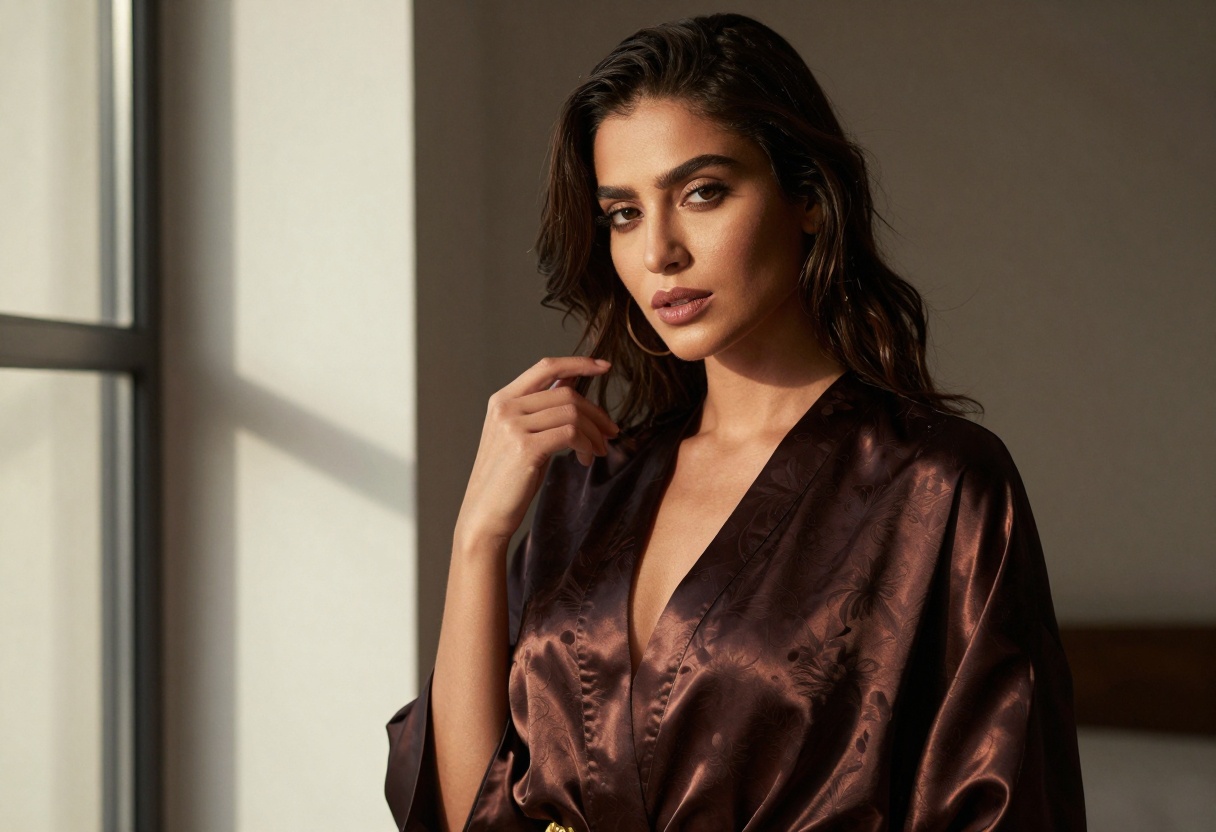
"Professional boudoir photography, woman in silk robe, natural window light creating soft shadows, photorealistic detail, warm color palette, elegant pose, shallow depth of field"
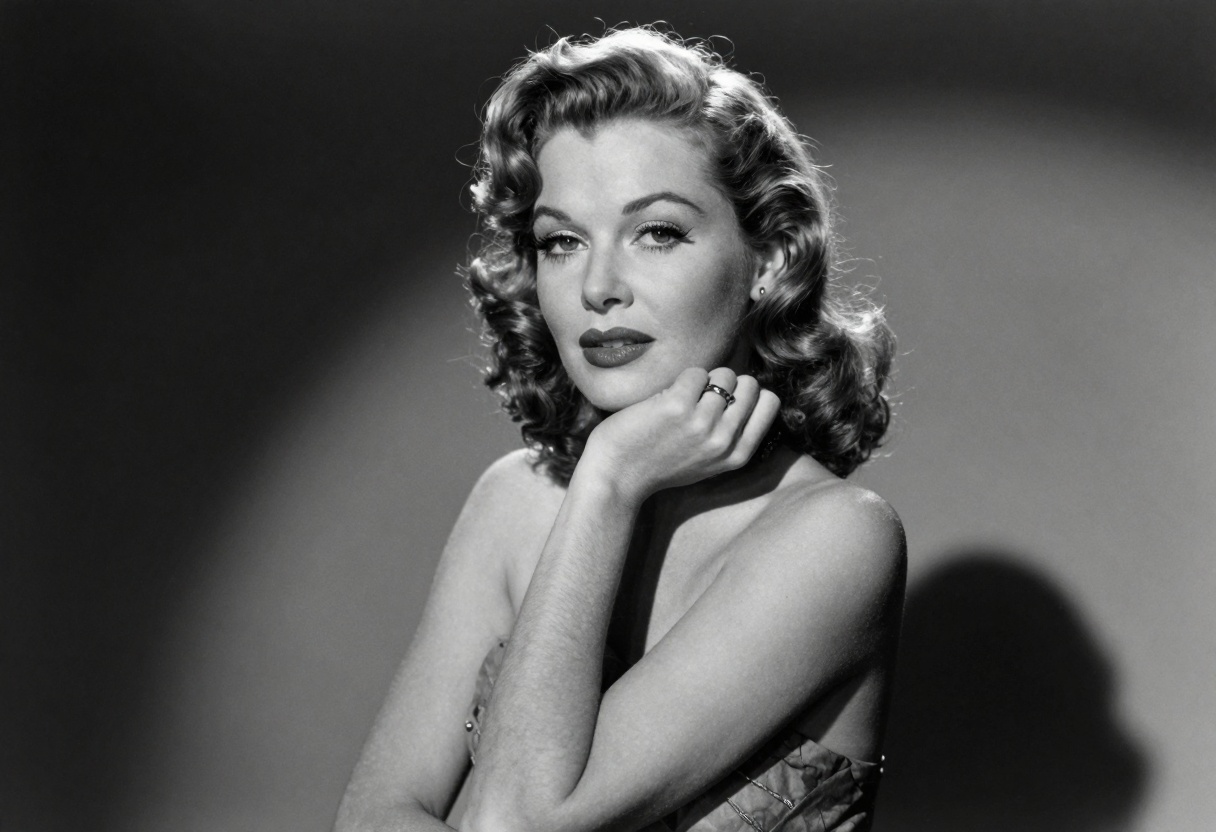
"Artistic nude portrait in fine art style, dramatic side lighting, black and white photography, classical sculpture aesthetic, professional studio setting"
"Fashion editorial style, model in designer lingerie, rooftop setting at dusk, cinematic lighting, confident pose, luxury aesthetic"
Notice how these prompts balance explicit elements with artistic context. This approach helps the model generate images that feel intentional and professionally crafted rather than gratuitous.
Technical Settings for Quality Output
Beyond prompt writing, Flux 2 Pro offers several technical parameters that significantly impact your results when creating mature content.
Resolution and Aspect Ratio
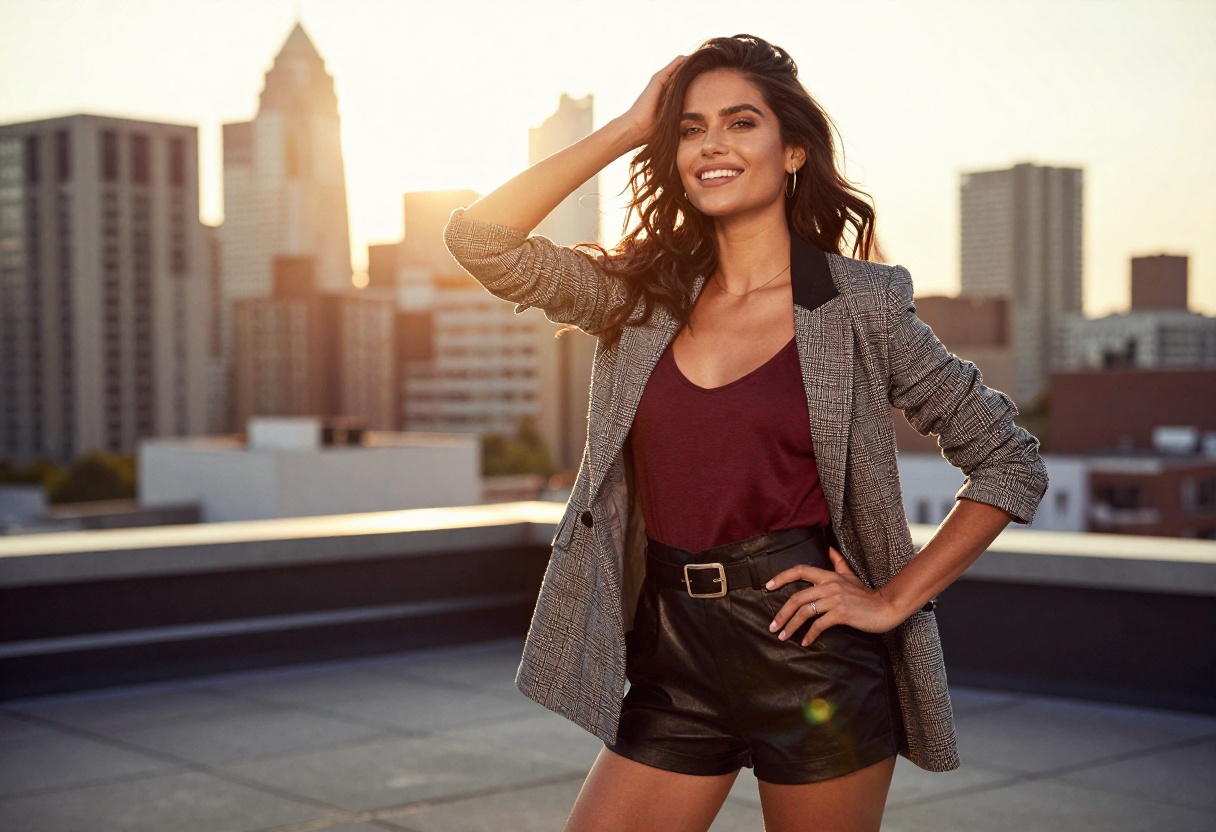
The model supports resolutions up to 4 MP, though 2 MP typically provides the best balance of quality and generation speed. For mature content, consider these aspect ratios:
- 3:2 - Perfect for editorial and fashion photography styles
- 2:3 - Works well for portrait-oriented shots
- 16:9 - Cinematic wide shots for scene compositions
- 1:1 - Social media-friendly square format
Higher resolutions capture more detail in facial expressions, textures, and lighting nuances, which can make or break mature content. However, extremely high resolutions may slow generation times without proportional quality improvements.
Output Format Considerations
Flux 2 Pro supports WebP, JPG, and PNG formats. For mature content specifically:
WebP offers the best compression while maintaining quality. It's ideal for web publishing and keeps file sizes manageable.
PNG preserves maximum quality but creates larger files. Use this for print work or when you need lossless quality.
JPG provides good compression and universal compatibility. Adjust the quality parameter (0-100) to balance file size against image fidelity.
For most adult content applications, WebP at 80-90% quality offers the sweet spot between file size and visual quality.
Image-to-Image Generation
Flux 2 Pro's ability to work with reference images opens creative possibilities for mature content. You can upload up to 8 images to guide style, composition, or subject details.
Working with Reference Images
When using reference photos for adult content:
- Style references - Upload images that capture the lighting, color palette, or aesthetic you want
- Pose references - Show the model the type of poses or compositions you're after
- Clothing references - Provide examples of specific garments or styling
- Setting references - Share images of locations or backdrops similar to what you envision
The model analyzes these references and incorporates their elements into your generation. This makes it easier to achieve consistent results across multiple images or to recreate specific aesthetics.
Balancing References with Prompts
Your text prompt still plays the primary role even when using images. References should support and clarify your vision, not replace detailed prompting. Think of reference images as visual footnotes that help the model understand nuances that might be hard to describe in words.
Common Challenges and Solutions
Creating quality mature content with AI presents unique challenges. Here's how to address the most common issues.
Problem: Generic or Cliché Results
Solution: Add specific, unusual details to your prompts. Instead of "sexy woman," try "woman with piercing green eyes and short platinum hair, wearing vintage 1940s-inspired lingerie, standing near art deco window."
The more specific and unique your descriptive elements, the less likely you'll get generic outputs.
Problem: Inconsistent Quality
Solution: Use the seed parameter for reproducibility. When you generate an image you like, note its seed value. You can then create variations by tweaking your prompt while keeping the same seed, maintaining overall quality and composition.
Problem: Awkward Anatomy or Poses
Solution: Be explicit about pose descriptions and use reference images. Instead of letting the model improvise poses, describe them in detail or provide visual examples of the poses you want.
PicassoIA Models for Adult Content
While Flux 2 Pro offers excellent capabilities, PicassoIA provides several other models specifically suited for mature content creation. These open-source options give you alternatives when you need different styles or approaches.
Recommended Models
p-image-edit transforms and refines images with advanced editing capabilities. This tool excels at adjusting existing mature content, whether you're modifying poses, changing clothing, or enhancing specific elements.
prunaai-wan-2.2-image generates highly realistic imagery from text descriptions. This model produces particularly convincing photorealistic results, making it ideal for content that needs to look like professional photography.
Wan 2.2 I2v Fast converts static images into dynamic videos with smooth animations. For creators producing video content, this tool helps bring still images to life with natural motion.
These models share an important advantage: they're open-source and don't impose restrictive content filters. This makes PicassoIA particularly valuable for adult content creators who need tools that respect creative freedom while delivering professional results.
Using Flux 2 Pro on PicassoIA
Ready to start creating? Here's your step-by-step walkthrough for using Flux 2 Pro on PicassoIA's platform.
Getting Started
Visit the Flux 2 Pro model page on PicassoIA. The interface presents all parameters in an intuitive layout that makes both basic and advanced usage straightforward.
Step 1: Enter Your Prompt
The prompt field is where your creative vision takes shape. Write a detailed description of what you want to generate, following the techniques discussed earlier in this article. Remember to include subject details, clothing, lighting, and artistic style.
For mature content, be direct but descriptive. The model responds well to clear artistic intent rather than vague suggestions.
Step 2: Adjust Safety Tolerance
Locate the safety tolerance parameter. For adult content, set this to 4 or 5. This tells the model you want less restrictive filtering while still maintaining quality standards.
Lower settings (1-3) are better for general-audience content, while higher settings (4-5) accommodate mature themes without unnecessary censorship.
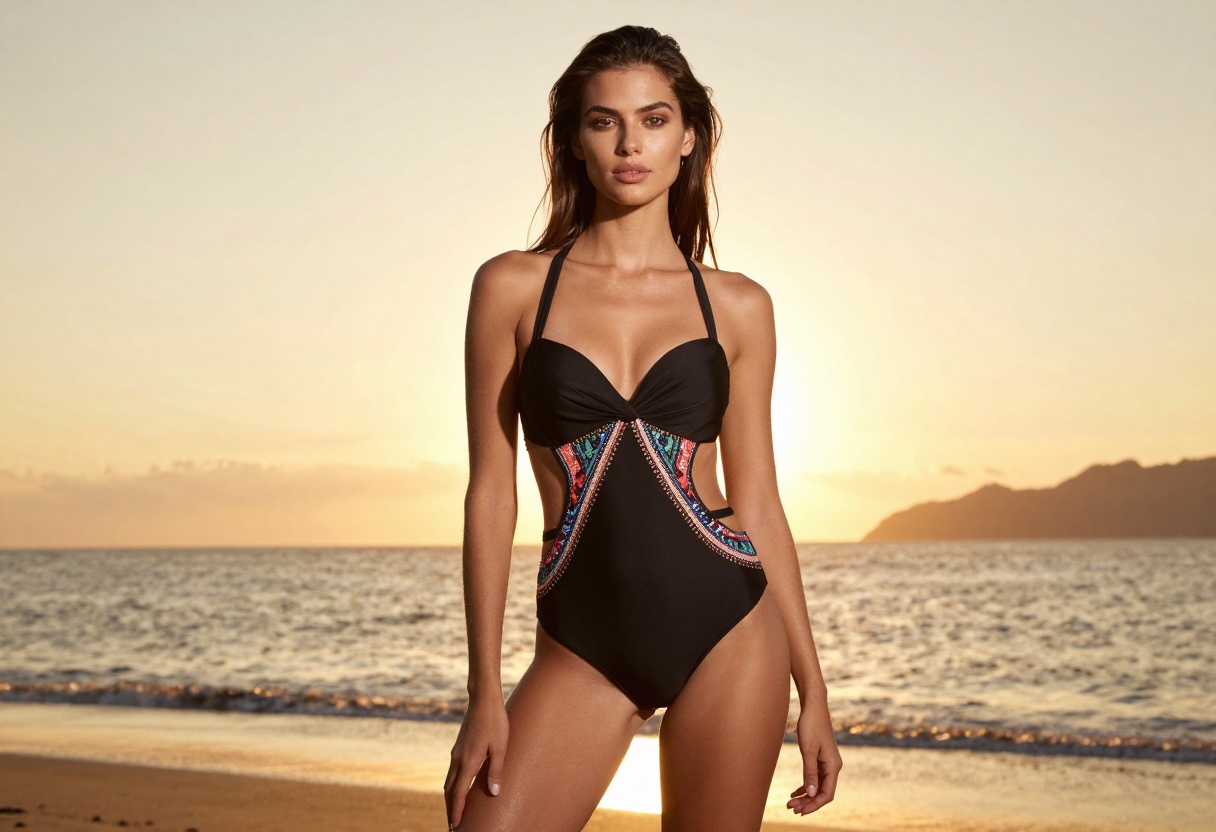
Step 3: Configure Technical Settings
Resolution - Start with 2 MP for faster results. Increase to 4 MP only when you need maximum detail for print or large displays.
Aspect ratio - Choose based on your intended use. 3:2 works well for most applications, while 16:9 suits cinematic compositions.
Output format - WebP offers the best balance for web use. Choose PNG if you need lossless quality for editing or printing.
Output quality - Set between 80-95 for most purposes. Lower values reduce file size but may introduce compression artifacts.
Step 4: Add Reference Images (Optional)
If you have reference photos that capture the style or composition you want, upload them using the input images parameter. You can add up to 8 images. The model will analyze these and incorporate their visual elements into your generation.
Step 5: Generate and Refine
Click the generate button and wait for processing to complete. Generation typically takes 10-30 seconds depending on resolution and complexity.
Review your result. If it's close but needs adjustment, modify your prompt and try again. Small changes to descriptive details can significantly impact the output. If you want to maintain similar composition while varying details, copy the seed value from your generation and reuse it with your modified prompt.
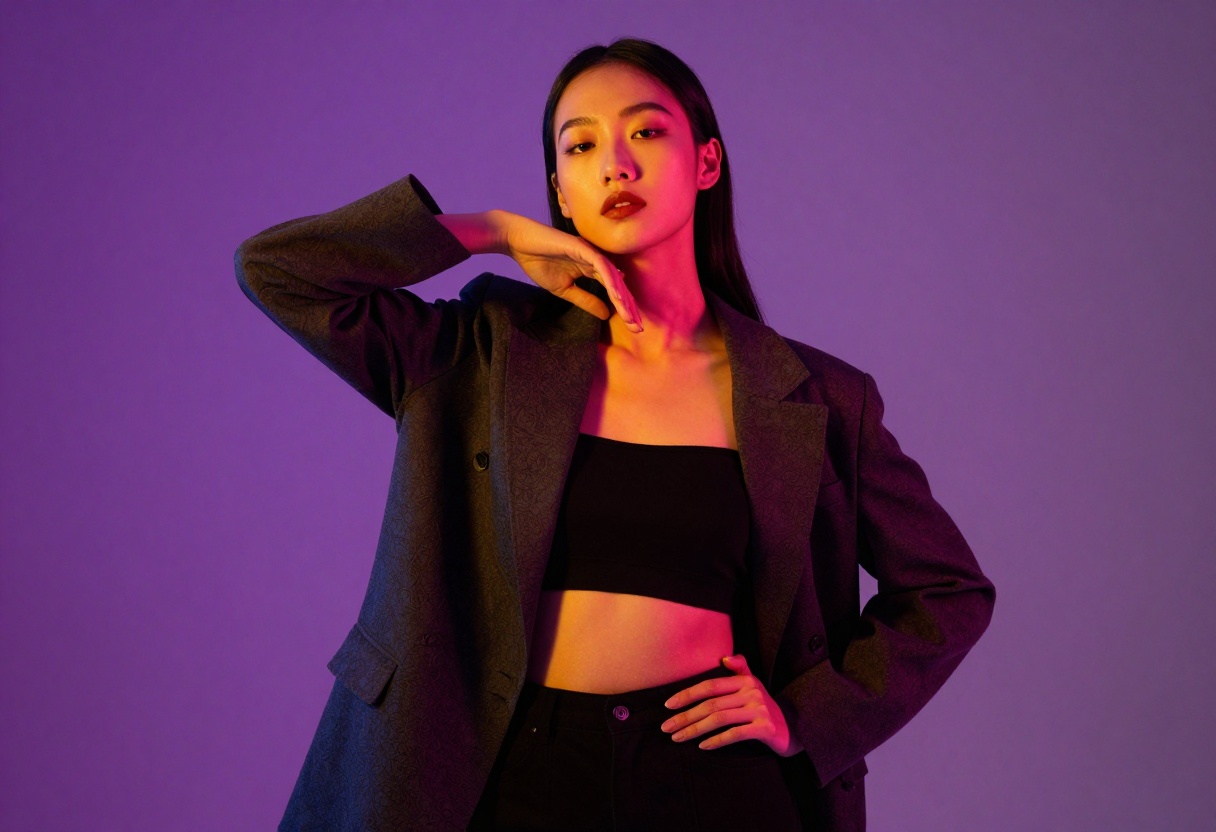
Step 6: Download Your Result
Once satisfied with your generation, download the image in your chosen format. PicassoIA provides direct downloads without watermarks or restrictions, giving you full rights to use the content as you need.
Best Practices for Professional Results
After extensive use of Flux 2 Pro for mature content, several best practices emerge that separate amateur results from professional-quality outputs.
Consistency Across Projects
When creating content for a cohesive project or series, maintain consistency by:
- Saving successful prompts for reuse
- Recording seed values from your best generations
- Creating a reference library of styles you want to replicate
- Developing prompt templates for different content types
This systematic approach helps you build a recognizable style and ensures quality remains consistent across multiple images.
Iteration and Refinement
Rarely does the first generation produce perfection. Build time into your workflow for iteration. Generate multiple variations, compare results, and refine your approach based on what works. The model's speed makes iteration practical even for time-sensitive projects.
Respecting Platform Guidelines
While Flux 2 Pro and PicassoIA offer freedom in content creation, always consider where your content will be published. Different platforms have different content policies. Create with your distribution channels in mind to avoid issues later.
Privacy and Content Ownership
PicassoIA respects your privacy and creative rights. Content you generate belongs to you, and the platform doesn't claim ownership or rights to your outputs. This matters particularly for adult content creators who need clear ownership of their work.
The platform's approach to privacy means your generations aren't used for model training or shared publicly without your consent. For creators working with sensitive content, this privacy-first approach provides important peace of mind.
Looking Forward
AI image generation for mature content continues to evolve rapidly. Flux 2 Pro represents current state-of-the-art capabilities, but future iterations will likely bring even more control, quality, and creative possibilities.
The trajectory points toward models that better understand artistic nuance, provide finer control over specific elements, and generate even more photorealistic results. For creators in the adult content space, these advances will continue opening new creative and commercial opportunities.
Final Thoughts
Flux 2 Pro offers adult content creators a professional tool that balances artistic control with technical capability. Its adjustable safety settings, high-quality output, and flexible customization options make it well-suited for serious creators who need reliable, quality results.
Success with the model comes down to understanding its strengths, crafting detailed prompts, and leveraging technical parameters strategically. Combined with PicassoIA's open-source philosophy and creator-friendly approach, you have everything needed to produce compelling mature content that meets professional standards.
Whether you're creating for personal projects, commercial applications, or artistic exploration, Flux 2 Pro provides the tools to bring your vision to life with quality and consistency.
Ready to start creating? Try Flux 2 Pro on PicassoIA and experience professional-grade AI image generation with the freedom to create mature content without unnecessary restrictions.


