AI image generation has opened new creative possibilities across industries, including adult content creation. For artists, photographers, and content creators working in mature markets, having access to uncensored tools is essential. Flux 2 Pro stands out as a powerful model that respects creative freedom while delivering exceptional quality.
Unlike platforms with heavy content restrictions, PicassoIA provides access to open-source models like Flux 2 Pro that allow creators to work without artificial limitations. This makes it an ideal choice for professionals producing adult content for legitimate purposes such as artistic expression, commercial photography, adult entertainment, or educational material.

Why Flux 2 Pro for Adult Content
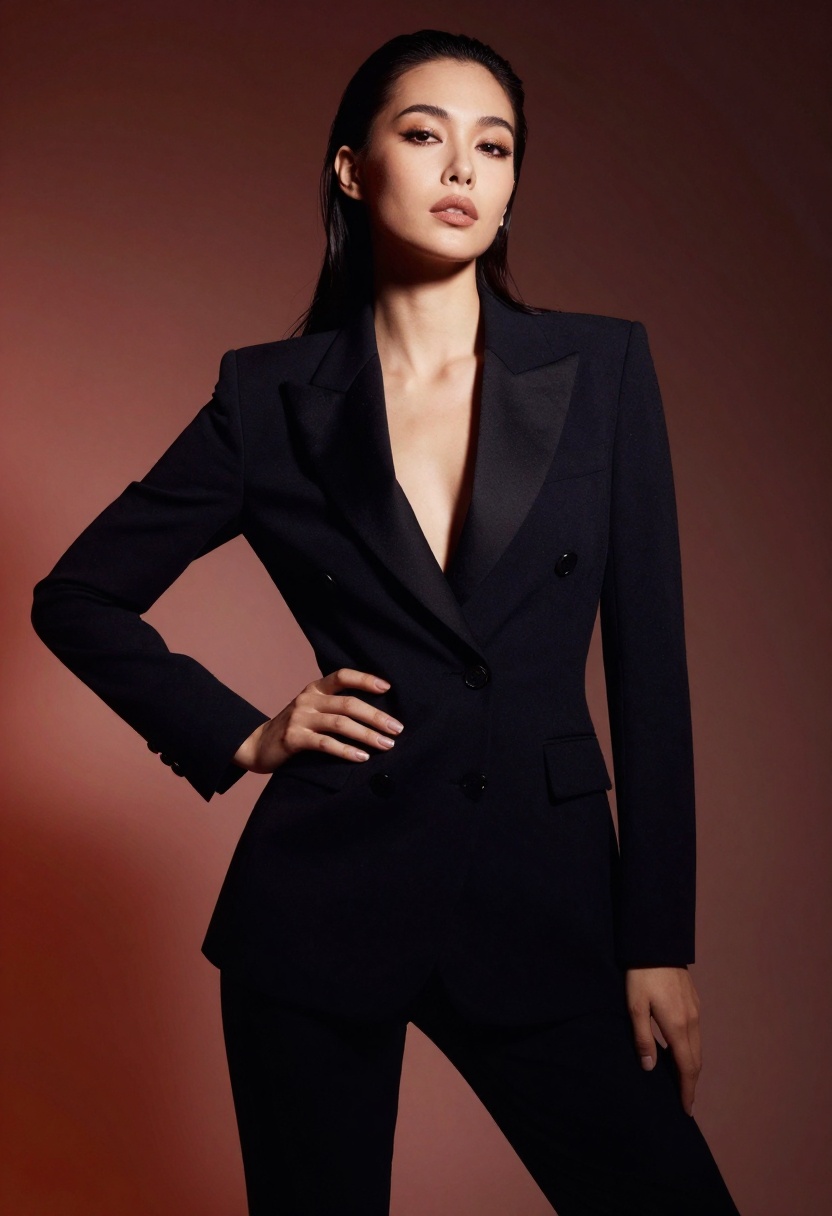
Flux 2 Pro offers several advantages for creators working with mature themes. The model produces photorealistic images with excellent detail, natural skin tones, and realistic anatomy. It handles complex prompts well and provides fine control over composition, lighting, and style.
The safety tolerance system gives you direct control over content filtering rather than imposing blanket restrictions. This means you can adjust settings based on your specific needs, whether creating tasteful artistic nudes, fashion photography, or more explicit content.
Technical Advantages
Flux 2 Pro supports resolutions up to 4 megapixels, though 2 MP typically provides the best balance between quality and processing time. The model accepts up to eight reference images, which is particularly useful when trying to achieve specific poses, lighting setups, or stylistic consistency across a series.
Output quality is consistently high, with natural-looking results that avoid the uncanny valley effect common in earlier AI models. Skin textures, hair detail, and fabric rendering are all handled realistically.
Understanding Safety Tolerance
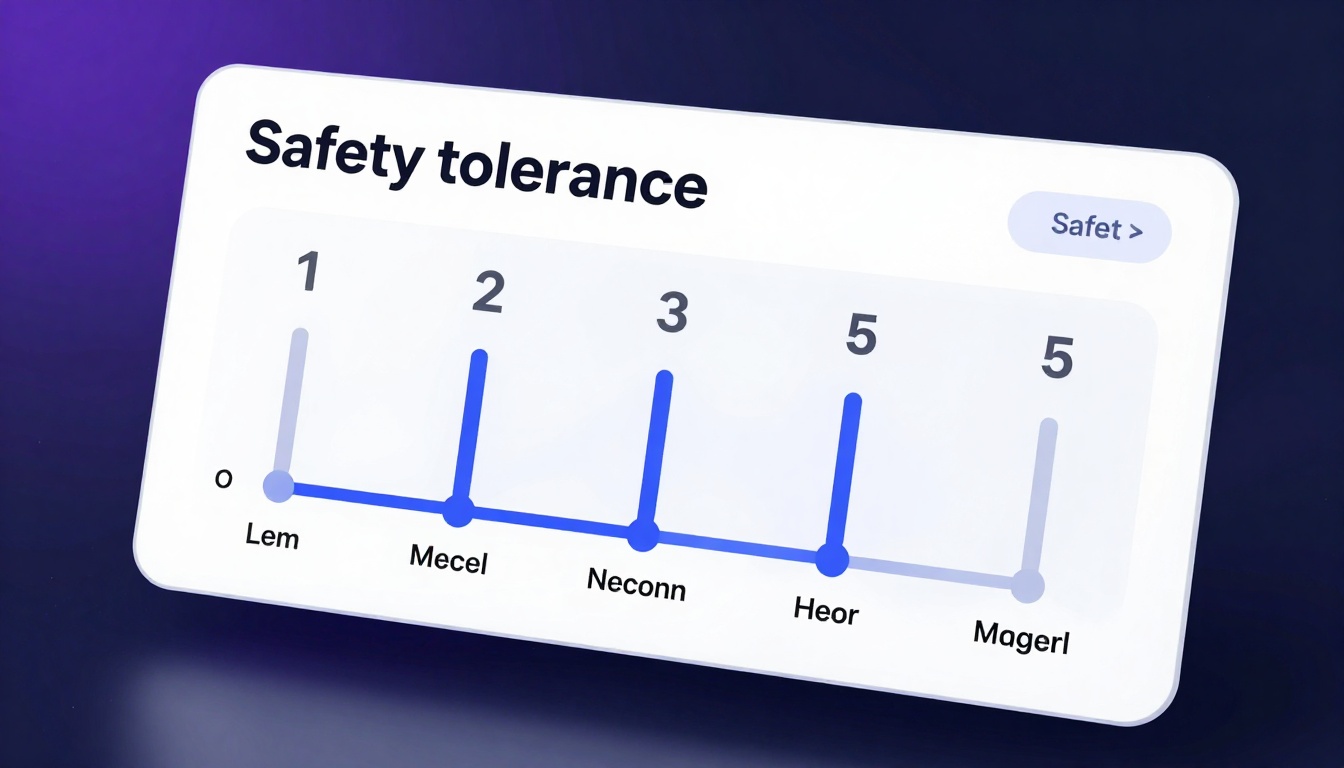
The safety tolerance setting is your primary control for content filtering. It ranges from 1 (most restrictive) to 5 (most permissive). For adult content creation, you'll typically want to set this between 4 and 5.
Each tolerance level affects what the model will generate:
- Level 1-2: Suitable for general content, blocks most nudity and suggestive themes
- Level 3: Allows artistic nudity and tasteful adult content
- Level 4: Permits explicit content with few restrictions
- Level 5: Minimal filtering, suitable for adult entertainment production
Start with level 4 and adjust based on your results. If your generations are being blocked or heavily censored, increase the tolerance. For more mainstream artistic work, level 3 may be sufficient.
Prompting for Adult Content
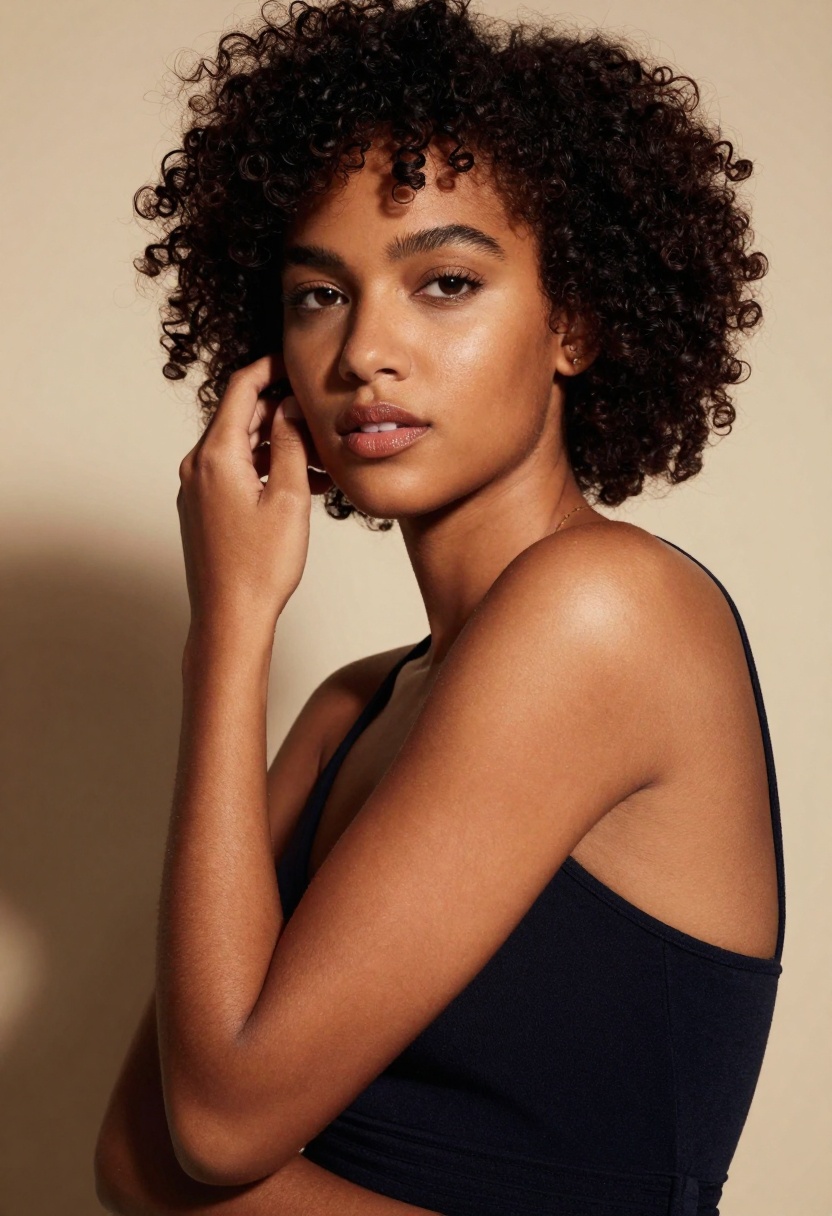
Writing effective prompts for adult imagery requires being specific about what you want while providing enough artistic direction to get quality results. Here's how to structure your prompts:
Start with the subject and composition. Describe the person or people, their position, and the overall framing. For example: "A woman in an elegant pose, shot from a low angle, sitting on white bedding."
Add lighting details. Good lighting makes or breaks adult photography. Include terms like "soft natural window light," "golden hour glow," "dramatic rim lighting," or "studio lighting with fill."
Specify the style and mood. Reference photography styles: "boudoir photography," "fashion editorial," "fine art nude," "glamour photography." Add mood descriptors: "intimate," "confident," "playful," "dramatic."
Include technical details. Mention camera settings and quality markers: "shallow depth of field," "35mm lens," "soft focus background," "high detail," "professional photography."
Example Prompts
For tasteful artistic work:
"A woman in elegant black lingerie, natural window light creating soft shadows, fine art photography style, intimate mood, shallow depth of field, professional beauty photography, warm color tones"
For fashion/editorial style:
"Editorial fashion photograph, dramatic studio lighting with rim light, high fashion aesthetic, confident pose, professional beauty photography, vibrant colors, luxurious mood, 8k detail"
For boudoir photography:
"Boudoir photography, soft romantic lighting, natural morning light through sheer curtains, elegant fabrics and textures, warm inviting atmosphere, professional photography, shallow depth of field"
Resolution and Aspect Ratios
Choosing the right resolution and aspect ratio affects both quality and practicality. Flux 2 Pro offers several preset ratios plus custom sizing.
Common Aspect Ratios
1:1 (Square) works well for social media and general purpose images. It's the default setting and a safe choice when you're unsure.
2:3 (Portrait) is ideal for full-body shots and traditional portrait photography. This ratio matches standard photography formats and looks natural for human subjects.
3:2 (Landscape) suits scenes with multiple subjects or when you want to show more environment. Good for storytelling shots.
16:9 (Wide) creates cinematic compositions. Use this for dramatic scenes or when you want a movie-like aesthetic.
9:16 (Tall) works for vertical video formats and mobile-first content. Popular for platforms like Instagram Stories or TikTok.
Resolution Settings
The resolution options are:
- 0.5 MP: Fastest generation, suitable for quick tests
- 1 MP: Default setting, good balance of speed and quality
- 2 MP: Recommended for final outputs, excellent detail
- 4 MP: Maximum quality, longer processing time
For most adult content work, 2 MP provides the best results. You get high detail without excessive processing time. Only jump to 4 MP if you need maximum resolution for print or very large displays.
Using Reference Images
One of Flux 2 Pro's strengths is its ability to work with reference images. You can provide up to eight images to guide the generation. This is incredibly useful for adult content where consistency matters.
Reference Image Strategies
Pose reference: Upload images showing the poses you want. The model will interpret these and apply them to your generation while following your other prompt instructions.
Style reference: Provide examples of the photography style, lighting, or aesthetic you're aiming for. The model picks up on color grading, mood, and compositional elements.
Character consistency: When creating a series, use previous generations as references to maintain consistency in appearance, features, and styling.
Clothing and styling: Reference images help specify complex outfits, accessories, or styling details that are hard to describe in text alone.
When using reference images, your text prompt still matters. The model combines the visual information from your references with your written instructions to create the final result.
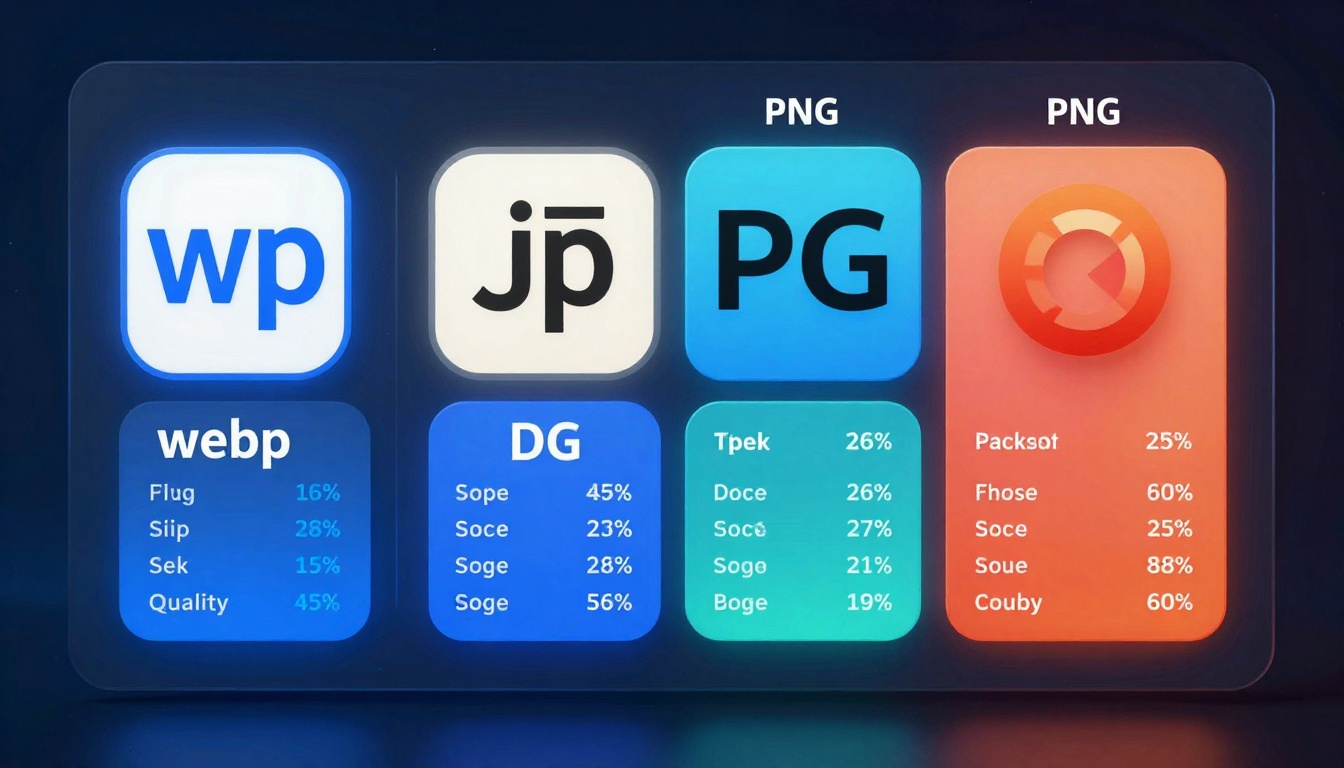
Flux 2 Pro supports three output formats: WebP, JPG, and PNG. Each has different characteristics suited to different uses.
WebP is the default and generally the best choice. It provides excellent compression with minimal quality loss. Files are smaller than JPG at equivalent quality, which means faster downloads and lower storage costs.
JPG is universally compatible and works everywhere. If you need maximum compatibility or are uploading to platforms that don't support WebP, use JPG. The quality setting (0-100) lets you balance file size against image quality.
PNG creates larger files but supports transparency and has no compression artifacts. Only use PNG if you specifically need lossless quality or transparency, as the file sizes are significantly larger.
Quality Settings
The output quality parameter (0-100) only affects JPG and WebP formats. For adult content work, keep this at 80 or higher. Lower settings introduce visible compression artifacts that look unprofessional.
80: Good balance for web use, minimal visible compression
90: High quality, suitable for most professional uses
100: Maximum quality, larger files but no quality loss
For final deliverables, use 90-100. For work-in-progress or test generations, 80 is fine.
Workflow Optimization
Creating adult content efficiently means developing a smooth workflow. Here's a practical approach:
Start with quick tests. Use 0.5 or 1 MP resolution and try different prompts to find what works. Once you have a prompt that's close to what you want, then increase the resolution.
Use seeds for consistency. When you get a result you like, note the seed value. Reusing that seed with modified prompts lets you create variations on the same generation.
Batch similar content. If you're creating a series with similar themes, generate all the variations in one session. This helps maintain consistency in style and quality.
Keep a prompt library. Save prompts that produce good results. Build a collection organized by style, pose, or lighting setup. This speeds up future projects significantly.
Iterate systematically. Change one variable at a time when refining results. If you change multiple things at once, you won't know what actually improved the output.

Common Issues and Solutions
Even with a powerful model like Flux 2 Pro, you'll encounter occasional issues. Here's how to address them:
Anatomy Problems
If hands, feet, or other body parts look wrong, try being more specific in your prompt about positioning. Adding "anatomically correct" or "natural proportions" can help. Using reference images of correct anatomy also improves results.
Lighting Issues
Poor lighting often comes from vague prompts. Instead of "good lighting," specify the type: "soft window light from the left," "dramatic rim lighting," "golden hour sunlight."
Style Inconsistency
If your results don't match the style you want, include more specific photography references in your prompt. Terms like "shot with Canon 85mm f/1.4," "Hasselblad medium format," or specific photographer names can guide the style.
Content Being Blocked
If generations are being filtered despite appropriate safety tolerance, check your prompt language. Sometimes specific words trigger filters even at high tolerance. Try rephrasing while keeping the same intent.
Legal and Ethical Considerations
When creating adult content with AI, be aware of legal and ethical responsibilities. The images you generate should be used responsibly and legally.
Age verification: Never create content depicting minors. All generated subjects must clearly appear to be adults. Most platforms and jurisdictions have strict laws about this.
Commercial use: Understand the licensing terms for your generated images. PicassoIA's terms govern how you can use and distribute content created on their platform.
Consent and likeness: Don't create images resembling real, identifiable people without permission. This applies even to AI-generated content.
Platform policies: If you're creating content for specific platforms (subscription services, social media, etc.), review their content policies to ensure compliance.
Disclosure: In some contexts, you may need to disclose that images are AI-generated rather than photographed.
These aren't just legal requirements, they're professional standards that protect both creators and consumers of adult content.
Alternative Models for Adult Content
While Flux 2 Pro is excellent, PicassoIA offers several other models worth considering for adult content:
p-image-edit excels at editing and transforming existing images. If you have photos you want to modify or enhance, this model offers fast processing with good results.
wan-2.2-image specializes in highly realistic generations with cinematic quality. It's particularly good for fashion and glamour-style adult content.
Wan 2.2 I2v Fast converts still images to video, which opens possibilities for creating short animated content from your AI-generated images.
Each model has different strengths. Experiment with multiple options to find what works best for your specific needs.
Getting Started with Flux 2 Pro on PicassoIA
Ready to start creating? Here's how to use Flux 2 Pro on PicassoIA's platform.
Step 1: Access the Model Page
Navigate to the Flux 2 Pro model page on PicassoIA. This is where you'll configure all generation parameters.
Step 2: Configure Your Prompt
The prompt field is your primary creative tool. Write a detailed description of what you want to generate, following the prompting strategies covered earlier in this article.
Be specific about:
- Subject and composition
- Lighting and atmosphere
- Style and aesthetic
- Technical details
Step 3: Adjust Safety Tolerance
Set the safety tolerance parameter between 4 and 5 for adult content. Start with 4 and increase to 5 if needed.
Step 4: Choose Resolution and Aspect Ratio
Select your desired aspect ratio based on the type of shot:
- Portrait shots: 2:3
- Landscape compositions: 3:2
- Social media: 1:1
- Cinematic: 16:9
Set resolution to 2 MP for the best balance of quality and speed. Use 4 MP only when you need maximum detail.
Step 5: Set Output Format and Quality
Choose WebP format for efficiency or JPG for compatibility. Set quality to 80-90 depending on whether this is a test or final output.
Step 6: Add Reference Images (Optional)
If you have reference images for pose, style, or composition, upload up to eight images. The model will use these to guide the generation along with your text prompt.
Step 7: Generate Your Image
Click the generate button and wait for processing to complete. Generation typically takes 20-60 seconds depending on resolution and system load.
Step 8: Refine and Iterate
Review your result. If it's close but not perfect, note what needs adjustment. Modify your prompt or parameters accordingly and generate again. Most professional results come from several iterations.
Step 9: Save Your Final Output
Once you're satisfied with the result, download the image. Save the prompt and settings you used so you can recreate similar results later.
Practical Tips for Better Results
After generating hundreds of images with Flux 2 Pro, here are some tips that consistently improve results:
Be specific about what you want, but don't over-complicate prompts. A focused 50-word prompt usually works better than a 200-word prompt with every possible detail.
Reference real photography styles. Terms like "boudoir photography," "fashion editorial," or "fine art nude" work better than vague descriptors like "sexy" or "beautiful."
Pay attention to lighting. This might be the single most important factor in creating professional-looking results. Always specify lighting type and direction.
Use seeds strategically. When you get a generation you like, save the seed number. You can reuse it with slightly modified prompts to create variations while maintaining the overall quality and composition.
Start broad, then refine. Begin with a general prompt to see what the model produces. Then add specific details to guide it closer to your vision.
Test different aspect ratios. The same prompt can look dramatically different in 2:3 versus 16:9. Try multiple ratios to find what works best for each concept.
Keep safety tolerance at 4 unless blocked. Going to 5 immediately isn't always necessary. Start at 4 and only increase if you're getting unwanted filtering.
The Future of AI Adult Content
AI image generation is rapidly evolving, with models becoming more capable every few months. Flux 2 Pro represents current state-of-the-art, but we're likely to see even more impressive models soon.
Video generation is the next frontier. Models that can create realistic adult video content are in development. Some, like Wan 2.2 I2v Fast, already offer basic image-to-video capabilities.
Real-time generation will eventually allow interactive experiences where users can adjust parameters and see results instantly.
Better anatomy and realism continues to improve with each model iteration. Issues with hands, complex poses, and detailed features are being solved.
Lower costs and faster speeds make AI-generated content more accessible. What once took minutes now takes seconds, and prices continue to drop.
For creators in adult industries, AI tools like Flux 2 Pro aren't replacing traditional photography and content creation. Instead, they're expanding what's possible, making production more efficient, and opening new creative directions that weren't previously feasible.
Why Choose PicassoIA
PicassoIA differentiates itself by providing access to open-source models without the heavy-handed content restrictions found on other platforms. For adult content creators, this freedom is essential.
The platform hosts multiple models suitable for mature content, giving you options based on your specific needs. Whether you want ultra-realistic photos, artistic nudes, fashion-style imagery, or explicit content, there's a model that fits.
Technical performance is solid, with reasonable generation times and reliable outputs. The interface is straightforward without unnecessary complexity. Parameters are clearly explained, making it accessible even if you're new to AI image generation.
Most importantly, PicassoIA respects creators' rights to produce legal adult content. You won't face arbitrary account restrictions or content removal for creating mature imagery that would be perfectly legal and acceptable in traditional media.
For professionals working in adult industries, having access to uncensored AI tools is becoming essential. PicassoIA fills this need by providing enterprise-grade generation capabilities without the moralizing restrictions that limit creativity on other platforms.
Creating adult content with AI requires the same professionalism and technical skill as traditional photography. Flux 2 Pro gives you the tools to produce high-quality results, but success depends on understanding the model's capabilities, writing effective prompts, and developing efficient workflows.
Start experimenting with different prompts and settings. Pay attention to what works and what doesn't. Build a library of successful prompts and techniques. With practice, you'll develop an intuition for how to get the results you want consistently.
The field is evolving rapidly, so stay informed about new models and capabilities as they emerge. What seems impossible today might be routine six months from now.
Ready to create? Try Flux 2 Pro on PicassoIA and see what you can produce.


