Black Forest Labs has unveiled FLUX.2 Pro, marking a significant advancement in AI image generation technology. This latest release delivers exceptional improvements in image quality, editing capabilities, and production efficiency, making it an essential tool for professional creators and businesses working with visual content at scale.
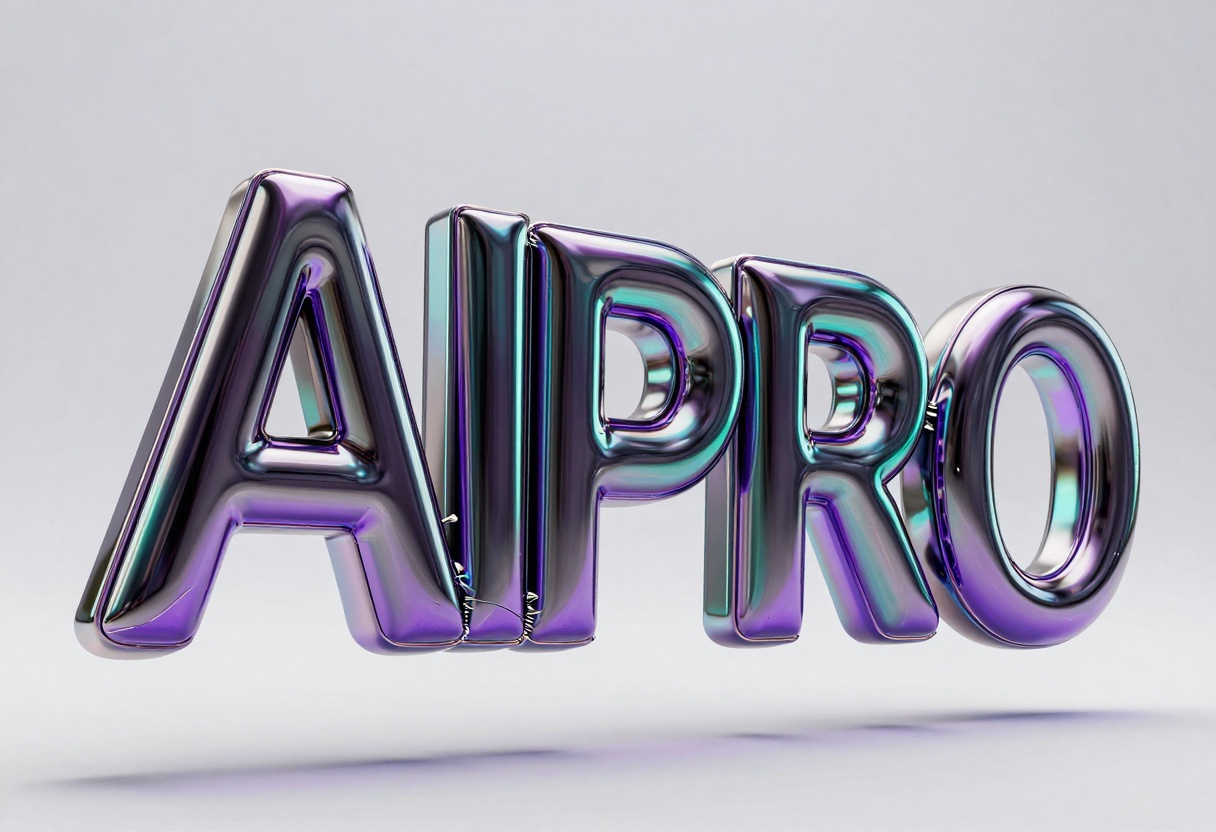
FLUX.2 Pro is now available on PicassoIA, offering three distinct variants to match different workflow requirements. Each variant balances speed, quality, and cost to serve specific creative needs, from rapid prototyping to high-end commercial work.
The model comes in three configurations designed for different use cases. FLUX.2 Pro generates images in 6 seconds without reference images, or 9 seconds when using input images. It supports up to 8 reference images simultaneously. FLUX.2 Flex prioritizes maximum quality, particularly excelling at typography and fine details. Generation takes 22 seconds without references, or 40 seconds with input images, and accepts up to 10 reference images. FLUX.2 Dev is an optimized open-source variant that produces images in just 2.5 seconds, or 5.5 seconds with references.
What Makes FLUX.2 Pro Special
Photorealistic Detail That Closes the Gap
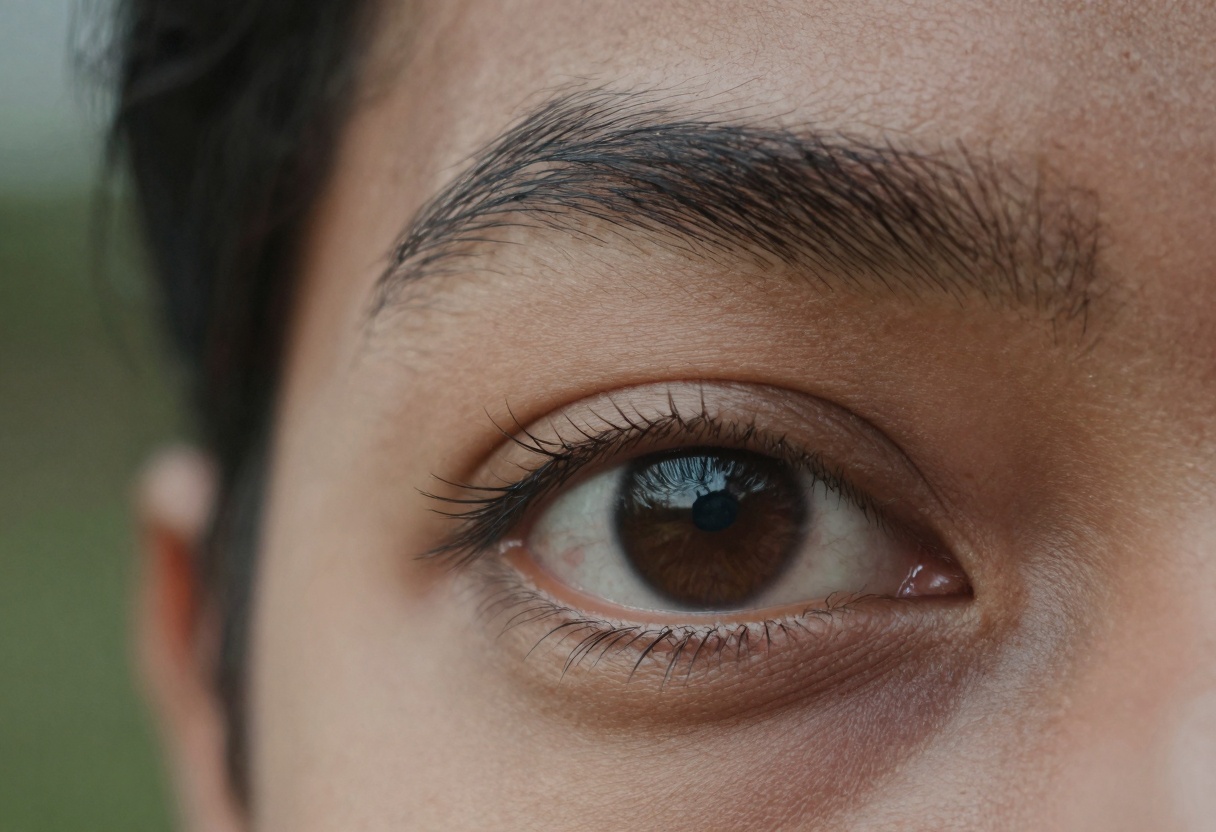
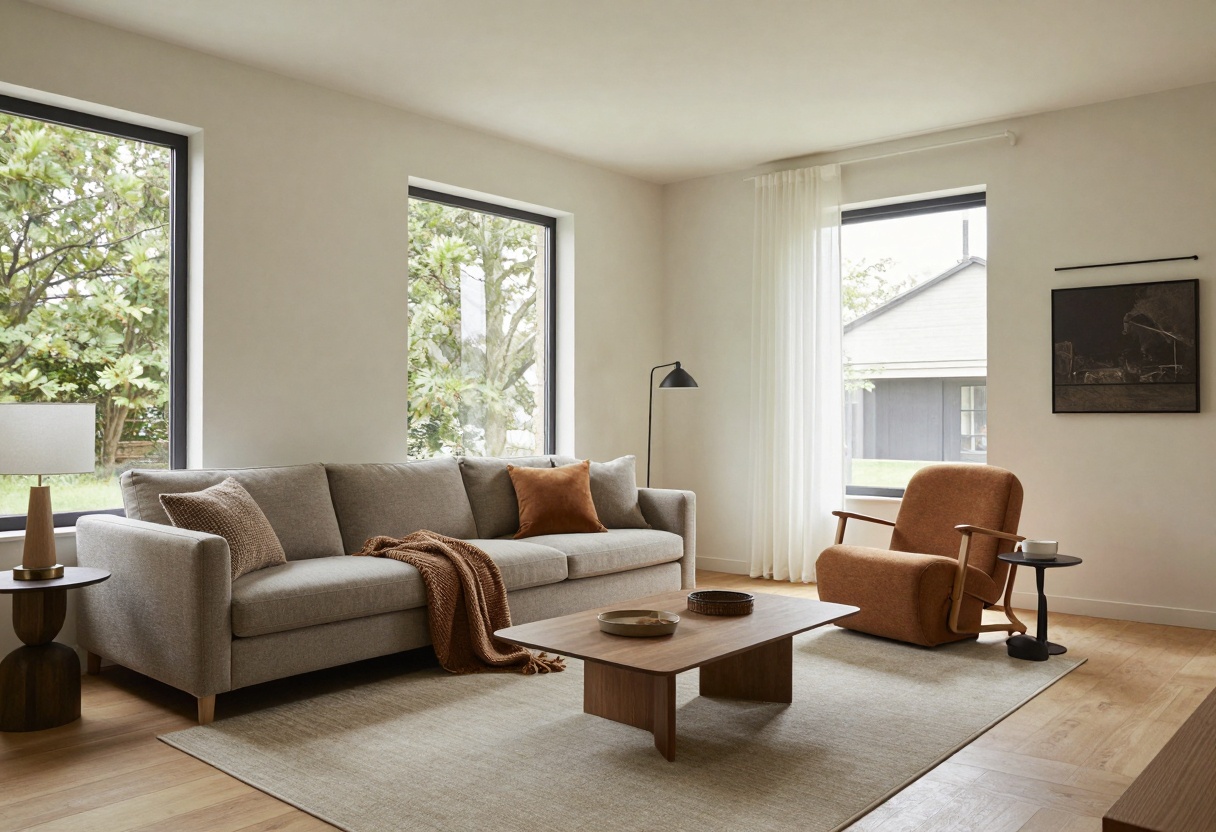
FLUX.2 Pro produces realistic image details up to 4MP resolution. The model excels at rendering accurate hands, faces, fabrics, logos, and small objects that other models frequently struggle with. This level of fidelity makes it particularly valuable for creative photography, e-commerce product shots, marketing materials, interior design visualization, and image restyling projects.
The attention to detail extends beyond basic accuracy. Skin texture, hair strands, fabric weave patterns, and material properties all render with convincing realism. Lighting behaves naturally, with proper subsurface scattering on skin and accurate reflections on glossy surfaces.
Enterprise-Grade Efficiency
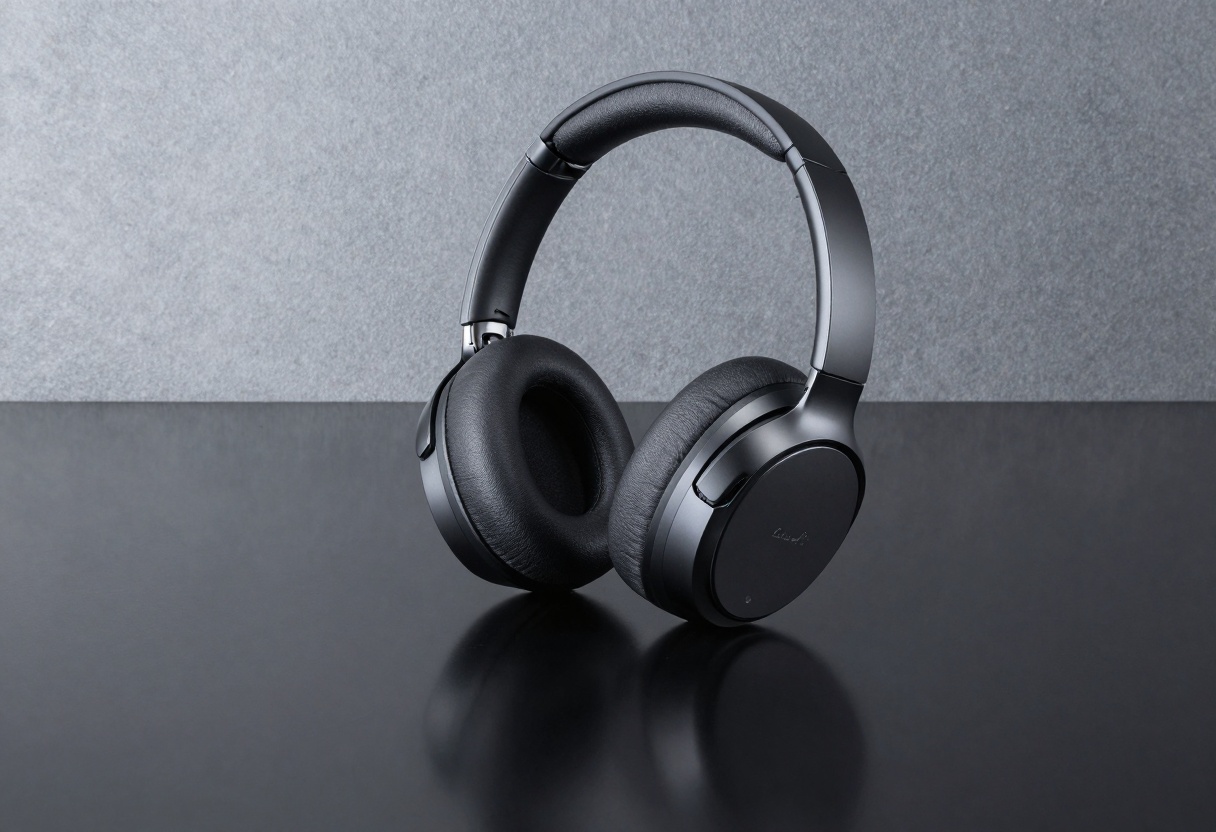
FLUX.2 Pro delivers state-of-the-art visual intelligence at low latency and predictable cost. Whether generating new images or editing existing ones, the model handles complex visual problems efficiently. This makes professional-quality AI accessible even at large image volumes, a critical factor for businesses and agencies working with tight budgets and deadlines.
The predictable performance means you can accurately estimate project costs and timelines, removing the uncertainty that often comes with AI-powered workflows.
Multi-Reference Editing with Character Consistency
One of FLUX.2 Pro's standout features is its ability to reference up to 8 images simultaneously while maintaining consistent identities, products, and styles. This capability opens up powerful workflows like creating 50 ad variants using the same face, generating product mockups in any context, or producing dynamic fashion editorials where the model stays consistent across all shots.
The multi-reference system understands relationships between images, allowing it to combine style elements from one image, composition from another, and subject matter from a third, all while maintaining coherence.
Professional Precision
FLUX.2 Pro offers direct pose control for exact positioning, making it possible to match specific body positions or product angles. The model supports hex-code color accuracy, ensuring brand guidelines are met precisely. You can combine visual cues with input images for localized editing, enabling selective modifications without affecting the rest of the image.
The system handles clean background replacement and object insertion that match perspective correctly. Localized edits leave the rest of the image intact, allowing surgical precision in modifications. All of these capabilities work at any aspect ratio, providing flexibility for different delivery formats.
Built to Scale
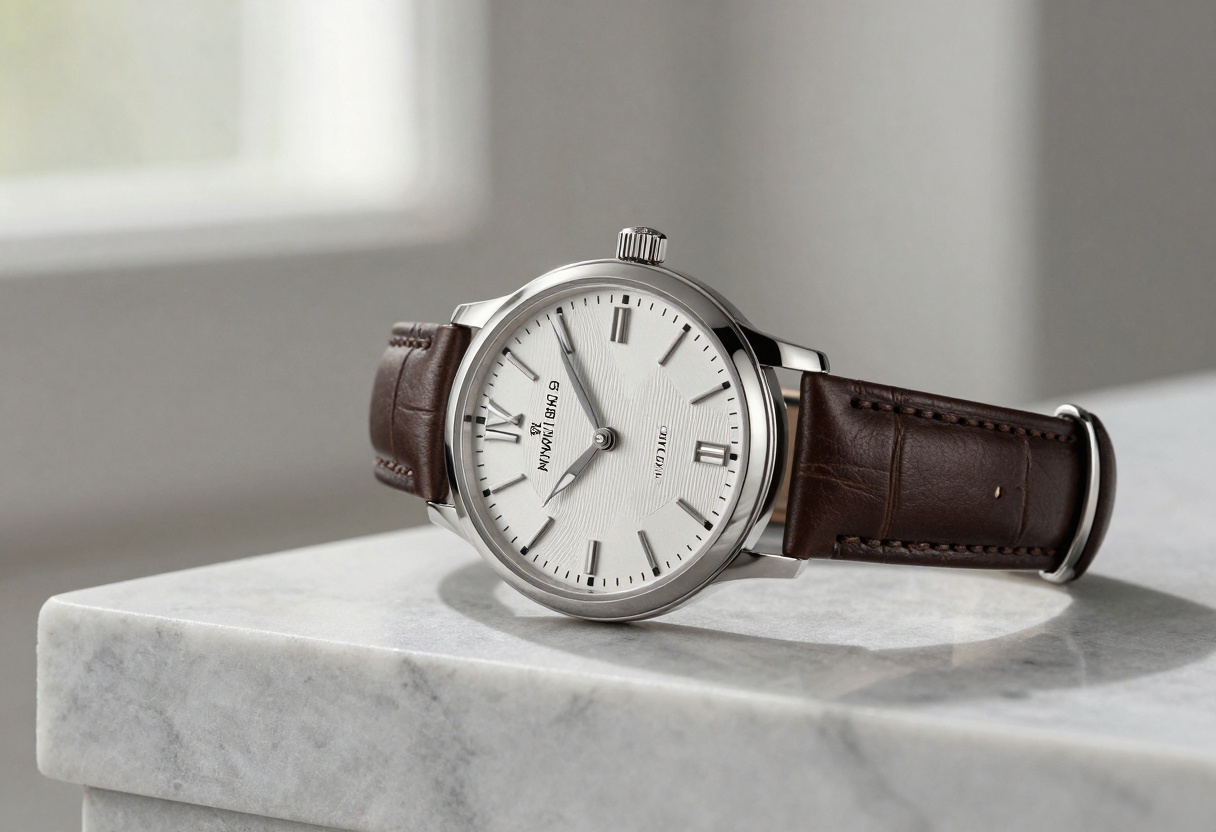
The model includes structured prompting for programmatic workflows, making it straightforward to integrate into automated pipelines. With 32K prompt tokens available, you can provide detailed creative direction without worrying about length limits. Generative expand and crop capabilities allow for post-generation edits, reducing the need for regeneration when minor adjustments are needed.
Speed and quality tiers adapt to your specific workflow needs, whether you're prototyping concepts quickly or producing final deliverables for high-profile campaigns.
Optimized for Internet Content
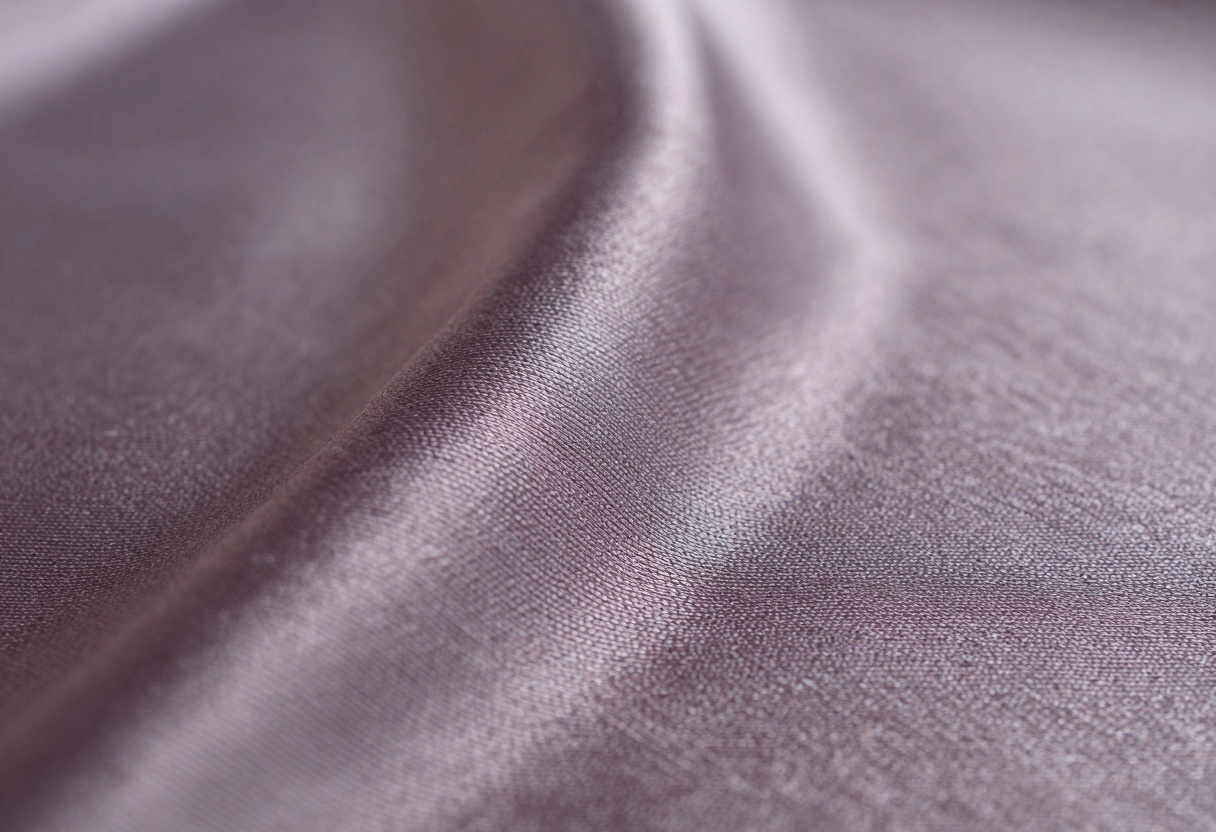
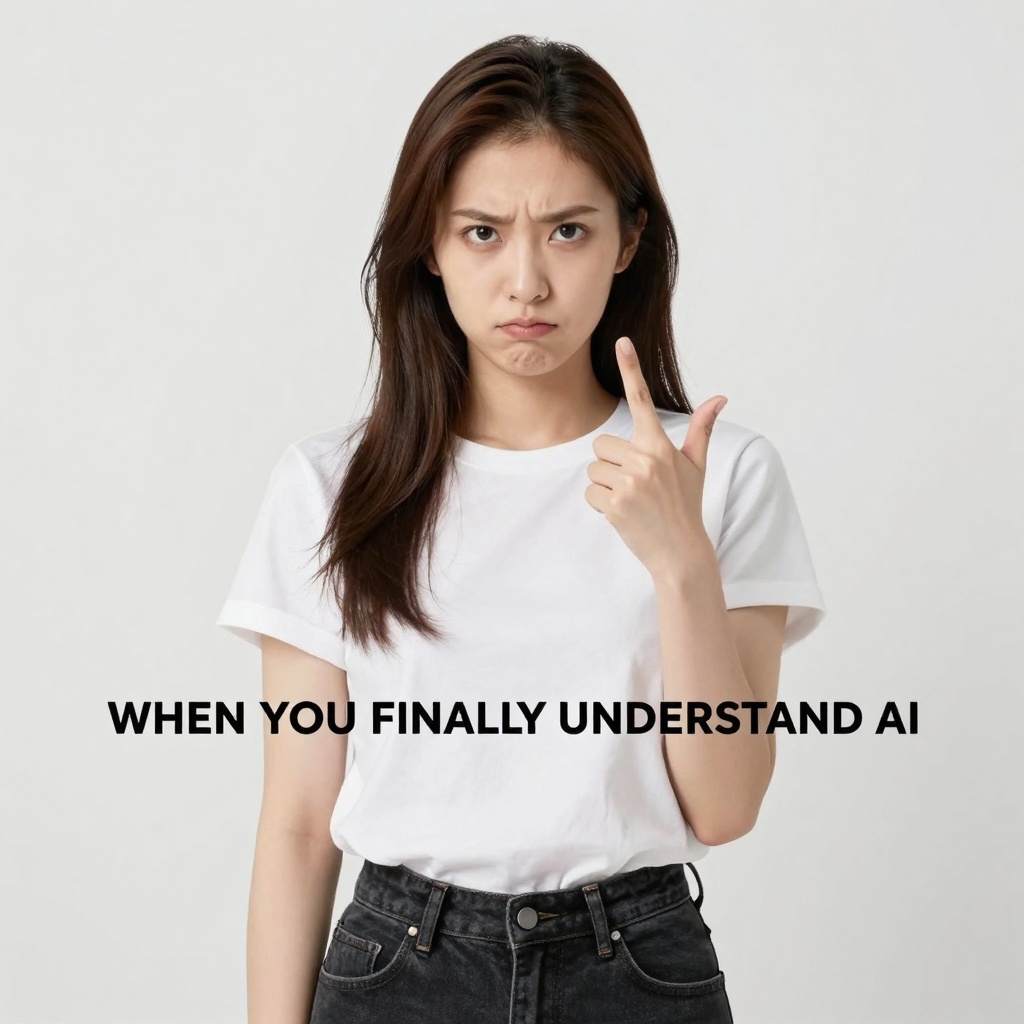
FLUX.2 Pro understands context, tone, and trends well enough to create engaging posts, memes, and editorial visuals from short prompts in a single generation. The model has been trained on contemporary internet culture, allowing it to capture the aesthetic and emotional qualities that make content shareable.
Key Improvements Over FLUX.1
FLUX.2 Pro brings several meaningful improvements over its predecessor, each addressing real limitations that creators encountered in production use.
Multi-reference support now allows referencing up to 8 images simultaneously, with improved character, product, and style consistency across generations. This makes it practical to maintain visual continuity across large content sets.
Image detail and photorealism have seen substantial improvements. Higher fidelity appears in skin, hair, fabric, materials, and hands, with fewer artifacts and more stable lighting. The gap between generated images and real photography has narrowed significantly.
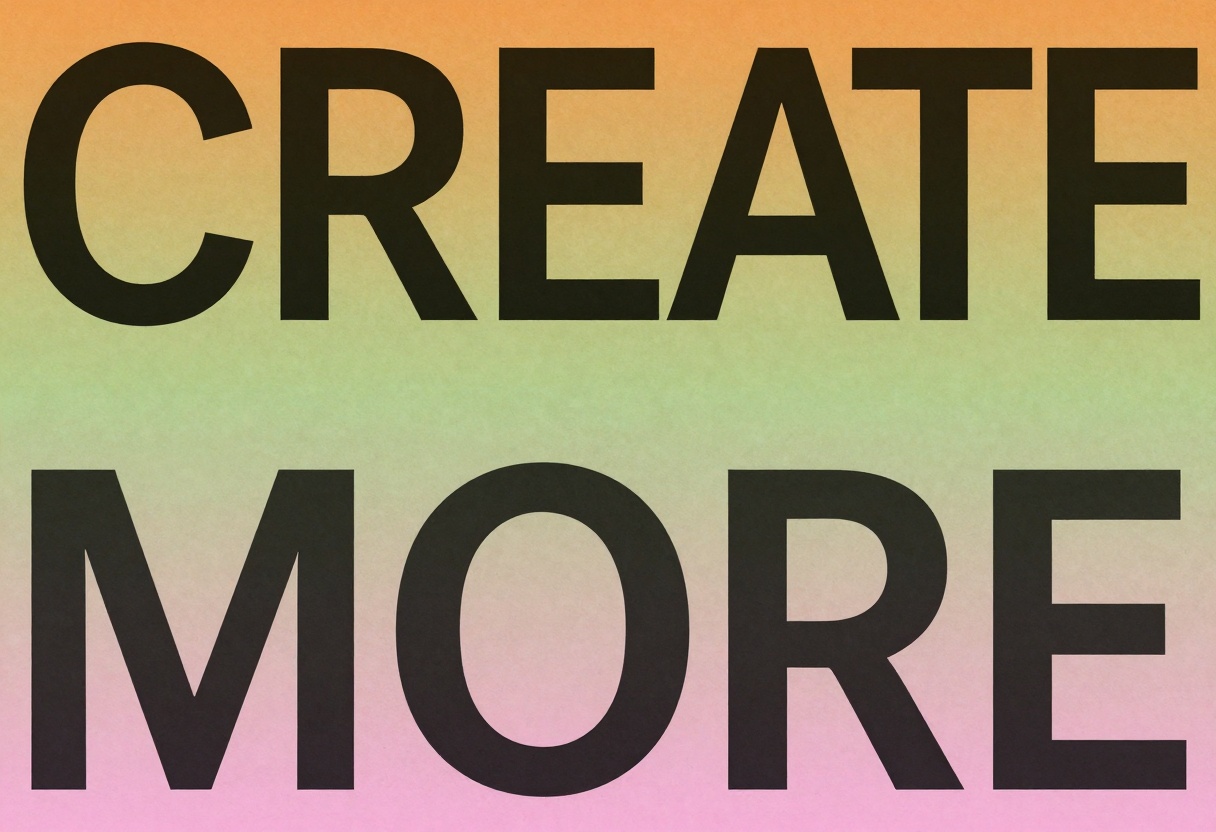
Text rendering is now more reliable, particularly for complex typography, infographics, and UI mockups. The model generates clean, legible text for memes and designs from pure text prompts or input images, addressing one of the most common pain points in AI image generation.
Enhanced prompt following delivers significantly better accuracy and responsiveness to complex instructions. The model interprets nuanced requirements more reliably, reducing the need for multiple regeneration attempts.
World knowledge improvements mean the model is more grounded in real-world knowledge, lighting, and spatial logic. This results in more coherent scenes that feel natural rather than artificially constructed.
Higher and flexible output resolutions allow editing images up to 4MP and can be used to resize or extend images. This flexibility eliminates the need for separate upscaling tools in many workflows.
Who Should Use FLUX.2 Pro
FLUX.2 Pro is designed for anyone generating professional visual content at scale. Marketing teams benefit from the ability to create consistent brand visuals across campaigns. Product designers can rapidly prototype and iterate on visual concepts. Content creators gain access to professional-quality imagery without expensive photoshoots.
Social media managers can produce engaging content that matches current trends and aesthetics. E-commerce brands can generate product shots in various contexts and environments. Agencies can serve multiple clients efficiently with consistent quality. Developers building visual applications gain a reliable API for programmatic generation.
Publishers producing illustrated content at scale can maintain visual consistency across large content libraries. Educators creating visual materials can generate custom illustrations that match their specific teaching needs.
How to Use FLUX.2 Pro on PicassoIA

PicassoIA makes it simple to access FLUX.2 Pro's capabilities through an intuitive web interface. Here's a step-by-step guide to creating your first image.
Step 1: Navigate to FLUX.2 Pro
Visit the FLUX.2 Pro model page on PicassoIA. You'll see a clean interface with the prompt field prominently displayed.
Step 2: Enter Your Prompt
Type your description in the main prompt field. Be specific about what you want to create. For example, instead of "a cat," try "a fluffy orange tabby cat sitting on a windowsill, soft morning light, professional photography style."
The more detail you provide, the better FLUX.2 Pro can interpret your creative vision. Include information about:
- Subject details - What exactly you want to create
- Style and aesthetic - Photorealistic, illustrated, minimalist, etc.
- Lighting and mood - Natural light, dramatic lighting, warm tones, etc.
- Composition - Close-up, wide shot, specific angle
- Context and setting - Where the subject is located or what surrounds it
Step 3: Configure Advanced Options (Optional)
Click "Advanced Options" to access additional settings. Here you can:
- Add reference images - Upload up to 8 images to guide the generation
- Set aspect ratio - Choose from presets or match an input image
- Adjust resolution - Select from 1 MP to 4 MP output
- Choose output format - WebP, JPG, or PNG
- Control output quality - Balance file size and image quality
- Set safety tolerance - Adjust content moderation level
Step 4: Generate Your Image
Click the "Generate" button to start the creation process. FLUX.2 Pro will process your request and display the result on the right side of the interface. Generation typically takes 6-9 seconds depending on whether you're using reference images.
Step 5: Refine and Iterate
Review your generated image. If it's not quite what you wanted, you can:
- Adjust your prompt to be more specific
- Add reference images to guide the style
- Modify advanced settings for different results
- Generate multiple variations to find the best option
Tips for Best Results
Be specific in your prompts. Vague descriptions produce vague results. Instead of "beautiful landscape," try "snow-capped mountain range at sunrise, golden light, misty valleys below, professional landscape photography."
Use reference images strategically. If you want a specific style, provide 1-2 reference images showing that style. If you want character consistency, provide images of the same subject from different angles.
Experiment with resolution. Higher resolutions (2-4 MP) provide more detail but take slightly longer. For quick iterations, start with 1 MP and scale up for final outputs.
Match aspect ratios to your use case. Square (1:1) for social media, 16:9 for presentations and web headers, 3:2 for traditional photography formats.
Leverage negative prompts in your description. While not a separate field, you can include what to avoid by saying "without X" or "excluding Y" in your prompt.
Practical Applications
FLUX.2 Pro excels in several real-world scenarios where quality and consistency matter.
E-commerce product photography becomes dramatically more efficient. Generate a product in multiple settings without expensive photo shoots. Show the same item in a minimalist studio, a lifestyle context, and an editorial layout, all while maintaining perfect product consistency.
Marketing campaign development speeds up significantly. Create dozens of ad variations with consistent branding and messaging. Test different backgrounds, contexts, and compositions quickly to find what resonates with your audience.
Social media content creation becomes more sustainable. Generate engaging visuals that match current trends and platform aesthetics. Create memes, infographics, and post templates at scale without depleting your creative energy.
Editorial and publishing workflows benefit from custom illustrations that perfectly match article content. Generate hero images, supporting graphics, and visual metaphors that align precisely with written content.
Concept development and ideation accelerates when you can visualize ideas instantly. Explore multiple directions quickly, share visual concepts with stakeholders, and iterate based on feedback without waiting for traditional design cycles.
FLUX.2 Pro Represents a Significant Leap Forward
The combination of photorealistic detail, multi-reference consistency, and enterprise-grade efficiency makes FLUX.2 Pro a practical tool for professional visual content creation at any scale. The model's improvements in text rendering, prompt following, and world knowledge address real pain points that creators have experienced with earlier generation models.
Whether you're producing a single hero image for a campaign or generating thousands of product variations for an e-commerce platform, FLUX.2 Pro delivers consistent quality at predictable speeds and costs. The three model variants provide flexibility to match your specific workflow requirements, from rapid prototyping to high-end commercial work.
Ready to experience the next generation of AI image creation? Try FLUX.2 Pro on PicassoIA today and see how it transforms your creative workflow.


