Product photography has always been a fixed cost that brands simply accepted. Hire a photographer, rent a studio, spend a day on set, wait a week for edited files, pay the invoice. For years, this was the only way to get the clean, high-fidelity images that actually move product on a shelf or a screen. Then Flux 2 Pro came along and changed the equation completely.
This is not about "good enough for social media." What Flux 2 Pro produces for commercial product shots is genuinely competitive with studio photography, and brands across skincare, footwear, tech, and food categories are noticing. If you sell something and need images that make customers reach for their wallet, this article addresses what Flux 2 Pro does, how to use it effectively, and what separates a mediocre AI product shot from one that could appear in a print catalog.
What Flux 2 Pro Actually Does
Flux 2 Pro is the flagship text-to-image model from Black Forest Labs. What separates it from earlier generation models is not just resolution. It is the model's ability to render physical materials, lighting physics, and product styling conventions with remarkable accuracy.
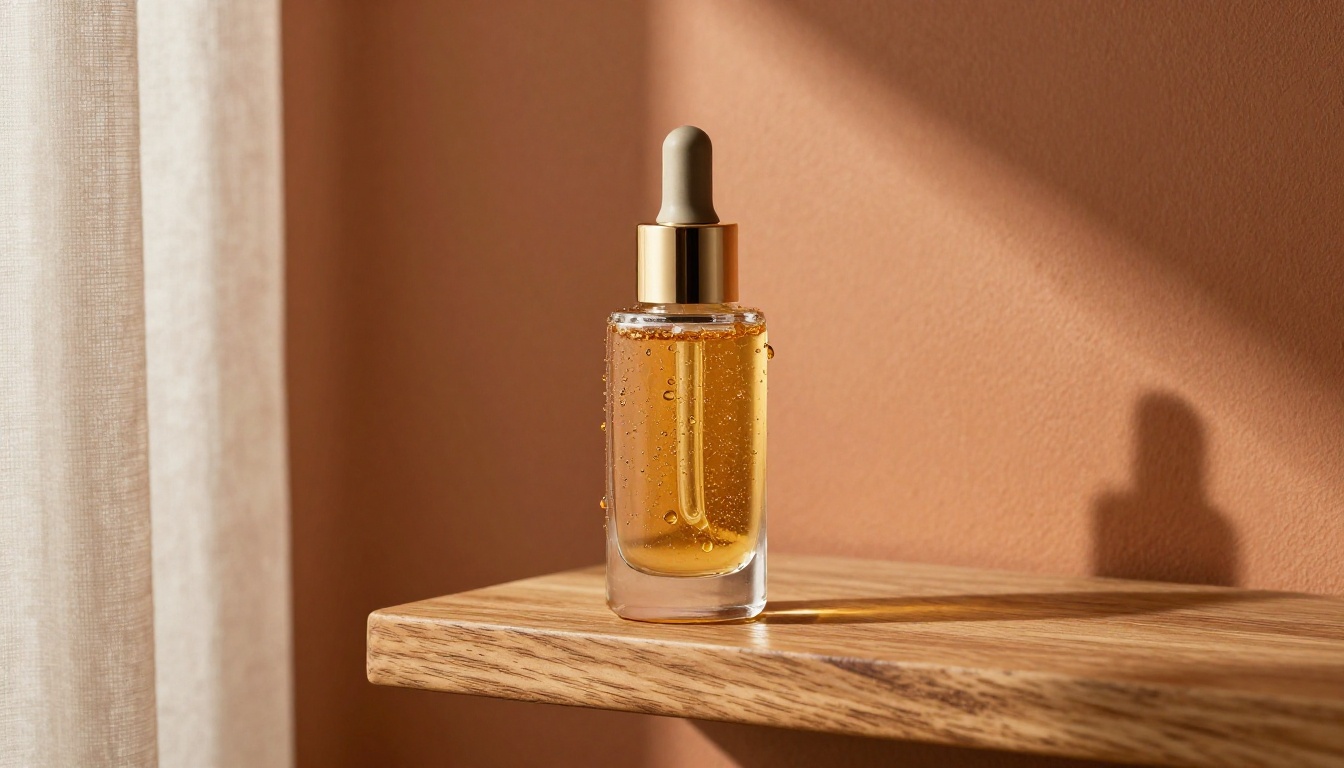
When you describe a glass perfume bottle on marble, Flux 2 Pro does not produce a vague representation of those things. It produces glass with refraction, marble with veining and depth, and lighting that behaves the way light actually behaves when it hits those surfaces. That material fidelity is what matters in commercial photography.
The Resolution Advantage
Flux 2 Pro generates at up to 2048x2048, and when paired with Flux 2 Max, you get even sharper output with better prompt adherence at extreme detail levels. For print catalog work, 8K-equivalent output is not a luxury, it is a requirement.
Competing models like SDXL or earlier Stable Diffusion generations tend to smear fine textures at print scale. A coffee bag's kraft paper weave, a watch dial's engravings, a shoe sole's grip tread pattern: these details hold in Flux 2 Pro where they blur in older models.
Prompt Fidelity That Means Business
Commercial product photography has specific conventions: specific lighting setups, specific compositional rules, specific prop relationships. Flux 2 Pro understands these conventions because it was trained on data that includes professional photography at scale.
Describe a "low-angle shot at 15 degrees with a 35mm f/1.8 lens" and the model delivers that perspective. Specify "studio strobe from 10 o'clock position with a fill reflector returning 40% of the key light" and you get the light quality that description implies. This level of prompt adherence is not standard in most text-to-image models, and it is the difference between getting a product image and getting a usable product image.
5 Shot Types That Drive Commercial Results
Clean White Background Hero Shots
The workhorse of e-commerce. Amazon, Etsy, Shopify, every major platform recommends or requires pure white background product imagery for listing images. With Flux 2 Pro, you specify "pure white studio background, studio strobe from above, minimal directional shadow" and the model handles the rest.
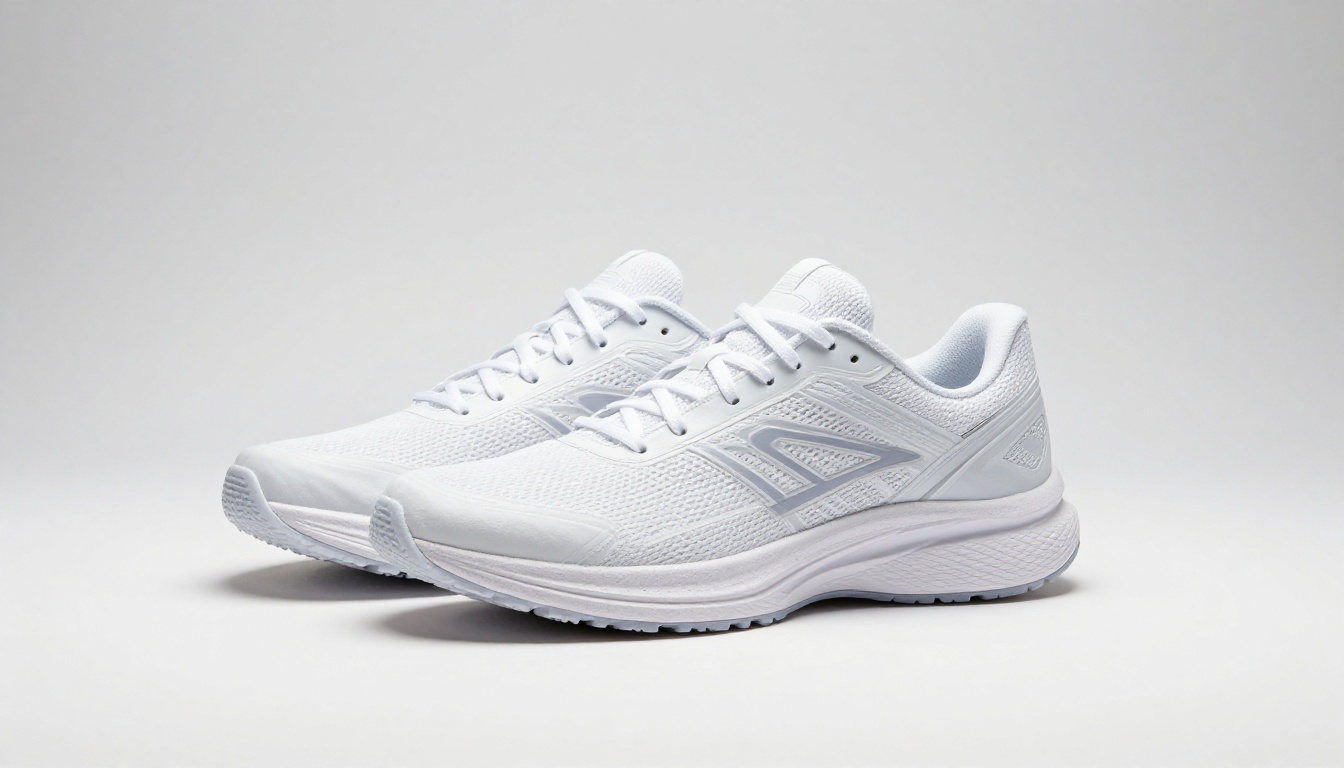
The critical prompt components for clean white backgrounds:
- Surface: "clean matte white acrylic surface" (avoids reflective issues)
- Lighting: "studio strobe from above, even exposure, minimal shadow"
- Lens: "tilt-shift lens, all surfaces in perfect focus"
- Output note: "no background distractions, pure white background"
💡 Add "no surface reflections" explicitly if your product has a shiny surface. Flux 2 Pro may add realistic reflections by default, which are not always appropriate for listing images.
Lifestyle Context Shots
These are the images that communicate aspiration rather than specification. A watch on a conference table. Running shoes on an early morning trail. A coffee bag in a café. The product exists within a world that the customer wants to inhabit.
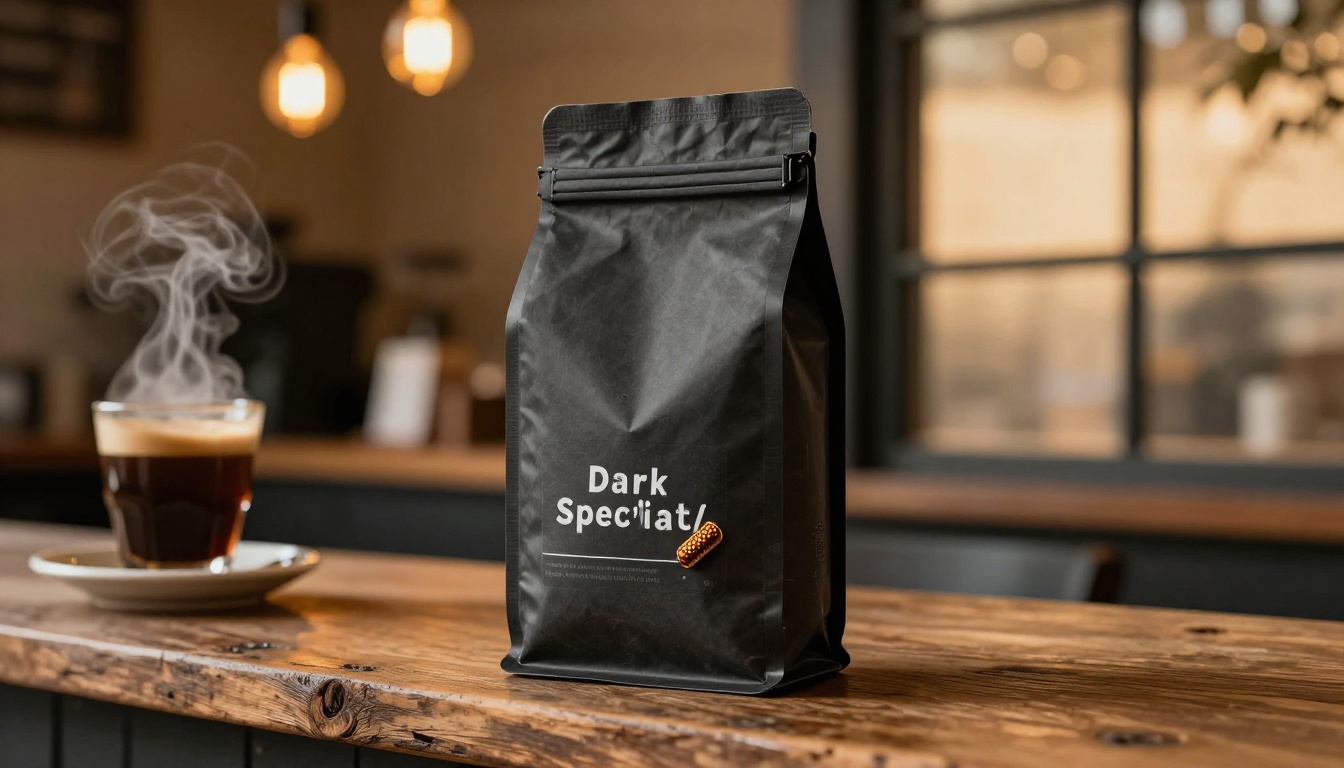
For lifestyle shots, the environment is as important as the product itself. Describe both with equal detail. "Rustic reclaimed wood surface" is better than "wood table." "Warm Edison bulb bokeh in background" is better than "café background." The specificity of your environment description directly determines how aspirational the result feels.
Texture and Material Close-Ups
Close-up macro shots showing material quality are essential for premium products. A luxury watch. A skincare bottle. A leather bag. The texture itself communicates quality before the customer reads a single word of copy.
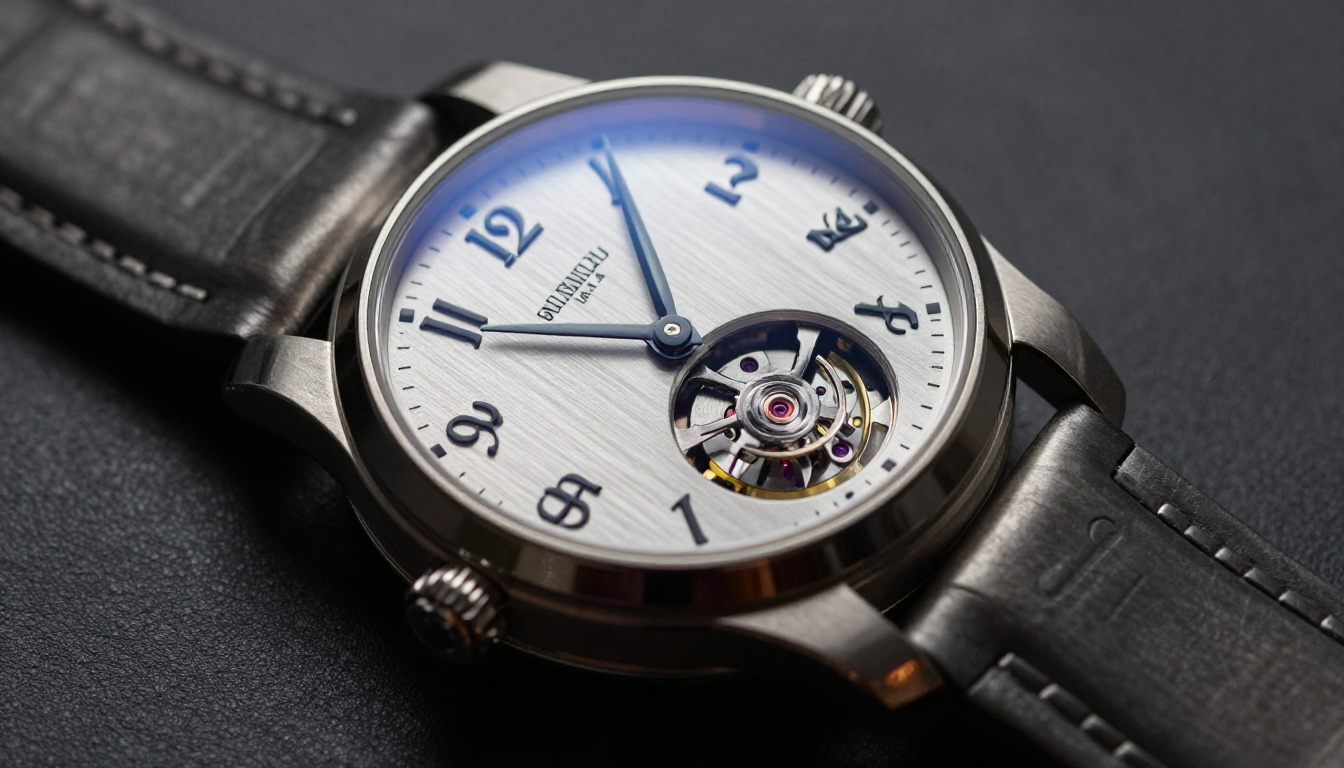
For macro work, these prompt elements are non-negotiable:
| Prompt Element | Example Value |
|---|
| Lens specification | "100mm macro lens at f/8" |
| Lighting direction | "side lighting from 3 o'clock position" |
| Surface material | "brushed dark gunmetal" |
| Detail call-out | "Arabic numerals and skeleton movement visible" |
| Background treatment | "background fading to deep charcoal" |
Flat Lay Compositions
Flat lays are overhead compositions that work across fashion, beauty, food, and tech categories. The challenge is making them feel styled rather than clinical. Flux 2 Pro handles flat lay composition well when you specify prop relationships precisely.
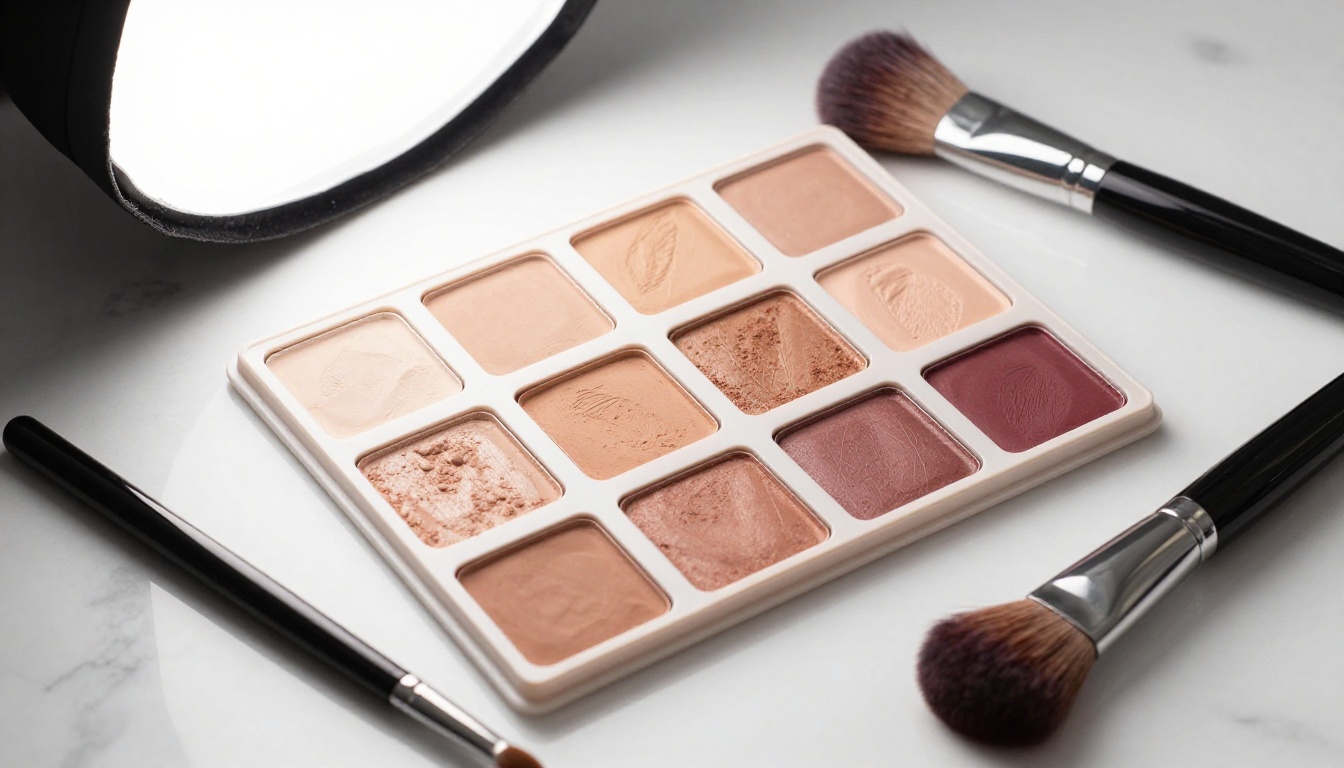
The phrase "crossing diagonally" for brush placement makes the difference between a static layout and a styled one. Describe prop positions spatially: "at frame corner," "to the right of the hero product," "partially obscured by the main item." These spatial relationships are what give AI flat lays the look of a human stylist's work.
Environmental Context for Food and Beverage
Food and beverage products benefit enormously from environmental context. An olive oil bottle on an Italian windowsill communicates provenance, quality, and lifestyle in one image without a word of copy.
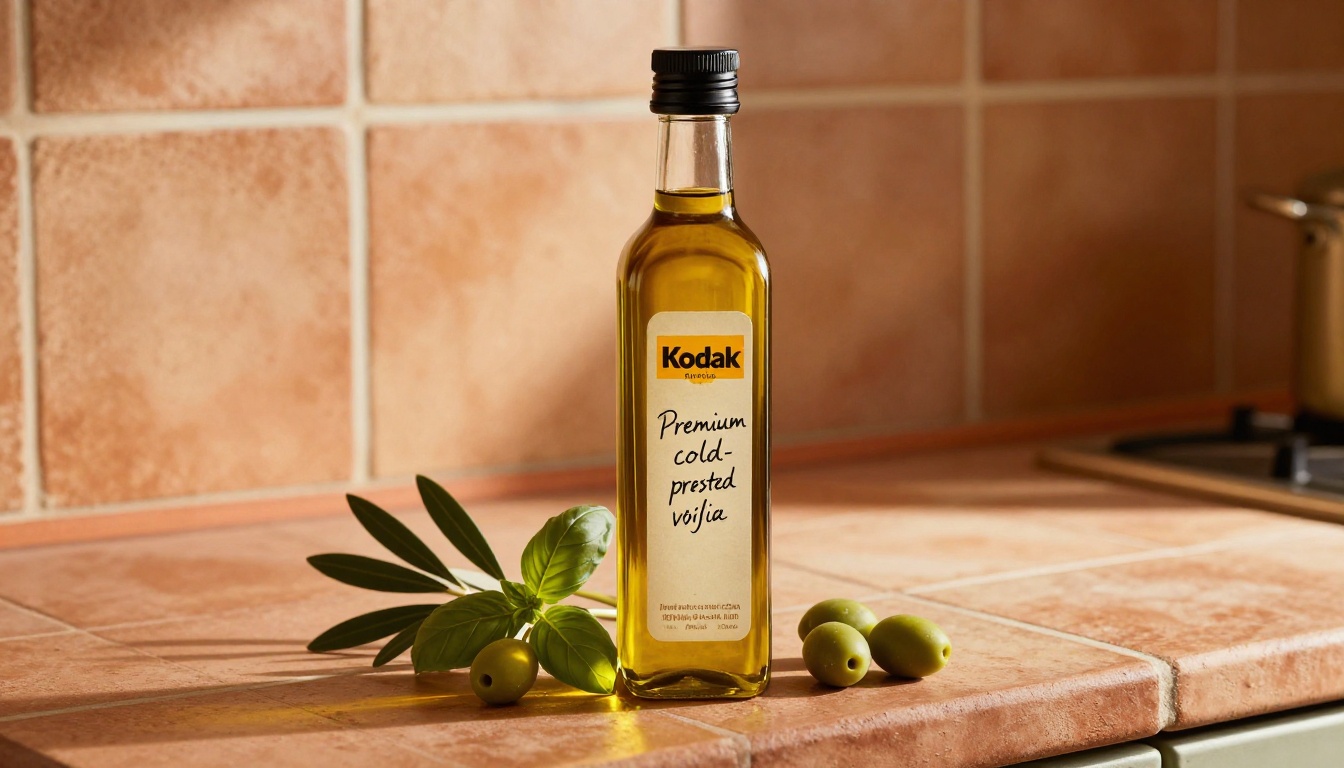
💡 For transparent containers like bottles and jars, always include "golden afternoon light creating warm amber glow through the liquid." Flux 2 Pro handles light-through-liquid beautifully when prompted explicitly, and it adds organic quality that looks expensive.
Flux 2 Pro vs Other Models for Commercial Work
There are several strong models available on PicassoIA for commercial product photography. Here is how they compare for practical commercial briefs:
| Model | Best For | Limitation |
|---|
| Flux 2 Pro | Full commercial briefs, material fidelity | Slower than Schnell variants |
| Flux 2 Max | Print quality, extreme fine detail | Higher credit cost per image |
| Flux 1.1 Pro Ultra | High-res output with finetuning | Preceded by Flux 2 series |
| Flux Kontext Pro | Targeted image editing, iteration | Requires a source image |
| Flux 2 Dev | Rapid prototyping, concept drafts | Not for final commercial output |
For a full commercial production workflow, the recommended sequence is: prototype with Flux 2 Dev, finalize with Flux 2 Pro, and use Flux Kontext Pro to make targeted adjustments to a generated image without regenerating the whole composition.
How to Use Flux 2 Pro on PicassoIA
PicassoIA hosts Flux 2 Pro directly, with no API setup required. Here is the step-by-step workflow for producing a commercial product shot from scratch.
Step 1: Open the Model
Go to the Flux 2 Pro model page on PicassoIA. The interface shows the prompt input, aspect ratio selector, and generation controls. For commercial product photography, always select 16:9 for landscape hero shots or 1:1 for square listing images, depending on your platform requirements.
Step 2: Build a Structured Prompt
Do not write a vague prompt. Structure it around these five elements in order:
- Subject: What is the product and its specific finish or material?
- Surface: What is it sitting on or near?
- Background: What environment is behind it?
- Lighting: Specific setup, direction, quality, and color temperature.
- Camera: Angle, lens focal length, aperture, and shooting distance.
End every prompt with "RAW 8K photography, photorealistic, film grain, Kodak Portra 400" to anchor the output to the photography aesthetic rather than the illustration aesthetic.
Step 3: Refine with Flux Kontext Pro
Once you have a base image from Flux 2 Pro, take it to Flux Kontext Pro and make targeted edits. This is useful when the product is perfect but the background needs adjustment, or when a shadow falls incorrectly. Upload the existing image and describe only the change you want, preserving everything else in the composition.
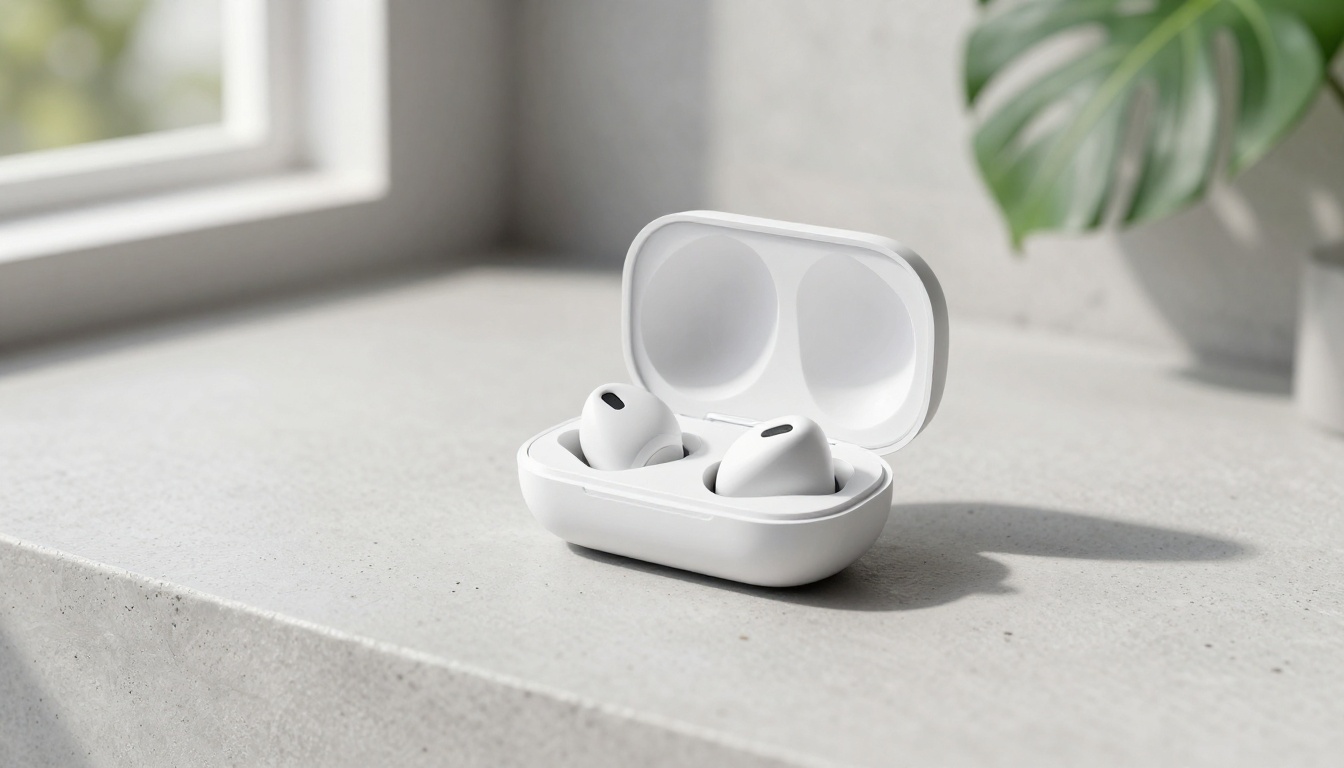
Flux Kontext Max goes further, allowing full compositional rewrites while preserving the core product appearance. For brands with existing product photography that needs background replacement or environment changes, this is an efficient option that avoids full regeneration.
Prompt Engineering for Product Shots
The ACSLE Formula
Every strong product photography prompt follows this structure:
A - Angle: Low-angle, aerial, three-quarter, close-up, eye-level
C - Camera: Lens type, focal length, aperture setting
S - Subject: Product name, material, finish, distinguishing features
L - Lighting: Source type, direction, quality, color temperature
E - Environment: Surface material, background, props, atmospheric details
Example for a skincare serum bottle:
"Close-up (A) with 85mm f/2.0 lens (C) of a glass serum bottle with frosted exterior and gold dropper cap (S), morning diffused light from the left through sheer linen curtain (L), on raw oak shelf against warm terracotta plaster wall background (E), RAW 8K photography, Kodak Portra 400, photorealistic"
Lighting Descriptors That Work
The single biggest factor in whether a product shot looks professional is lighting description. These descriptors consistently produce commercial-grade results in Flux 2 Pro:
- Studio strobe: "150cm octabox at 10 o'clock, fill reflector at 4 o'clock returning 40% key light"
- Natural diffused: "volumetric morning light from upper left at 45 degrees through sheer curtain"
- Golden hour: "warm amber afternoon light filtering through frosted glass from the right"
- Product macro: "side lighting from 3 o'clock creating deep shadows in surface engravings"
- Clean white: "studio strobe from directly above, even exposure, minimal directional shadow"
💡 Always specify lighting direction using clock positions (10 o'clock, 3 o'clock). This precision gives Flux 2 Pro enough information to render directionally accurate shadows and highlights consistently.
Real Business Use Cases
Skincare Brands
Skincare is one of the highest-performing categories for AI product photography. The product vocabulary is rich: glass bottles, serum viscosity, dropper tips, frosted finishes, metallic caps. All of these materials render with strong fidelity in Flux 2 Pro.
A typical skincare brand needs three core shots per SKU: a hero white-background shot for retail listings, a lifestyle warmth shot for social media, and a texture close-up for email campaigns. All three can be generated in a single session on PicassoIA without moving the physical product. If the product has not even been manufactured yet, the images can still be produced from a product rendering or description.
Apparel E-Commerce
Ghost mannequin photography for apparel is expensive and time-consuming. The process requires shooting on a physical mannequin, then removing the mannequin in post-production, then retouching the resulting hollow interior. With Flux 2 Pro, you describe the garment directly: "white oversized cotton hoodie on a ghost mannequin floating in pure white studio environment, three-quarter view, no mannequin hardware visible."
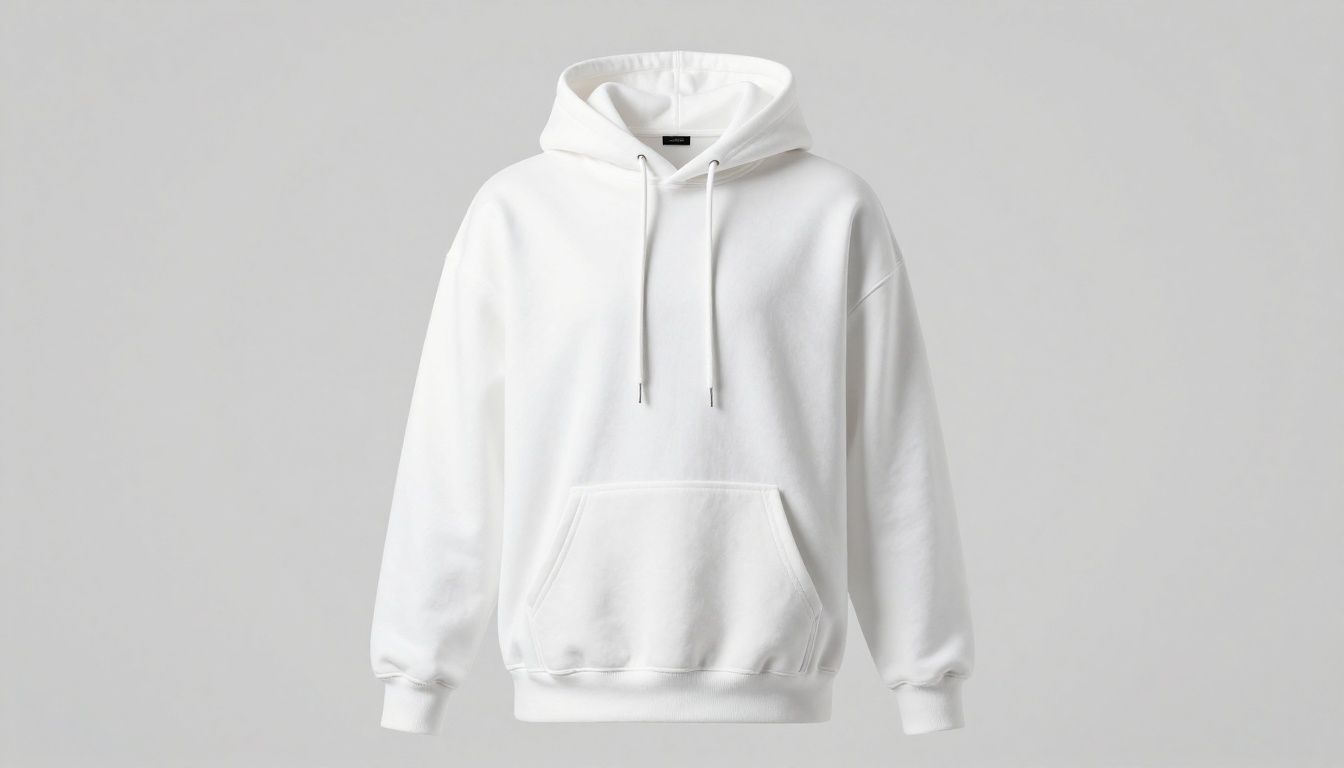
The result arrives ready for an e-commerce listing without a retoucher touching the file. For seasonal collections with dozens of SKUs, the time savings are substantial.
Tech Products
Tech products have specific photography conventions: clean environments, gradient or solid backgrounds, screen content shown as blurred data visualizations, environmental context suggesting professional use settings.

For tech, Flux 1.1 Pro Ultra is worth testing alongside Flux 2 Pro. Some product types respond better to the Ultra variant's different training characteristics, particularly products with complex geometric shapes or highly reflective metallic chassis.
The Real Cost Comparison
Traditional product photography at a commercial studio involves multiple line items:
| Cost Item | Typical Range |
|---|
| Studio rental (full day) | $800 to $2,500 |
| Photographer fee | $500 to $3,000 |
| Prop styling | $200 to $800 |
| Post-production per image | $200 to $1,500 |
| Turnaround time | 5 to 14 days |
With Flux 2 Pro on PicassoIA, the turnaround is 20 to 45 seconds per image. A full product catalog of 50 images that would take a studio two weeks can be produced in an afternoon. The quality ceiling is not identical to a million-dollar campaign shoot. For most e-commerce brands, small businesses, and DTC operators, it does not need to be.
When to Use Flux 2 Pro Right Now
There are specific scenarios where Flux 2 Pro is clearly the right tool:
- New product launches: Generate imagery before physical inventory arrives
- A/B testing: Produce 10 background variants of the same product to test in ads without a reshoot
- Seasonal campaigns: Swap environmental context (winter, summer, holiday) without booking a studio
- International markets: Adjust lifestyle context for different regional aesthetics
- Startup budgets: Launch a brand with professional-looking imagery at a fraction of studio overhead
For each of these scenarios, the workflow on PicassoIA is identical: open Flux 2 Pro, write a structured ACSLE prompt, generate, and iterate with Flux Kontext Pro for targeted adjustments.
Start Generating Product Shots on PicassoIA
If you sell products and have not tried AI commercial photography yet, the entry point is straightforward. Open Flux 2 Pro on PicassoIA and start with your best-selling product.
Pick one shot type (white background hero is the easiest to benchmark against existing photography), write a structured ACSLE prompt, and generate five variations in a row. At least one of those five will surprise you with how close it gets to professional photography quality.
From there, the workflow scales. Add lifestyle environments. Try macro texture shots. Use Flux Kontext Max to rewrite backgrounds on your best generations without losing the product. Use Flux 2 Max when you need print-scale output that holds at 300 DPI. Browse all available image generation models at picassoia.com/en/all-models to find the right model for each product type in your catalog.
The studio fees stay in your budget. The quality goes in your catalog.


