Flux 2 Pro is the highest-tier image generation model released by Black Forest Labs, the team behind the original FLUX.1 architecture that reshaped what open-weight models could do. If you have spent any time with Flux Schnell or the dev variant, you already know the baseline quality. Pro takes that further in every measurable way: sharper adherence to prompts, more convincing photorealism, and text in images that does not look like it was typed by someone having a stroke.
This article goes through every feature, the real numbers on pricing, and a practical walkthrough for getting results on PicassoIA.
What Makes Flux 2 Pro Different
The Black Forest Labs Lineage
Black Forest Labs built the FLUX.1 family on a rectified flow transformer architecture, a significant departure from the U-Net backbone that powered Stable Diffusion 1.x and 2.x. This architectural shift means the model learns a cleaner mapping between noise and data, which translates directly to better high-frequency detail in outputs.
The Flux lineup follows a clear hierarchy:
| Model | Speed | Quality | Best For |
|---|
| Flux Schnell | Fastest | Good | Rapid iteration |
| Flux Dev | Moderate | Very Good | Personal projects |
| Flux Pro | Balanced | Best | Production work |
| Flux 2 Pro | Fastest Pro-tier | Best | High-volume production |
Flux 2 Pro inherits the same rectified flow backbone but ships with optimizations for throughput. You get Pro-tier quality with a meaningfully faster time-to-first-image, which matters significantly when you are running batch jobs or building any kind of real-time application on top of the API.
Photorealism at a New Standard
The photorealism gap between Flux Pro and competing text-to-image models became evident the moment people started generating portrait photography, architectural interiors, and product shots. The model handles subsurface scattering in skin, caustics in glass and water, and fabric microstructure with a consistency that older latent diffusion models could not match reliably.
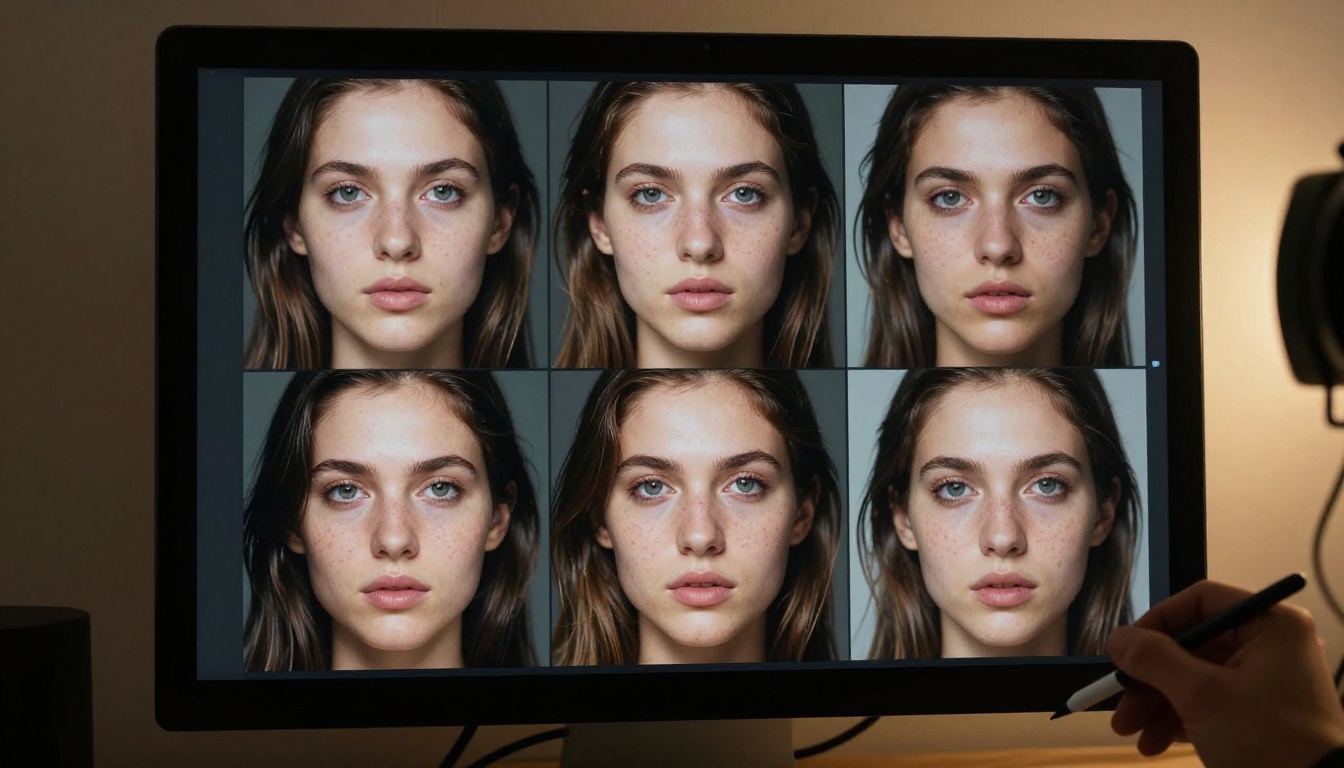
What separates this from earlier models is not just resolution but coherence. When you ask for "a woman in a red dress standing in a sunlit kitchen," you reliably get exactly that, rather than a woman in a vaguely warm environment with a dress that changes color toward the edges. That coherence comes from training scale and architectural decisions working together.
Core Features in Detail
Text Rendering That Actually Works
For years, text in AI-generated images was a reliable joke. Ask any model to put a word on a sign and you got something that looked like ancient Sumerian with a headache. Flux Pro broke that pattern.
The model can render short strings of text with high accuracy in a range of contexts: signage, business cards, book covers, product labels. It is not perfect at full paragraphs or very small point sizes, but it handles single words and short phrases at display sizes reliably.
💡 Tip: For best text results, specify the text in quotation marks in your prompt and describe the font style explicitly. "A neon sign that reads "OPEN" in bold sans-serif letters" outperforms generic descriptions every time.
Prompt Accuracy and Scene Control
Flux 2 Pro shows strong compositional adherence. When you describe a specific spatial relationship, "a cat sitting on the left side of a bench with a red balloon tied to the right armrest," you get that composition far more often than not. This makes it viable for storyboarding, product mockups, and any use case where layout precision matters.
The model also handles negative space and abstraction well. Minimalist compositions, where the subject is intentionally small against a large empty background, render cleanly without the model trying to fill in the emptiness with noise.
Resolution and Output Specs
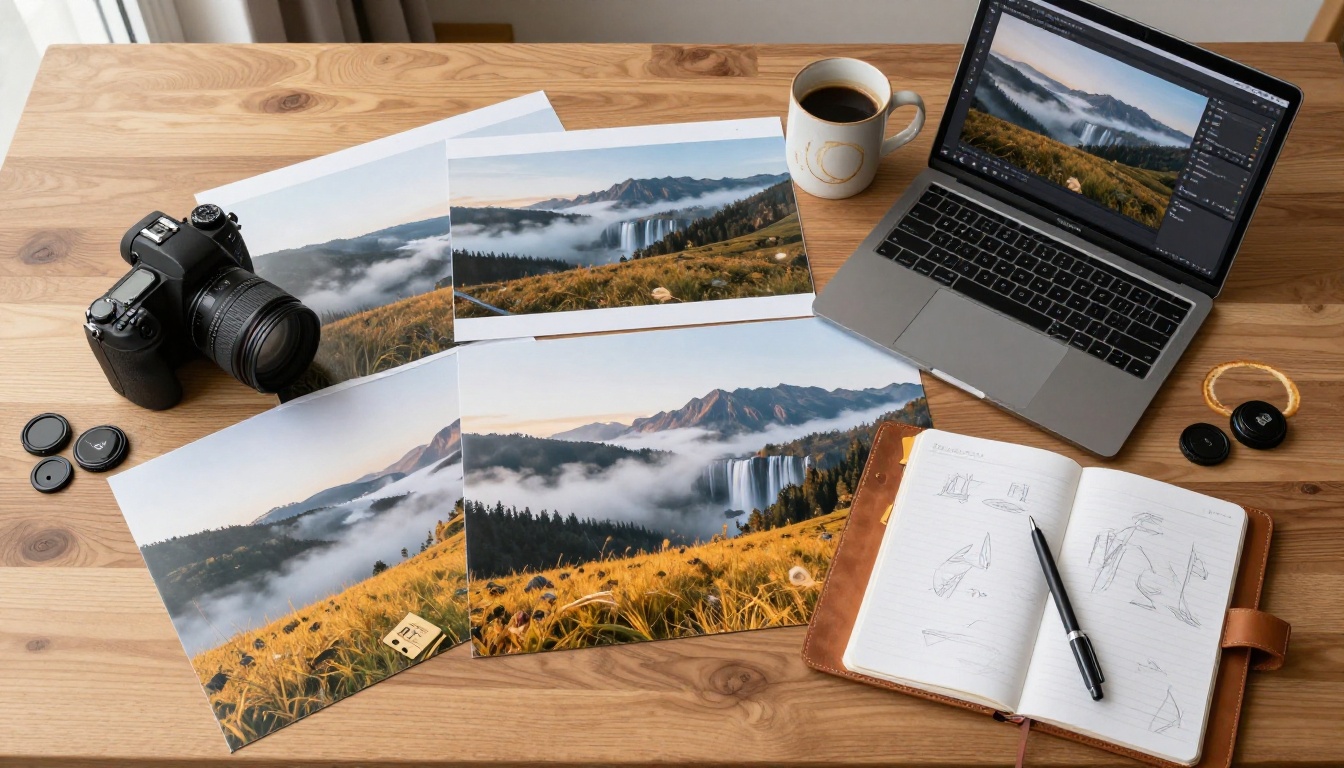
Flux 2 Pro generates at up to 1440x1440 natively, with strong detail retention at non-square ratios. The model handles 16:9, 9:16, and 4:3 outputs without the quality degradation that typically appears at non-native aspect ratios in older architectures.
Standard output specifications:
- Native resolution: Up to 1440px on the long edge
- Aspect ratios: Full flexibility, no quality penalty at 16:9 or 9:16
- Format: JPEG or PNG depending on the platform
- Color depth: Full 8-bit sRGB
Flux 2 Pro vs Other Models
Pro vs Schnell vs Dev
The decision between Flux variants usually comes down to speed and intended use:
- Flux Schnell LoRA is distilled for speed. Four steps to a usable image. Great for real-time previews and high-volume low-stakes generation. The trade-off is visible in fine detail and prompt adherence on complex scenes.
- Flux Dev sits in the middle. Twenty to twenty-eight steps, meaningfully better quality than Schnell, licensed only for non-commercial use. Popular for personal creative work and research.
- Flux Pro Finetuned is the commercially licensed tier designed for production deployment. Full quality, API access, no restrictions on commercial output.
Flux 2 Pro inherits the Pro tier quality with architectural refinements for speed. For anyone running a product or building a creative tool, it is the default choice.
Against Midjourney and DALL-E 3
This is the comparison most people actually want.
| Feature | Flux 2 Pro | Midjourney v6 | DALL-E 3 |
|---|
| Photorealism | Excellent | Excellent | Good |
| Text in images | Very Good | Good | Very Good |
| API access | Yes | Limited | Yes |
| Commercial license | Yes | Yes (paid) | Yes |
| Open weights | Yes (Dev) | No | No |
| Cost per image | ~$0.05 | ~$0.08+ | ~$0.04 |
| Fine-tuning | Yes | No | No |
Flux 2 Pro's real differentiator is the open-weights ecosystem around it. You can fine-tune it, run Flux-based LoRAs, and build specialized versions for specific domains. Neither Midjourney nor DALL-E 3 offers that.

Flux 2 Pro Pricing Explained
API Cost Per Image
Pricing for Flux 2 Pro API access runs approximately:
| Resolution | Approx. Cost |
|---|
| 512x512 | ~$0.025 |
| 1024x1024 | ~$0.05 |
| 1440x1440 | ~$0.07 |
| 1440x810 (16:9) | ~$0.05 |
These figures reflect usage through major inference platforms like Replicate and FAL. Costs vary slightly by provider and your monthly volume. High-volume commercial users typically negotiate custom pricing directly.
💡 Real-world math: At $0.05 per image for 1024px output, generating 1,000 images costs $50. For a commercial photo library project or e-commerce product shoot replacement, that scales well against traditional photography costs.
Free Tier and Commercial Rights
Most platforms offering Flux 2 Pro give you some free credits to start. On PicassoIA, you can run initial generations without a payment method on file.
Commercial rights for Flux Pro outputs are fully granted. Images you generate are yours to use, sell, and publish without attribution requirements. This is a meaningful advantage over some closed models that restrict derivative works.
Using Flux 2 Pro on PicassoIA
Since Flux Pro Finetuned is available directly on PicassoIA, here is exactly how to run your first generation and get the most from the model.
Your First Image in 3 Steps
Step 1: Navigate to Flux Pro Finetuned on PicassoIA. You will see the model card with the prompt input field and parameter panel on the right.
Step 2: Write a prompt. Start specific. Instead of "a portrait of a woman," try "close-up portrait of a woman in her thirties with freckles, natural window light from left, 85mm lens, film grain, Kodak Portra 400." Specificity is the single biggest lever on output quality.
Step 3: Set your aspect ratio. For portraits, 3:4 or 1:1 works best. For landscapes and wide scenes, go 16:9. Hit generate.

Parameters That Change Results
Within the PicassoIA interface, you will find several parameters worth knowing:
- Steps: Default is usually 25-28 for Pro tier. Going above 35 rarely improves quality and costs more compute. Going below 20 introduces visible quality loss.
- CFG Scale (Guidance Scale): Controls how closely the model follows your prompt versus exercising creative latitude. Values between 3.0 and 4.5 tend to produce the best balance for photorealistic work. Higher values (7+) increase prompt adherence but can introduce artifacts.
- Seed: Set a fixed seed when you want reproducible results. Useful for A/B testing prompt changes without losing a composition you like.
💡 Pro tip: When you have a composition you like, note the seed and vary only one parameter at a time. This is how professionals iterate efficiently without losing ground.
Using Fill Pro, Depth Pro, and Canny Pro
Beyond base generation, PicassoIA gives you access to specialized Flux tools that take output quality to another level:
Flux Fill Pro handles inpainting and outpainting with the same Pro-tier quality. If you generate an image and want to replace a background, swap an object, or expand the canvas, Fill Pro does it while maintaining lighting consistency and texture coherence across the edit boundary. Flux Fill Dev is the non-commercial counterpart for personal experimentation.
Flux Depth Pro takes a depth map or reference image and uses it to control the spatial layout of the generated scene. This is particularly useful for product visualization where you need a specific three-dimensional composition. Flux Depth Dev offers the same spatial control for non-commercial work.
Flux Canny Pro extracts edge information from an input image and uses it as a structural scaffold. Designers use this to maintain the exact silhouette and composition of an existing graphic while completely changing the visual style. The companion Flux Canny Dev is available for personal and research use.

Prompting Strategies for Better Results
What the Model Responds To
Flux 2 Pro responds strongly to photography-style language rather than art-direction language. If you describe what a photographer would set up, camera lens, lighting condition, film stock, distance from subject, you get results that look like real photographs.
These descriptors consistently improve output quality:
- Lens specification: "85mm f/1.4 depth of field," "24mm wide angle," "100mm macro"
- Lighting source: "volumetric morning light from the left," "single softbox from above," "golden hour backlight"
- Film emulation: "Kodak Portra 400," "Fujifilm Velvia," "Cinestill 800T"
- Distance and angle: "close-up," "aerial overhead shot," "low-angle," "eye-level"
💡 What to avoid: Vague quality descriptors like "high quality," "detailed," or "realistic" add little signal. Replace them with specific technical attributes instead.
Combining Models for Production Work
For serious creative work, the Flux ecosystem is most powerful when you use models in sequence:
- Generate the base composition with Flux Pro Finetuned
- Refine or replace specific elements with Flux Fill Pro
- Create style-consistent variations with Flux Redux Dev or Flux Redux Schnell
- Apply context-aware edits with Flux Kontext Fast
This pipeline gives you both creative control and speed. You are not regenerating from scratch every time you want to tweak a detail.

Who Should Use Flux 2 Pro
For Professional Creators
Photographers, visual designers, and art directors get the most immediate value. The model produces results consistent enough for client-facing work without extensive post-processing. Product photography, lifestyle imagery, editorial portraits, and architectural visualization all perform at a level that passes careful inspection as real photography.
The commercial license means you do not need to navigate murky IP territory when selling outputs or incorporating them into client deliverables. For agencies doing high-volume content production, the cost-per-image math is straightforward and favorable.
A woman sitting in a sun-drenched botanical garden, photographed with genuine skin texture and natural dappled light filtering through the canopy, is the kind of output Flux 2 Pro delivers routinely, which would cost hundreds of dollars to replicate with a real photoshoot and model.

For Developers and Agencies
API access is where Flux 2 Pro's flexibility shows most clearly. Developers building image-based products, from custom catalog generators to personalized creative tools, can integrate the model directly. The combination of quality, speed, and cost at the Pro tier is competitive with any closed model on the market.
The Flux 2 Klein 4B Base and Flux 2 Klein 9B Base LoRA models also give you smaller-footprint options for deployment scenarios where you need faster inference or lower compute costs, with quality that still outperforms many older-generation models.
For hobbyists who want to experiment without committing to a monthly subscription, the per-image pricing model on API platforms is actually more economical than flat-rate services if your usage is irregular. You pay for what you generate and nothing more.

Start Generating on PicassoIA
If you have been reading this and thinking about what you would generate first, the barrier to starting is genuinely low. PicassoIA gives you access to the full Flux Pro ecosystem, including Flux Pro Finetuned, Flux Fill Pro, Flux Depth Pro, and Flux Canny Pro, all in one place without having to manage API credentials or infrastructure.
The practical difference between reading about a model and actually running prompts is significant. Parameters that look abstract in a table start making sense the moment you pull a slider and see how it changes your image. The same applies to understanding what your prompts are actually communicating to the model.
Flux 2 Pro is the current high-water mark for open-weight photorealistic image generation. It rewards specific, technically-grounded prompts and scales well from casual personal use to high-volume commercial production. The pricing is straightforward, the commercial rights are clear, and the surrounding ecosystem of specialized tools gives you creative options that go well beyond what a single base model can do.
Head over to PicassoIA and run your first prompt. You will understand what prompt adherence really means within the first three generations.


