This comprehensive breakdown reveals specific methods for maximizing Flux 2 Pro's capabilities without additional costs. We cover prompt structure formulas, parameter combination strategies, quality optimization techniques, and workflow efficiencies that produce studio-grade results. From basic interface navigation to advanced generation tricks, each section provides actionable steps with visual examples showing before-and-after comparisons. The focus remains on practical application with measurable improvements in output quality, consistency, and creative control.
The landscape of AI image generation has transformed dramatically in recent months, with Flux 2 Pro emerging as a standout solution for professional creators. While many users struggle with inconsistent results or mediocre quality, there exists a set of specific techniques that consistently deliver exceptional outputs—all achievable without spending additional credits or subscription fees.
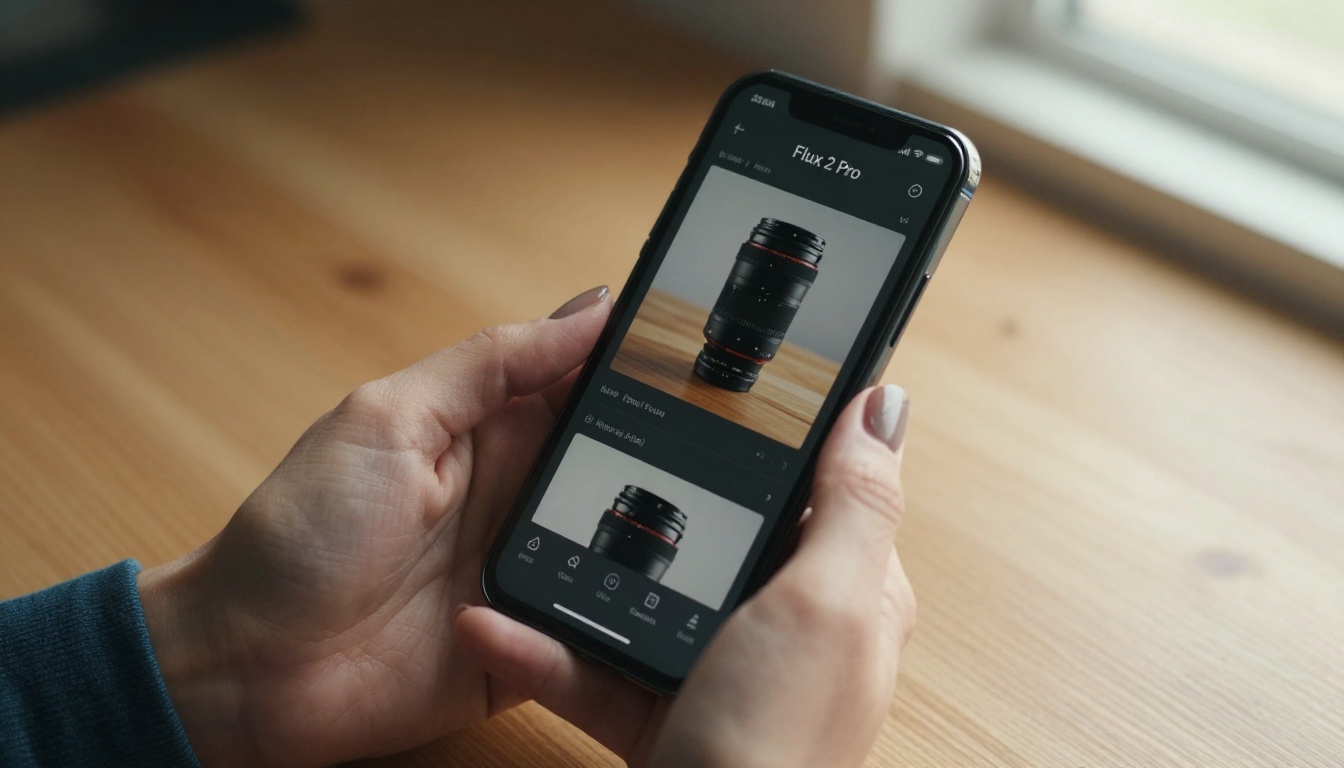
The interface reveals more than just buttons—each parameter represents a creative lever.
Why Flux 2 Pro Matters for Free Users
Most tutorials focus on what you should do with premium features. We're addressing what you can do right now with the standard access. The distinction matters because time spent learning ineffective methods translates directly to wasted opportunities for actual creation.
💡 Critical Insight: Every failed generation teaches something about what doesn't work. Document these failures as systematically as you document successes.
Flux 2 Pro's architecture differs fundamentally from earlier models like Stable Diffusion 3.5 or SDXL. Understanding these differences isn't academic—it's practical knowledge that determines whether your next prompt produces masterpiece or mediocrity.
The Core Architecture Advantage
Unlike single-pass models, Flux 2 Pro employs a multi-stage refinement process that happens internally. This means your prompt interacts with the system at multiple decision points:
Concept interpretation phase
Composition planning stage
Detail refinement layer
Final synthesis output
Most users only address the first phase. The tricks we're discussing target all four.
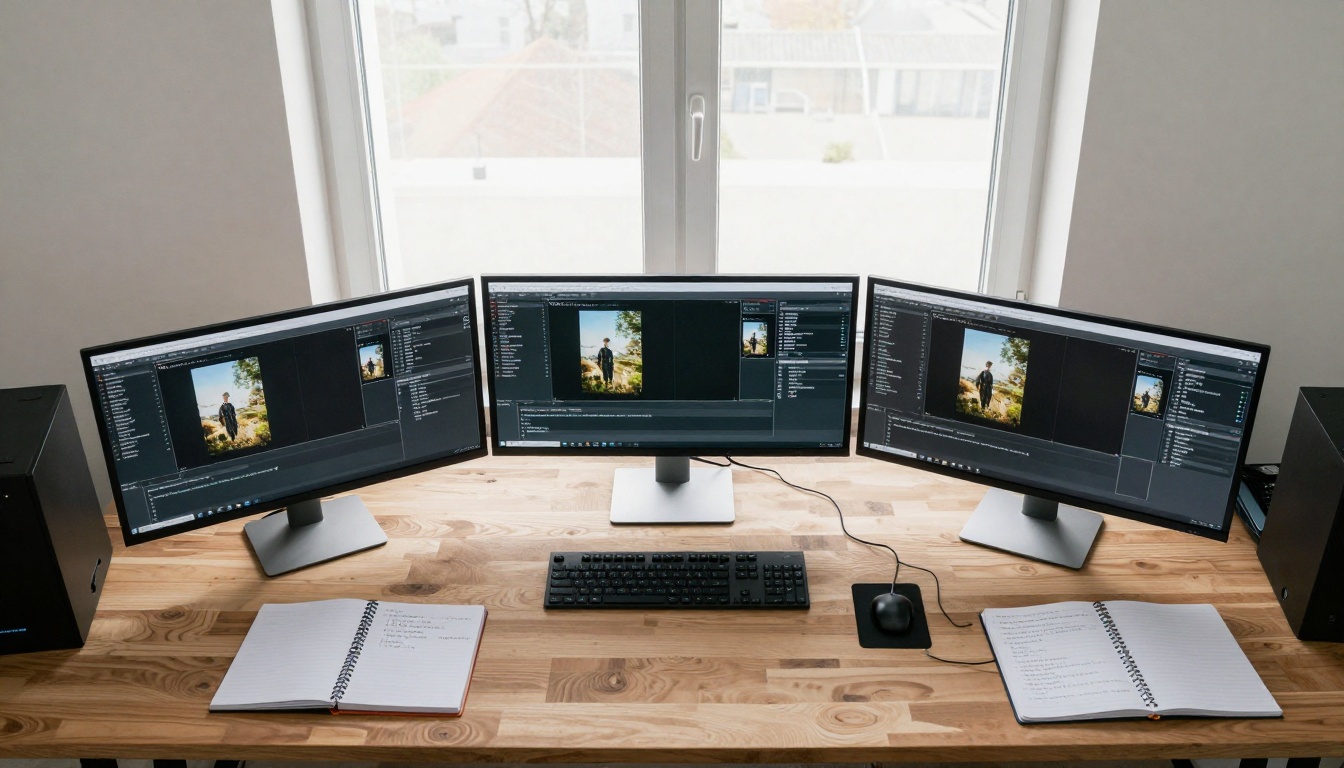
Systematic parameter testing reveals patterns invisible in single generations.
Prompt Engineering That Actually Works
Forget the generic advice about "being descriptive." We need structured prompt formulas that leverage Flux 2 Pro's specific processing strengths.
This creates layered stylistic coherence rather than conflicting references.
Environmental Storytelling
Instead of "background," create narrative environments:
"Sunlit studio with vintage photography equipment"
"Urban rooftop at golden hour with cityscape"
"Minimalist concrete space with directional lighting"
The environment becomes part of the image's story, not just visual filler.
Detailed quality assessment identifies improvement opportunities invisible at casual glance.
Measuring Improvement and Tracking Progress
Without measurement, you can't identify what's actually working.
The Success Metrics System
Track these metrics for each generation batch:
Metric
Measurement Method
Target
Consistency
Similarity across 5 generations
>80% match
Detail quality
Texture visibility at 100% zoom
Clear at pixel level
Style adherence
Match to reference prompts
>90% alignment
The Iterative Refinement Process
Each generation batch should inform the next:
Generate 5 variations
Analyze successes and failures
Adjust parameters based on patterns
Repeat with refined approach
This creates compounding improvement rather than random variation.
Practical Implementation Steps
These actionable steps get you started immediately.
Week 1: Foundation Establishment
Master the three-part prompt formula
Test parameter combinations systematically
Document everything in organized notes
Week 2: Technique Application
Apply lighting control methods
Implement texture specification
Develop personal prompt templates
Week 3: Workflow Optimization
Establish parallel processing routine
Create quality assessment system
Build style fusion library
Organized results display provides visual feedback on technique effectiveness.
The Real Cost of Not Using These Methods
Consider the alternative: continuing with random prompting, inconsistent results, and frequent regeneration attempts. Each failed generation represents lost creative opportunity and diminished motivation.
The techniques outlined here require investment of attention rather than investment of money. The return manifests as consistent quality, efficient workflow, and professional results from the same free access you already possess.
Immediate Action Items
Today: Implement the three-part prompt formula on your next 5 generations
This week: Systematically test parameter combinations and document results
Next month: Establish your personal workflow based on documented successes
The distinction between amateur and professional results with Flux 2 Pro isn't about budget—it's about methodology. These free techniques provide the methodological foundation for work that stands alongside paid professional outputs.
What happens next depends entirely on your willingness to apply structured approaches rather than random attempts. The platform capabilities exist; the missing component remains systematic application of available tools.