If you've been watching the AI image space, you've noticed that most models promise a lot and deliver inconsistently. Blurry faces. Hands with six fingers. Prompts that get half-ignored. FLUX.2 Pro from Black Forest Labs is a different story — and the gap between what it can do and what it costs in effort is genuinely surprising. You type a description. It gives you a photorealistic image. That's the pitch. But there's a lot under the hood worth knowing before you start.
This article breaks down exactly what FLUX.2 Pro does, how it compares to every other model in the FLUX family, and how to use it directly on PicassoIA — no design background or technical setup required.

What FLUX.2 Pro Actually Does
The Black Forest Labs Model Family
Black Forest Labs built the FLUX model family as a direct response to what was lacking in earlier open-source image models: consistency, prompt fidelity, and commercial-grade output quality. The FLUX.2 line is the second major generation, and it includes several tiers designed for different use cases.
Here's how the family breaks down:
Each model serves a specific purpose. Pro sits at the sweet spot: it delivers near-FLUX.2 Max quality without the slower generation times that come with running the larger model.
Why Pro Sits at the Top
The Pro tier in the FLUX.2 family uses a trained distillation process that prioritizes prompt adherence — how accurately the model interprets your instructions — alongside photorealism and structural accuracy. Other models in the family compromise one of these factors for another. FLUX.2 Pro doesn't.
What this means in practice:
- A prompt that says "woman in red dress on Paris street at dusk" gives you exactly that — not a woman in a pink dress in a generic city
- Face generation stays consistent and human-looking without extra post-processing
- Text within images renders with fewer errors than most competing models

How It Differs from Other AI Models
Prompt Adherence That Actually Works
Most text-to-image models struggle with what's called compositional prompts — prompts that include multiple elements, spatial relationships, or specific attributes. Ask an average model to generate "a black cat sitting on a red suitcase next to a window at night" and you'll often get a cat that looks vaguely right but most other details wrong.
FLUX.2 Pro handles this differently. Its training explicitly optimizes for instruction-following, so multi-element prompts land closer to the intended result on the first generation. That saves time and iteration, especially for users who don't have a background in prompt engineering.
💡 Tip: You don't need a 300-word prompt with FLUX.2 Pro. A clear, specific 15–25 word prompt often produces better results than an over-engineered one.
Realism Without the Tweaking
Earlier AI image models required constant iteration — adjusting CFG scale, sampling steps, negative prompts, and dozens of other parameters to get an acceptable result. FLUX.2 Pro dramatically reduces that overhead.
The defaults are calibrated for photorealistic output. You don't need to specify "8K, hyperrealistic, photographic" in every prompt — the model's base behavior already leans in that direction. That's a significant shift for anyone who used older Stable Diffusion models where the boilerplate prompt additions were almost mandatory.
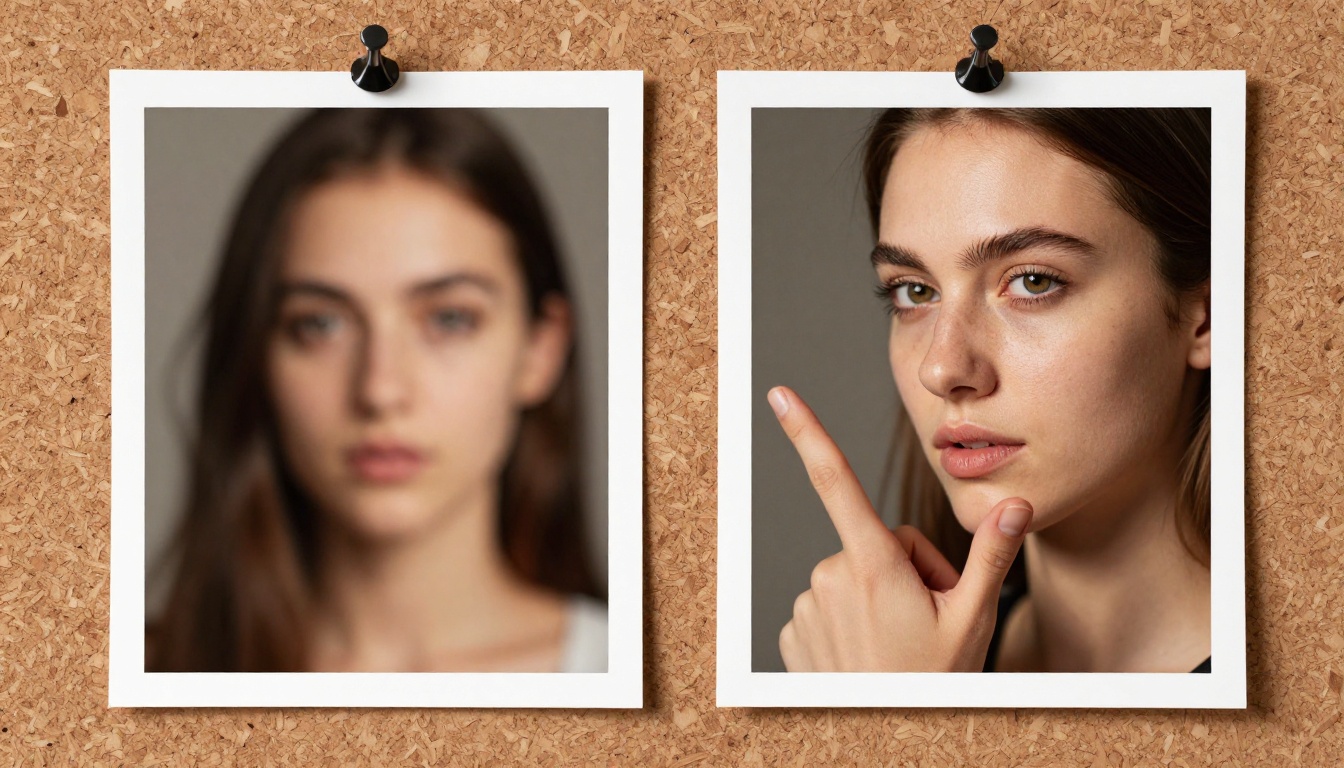
FLUX.2 Pro vs the Rest
Up Against FLUX.2 Dev and Max
When people compare models within the FLUX.2 family, the three main contenders are FLUX.2 Pro, FLUX.2 Dev, and FLUX.2 Max. Here's what actually separates them:
FLUX.2 Dev is designed for development and research use. It gives more creative latitude, which can be useful if you're building something experimental — but it sacrifices some of the consistency and commercial polish that Pro delivers. Think of it as the model you use when you want to push boundaries rather than hit a brief.
FLUX.2 Max cranks up the resolution and detail ceiling. If you need an image that will be printed at billboard scale or used in a high-end editorial context, Max is worth the longer wait. For web content, social assets, or product visuals, Pro produces output that's more than sufficient.
FLUX.2 Pro hits the middle — production-quality output, fast enough for practical workflows, with strong enough prompt adherence that most generations land usably on the first try.
Which One Should You Pick
The honest answer depends on what you're making:
It's also worth knowing that Black Forest Labs has older Pro tier models worth comparing: FLUX 1.1 Pro and FLUX 1.1 Pro Ultra are still available and solid choices, but FLUX.2 Pro represents a meaningful quality jump for most use cases.
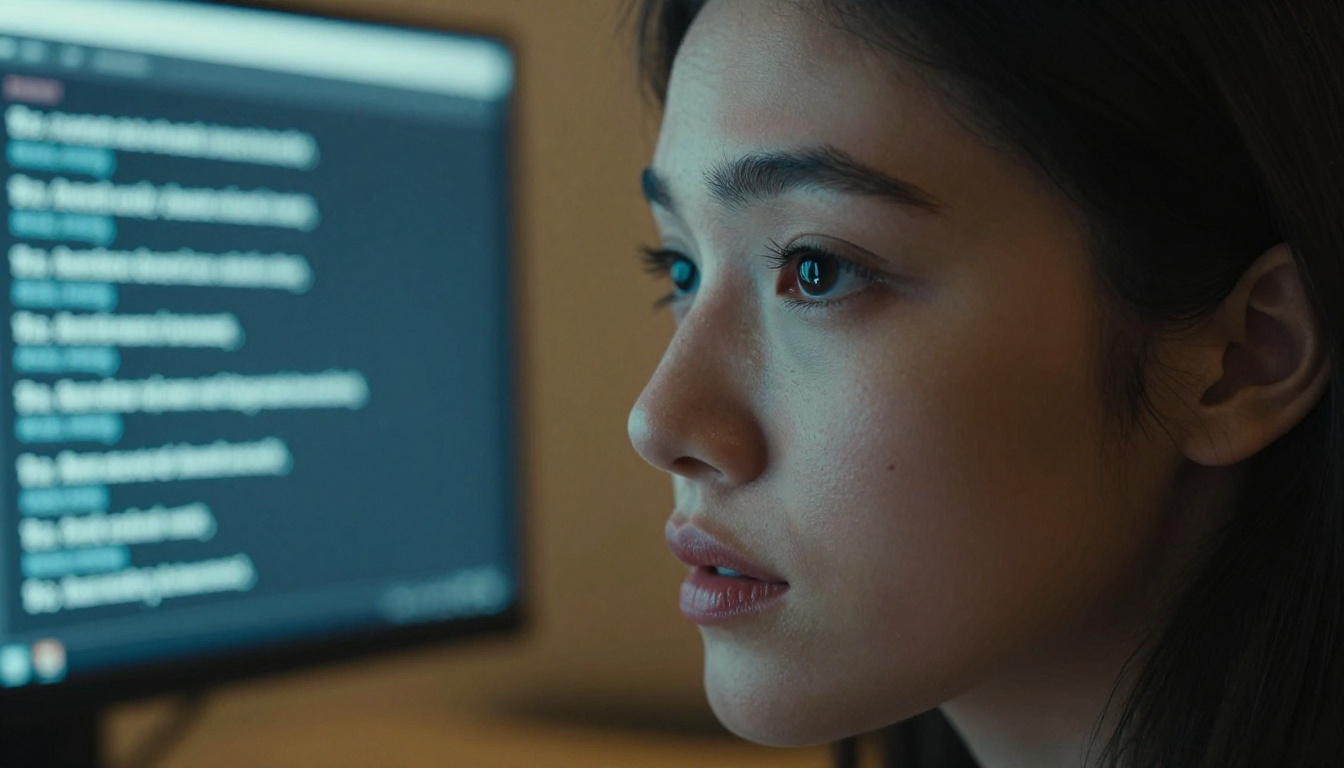
Using FLUX.2 Pro on PicassoIA
PicassoIA hosts FLUX.2 Pro directly, which means you can generate images without setting up accounts on Replicate, managing API tokens, or dealing with infrastructure. Here's how the process works:
Step 1: Open the Model Page
Go to the FLUX.2 Pro page on PicassoIA. The interface is straightforward — no configuration step or technical onboarding needed. The model is ready to run immediately.
Step 2: Write Your First Prompt
The prompt box is where everything starts. For FLUX.2 Pro, you want to be specific but not over-engineered. Describe what you see in your head the way you'd describe it to another person:
"A woman in a white linen shirt reading a book in a sunlit café, warm morning light, natural colors"
That's it. No need to append a list of quality modifiers. The model handles the rest.

Step 3: Set Your Parameters
FLUX.2 Pro gives you a small set of parameters to adjust if you want more control:
- Aspect Ratio: Choose based on your output destination. 16:9 for web and presentations, 9:16 for mobile and stories, 1:1 for feed posts.
- Steps: Higher steps = more refined output, but slower. The default usually works well.
- Guidance Scale: Controls how closely the model follows your prompt. Lower values give more creative interpretation; higher values stick closer to your exact words.
- Seed: Set a seed number if you want to reproduce a specific result. Leave it random for variety.
💡 Tip: If your first result is close but not quite right, try adjusting the guidance scale slightly rather than rewriting the whole prompt. Small tweaks go a long way.
Step 4: Generate and Save
Hit generate and wait a few seconds. Once your image appears, you can download it directly or iterate with an adjusted prompt. PicassoIA keeps a history of your generations so you can go back and compare results.
Prompts That Actually Get Results
Why Simple Often Wins
One of the counterintuitive things about FLUX.2 Pro is that shorter, well-structured prompts often outperform long ones. When you stack too many details into a single prompt, the model can't prioritize — it tries to incorporate everything and compromises on each element.
Good prompt structure: Subject + Setting + Light + Mood
Example: "A chef plating food in a professional kitchen, overhead lighting, focused expression, motion blur on hands"
This gives the model clear information without overloading it.
Adding Detail Without Overloading
When you do need more specificity — for commercial work or precise creative briefs — the right approach is to be selective about which details you specify:
- Prioritize visual elements that matter most to the final image
- Skip vague quality descriptors like "beautiful" or "stunning" — they don't add instruction, just noise
- Mention lighting specifically when it matters (e.g., "soft window light from the left" is more useful than "good lighting")
- Use camera or lens language sparingly — FLUX.2 Pro responds to these, but don't use them as padding
💡 Tip: Write your prompt, then cut 30% of the words. If the meaning survives, your prompt is more likely to produce a clean output.
Real-World Use Cases
Commercial Photography Replacement
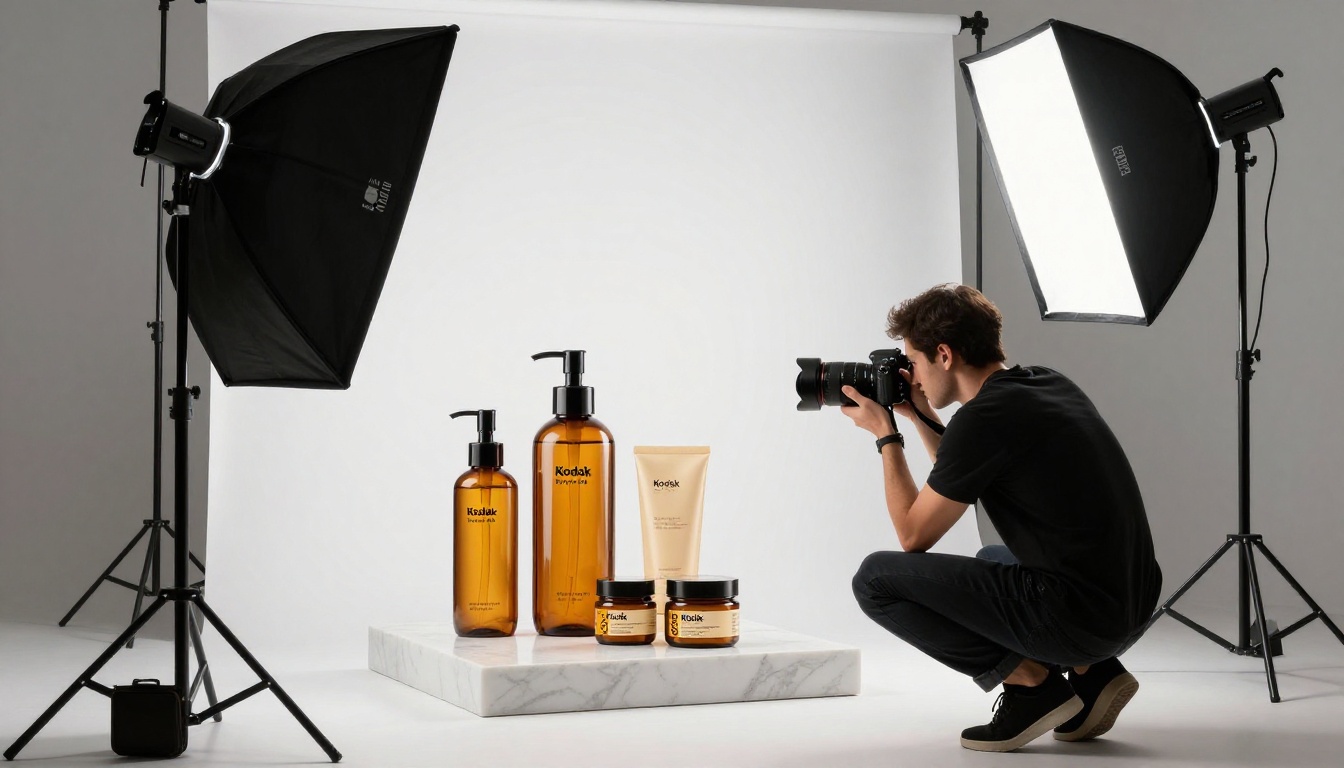
Product photography is expensive. Studio time, lighting setup, model fees, editing — even a simple product shoot runs into hundreds of dollars. FLUX.2 Pro doesn't replace all of that, but it does replace a meaningful chunk.
For concept shots, background variations, lifestyle context images, and social ad creative, the model's photorealistic output is genuinely production-ready. Brands are already using FLUX-based models to generate visual content that lives on website product pages, ad campaigns, and editorial features.
Where it still falls short: highly controlled, specific product imagery where the actual product has to appear exactly as-is. For that, you still need a camera. But the surrounding lifestyle imagery? FLUX.2 Pro handles that well.
Social Media Content at Scale
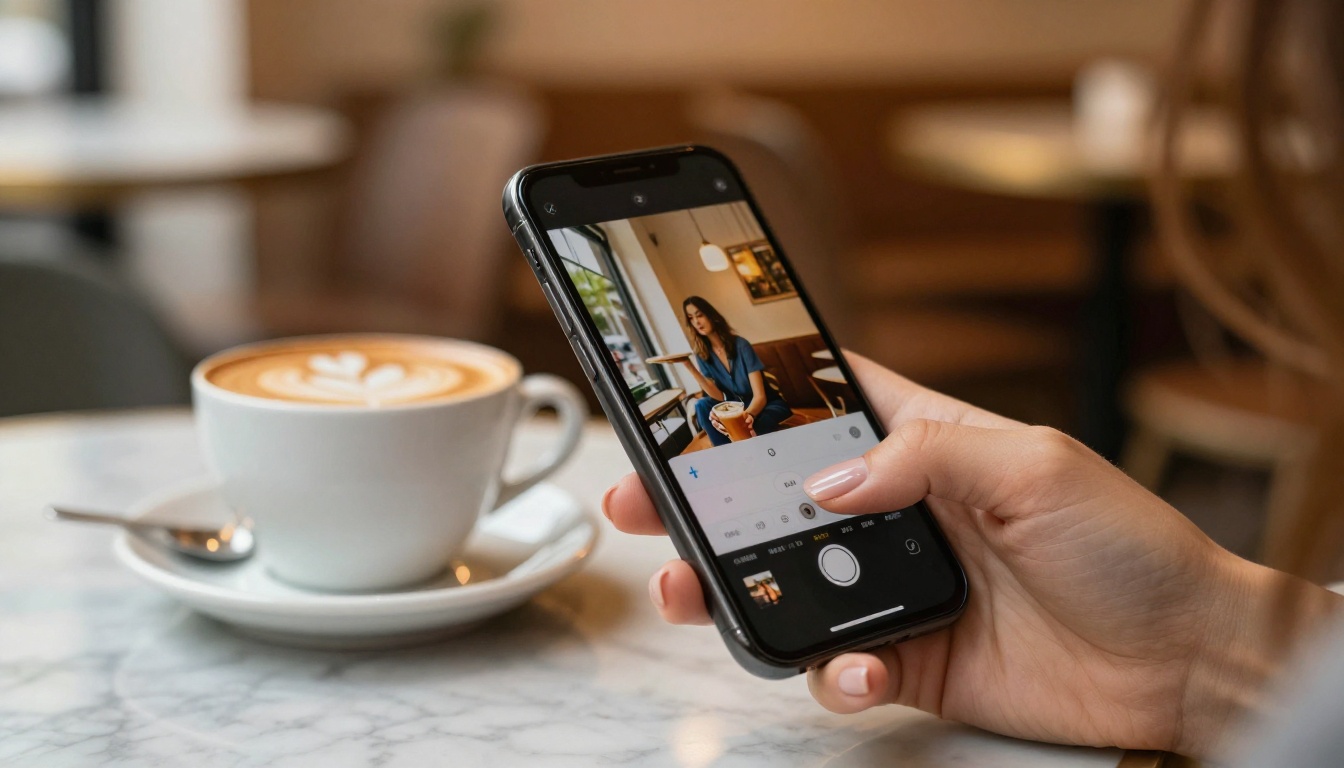
Social media demands volume. A single account might post dozens of images per week, and maintaining a consistent aesthetic across all of them — without burning through stock photo subscriptions or a creative team's time — is a real operational challenge.
FLUX.2 Pro solves the volume problem. You can run a batch of prompts that all reference the same visual style and setting, producing a cohesive set of images in minutes. For lifestyle, food, travel, and fashion content — the categories that perform best on visual-first platforms — the model's output holds up well against conventionally produced photography.
Fashion and Lifestyle Visuals
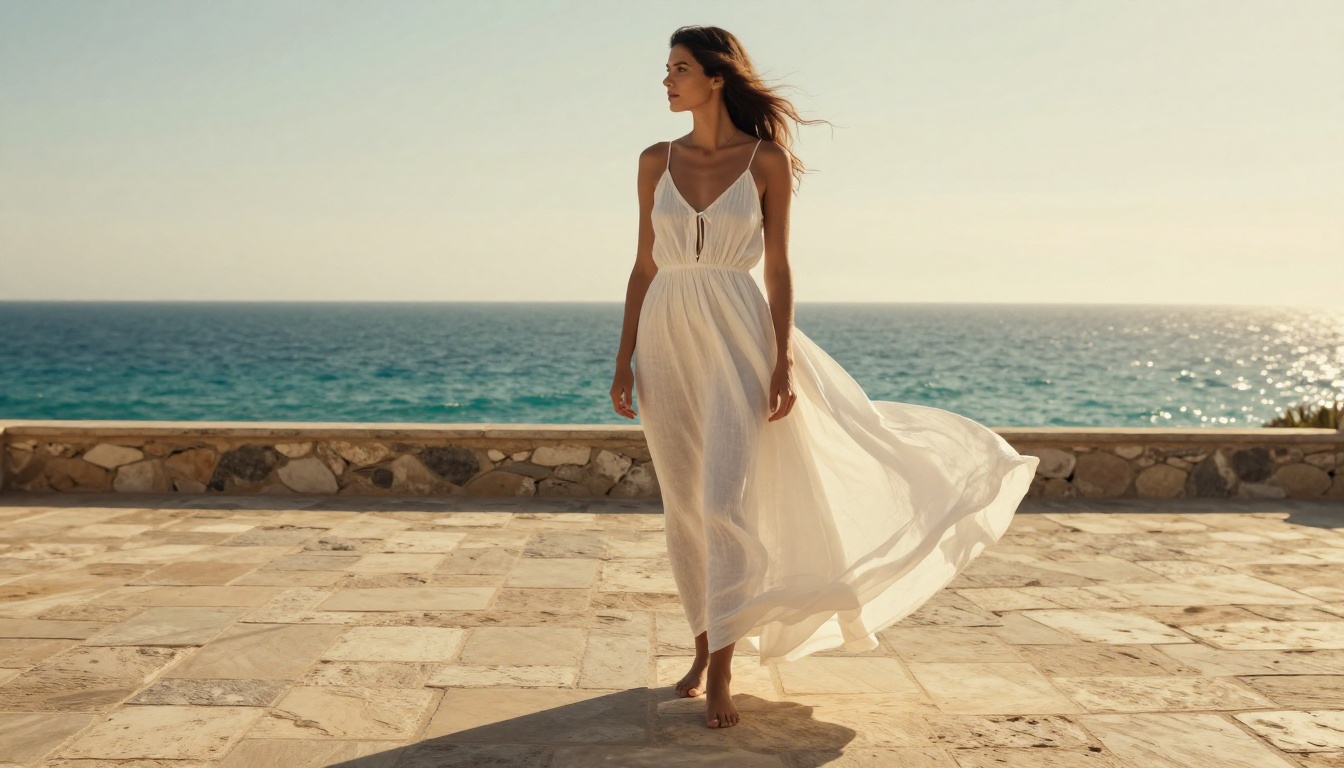
Fashion content has historically required the most from any image model. Fabric texture, body proportions, skin tone accuracy, clothing drape — these are the details that expose a model's weaknesses immediately. FLUX.2 Pro handles this category better than most.
Linen fabrics look like linen. Silk looks like silk. Bodies look proportionally natural. When a prompt calls for a specific garment style, the model interprets it faithfully rather than defaulting to generic clothing shapes. This makes it genuinely useful for small fashion brands, styling lookbooks, and editorial mood boards where the visual integrity of the clothing matters.
What FLUX.2 Pro Can't Do Yet
It's worth being honest about the limits. FLUX.2 Pro is strong, but there are specific scenarios where it struggles:
Text rendering in images — Despite improvements over earlier FLUX versions, generating images that contain specific text (signs, logos, product labels) still produces errors a significant portion of the time. For text-heavy designs, a dedicated model or post-production editing is still needed.
Specific faces — FLUX.2 Pro generates realistic faces, but it can't reliably reproduce a specific person's likeness from a text description alone. For consistent characters across multiple images, you'd need to pair it with a LoRA or an image editing model like Flux Kontext Pro that accepts reference images.
Complex multi-figure compositions — Two or more people interacting in a single scene still shows occasional artifacts, especially around hands and body positioning when figures overlap.
Precise spatial control — If you need elements placed in very specific positions within the frame, you'll get closer results using Flux Kontext Max with a reference image or sketch as input.
None of these are dealbreakers for most use cases. They're the honest edges of what the model can do reliably today.
Start Creating on PicassoIA

The best way to get a feel for FLUX.2 Pro is to actually use it. No theory or benchmark comparison captures what it's like to type a prompt and see a photorealistic image appear in seconds.
PicassoIA gives you direct access to FLUX.2 Pro alongside the rest of the FLUX.2 family — including FLUX.2 Dev, FLUX.2 Max, FLUX.2 Flex, and FLUX Schnell — so you can compare results across tiers without jumping between platforms.
Start with a simple, specific prompt. Try something you've wanted to see but couldn't photograph or afford to commission. See what comes back. Then iterate.
That's the whole process. And it's a lot more fun than it sounds on paper.
Try FLUX.2 Pro on PicassoIA →


