Why Flux 2 Pro Works for Adult Content
Most commercial AI image generators restrict adult content through aggressive content filters. These safety systems often block not just explicit material, but also artistic figure work, fashion photography, and creative projects that happen to feature the human form. Flux 2 Pro, available as an open-source model on PicassoIA, takes a different stance.
The model doesn't impose artificial restrictions on creative expression. This makes it particularly valuable for:
- Adult content creators who need reliable image generation
- Artists working with figure studies and anatomical references
- Fashion photographers creating provocative editorial work
- Indie game developers building mature-rated projects
- Anyone tired of overzealous content filters blocking legitimate work
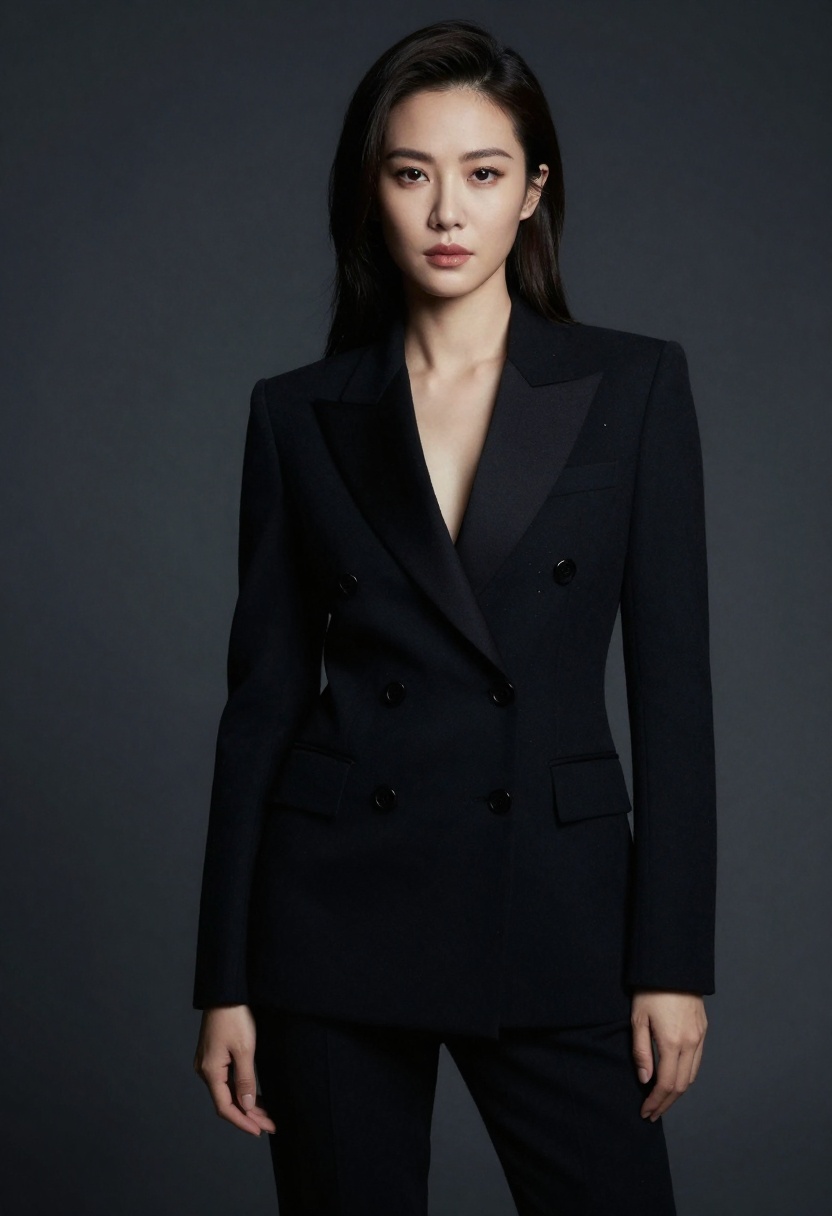
The difference between Flux 2 Pro and commercial alternatives isn't just about what you can create—it's about creative control. When you're not fighting a content filter, you can focus on the actual craft of prompt engineering and image composition.
What Makes Flux 2 Pro Different
Flux 2 Pro belongs to the new generation of diffusion models that prioritize image quality and prompt adherence. Black Forest Labs designed this model to handle complex instructions while maintaining photorealistic output. The adult content generation capabilities aren't a bug or workaround—they're simply the absence of unnecessary restrictions.
The model excels at several tasks that matter for NSFW work:
Anatomical accuracy comes naturally to Flux 2 Pro. The model understands human proportions, poses, and how lighting interacts with skin tones. You won't get the distorted anatomy or uncanny valley faces that plague other generators.
Style flexibility means you can create anything from soft romantic photography to dramatic artistic compositions. The model responds well to style descriptors like "boudoir photography," "artistic nude," or "editorial fashion."
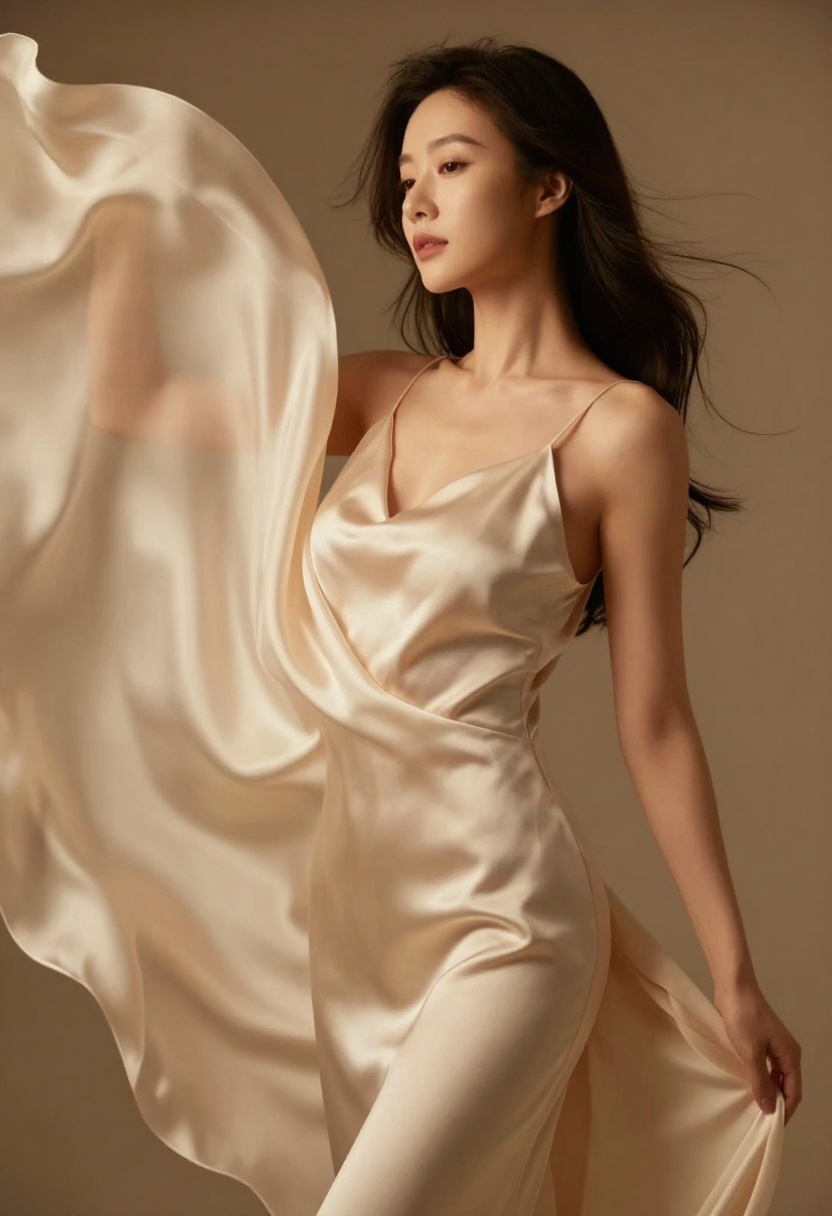
Composition control lets you specify camera angles, depth of field, and lighting setups. Prompts like "cinematic lighting, shallow depth of field, 85mm portrait lens" produce results that look like they came from an actual photo shoot.
The model also handles reference images exceptionally well. You can upload up to eight reference images to guide style, composition, or subject details. This feature transforms Flux 2 Pro from a text-to-image generator into a powerful image-to-image tool for NSFW work.
Prompting for Adult Content
Writing effective prompts for NSFW generation requires a different approach than general image generation. The key lies in being specific about what you want while maintaining a structure the model can interpret clearly.
Start with the subject and pose. Instead of vague descriptions, be explicit: "woman reclining on silk sheets, side view, confident expression" gives the model concrete information to work with. The more specific your pose description, the better the results.
Add lighting details early in your prompt. Lighting makes the difference between amateur snapshots and professional photography. Try phrases like:
- "soft golden hour lighting from window"
- "dramatic studio lighting with rim light"
- "moody cinematic lighting with deep shadows"
- "romantic candlelight with warm tones"
Style and atmosphere descriptors come next. This is where you define the overall aesthetic. Words like "elegant," "provocative," "intimate," or "artistic" shape how the model interprets the scene. Combine these with photography terms: "boudoir photography style," "editorial fashion aesthetic," or "fine art nude composition."
Quality modifiers matter more than you might think. Adding "photorealistic, 8k resolution, high detail, professional photography" at the end of your prompt consistently improves output quality. These terms activate the model's understanding of professional image standards.
Here's a practical example of a well-structured prompt:
"Confident woman in black lingerie on velvet couch, three-quarter view, one arm raised behind head, dramatic studio lighting with purple gel accent light, rim lighting creating glow effect, cinematic composition, professional boudoir photography, photorealistic, 8k resolution, high detail, sophisticated atmosphere"
This prompt works because it specifies subject, pose, clothing, lighting setup, composition style, and quality expectations. Each element gives the model clear direction.
Technical Settings That Matter
The safety_tolerance parameter controls content filtering strength. Flux 2 Pro offers values from 1 (most strict) to 5 (most permissive). For NSFW work, setting this to 4 or 5 prevents the model from blocking adult content while still maintaining some basic safety checks.
Resolution affects both output quality and generation time. Flux 2 Pro supports up to 4 megapixels, but 2 MP offers the best balance for most work. Higher resolutions provide more detail but take longer to generate and can sometimes introduce artifacts.
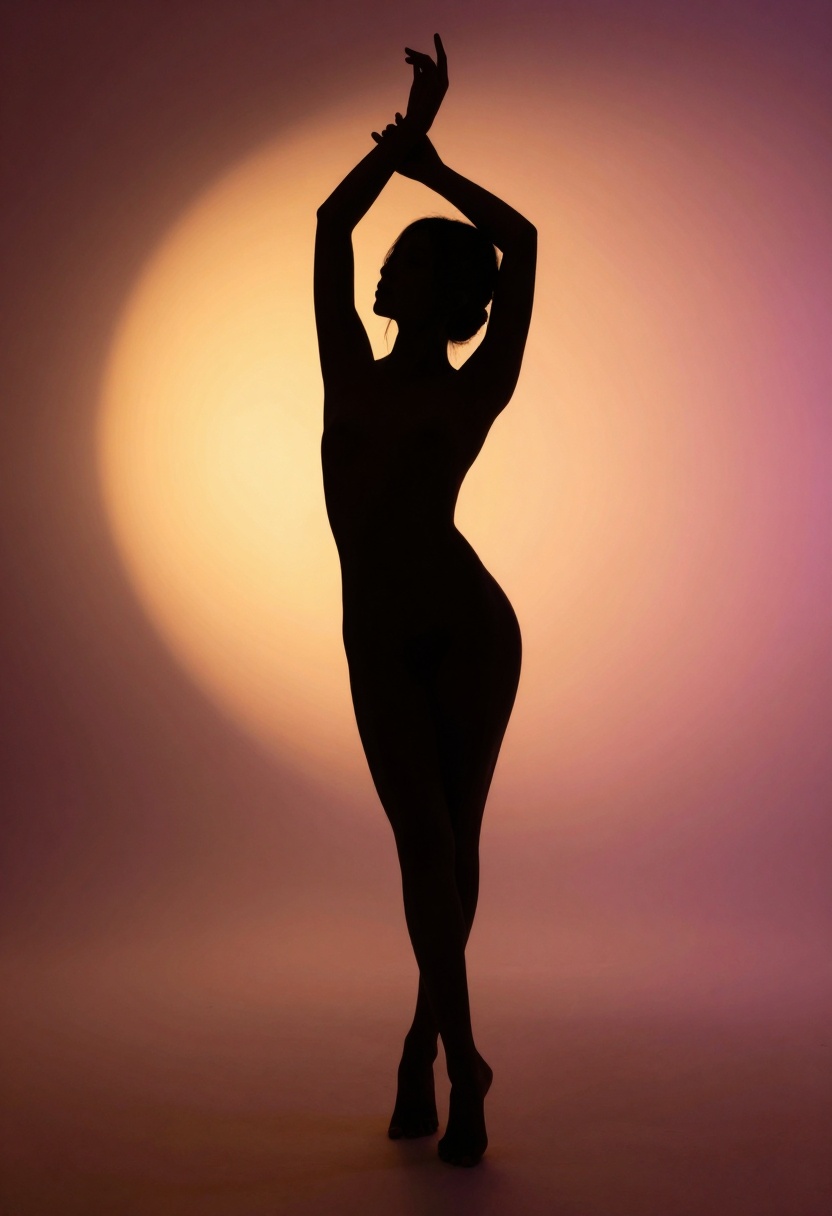
Aspect ratio choices depend on your intended use. Portrait orientation (2:3) works well for figure work and intimate portraits. Landscape (3:2) suits editorial layouts and environmental shots. Square (1:1) provides versatility for social media or print work.
The seed parameter enables reproducible results. When you generate an image you like, note the seed value. Using the same seed with minor prompt adjustments lets you iterate on successful compositions without starting from scratch.
Output format seems like a minor detail but affects workflow efficiency. WebP provides the best compression for web use. PNG preserves maximum quality for editing. JPEG offers broad compatibility with smaller file sizes.
Output quality (0-100) controls compression. Higher values mean larger files with more detail. For final deliverables, use 90-100. For quick previews or iteration, 70-80 saves time and bandwidth.
Image-to-Image Workflows
Reference images transform Flux 2 Pro from a text generator into a sophisticated editing tool. The model accepts up to eight input images, each influencing the final output in different ways.
Style transfer works by providing reference images that establish the aesthetic you want. Upload a professional boudoir photograph, and the model will match its lighting, composition, and mood. This technique produces consistent results across multiple generations.
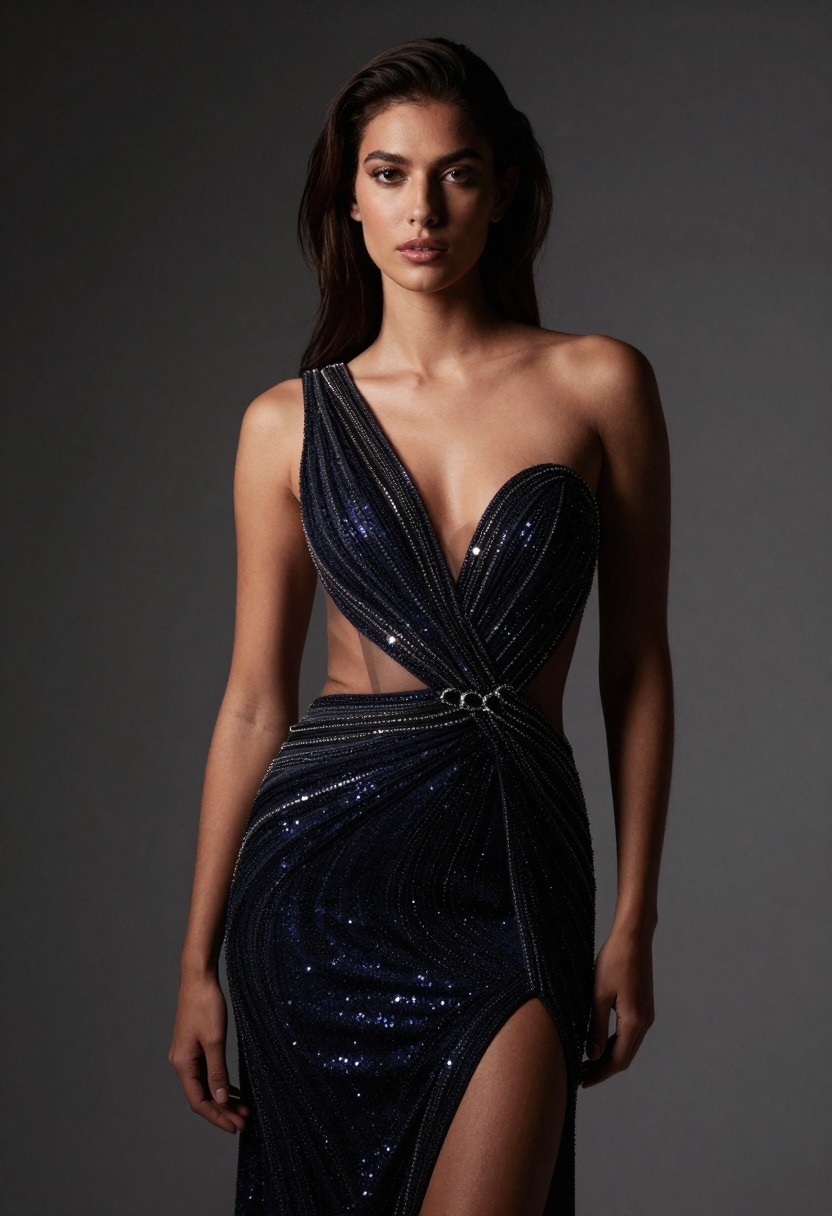
Composition guidance uses reference images to establish pose, camera angle, and framing. This approach works well when you have a specific layout in mind but want to change other elements. The model extracts compositional structure while allowing you to modify subject, setting, or style through your prompt.
Subject consistency requires uploading multiple views of the same person. The model analyzes facial features, body type, and other characteristics to maintain consistency across generated images. This technique matters for creating series or collections where the subject needs to remain recognizable.
Combining reference images with strong prompts produces the most controlled results. Your prompt still guides the generation, but reference images constrain the output to match specific qualities you want to preserve.
Models Beyond Flux 2 Pro
While Flux 2 Pro excels at photorealistic adult content, PicassoIA offers other open-source models worth exploring for NSFW work.
p-image-edit specializes in transforming existing images. If you have a photo that needs adjustment—changing lighting, modifying composition, or adding elements—this model handles edits in approximately one second. The speed makes it ideal for iterative refinement of NSFW images.
wan-2.2-image generates highly realistic images with a focus on cinematic quality. The model produces results with professional color grading and lighting that rivals Flux 2 Pro. It's particularly strong with dramatic compositions and moody atmospheres.
Wan 2.2 I2v Fast converts static images into video. For creators who want to bring their NSFW images to life with subtle motion—fabric movement, lighting changes, or gentle animations—this model delivers smooth 24fps results at 480p resolution.
Each model serves different needs in the NSFW creation pipeline. Flux 2 Pro handles initial generation, p-image-edit refines details, and Wan 2.2 I2v Fast adds motion. Using these models together creates a complete workflow for adult content production.
Common Mistakes to Avoid
Vague prompts produce inconsistent results. Instead of "sexy woman," specify pose, clothing, lighting, and atmosphere. The model can't read your mind—give it concrete visual information to work with.
Ignoring composition leads to awkward framing. Include camera angle and framing instructions: "full body shot," "close-up portrait," "three-quarter view," or "from above looking down." These simple additions dramatically improve composition.
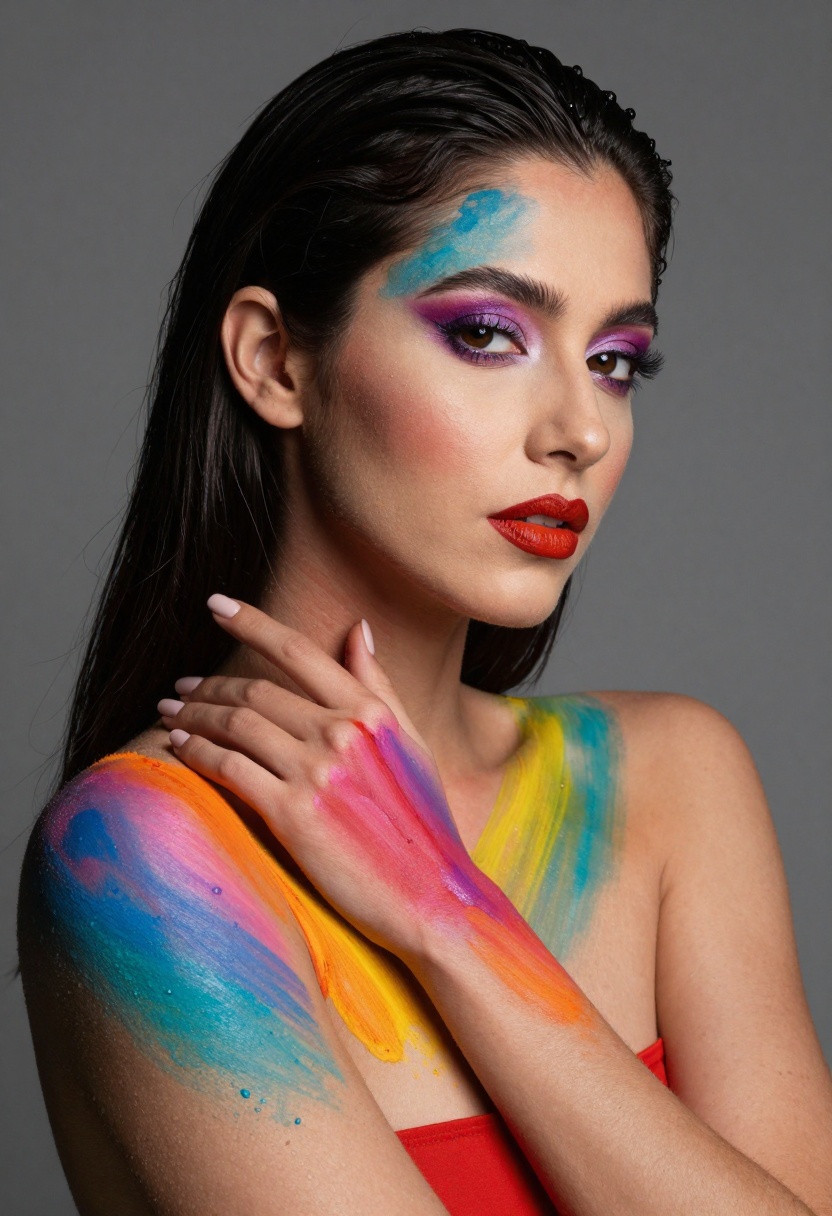
Overlooking lighting results in flat, amateur-looking images. Professional NSFW work requires attention to lighting. Always include lighting descriptions: type of light, direction, color, and mood.
Using too many concepts confuses the model. Each prompt should focus on one clear scene. If you want multiple variations, generate them separately rather than cramming everything into one prompt.
Expecting perfection on the first try sets unrealistic expectations. Professional creators generate dozens of variations, tweaking prompts based on what works. Iteration is part of the process.
Neglecting the seed parameter wastes opportunities for refinement. When you get a great result, save the seed. You can then make small prompt adjustments while maintaining the same general composition and quality.
Prompting Strategies That Work
Layered descriptions build images from general to specific. Start with the overall scene, then add subject details, then lighting and atmosphere, then technical quality modifiers. This structure helps the model prioritize different aspects of your prompt.
Example progression:
- "Boudoir photography studio scene"
- "woman in black lace lingerie on velvet chaise lounge, confident pose"
- "dramatic side lighting with soft fill light, moody purple accent light"
- "cinematic composition, shallow depth of field, photorealistic, 8k detail"
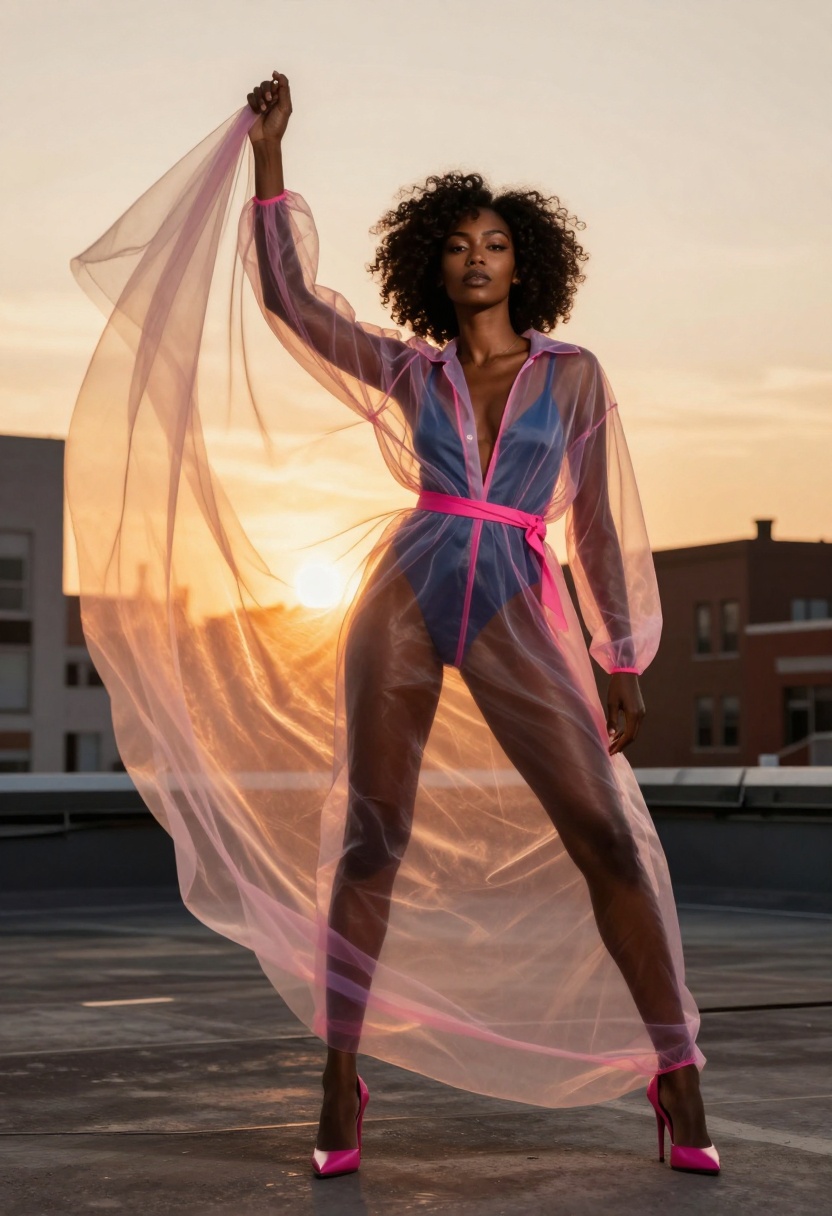
Style anchors establish the aesthetic immediately. Words like "editorial fashion," "fine art nude," "romantic boudoir," or "artistic figure study" set the tone for the entire image. Place these terms early in your prompt.
Negative space matters in composition. Include phrases like "minimal background," "blurred background," or "simple backdrop" when you want the focus entirely on the subject without environmental distractions.
Color palettes can be specified directly. Try "warm color palette with golden tones," "cool blue and purple tones," or "high contrast black and white." This level of control helps maintain consistency across multiple images.
Pose references work better than generic descriptions. Instead of "standing," try "contrapposto pose," "reclining on side with one leg bent," or "sitting with arms wrapped around knees." Specific pose names give the model clear anatomical guidelines.
Using Flux 2 Pro on PicassoIA
PicassoIA provides straightforward access to Flux 2 Pro without complex setup or API integration. The web interface handles all technical details, letting you focus on creative work.
Navigate to the Flux 2 Pro model page on PicassoIA. The interface presents all available parameters in a clean, organized layout.
The prompt field is your primary input. This is where your structured prompt goes. The field accepts detailed descriptions up to several hundred words, though concise, specific prompts often work better than lengthy ones.
Safety tolerance appears as a slider or dropdown. For NSFW content, set this to 4 or 5. Lower values activate content filtering that will block adult images.
Aspect ratio offers preset options (1:1, 16:9, 3:2, etc.) or custom dimensions. Choose based on your intended use. Portrait ratios (2:3) work best for figure-focused NSFW content.
Resolution defaults to 1 MP but supports up to 4 MP. Start with 1-2 MP for testing prompts, then generate final versions at higher resolutions once you're satisfied with the composition.
Upload reference images when you want to match specific styles or compositions. The interface accepts up to eight images. Drag and drop or click to browse your files.
Output format and quality settings appear near the bottom. WebP with 80-90% quality provides the best balance for most users. Adjust based on whether you need maximum quality or efficient file sizes.
The seed field stays empty by default for random generation. Enter a specific seed number when you want to reproduce or iterate on previous results.
Click generate and wait. Processing typically takes 10-30 seconds depending on resolution and server load. The completed image appears directly in the interface, ready to download or share.
Step-by-Step Tutorial
Here's the complete process for generating NSFW images with Flux 2 Pro on PicassoIA:
Step 1: Access the Model
Visit PicassoIA's Flux 2 Pro page. If you haven't created an account, you'll need to sign up. PicassoIA offers free tier access for testing models before committing to paid plans.
Step 2: Configure Basic Settings
Set your aspect ratio first. For NSFW portraits, 2:3 works well. For editorial or environmental shots, try 3:2 or 16:9.
Choose your resolution. Start with 1 MP for testing prompts. This generates quickly and lets you iterate faster. Once you have a prompt that works, increase to 2 MP or 4 MP for final high-quality output.
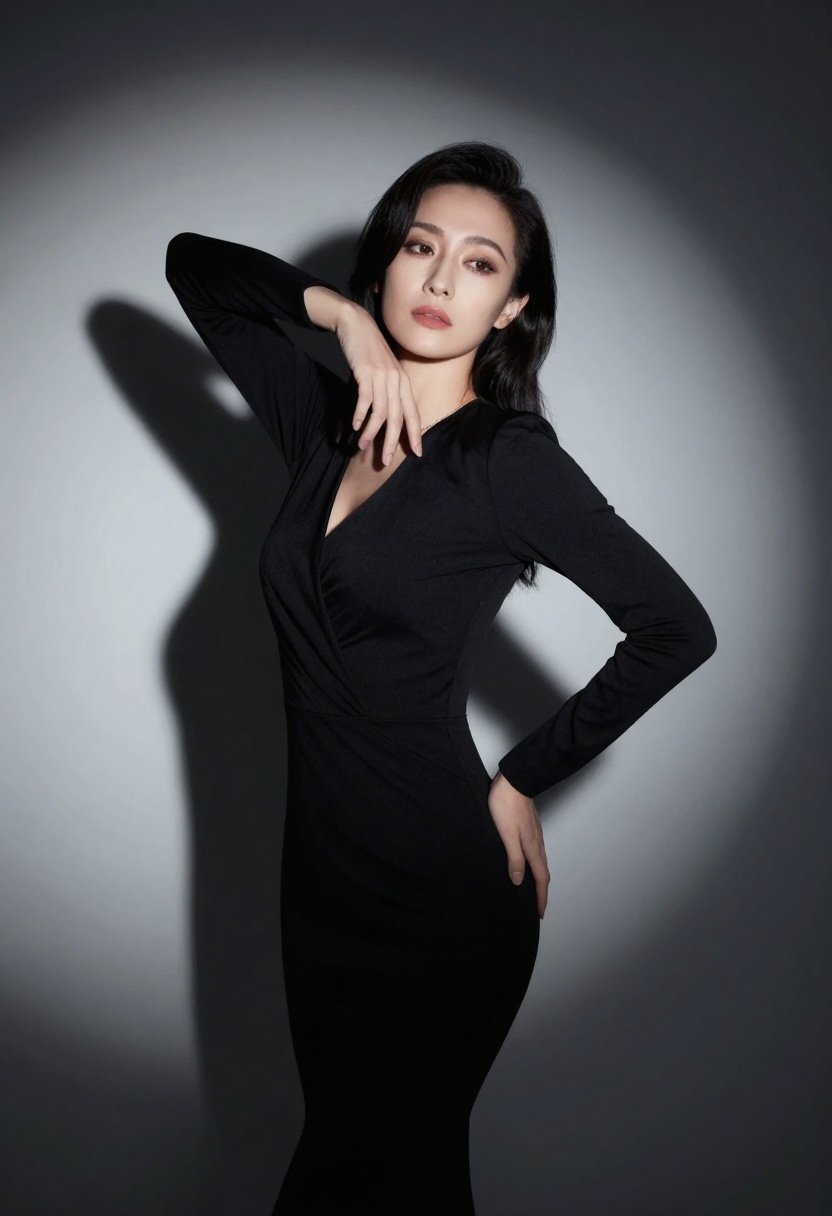
Set safety tolerance to 4 or 5. This is critical for NSFW generation. Lower values will block adult content.
Step 3: Write Your Prompt
Start with subject and pose: "Woman in black lingerie reclining on silk sheets, looking at camera, confident expression."
Add lighting details: "soft window light from left side, gentle shadows, warm romantic atmosphere."
Include style descriptors: "professional boudoir photography, intimate mood, cinematic composition."
Finish with quality modifiers: "photorealistic, 8k resolution, high detail, sophisticated aesthetic."
Your complete prompt: "Woman in black lingerie reclining on silk sheets, looking at camera, confident expression, soft window light from left side, gentle shadows, warm romantic atmosphere, professional boudoir photography, intimate mood, cinematic composition, photorealistic, 8k resolution, high detail, sophisticated aesthetic."
Step 4: Optional - Add Reference Images
If you have specific style references, upload them. The model will analyze lighting, composition, and aesthetic qualities to match your references.
You can upload multiple reference images to combine different aspects. One image might establish lighting style, another could guide composition, and a third might provide color palette inspiration.
Step 5: Generate and Iterate
Click the generate button. Wait 15-30 seconds for processing.
Review the result. If it's close but not perfect, adjust your prompt:
- Too dark? Add "bright lighting" or "well-lit scene"
- Wrong composition? Specify camera angle more clearly
- Anatomy issues? Add more specific pose descriptions
- Style off? Adjust your style descriptors
Note the seed if you get a result you like. This lets you make small changes while keeping the overall composition.
Step 6: Save and Download
Once satisfied, download your image. PicassoIA provides direct download links for all generated images. Save them locally or use PicassoIA's gallery features to organize your work.
For high-resolution final versions, regenerate using the same seed with higher resolution settings. This maintains composition while providing more detail.
Required vs Optional Parameters
Understanding Flux 2 Pro's parameter structure helps you work more efficiently.
Required Parameters:
The only required parameter is prompt. Everything else has defaults that work for basic generation. This means you can start generating immediately with just a text description.
Optional Parameters:
seed - Leave empty for random generation, or specify a number (0 to billions) for reproducible results
width/height - Only used when aspect_ratio is set to "custom". Must be multiples of 32. The model rounds to the nearest valid value if you specify odd numbers.
resolution - Defaults to 1 MP. Options are 0.5 MP, 1 MP, 2 MP, or 4 MP. Higher resolutions provide more detail but take longer to generate.
aspect_ratio - Defaults to 1:1. Choose from presets (1:1, 16:9, 3:2, 2:3, 4:5, 5:4, 9:16, 3:4, 4:3) or set to "custom" to use specific width/height values.
input_images - Array of up to 8 reference images. Supports JPEG, PNG, GIF, and WebP formats.
output_format - Defaults to WebP. Options are webp, jpg, or png.
output_quality - Defaults to 80. Range is 0-100. Higher values mean larger files with more detail. Doesn't affect PNG output.
safety_tolerance - Defaults to 2. For NSFW content, set to 4 or 5. Range is 1 (most strict) to 5 (most permissive).
Most NSFW workflows only need to adjust prompt, safety_tolerance, aspect_ratio, and occasionally resolution. The other parameters handle edge cases or specific technical requirements.
The Open-Source Advantage
Commercial platforms like Midjourney or DALL-E restrict adult content through aggressive filtering systems. These restrictions make sense for businesses protecting their brand, but they create problems for legitimate creators who work with mature content.
Open-source models like Flux 2 Pro don't face these pressures. The model itself has no built-in content restrictions. Safety features exist—you can set safety_tolerance to filter certain content—but you control those settings rather than having them imposed on you.
This matters beyond just adult content creation. The same filters that block explicit material often false-positive on:
- Figure drawing and anatomical studies
- Fashion photography with revealing clothing
- Artistic nude work
- Medical or educational content
- Historical or cultural imagery
PicassoIA's approach respects creators' agency. You're responsible for how you use these tools, but you're not artificially limited in what you can create.
Why PicassoIA Works for This
PicassoIA built their platform around open-source models specifically to provide alternatives to restricted commercial services. For NSFW creators, this translates to several practical advantages.
No arbitrary restrictions mean you don't have to fight content filters or rephrase prompts to sneak past safety systems. Generate what you need without worrying about account suspension or content takedowns.
Consistent access to models ensures your workflow won't break when a commercial service updates their content policy. Open-source models remain available regardless of corporate policy changes.
Multiple model options let you choose the right tool for each task. Flux 2 Pro for photorealistic generation, p-image-edit for refinements, wan-2.2-image for cinematic results. Use whichever model fits your current project.
Transparent pricing means you know exactly what you're paying for. No subscription tiers that restrict features. No surprise charges for high-resolution output. Generate what you need at published rates.
Privacy matters for NSFW work. PicassoIA processes your images without storing prompts or results long-term unless you explicitly save them to your gallery. Your creative work remains private.
The platform makes professional-grade AI tools accessible without corporate gatekeeping. For creators working with adult content, this accessibility makes the difference between viable workflow and constant frustration.
Getting Started Today
Creating adult content with Flux 2 Pro requires no special setup. Visit PicassoIA, create an account, and start generating. The free tier lets you test models and learn prompting techniques before committing to paid plans.
Begin with simple prompts to understand how the model responds. Try different lighting descriptions. Test various pose instructions. Experiment with style descriptors. The iterative learning process teaches you what works and what doesn't.
Save successful prompts for reference. Build a library of lighting setups, poses, and compositions that produce reliable results. Over time, you'll develop a personal prompt style that consistently generates the quality you need.
Remember that even professional creators generate dozens of variations to find the perfect image. The workflow is iterative, not instant. Use the seed parameter to refine promising results rather than starting from scratch each time.
Flux 2 Pro on PicassoIA provides the creative freedom adult content creators need, backed by technical capabilities that produce professional results. The combination of open-source flexibility and accessible interface removes barriers that have frustrated NSFW creators for years.
The tools exist. The platform is ready. Start creating.


