The adult content industry has been revolutionized by AI image generation technology. While major commercial platforms restrict NSFW content, open-source models available on PicassoIA allow creators to generate adult imagery without censorship or limitations. This shift empowers artists, content creators, and adult industry professionals to produce high-quality visuals privately and efficiently.

Traditional adult content production requires significant investment in equipment, talent, locations, and post-production. AI generation eliminates these barriers, allowing creators to produce professional-quality imagery in seconds. The technology has matured to the point where generated content rivals photographed material in realism and artistic merit.
Why Open-Source Models Matter for NSFW Content
Commercial AI platforms typically impose strict content policies that prohibit or heavily filter adult content. These restrictions stem from liability concerns, payment processor requirements, and brand positioning. However, this leaves creators without access to cutting-edge AI technology for legitimate adult content production.
Open-source models change this dynamic entirely. These models are trained without the commercial restrictions that limit mainstream platforms. When hosted on platforms like PicassoIA, creators gain access to powerful generation capabilities without content filters blocking legitimate artistic expression or adult content creation.
The privacy advantages are substantial. Instead of uploading prompts to servers that might log or review content, open-source models on PicassoIA process your requests without judgment or monitoring. This matters enormously for professionals creating content for paying subscribers or personal projects.
Flux 2 Pro for NSFW Generation
Flux 2 Pro represents one of the most capable text-to-image models available for unrestricted content generation. Developed by Black Forest Labs, this model produces photorealistic results with exceptional attention to detail, anatomy, lighting, and composition.
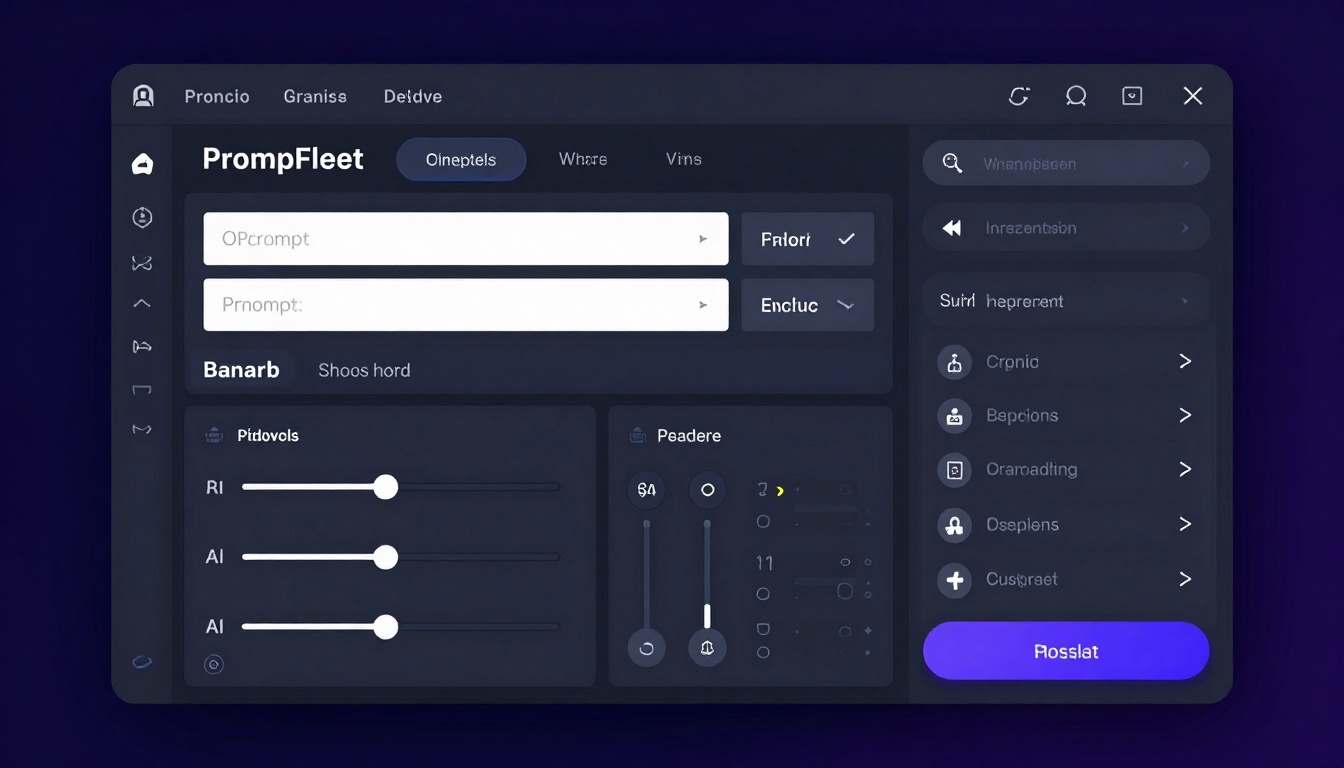
The model supports resolutions up to 4 megapixels, though 2 MP provides the best balance between quality and generation speed. You can customize aspect ratios from square 1:1 formats perfect for social media to widescreen 16:9 layouts ideal for desktop backgrounds or video thumbnails.
One particularly valuable feature is reference image support. You can upload up to 8 images to guide the style, composition, or specific details of your generation. This allows you to maintain consistency across a series of images or transfer the style from existing content to new generations.
Safety Tolerance Control
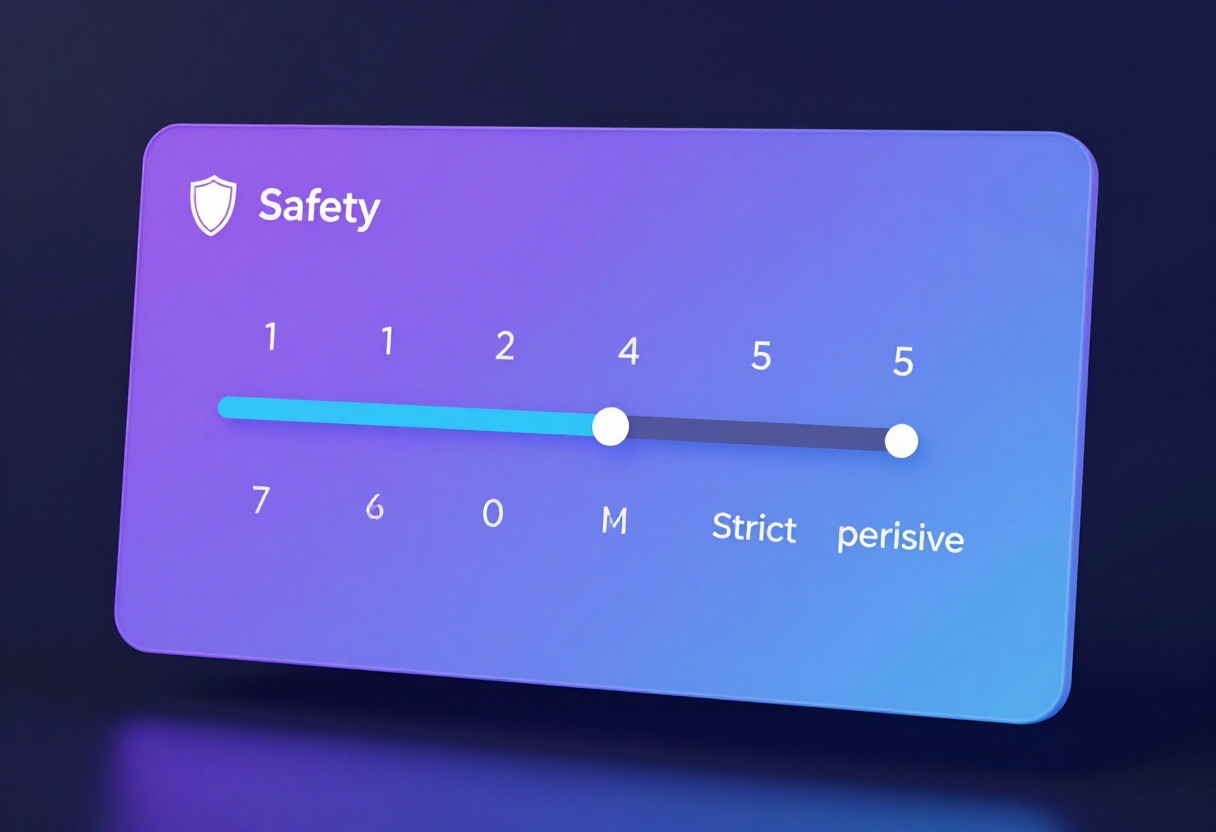
Flux 2 Pro includes a safety tolerance setting ranging from 1 (most restrictive) to 5 (most permissive). For NSFW content creation, setting this to 5 removes all content filtering, allowing the model to generate without censorship. This setting is crucial for adult content creators who need unrestricted access to the model's full capabilities.
The model also supports reproducible generation through seed control. When you find a generation you like, you can record the seed value and use it to create variations with slight prompt modifications while maintaining the overall composition and style.
Crafting Effective Prompts for NSFW Content
Prompt engineering makes the difference between mediocre and exceptional results. The model responds best to detailed, specific descriptions that establish mood, lighting, composition, and subject characteristics clearly.
Start with the subject and main action, then layer in details about setting, lighting, mood, and artistic style. For example, instead of "woman in bedroom," try "elegant woman reclining on satin sheets, soft morning light through sheer curtains, intimate atmosphere, warm color palette, cinematic lighting, shallow depth of field."
Include technical photography terms to enhance realism. Terms like "bokeh effect," "golden hour lighting," "shallow depth of field," "high-key lighting," or "film grain" help the model understand the aesthetic you want to achieve.
Be explicit about composition preferences. Specify "close-up portrait," "full body shot," "over-the-shoulder angle," or "Dutch angle" to control framing. Mention "rule of thirds composition" or "centered composition" for layout guidance.
Balancing Detail and Freedom
While detailed prompts generally produce better results, over-specifying can limit the model's creative interpretation. Find the balance between providing enough direction and leaving room for the model to make aesthetic choices.
For artistic NSFW content, include style references like "in the style of Renaissance painting," "fashion photography aesthetic," "film noir atmosphere," or "dreamy ethereal style." These references give the model a clear artistic direction while allowing variation in execution.
Negative prompts (what you don't want) can be useful but aren't always necessary with Flux 2 Pro. If you're getting unwanted elements consistently, add them to a negative prompt field if the interface supports it, or phrase your main prompt to emphasize what you do want.
Alternative NSFW-Friendly Models on PicassoIA
While Flux 2 Pro offers excellent quality, PicassoIA hosts several other open-source models suitable for adult content creation. Each has unique strengths that might better suit specific use cases.
p-image-edit for Rapid Content Editing
The p-image-edit model excels at quick modifications to existing images. If you have reference photos or previously generated content you want to modify, this model processes edits in under a second while maintaining high quality.
This speed makes it ideal for iterative workflows where you're refining details, adjusting poses, changing backgrounds, or experimenting with variations. The model supports multiple reference images simultaneously, allowing complex editing tasks that combine elements from different sources.
wan-2.2-image for Cinematic Results
The wan-2.2-image model specializes in cinematic, visually striking imagery. It generates 2-megapixel images in 3-4 seconds with exceptional attention to lighting, mood, and composition.
This model particularly shines for artistic NSFW content where atmosphere and emotion matter as much as technical quality. The cinematic aesthetic makes it perfect for creating content that feels professionally produced rather than purely functional.
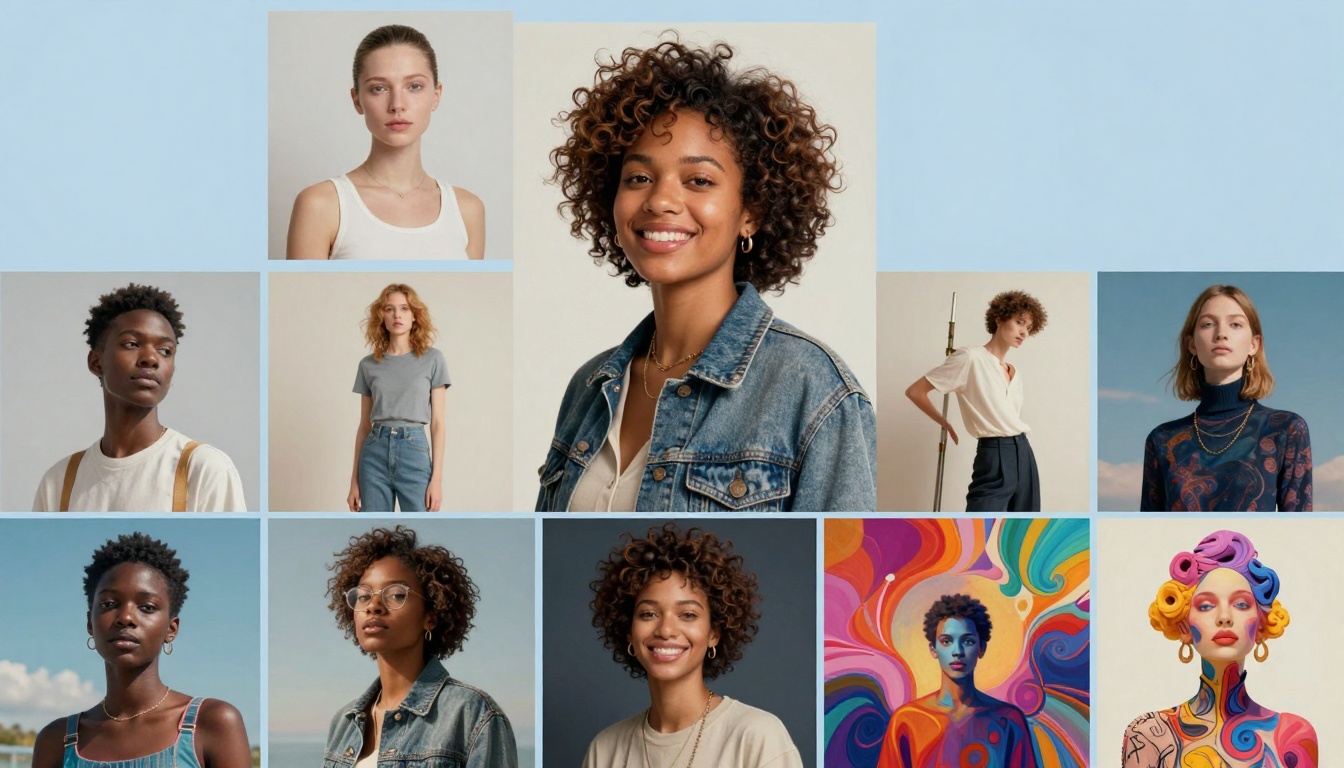
Both models support the same aspect ratio options and output formats as Flux 2 Pro, giving you flexibility in choosing the right tool for each project without relearning interface conventions.
Flux 2 Pro supports three output formats: WebP, JPG, and PNG. Each serves different purposes in adult content creation workflows.
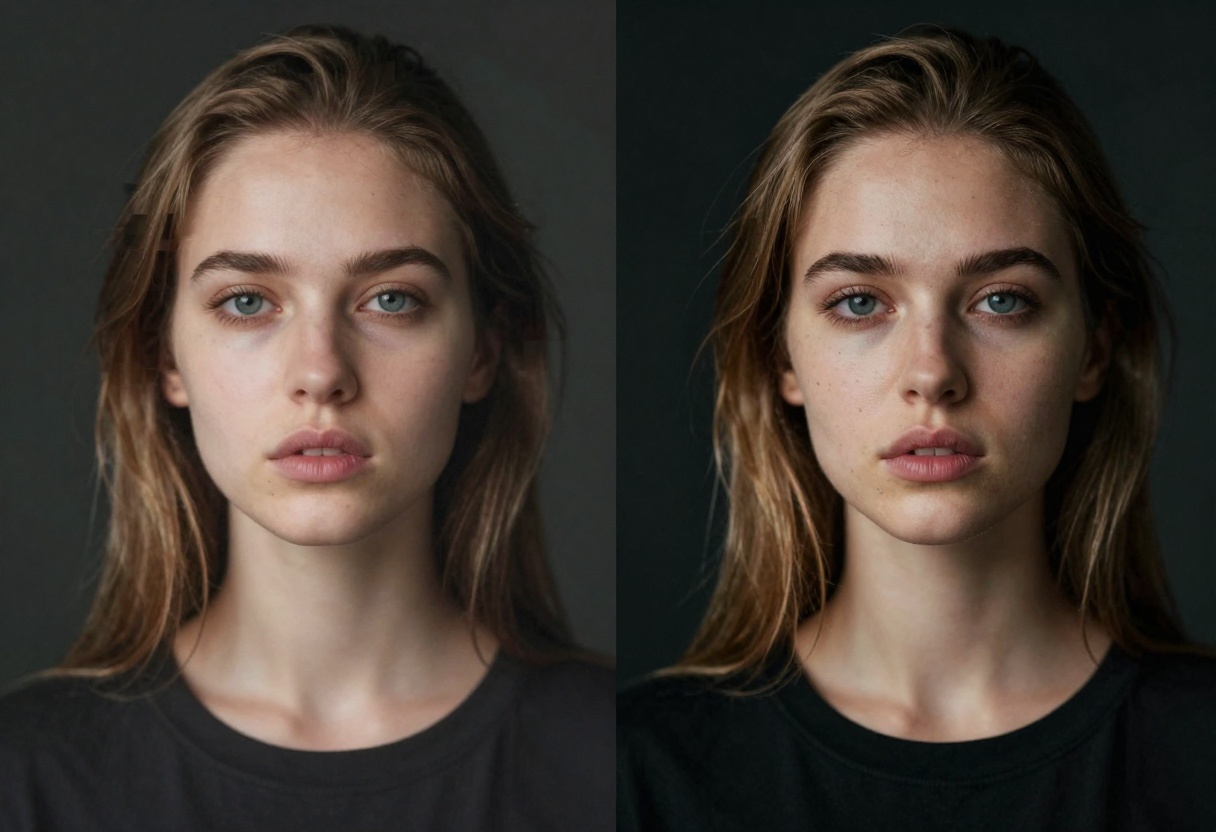
WebP offers the best compression-to-quality ratio, producing smaller file sizes than JPG while maintaining excellent visual quality. This format works well for web distribution where bandwidth matters. Not all platforms support WebP yet, so verify compatibility before committing to this format exclusively.
JPG remains the universal standard with broad compatibility across all platforms and devices. The quality slider (0-100) lets you balance file size against visual fidelity. For adult content intended for subscription platforms or social media, 80-85 quality provides excellent results without excessive file sizes.
PNG preserves maximum quality with lossless compression but creates significantly larger files. Reserve this format for master copies you plan to edit further or when you need transparent backgrounds for compositing work.
Resolution Considerations
The model supports resolutions from 0.5 MP up to 4 MP, with 2 MP recommended for most use cases. Higher resolutions take longer to generate and require more computing resources, with diminishing returns beyond 2 MP for typical viewing scenarios.
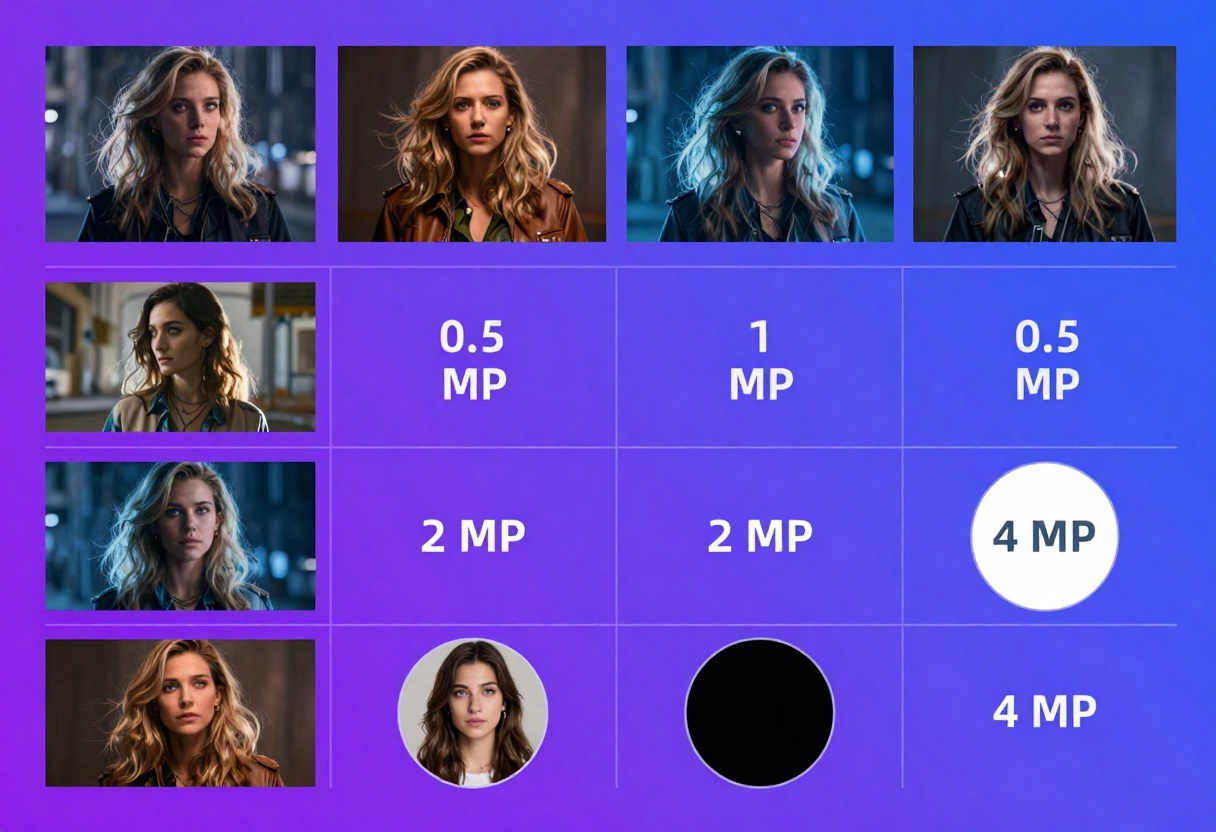
Consider your distribution method when choosing resolution. Social media platforms compress uploaded images, making ultra-high resolutions unnecessary. However, if you're printing content or allowing downloads of full-resolution files for subscribers, 4 MP provides enough detail for quality reproduction.
The maximum image dimension is 2048 pixels on either axis regardless of total megapixel count. High-resolution images in extreme aspect ratios (like 21:9) may not reach their full megapixel potential due to this constraint.
Custom Aspect Ratios and Dimensions
Beyond the preset aspect ratios, Flux 2 Pro supports custom dimensions when you set aspect ratio to "custom." This lets you specify exact pixel dimensions for specialized use cases like specific banner sizes or thumbnail formats.
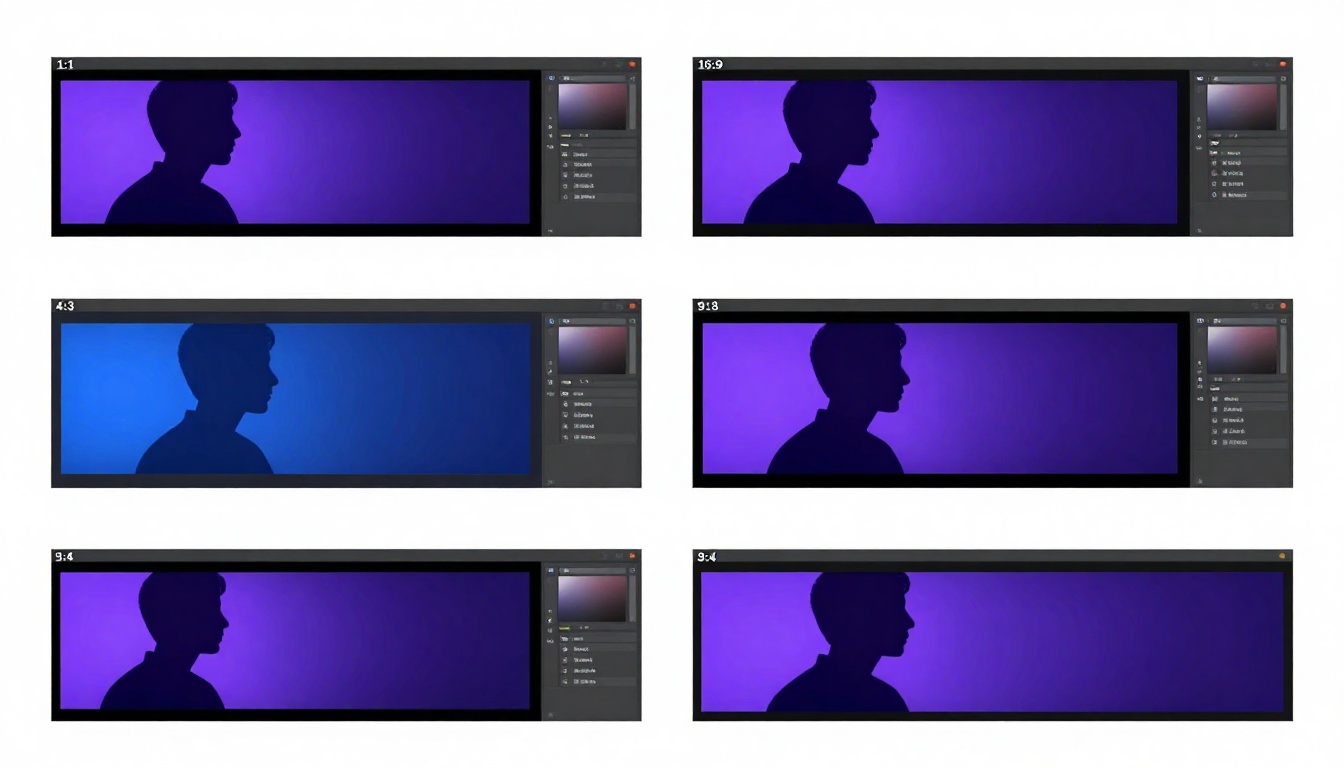
Custom dimensions must be multiples of 32 pixels. The model will automatically round your input to the nearest valid dimension if you enter a non-compliant value. This requirement stems from the model's architecture and ensures optimal generation quality.
For adult content creators building libraries for multiple platforms, generate in the largest useful aspect ratio and crop as needed. This gives you maximum flexibility for repurposing content across different channels without regenerating from scratch.
Matching Reference Image Dimensions
When using reference images, the "match_input_image" option for both aspect ratio and resolution proves extremely useful. The model analyzes your first reference image and generates new content with matching dimensions.
This feature streamlines workflows where you're creating sets of images that need consistent formatting. Upload one reference image with your target dimensions, and all subsequent generations will match without manual dimension entry.
Reference Image Strategies for NSFW Content
The ability to use up to 8 reference images simultaneously opens sophisticated possibilities for NSFW content creation. The model analyzes these references for style, composition, subject characteristics, and visual elements to guide generation.
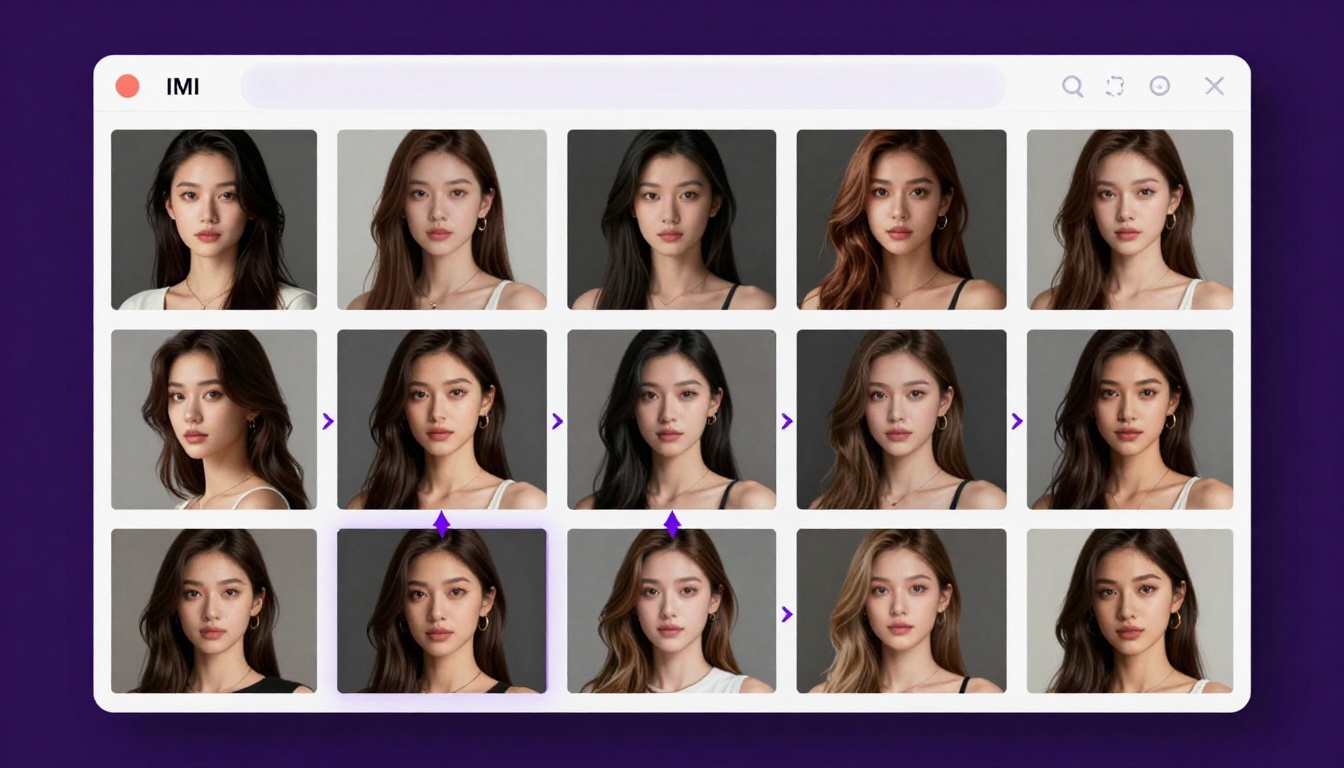
Use reference images to establish a consistent visual style across a content series. Upload examples of your preferred lighting, color grading, and compositional approach. The model will attempt to match these aesthetic choices in new generations while following your text prompt for specific content.
Reference images also help with character consistency. If you're creating multiple images of the same character or model, include reference shots showing facial features, body type, hair style, and other identifying characteristics. The model will work to maintain these attributes across generations.
For pose and composition guidance, reference images showing your desired framing, angles, and positioning prove invaluable. The model interprets these visual cues more reliably than verbal descriptions of complex poses or spatial arrangements.
Combining Multiple Reference Sources
When using multiple reference images, order matters. The first image typically receives the most weight in the model's interpretation, with subsequent images providing additional guidance. Structure your reference set accordingly, with your primary style or composition reference first.
You can combine references for different purposes: one image for overall style and mood, another for pose reference, a third for lighting setup, and others for specific details or elements you want included. The model synthesizes these various inputs to create a cohesive result.
Experiment with mixing photographic references and artistic styles. A photographic pose reference combined with painted or illustrated style references can produce unique hybrid aesthetics that blend realism with artistic interpretation.
Privacy and Ethics in NSFW AI Generation
Creating adult content with AI raises important considerations around privacy, consent, and ethical use. PicassoIA's platform allows private generation without content logging or review, but creators bear responsibility for how they use these tools.
Never attempt to generate content depicting real individuals without their explicit consent. Modern AI models can create convincing likenesses, but using someone's appearance without permission violates their privacy and potentially breaks laws in many jurisdictions.
This restriction extends to public figures, celebrities, and other recognizable individuals. While generating purely fictional characters carries no such limitations, the ethical boundary lies in ensuring all depicted individuals are entirely fictional creations rather than representations of real people.
For creators producing content for commercial purposes, consider watermarking or digitally signing your work to establish ownership and deter unauthorized distribution. While AI makes generation easier, protecting your created content remains important.
Responsible Distribution
When sharing AI-generated adult content, clearly label it as AI-generated rather than photographed. This transparency helps viewers understand what they're seeing and prevents potential deception.
Many platforms require disclosure of AI-generated content, particularly in adult contexts. Familiarize yourself with the requirements of any platform where you distribute content to ensure compliance with their policies.
Consider your audience and distribution channels carefully. While PicassoIA allows unrestricted generation, various distribution platforms maintain their own content policies. Generate freely for private use, but review platform terms before public posting or commercial distribution.
Technical Tips for Better Results
Getting consistently excellent results from Flux 2 Pro requires understanding how different parameters interact and affect the final generation.
Seed Management for Consistency
When you generate an image you like, record the seed value used. This random seed determines the initial noise pattern from which the model generates your image. Using the same seed with the same prompt produces nearly identical results, allowing you to make minor prompt adjustments while maintaining the overall composition.
Vary the seed slightly (increment by 1-5) to get similar but not identical generations. This technique works well for creating series of related images with consistent style and composition but subtle variations in pose, expression, or details.
For maximum variety, leave seed unspecified or set to -1 (if supported) to get a random seed each generation. This approach works when you're exploring possibilities rather than refining a specific concept.
Generation Time vs. Quality Trade-offs
Higher resolutions and more complex prompts increase generation time. When experimenting with prompts or settings, start with lower resolutions (0.5-1 MP) to iterate quickly. Once you've refined your prompt and settings, increase resolution for the final generation.
The quality slider for output format compression has minimal impact on generation time since compression happens after the image is generated. You can safely set quality to maximum (100) without performance penalty, then compress afterward if needed for distribution.
Complexity in your prompt doesn't significantly impact generation time, so don't hesitate to write detailed descriptions. The model processes long prompts as efficiently as short ones.
Batch Generation Strategies
For creators producing content at scale, develop a library of effective prompt templates you can customize for different scenarios. Save successful prompts with their parameters and seeds for future reference.
Consider creating variations of successful generations by changing specific prompt elements while keeping the seed and other parameters constant. This approach efficiently produces diverse content from proven formulas.
When building character consistency across multiple images, generate a reference set first, then use those generations as reference images for subsequent work. This iterative approach helps maintain visual continuity more reliably than trying to describe every detail in text alone.
Using Flux 2 Pro on PicassoIA
PicassoIA provides straightforward access to Flux 2 Pro and other open-source models without requiring technical setup or local hardware. The platform handles all infrastructure, letting you focus on creative work rather than technical configuration.
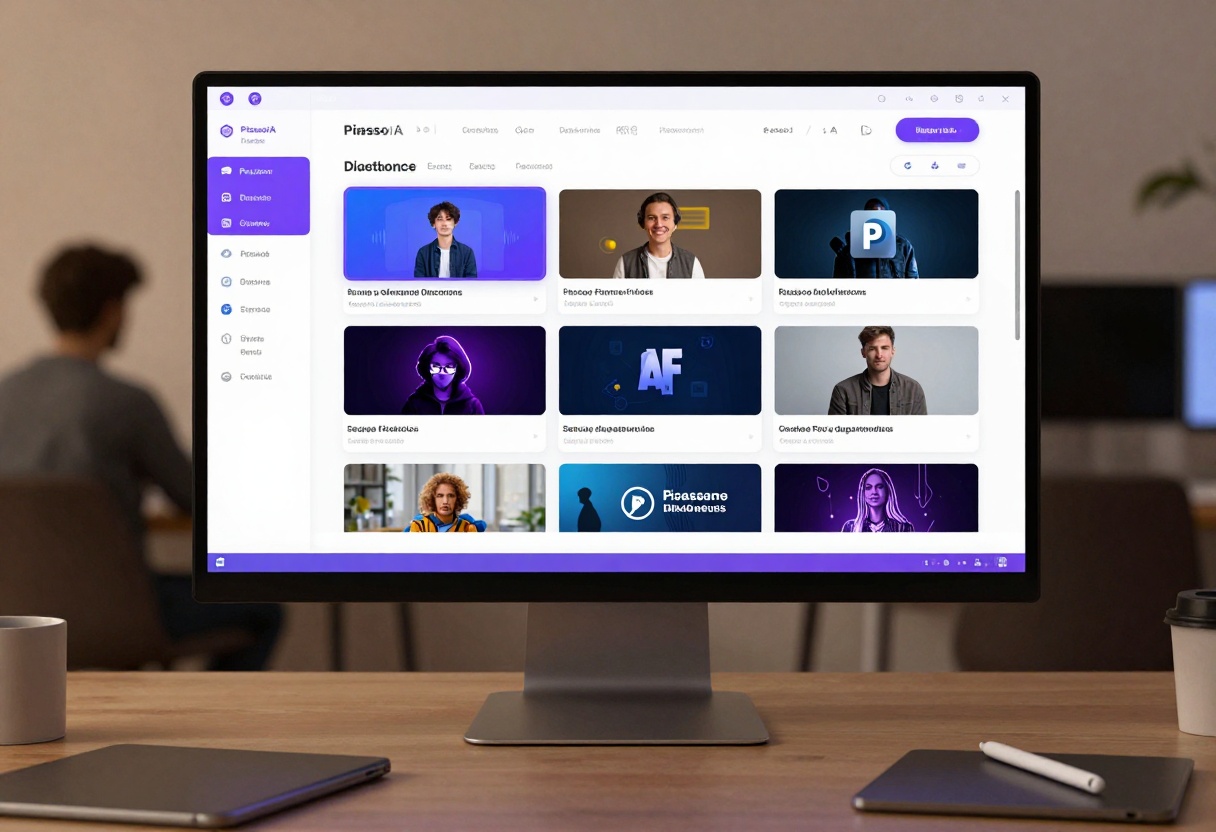
Visit the Flux 2 Pro model page to access the generation interface. The page provides all parameter controls discussed in this article, organized for efficient workflow.
Getting Started with Flux 2 Pro
- Access the model page - Navigate to the Flux 2 Pro interface on PicassoIA
- Enter your prompt - Write a detailed text description of the image you want to generate in the prompt field
- Configure safety tolerance - Set the safety tolerance slider to 5 for unrestricted NSFW generation
- Select aspect ratio - Choose from preset ratios (1:1, 16:9, 9:16, etc.) or select "custom" for specific dimensions
- Choose resolution - Select from 0.5 MP to 4 MP based on your quality needs (2 MP recommended)
- Upload reference images (optional) - Add up to 8 reference images if you want to guide style, composition, or character consistency
- Set output format - Choose WebP for efficiency, JPG for compatibility, or PNG for maximum quality
- Adjust output quality - Set the quality slider (0-100) to balance file size and visual fidelity
- Generate - Click the generate button and wait for your image to process
- Download your result - Save the generated image to your local storage
Parameter Quick Reference
Here's a summary of key parameters and their optimal settings for NSFW content creation:
- Prompt (required): Detailed text description of desired image
- Safety Tolerance: Set to 5 for unrestricted generation
- Resolution: 2 MP recommended for quality/speed balance
- Aspect Ratio: Choose based on intended use (1:1 for social, 16:9 for desktop)
- Output Format: WebP for web use, JPG for universal compatibility, PNG for maximum quality
- Output Quality: 80-85 for JPG/WebP, N/A for PNG
- Seed: Leave blank for random, or specify for reproducible results
- Reference Images: 0-8 images for style, composition, or character guidance
The model processes most generations in 15-30 seconds depending on resolution and server load. Higher resolutions naturally take longer, while lower resolutions generate faster.
Beyond Basic Generation
Once you've mastered basic generation, several advanced techniques can elevate your content quality and consistency.
Style Transfer and Fusion
Combine reference images from different artistic styles to create unique hybrid aesthetics. A photorealistic pose reference with illustrated style references can produce images that blend technical accuracy with artistic interpretation.
Try mixing photographs with paintings, CGI renders, or sketches as references. The model attempts to find a balance between these different visual languages, often producing unexpected and compelling results.
Iterative Refinement
Generate an initial image, then use it as a reference for subsequent generations with modified prompts. This iterative approach lets you refine details, adjust composition, or change specific elements while maintaining overall visual consistency.
Each iteration can move progressively further from the original, allowing gradual transformation of an image through multiple generation steps. This technique works particularly well for exploring variations on a theme or developing a visual concept through iteration.
Prompt Weighting and Emphasis
While Flux 2 Pro doesn't explicitly support prompt weighting syntax, you can emphasize elements by repetition or detailed description. Expand on the aspects most important to your vision with specific modifiers and descriptions.
Place your most important prompt elements near the beginning, as models often give slightly more weight to earlier prompt components. Structure prompts with primary subject first, followed by setting, then mood and style descriptors.
The Future of NSFW AI Generation
AI image generation technology continues advancing rapidly. Models become more capable, faster, and better at interpreting nuanced prompts with each new release. This trajectory suggests even more powerful tools becoming available to creators soon.
Video generation represents the next frontier. While current video models remain limited for NSFW content due to commercial restrictions, open-source alternatives will inevitably emerge. These will bring the same creative freedom currently available for static images to motion content.
Fine-tuning and customization capabilities continue improving. Future iterations may allow creators to train custom model variations on their specific style or preferred aesthetics, enabling even greater consistency and personalization.
Integration with other creative tools will expand. AI generation won't replace traditional creative work but rather complement it, handling time-consuming tasks while artists focus on direction, refinement, and artistic vision.
Finding Your Creative Voice
AI generation democratizes content creation by removing technical and financial barriers. However, the tools themselves don't create art. Your creative vision, aesthetic choices, prompt crafting skills, and curation decisions determine the quality and distinctiveness of your work.
Develop a consistent style through deliberate parameter choices, prompt patterns, and reference image selection. Consistency helps build a recognizable brand and makes your content stand out in crowded markets.
Experiment extensively with different approaches, models, and techniques. The flexibility of platforms like PicassoIA allows risk-free exploration since each generation costs minimal resources. Use this freedom to push boundaries and discover unique approaches.
Study the work of other creators using AI generation for inspiration, but develop your distinct voice rather than copying trends. The technology enables creation at unprecedented scale, making originality and vision more valuable than ever.
The intersection of AI capability and human creativity produces the most compelling results. Let the technology handle technical execution while you focus on concept, emotion, storytelling, and artistic direction. This division of labor represents the future of digital content creation across all domains, including adult content.
Different jurisdictions maintain varying laws regarding adult content creation and distribution. Familiarize yourself with regulations in your location and anywhere you distribute content to ensure compliance.
Age verification requirements affect both creation and distribution of adult content. While AI generation itself involves no actual individuals, distribution platforms may require age verification systems to prevent minor access.
Copyright and ownership of AI-generated content remain evolving legal areas. Currently, most jurisdictions treat AI-generated content as having no traditional copyright protection, though this may change. Consider watermarking and terms of use to establish control over your creations.
Payment processing for adult content faces restrictions from major financial services providers. If monetizing AI-generated adult content, research available payment processors that support adult content creators and understand their requirements and limitations.
Ready to create unrestricted adult content with AI? Try Flux 2 Pro on PicassoIA and experience the freedom of open-source generation without censorship or limitations.


