The landscape of AI image generation has changed dramatically, but one challenge remains for many creators: finding platforms that support adult content without heavy restrictions. Flux 2 Pro stands out as one of the few models that allows genuine creative freedom for NSFW image generation.
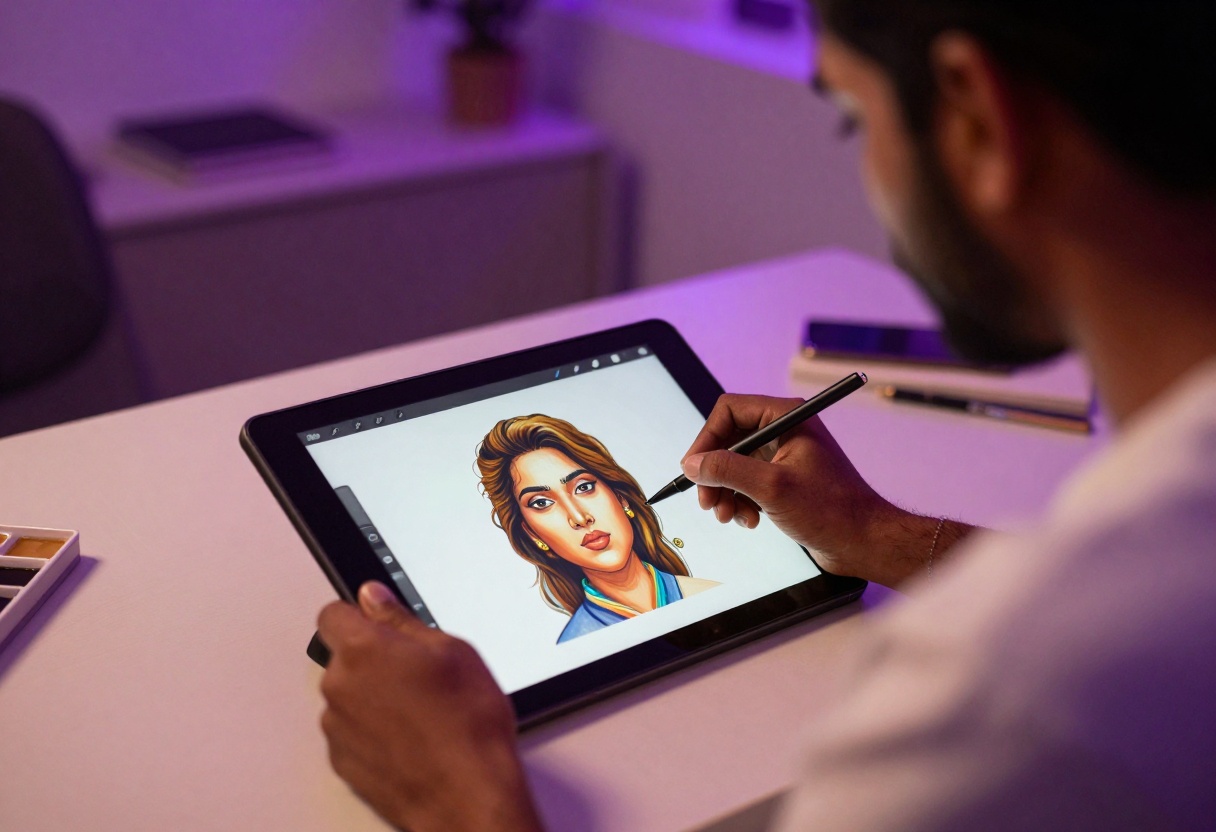
Most commercial AI platforms heavily restrict adult content creation. Services impose strict content filters that block even mildly suggestive prompts. This creates real problems for professional adult content creators, artists exploring mature themes, and anyone who values creative freedom.
Open-source models like Flux 2 Pro offer an alternative. Available on PicassoIA, these tools provide sophisticated image generation capabilities without the arbitrary limitations found on mainstream platforms.
Why Flux 2 Pro Works for NSFW Content
Flux 2 Pro doesn't use aggressive content filters that interrupt your creative workflow. The model processes prompts naturally, understanding context and artistic intent rather than flagging keywords.
The technical capabilities matter here. Flux 2 Pro generates images up to 4 megapixels with exceptional detail and realism. For adult content creators who need professional-quality outputs, this level of fidelity makes a real difference.
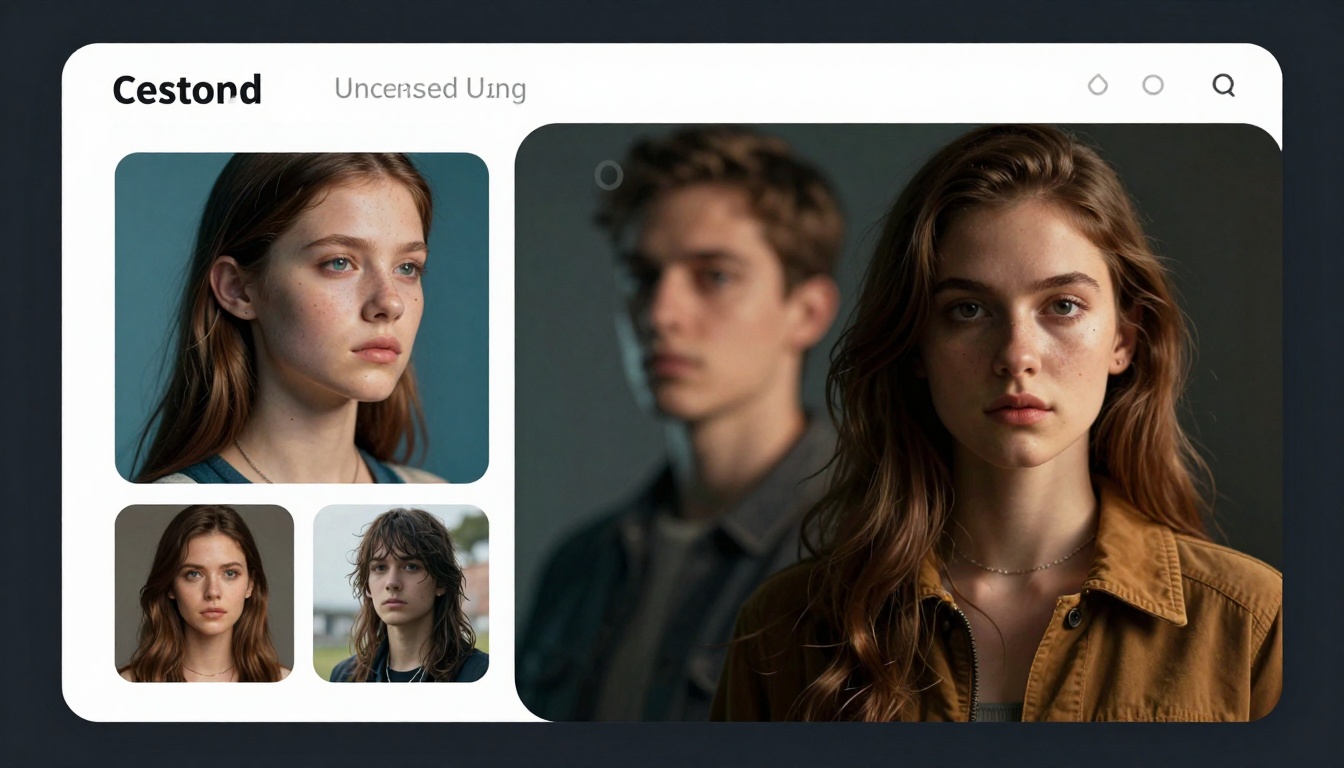
The model supports up to 8 reference images, which helps when you're aiming for specific styles or compositions. You can guide the generation process with examples rather than relying solely on text descriptions.
Safety tolerance settings give you control over content restrictions. Setting the parameter to 5 (most permissive) allows maximum creative freedom, while lower values apply stricter filtering if needed for specific projects.
Getting Started with Adult Content Generation
The process differs significantly from censored platforms. Instead of worrying about trigger words or having prompts rejected, you can focus on describing what you actually want to create.
Your prompts should be detailed and specific. Rather than generic descriptions, include information about lighting, composition, mood, and artistic style. The more context you provide, the better Flux 2 Pro can interpret your creative vision.
Start with aspect ratios that match your intended use. Vertical formats (2:3) work well for portrait-oriented content, while horizontal (16:9) suits wider compositions. The 1:1 square format provides versatility for various platforms.
Resolution affects both quality and generation time. For testing prompts, 1 MP generates quickly. When you've refined your approach, increase to 2 MP or 4 MP for final outputs.
Open-Source Models That Support Adult Content
PicassoIA hosts several models suitable for NSFW generation beyond Flux 2 Pro:
p-image-edit excels at transforming and refining existing images. If you have a base image that needs adjustments, this model handles edits with remarkable speed and precision.
prunaai-wan-2.2-image generates highly realistic images from text descriptions. The photorealistic output quality makes it particularly valuable for creators who need convincing results.
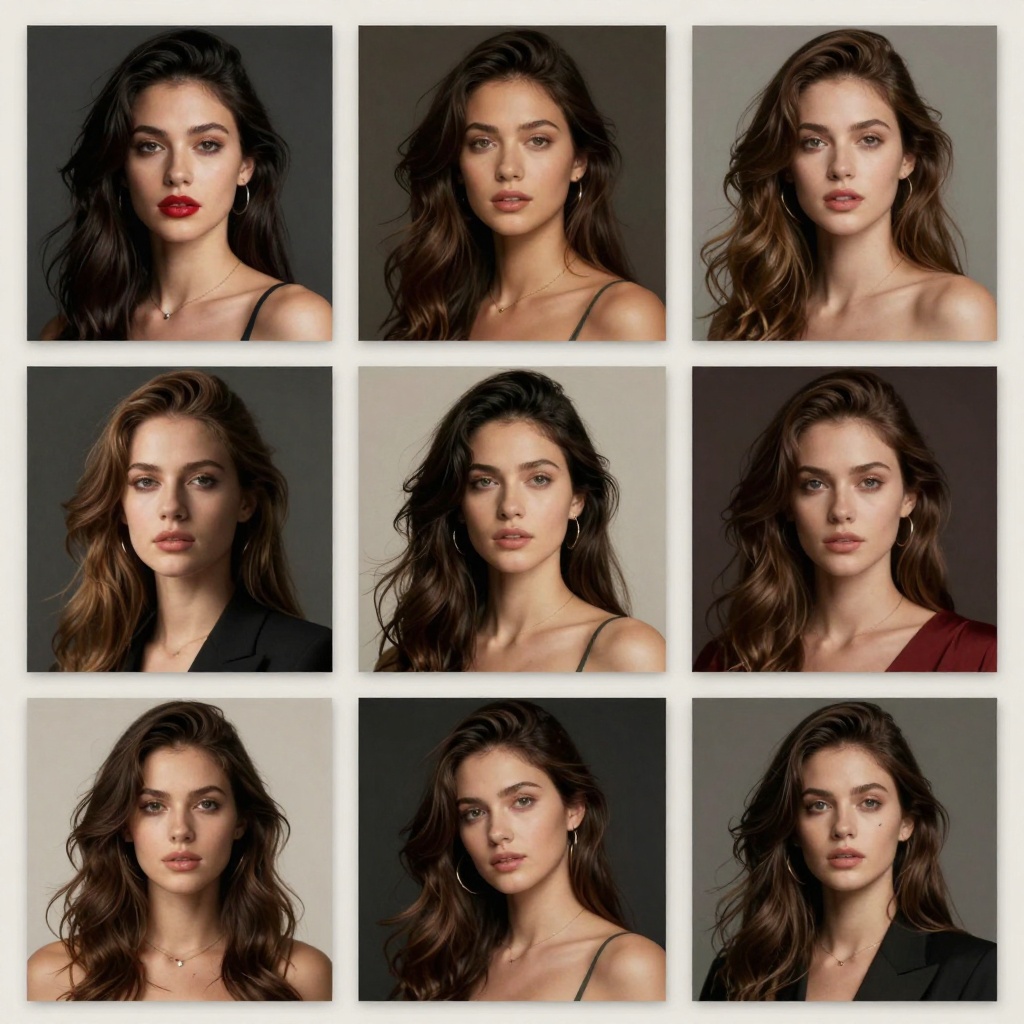
Wan 2.2 I2v Fast takes static images and creates smooth video animations. This opens possibilities for adult content creators looking to add motion to their work.
These models share a common advantage: they're open-source tools without corporate content restrictions. You maintain control over your creative process.
Privacy and Content Control
When creating adult content, privacy matters significantly. PicassoIA processes your generations without storing unnecessary data or monitoring your creative choices.
The platform doesn't require you to explain or justify your content. There's no review process, no flagged prompts, and no account restrictions based on what you create.

Your generated images belong to you. Unlike some services that claim rights to outputs or monitor usage, PicassoIA treats your creations as your property.
For professionals concerned about workflow interruption, this approach eliminates the frustration of arbitrary content rejections. You can iterate rapidly without stopping to rephrase prompts or work around content filters.
Writing Effective NSFW Prompts
Successful prompts balance specificity with natural language. Avoid overloading descriptions with keywords, but do include relevant details about composition, lighting, and style.
Composition details help establish the scene. Mention camera angles, framing choices, and spatial relationships between elements.
Lighting descriptions shape mood dramatically. Words like "soft window light," "dramatic shadows," or "golden hour glow" guide the aesthetic direction.
Style references clarify your artistic intention. Mentioning photography styles (fashion, boudoir, editorial) or artistic movements helps the model understand the look you're pursuing.
Anatomical accuracy improves when prompts include realistic details about poses and proportions. Being specific about body positioning reduces awkward or unrealistic results.
Technical Parameters for Quality Results
The output format choice affects your final image quality and file size. WebP offers excellent compression while maintaining visual quality. PNG preserves maximum detail but creates larger files. JPG provides familiar compatibility with moderate file sizes.
Output quality settings (0-100) control compression levels. For adult content where detail matters, settings above 80 preserve skin textures and subtle lighting effectively.
Random seed values enable reproducibility. When you generate an image you like, note the seed number. Using that same seed with identical prompts and settings recreates the image with variations.
Custom dimensions give precise control over output size. For specific publishing requirements, set exact pixel dimensions (remembering they must be multiples of 32).
Common Challenges and Solutions
New users often encounter a few typical issues when starting with NSFW generation:
Unrealistic anatomy happens when prompts lack specific positional details. Adding descriptions of natural poses and realistic proportions helps considerably.
Inconsistent style across generations occurs when prompts vary too much. Maintain consistent terminology and reference points across your prompt set for cohesive results.
Lighting problems create flat or over-processed looks. Specifying particular lighting setups (three-point lighting, natural window light, specific color temperatures) improves results.
When outputs don't match expectations, resist the urge to dramatically change everything. Make incremental adjustments to identify what affects results most significantly.
Using Reference Images Effectively
Flux 2 Pro's multi-image input capability provides significant creative control. You can upload up to 8 reference images that guide style, composition, or specific elements.
Style references work well when you want consistent aesthetic across multiple generations. Upload examples that capture the visual approach you're targeting.
Composition guides help when you have a specific framing or arrangement in mind. Reference images showing poses, angles, or spatial relationships influence the output structure.
Combining multiple references lets you blend different aspects. One image might provide lighting reference while another demonstrates the desired pose or composition.
Professional Applications
Adult content creators use these tools for various professional purposes beyond what censored platforms support.
Content producers create custom imagery for their platforms without model releases or licensing concerns. The ability to generate exactly what their audience wants gives creative control impossible with traditional photography.
Artists exploring mature themes can iterate rapidly on concepts. The uncensored environment allows experimentation without workflow interruptions.
Marketers in adult industries generate promotional materials, product mockups, and advertising visuals that would be rejected or flagged on mainstream AI platforms.
Game developers and fiction writers create character art and scene illustrations for mature content without restriction.
Ethics and Responsible Use
While Flux 2 Pro doesn't impose artificial limitations, responsible use remains important. The absence of filters doesn't mean all content is appropriate.
Creating realistic imagery of real people without consent raises serious ethical and legal issues. Use these tools for original artistic creation, not for impersonation or deception.
Understanding your local laws regarding adult content creation and distribution protects you legally. Regulations vary significantly by jurisdiction.
If you're creating content for commercial purposes, consider your audience and distribution platforms. Even uncensored generation tools require thoughtful consideration of how and where you share outputs.
How to Use Flux 2 Pro on PicassoIA
Let me walk you through the actual process of generating adult content with Flux 2 Pro on PicassoIA.
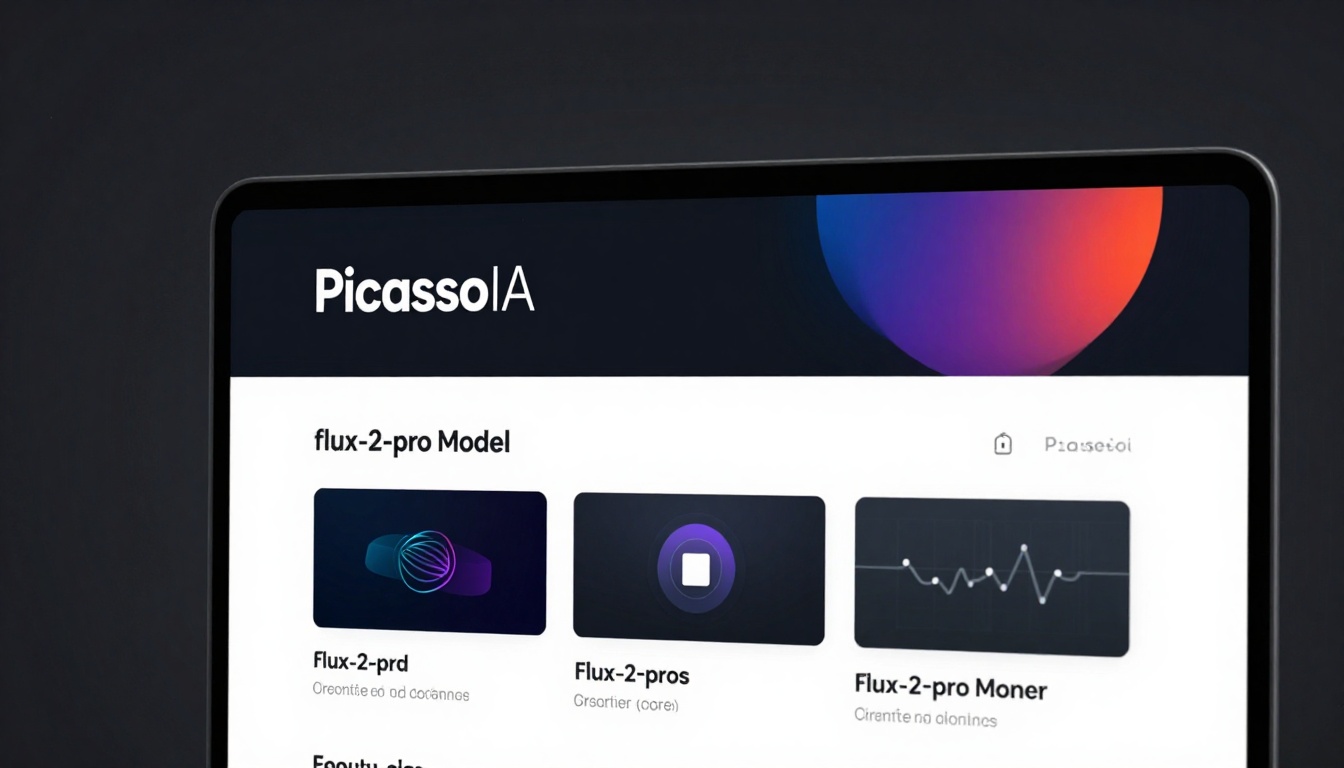
Step 1: Access the Flux 2 Pro Model
Navigate to the Flux 2 Pro model page on PicassoIA. The interface presents all available parameters clearly without requiring complex setup.
Step 2: Configure Your Prompt
The prompt field is required and accepts detailed text descriptions. Write your prompt with specific details about composition, lighting, style, and content.
Example structure: "Elegant boudoir portrait, soft window lighting from left, fashion photography style, sophisticated composition, photorealistic quality, shallow depth of field"
Step 3: Set Safety Tolerance
Find the safety_tolerance parameter. The default is 2, which applies moderate filtering. For NSFW content, set this to 5 (most permissive) to allow maximum creative freedom.
Step 4: Choose Output Settings
Select your aspect_ratio based on intended use:
- 1:1 for square format (social media, versatile use)
- 2:3 for portrait orientation (traditional portrait photography)
- 16:9 for landscape orientation (wider compositions)
- 3:2 for standard photography ratio
Set resolution between 0.5 MP and 4 MP. Start with 1 MP for testing, then increase to 2 MP or 4 MP for final outputs.
Choose output_format: WebP for best quality-to-size ratio, PNG for maximum quality, or JPG for broad compatibility.
Step 5: Add Reference Images (Optional)
If you want to guide the style or composition, upload up to 8 reference images using the input_images parameter. These help the model understand your desired aesthetic direction.
Step 6: Generate and Download
Click the generate button and wait for processing. Flux 2 Pro typically completes generations in under a minute, depending on resolution and complexity.
Once complete, download your image directly. The file will match your specified format and quality settings.
Results You Can Expect
Flux 2 Pro generates photorealistic adult content when prompts include appropriate detail. The model handles complex lighting scenarios, realistic skin textures, and natural poses effectively.
Consistency across multiple generations improves when you use the same seed value and maintain similar prompt structure. For series or collections, this reproducibility proves valuable.
The model occasionally produces anatomical quirks or compositional issues. These typically decrease when prompts include more specific positional and proportion details.
Processing time remains reasonable even at higher resolutions. Most generations complete in 30-90 seconds, allowing rapid iteration when refining your approach.
Alternatives to Consider
If Flux 2 Pro doesn't meet your specific needs, several other models on PicassoIA support adult content generation.
Stable Diffusion 3.5 Large offers another high-quality option for realistic image generation with minimal restrictions.
Ideogram v3 excels at text integration within images, useful if your adult content includes text elements.
Wan 2.2 models provide both image generation and image-to-video capabilities, expanding creative possibilities beyond static images.
Testing multiple models helps identify which best matches your specific style preferences and technical requirements.
The tension between corporate content policies and creative freedom continues shaping the AI generation landscape. As mainstream platforms tighten restrictions, open-source alternatives become increasingly valuable.
Models like Flux 2 Pro demonstrate that powerful AI capabilities can exist without intrusive content filtering. This approach respects creator autonomy while maintaining technical sophistication.
The open-source community continues developing new models and improving existing ones. This ongoing evolution benefits creators who need unrestricted tools for their work.
PicassoIA's commitment to hosting these open models provides creators with reliable access to uncensored generation capabilities. The platform combines powerful tools with a straightforward interface that doesn't impose unnecessary limitations.
For adult content creators, artists exploring mature themes, and anyone valuing creative freedom, these tools represent a practical alternative to restricted mainstream platforms. The ability to generate professional-quality images without artificial barriers changes what's possible in adult content creation.
Ready to start creating? Try Flux 2 Pro on PicassoIA and experience unrestricted AI image generation.


