If you've spent any time with AI image generators in the last year, you already know that Black Forest Labs has been quietly rewriting the rules. With the FLUX.2 family, they've built something that professional photographers, digital artists, and creative directors are actually talking about — not just hobbyists. This review puts FLUX.2 Pro under the microscope: what it does well, where it stumbles, and whether it deserves the "best AI image tool in 2026" title.

What FLUX.2 Pro Actually Does
FLUX.2 Pro is a text-to-image diffusion model developed by Black Forest Labs — the team that originally built Stable Diffusion. Unlike the open-source, download-and-run models that preceded it, FLUX.2 Pro is a commercial API model optimized for quality-first production use. You describe an image in plain text, and the model renders it with a level of photorealism that has made the AI art community stop and take notice.
The Architecture Behind the Output
FLUX.2 Pro builds on the rectified flow transformer architecture introduced with FLUX.1. Where earlier models struggled with hands, text rendering, complex lighting, and compositional accuracy, FLUX.2 addresses each of these pain points with a dramatically improved training pipeline. The model has been trained on an exceptionally curated dataset with a focus on:
- Anatomical accuracy — hands, faces, and body proportions that hold up under scrutiny
- Photorealistic textures — skin pores, fabric weave, wet surfaces, and reflections rendered with physical precision
- Prompt adherence — following complex, multi-clause instructions reliably without omitting detail
- Scene composition — correct perspective, natural depth of field, and coherent, directional lighting
The result is a model that feels less like "AI art" and more like high-end commercial photography — even when you haven't written a particularly detailed prompt.
Why "Pro" Is Different From the Rest
The FLUX.2 family spans several variants with different quality and speed profiles. The flux-2-pro sits at the top of the standard tier — above flux-2-dev and flux-schnell, and just below the ceiling-busting flux-2-max. The "Pro" tier uses a full inference step budget without the speed shortcuts applied to faster variants. That means:
- More compute per image = more cohesive, polished outputs
- Better handling of fine-grained scene details across the whole frame
- Sharper, cleaner results at high resolutions up to 2048px
- More reliable multi-subject compositions with correct spatial relationships
💡 Think of the Pro tier as the sweet spot: it doesn't sacrifice quality for speed, but it's not burning credits on the absolute maximum compute ceiling either. For most professional use cases, it's exactly where you want to be.
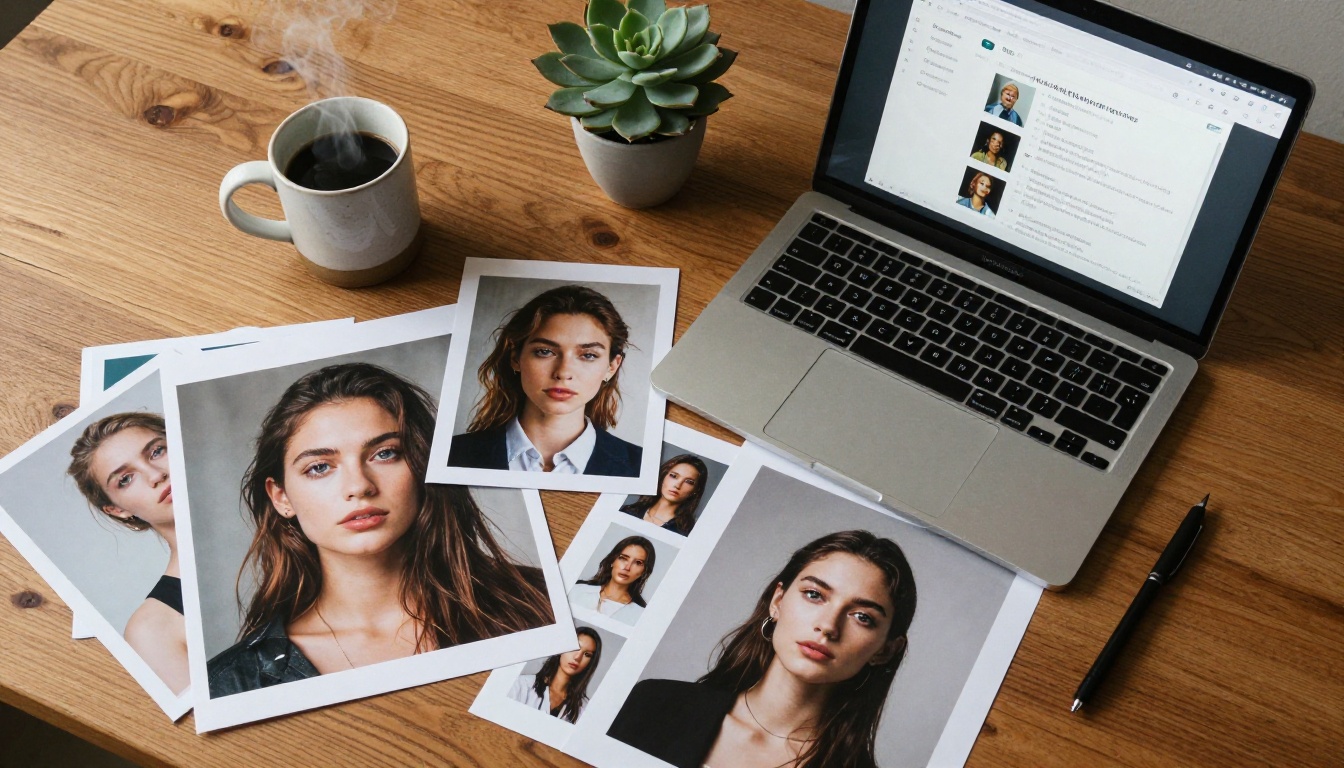
Let's be direct: FLUX.2 Pro produces some of the most visually convincing AI images currently available. That's not marketing copy — it's a measurable observation across dozens of test prompts covering portraits, architecture, food photography, fashion, and environmental scenes.
Photorealism at Its Finest
The model's photorealism performance is its most distinctive strength. Give it a portrait prompt and it returns images where:
- Skin texture is rendered with visible pores, subsurface scattering, and directional light response that shifts convincingly across planes
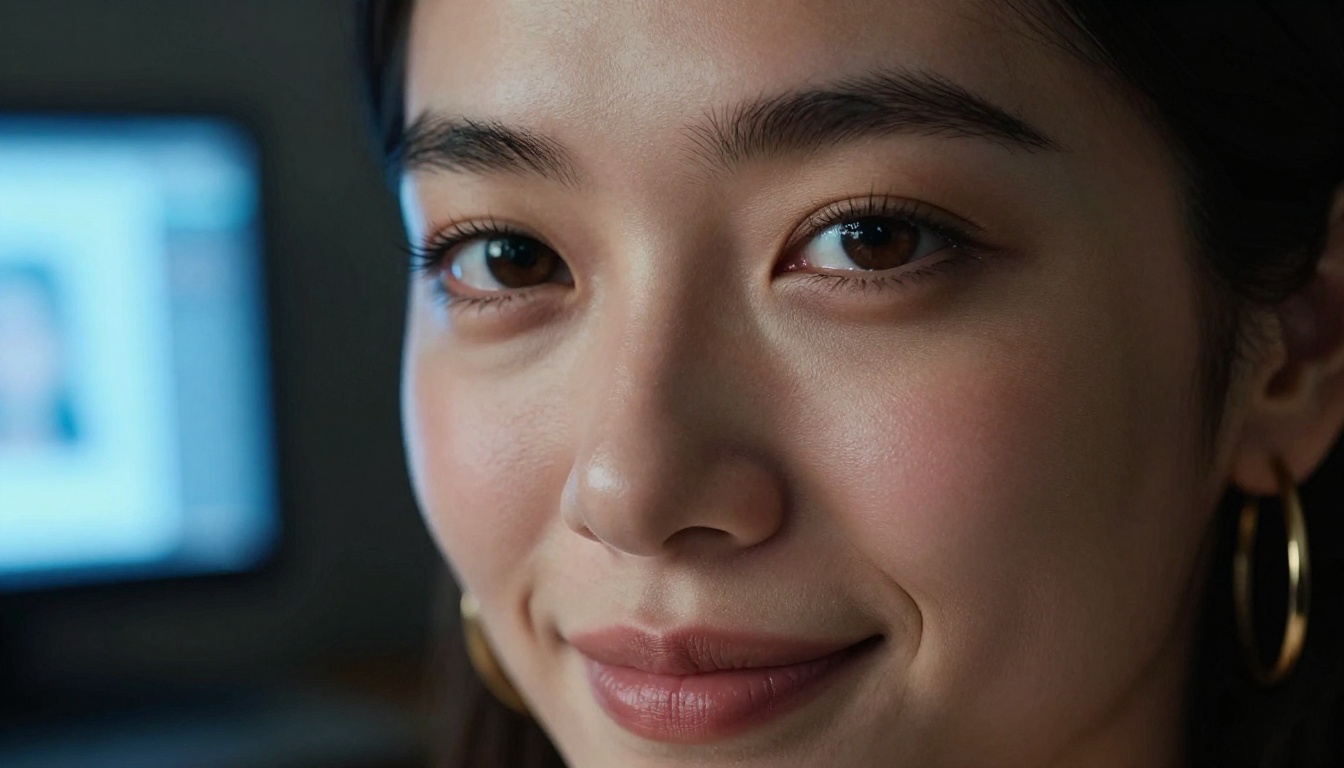
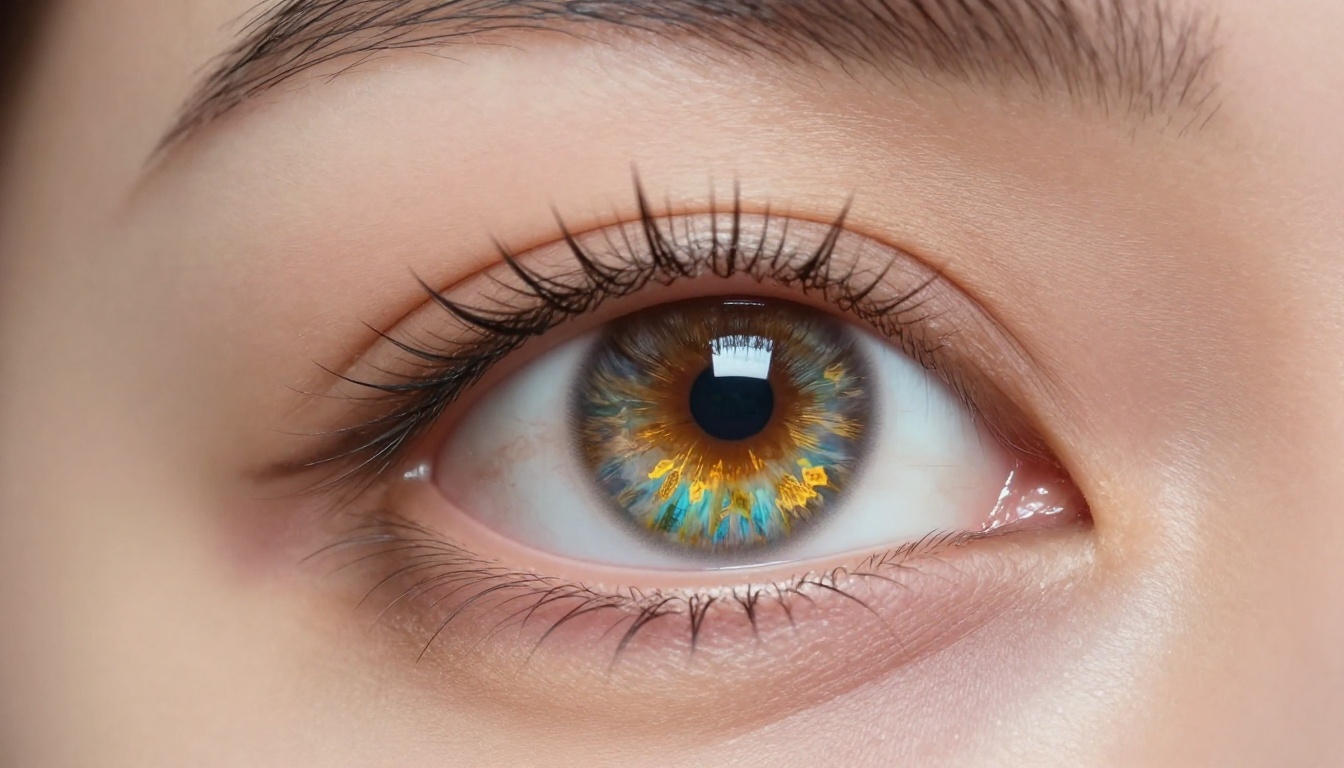
- Eyes show proper corneal reflections, iris micro-detail, and natural moisture at the lash line
- Hair has individual strand variation and responds to light sources correctly — not the painted-on mass common in lesser models
- Backgrounds blur with depth of field falloff that looks physically accurate, not algorithmically smoothed
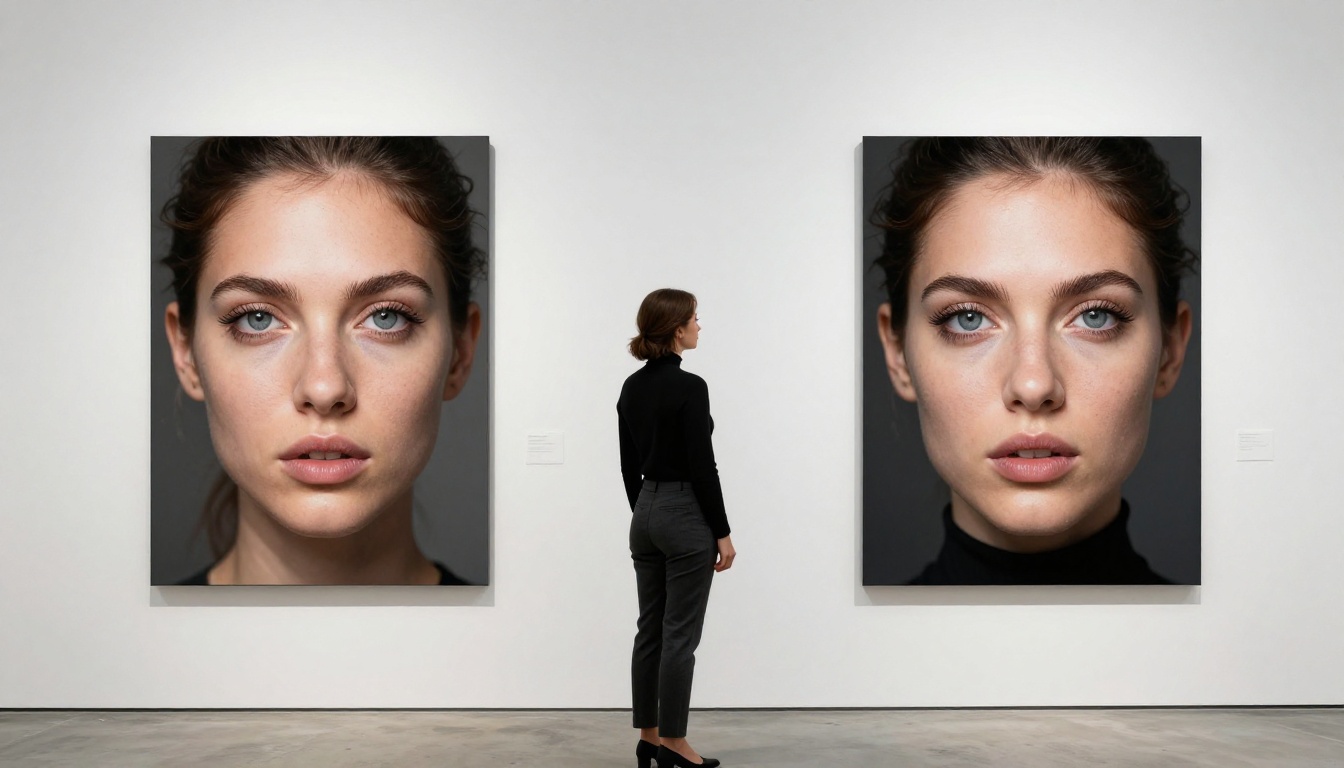
The gap between FLUX.2 Pro and many competing models becomes most visible in the edge cases — close-up hands, glass surfaces, wet skin, complex fabric textures like denim or raw silk. These are areas where most AI models produce visual noise or subtle uncanny artifacts. FLUX.2 Pro handles them with remarkable consistency across repeated generations.

Where It Beats the Competition
In testing across multiple use cases, FLUX.2 Pro consistently outperforms alternatives in three specific areas:
1. Prompt fidelity on complex instructions. Tell it "a woman in a red leather jacket standing in a rain-soaked Tokyo alley at 2am, neon signs reflected in the puddles, shot on 35mm film" and it delivers — all the named elements, correctly positioned, with the right atmosphere. Competitor models at this tier regularly drop or misplace scene elements.
2. Consistent visual styling across outputs. The model maintains aesthetic coherence across image sets better than most competitors, which is valuable for projects needing visual consistency — brand campaigns, editorial spreads, and social content series where images need to feel like they belong together.
3. Natural lighting simulation. Directional light sources, soft overcast skies, golden hour warmth, and rim lighting from window sources all look physically grounded rather than "AI-flat." Shadows fall correctly. Highlights wrap around surfaces with convincing falloff.

FLUX.2 Pro vs. Top Models in 2027
Here's how FLUX.2 Pro stacks up against the most prominent text-to-image models available right now:
| Model | Photorealism | Prompt Adherence | Speed | Best For |
|---|
| FLUX.2 Pro | ⭐⭐⭐⭐⭐ | ⭐⭐⭐⭐⭐ | ⭐⭐⭐ | Commercial, editorial, portraits |
| FLUX.2 Max | ⭐⭐⭐⭐⭐ | ⭐⭐⭐⭐⭐ | ⭐⭐ | Ultra-high-resolution print |
| FLUX.2 Dev | ⭐⭐⭐⭐ | ⭐⭐⭐⭐ | ⭐⭐⭐⭐ | Experimentation, LoRA training |
| FLUX Schnell | ⭐⭐⭐ | ⭐⭐⭐ | ⭐⭐⭐⭐⭐ | Rapid iteration, draft previews |
| Flux 1.1 Pro Ultra | ⭐⭐⭐⭐⭐ | ⭐⭐⭐⭐ | ⭐⭐⭐ | Ultra-realistic photography |
| Flux Kontext Pro | ⭐⭐⭐⭐ | ⭐⭐⭐⭐⭐ | ⭐⭐⭐ | Text-based image editing |
| Midjourney v7 | ⭐⭐⭐⭐ | ⭐⭐⭐ | ⭐⭐⭐ | Stylized art, aesthetic work |
| DALL-E 4 | ⭐⭐⭐ | ⭐⭐⭐⭐ | ⭐⭐⭐⭐ | Text in images, diagrams |
💡 If your primary goal is photorealistic output at production quality without the extreme cost of the Max tier, FLUX.2 Pro hits the ideal balance point between output ceiling and per-generation cost.
The Full FLUX.2 Family
Black Forest Labs has structured the FLUX.2 ecosystem around a clear hierarchy of performance tiers. Understanding where each model fits helps you make smarter decisions — and avoid overpaying for power you don't need, or underbuilding with a model that can't deliver what your project demands.
Which Version Should You Pick?
FLUX.2 Pro — The workhorse for professional output. Best when image quality is non-negotiable but you don't need the computational ceiling of Max. Ideal for client work, editorial content, and social media production at scale.
FLUX.2 Max — The ceiling-tier option for the absolute finest detail, widest aspect ratio flexibility, and maximum resolution. Use it for print campaigns, large-format output, or when the image is the product.
FLUX.2 Dev — The development-focused variant. Slower than Schnell, higher quality ceiling, and designed for training LoRA adapters or testing new prompt workflows before committing to production runs. Not the right choice for final output.
FLUX.2 Flex — The flexible multi-input variant. Supports reference images and structural conditioning, making it the go-to for projects requiring visual consistency across many generations — character sheets, brand assets, product lines.
FLUX.2 Klein 4B — A leaner, faster model for high-throughput applications where generation speed matters more than ceiling quality. Good for batch processing and automated pipelines.
FLUX Schnell — The speed champion. Generate draft images in seconds. Ideal for rapid concept iteration before committing to a Pro-tier generation run.
Additionally, the Flux Kontext Max and Flux Kontext Pro variants add text-based image editing capabilities — letting you modify specific elements of an existing image using plain language instructions. A significant leap for retouching and iterative creative workflows.
The flux-dev-lora variant is worth noting separately: it's the choice when you need to fine-tune the model on custom visual styles, specific faces, or brand-consistent aesthetics through LoRA training.
💡 For most creators moving from experimentation to production, the natural path is: Schnell for drafts → FLUX.2 Pro for final outputs → FLUX.2 Max when print quality is required.

How to Use FLUX.2 Pro on PicassoIA
Since FLUX.2 Pro is available directly on PicassoIA, you can access it without an API key, local GPU setup, or any technical configuration. Here's exactly how to get your first high-quality generation.
Step 1 – Open the Model Page
Navigate to the FLUX.2 Pro model page on PicassoIA. You'll see the prompt input field, output preview area, and the generation settings panel on the right side of the interface.
Step 2 – Configure Your Settings
Before writing your prompt, dial in these parameters:
- Aspect Ratio: Choose
16:9 for landscape or cinematic output, 1:1 for square social media formats, or 9:16 for vertical mobile-first content
- Steps: The default inference steps are optimal for most use cases. Increasing them slightly raises quality at the cost of generation time
- Guidance Scale: Controls how strictly the model follows your prompt. Values between 3.5 and 5.0 typically give the best balance of creative interpretation and accuracy
- Seed: Set a specific seed number if you want to reproduce a result or iterate from a particular generation
Step 3 – Write a Prompt That Performs
Output quality scales directly with prompt specificity. FLUX.2 Pro responds well to detailed, structured descriptions. Use this formula:
[Subject] + [Action/Pose] + [Environment] + [Lighting] + [Camera/Lens] + [Style/Mood]
Example: "Portrait of a woman in her 30s with natural makeup, standing near a rain-streaked window in a dim apartment, soft side lighting from the window illuminating half her face, 85mm f/1.8 shallow depth of field, Kodak Portra 400 film grain, photorealistic RAW photography"
Step 4 – Iterate and Refine
FLUX.2 Pro rewards iteration. If your first result is directionally right but not perfect:
- Too dark? Add "bright natural lighting" or specify the exact light direction and quality
- Wrong composition? Add camera angle terms: "low angle shot", "aerial view", "over-the-shoulder perspective"
- Missing surface detail? Add texture specifics: "visible pores", "fine fabric weave", "individual hair strands separated"
- Wrong mood or era? Add film stock references: "Fuji Velvia 50", "Kodak Tri-X 400", "Ilford HP5 black and white"
💡 Use FLUX Schnell for rapid prompt iteration at low cost, then switch to FLUX.2 Pro once your prompt is dialed in for the final high-quality generation.
Pricing and Who It's For
FLUX.2 Pro operates on a credit-based model on PicassoIA, meaning you pay per generation rather than a flat subscription fee. This structure makes it a natural fit for:
- Freelance designers who need high-quality output for specific client projects without committing to subscription costs during slow periods
- Content creators running brand accounts or editorial features who generate images in focused batches
- Marketing teams producing campaign visuals where per-image quality directly affects conversion
- Photographers using AI as a pre-visualization or mood-boarding tool before a shoot
It's not the ideal choice for:
- Casual users experimenting cheaply (use FLUX Schnell for drafts — it's far faster and lighter on credits)
- Projects where stylized, non-photorealistic output is the goal (other models are better suited)
- High-volume automated pipelines where cost-per-image needs to stay minimal at scale
The per-generation cost at the Pro tier is higher than FLUX.2 Dev or Schnell, but the quality gap justifies it entirely when the image is going somewhere visible — a campaign page, a product listing, a magazine spread, or a social post for a brand with standards.

3 Things We'd Change
No model is without limits. After extensive testing, here are three genuine weaknesses worth knowing before you rely on FLUX.2 Pro for a project:
1. Text rendering is still inconsistent. FLUX.2 Pro has improved over earlier versions, but precise text-in-image rendering — logos, signs, readable labels — remains unreliable. Individual characters may be malformed or misspelled. If your workflow requires accurate text in the image itself, plan for a post-processing step or use a model specifically built for this task.
2. Generation speed at full quality. The full-step inference at the Pro quality level takes longer than faster alternatives in the FLUX.2 lineup. For creative brainstorming and rapid concept exploration, you'll get a much better workflow experience by using FLUX Schnell for draft iterations and reserving Pro for confirmed final outputs.
3. Extreme close-ups of mouths and teeth. This is a persistent weakness across most diffusion models, and FLUX.2 Pro is not fully exempt. Dental detail and wide open-mouth expressions in tight macro framing occasionally surface minor anatomical inconsistencies. Frontal closed-mouth or slight-smile portraits are more reliable. When you need an open-smile portrait, run two or three variations and select the best result.
These are narrow limitations in the context of what the model delivers overall. Knowing them upfront means you won't be surprised mid-project when you hit one of these edge cases.
Start Creating with FLUX.2 Pro Today
If you've been looking for an AI image tool that produces outputs you'd actually be proud to put in front of a client, a brand, or a real audience — FLUX.2 Pro belongs on your shortlist. It's not just technically impressive in isolation; it produces images that look like real photography, which is still the benchmark that matters most for professional creative work in 2027.
The most honest thing to say about any AI image tool is this: you won't really know what it can do for your specific workflow until you run your own prompts through it. Reading reviews tells you the ceiling. Your prompts tell you what it does for your creative vision.
PicassoIA gives you access to the full FLUX.2 lineup in one place — from FLUX.2 Pro and FLUX.2 Max for high-end production work, to FLUX.2 Dev for testing and fine-tuning, FLUX.2 Flex for reference-image workflows, and FLUX Schnell for rapid drafts — all without API keys or local setup.
Write your first prompt. See what comes back. Then write a better one. The gap between your first generation and your tenth is where the real quality lives.


