Most AI image generators will block your prompt before you even finish typing it. Flux 2 Pro does something different: it gives you a safety tolerance slider that goes from strict to permissive, and it actually generates in under 30 seconds. If you have been stuck behind content filters trying to create glamour photography, artistic portraits, or suggestive fashion work, this is where that stops. This article covers the fastest, most capable models for uncensored AI image creation, starting with what actually works on Seedream 4.5 and Flux 2 Pro, both available free on PicassoIA.

What "Uncensored" Really Means
"Uncensored" in AI image generation is not about producing illegal or harmful content. It is about removing the overzealous filtering that blocks legitimate creative work: fashion photography, artistic nude references, glamour portraits, bikini shots, implied nudity in fine art contexts, and suggestive but tasteful imagery.
Most default AI image models run safety filters at maximum sensitivity. They flag words like "skin," "intimate," or "sensual" even when your intention is a perfectly normal editorial photograph. Uncensored models either bypass these filters entirely or give you manual control over how strictly they apply.
💡 Worth noting: There is a clear line between uncensored (permissive filters for artistic work) and illegal content (which no legitimate platform ever supports). Everything covered here sits firmly in the artistic and glamour photography space.
The Safety Tolerance Setting
Flux 2 Pro uses a safety tolerance parameter that ranges from 1 to 5. At the default of 2, most standard content passes through. At 4 or 5, the model stops rejecting suggestive or glamour-focused prompts that would normally return an error.
Seedream 4.5 takes a different approach with a disable_safety_checker toggle. When enabled, the model only blocks illegal content, while everything in the artistic, glamour, and suggestive space generates cleanly.
Flux Pro also supports safety tolerance up to 6, the most permissive setting in the Flux family. Combined with its strong prompt adherence, it is one of the best options for very specific artistic or fashion prompts where every detail in your description needs to show up in the output.
What Gets Blocked vs. What Passes
| Content Type | Default Filter | Permissive Setting |
|---|
| Bikini / Swimwear | Sometimes blocked | Always passes |
| Glamour portraits | Usually passes | Always passes |
| Implied nudity (non-explicit) | Often blocked | Passes at tolerance 4-5 |
| Editorial fashion | Usually passes | Always passes |
| Fine art nudity (artistic) | Often blocked | Passes at tolerance 5+ |
| Explicit sexual content | Blocked | Blocked (always) |
The practical takeaway: permissive settings open the door to the kind of imagery magazines, photography portfolios, and adult creative platforms routinely publish. They do not remove ethical limits.
Flux 2 Pro on PicassoIA
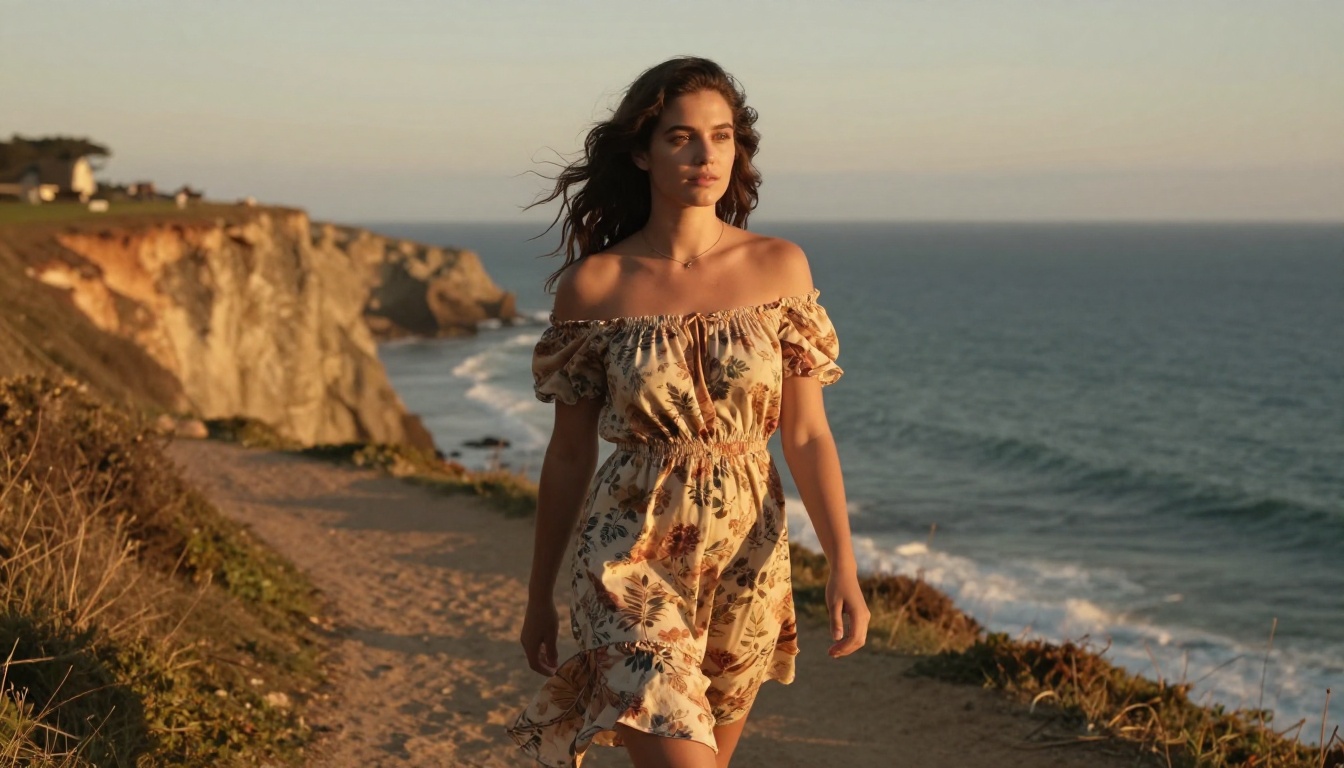
Flux 2 Pro is the current flagship from Black Forest Labs and the fastest high-quality text-to-image model available on PicassoIA. It accepts up to 8 reference images per generation, supports resolutions up to 4 MP, and produces outputs in under 30 seconds on most prompts. For uncensored work specifically, it is the starting point.
Speed That Actually Holds Up
"30 seconds" is not a marketing claim. On average, Flux 2 Pro delivers results in 8-14 seconds for standard 1 MP outputs and around 20-30 seconds at 4 MP. Compare this to older models that needed 45-90 seconds for comparable quality, and the difference in creative throughput becomes significant.
When you are iterating on a prompt and trying 10 variations in 5 minutes instead of 15, that is the kind of speed that changes how you work.
What makes Flux 2 Pro fast without sacrificing quality:
- Optimized architecture from Black Forest Labs built for low-latency inference
- Multi-reference processing runs in parallel, not sequentially
- Resolution scaling is handled adaptively (1 MP default, 4 MP on demand)
- PicassoIA's infrastructure queues requests within milliseconds of submission
How to Use Flux 2 Pro on PicassoIA
You do not need an account, a credit card, or a local GPU to run Flux 2 Pro on PicassoIA. The full workflow is three steps:
- Open the model: Visit Flux 2 Pro on PicassoIA
- Set safety tolerance to 4 or 5: This slider is in the advanced settings panel. For glamour and artistic work, 4 is sufficient. For implied nudity, use 5.
- Write your prompt and hit generate: Results appear in 10-30 seconds. Download in WebP, JPEG, or PNG with no watermarks.
💡 Ratio tip: Use 16:9 for editorial-style images. Switch to 3:4 for portrait photography. Square (1:1) works best for social media thumbnails.
Optional: multi-reference workflow
If you already have reference images (a model's face, a specific outfit, a location), upload up to 8 of them alongside your prompt. Flux 2 Pro will use them to guide composition, color, and subject likeness without you needing to describe every detail in text. This is particularly useful for maintaining character consistency across a series of artistic images.
What the Safety Tolerance Levels Actually Do
The tolerance setting is not a binary switch. Each level up opens a broader range of content:
- Level 1: Maximum restriction. Even some standard fashion prompts get blocked.
- Level 2 (default): Standard creative content. Swimwear and tasteful portraits work fine.
- Level 3: Most glamour and editorial fashion passes. Some suggestive phrasing triggers blocks.
- Level 4: Suggestive content, artistic nudity references, and bikini/lingerie prompts pass cleanly.
- Level 5: The broadest setting. Implied nudity, intimate artistic poses, and most NSFW-adjacent content generates without errors.
Use level 2 for commercial work where conservative filters are appropriate. Use level 4-5 for artistic, glamour, and creative adult content.
Seedream 4.5 for NSFW Results
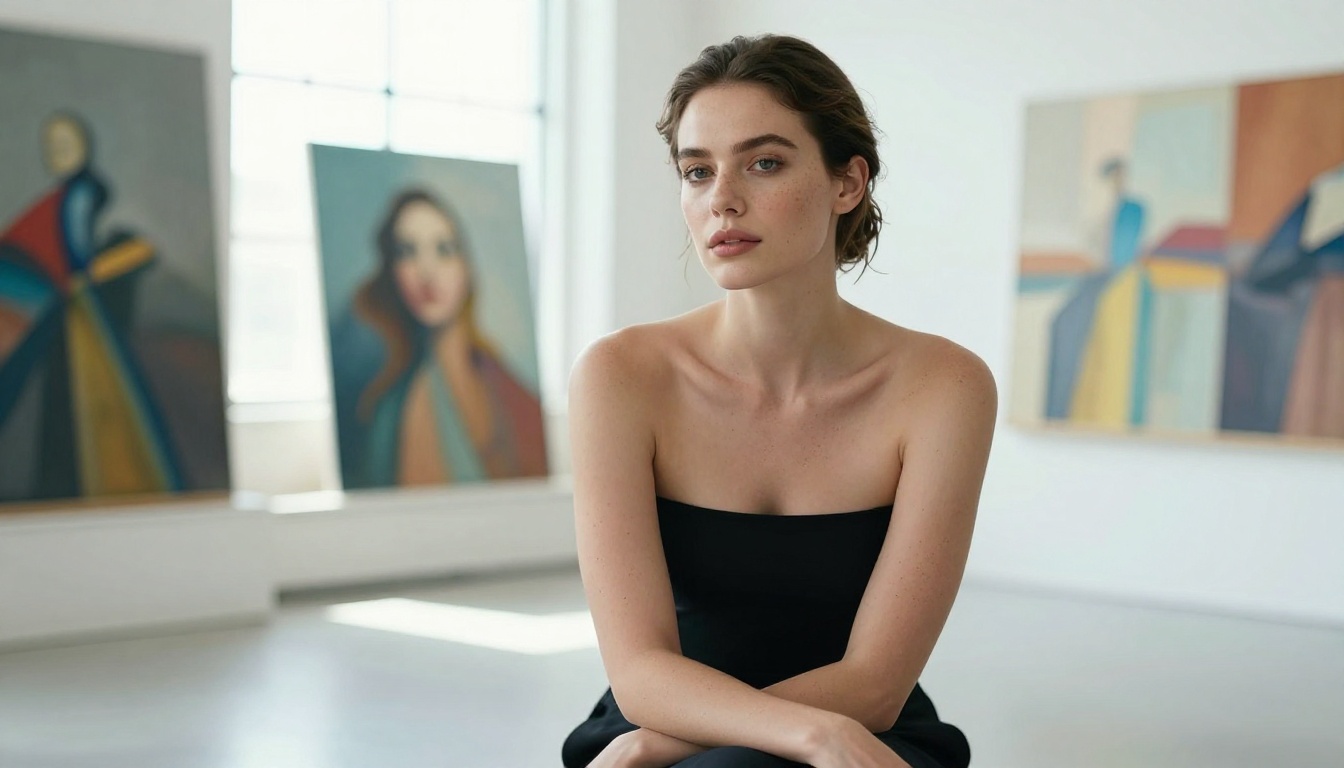
If Flux 2 Pro is the speed specialist, Seedream 4.5 is the resolution and creative freedom specialist. It outputs at 2K and 4K, has a built-in safety checker toggle that genuinely relaxes filtering, and supports batch generation of up to 15 related images from a single prompt.
For creators working on a visual series, whether that is a glamour portfolio, a character sheet, or a fashion lookbook, Seedream 4.5's multi-image mode is something no other model on PicassoIA currently matches.
4K Resolution, No Watermarks
The practical ceiling for most AI image generators is 1-2 megapixels. Seedream 4.5 outputs at 4096x4096 pixels when you select the 4K mode. That is print-ready resolution, suitable for large-format printing, campaign assets, or editorial publication. For creators selling artwork or working on high-end creative projects, the jump from 1 MP to 4K changes what you can actually do with the output.
Files download clean with no watermarks, ready for immediate client delivery or direct publishing.
When to Use Seedream vs. Flux
The rule of thumb: use Seedream 4.5 when resolution matters and you want creative freedom in a single generation. Use Flux 2 Pro when you need speed and multi-reference control.
One model not recommended for NSFW or artistic adult content: Seedream 5 Lite. Despite the similar name, it runs a stricter content filter that blocks most suggestive content regardless of settings. Stick to Seedream 4.5 for this type of work.
Writing Prompts That Work
The single biggest factor in whether you get a clean, beautiful output or a blocked result is the prompt. This is especially true for suggestive or glamour content, where vague phrasing triggers conservative filtering even when safety tolerance is set high.
The Anatomy of a Good Prompt
A strong prompt for uncensored or glamour AI art follows this structure:
[Subject + pose/position] + [Setting/environment] + [Lighting conditions] + [Camera angle and lens] + [Texture/atmosphere details] + [Style modifiers]
Here is an example that works reliably at tolerance 4:
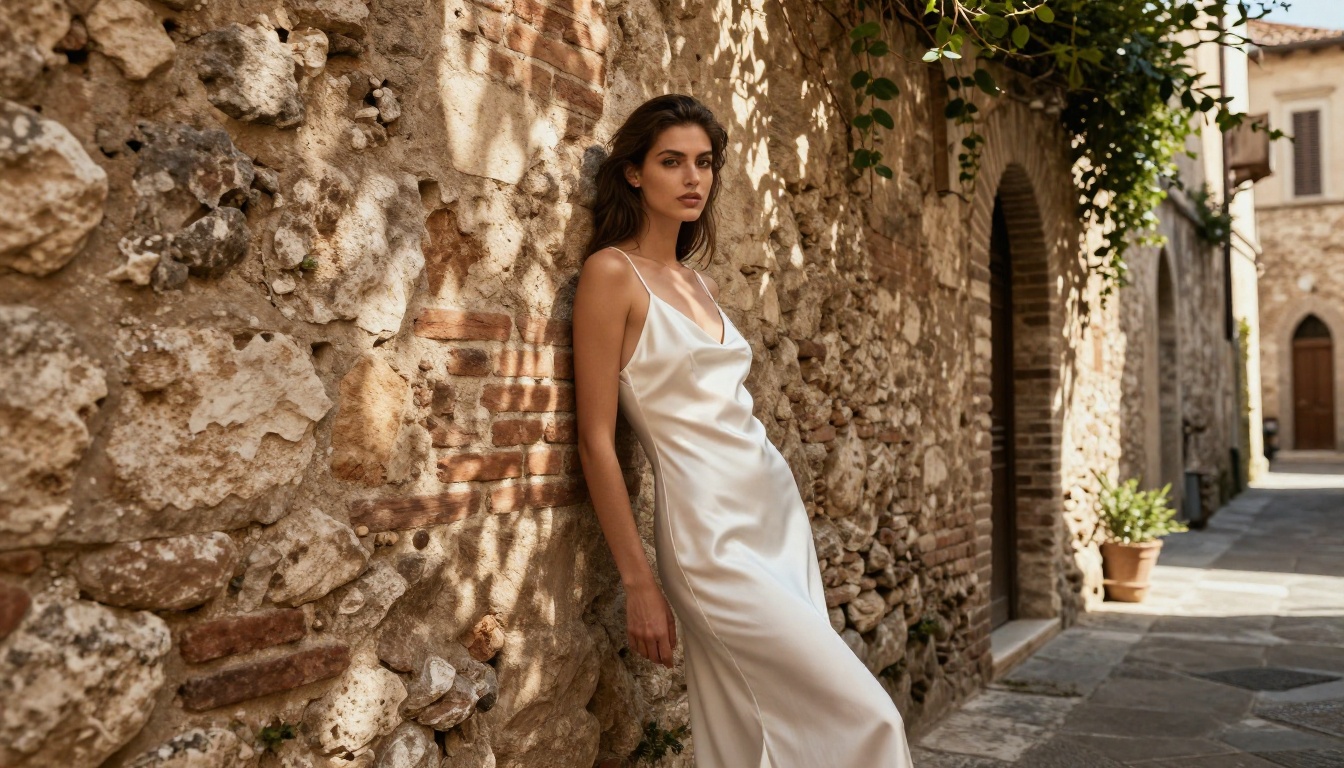
"A poised woman in a white silk slip dress standing in a sunlit olive grove, late afternoon golden light from the left creating warm rim lighting through her hair, photographed from below at chest height with an 85mm f/1.4 lens creating shallow depth of field, natural skin texture with subtle warmth, Kodak Portra 400 film grain, photorealistic RAW 8K"
This type of prompt works because it gives the model specific anchors: the lighting direction, the lens focal length, the film stock. These details pull the output toward photorealism and away from the cartoonish, over-filtered results that come from vague prompts.
Styles That Render Well
Not every aesthetic works equally well with permissive settings. Here are the ones that produce the most consistent, high-quality outputs:
- Editorial/fashion photography: Clean backgrounds, defined lighting, sharp subject detail
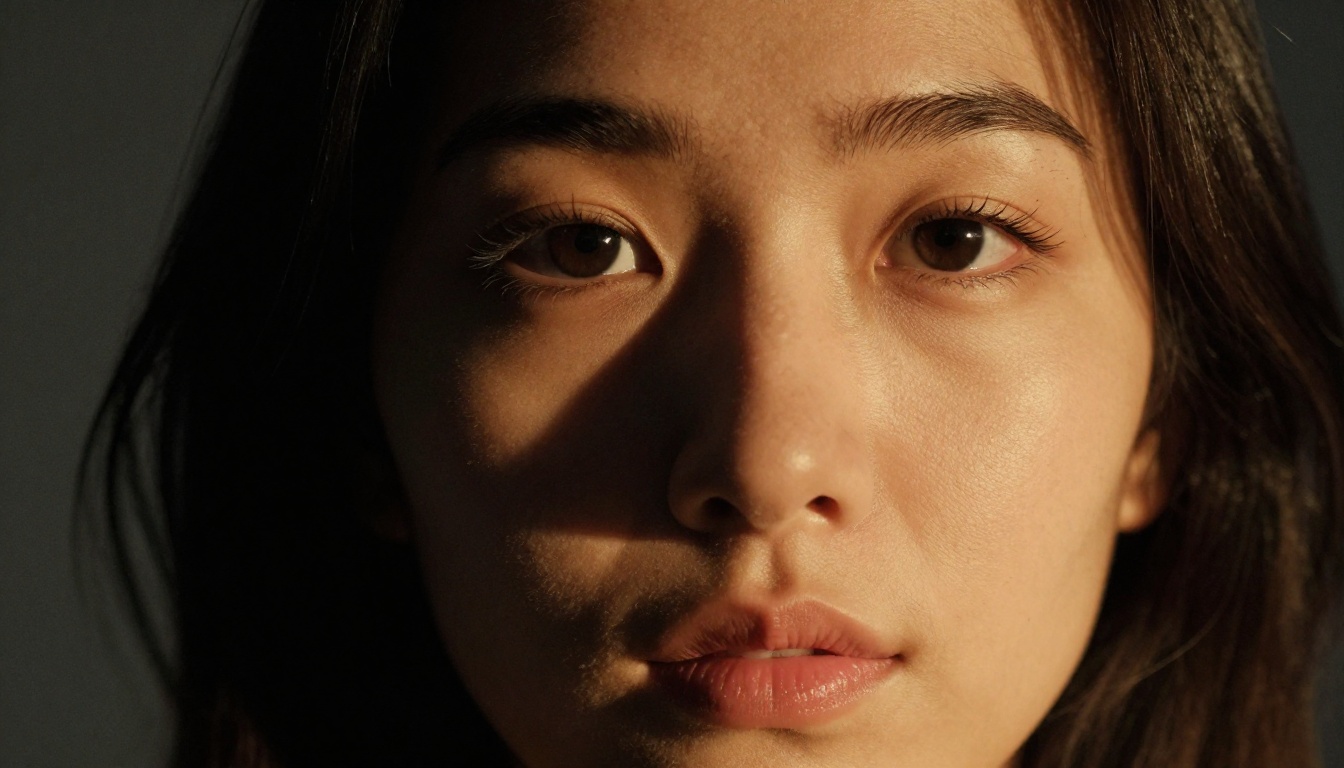
- Glamour portraiture: Close crops, dramatic lighting, natural skin tones
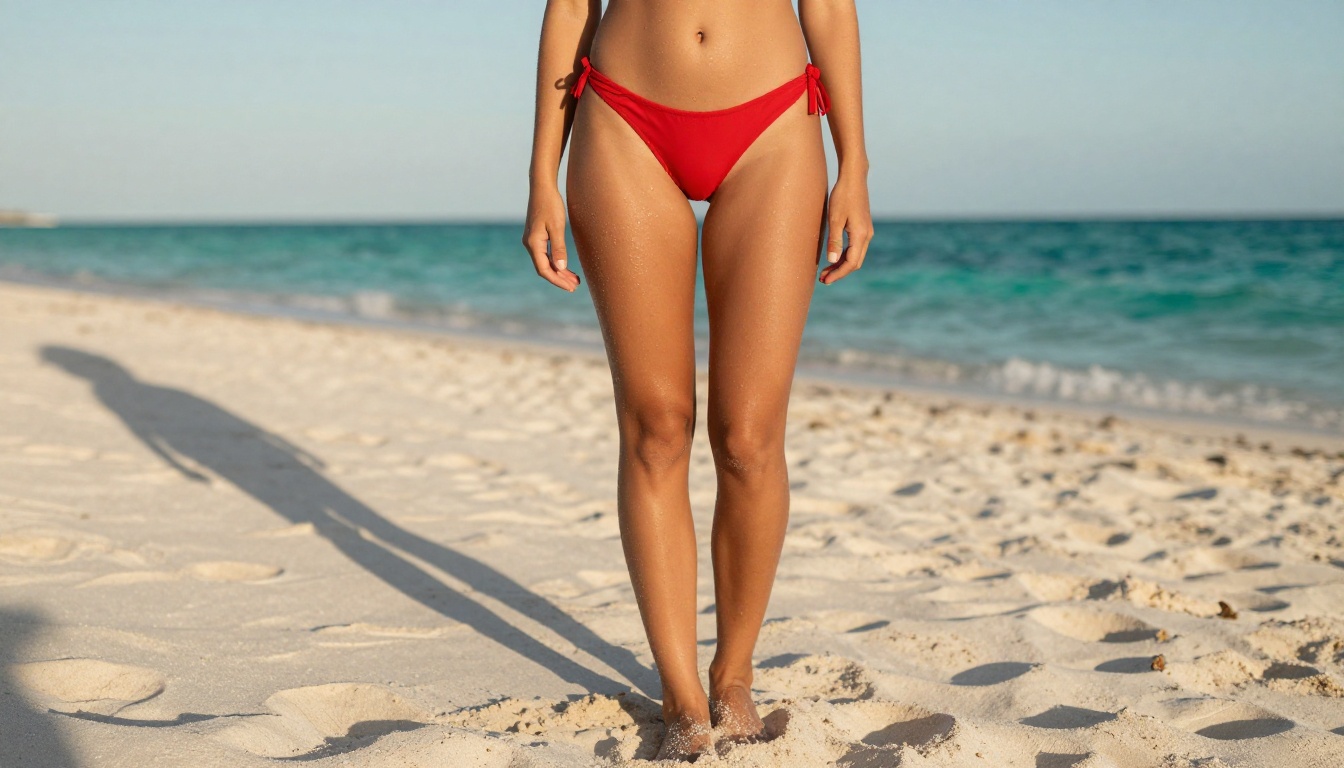
- Beach/outdoor photography: Natural environments, golden hour, lifestyle aesthetic
- Fine art portraiture: Chiaroscuro lighting, artistic composition, minimal styling
- Lingerie/swimwear: Natural settings or studio backdrops, tasteful angles
Styles that tend to produce poor results even with permissive settings:
- Highly illustrated or painted styles (outputs skew cartoonish)
- Extremely vague prompts ("beautiful woman, sexy")
- Contradictory descriptors ("bright dark dramatic soft lighting")
💡 Prompt trick: Always specify the camera lens (e.g., "85mm f/1.4") and film stock (e.g., "Kodak Portra 400"). These two modifiers alone shift the output significantly toward photorealism and away from the AI-art aesthetic that makes images feel obviously generated.
LSI Keywords That Help Your Prompts Perform
When writing prompts for artistic and glamour content, using specific photography terminology improves both the model's output quality and the semantic clarity of your intent. Terms that consistently improve results:
Chiaroscuro, rim lighting, volumetric light, bokeh, depth of field, film grain, RAW photography, editorial, glamour, portraiture, high-key, low-key, ambient light, window light, golden hour, catchlight, shadow detail
Using these terms signals to the model that you want a photographic aesthetic, not an illustrated one. The difference in output quality between "beautiful woman in soft light" and "editorial portrait with diffused north-facing window light, 85mm f/1.2, Kodak Portra 400 grain" is significant.
Model Comparison at a Glance
Here is a side-by-side of the four main models for uncensored and artistic work on PicassoIA:
| Feature | Flux 2 Pro | Seedream 4.5 | Flux Pro | Flux Schnell |
|---|
| Max resolution | 4 MP | 4K (4096px) | 1 MP | 1 MP |
| Avg generation time | 10-30s | 15-60s | 8-20s | 3-8s |
| Safety control | Tolerance 1-5 | Toggle off | Tolerance 1-6 | Toggle off |
| Multi-reference input | Up to 8 images | Up to 14 images | 1 image | None |
| Batch generation | No | Up to 15 images | No | Up to 2 |
| Best for | Speed + references | High-res + batches | Prompt precision | Fast drafts |
| Free on PicassoIA | Yes | Yes | Yes | Yes |
No single model wins on every dimension. For most creators working in the glamour or artistic NSFW space, starting with Seedream 4.5 for hero images and Flux Schnell for rapid ideation is the most efficient workflow. Then bring in Flux 2 Pro when you need to refine with reference images.
Using PicassoIA Image Editor Pro
Beyond text-to-image generation, PicassoIA's Image Editor Pro gives you inpainting, outpainting, and object replacement without the heavy content restrictions that most editing tools enforce. This matters for glamour and artistic photography work because you often need to:
- Fix specific areas of a generated image (skin texture issues, background artifacts)
- Replace clothing or accessories while keeping the existing pose and lighting
- Expand the canvas to reframe the composition without regenerating the full image
Inpainting Without Restrictions
Standard inpainting tools in most AI platforms refuse to touch areas of an image they classify as sensitive, even for completely legitimate fixes like adjusting fabric draping or cleaning up a background element. PicassoIA's Image Editor Pro applies the same permissive logic as the generation tools: paint a mask over the area you want to fix, describe what you want, and the model generates it in place.
For NSFW or glamour work, this means you can:
- Generate a base image with Flux 2 Pro or Seedream 4.5
- Open it in Image Editor Pro
- Mask the area needing adjustment
- Write a short prompt describing the fix
- Generate the correction in place without losing the rest of the image
This workflow produces results in under a minute for most edits and preserves the lighting and composition of the original shot. It is especially useful when a generated image is 90% correct but has a specific detail that needs adjustment, a situation where regenerating the whole image from scratch is wasteful.
Outpainting for Wider Compositions
Outpainting lets you extend the canvas beyond the original image boundaries. If you generated a portrait and need to see the full figure, or if you want to add more of the background environment, outpainting expands the frame while keeping the existing content intact.
For glamour work, this is valuable when the crop is too tight. Generate a close portrait, then outpaint downward to reveal the figure in its environment. The model continues the image seamlessly in the same lighting and style.
5 Prompt Templates That Deliver
These are structured prompts that work reliably with Flux 2 Pro at safety tolerance 4-5 and Seedream 4.5 with the safety checker disabled:
1. Editorial Portrait
"A confident woman with dark wavy hair in a white linen shirt, direct gaze toward camera, shot in a bright studio with diffused window light from the left, 85mm f/1.4 lens, natural skin texture visible, Kodak Portra 400 grain, photorealistic RAW 8K"
2. Beach Glamour
"A woman in a black string bikini standing at the water's edge at golden hour, warm backlight creating rim lighting through her hair, low angle shot from knee height with 50mm lens, wet sand texture, turquoise ocean background, photorealistic RAW"
3. Fine Art Studio
"A nude female figure partially draped in white linen fabric seated in a minimalist studio, dramatic side lighting from a tall window, classical artistic composition, photographed at eye level with 85mm lens, skin showing fine natural detail, Kodak Portra 400 film grain, photorealistic RAW"
4. Fashion Editorial
"A model in a sheer floral blouse and high-waisted trousers walking through a sun-drenched European street, candid in-motion shot, 35mm f/2.0 lens, dappled light filtering through trees, natural film grain, lifestyle photography aesthetic, photorealistic 8K"
5. Intimate Portrait
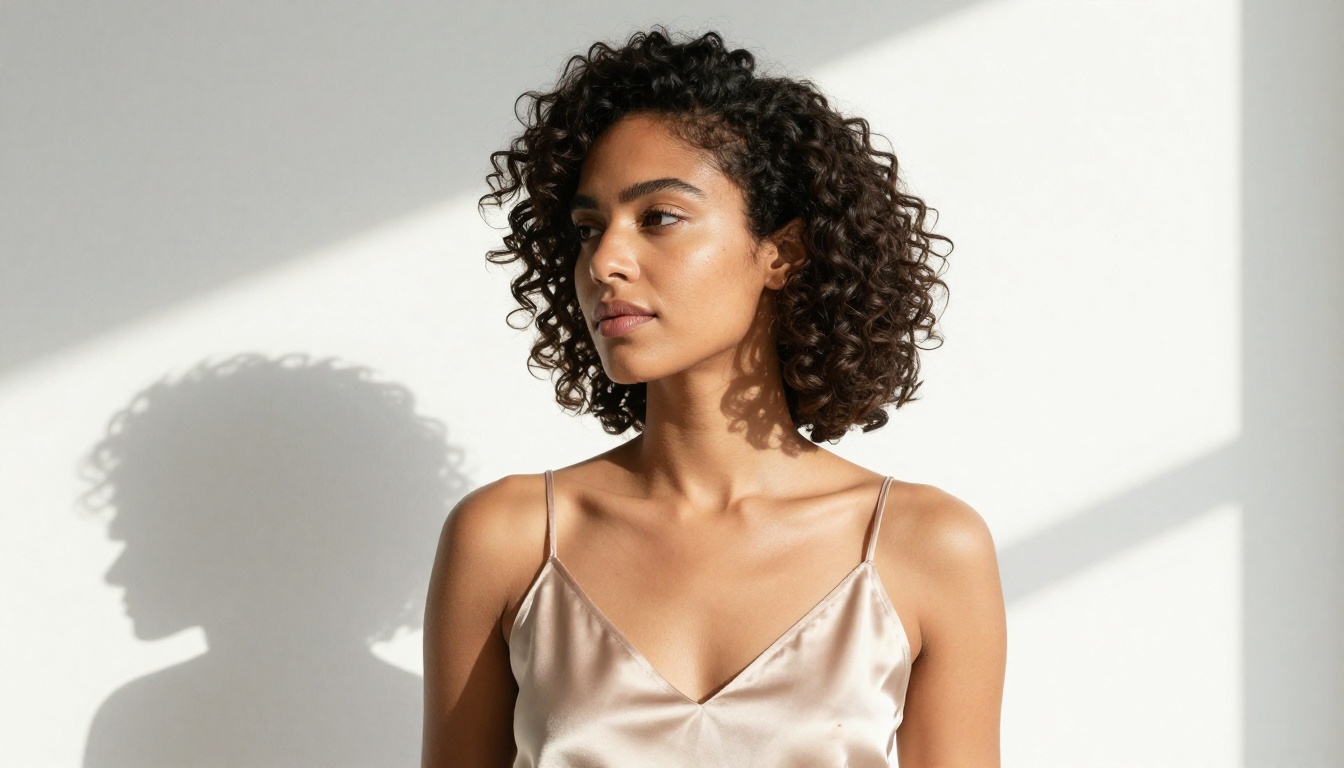
"Close-up portrait of a woman from shoulders up, wearing a satin slip, chiaroscuro lighting with one amber lamp from the right, deeply focused on facial texture, lips slightly parted, 105mm macro lens, Kodak Portra 400 grain, photorealistic RAW 8K"
Each of these prompts follows the same structural logic: specific subject, specific lighting, specific lens, specific film stock. The specificity is what prevents the model from defaulting to filtered, sanitized outputs. Vague prompts invite the model to make conservative choices. Precise prompts tell it exactly what you want.
A note on negative prompts: Flux 2 Pro and Flux Pro do not support a separate negative prompt field, but you can embed exclusions in your main prompt. Add phrases like "no text, no watermarks, no artifacts, no distorted anatomy" at the end of your prompt to steer the output away from common generation errors.
What 30 Seconds Actually Looks Like
For those skeptical of the speed claim, here is a realistic breakdown of a full generation cycle using Flux 2 Pro at 1 MP resolution on PicassoIA:
| Step | Time |
|---|
| Page load and model ready | 2-3 seconds |
| Typing/pasting your prompt | 5-10 seconds |
| Queue and inference | 8-14 seconds |
| Image display and download | 2-3 seconds |
| Total | 17-30 seconds |
At 4 MP, add another 10-15 seconds to the inference time. With Flux Schnell, the inference step drops to 3-8 seconds, bringing the full cycle under 20 seconds for most prompts.
The speed difference matters most during iteration. If you are adjusting lighting, pose, or styling across 10+ variations, the difference between a 30-second cycle and a 90-second cycle is the difference between spending 5 minutes and 15 minutes on a batch of concepts.
Start Creating on PicassoIA
If you have been sitting on a creative vision that kept getting blocked, the tools covered here will change that. Seedream 4.5 is the place to start for high-resolution glamour and artistic photography work. Flux 2 Pro is where you go when you need reference image input and fast iteration. Flux Pro gives you the tightest prompt adherence in the Flux family. And Flux Schnell is the fastest option for drafting and rapid concept testing.
All four run free on PicassoIA, with no credit caps, no watermarks, and no unnecessary content barriers on artistic and glamour work.
The 30-second claim holds up in practice. Open Flux 2 Pro, set safety tolerance to 4, paste one of the prompts from the templates section, and hit generate. The result lands in your browser before you have time to second-guess the decision.
Once you have a base image you like, bring it into Image Editor Pro for inpainting or outpainting to push it exactly where you want it. The combination of uncensored generation and unrestricted editing is what makes PicassoIA the right platform for this type of creative work.
For the full catalog of models covering image editing, super resolution, video effects, face swap, AI music generation, and more, visit picassoia.com/en/all-models.