The hype around Flux 2 Pro is real, but most articles dance around the thing people actually want to know: what does it generate when you take the filters off? This is not a vague overview. This is a direct look at what Black Forest Labs' flagship model can do, where it holds back, and how to actually run it without restrictions on a platform that does not get in your way.

What Flux 2 Pro Actually Is
Flux 2 Pro is the second-generation flagship text-to-image model from Black Forest Labs, the team that also built the original Flux series. It is not a fine-tune or a LoRA wrapper. It is a full architectural leap over Flux Pro and Flux 1.1 Pro Ultra, trained from scratch with a larger transformer architecture and significantly more compute.
The model is available through several API providers and, more usefully for most people, directly through PicassoIA with no account restrictions or per-image payment friction.
The Black Forest Labs Lineage
Black Forest Labs launched the original Flux series in mid-2024, immediately drawing comparisons to Midjourney and DALL-E 3 for its photorealism. The team included former Stability AI researchers who had worked on Stable Diffusion, which partly explains why Flux took a different architectural direction: a flow-matching transformer rather than a standard diffusion U-Net.
The evolution across the Flux family is significant:
How It Compares to Earlier Versions
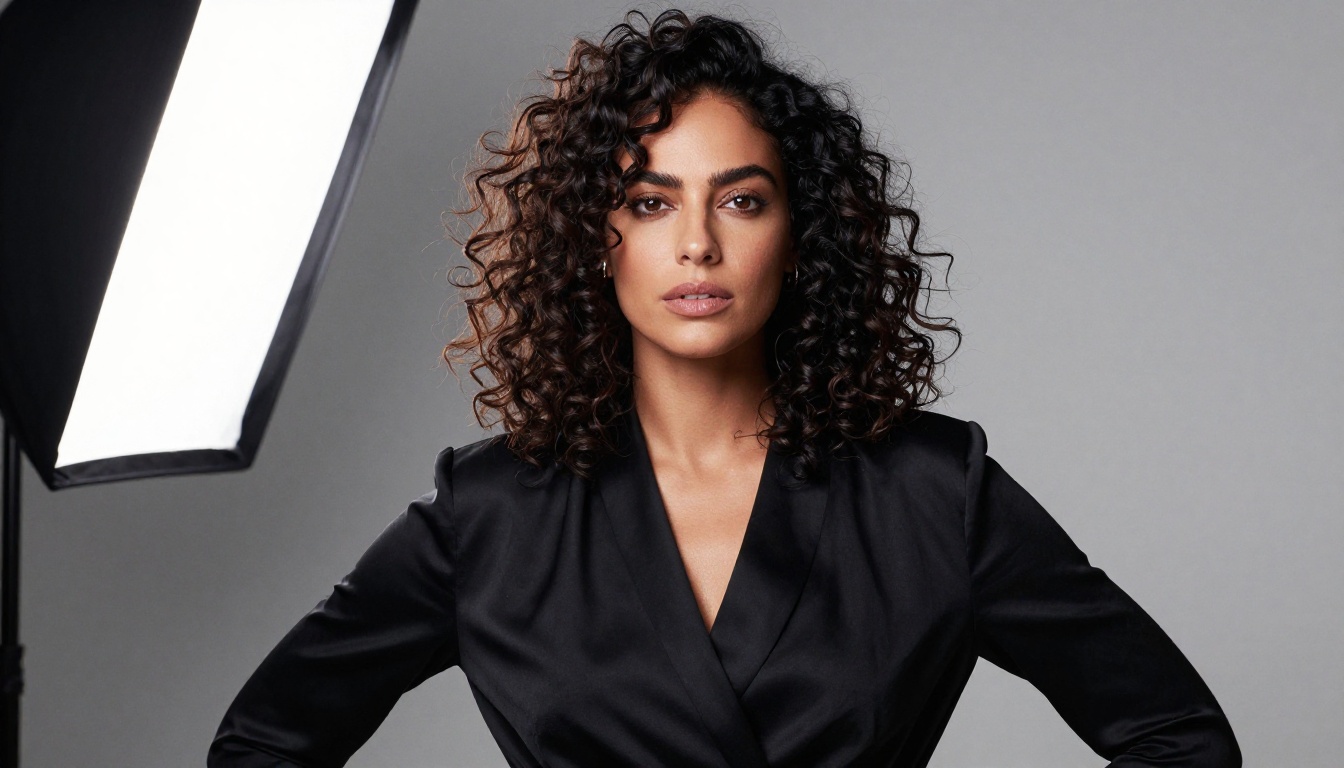
The jump from Flux 1.x to Flux 2 is most noticeable in three areas: hand accuracy, facial coherence at distance, and body anatomy. These are the areas where earlier models routinely failed. Flux 2 Pro renders six-fingered hands far less frequently, maintains facial proportion when the face is small in the frame, and handles complex body poses without the warping that plagued Stable Diffusion-based models.
The model also improved substantially on prompt adherence. Earlier Flux versions would occasionally ignore specific wardrobe or environmental details in favor of a generic composition. Flux 2 Pro follows granular physical descriptions with noticeably better accuracy, which matters enormously for NSFW and glamour workflows where exact body positioning and wardrobe state are part of the creative intent.
What "Uncensored" Really Means Here
The word "uncensored" gets used loosely in AI image circles. Sometimes it means no safety filters at all. Other times it just means fewer restrictions than Midjourney. For Flux 2 Pro, the truth is more nuanced than either of those descriptions.
The Filter Stack Explained
Black Forest Labs' API applies a content classifier on its own servers. When you access Flux 2 Pro through the BFL API directly, that classifier actively blocks explicit adult content prompts. What makes PicassoIA different is its access configuration: the platform routes through an uncensored inference endpoint, meaning the model weights themselves run without the content classifier sitting in front of them.
💡 The model itself has no built-in moral filter. Filters are applied at the inference API layer. PicassoIA removes that layer for adult content generation, giving you the model's full capability without classifier interference.
This distinction matters because it affects output quality, not just access. Filtered models sometimes produce lower-quality or artistically incoherent images because the classifier actively redirects the generation process mid-sampling. On a clean uncensored endpoint, you get the model's full output fidelity.
What the Model Will and Won't Do
Even on an uncensored endpoint, Flux 2 Pro has tendencies baked into its training data distribution. It was not trained on a curated NSFW dataset, which means it generates adult content from what it learned incidentally during general training. The outputs are very strong for glamour, artistic nudity, and suggestive content. For more explicit work, results are possible but less consistent compared to purpose-built NSFW models.
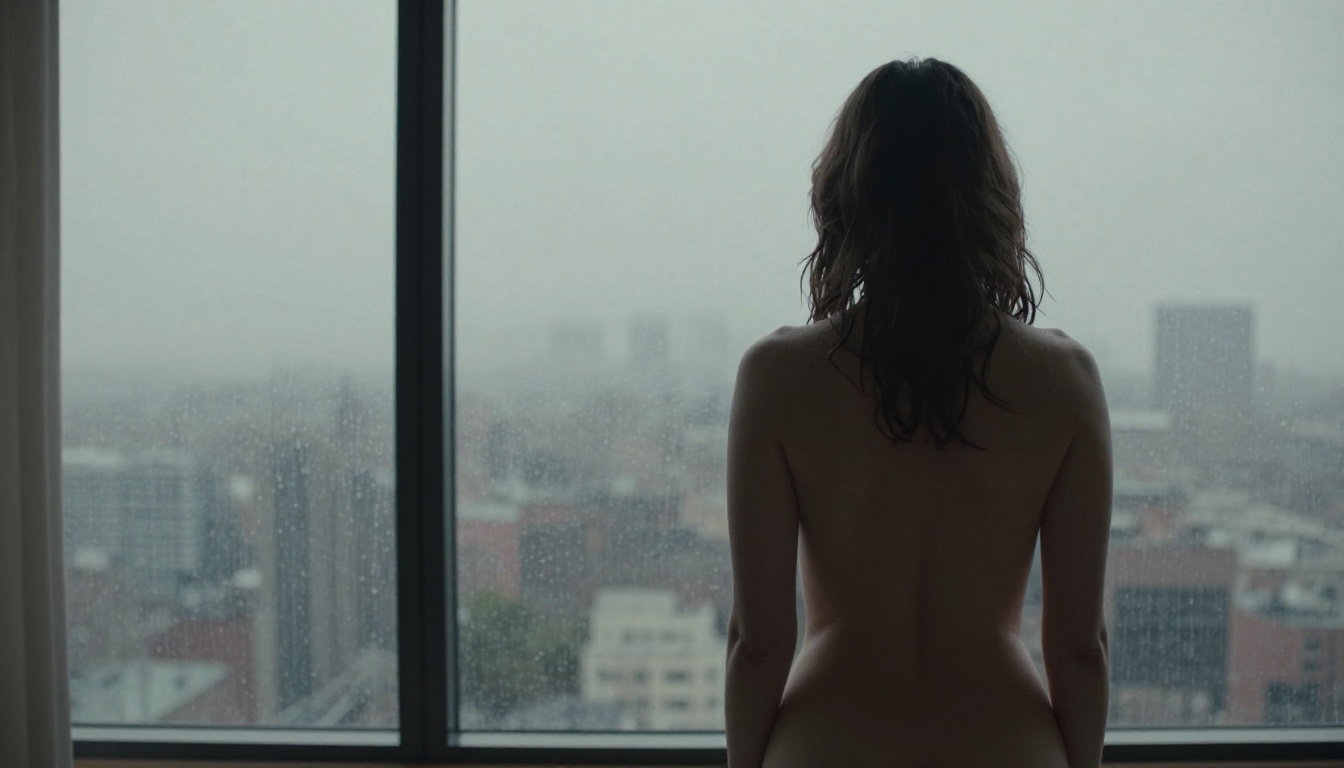
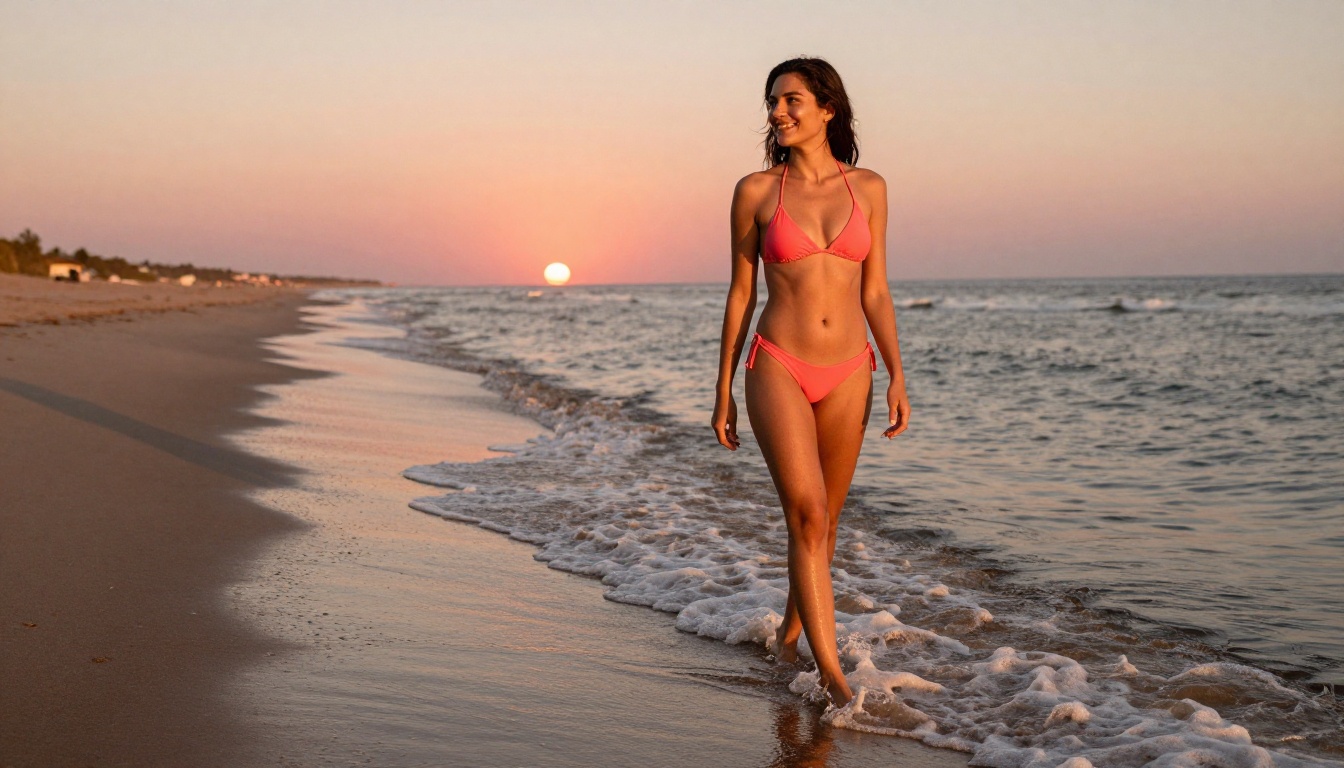
The model shines brightest in the space between editorial glamour and soft adult art: bikini and lingerie photography, implied nudity, fine art portraiture, and suggestive scenario generation. These categories align with the model's training distribution, so the outputs read as natural and photorealistic rather than forced or artifact-heavy.
Raw Output Quality
This is where Flux 2 Pro earns its reputation. The photorealism is not just marketing language.
Photorealism and Skin Detail
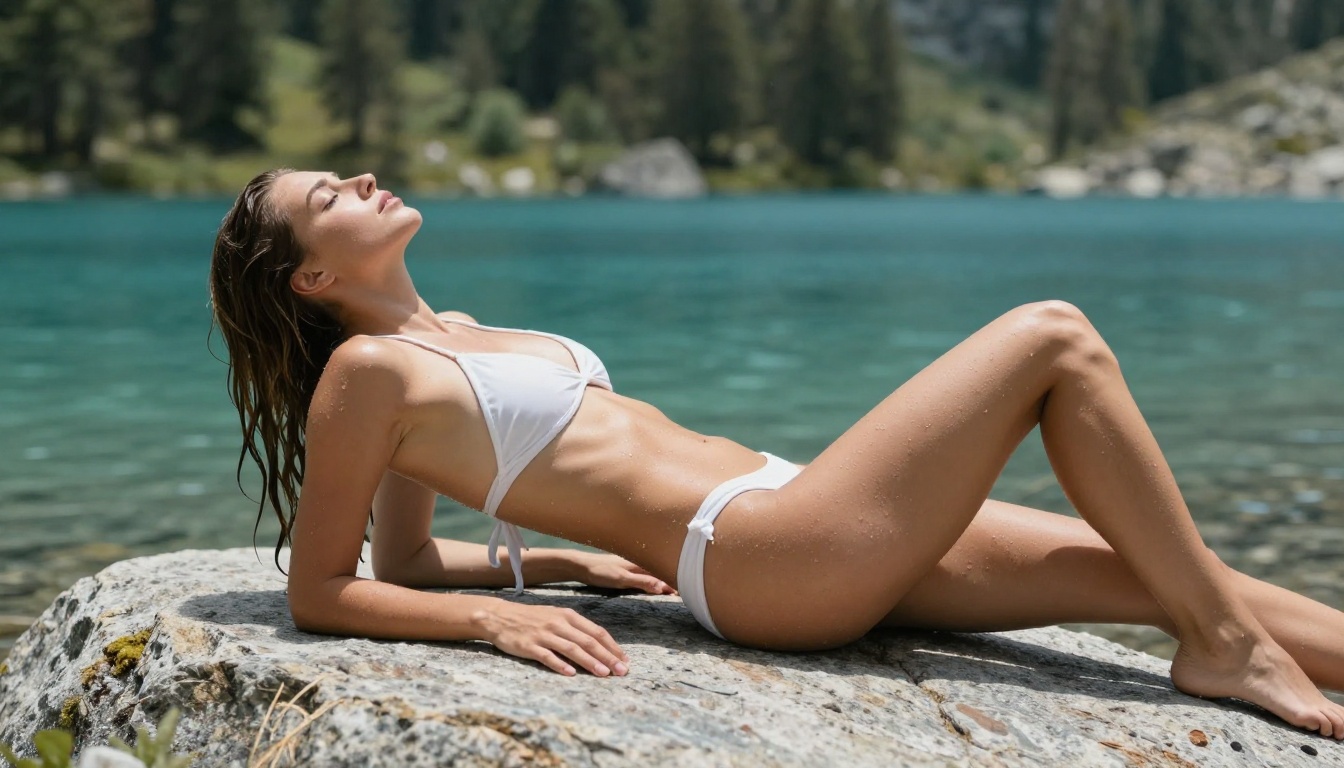
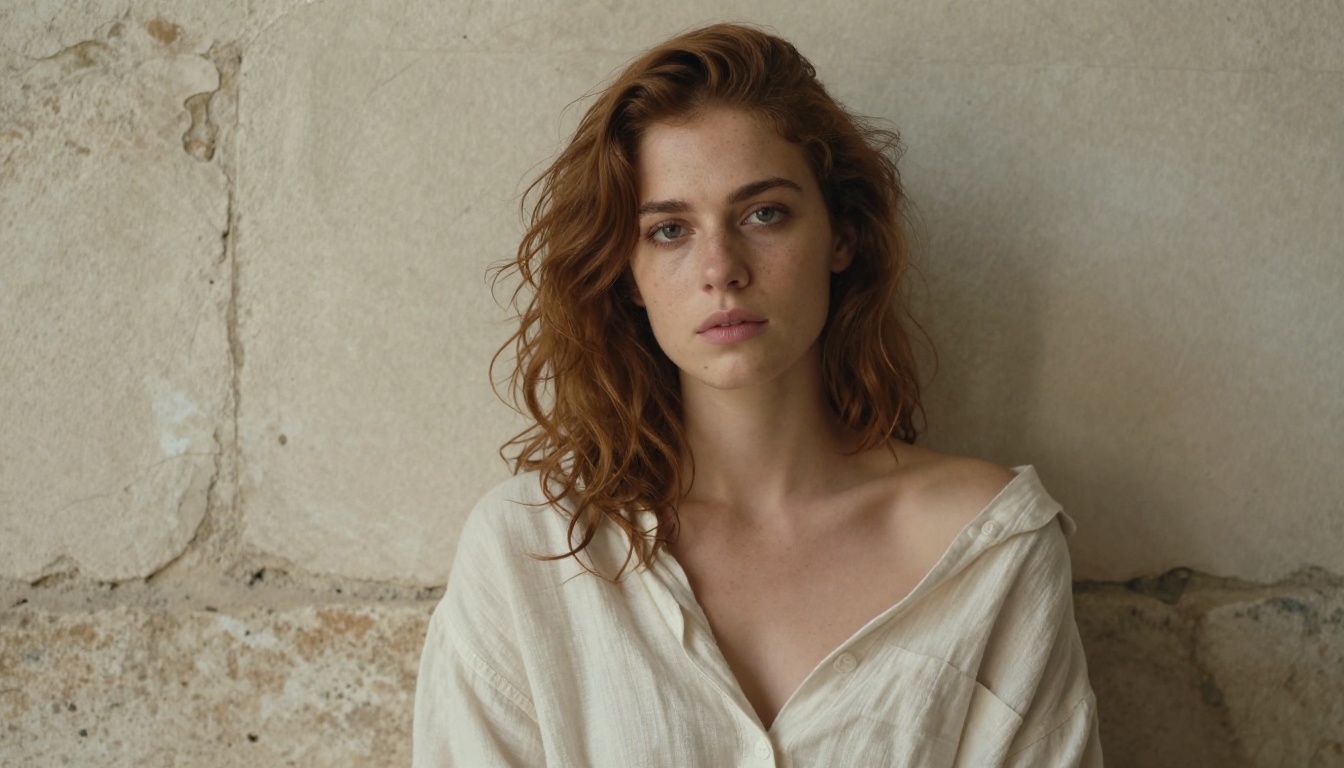
Skin rendering in Flux 2 Pro is different from anything in the Stable Diffusion ecosystem. Earlier SDXL models tended to smooth skin into a plastic, poreless surface unless you explicitly prompted for texture. Flux 2 Pro renders pores, subtle skin variation, fine body hair, and surface reflectivity by default.
Practically, this means:
- Subsurface scattering (the translucent warmth of real skin in sunlight) appears naturally
- Specular highlights on skin are physically accurate rather than painted-looking
- Texture variation across different body parts renders authentically
- Natural skin blemishes and marks appear without explicit prompting
This is the single biggest reason portrait photographers and adult AI artists prefer Flux 2 Pro for photorealistic work. When you place a generated image next to a real photograph, the skin is often indistinguishable at a glance.
Face Accuracy and Expressions
Facial coherence is the hardest problem in generative image models. Flux 2 Pro is not perfect, but it holds facial symmetry better than the competition at equivalent resolutions. Expressions like a soft smile, a direct gaze, or a slightly open mouth all render without the dead-eyed uncanny valley effect that made earlier models uncomfortable to look at.
💡 Tip: Describe facial expression explicitly in your prompt. Instead of "beautiful woman," write "woman with relaxed jaw, soft smile, direct eye contact, warm gaze." Flux 2 Pro responds precisely to these micro-descriptions.
Where it still struggles: extreme open-mouth expressions, unusual head angles, and certain facial features that may be underrepresented in training data. These are active areas of improvement in the Flux 2 Dev fine-tuning community.
Anatomy Rendering
For NSFW and glamour art specifically, body anatomy is everything. Flux 2 Pro handles:
- Torso proportions accurately across different body types
- Shoulder and hip ratios that read as natural
- Limb foreshortening in complex poses
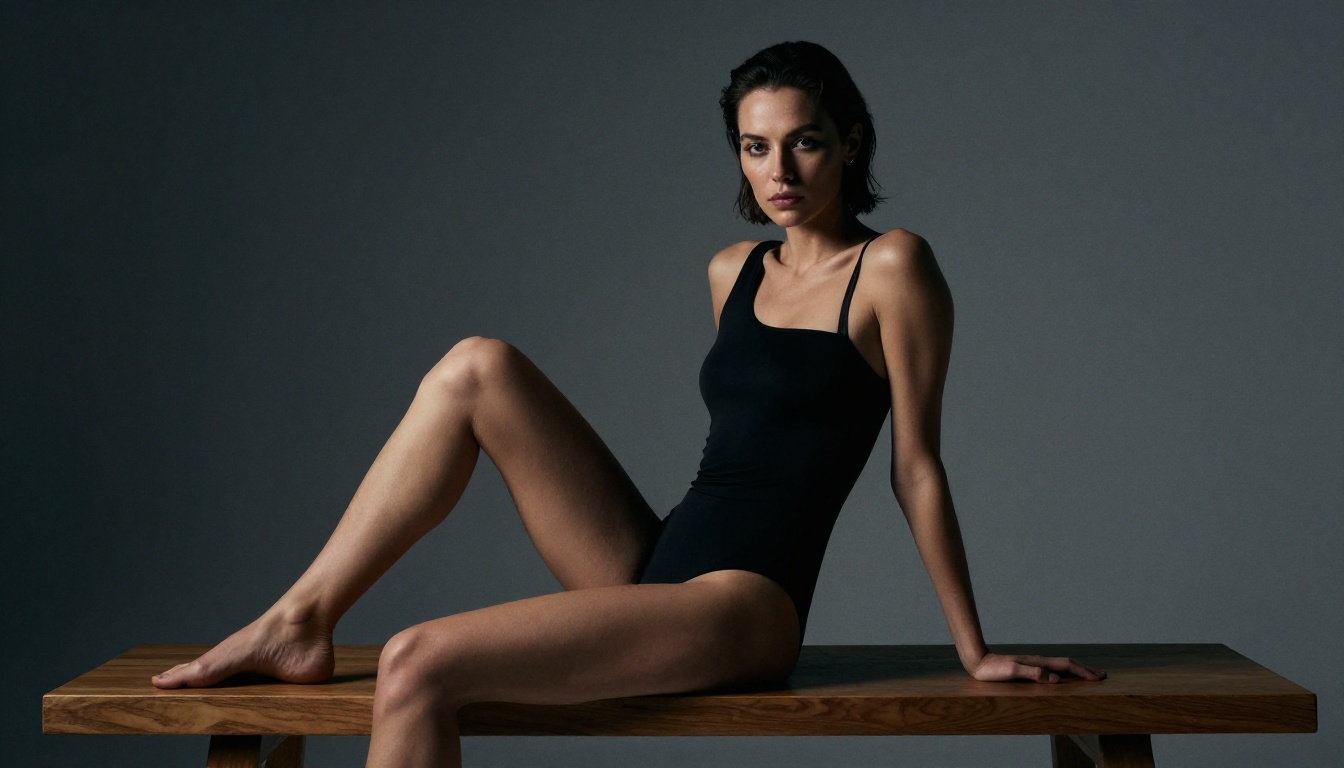
- Hand anatomy at a level far beyond any previous Flux version
The model still produces occasional errors in very complex overlapping limb poses, but for the majority of portrait, glamour, and adult art use cases, the anatomy holds. Running a negative prompt with deformed hands, extra fingers, bad anatomy further reduces artifacts.
The Best NSFW Models on PicassoIA
Flux 2 Pro is not the only option for unrestricted generation on PicassoIA. The platform carries several other models worth knowing for NSFW work, each with different strengths.
Seedream 4.5: The Top Pick Right Now
Seedream 4.5 from ByteDance is the model to reach for first when you want maximum quality uncensored output with minimal prompt engineering. It was trained with a larger proportion of photorealistic portrait data than Flux, which shows in its default output style: skin renders warm and natural, lighting is coherent, and the model handles suggestive and adult content prompts with fewer artifacts.
The practical advantages of Seedream 4.5:
- Generates detailed results in fewer inference steps
- Handles complex lighting scenarios naturally without explicit prompting
- Better default skin tone accuracy across ethnic diversity
- Strong prompt adherence for body positioning and wardrobe
💡 For adult AI art on PicassoIA, start with Seedream 4.5. Move to Flux 2 Pro when you need maximum photorealism or specific anatomical accuracy.
Important: Seedream 5 Lite is not recommended for NSFW prompts. Despite sharing the Seedream name, it applies stricter content filtering by design. Use Seedream 4.5 or Seedream 5 Pro instead.
After generating your base images, PicassoIA's Image Editor Pro lets you run unlimited generations for refinement: inpainting to fix specific areas, outpainting to expand the canvas, and object replacement for wardrobe adjustments. This editing layer is what separates a good workflow from a great one.
Flux 2 Pro vs Flux 1.1 Pro Ultra
The comparison between Flux 2 Pro and Flux 1.1 Pro Ultra comes down to resolution versus anatomy quality:
| Feature | Flux 1.1 Pro Ultra | Flux 2 Pro |
|---|
| Max resolution | 4MP | 2MP |
| Anatomy accuracy | Good | Excellent |
| Face coherence | Good | Excellent |
| Skin texture | Very good | Outstanding |
| Generation speed | Moderate | Fast |
| NSFW consistency | Moderate | High |
For most NSFW and glamour art workflows, Flux 2 Pro wins on every metric that matters for the subject. The higher resolution of Flux 1.1 Pro Ultra matters less when anatomy and skin rendering are not as strong. You can always upscale afterward using PicassoIA's Super Resolution tools.
For commercial work where maximum output resolution is required alongside premium quality, Flux 1.1 Pro Ultra Finetuned is worth testing as a middle ground.
Realistic Vision V5.1 Still Delivers
Realistic Vision V5.1 is an older SDXL-based model that remains popular for one specific reason: it was purpose-trained on photorealistic portrait and NSFW data. It does not match Flux 2 Pro in overall image quality or coherence, but its training data distribution means it generates adult content more reliably with shorter, simpler prompts.
For users who want fast results without complex prompt engineering, Realistic Vision V5.1 is a solid choice. For maximum output quality, Flux 2 Pro and Seedream 4.5 are the better options.
How to Use Flux 2 Pro on PicassoIA
PicassoIA provides direct access to Flux 2 Pro through its model collection. Setup is straightforward, but a few settings significantly affect output quality.
Setting Up Your First Prompt
Navigate to Flux 2 Pro on PicassoIA. The interface accepts a direct text prompt with an optional negative prompt field. Start with a specific, visual description rather than an adjective list.
Weak prompt example:
beautiful woman, sexy, high quality, realistic
Strong prompt example:
young woman with dark hair reclining on a white linen bed, late afternoon sunlight from window on the left, wearing a silk slip dress with thin straps, one strap fallen off shoulder, looking at camera with relaxed confident expression, 85mm portrait lens, photorealistic skin texture, film grain, Kodak Portra
The difference in output quality between these two approaches is substantial. Flux 2 Pro responds to visual specificity, not vague quality descriptors.

Parameters That Actually Matter
On Flux 2 Pro via PicassoIA, three parameters make the most difference:
Steps: The default is typically 28 to 30. Increasing to 40 improves skin texture detail and reduces artifacts noticeably. Do not go above 50 as you hit diminishing returns quickly.
Guidance scale (CFG): Keep this between 3.5 and 5.5 for NSFW and portrait work. Higher guidance causes oversaturation and stiff, unnatural poses. Lower guidance gives more natural, loose composition that reads as photographic.
Seed: Once you get an output you like, note the seed number. You can regenerate with the same seed and slightly modified prompts to iterate consistently without losing the overall composition.
Getting Consistent Results
Consistency across multiple generations is the practical challenge with any generative model. For Flux 2 Pro, use these strategies:
- Lock physical descriptors early: Establish hair color, length, eye color, and body type in the first clause of your prompt. Repeat them in subsequent prompts when iterating.
- Use negative prompts for recurring artifacts:
deformed hands, extra fingers, plastic skin, watermark, text, blurry are effective suppressors for most common issues.
- Keep aspect ratio at 16:9 or 4:5: Portrait content renders better at 4:5. Landscape environments work best at 16:9.
- Batch in groups of 4: Generate 4 images per prompt run. From those 4, you will almost always have at least 1 to 2 usable outputs worth building from.
Prompt Writing for Adult Content
Writing prompts that consistently produce high-quality NSFW output from Flux 2 Pro is a skill. The model responds differently from purpose-built NSFW models like Realistic Vision V5.1 and requires a more descriptive, photographic approach.
What to Include
Structure your prompts in this order for the best results:
- Subject description (age appearance, hair, body type, expression)
- Wardrobe or state of dress (specific, visual, not abstract)
- Environment (location, surfaces, background elements)
- Lighting (direction, quality, source)
- Camera and lens (focal length, aperture, shooting angle)
- Film and texture (Kodak Portra 400, film grain, etc.)
This order matters because Flux 2 Pro's attention mechanism weights early prompt tokens more heavily. If camera details come before subject description, the model prioritizes the camera style over the subject itself.
💡 Think of your prompt as a photography brief, not a wish list. Describe the scene you want to walk into as a photographer, not the qualities you hope will appear.
Common Mistakes to Avoid
Over-stacking adjectives: Prompts like extremely beautiful, incredibly sexy, very hot, stunning, gorgeous woman give the model nothing visual to work with. Replace with specific physical and environmental description.
Ignoring lighting: Lighting defines photorealism more than any other single element. Always specify the direction and quality of your light source. "Soft morning light from left window" produces a completely different result than "harsh midday sun from above."
Vague wardrobe description: wearing something revealing produces inconsistent results. Wearing a thin white cotton shirt, two buttons open, collar loose is actionable for the model.
Missing negative prompts: Running Flux 2 Pro without a negative prompt invites common artifacts. Always include at minimum: deformed, extra limbs, blurry, plastic skin, bad anatomy, watermark, text overlay.
Single-image generation: A single generation from any model is a lottery. Batches of 4 give you real control over quality selection. On PicassoIA, you can run batches directly from the model interface.
Also worth avoiding: Flux Kontext Max and Flux Kontext Pro are powerful for image editing and style transfer but are not optimized for NSFW generation from text alone. Use them for editing and post-processing outputs from Flux 2 Pro or Seedream 4.5 instead.

Your Turn: Start Creating Now
Flux 2 Pro is genuinely the best-performing unrestricted model available for photorealistic adult AI art right now. The skin rendering alone separates it from the competition. Pair it with Seedream 4.5 for stylistic variety and you have two of the strongest uncensored models working together in one place.
The fastest way to access both, without API keys, billing complexity, or content restrictions, is through PicassoIA. The platform runs uncensored inference directly, gives you access to over 90 text-to-image models including the full Flux 2 family, Flux Kontext Pro, Flux Kontext Max, Flux 2 Dev, and Flux 1.1 Pro Ultra Finetuned, all in a single subscription.
Write your first prompt using the structure above. Run a batch of 4. Pick the best output. Iterate on the seed. The quality ceiling is high, and the path to it is shorter than you think.
Browse all unrestricted models on PicassoIA


