If you've been watching the AI image generation space in 2027, two names keep coming up in the same breath: FLUX.2 Pro from Black Forest Labs and GPT Image 1.5 from OpenAI. Both are serious tools built for serious output — but they were engineered with different priorities, different architectures, and very different strengths. Choosing between them isn't as simple as "which one looks better." It depends entirely on what you're building, who your audience is, and what "quality" actually means for your specific workflow.
This breakdown cuts through the noise. No abstract scores, no cherry-picked showcases. Just a clear-eyed look at both models across the scenarios that matter.
Two Models, Very Different DNA
Before diving into performance, it's worth understanding why these two models feel different in practice. FLUX.2 Pro and GPT Image 1.5 were built by teams with different histories and different incentives.
Black Forest Labs is a focused AI research lab that spun out of Stable Diffusion's ecosystem. Their entire thesis is that open, powerful diffusion models can match — and eventually beat — proprietary alternatives. The FLUX.2 series is their flagship, and it shows. Every architectural decision is aimed at image quality, speed, and creative control.
OpenAI, by contrast, came to image generation from a multimodal AI background. GPT Image 1.5 isn't just an image model — it's a vision-language model that happens to generate images. That origin story explains a lot about its strengths and limitations.
💡 Quick Context: Both models sit at the premium end of text-to-image generation. Neither is a casual tool — they're designed for professional workflows where output quality is non-negotiable.

What FLUX.2 Pro Actually Does
FLUX.2 Pro is the top-tier model in Black Forest Labs' current generation lineup, which also includes flux-2-dev, flux-2-flex, and flux-2-max. The Pro variant sits at the intersection of raw image quality and inference speed — optimized to deliver the highest fidelity outputs without the latency penalties you'd expect from a model of this capability.
Speed and Architecture
FLUX.2 Pro uses a hybrid architecture that combines flow matching with a transformer-based backbone. This isn't just marketing terminology — it translates to faster convergence during inference, which means you get cleaner results in fewer steps than comparable diffusion models.
In practical terms: generations that used to require 30–50 steps on earlier FLUX models now converge at 20–28 steps in FLUX.2 Pro without visible quality loss. For API users running batch workloads, that's a meaningful cost reduction.
The model also handles high-resolution outputs with notably less degradation than previous generations. Portrait shots at 1:1, landscapes at 16:9, vertical outputs at 9:16 — all maintain consistent quality without the resolution-related artifacts that plagued some earlier FLUX builds.
Prompt Adherence Under Pressure
This is where FLUX.2 Pro genuinely shines. Feed it a complex, multi-element prompt and it tends to respect the hierarchy of your description. If you say "a woman in a red dress standing in front of a blue car, rainy street, nighttime," FLUX.2 Pro will deliver all five of those elements in roughly the positions you'd expect.
It also handles negative space and absence well — telling it what not to include in a scene tends to produce cleaner results than you'd get from older models or some competing architectures.
| Feature | FLUX.2 Pro | Notes |
|---|
| Multi-element prompts | ✅ Excellent | Respects element hierarchy |
| High-resolution | ✅ Excellent | Up to 2048px native |
| Speed (API) | ✅ Fast | ~20–28 steps typical |
| Style consistency | ✅ Strong | Stable across seeds |
| Text in image | ⚠️ Moderate | Better than most, not perfect |
GPT Image 1.5 Under the Lens
GPT Image 1.5 sits in a different philosophical camp. Where FLUX.2 Pro was engineered for image quality first, GPT Image 1.5 was engineered for instruction following first. The result is a model that sometimes looks slightly different from pure diffusion models — occasionally softer, occasionally more "composed" — but one that handles certain types of prompts with almost uncanny accuracy.
OpenAI's Realism Formula
OpenAI trained GPT Image 1.5 with massive amounts of captioned real-world imagery and iterated heavily on alignment — meaning the model was tuned to produce outputs that match user intent, not just outputs that look impressive in a vacuum.
The result is a model that excels at contextual coherence. Ask it for "a cozy Italian restaurant scene with warm candlelight, an intimate dinner for two, slightly out-of-focus wine glasses in the foreground," and GPT Image 1.5 will nail the feeling of that scene. The emotional register is often more consistent than you'd get from pure technical image models.
Where it can lag behind: raw pixel fidelity. In direct comparisons on portrait work, FLUX.2 Pro's skin textures and fine detail tend to be sharper and more convincing. GPT Image 1.5's outputs can trend slightly smoother — beautiful, but sometimes a step away from true photorealism.
Text Rendering and Context
This is GPT Image 1.5's clear advantage. Legible text in images is notoriously hard for AI models. Most diffusion models produce garbled approximations of letters, especially at smaller sizes. GPT Image 1.5, drawing from OpenAI's language model heritage, renders text in images with dramatically higher accuracy.
If you're generating marketing materials, social content with captions, or any image where words need to be readable — GPT Image 1.5 is currently the better choice.
💡 When text matters: For social ads, product labels, signage, or any image where legible words are part of the composition, GPT Image 1.5 has a significant edge that FLUX.2 Pro doesn't currently close.
| Feature | GPT Image 1.5 | Notes |
|---|
| Text rendering | ✅ Excellent | Far ahead of most diffusion models |
| Contextual coherence | ✅ Excellent | Emotional register very consistent |
| Instruction following | ✅ Excellent | Complex multi-step prompts handled |
| Raw detail/fidelity | ⚠️ Good | Slightly softer than FLUX.2 Pro |
| Speed | ⚠️ Moderate | Slightly slower on average |
Head-to-Head: The Real Differences
Benchmarks are useful but they miss the texture of what actually happens when you put these models to work. Here's how they compare across the specific use cases that most users actually care about.
Portraits and Human Subjects
Winner: FLUX.2 Pro
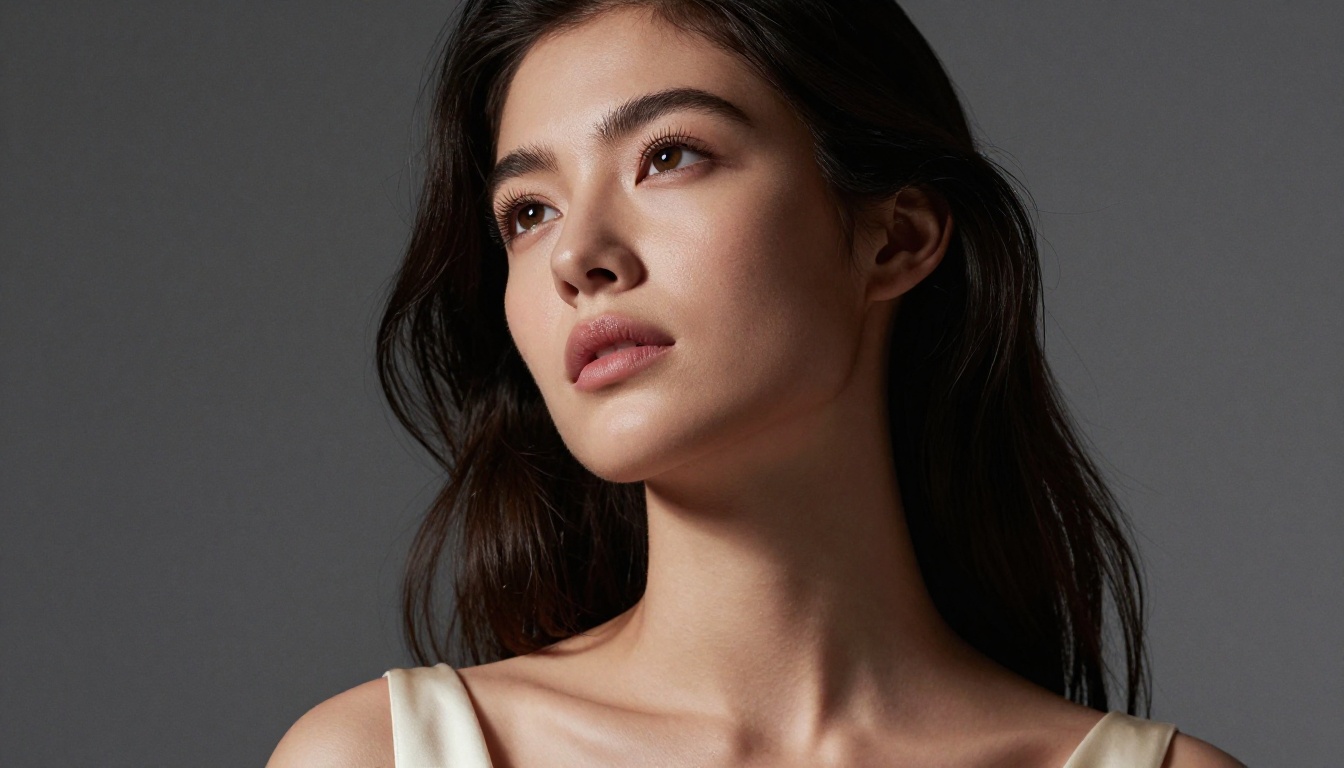
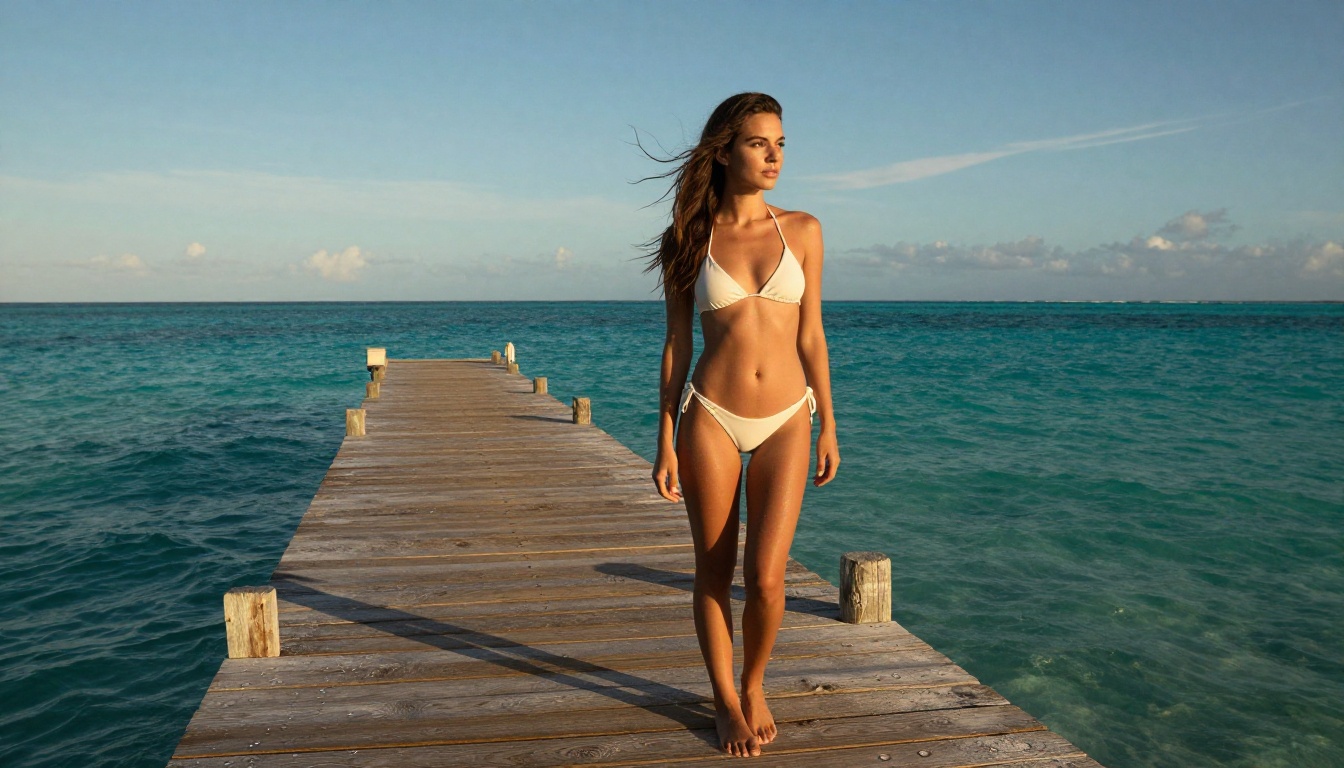
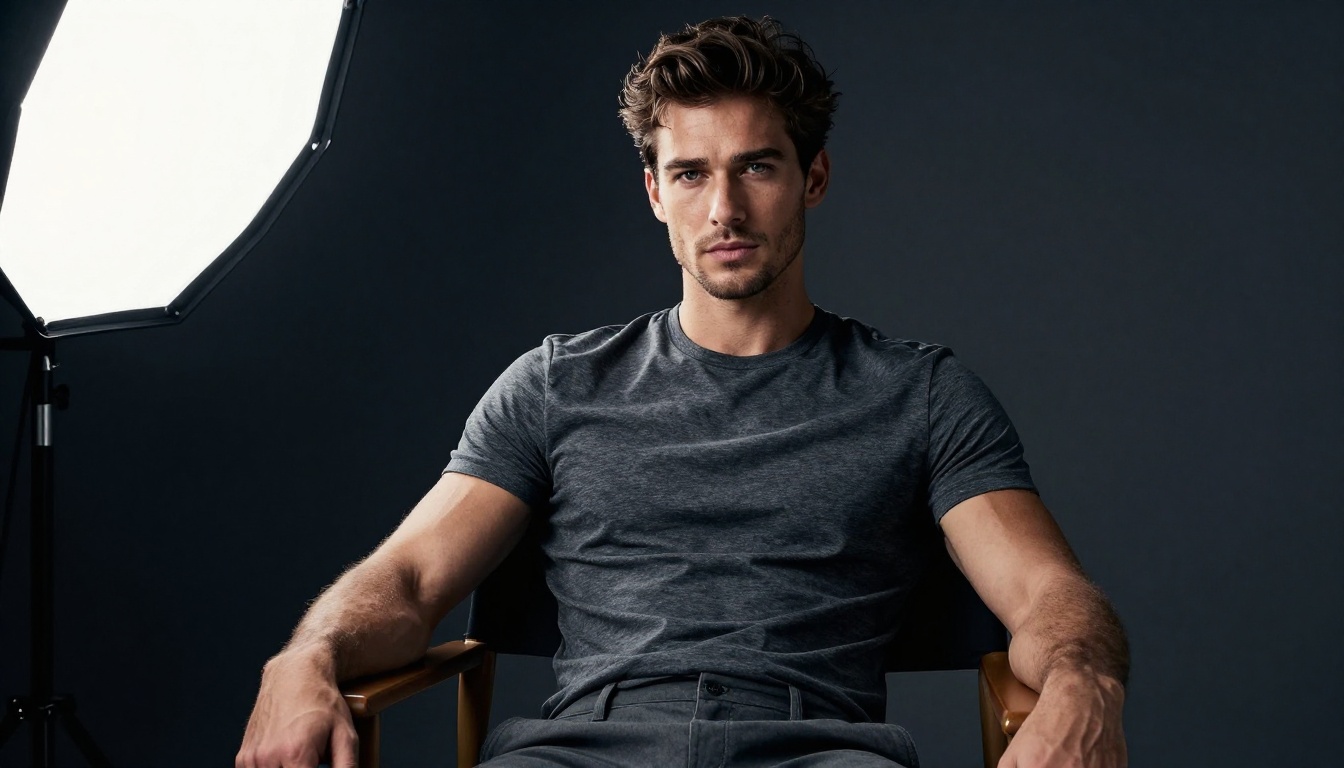
For portrait photography — skin texture, hair detail, lighting accuracy, eye sharpness — FLUX.2 Pro consistently produces more convincing human subjects. The model handles the micro-details that separate AI-looking outputs from genuine photorealism: visible pores, natural skin specular highlights, realistic iris structure, subtle vascular texture at the temples.
GPT Image 1.5 produces beautiful portraits but they often have a slightly "rendered" quality — attractive but not quite tactile.
Landscapes and Environments
Winner: Close call — FLUX.2 Pro edge
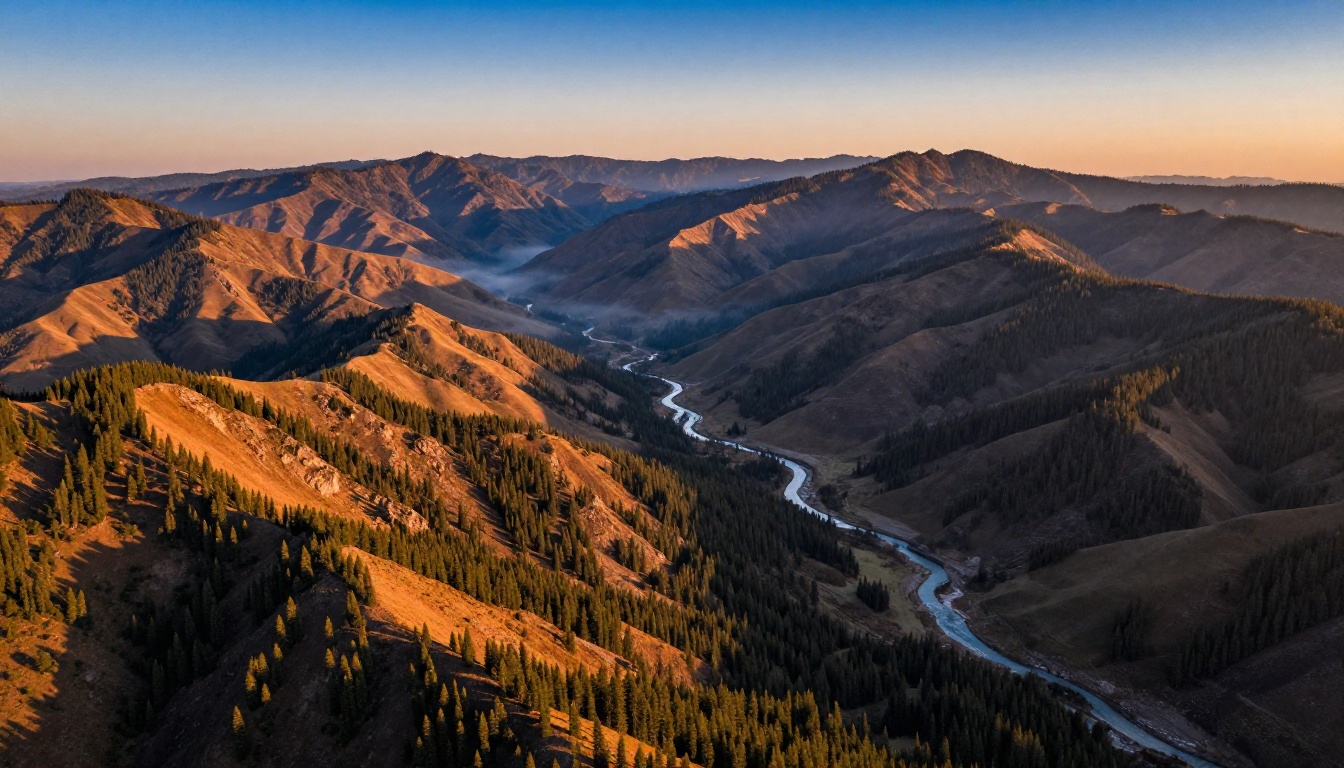
For landscapes, architecture, and environmental scenes, FLUX.2 Pro again edges ahead in raw fidelity — atmospheric depth, light scattering, foliage density. But the gap is smaller here. GPT Image 1.5 handles complex environmental prompts with impressive compositional accuracy, sometimes placing elements exactly where a thoughtful photographer would.
If you're generating stock landscape imagery, FLUX.2 Pro's output is more likely to pass as a real photograph. If you're generating illustrative scenes for editorial use where composition matters more than texture, GPT Image 1.5 often delivers better-organized frames.
Product and Commercial Shots
Winner: GPT Image 1.5 (for text-heavy), FLUX.2 Pro (for pure visuals)
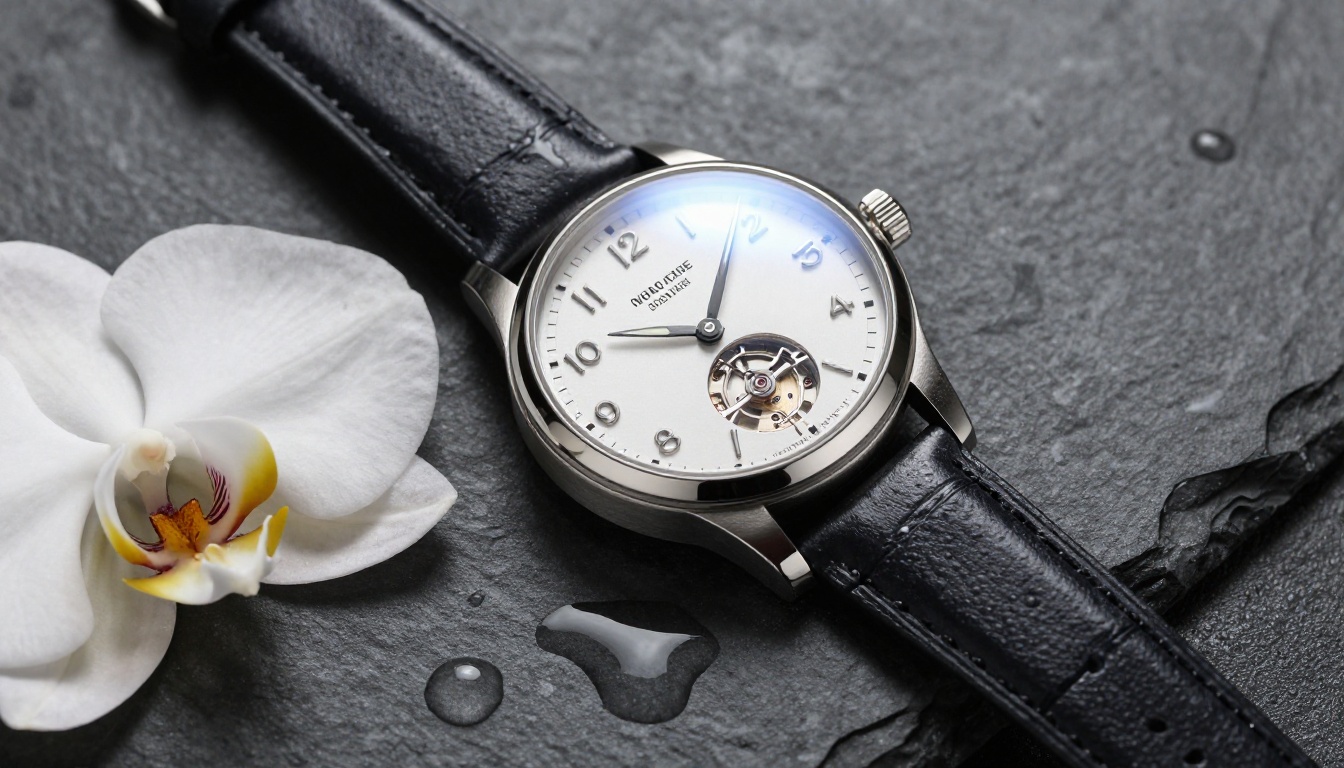
Product photography splits down the text line again. If your product shot needs a legible label, tagline, or price — GPT Image 1.5 handles that significantly better. If you're doing pure visual product photography — a luxury watch, a perfume bottle, a piece of jewelry — FLUX.2 Pro wins on material realism: metal reflections, glass refraction, fabric texture.
Price, Access, and Real-World Workflow
API Costs Compared
Pricing for premium AI image models changes frequently, so treat these as relative comparisons rather than exact figures. As of early 2025:
- FLUX.2 Pro via Replicate API runs roughly $0.055–$0.08 per image at standard resolution. The flux-1.1-pro tier is slightly cheaper if maximum quality isn't critical for every output.
- GPT Image 1.5 via OpenAI API runs approximately $0.04–$0.08 per image depending on resolution tier, with the standard 1024×1024 output at the lower end.
Neither model is "cheap" at scale, but both are priced reasonably relative to professional stock photography licensing.
💡 Cost optimization: For high-volume workflows, consider using flux-2-dev for drafts and prototyping, then FLUX.2 Pro only for final outputs.
Integration and Ecosystem
Both models are accessible via major API providers and integrated into platforms like PicassoIA. FLUX.2 Pro has stronger presence in open-source tooling — ComfyUI, Automatic1111-family interfaces, and LoRA fine-tuning ecosystems all have mature FLUX.2 Pro support. GPT Image 1.5 integrates cleanly into OpenAI's broader API ecosystem, making it a natural fit if you're already using GPT-4o or other OpenAI services.

Which One Fits Your Work?
When FLUX.2 Pro Wins
- Fashion and portrait photography — raw skin texture and lighting fidelity is hard to beat
- Photorealistic commercial imagery without text elements
- Landscape and architectural photography where material realism matters
- Fine-tuning workflows — FLUX.2 Pro's open architecture supports LoRA fine-tuning for brand-consistent outputs
- Batch production — speed and cost efficiency at scale
When GPT Image 1.5 Wins
- Marketing and advertising images with legible text
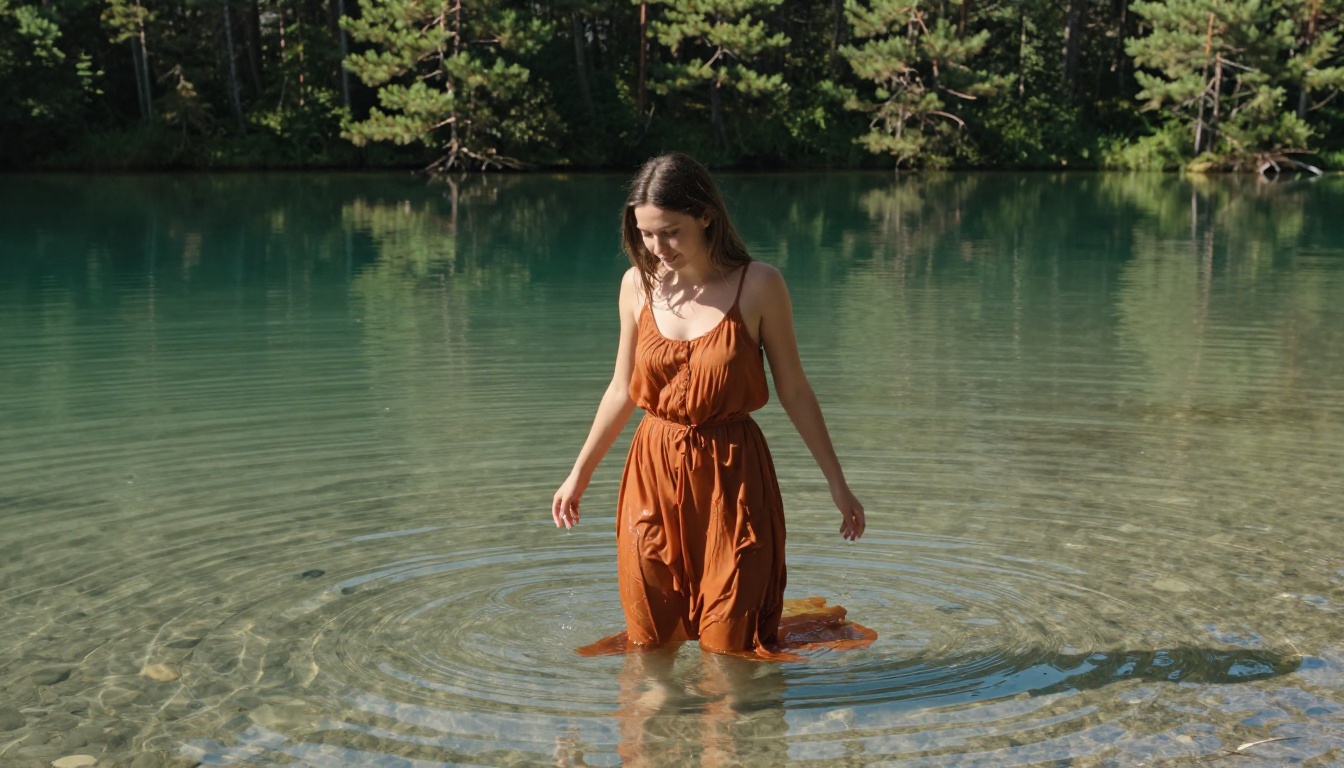
- Complex multi-element scenes where compositional accuracy matters more than texture
- Editorial illustrations requiring specific emotional registers
- OpenAI ecosystem integration — if you're building with GPT-4o, adding GPT Image 1.5 is frictionless
- Social media content with embedded copy
How to Use Both on PicassoIA
Both models are live on PicassoIA and ready to use — no API keys, no configuration, no credit card friction to start. Here's how to get the best out of each.
Using FLUX.2 Pro on PicassoIA
- Head to FLUX.2 Pro on PicassoIA
- Write a detailed prompt — the model rewards specificity. Include subject, environment, lighting, camera angle, and mood
- Set your aspect ratio — 16:9 for landscape/cinematic, 1:1 for portraits, 9:16 for vertical social content
- For portrait work: include skin descriptor terms like "natural skin texture," "photorealistic," "8K detail"
- Avoid vague qualifiers like "beautiful" or "stunning" — describe why it's compelling. "Warm golden hour sidelight" beats "nice lighting"
- Run at least 2–3 variations per prompt before making a final selection — the model has variance worth exploiting
💡 Pro tip for FLUX.2 Pro: Specify your camera lens. "Shot at 85mm f/1.4" vs "shot at 24mm f/8" produces dramatically different compositional results from the exact same subject prompt.
Using GPT Image 1.5 on PicassoIA
- Go to GPT Image 1.5 on PicassoIA
- Write prompts in natural language — this model was trained to understand conversational instruction. Full sentences work well here
- For text-in-image: enclose the exact text in quotes within your prompt, e.g.,
include the text "Summer Sale" on a banner
- Use scene description language: describe the emotional atmosphere and spatial relationships, not just the objects present
- For complex compositional prompts, break it into layers: foreground, midground, background — the model handles this spatial hierarchy well
- When you need brand consistency: describe visual attributes systematically — colors, proportions, style references

Ready to Run Your Own Test?
The best way to settle this comparison for your specific use case is to test both models on the same prompts. Theory only gets you so far — the answer that matters is the one that works for your content, your audience, and your workflow.
PicassoIA gives you instant access to both:
- Try FLUX.2 Pro for your next portrait or photorealistic product shot
- Try GPT Image 1.5 for any creative that needs embedded text or complex compositional accuracy
- Step up to FLUX.2 Max if you need maximum resolution output for print or large-format display
Don't default to one model for everything. The smartest workflows in 2027 use both — FLUX.2 Pro for the hero visuals that need to look absolutely real, GPT Image 1.5 for contextual, instruction-heavy content where compositional accuracy is the priority.