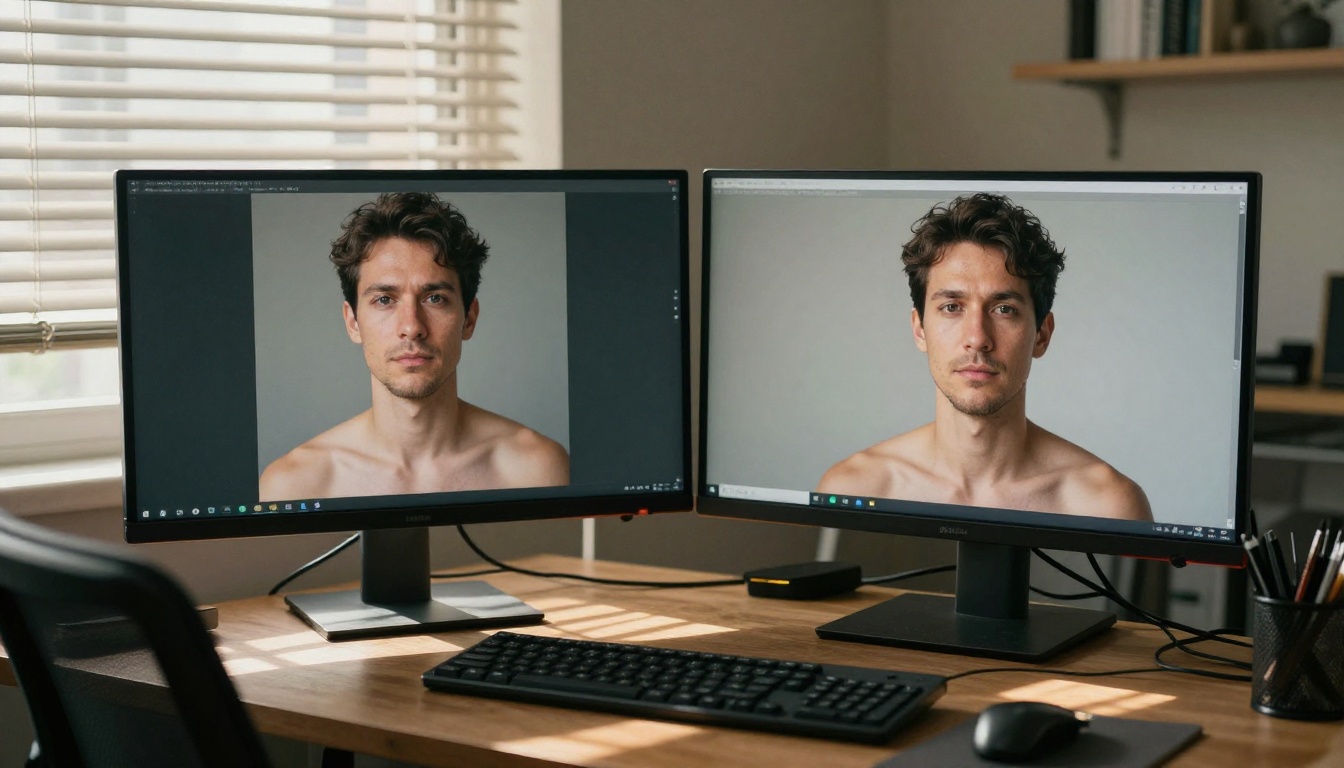
The text-to-image space has never been more divided. Flux 2 Pro from Black Forest Labs and Nano Banana 2 from Google represent two completely different visions for where AI image generation is headed. One gives you the source weights, the fine-tuning pipelines, and the community ecosystem. The other gives you clean API access, polished output, and the computational firepower of Google's TPU infrastructure behind every request. If you are building a product, running a creative studio, or just want the best images possible, this comparison breaks down what actually matters.
Two Different Philosophies
The comparison between Flux 2 Pro and Nano Banana 2 starts before you even run a single prompt. These models were built with fundamentally different goals in mind, and those goals shape everything from output style to what you can actually do with the results.
What Black Forest Labs Built
Black Forest Labs released the Flux family as open-weight models, meaning developers and artists can download the weights, run inference locally, fine-tune on custom datasets, and distribute modified versions under specific licensing terms. Flux 2 Pro sits at the top of that lineup, positioned above Flux 2 Dev and Flux 2 Flex in terms of output quality. The architecture uses a flow matching approach with a transformer backbone, which gives it exceptional prompt adherence, particularly for complex multi-subject scenes and text rendering inside images.
The open-source nature of Flux means a massive ecosystem has formed around it. There are thousands of LoRA fine-tunes available, covering everything from specific artistic styles to product photography templates. If you want a model that behaves exactly like a specific photographer's portfolio or a brand's visual identity, Flux is the architecture you will be fine-tuning.
What Google's Nano Banana Does
Nano Banana 2 takes the opposite approach. Google keeps the weights proprietary and serves the model exclusively through their cloud infrastructure. The model benefits from Google's internal research pipeline, including techniques developed through Imagen and Gemini. The "Nano" designation is slightly misleading. It does not mean the model is small in capability. Rather, it refers to its distilled architecture that achieves competitive output with significantly lower inference cost compared to full-scale diffusion models.
Where Nano Banana 2 shines is in consistency. Run the same prompt ten times and the outputs cluster tightly around a predictable quality range. For product teams that need reliable, repeatable results, that predictability is more valuable than occasional peaks of brilliance from a less consistent model.

Raw Image Quality
Quality is subjective, but there are objective dimensions worth separating out: photorealism, prompt fidelity, anatomical accuracy, and detail density at high resolution. Each model has a clear profile.
Flux 2 Pro's Photorealism
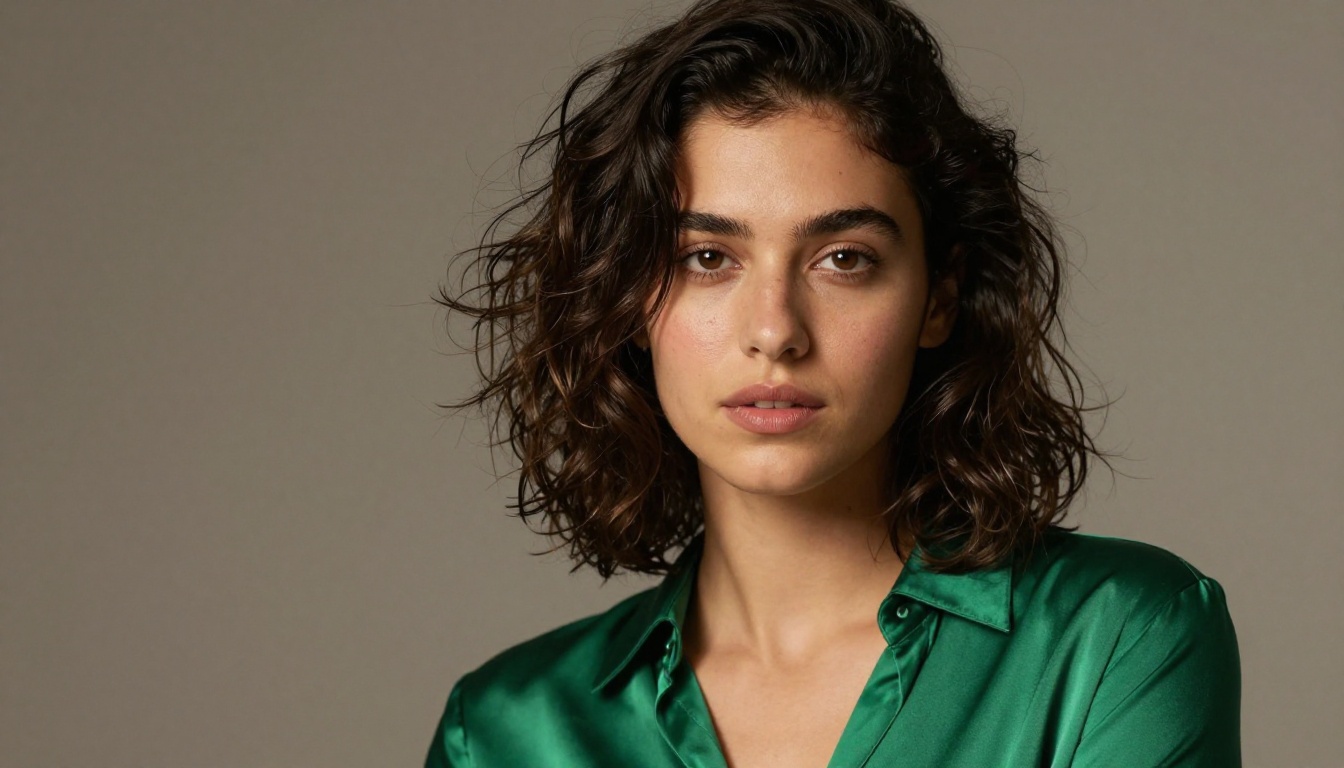
Flux 2 Pro is widely considered the current benchmark for photorealistic human subjects. Skin texture, natural lighting falloff, and the micro-details of fabric and hair are where this model pulls ahead of most competitors. The flow matching architecture means it handles lighting direction and shadow consistency better than older DDPM-based models.
For portrait photography, product shots, and fashion imagery, Flux 2 Pro produces results that regularly fool observers into thinking the images are real photographs. It also handles long, complex prompts exceptionally well, incorporating dozens of specific details without dropping any.
Nano Banana 2's Output Style
Nano Banana 2 produces images with a slightly different visual signature. The colors tend to be more saturated and contrasty, with a clean polished look that works very well for commercial and marketing contexts. Google's training pipeline favors aesthetically pleasing compositions with strong foreground-background separation.
Where Nano Banana 2 occasionally falls short is in hyper-realistic skin rendering and fine fabric texture. The output is beautiful, but at 200% zoom it sometimes shows the softening artifacts typical of distilled architectures. For most use cases, this is irrelevant. For print production or close-up photography applications, it matters.
💡 Both models are available on PicassoIA, so you can run the same prompt through each and compare outputs side by side before committing to either workflow.
Speed and Cost Reality
Speed and cost are where this comparison gets practical fast. Neither model is free, and the performance gap between them is real.
Inference Time Breakdown
Flux 2 Pro typically generates a 1024x1024 image in 8 to 15 seconds via API, depending on server load. If you need faster outputs without sacrificing too much quality, Flux 2 Klein 4B is a solid alternative in the same model family.
Nano Banana 2 is significantly faster, typically completing in 3 to 6 seconds. The distilled architecture is purpose-built for speed. If you are generating hundreds of images per day for an automated pipeline, that time difference compounds into real cost savings and dramatically faster iteration cycles.
Pricing for Real Workflows
For individuals and small studios, the cost difference between Flux 2 Pro and Nano Banana 2 is negligible per image. At scale, running 10,000 images per month, the difference is roughly $250 in savings by choosing Nano Banana 2. That is not nothing, especially for startups managing tight margins.
What Each Model Does Best
These are not general-purpose models with equal strengths. Each one has areas where it genuinely pulls ahead, and knowing those areas saves time and money.
Portrait and People Photography
Flux 2 Pro wins this category. The model's handling of human anatomy, facial expressions, natural skin tones, and clothing texture is in a different league. When you need a photorealistic portrait that could pass for a DSLR shot, Flux 2 Pro is the right call.
Nano Banana 2 produces very attractive portraits with a more editorial, polished look. Think stock photography aesthetic rather than candid photojournalism. For many commercial applications, that is exactly what the client wants.

Architecture and Landscapes
Both models perform well on architectural and landscape subjects, but with distinct strengths.
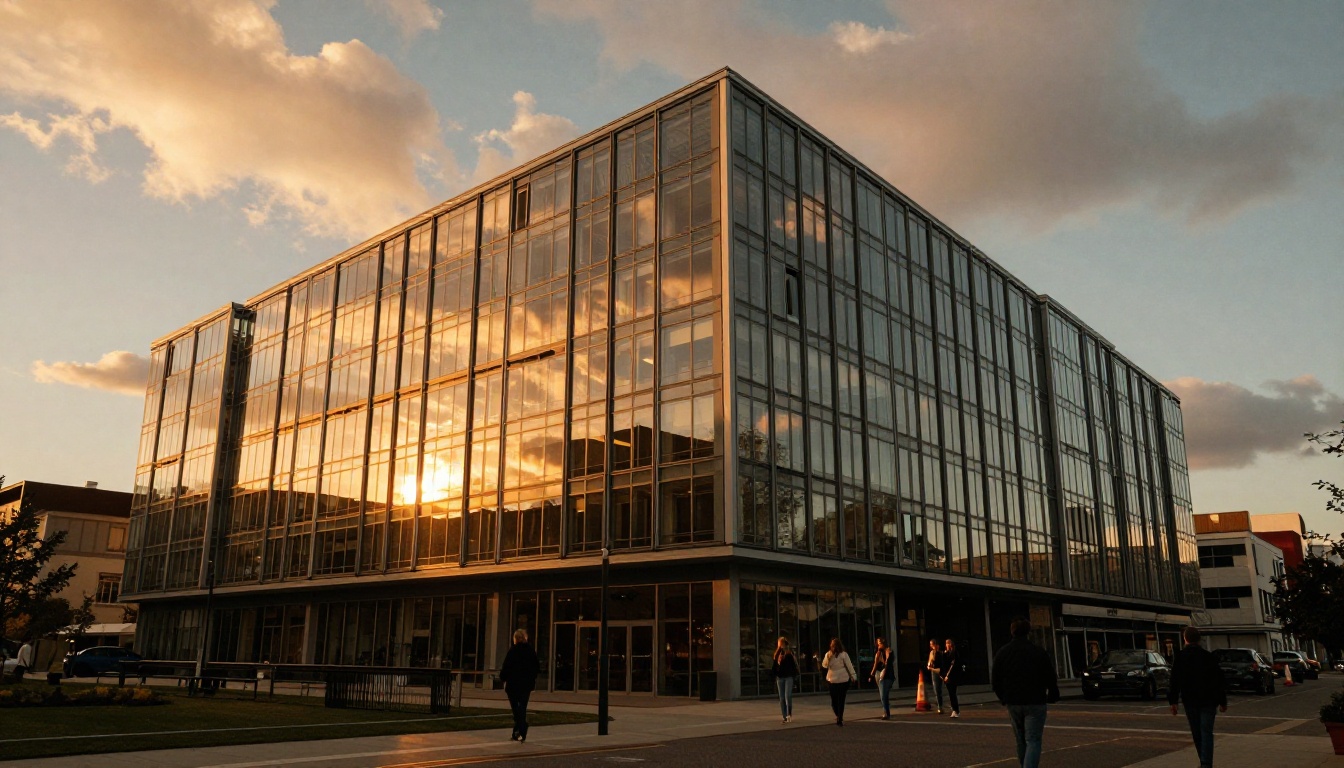
Flux 2 Pro handles complex lighting scenarios particularly well: golden hour reflections on glass, the interplay of hard shadows and dappled light in forests, and the textural variety of urban scenes. The model's training on diverse photographic data means it has absorbed a massive range of real-world lighting conditions.
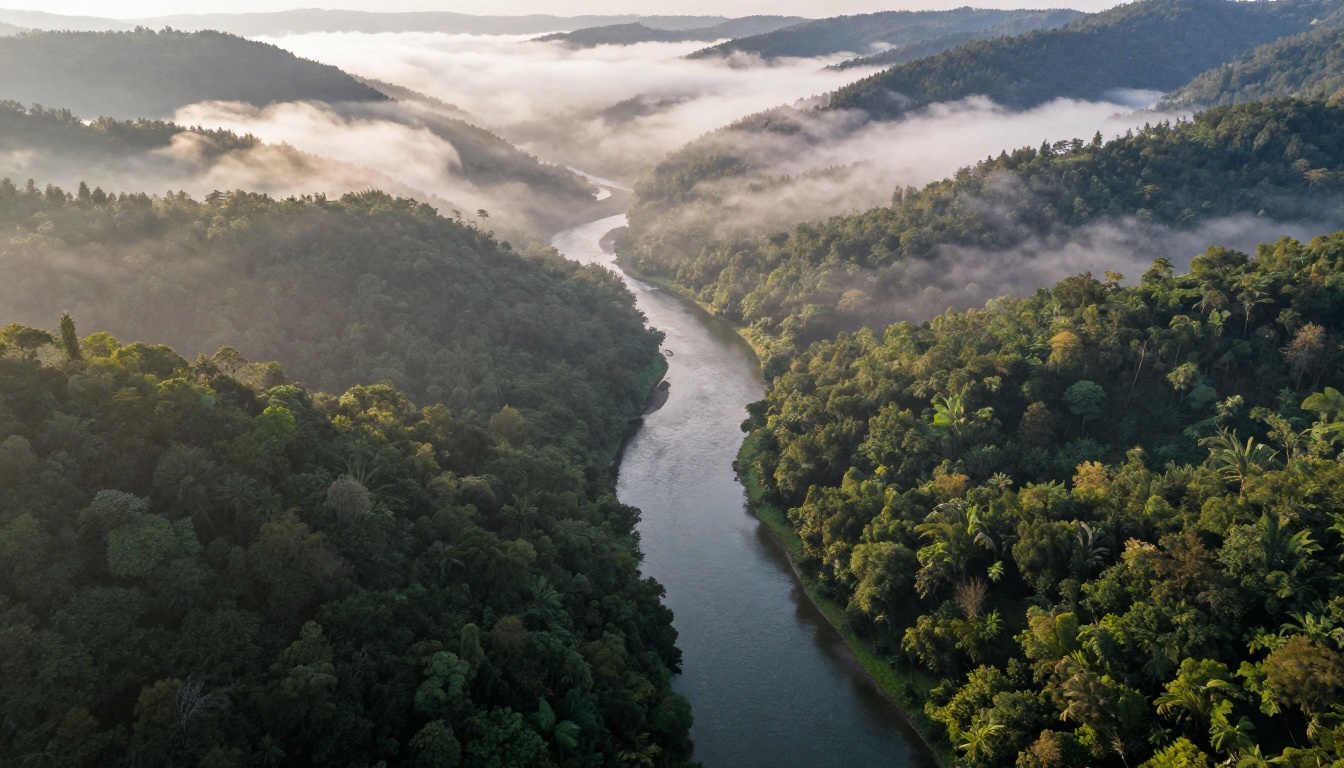
Nano Banana 2 produces cleaner, more graphically striking landscape images. The compositions tend to be stronger, with better use of the frame and more intentional color palettes. For advertising visuals where the image needs to read clearly at a glance, Nano Banana 2's compositional tendencies work in its favor.
Creative and Abstract Work
For highly creative, off-prompt, or experimental imagery, Flux 2 Pro gives you more room to push. Because the model's fine-tuning ecosystem is so rich, you can load a style LoRA and get outputs that feel genuinely artistic rather than algorithmically averaged.
Nano Banana 2 stays closer to the center of the aesthetic bell curve. That is a feature if you need consistency, but a limitation if you want to create something that does not look like every other AI image on the internet.
Open Source Actually Matters
The open vs. closed debate sounds philosophical, but it has real practical implications for anyone building products or creative workflows.
Fine-Tuning and Custom Models
Because Flux 2 Pro uses open weights, you can train LoRA adapters on your own dataset in a few hours on a consumer GPU. This means you can teach the model your brand's specific visual style, your product's exact appearance, or a specific character with consistent features across thousands of generations.
This is simply not possible with Nano Banana 2. You work with the model Google gives you, within the constraints Google sets. For many use cases this is fine. For anyone building a genuinely differentiated image product, the inability to fine-tune is a hard ceiling.
Running Locally vs Cloud
Flux 2 Dev (the non-commercial sibling of Flux 2 Pro) can be run locally on a machine with 16GB or more VRAM. This matters for several reasons:
- Data privacy: Images never leave your hardware
- Latency: Local inference at 5-8 seconds with no API round trip overhead
- Cost at scale: Zero per-image cost after the initial hardware investment
- Offline work: No internet connection required once weights are downloaded
Nano Banana 2 is cloud-only, full stop. Every image goes through Google's servers. For most creative professionals this is not an issue. For enterprise clients with data sovereignty requirements, it can be a dealbreaker before the conversation even starts.
💡 For maximum flexibility, consider using Flux 2 Pro for your highest-quality final outputs and Nano Banana 2 for rapid ideation and bulk generation. The two models complement each other well in a professional workflow.
How to Use Flux 2 Pro on PicassoIA
Both models are available directly through the PicassoIA platform, so you do not need to set up local infrastructure or manage separate API keys.
Step-by-Step for Flux 2 Pro
- Open Flux 2 Pro on PicassoIA
- Write your prompt in the text field. Be specific: describe lighting direction, camera angle, color palette, and subject details in full sentences
- Set the aspect ratio to 16:9 for landscape images or 1:1 for portraits
- Adjust the guidance scale between 3.5 and 4.5 for the best balance of prompt adherence and image variety
- Set steps to at least 28 for production-quality output
- Click Generate and review the result before downloading
Parameter Tips for Better Results
- Long, specific prompts outperform short ones: Flux 2 Pro is trained to use as much of the prompt as you give it. A 100-word prompt will produce a noticeably more controlled result than a 10-word prompt
- Name specific photographers or directors: Phrases like "photographed in the style of Annie Leibovitz" push the lighting and composition toward specific aesthetics that the model has learned
- Use negative prompts sparingly: Over-specifying what you do not want can constrain the model's creative space in ways that reduce output quality
- Set aspect ratio at generation time: Flux 2 Pro generates native resolutions, so setting 16:9 from the start produces better results than generating square and cropping after the fact
How to Use Nano Banana 2 on PicassoIA
Nano Banana 2 has a slightly different prompting behavior than Flux models, reflecting its Google training pipeline and distilled architecture.
Getting the Best Results
- Open Nano Banana 2 on PicassoIA
- Write a shorter, cleaner prompt: Nano Banana 2 responds better to concise, well-structured descriptions than to long, sprawling prompts
- Focus on subject, mood, and lighting: "A confident woman in a red blazer, soft studio lighting, minimal background" will outperform a heavily detailed 80-word prompt
- The model has excellent color control, so naming specific color relationships works well. "Warm amber tones with teal shadows" reliably produces accurate results
- For consistency across a batch, keep your seed fixed and vary only the specific elements you want to change between outputs
💡 Pro tip: If you want Nano Banana 2 to produce more photorealistic results, add "shot on film, natural grain, editorial photography" to your prompt. This shifts the model away from its default polished aesthetic toward something grittier and more authentic.
Which One Should You Pick?
The honest answer is that the right model depends entirely on your workflow and priorities. There is no single winner across all use cases.
The most effective professional workflow often uses both. Nano Banana 2 for rapid ideation and concept development, Flux 2 Pro for final production images where quality is the deciding factor. PicassoIA makes this simple because both models live in the same interface with no switching friction.
Beyond these two, the platform also offers Flux Schnell if you need Flux-family quality at near-instant speeds, and Nano Banana Pro for premium Google-tier results with more detail than the standard Nano Banana 2.
Start Creating with Both Models
The best way to settle this debate for your own workflow is to run your actual prompts through both models and see what happens. Theory only gets you so far. The visual evidence from your specific use case will tell you more than any benchmark chart.
PicassoIA gives you direct access to Flux 2 Pro, Nano Banana 2, and over 90 other text-to-image models in a single platform. You can switch between them in seconds, compare outputs side by side, and dial in the exact parameters that work for your creative vision.
Whether you are a photographer building a stock library, a designer creating marketing assets, or a developer prototyping a visual product, the right starting point is hands-on experimentation. Head over to PicassoIA, pick a model, and start generating. The gap between imagining an image and having it in your hands has never been smaller.