Two of the most talked-about text-to-image models right now are Flux 2 Pro by Black Forest Labs and Nano Banana Pro by Google. Both promise photorealistic output, fast generation times, and broad prompt flexibility. But when you actually put them side by side with identical prompts, real differences emerge. This article is the result of dozens of prompt runs across portraits, landscapes, macro shots, architecture, and complex compositions. No marketing claims. No cherry-picked results. Just what actually happened.
Two Models, Two Different Philosophies
Before diving into the results, it helps to know where each model comes from and what it was built to do.
Flux 2 Pro: Black Forest Labs' Flagship
Flux 2 Pro is the current crown jewel of the Flux series. Black Forest Labs built its transformer-based architecture around three priorities: prompt adherence, fine detail resolution, and photorealistic color science. The model handles complex multi-element prompts without losing track of individual objects or lighting conditions. It sits above Flux 1.1 Pro in quality and delivers noticeably sharper results than older Flux variants.
The architecture prioritizes texture fidelity above almost everything else. Skin pores, fabric weave, stone surfaces, and fur all render with micro-level detail. Lighting direction is also accurate. If you tell Flux 2 Pro the light is coming from the upper left, it will cast shadows that match that description.
Nano Banana Pro: Google's Speed-First Contender
Nano Banana Pro represents Google's approach to high-quality image generation at a different price point. Built to serve a wider audience, it runs significantly faster than Flux 2 Pro at a lower credit cost. The model belongs to a growing family that includes Nano Banana 2, Nano Banana, and Nano Banana 2 Lite, each targeting different budget and speed requirements.
Nano Banana Pro's strength is compositional intelligence. It reads prompts in a way that positions subjects naturally within frames and handles color harmony well. Where it sometimes falls short is fine surface texture. Skin can look slightly smoother than real life. Fabric often renders without the individual thread detail you see from Flux.
How We Ran This Test
Fairness matters in a comparison like this. Both models ran from the same platform using identical prompts, no prompt upsampling, and consistent aspect ratios across every run.
The Prompts We Used
We built a set of 12 prompts spanning five categories:
- Portraits: solo subjects in natural light, studio setups, candid moments
- Landscapes: alpine, coastal, forest, and golden hour scenes
- Urban: street photography, night scenes, and wet reflections
- Macro: insects, fabric, metal surfaces, plant micro-detail
- Architecture: interiors, exteriors, and historical buildings at blue hour
Each prompt was written in a style typical of how professional photographers describe a shot: subject, lighting direction, lens specification, atmosphere, and film stock.
What We Measured
Four criteria drove the scoring:
| Criterion | What It Means |
|---|
| Texture fidelity | Micro-detail on skin, fabric, stone, and organic surfaces |
| Prompt adherence | How closely output matched every element in the prompt |
| Lighting accuracy | Whether shadows and directionality matched the description |
| Color science | Whether tones felt natural and consistent with the described film stock |
Each run received a score from 1 to 10 per criterion. The numbers below are averages across all runs in each category.
Round 1: Portrait Photography
Portraits are where AI image models tend to diverge most visibly. Realistic human faces require accurate skin tone rendering, proper depth of field simulation, and believable expressions.
Flux 2 Pro Portrait Results

Flux 2 Pro delivered some of the most convincing portrait results in our test set. When prompted for a woman beside a window in afternoon light, the model correctly simulated how sunlight softens through sheer curtain fabric. Freckles appeared where described. The skin texture showed genuine pore-level detail rather than the slightly waxy look common in lower-tier models.
Scores:
- Texture fidelity: 9.1
- Prompt adherence: 8.8
- Lighting accuracy: 9.3
- Color science: 9.0
The biggest strength was rim lighting precision. When we specified a rim light from one side, Flux 2 Pro caught that edge illumination accurately on individual hair strands. The separation between lit and shadowed sections of hair was clean in a way that felt genuinely photographic.
Nano Banana Pro Portrait Results
Nano Banana Pro produced beautiful portraits, but the gap shows in texture. Skin rendered with slightly elevated smoothness. Not the plastic look of older models, but noticeably different from the grain-level realism Flux 2 Pro achieves. Where Nano Banana Pro pulled ahead was expression authenticity. Subtle smiles and candid looks read more naturally in several runs. The eyes, in particular, showed a warmth that some Flux runs missed.
Scores:
- Texture fidelity: 7.6
- Prompt adherence: 8.2
- Lighting accuracy: 8.1
- Color science: 8.5
💡 For portraits: if texture and photographic realism are the priority, Flux 2 Pro wins this round clearly. If you want faster results with naturally expressive faces, Nano Banana Pro is a solid choice.
Portrait Winner: Flux 2 Pro
Round 2: Landscapes and Environments
Landscapes test a model's ability to handle spatial depth, atmospheric perspective, and natural lighting at scale.
Alpine and Nature Scenes
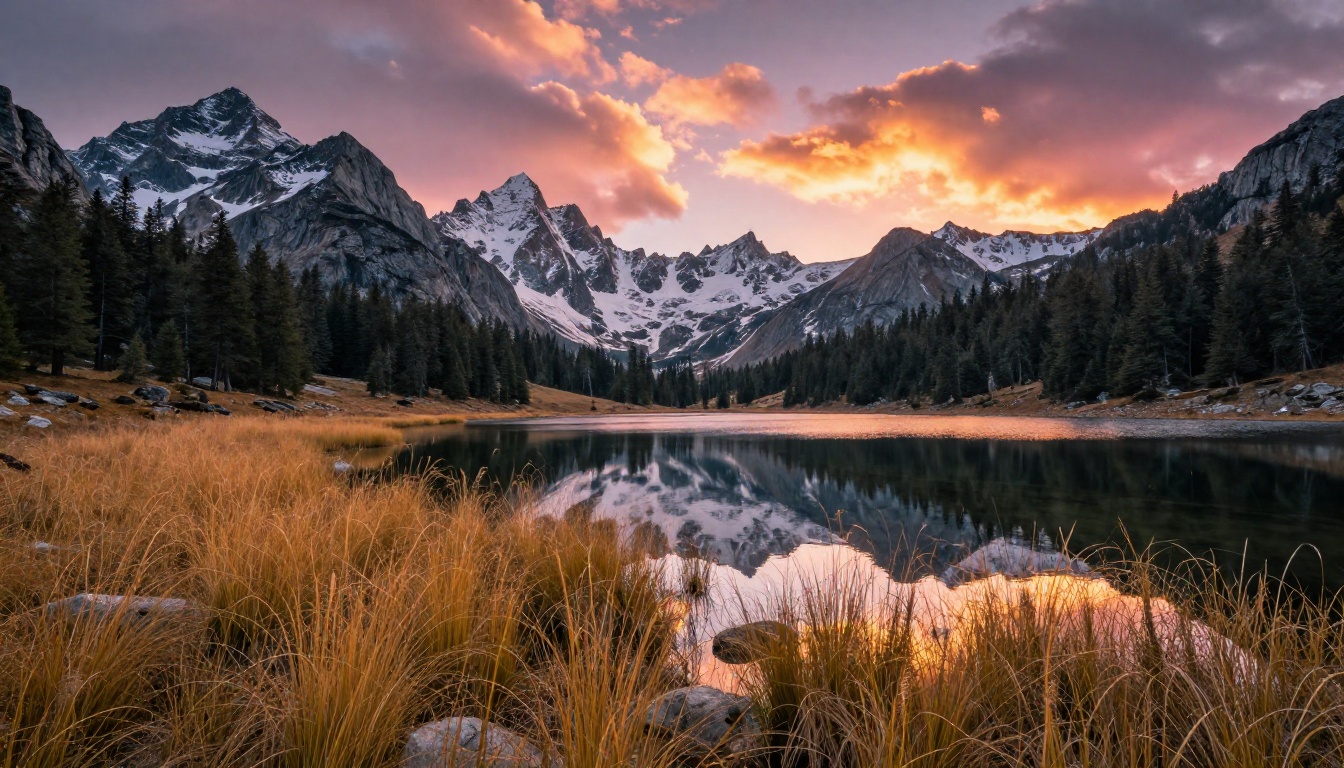
Both models performed well on broad landscape prompts. Flux 2 Pro handled volumetric cloud formations with noticeably more depth. Individual cloud layers showed light scattering from within, matching our descriptions of golden hour light hitting cloud tops. Water surface reflections were accurate to the described sky conditions.
Nano Banana Pro produced cleaner, more saturated landscape results in several tests. Colors were punchy and immediately striking. For social media outputs or content where vivid color impact matters more than strict photographic accuracy, Nano Banana Pro's landscape results were arguably more visually compelling even if technically less precise.
Urban and Street Photography
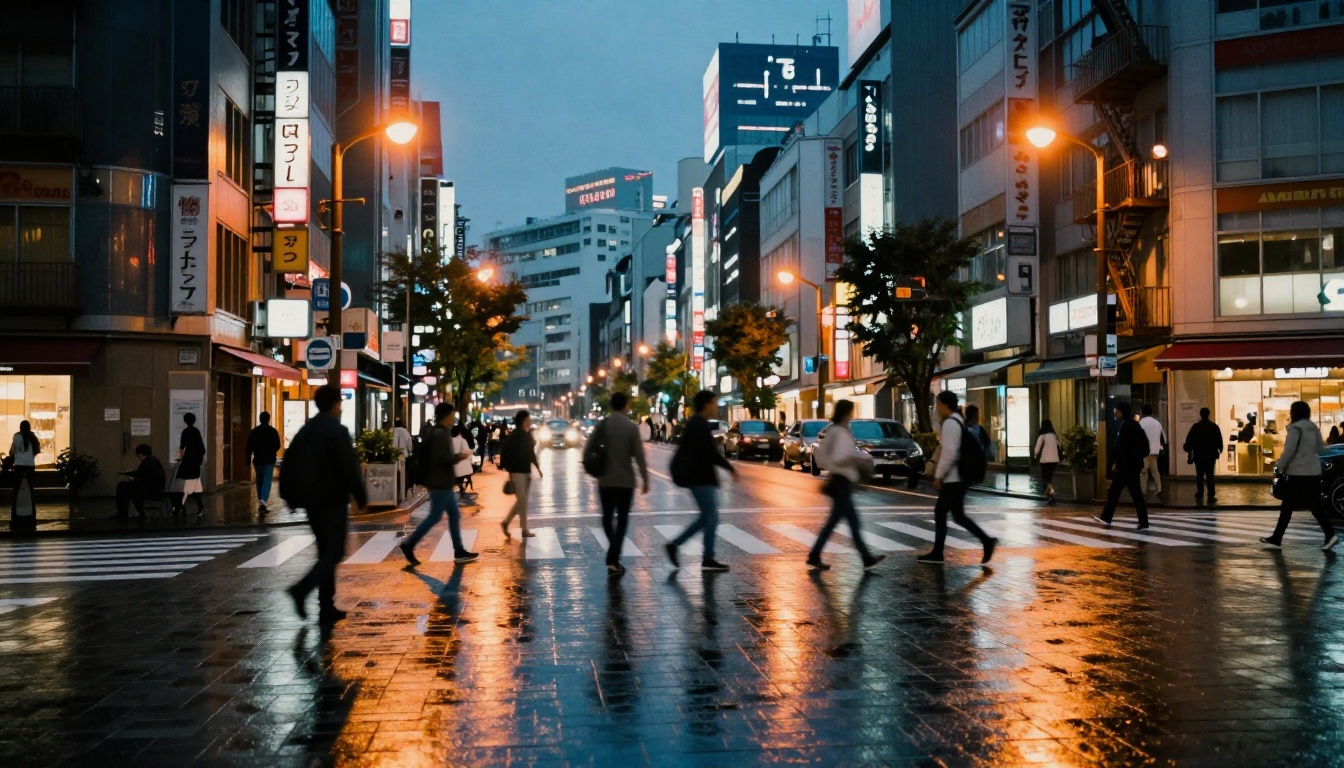
Urban scenes revealed a clear difference in how each model handles complex light mixing. When prompts described wet pavement reflecting both warm streetlights and cool twilight sky, Flux 2 Pro split those color temperatures accurately. Puddles showed warm amber reflections directly below light sources and cooler blue tones further away. This is a subtle detail that matters enormously to photographers and digital artists.
Nano Banana Pro treated the scene with more uniform lighting. The reflections were present but lacked that gradient color shift. For designers working on conceptual mood boards, this is acceptable. For anyone trying to replicate a specific photographic look, it shows a gap.
💡 For landscapes and urban scenes: Flux 2 Pro wins on technical accuracy. Nano Banana Pro wins on vibrant, punchy color impact for casual or commercial use.
Landscape Winner: Draw (context-dependent)
Round 3: Complex Scenes and Detail
This is where models get genuinely stress-tested. Macro photography and architectural shots require fine structural rendering at a level that exposes weaknesses quickly.
Macro and Texture Detail
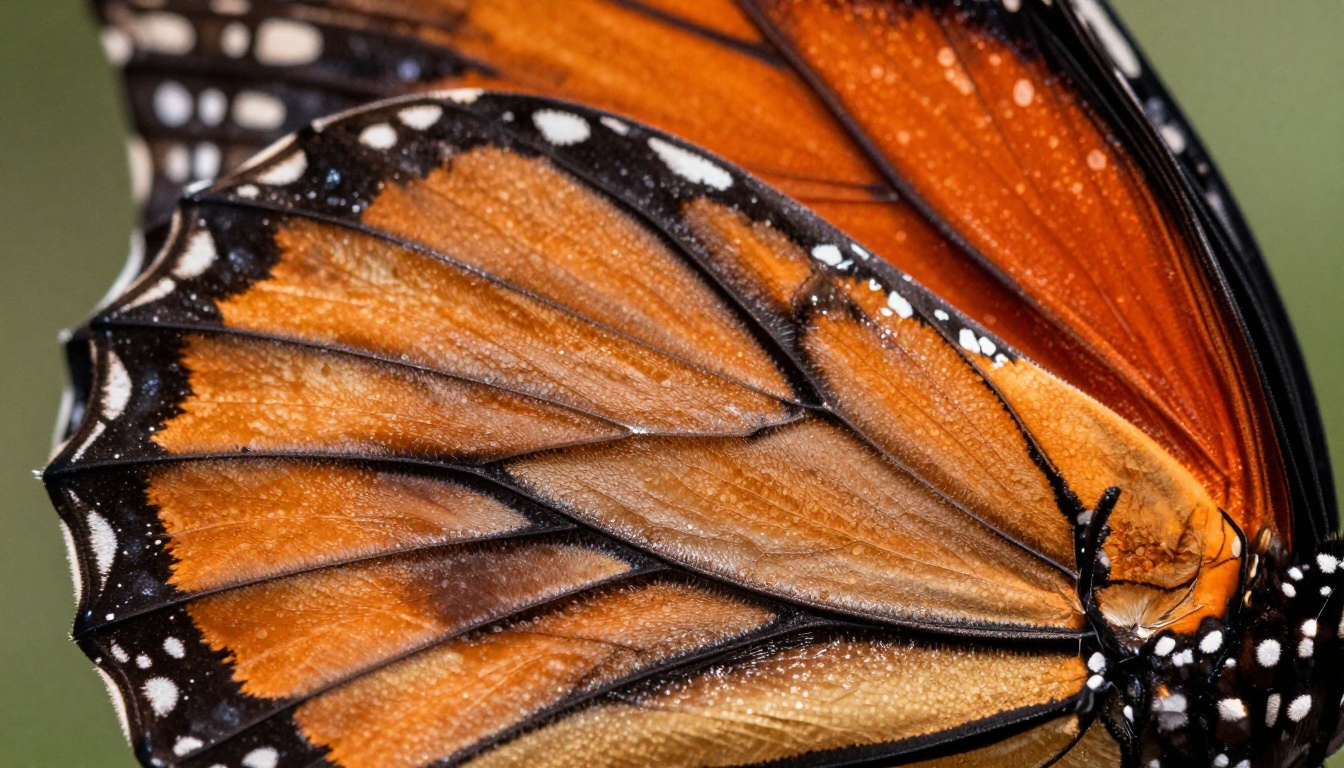
Macro prompts showed the single biggest gap between the two models. Flux 2 Pro rendered butterfly wing scales as individual overlapping structures with distinct edges and surface variation. The depth of field falloff matched the described 100mm f/2.8 specification in ways that felt optically correct.
Nano Banana Pro's macro output looked good at thumbnail size. At full resolution, the scales blended into a pattern rather than appearing as distinct physical structures. The depth of field was present but less convincing as a simulation of actual optics.
For any workflow requiring high-resolution detail work such as product photography, print-ready assets, or scientific visualization, Flux 2 Pro is clearly the better tool. If you need even higher resolution from the Flux family, Flux 1.1 Pro Ultra pushes into 4MP territory and Flux 2 Max offers the highest resolution in the family.
Architecture and Night Scenes
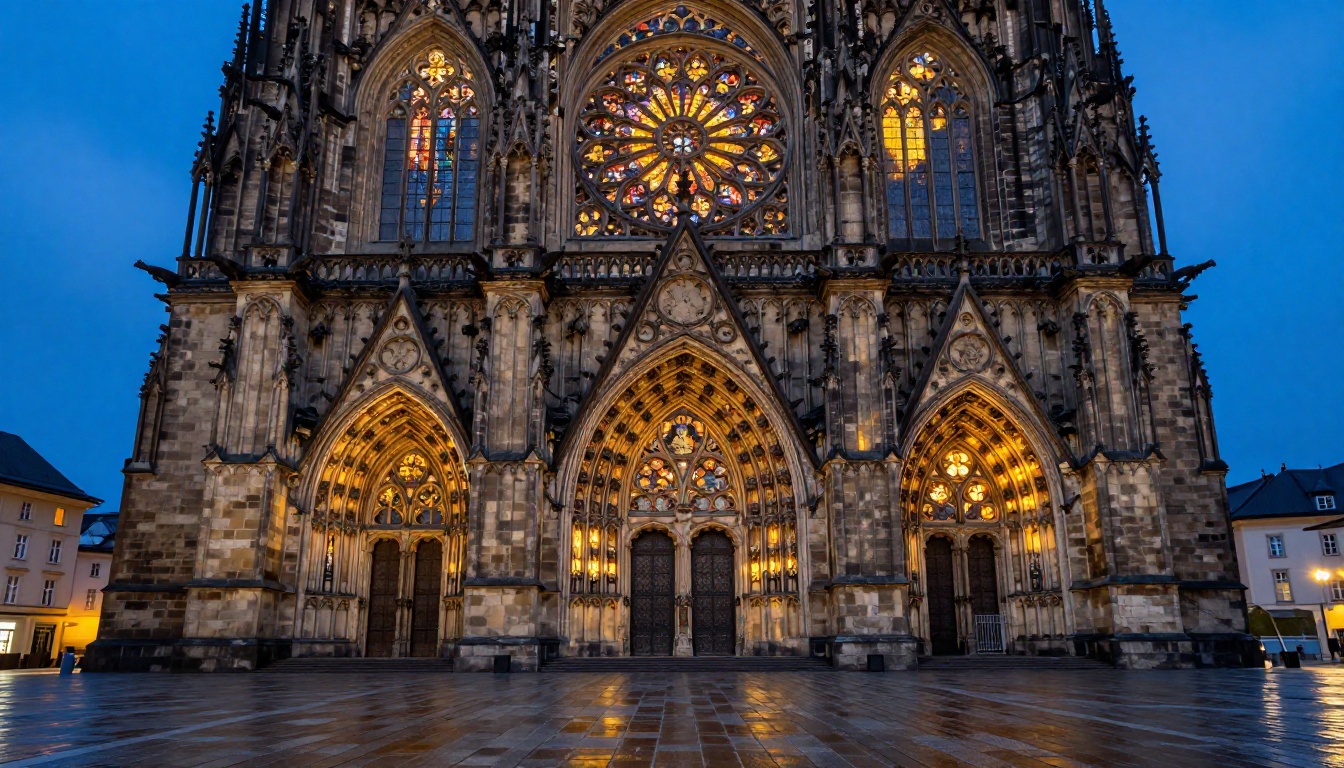
Architecture prompts at blue hour are particularly revealing. They require a model to balance two competing light sources simultaneously: warm interior light radiating through windows and cool ambient twilight from the sky. Both must be present and the model must blend them without either flattening into the other.
Flux 2 Pro handled this split lighting extremely well. Stone facades showed both warm spillover from windows and cool shadow fills from the sky. The stained glass effect, where colored light tints the stone immediately around window frames, was accurate and subtle.
Nano Banana Pro's architectural results were good but showed less precision in how the two light sources interacted. The overall composition and sense of scale were impressive. The fine stone carving detail was present but softer at the level where individual chisel marks and weathering become visible.
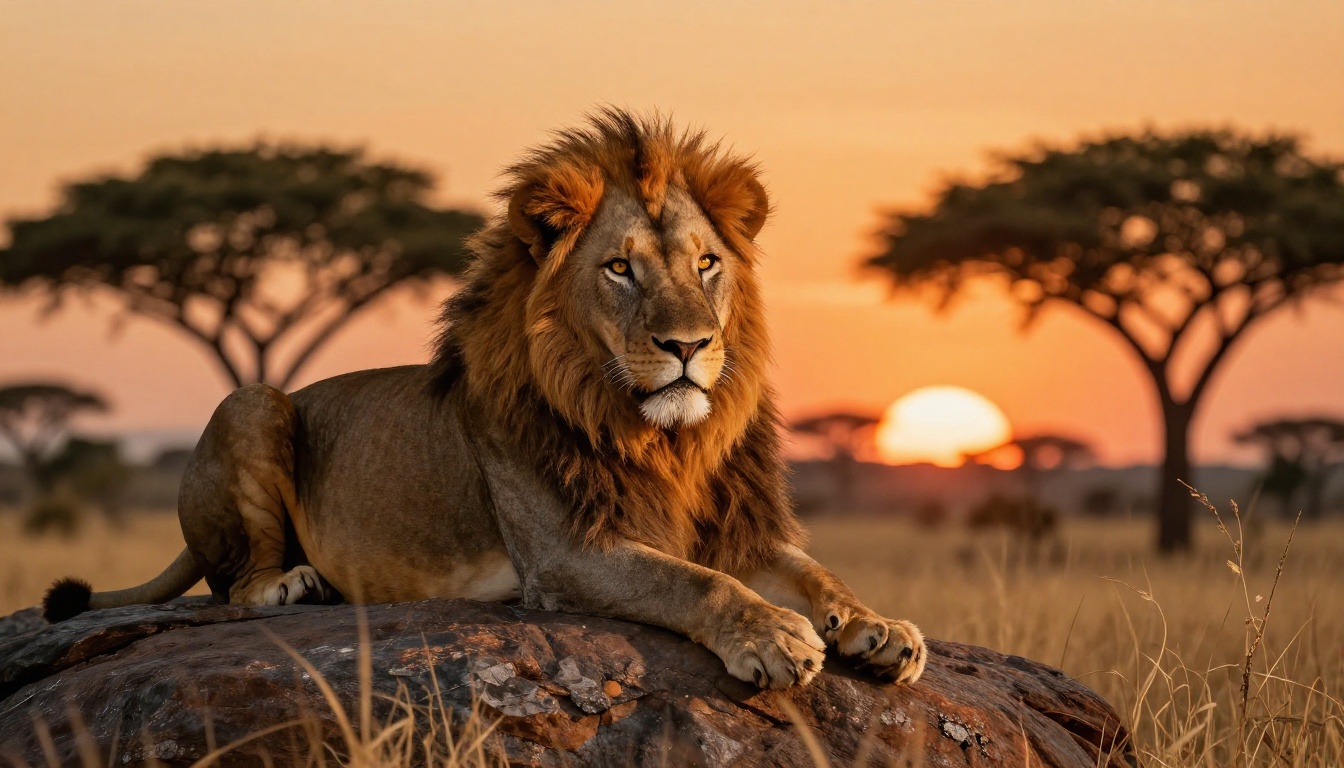
Macro and Detail Winner: Flux 2 Pro
Speed, Cost, and Workflow
Technical quality is only part of the picture. How these models fit into a real workflow depends heavily on generation speed and credit cost.
Generation Time
Both models are fast compared to older generation tools. In our tests:
Nano Banana Pro is roughly twice as fast as Flux 2 Pro on standard outputs. For batch workflows where you need 50 or more images generated, that speed difference adds up quickly. If you are testing concepts and need fast iteration, Nano Banana Pro's speed gives it a real practical advantage.

Credit Cost Per Image
On PicassoIA, both models run at different credit costs reflecting their computational demands:
- Flux 2 Pro uses more credits per generation due to its higher-fidelity rendering pipeline
- Nano Banana Pro delivers 4K images at a lower credit rate, making it attractive for high-volume content creation
For workflows focused on commercial photography replacement or print assets, the extra cost of Flux 2 Pro pays off. For social media content, blog illustrations, or rapid prototyping, Nano Banana Pro offers better value per generated image.
💡 If you want to get more from the Flux ecosystem without the highest cost, Flux 2 Flex offers flexible generation modes that balance quality and credit usage well. For context-aware image editing rather than pure generation, Flux Kontext Pro and Flux Kontext Max are worth trying.
Editing and Post-Processing
Both models on PicassoIA connect directly to platform editing tools. The platform offers Super Resolution to upscale any output from either model, and AI Image Restoration to fix noise, blur, or damage on existing images. A fast Nano Banana Pro generation can be sharpened post-process through Super Resolution to close some of the texture gap, which opens up hybrid workflows where speed and quality are both achievable.
Which One Wins?
The honest answer is: neither wins unconditionally. They serve different needs, and the right choice depends on your workflow.
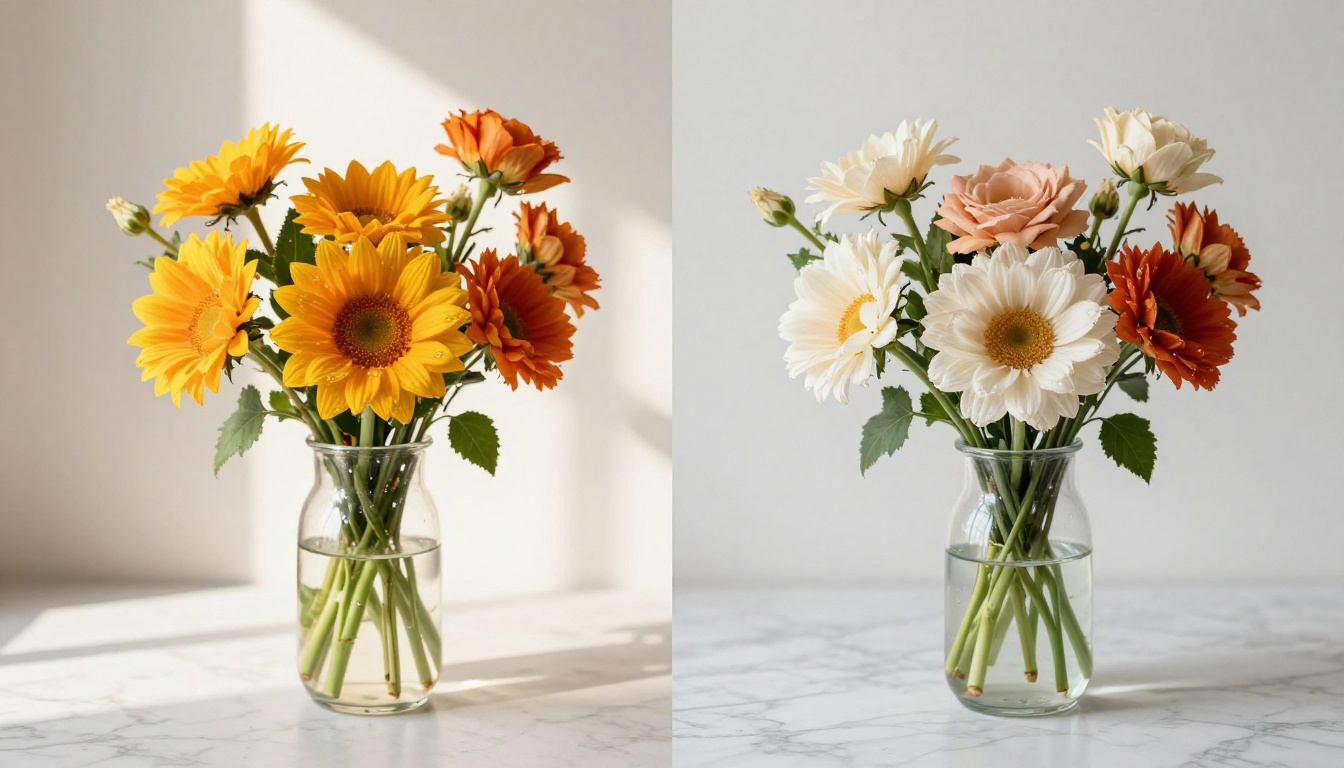
Flux 2 Pro is the better model for anyone who prioritizes photographic realism, surface texture accuracy, and precise lighting simulation. It is the right tool when image quality is the primary concern and generation time is secondary.
Nano Banana Pro is the smarter choice for high-volume workflows, fast iteration, and content where visual impact matters more than optical precision. Its 4K output at a lower credit cost makes it practical for teams generating large amounts of visual content regularly.
If you regularly work with both types of content, the most efficient approach is using Nano Banana Pro for exploration and early-stage work, then switching to Flux 2 Pro for final assets that will see high visibility or print use.
Run the Same Test Yourself
The most valuable thing you can do after reading this is run your own prompts. Everyone's use case is different. A prompt that reveals a weakness in one model may be exactly where it outperforms the other.
Both Flux 2 Pro and Nano Banana Pro are available to test right now on PicassoIA. The platform also gives you instant access to related models: Flux 2 Max for maximum resolution, Nano Banana 2 for image editing and fusion, and Flux Kontext Max for text-prompted image rewriting.
Start with a portrait prompt you would normally commission from a photographer. Run it on both models. Then try a landscape. Then something with fine texture detail. That three-prompt sequence will tell you more about which model fits your workflow than any benchmark chart.
The full model catalog, with filtering by category and live examples, is at picassoia.com/en/all-models.


