Two of the most debated models in uncensored AI image generation right now sit on the same architectural foundation but serve entirely different creative goals. Flux 2 is Black Forest Labs' official second-generation text-to-image system, a commercial-grade powerhouse built for precision, prompt adherence, and peak photorealism. Flux Chroma is a community-driven fine-tune of the original Flux architecture, engineered specifically to strip content restrictions and generate unrestricted imagery with high anatomical coherence. If you are choosing between them for adult content, portrait realism, or creative freedom without filters, this breakdown covers what the actual outputs show across quality, speed, and NSFW fidelity.

Two Models, One Architectural Root
What Flux 2 Actually Is
Flux 2 Pro is Black Forest Labs' second major release, arriving after the commercial success of the Flux 1.1 Pro generation. The architecture builds on the hybrid transformer-diffusion backbone that made the original Flux models stand out: improved attention resolution, better token-to-pixel mapping, and substantially stronger handling of complex multi-element prompts.
The Flux 2 family spans six distinct models designed for different use cases and hardware budgets:
💡 Pro tip: Flux 2 Pro hits the best balance of speed and fidelity for most projects. Reserve Flux 2 Max for final renders where every detail matters.
The Flux Legacy Both Models Share
To understand either model's output, it helps to know what the Flux lineage established. The original Flux Dev and Flux Schnell built a reputation for prompt fidelity that earlier diffusion models consistently failed to match: hands with correct finger counts, realistic facial proportions at angle, and clothing that follows body contours accurately. The Flux 1.1 Pro Ultra pushed detail resolution further. Flux 2 inherits all of this and improves upon it. Flux Chroma branches off the original Flux Dev weights with a narrower, more specific training objective: maximum permissiveness for adult content generation.
Flux Chroma: Purpose-Built for Permissiveness
The Community Fine-Tune
Flux Chroma is not an official product from Black Forest Labs. It is a community-developed fine-tune built on Flux Dev base weights, trained on a dataset that includes explicit and semi-explicit imagery, with the explicit goal of removing content restrictions. The name refers to its training emphasis on vivid, accurate skin tone rendering and color saturation in human figure subjects.
What separates Chroma from simply prompting around filters on a base model is the weight-level training. The model has internalized adult imagery into its core parameters, which means it generates NSFW content with higher anatomical coherence and fewer artifacts than clever prompting on a filtered model achieves. The anatomy holds up under detailed prompts because the reference patterns are baked into the weights, not coaxed through tricks.
What Uncensored Really Means
In practice, the term covers three distinct properties that vary between models:
- Inference-level permissiveness: No safety classifier blocking prompts at runtime
- Training data scope: Exposure to adult reference imagery during weight training
- Output coherence: Anatomically plausible human figures in unrestricted scenarios
Flux Chroma performs well across all three. Standard Flux 2 Pro through most API implementations includes robust content filtering. Flux 2 Dev weights are more flexible when deployed locally, but still lack the NSFW training data that makes Chroma reliably coherent for adult content generation.
Output Quality: The Real Differences
Skin Texture and Photorealism
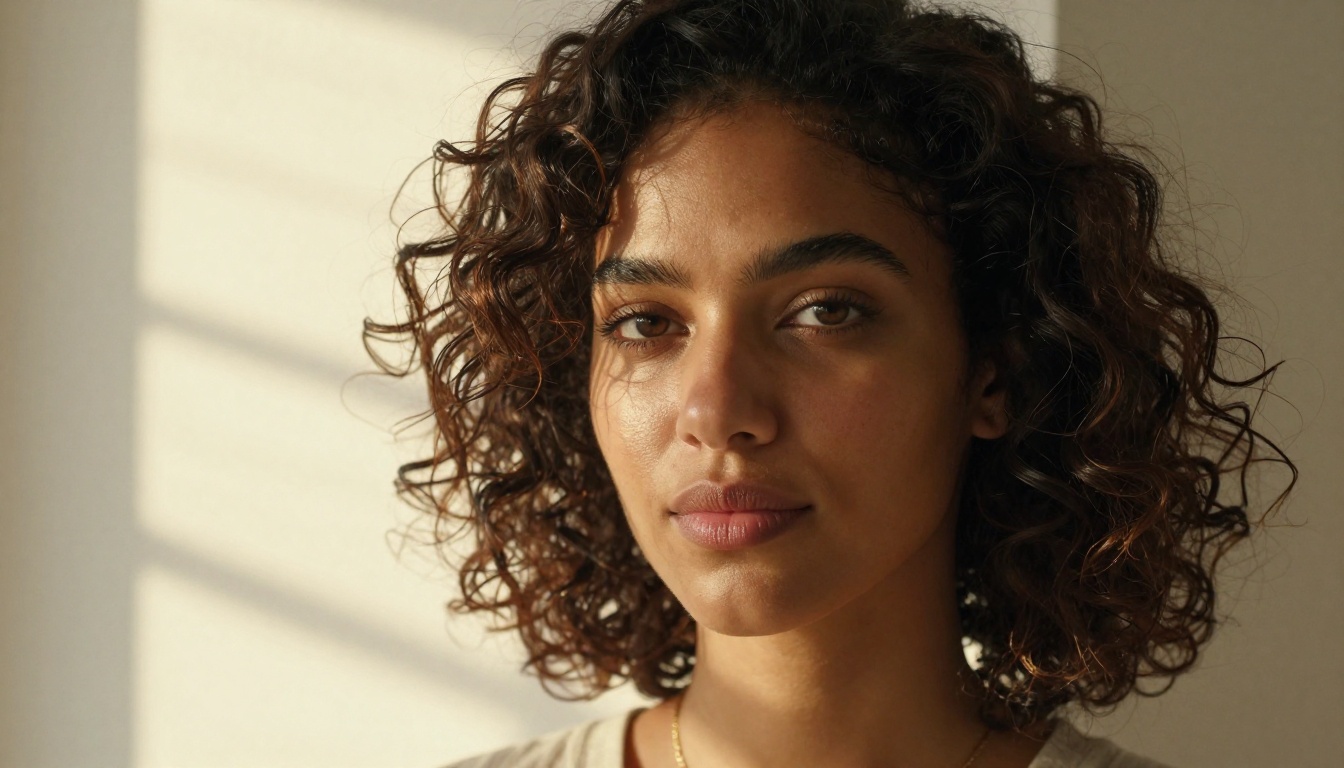
This is where the comparison gets specific. Flux 2 Pro produces objectively stronger skin texture in general portrait work. Pore structure, subsurface light scattering, and natural color variation across skin surfaces are rendered with a precision that rivals medium-format photography. The model was trained on curated, high-quality photographic datasets, and that lineage shows in every technical image quality metric.
Flux Chroma, by contrast, was trained on a broader and less curated dataset that includes stylized and explicitly photographic reference material. This produces a distinctive visual signature: slightly higher contrast, more saturated skin tones, and a tendency toward dramatic lighting setups that read as commercial or editorial photography. For some workflows, this aesthetic is intentional and preferred. Against a neutral photorealism standard, Flux 2 wins this round clearly.
Prompt Faithfulness
Flux 2 Pro is substantially more reliable at following complex, multi-clause prompts. Request a specific lighting setup, costume, background, and subject interaction in a single prompt, and Flux 2 Pro delivers the full composition on the first attempt in most cases. This is one of its defining strengths compared to earlier diffusion architectures.
Flux Chroma handles simple, direct NSFW prompts well but degrades faster when compositional complexity increases. Its training was optimized for a narrower output type, rather than the broad prompt-space coverage that Flux 2 targets.
| Prompt Category | Flux 2 Pro | Flux Chroma |
|---|
| Complex multi-element composition | Excellent | Moderate |
| Simple portrait with specific lighting | Excellent | Good |
| Direct NSFW prompt through uncensored API | Filtered | Excellent |
| Specific costume and clothing detail | Very Good | Good |
| Body composition and anatomy | Very Good | Very Good |
| Color accuracy to prompt description | Excellent | Saturated Bias |
| Hair and fine surface detail | Excellent | Good |
NSFW Rendering
For explicit content specifically, Flux Chroma holds a clear advantage in raw permissiveness. Its weight-level training on adult reference imagery produces NSFW results with better anatomical consistency than attempting to coax the same output from a safety-filtered Flux 2 API. The gap is real and significant for that specific use case.
However, the quality ceiling of Flux Chroma sits below Flux 2 Max in every other dimension. The trade-off is permissiveness versus peak technical fidelity, and the models sit at opposite ends of that spectrum.
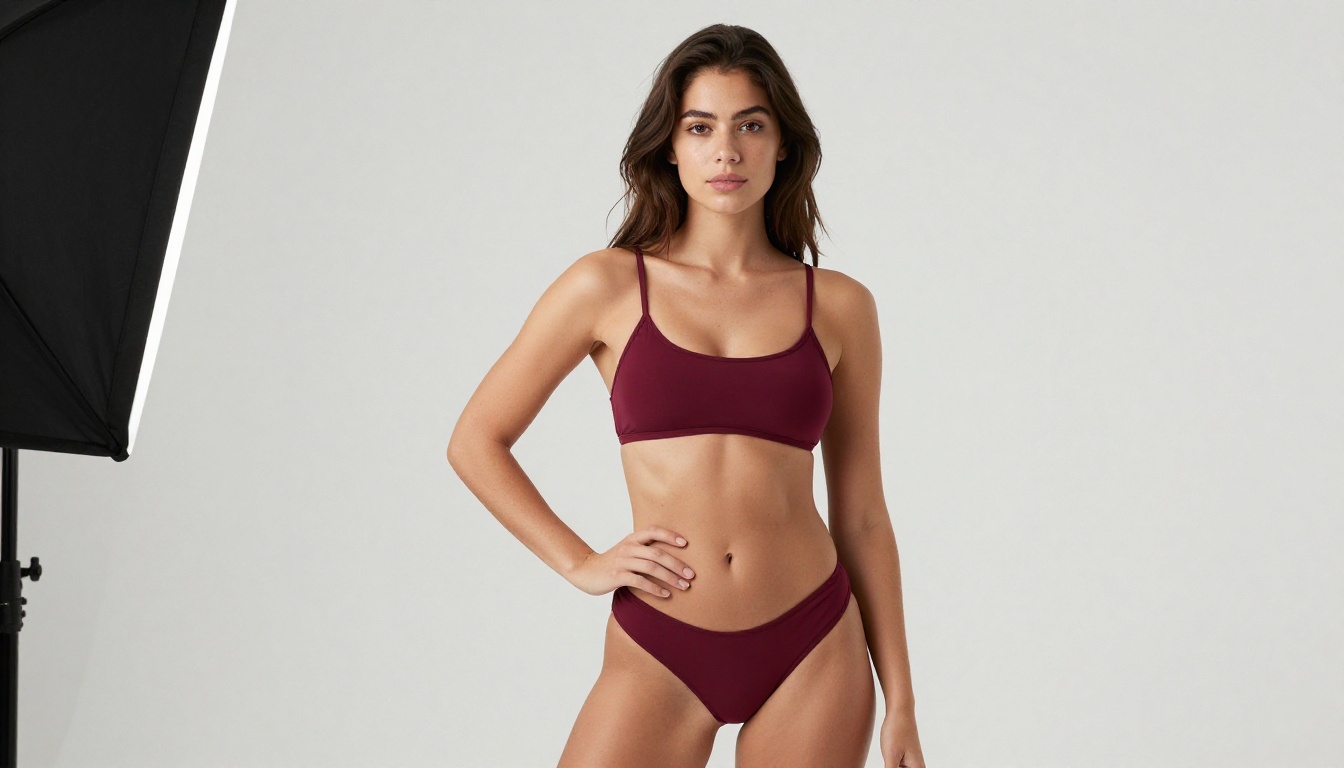
For suggestive content without full explicit material, including bikini photography, lingerie, and implied nudity, both models can produce strong results with the right prompts. Chroma requires less prompting effort to get there; Flux 2 Pro requires more careful prompt construction but delivers superior technical quality in the final image.
Speed, Cost, and Accessibility
Generation Times
Both models descend from Flux's transformer-diffusion architecture, but their inference profiles differ significantly based on model size and optimization:
- Flux 2 Pro: 10-20 seconds per image at standard resolution through cloud APIs
- Flux 2 Klein 9B: 4-8 seconds per image, significantly smaller architecture
- Flux 2 Klein 4B: 2-4 seconds per image, the fastest in the entire Flux 2 family
- Flux Chroma: 8-15 seconds on consumer GPU hardware at full resolution, depending on VRAM and batch settings

Self-Hosting vs. Platform Access
This practical difference matters more than any benchmark number:
Flux 2 is available through Black Forest Labs' API, Replicate, and directly on PicassoIA across multiple tiers (Flux 2 Pro, Flux 2 Dev, Flux 2 Max, Flux 2 Flex, and the Klein variants). No setup required. You generate from a browser immediately.
Flux Chroma requires self-hosting on hardware with a minimum of 16GB VRAM for full quality output, or using a specialized third-party service that explicitly hosts it. There is no official API or consumer-facing platform for Chroma. The setup overhead is substantial for most creators.
💡 For most creators who want unrestricted image generation without managing GPU infrastructure, platform-based NSFW models offer a dramatically smoother workflow than running Flux Chroma locally.
Pricing Reality
Flux 2 Pro through official APIs runs approximately $0.04 to $0.08 per image at standard resolution. At 1,000 images, that is $40 to $80. No server management, no downtime, no driver headaches.
Flux Chroma self-hosting means paying for cloud GPU compute directly. A capable 16GB card in a cloud instance costs roughly $0.40 to $1.00 per hour, putting 1,000 images at approximately $4 to $10 in compute cost alone, but with significant time investment in setup, maintenance, and troubleshooting. For high-volume workflows the economics eventually shift in Chroma's favor; for occasional or moderate-volume generation, the platform approach wins on total cost when setup time is factored in honestly.
Which Model Actually Wins?
Where Flux 2 Falls Short
Flux 2 Pro through standard API access is filtered. Content classifiers block adult content reliably, and prompt-engineering workarounds have become less effective as the filters improve. The Flux 2 Dev weights offer more flexibility locally, but self-hosting requirements apply there too.
The Flux 2 Flex variant opens a path for creators who want to fine-tune on custom datasets, potentially including NSFW training data, to build their own Chroma-style adaptation on Flux 2's superior base architecture. This is technically possible but is a substantial undertaking requiring dataset preparation, compute budget, and training expertise that most creators do not have.

Where Chroma Has the Edge
Flux Chroma wins in one specific scenario: unrestricted adult content, self-hosted, with minimal prompting effort. If you have the GPU hardware and technical capability to run local inference, Chroma delivers adult content with strong anatomical realism for a community fine-tune. The model is genuinely well-optimized for its narrow purpose.
The advantage diminishes quickly when you weigh the full picture:
- Setup barrier: 16GB VRAM minimum, local inference environment, driver configuration
- Output consistency: Flux 2 Pro generates more reliably across varied prompts
- Prompt complexity handling: Chroma handles simple prompts well, but struggles with detailed compositional requests
- Quality ceiling: Flux 2 Max is objectively sharper in every technical dimension

The Practical Verdict
For creators wanting uncensored AI image generation without technical infrastructure overhead, neither Flux 2 Pro through filtered APIs nor Flux Chroma with self-hosting requirements is the optimal daily-use choice. The smarter path is a platform that hosts NSFW-capable models at high quality, without requiring GPU hardware or complex configuration.
How to Use Flux 2 on PicassoIA
PicassoIA hosts the full Flux 2 family with no setup required. Here is the fastest way to start generating:
- Go to Flux 2 Pro on PicassoIA
- Type your prompt in the input field. For portrait work, include specific lighting direction, lens style, and subject details for best results.
- Set your aspect ratio. For editorial-style portraits, 3:2 or 16:9 work well.
- Click Generate. Flux 2 Pro returns results in 10-20 seconds.
- For higher-detail final output, switch to Flux 2 Max and allow additional render time.
- For rapid draft testing, use Flux 2 Klein 4B to iterate on composition quickly before switching to Pro for the final render.
💡 For LoRA-based style adaptation on PicassoIA, check Flux 2 Klein 9B Base LoRA and Flux 2 Klein 4B Base LoRA for fine-tuned style control without full weight training overhead.
Best NSFW Models on PicassoIA
PicassoIA offers several models designed for unrestricted, realistic content creation without the self-hosting complexity that Flux Chroma requires:
-
Seedream 4.5 ⭐ The best all-around NSFW model on the platform. Accepts adult content, supports image editing, and generates ultra-realistic results in under 3 seconds. Its successor, Seedream 5 Lite, does not allow NSFW content, so Seedream 4.5 remains the top pick for adult image generation.
-
PicassoIA Image Editor Pro Img2img with unlimited generations. Need 1,000 images? They are free with your Elite or Infinite plan. That same volume would cost around $100 on models like Nano Banana 2. Accepts NSFW, returns results in under a second, and includes a 3-generation free trial with no credit card required.
-
Qwen Image 2 Open-source model that edits or creates any image in seconds with very detailed realism, without content restrictions.
-
Grok Imagine Image Realistically converts any image to a bikini format in a single step.
-
Recraft V4 Very realistic text-to-image results with no content restriction on adult themes.
-
P-Image NSFW text-to-image generation in under 1 second, with no safety filter at inference time.
-
prunaai-wan-2.2-image Generate highly realistic images from text descriptions without content filters, with strong human figure rendering.

Unlike many mainstream AI platforms, PicassoIA gives creators full creative freedom with uncensored, high-performance models available from the browser with no infrastructure setup.
👉 See the full lineup of the best NSFW AI models and generate without limits at picassoia.com/en/all-models.
Start Generating Without Restrictions
The Flux 2 vs Flux Chroma comparison resolves clearly across every dimension that matters. Flux 2 wins on technical quality: skin rendering, prompt fidelity, detail resolution, and architectural sophistication are measurably superior across the board. Flux Chroma wins on permissiveness: for explicit adult content without filters, self-hosted, the community fine-tune delivers results that filtered Flux 2 APIs cannot match.
The problem with Chroma for most creators is the same problem as any self-hosted model: setup overhead, hardware requirements, and ongoing maintenance. Seedream 4.5 on PicassoIA delivers unrestricted, ultra-realistic results in under 3 seconds with no infrastructure setup whatsoever. PicassoIA Image Editor Pro makes 1,000 images cost nothing extra on an Elite or Infinite plan.
You do not need to self-host to get uncensored results at high quality. Pick the model that matches your prompt, hit Generate, and the output is ready before your next idea forms.
👉 Start with Seedream 4.5 now and see what unrestricted, professional-quality AI image generation produces at full speed.