Picking an AI image generator in 2027 should be simple. It isn't. Two models keep coming up in every forum thread, Discord server, and creator community right now: Flux 2 and Nano Banana. Both claim photorealism. Both handle complex prompts. Both have passionate defenders. So which one actually delivers when you need to ship real work?
This is a hands-on comparison, not a spec sheet. We ran both through portrait photography, landscape scenes, street photography, fashion shots, night skies, and macro close-ups. The results reveal clear winners in specific categories, and some surprises.
Flux 2: What Makes It Different
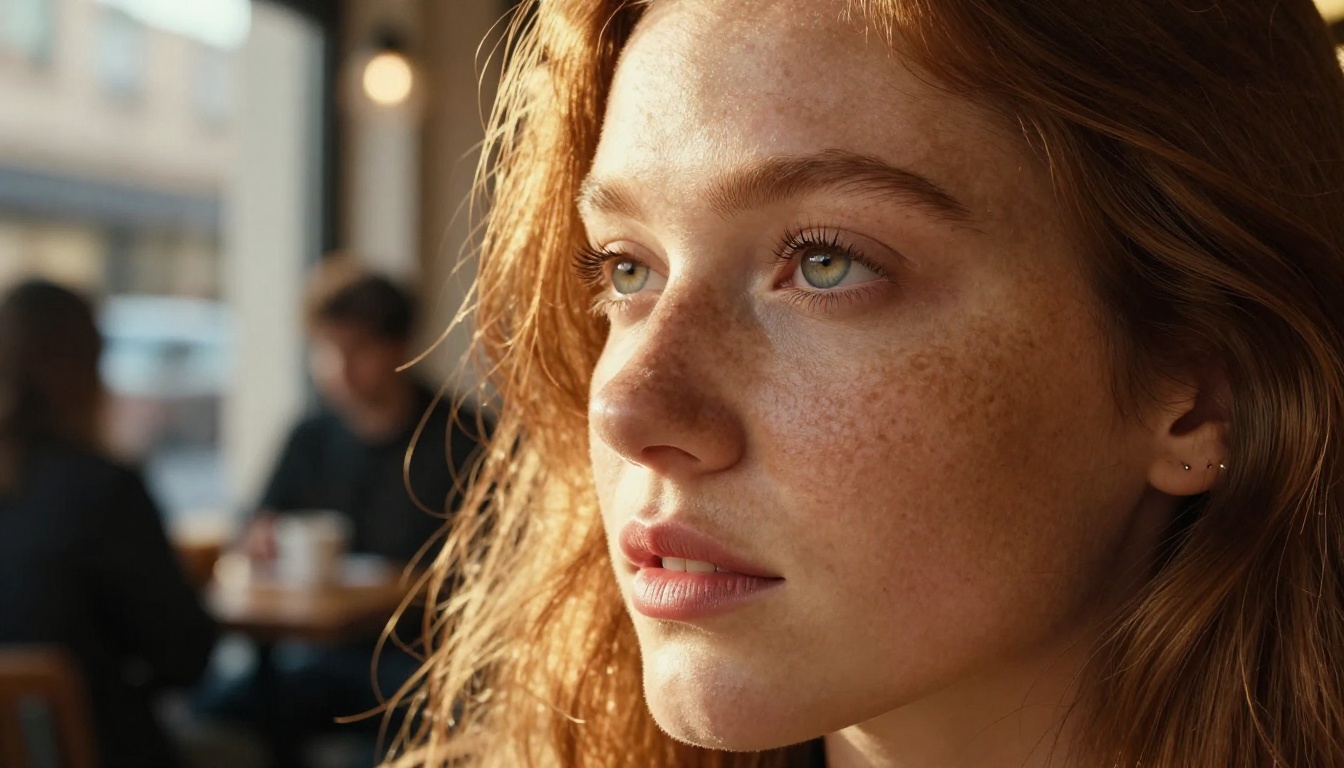
Flux 2 arrived as Black Forest Labs' evolution of the FLUX architecture, and the improvements over its predecessor are immediately visible. The model uses a hybrid transformer-diffusion pipeline that processes spatial and semantic information simultaneously rather than sequentially.
What this means in practice: text prompts translate to images with far less drift. When you write a detailed scene description, Flux 2 tends to stay true to it across all elements, foreground objects, background depth, lighting conditions, and color temperature.
Three Areas Where Flux 2 Leads
- Portrait detail: Skin pores, individual strands of hair, subtle eye reflections. Flux 2 renders these at a level that rivals DSLR photography
- Lighting accuracy: Volumetric light sources, rim lighting, and shadow casting behave physically correctly in most generations
- Prompt fidelity: Complex multi-element scenes stay coherent from the first generation attempt
The model does have a ceiling on speed. At higher resolutions and step counts, generation takes longer than lighter-weight alternatives. That tradeoff matters when you're running batches or working on tight deadlines.
Text Rendering in Flux 2
One of Flux 2's most cited strengths is readable text inside generated images. Signs, labels, watermarks, and typographic elements come out legible at 16:9 resolutions without distortion. Earlier diffusion models consistently struggled with this, producing garbled letterforms even for simple words.
For creators making mockups, product images, or content that needs embedded copy, this is a genuine differentiator.
Nano Banana: The Speed Argument
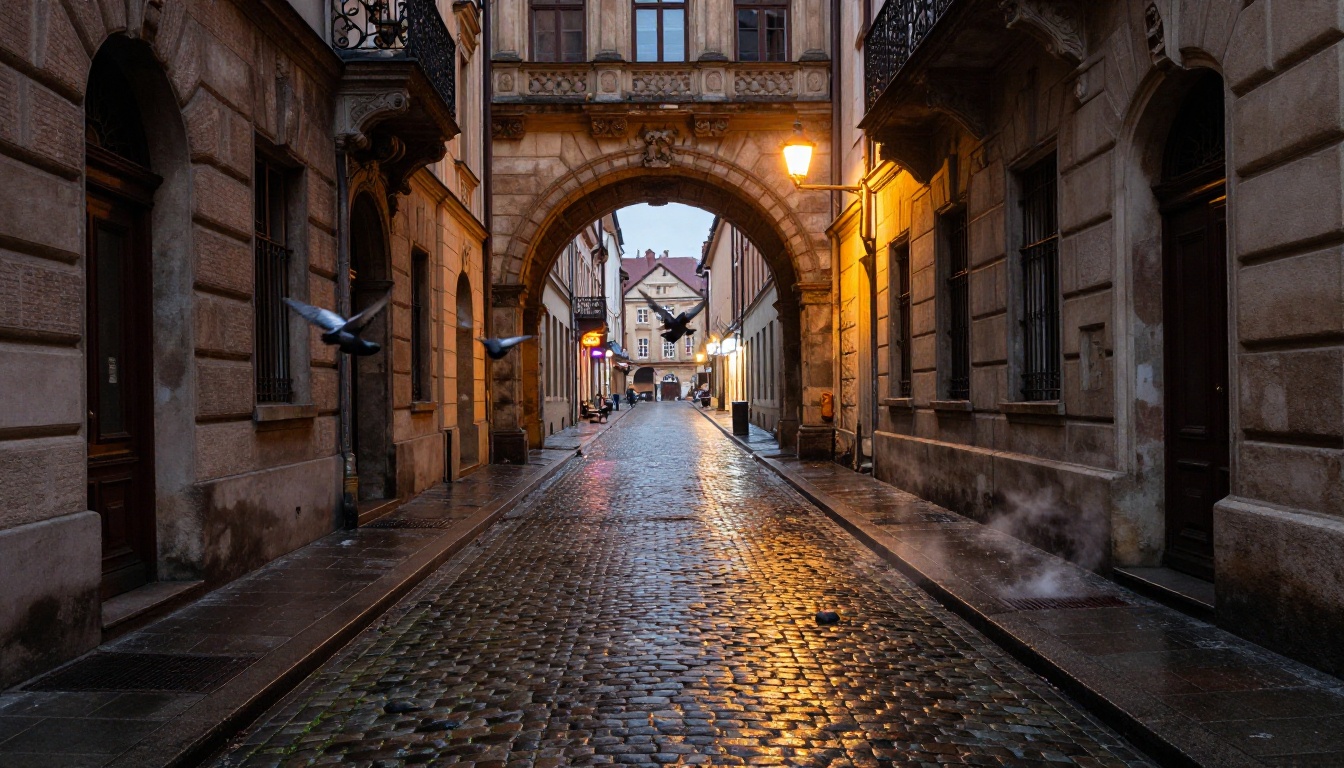
Nano Banana takes a different philosophy. Where Flux 2 optimizes for maximum output quality, Nano Banana is built lean. The architecture prioritizes inference speed and resource efficiency without catastrophically sacrificing visual quality.
At standard resolutions, Nano Banana generates images roughly 2-3x faster than Flux 2 in comparable environments. For high-volume workflows, social content creation, concept iteration, and batch testing, that speed gap is significant.
Nano Banana's Real Strengths
💡 Speed isn't the only advantage. Nano Banana produces distinctive color grading that many creators actually prefer over Flux 2's more neutral palette.
- Color saturation: Nano Banana's output tends toward richer, more punchy color reproduction that photographs well on screens
- Stylized consistency: When creative direction calls for a consistent aesthetic across many images, Nano Banana's behavior is more predictable
- Resource efficiency: Lower VRAM requirements mean it runs on more hardware configurations without degradation
Where Nano Banana Falls Short
Nano Banana hasn't caught up to Flux 2 in two areas: fine detail at the pixel level, and text rendering accuracy. Close-up crops of portraits show softer skin texture. Embedded text sometimes drifts into illegibility on longer strings, making it less useful for mockups or product images where copy must be readable.
For professional portrait work or any output requiring readable copy inside the image, Flux 2 still holds the advantage.
Portrait Realism: A Real Test

Portrait quality is where most creators spend the most time debating. We ran identical prompts through both models: same subject description, same lighting setup, same camera specification.
Skin and Face Accuracy
Flux 2 produces faces with more structural coherence. Facial proportions hold across different lighting conditions, expressions don't drift, and pore-level detail reads as genuinely photographic rather than painted.
Nano Banana generates attractive faces that photograph well on social platforms but shows more averaging behavior. Features lean toward an idealized middle rather than the specific, slightly imperfect realism that makes a portrait feel like a real person.
| Feature | Flux 2 | Nano Banana |
|---|
| Pore and skin detail | Exceptional | Good |
| Facial proportions | Very accurate | Slightly averaged |
| Hair strand rendering | Photorealistic | Stylized |
| Eye reflection accuracy | High | Moderate |
| Text inside image | Legible | Inconsistent |
| First-pass success rate | High | Moderate |
Lighting on Skin
Both models handle diffused daylight well. The difference appears in complex lighting: Flux 2 correctly renders rim lighting, under-eye shadows, and the subtle color shift where sunlight transitions to shadow. Nano Banana handles these transitions but with less physical accuracy, which becomes apparent when you crop into the midtones.
Landscapes and Architecture
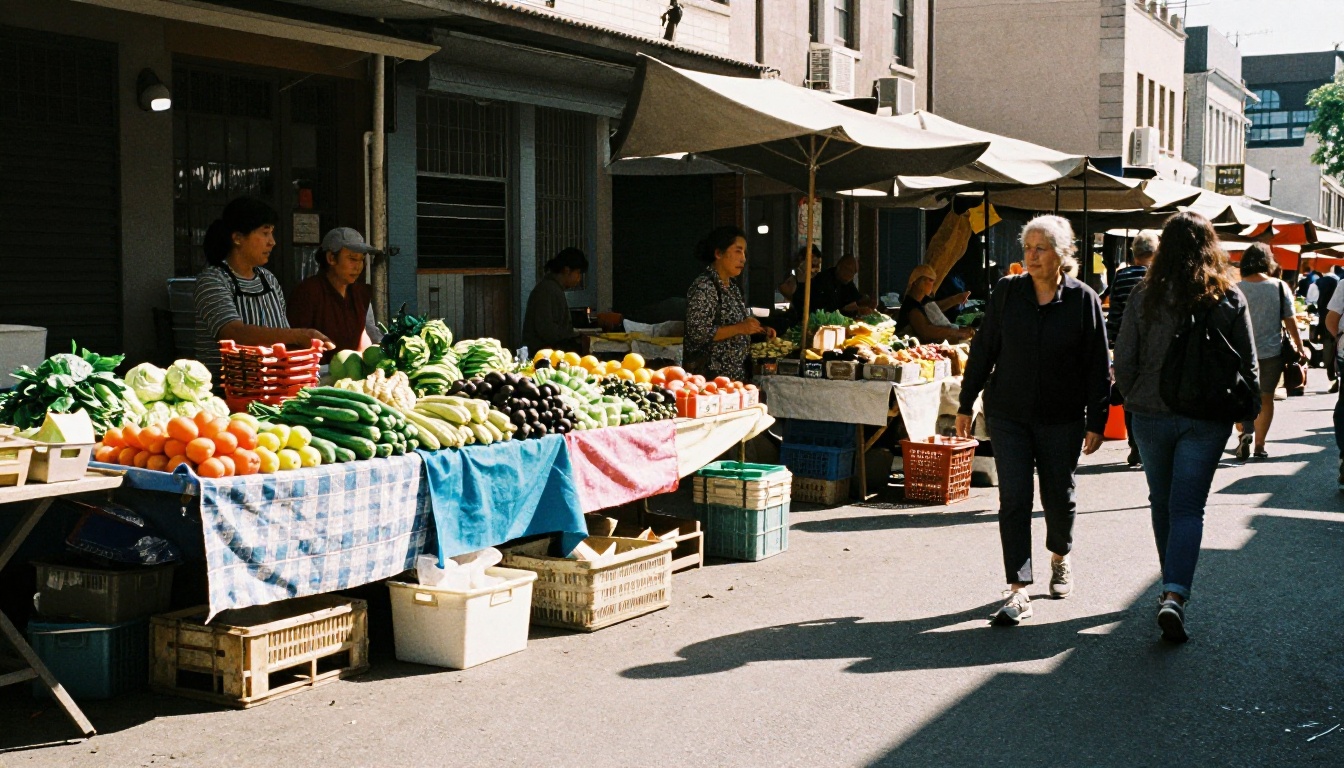
Landscape and architectural photography reveals something different than portrait work. Nano Banana holds its own here far better than in portrait comparisons.
Depth and Atmosphere
Wide landscape shots play to Nano Banana's strengths. Color grading feels cinematic, atmospheric haze renders with natural gradient, and distance cues like aerial perspective feel right. Flux 2 landscapes are technically superior in detail, but Nano Banana's results often feel more immediately appealing on first look, particularly at the resolutions used for social media.
Architecture Specifics
Both models render buildings well. Flux 2 shows more accurate geometry: straight lines stay straight, window grids maintain perspective. Nano Banana sometimes introduces subtle warping on long horizontal lines, though it's only visible on close inspection and rarely matters at standard viewing sizes.
💡 For social content: Nano Banana landscapes often look better at thumbnail size. Flux 2 is the better choice when output will be viewed at full resolution or used in print materials.
Prompt Adherence: Who Follows Instructions Better
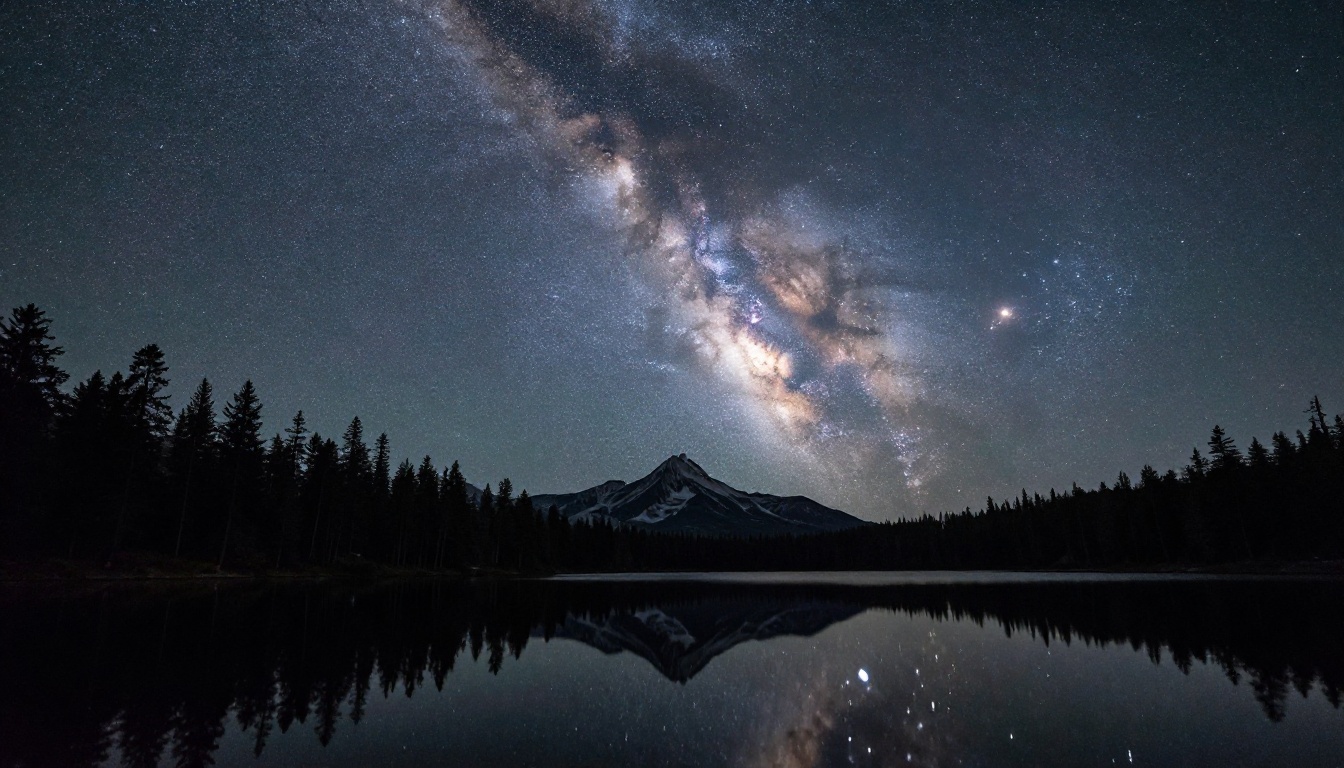
This is the most practical test for daily use. How closely does each model follow a detailed written prompt?
Simple Prompts
Both models handle simple prompts very well. "A woman reading a book in a sunny garden" produces solid results from either. Differences are stylistic rather than structural, and both outputs are usable.
Complex Multi-Element Prompts
This is where Flux 2 separates itself clearly. When prompts include multiple subjects with specific relationships, particular camera angles alongside lighting descriptions, props with precise placement, or color specifications per element, Flux 2 hits 80-90% adherence on complex prompts. Nano Banana drops to 60-70%, still usable, but requiring more iterations to land exactly what the prompt specified.
For high-specificity work like art direction, commercial mockups, or detailed scene recreations, that difference in first-pass accuracy accumulates into real time savings with Flux 2.
Negative Prompts
Flux 2 also handles negative prompts more reliably. Elements you explicitly exclude tend to stay excluded across more generations. With Nano Banana, excluded elements occasionally leak back in, particularly in crowd scenes and complex backgrounds with many competing objects.
Speed and Iteration Workflow
For many creators, speed is the only metric that matters during ideation phases.
| Metric | Flux 2 | Nano Banana |
|---|
| Generation time (standard res) | ~15-20s | ~6-10s |
| First-pass success rate | High | Moderate |
| Average iterations to final image | 1.5-2 | 2.5-3.5 |
| Best for batch workflow | No | Yes |
| Best for final output | Yes | No |
| Handles long prompts | Excellent | Moderate |
The net result: despite Nano Banana being faster per generation, the higher iteration count means total time to final image is often comparable. Flux 2 gets there in fewer tries. Nano Banana gets each individual try done faster.
The workflow implication: use Nano Banana for brainstorming and concept testing. Switch to Flux 2 when you're producing the final output.
How to Use Both on PicassoIA

PicassoIA gives you direct access to both Flux 2 and Nano Banana without needing to manage API keys, hardware, or local setup. The platform's text-to-image interface works the same for both models, so switching between them is a single click.
Getting Great Results with Flux 2
Prompt structure that works best:
- Start with subject and action: "A middle-aged woman sitting in a leather armchair"
- Add environment: "in a warmly lit library with floor-to-ceiling bookshelves"
- Specify lighting: "volumetric afternoon light from tall windows on the left"
- Add camera details: "85mm f/1.8 shallow depth of field, slight warm grade"
- Close with quality modifiers: "RAW photography, Kodak Portra 400 grain, photorealistic"
Flux 2 processes all of this and maintains consistency across the scene. Long, specific prompts reward you with high fidelity on the first generation rather than requiring multiple rounds.
Getting Great Results with Nano Banana
Nano Banana rewards concise, punchy prompts. Overloading it with too many simultaneous constraints produces drift. Instead:
- Write the core subject and setting in one sentence
- Add one lighting descriptor
- Add one quality modifier
- Keep total prompt under 50 words for best first-pass results
The model's color consistency means you can specify a mood word like "cinematic," "golden," or "overcast" and it reliably interprets the entire color palette from that single descriptor. This makes it fast to iterate on mood without rebuilding the full prompt each time.
Side-by-Side: Real Use Cases
Here's where each model makes the most practical sense for real creative work:
Use Flux 2 for:
- Professional headshots and portraits for clients
- Product photography mockups with embedded text labels
- Real estate and architectural shots where geometry accuracy matters
- Any output viewed at high resolution or intended for print
- Complex scenes where prompt accuracy over multiple elements is critical
- Stock imagery requiring photorealistic skin, fabric, and material detail
Use Nano Banana for:
- Social media content production at scale
- Concept brainstorming and rapid creative exploration
- Stylized editorial work where punchy, saturated colors serve the aesthetic
- High-volume batch generation where speed compounds into hours saved
- Fashion and lifestyle content where a social-first visual style reads better
- Mood boards and client concept presentations where iteration speed matters
Neither model is universally better. A professional workflow uses both.
Something both models gain from on PicassoIA: the platform's inpainting and outpainting tools work with any generation. That means:
- Generate a portrait with Flux 2, then expand the canvas with outpainting to add environmental context
- Generate a wide landscape with Nano Banana, then use inpainting to replace a distracting element without regenerating the whole scene
- Apply Super Resolution to upscale either model's output to 4x for print-ready files
- Use Background Removal on any generated image to isolate subjects instantly for compositing
The combination of generation and post-processing in one platform removes the need to export between different services. You generate, refine, and finalize without ever leaving the same workflow.
💡 Tip: Generate at your target aspect ratio first, then use Super Resolution for upscaling. Upscaling after aspect ratio correction produces better edge detail on complex subjects like hair and fabric.
Which One Should You Actually Pick
The debate over "which is best" misses the real point. Flux 2 and Nano Banana are built for different moments in the creative process, and treating them as competitors rather than complements costs you the benefits of both.
Flux 2 is the model for when quality is non-negotiable. Portrait work, complex scenes, text-embedded imagery, and final deliverables. Its prompt adherence and photorealistic detail are ahead of most alternatives available today, and the longer generation time is a reasonable price for output you can actually send to a client.
Nano Banana is the model for volume, speed, and stylistic consistency. When you need 50 variations of a concept, want to test color directions quickly, or produce content at scale, its speed advantage compounds into real time savings across a full workday.
The best way to settle this for your specific workflow is to run your actual prompts through both. PicassoIA lets you try Flux 2 and Nano Banana directly, side by side, with an identical interface. The difference will be immediately clear on your prompts, not someone else's benchmark.
Start with Flux 2 on PicassoIA for your next portrait or product shot, then run the same prompt through Nano Banana and compare. That's the only benchmark that actually matters for your work.


