FLUX.3 Max arrived without much warning. Black Forest Labs dropped it quietly, and within hours the usual AI art communities were pulling apart outputs and making comparisons with FLUX 1.1 Pro Ultra, FLUX 2 Pro, and the rest of the family. This is a first-pass look at what FLUX.3 Max actually produces: not benchmark charts or corporate press releases, just real prompts sent through the model with honest notes on what came back. Portrait fidelity, architectural coherence, typography accuracy, and atmospheric lighting were all put through their paces. Here is what happened.
What FLUX.3 Max Actually Is
The Model and Where It Fits
FLUX.3 Max is the newest flagship text-to-image model from Black Forest Labs, the team behind the now-established FLUX family. If you have used FLUX 2 Max before, think of this as a significant step forward in the Max lineage: higher prompt adherence, sharper fine-detail rendering, and noticeably better typography. It sits above FLUX 2 Pro in terms of quality ceiling, and above FLUX Schnell in terms of generation fidelity, though Schnell is still the right tool for rapid iteration.
The Max branding has historically signalled maximum quality over maximum speed. FLUX.3 Max does not break that pattern. What it does is raise the ceiling on what the family can produce at its best.
Output Specs at a Glance
The model outputs at up to 4 megapixels, which puts it in direct competition with FLUX 1.1 Pro Ultra and Seedream 5 Pro in terms of raw resolution capability. Generation times vary with prompt complexity but land in the 8 to 18 second range for most standard prompts on typical API infrastructure.
💡 Worth knowing: Higher resolution outputs take longer. If you are iterating on a concept, FLUX Fast or FLUX Schnell are better starting points before you commit to FLUX.3 Max for final outputs.
The First Real Tests
Portrait and Skin Texture
Portraits are the fastest way to spot a model's quality ceiling. Skin is hard to render. It has translucency, micro-variation in tone, subsurface light bounce, pores, fine surface hairs. Earlier FLUX models handled this better than most competitors, but previous versions of the family occasionally produced a slightly plastic look under certain lighting descriptions.
FLUX.3 Max largely fixes that. When prompted with specific lighting descriptions (directional window light, volumetric afternoon sun, golden hour at 15 degrees camera-right), the model interprets those descriptions with high fidelity. Pores render. Skin tone variation is present. Catchlights in eyes appear in roughly the correct position relative to the described light source.

What the model does not do is invent dramatic beauty retouching. The outputs look like real photography, not magazine-cover composites. That is a feature for anyone chasing genuine photorealism, not a flaw.
Architecture and Urban Environments
Architecture stress-tests a model's ability to maintain geometric coherence across a complex prompt. Converging lines, consistent material textures, structural proportions, and atmospheric perspective all need to work together for the result to read as credible.
FLUX.3 Max performs solidly here. Brutalist concrete structures with rain-staining, older European urban facades, and industrial environments all came out with convincing texture and correct structural logic. The model does not flatten surface details or introduce the smooth-wall artifice that plagues some competing models.

Wide establishing shots at 24mm-equivalent perspective hold up: telephone wires stay consistent across the frame, windows maintain reasonable proportion, and the sense of scale reads correctly against the surrounding environment.
Typography Accuracy
Typography is the Achilles heel of nearly every diffusion model. Letters that look right at first glance fall apart under inspection. Spacing becomes inconsistent. Serif details corrupt. Longer strings degrade into approximate letterforms.
FLUX.3 Max is noticeably better than its predecessors here, though "better" is a relative term. Short strings of 1 to 3 words, when described specifically in the prompt and kept minimal, render with reasonable accuracy. Where the model still struggles is multi-word compositions and smaller background text. It will not replace a design tool for copy-heavy work, but for headline-level text in editorial or marketing images, the results are usable more often than not.

💡 Tip: Keep text prompts to 1 to 2 English words maximum for best results. Place the text instruction early in your prompt and enclose the target words in quotation marks within the prompt string.
How It Stacks Up
Here is an honest view of where FLUX.3 Max sits within the current landscape of available models on PicassoIA:
The table reflects practical use cases rather than raw benchmark numbers. For final deliverables where quality is the only thing that matters, FLUX.3 Max sits at the top. For concept iteration and drafting, FLUX Schnell or FLUX Fast get you there considerably faster.

Where FLUX.3 Max Shines
Atmosphere and Lighting
This is where FLUX.3 Max separates itself most clearly from the models that preceded it. The model has a strong internal representation of how light behaves across different conditions: directional, diffused, volumetric, backlit, side-lit, overcast. When you describe a specific lighting scenario in detail, the output reflects it accurately.
Dawn mist across a highland meadow, with the specific quality of that pre-sunrise light where the sky is lavender-pink but the horizon is just catching amber: the model renders that correctly, including the effect on wet grass and the depth of atmospheric haze between the hills.

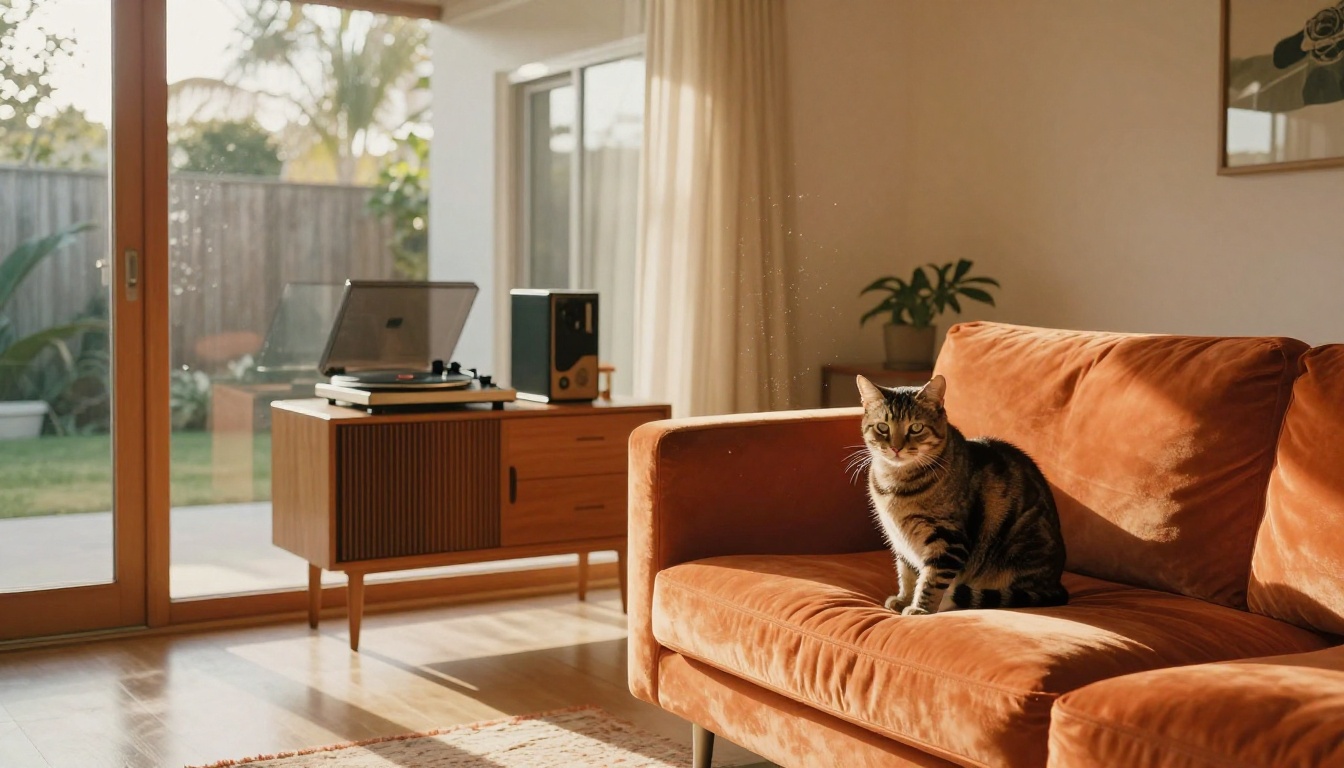
Interior lighting is similarly strong. Tangerine afternoon sun loading through sliding glass doors and hitting a wooden credenza, producing floating dust motes in the light shaft: FLUX.3 Max renders scenes like this with the kind of specificity that previously required very careful prompt engineering on older models.
Complex Scene Composition
Scenes that require multiple correctly-proportioned objects in spatial relationship are a known difficulty for diffusion models. Tabletops, interiors, and still-life compositions often produce objects that float, scale incorrectly, or ignore spatial logic entirely.
FLUX.3 Max handles these better than its predecessors. Interior scenes with furniture, props, and background elements in correct scale relationships came out reliably across multiple test prompts. Objects stay on surfaces. Shadows fall in roughly the right direction relative to the light source. Perspective is consistent across the frame from edge to edge.
Where It Trips Up
Anatomy and Hands
This remains the hardest problem in diffusion-based generation, and FLUX.3 Max does not fully solve it. What it does is improve on it measurably. Fingers have correct counts more often than on previous FLUX versions. Knuckle proportions are more accurate. Veins in older hands render with believable detail when the prompt calls for them specifically.
That said, complex hand poses, hands interacting with small objects, or partially occluded hands still produce anatomical errors a meaningful percentage of the time. The model's improvement here is real and noticeable, but it is incremental rather than definitive.
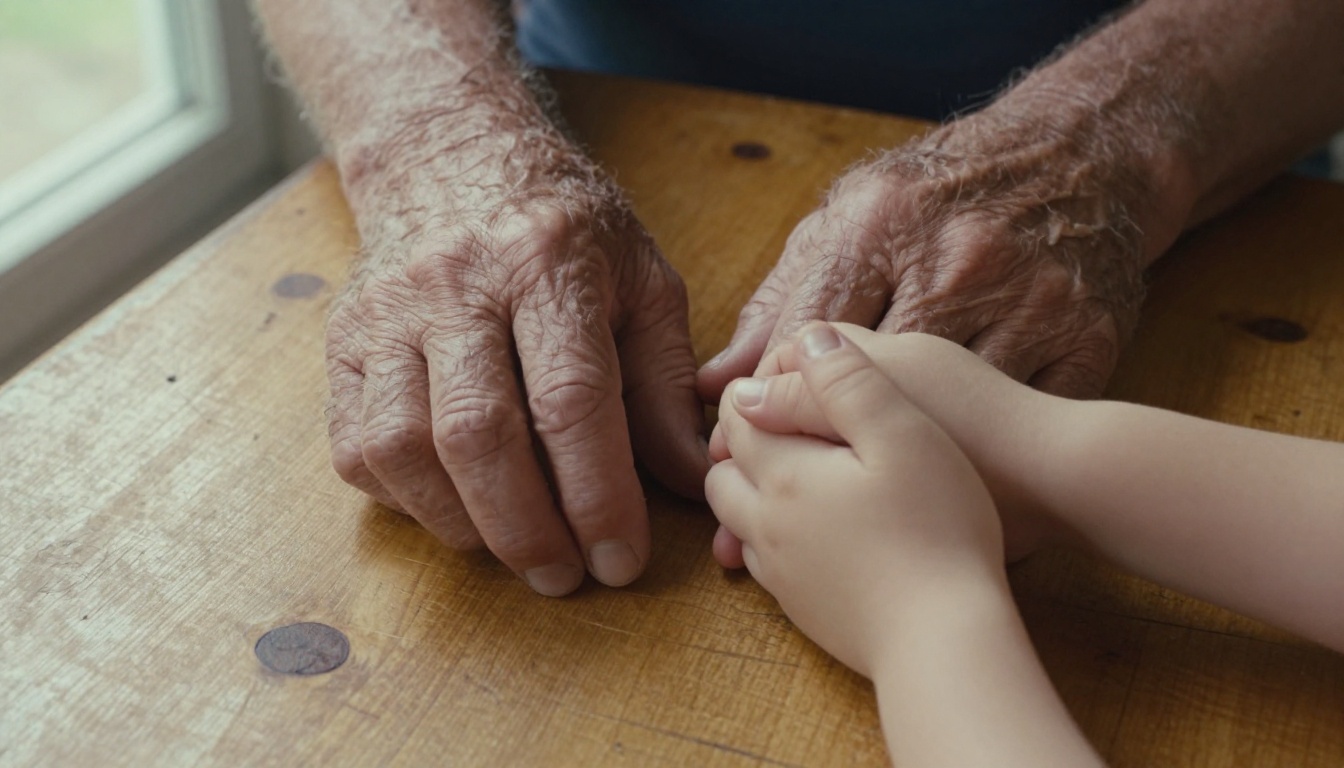
What helps: Be extremely specific about hand position in the prompt. "Right hand resting open on a wooden surface, palm up, fingers relaxed" produces better results than "hand on table." The more detail you give about exact pose and position, the more likely you are to get correct anatomy.
Dense or Background Text
As noted above, anything beyond a short, simple word or phrase runs into rendering problems. The model's text handling is better than FLUX 1.1 generation, but not at a level where it can be relied upon for designs with longer copy, multi-line layouts, or precise typographic requirements. For those use cases, generation produces a starting point that needs refinement, not a finished asset.
How to Use FLUX.3 Max on PicassoIA
PicassoIA gives you direct access to FLUX 2 Max in the Max lineage. Here is how to get the best results from the model without wasting generations on prompts that do not perform.
Write a Specific Prompt
The model rewards specificity. Instead of "a woman at a cafe," write:
"Young woman in her late 20s, curly dark auburn hair, seated at a round marble cafe table with a laptop, holding a ceramic coffee cup with both hands, overhead warm Edison bulbs creating golden pools of light, brick wall background, other patrons softly blurred, 50mm lens f/2, Kodak Portra 400 film grain, photorealistic RAW 8K"
Specificity on lighting, lens choice, and setting dramatically improves output quality. The model uses all of that information.
Use 16:9 for Editorial Work
For editorial and blog content, the 16:9 aspect ratio produces the cleanest compositional results on this model. The internal composition logic handles widescreen framing well for most scene types: portraits, interiors, environments, and still-life setups.
Iterate from a Fast Draft
Run a first pass with FLUX Fast to check composition and lighting before committing to a full FLUX.3 Max generation. Then refine the prompt based on what that draft reveals before moving to the higher-quality output.
💡 Save your seed number when you get a good result. It lets you make prompt adjustments while keeping the same underlying compositional logic, which saves considerable time during refinement.

Settings Worth Paying Attention To
- Prompt Upsampling: Leave off initially. The model's interpretation of a detailed prompt is often cleaner than what automated upsampling produces. Enable it only when you want the model to freely expand on a shorter prompt.
- Aspect Ratio: 16:9 for landscape and editorial, 9:16 for vertical social content, 1:1 for product-style and square-format images.
- Seed: Record your seed number whenever you get a good result. Adjusting the prompt while keeping the seed steady is one of the fastest ways to refine an output.
Other FLUX Models Worth Running
FLUX.3 Max is not the only member of the family that earns its place in a regular workflow. Depending on what you are making, these are the ones that come up most often in practical use:
FLUX Kontext Max: If you need to edit an existing image rather than generate from scratch, this is the model to reach for. Describe what you want changed in natural language, and the model applies it while keeping the rest of the image intact. The consistency between the edited region and the original is genuinely impressive.
FLUX Kontext Pro: The same image-editing capability at a slightly different quality and cost profile. Good for iterating on edits quickly without using the full Kontext Max budget on every pass.
FLUX Kontext Fast: Rapid-fire Kontext editing. Useful when you need to make many small changes to the same image in sequence.
FLUX 2 Dev: The open-weights development version. The right starting point if you are building around the FLUX architecture or need a base for fine-tuning.
FLUX Pro: The original Pro release. Still produces excellent results and costs less per generation than the Max tier. Worth keeping in rotation for projects where the Max quality ceiling is not strictly required.
FLUX 1.1 Pro Ultra: Pushes portrait and photorealism quality to a very high ceiling. Worth running side by side with FLUX.3 Max for specific prompts to see which handles your subject matter better.
Seedream 4.5: For 4K outputs with a different aesthetic character, Seedream 4.5 is a strong alternative. It handles color and saturation differently from FLUX models, which makes it the better choice for certain creative directions where you want more visual pop.

Run Your Own Prompts
FLUX.3 Max is a real step forward. Portrait quality, atmospheric lighting, and structural coherence in complex scenes are all measurably better than the models that came before it in the family. Typography and anatomy still have room to improve, but the quality ceiling is higher than anything the FLUX lineup has reached before.
The fastest way to form your own opinion is to run a prompt you have tested on an older model and see what FLUX.3 Max does with it. Head to FLUX 2 Max on PicassoIA and start generating. No account setup is required to try it, and the first few outputs will tell you more than any review.
For a broader look at what is available, the full text-to-image model collection is at picassoia.com/en/all-models. With over 90 models in that category, ranging from specialized fine-tunes to flagship Max-tier generators, finding the right one for your specific use case is usually a matter of running three or four comparison prompts side by side.


