FLUX.3 Max is not an ordinary AI image generator. Most tools in this space are built around an implicit agreement: the model will help you, but only up to a point. Cross certain invisible lines and the output degrades into vague blurs, cropped compositions, or outright refusals. FLUX.3 Max tears up that agreement. It is a model built for creators who need to produce photorealistic images of real human beings, including content that mainstream platforms actively block, without fighting the tool every step of the way.
The question is not whether it is powerful. The question is what it can actually do, and how it compares to every other option available right now.
What FLUX.3 Max Is
Black Forest Labs built the FLUX family to compete directly with the best closed-source models in the world. FLUX.3 Max is the most capable version in that family for image generation, positioned above FLUX Dev and FLUX Schnell in terms of output fidelity and prompt adherence. It represents the current ceiling of what the FLUX architecture can produce in a single inference pass.
The Architecture Behind the Name
The FLUX architecture is built on a flow transformer foundation, a design that differs fundamentally from the diffusion UNet approach that dominated models like Stable Diffusion XL. Flow transformers handle the relationship between attention mechanisms and convolutional layers differently, which is why FLUX outputs tend to look more cohesive at a macro level while maintaining fine micro-level detail simultaneously.
Where older models could produce a plausible face but fail at hands, or get clothing texture right but lose coherence in hair, FLUX.3 Max holds both simultaneously. The model processes spatial relationships with a level of consistency that makes its output immediately distinguishable from earlier generations. It is not just technically sharper. The images are compositionally smarter.
FLUX.3 Max vs. FLUX Dev and Schnell
FLUX Dev is the general-purpose 12B parameter workhorse. It is fast, capable, and covers most use cases with minimal prompt overhead. FLUX Schnell is the speed-optimized version, generating images in four denoising steps at a pace that suits rapid iteration. FLUX Pro adds prompt precision on top of Dev, useful when the prompt needs to be followed literally rather than interpreted loosely.
FLUX.3 Max sits above all of them on the output quality axis. The trade-off is generation time: it runs more denoising steps and applies more attention passes per generation. For creators who need the absolute ceiling of realism, that trade-off is worth it every time.

What "Uncensored" Actually Means
The word "uncensored" gets used loosely in the AI community. It is worth being precise about what it means in the context of FLUX.3 Max specifically.
Safety Filters vs. Artistic Control
Every mainstream AI image generator ships with safety filtering layers. These filters operate at two points: at the prompt level, rejecting prompts containing certain words or combinations; and at the output level, using post-generation content classifiers that flag and block outputs above a certain threshold.
These filters exist for legitimate reasons. But they are blunt instruments. A prompt asking for a nude figure in the style of Rodin is artistically legitimate and historically documented. A prompt describing a woman in a bikini on a beach is ordinary travel photography. A prompt referencing a sheer evening gown is standard fashion photography. All of these trip filters in mainstream models depending on how they are written.
💡 Practical difference: Uncensored does not mean unethical. It means the model generates what your prompt describes rather than what a content classifier decides is acceptable. The creative intent is yours to control.
Where the Restrictions End
FLUX.3 Max, particularly with the safety checker disabled, does not block outputs based on content category. It responds to the prompt. This is a fundamentally different architecture of trust: the responsibility for what is generated rests with the person writing the prompt rather than with an automated system making assumptions about intent.
What the model will not produce, regardless of settings: any content involving minors in sexual contexts, non-consensual scenarios, and illegal content categories. These are not filter-level blocks but model-level training limitations that apply universally. This is the actual floor.
What it will produce with appropriate prompting: photorealistic portraits with natural skin texture and no artificial smoothing, glamour photography in bikini and lingerie contexts, implied nudity in artistic compositions, fashion photography with sheer or form-fitting garments rendered realistically, and boudoir-style photography at a level of quality that rivals professional shoots.
What the Model Can Actually Generate
The real test of any model is not its marketing description but its output. Here is what FLUX.3 Max produces across specific content categories, and the prompt elements that produce each result.
Photorealistic Portraits
Portrait photography is where the gap between FLUX.3 Max and filtered models becomes most apparent. Standard models smooth skin by default, treating realism as a bug rather than a feature. The safety layers that flag "skin" and "texture" in some configurations effectively push all portraits toward the uncanny valley: faces that look like high-resolution dolls rather than photographs.

FLUX.3 Max renders skin the way a medium-format camera does: pores on the nose bridge, slight variation in skin tone across zones, natural peach fuzz on cheekbones, authentic shadows under the brow bone and below the lip. The result is photography-grade output that would pass for a Hasselblad shoot in most contexts.
The prompt elements that produce this quality:
- Specific camera and lens references (e.g., "85mm f/1.4", "Canon EOS R5", "Hasselblad X2D")
- Film emulation terms (Kodak Portra 400, Fuji Provia, Ilford HP5)
- Explicit skin texture descriptions ("visible pores on nose bridge", "natural peach fuzz on cheekbones")
- Lighting source specifications (volumetric, directional, Rembrandt setup, soft box at 10 o'clock)
Glamour and Suggestive Content
This is the category where filtered models fail most visibly. Ask a standard model for a woman in a bikini on a beach and you often get either a cartoonish result or an output that avoids showing anything specific about the human figure. The combination of prompt sensitivity and output classification degrades the result before it reaches you.

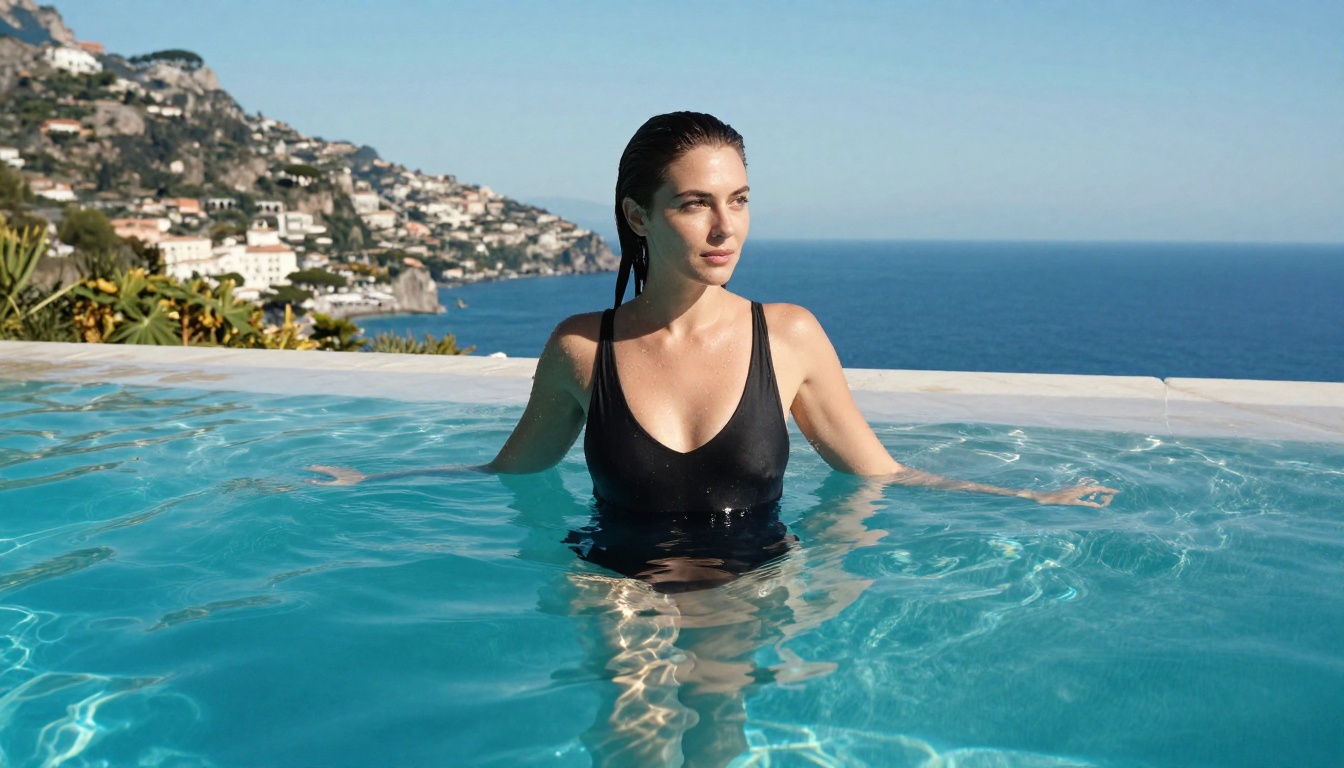
FLUX.3 Max produces genuine editorial glamour photography when prompted correctly. The model understands fabric behavior: how a wet swimsuit adheres to the body, how a sheer fabric behaves in different lighting, how gravity affects clothing in motion. It renders water droplets with correct specular highlights. It handles sand texture, wet skin, natural tan lines, and body hair at a level of fidelity that most models cannot approach even without filters in place.
The ceiling here is non-explicit by default even without filtering. The model produces what a professional photographer would produce in a professional shoot context. Explicit content requires specific prompt elements and settings that push well beyond the model's default output distribution.
Artistic Implied Nudity and Fine Art
Fine art photography and academic figure drawing have used implied nudity as a subject for centuries. AI models that refuse all requests touching the human body make this entire artistic tradition inaccessible to digital creators. The loss is not just convenience; it is a genuine creative limitation imposed by automated classifiers that cannot distinguish between art and exploitation.

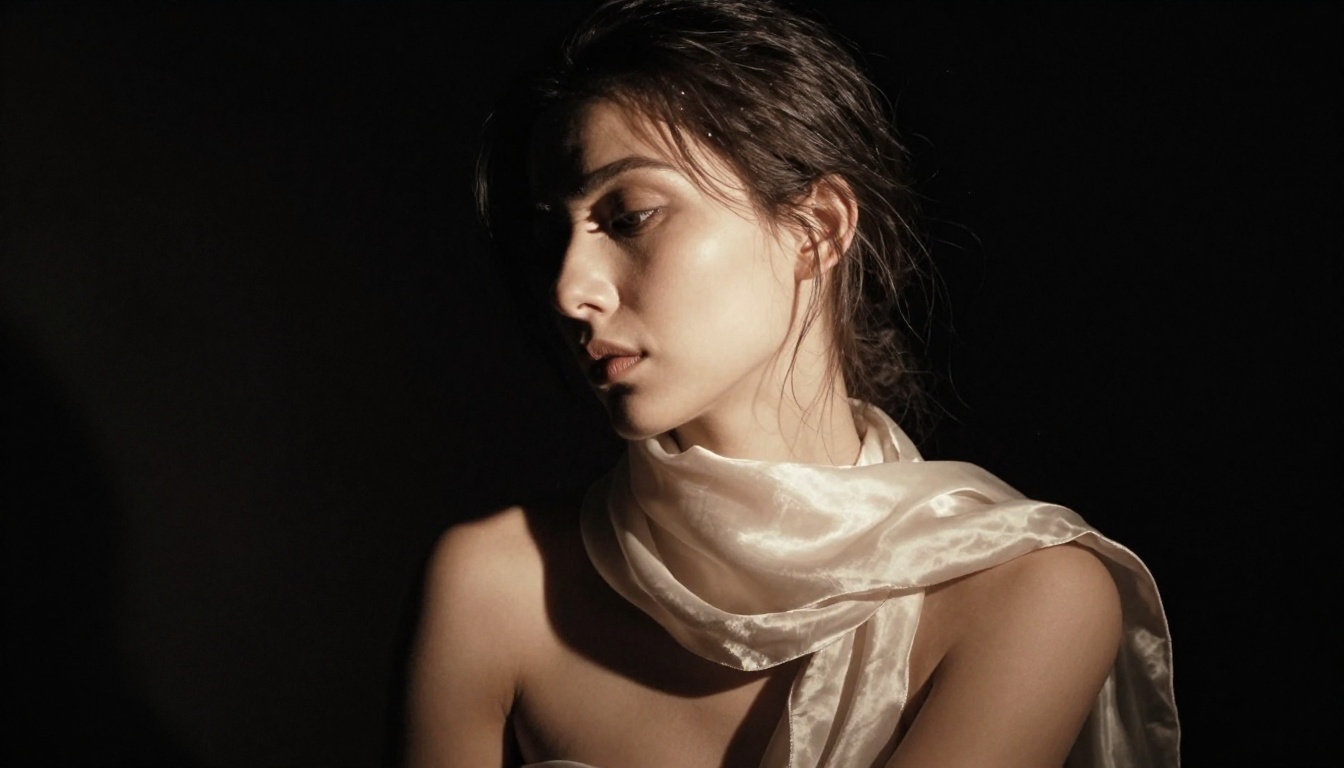
FLUX.3 Max handles this category with the same level of care a professional photographer would apply. The model renders the back of a figure, the curve of a shoulder, the silhouette against light, with compositional intelligence. It applies correct shadowing for the body's three-dimensional form, handles the difference between translucency and transparency in fabric, and maintains artistic framing rather than defaulting to clinical documentation.
The lighting and compositional choices in these outputs are not accidental. The flow transformer architecture processes spatial relationships in a way that naturally produces compositionally coherent images rather than technically accurate but aesthetically flat ones.
Understanding where FLUX.3 Max sits in the larger FLUX ecosystem helps you pick the right model for each task and each stage of a project.
| Model | Speed | Max Detail | Uncensored | Best For |
|---|
| FLUX Schnell | Very Fast | Moderate | Partial | Rapid iteration, drafts |
| FLUX Dev | Fast | High | Partial | General purpose work |
| FLUX Pro | Medium | Very High | Partial | Prompt-precise projects |
| Seedream 4.5 | Medium | Very High | Full (toggle) | NSFW, 4K final output |
| FLUX.3 Max | Slower | Maximum | Full | Hero images, final output |
Speed and Quality Trade-offs
For rapid ideation sessions where you need 20 variations of a concept in 10 minutes, FLUX Schnell is the right tool. It processes in four steps and produces usable results at a pace that keeps you in the creative flow without long pauses between ideas.
For final deliverables where quality is the only metric that matters, FLUX.3 Max is where the session ends. The additional denoising steps resolve micro-level details that faster models leave ambiguous: the texture of individual hair strands, the specular highlights in an eye, the way a shadow transitions through skin tone zones.

When to Pick Which Model
- Draft phase: FLUX Schnell. Get composition and lighting direction right quickly without waiting.
- Refinement phase: FLUX Dev or FLUX Pro. Improve prompt adherence and lock in the visual style.
- Final output: FLUX.3 Max for maximum fidelity, or Seedream 4.5 when 4K resolution is the requirement.
This three-phase approach eliminates the frustration of waiting on final-quality generation times during exploratory sessions. You run fast and cheap until the idea is right, then commit to the quality pass at the end.
How to Use Seedream 4.5 for NSFW Images on PicassoIA
On PicassoIA, the primary recommended model for NSFW and adult content generation is Seedream 4.5. It combines 4K output resolution with a built-in safety checker toggle, making it the most practical tool for this category on the platform. It is fast, reliable, and produces results at a resolution that suits both digital and print applications.
Step 1: Open the Model
Navigate to Seedream 4.5 on PicassoIA. No account is required for initial generations. The interface loads the model directly with parameter controls visible in the left panel alongside the prompt field.
Step 2: Disable the Safety Checker
Find the Disable Safety Checker toggle in the parameter panel. Enable it. This switches moderation from standard content filtering to a mode that only blocks illegal content and passes everything else through to generation. This is the single most important setting for adult content output.
Step 3: Set Resolution and Ratio
- Size: Set to 4K for final outputs, 2K for iteration sessions.
- Aspect ratio: 16:9 for landscape and editorial work, 9:16 for portrait and social formats, 4:3 for a medium-format photography aesthetic.
Step 4: Write a Precise Prompt
The difference between a sanitized output and a photorealistic one often lives entirely in the prompt specificity. The model responds to detail. Vague prompts produce vague outputs regardless of filter settings.
💡 Prompt structure that produces results: [Subject + exact clothing description] + [specific environment with depth cues] + [named lighting source and direction] + [camera body, lens, aperture] + [film stock or color grade] + [skin and texture descriptors]
Example: "Confident woman in white lace lingerie, sitting on a four-poster bed in a luxury villa bedroom at dawn, soft diffused blue-grey light from white linen curtains at left, Canon EOS R5 50mm f/1.4, Kodak Portra 400 film grain, visible skin pore detail on shoulders and collarbone, natural authentic body proportions, photorealistic, RAW 8K"
One Parameter That Changes Everything
Beyond the safety checker, the max_images parameter in sequential generation mode lets you produce up to 15 related variations in a single session. This is critical for finding the specific output that matches your brief without re-running the full session each time. Set sequential_image_generation to auto and max_images to 5-10 for efficient variation exploration. The model generates connected images with slight variations, making it fast to identify and keep the best result.
Refining Results with PicassoIA Image Editor Pro
Even the best generation is sometimes close but not exact. A hair color that does not match the brief. A background element competing with the subject. A lighting angle that slightly misses. Starting over from scratch is inefficient when you are 90% of the way to the result you need.
PicassoIA Image Editor Pro solves this with plain-language editing instructions applied directly to the generated image. Upload the output from Seedream 4.5 or any other model, describe the change in one sentence, and get a corrected version in under two seconds.
What editing can fix without starting over:
- Background replacement ("replace background with a Tuscan hillside at golden hour")
- Clothing adjustments ("change the dress color to deep burgundy satin")
- Lighting corrections ("add a warm amber rim light from the right side")
- Detail changes ("change hair to platinum blonde with natural waviness")
- Composition extensions ("add a reflection of the subject in a floor-length mirror at right")
The crucial advantage: there is no usage cap. PicassoIA Image Editor Pro runs unlimited edits per session. You can iterate 30 times on the same base image without hitting a quota or paying per-edit fees. For production workflows where an image needs to meet a specific brief exactly, this removes the pressure of burning generations on corrections.
It also accepts up to three reference images simultaneously. Feed in the base image, a reference for the desired lighting mood, and a reference for the target clothing style, then address all three in a single prompt. The model processes the combination and applies the referenced elements to the primary image.
Prompt Strategies That Get Real Results
The model is only as good as the instruction it receives. These are the prompt strategies that produce photorealistic uncensored outputs consistently, regardless of which FLUX or Seedream model you are running.
Lighting Language That Works
Lighting is the single most important prompt element for realistic skin rendering. Generic terms like "good lighting" produce generic outputs. Specific terms produce specific, photography-grade results that look like they came from a professional studio.
| Generic Term | Specific Alternative |
|---|
| "good lighting" | "volumetric morning light from upper left at 45 degrees" |
| "natural light" | "soft window diffusion, 5600K color temperature" |
| "dramatic" | "single Rembrandt light source, deep shadow on left side of face" |
| "warm light" | "golden hour rim light from behind, amber-orange color cast" |
| "studio lighting" | "three-point setup: strong key at 10 o'clock, soft fill at 2, rim behind" |
| "moody" | "single practical lamp light source at frame left, pool of warm light on subject" |
Texture Vocabulary for Realism
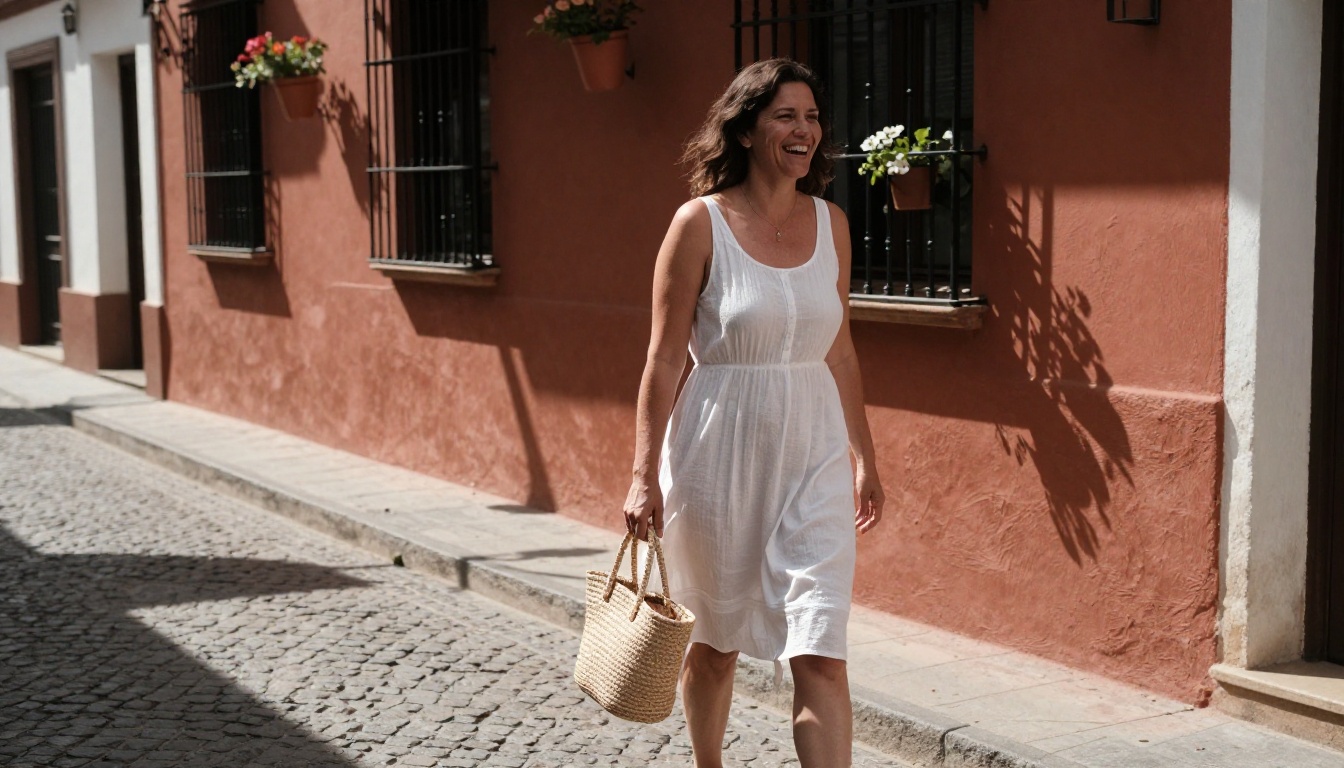
Models trained on photography respond to photography vocabulary. Using camera, film, and printing terminology activates different learned representations than generic adjectives do. The specificity signals to the model what kind of output is expected.
Skin texture terms that produce authentic results:
- "visible pores on nose bridge and cheekbones"
- "natural peach fuzz on temples and upper lip"
- "authentic tan lines from swimwear visible on shoulders"
- "natural lip texture, micro-cracks visible on the lower lip"
- "slight discoloration under eyes, not retouched"
Camera and film vocabulary:
- Specific camera bodies: Canon EOS R5, Sony A7R V, Hasselblad X2D, Phase One IQ4
- Specific lenses: "85mm f/1.2 at f/1.8 stopping", "50mm f/1.4 at f/2.8", "35mm f/1.4"
- Film stocks: Kodak Portra 400, Kodak Ektar 100, Fuji Provia 100F, Fuji Velvia 50, Ilford HP5 Plus
- Processing terms: "C41 developed", "pushed one stop in processing", "cross-processed for color shift"
Anti-AI-look vocabulary (include these to avoid the plastic doll effect):
- "no skin smoothing", "no beauty retouching applied"
- "authentic human imperfections visible"
- "documentary photography aesthetic"
- "photojournalism grade, unretouched"
- "shot on film, grain present in shadows and highlights"
Composition Angles That Force Specificity
Forcing a specific camera angle forces the model out of its default portrait bias and into more considered, visually interesting compositions. The aerial and low-angle shots in particular are underused by most AI image users and consistently produce output that stands apart from default results.
- Aerial/overhead: "drone shot from directly above, flat-lay composition, subject fills frame"
- Low angle: "shot from ground level looking up, low perspective, wide-angle distortion"
- Close-up: "extreme close-up macro shot, 100mm macro lens, very shallow depth of field"
- Environmental: "full-body environmental portrait, subject appears small within a larger scene, establishing shot"
- Candid: "shot from across the street with telephoto compression, 200mm, subject unaware"
Combining angle with a specific focal length and aperture gives the model three precise constraints that produce uniquely specific output every time.
Start Creating on PicassoIA
Every model discussed in this article is available now on PicassoIA, and getting started is free. The fastest path is to open Seedream 4.5, enable the safety checker toggle, and run your first prompt at 2K resolution to test the output quickly. Iterate on the prompt, refine the result with PicassoIA Image Editor Pro, then scale up to 4K when the composition is locked.
If your focus is high-fidelity portraits and editorial content at the absolute maximum detail ceiling, run FLUX Dev in the draft phase and FLUX.3 Max for the final pass. If you are working in volume and need to iterate through variations before committing, FLUX Schnell handles the fast pass and FLUX Pro bridges to final quality when prompt adherence matters.
The full model library, including all 91 text-to-image models, is at picassoia.com/en/all-models. Whatever you are trying to generate, the right model for it is almost certainly already there.


