The internet has a habit of rewarding whatever breaks the rules, and right now that thing is Flux Chroma. Released by Black Forest Labs as part of the FLUX.1 model family, Chroma rapidly became the most downloaded and discussed uncensored AI image model in the community. When every major platform wraps their models in content filters that refuse anything remotely suggestive, a high-quality model that simply does not do that becomes immediately valuable to photographers, adult content creators, artists, and fiction illustrators who have legitimate creative needs.
What Flux Chroma Actually Is
Flux Chroma is not a new base architecture. It is a fine-tuned variant of Flux Dev from Black Forest Labs, trained specifically to remove the content restrictions built into the standard FLUX.1 models. The original Flux Dev and Flux Schnell both ship with safety classifiers that reject prompts involving nudity or explicit adult content. Chroma strips those classifiers out entirely during training, producing a model that behaves identically in terms of image quality but without the prompt rejection system.
The Model Behind the Hype
The base FLUX.1 family is legitimately impressive. Built on a hybrid transformer architecture that processes text and image data simultaneously rather than sequentially, Flux produces noticeably stronger photorealism than older diffusion architectures like Stable Diffusion XL. Faces, hands, textures, and lighting all render with a consistency that previous open-source models struggled to match. The model handles human anatomy, skin texture, and natural lighting in ways that previously required commercial closed-source models.
Chroma inherits all of that quality while removing the prompt refusal layer. That is the core value proposition: the same image quality you expect from a premium Flux model, with no subject matter restrictions of any kind.
Why "Chroma" Matters
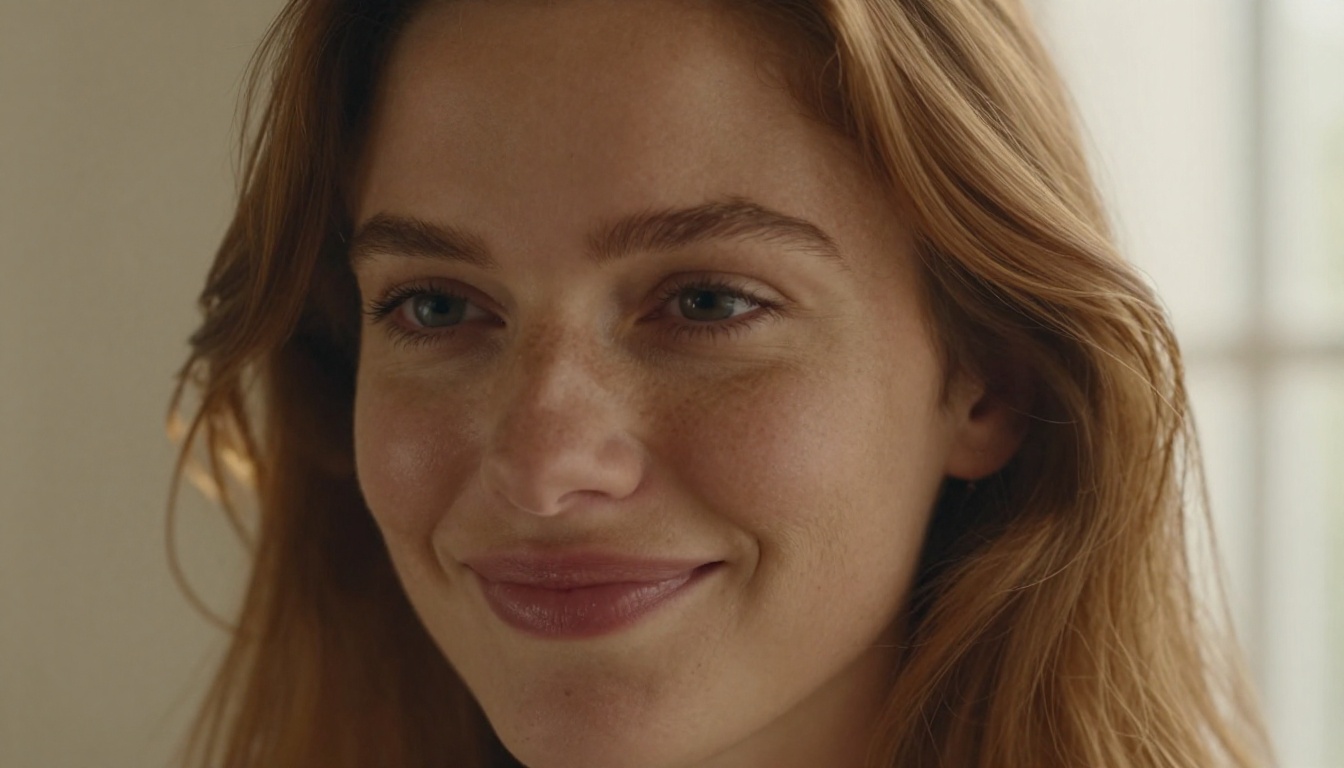
The name refers to the model's specific emphasis on color accuracy and skin tone rendering. Standard diffusion models often flatten or over-saturate skin tones, producing images that look almost correct but fail under close inspection. Flux Chroma's training dataset was specifically curated and weighted to address this, giving portraits a more natural photographic quality, particularly on skin tones across different ethnicities and lighting conditions.
The result is a model that produces portraits with visible pores, natural skin variation, and lighting that behaves the way real photography does, with coherent cast shadows and specular highlights that make physical sense rather than just aesthetic sense.
Why Everyone Wants an Uncensored Model
The question that most platforms avoid answering directly is: who exactly is being served by aggressive content filtering? Professional photographers, adult content creators, fiction illustrators, and character artists all have legitimate reasons to need AI tools that do not restrict subject matter. The AI industry's response has largely been to refuse everyone equally, which has created enormous demand for alternatives.
The Filter Problem
Every major AI image generator imposes restrictions. Midjourney rejects prompts with nudity. DALL-E 3 through ChatGPT applies strict content policies that block even historically significant artistic references. Adobe Firefly markets itself to creative professionals but maintains conservative content guidelines that make it unsuitable for a large portion of professional creative work.
Even models that technically allow adult content on self-hosted setups require significant technical infrastructure to configure correctly: downloading multi-gigabyte model files, managing CUDA drivers, configuring inference software, and hardware that costs thousands of dollars.
What Gets Blocked (and Why)
Most content filters operate on two levels. First, a keyword scanner checks prompts for flagged terms and rejects them before image generation starts. Second, a post-generation classifier runs on the output image and rejects results it categorizes as explicit, even if the prompt contained no flagged terms.
Both layers produce false positives constantly. Medical illustration prompts trigger nudity filters. Classical art terminology gets rejected because of keywords drawn from historical painting traditions. Fiction writing assistants refuse to help with scenes that would be unremarkable in any published novel.
💡 The real issue is not explicit content. It is creative control. When an AI refuses a prompt because of a keyword match, it fails as a tool. Professional creative work requires a model that respects the intent behind a prompt.
Flux Chroma bypasses both filter layers entirely. No keyword blocking at the prompt stage. No post-generation classifier rejection. The model generates what you ask for, evaluated on technical quality rather than content policies.
Flux Chroma vs. the Competition
Putting Flux Chroma in context means comparing it against the models most creators are already using. The differences matter both technically and practically.
| Model | Uncensored | Photorealism | Speed | Hosting |
|---|
| Flux Chroma | ✅ Yes | ⭐⭐⭐⭐⭐ | Medium | Self-host or platform |
| Midjourney V7 | ❌ No | ⭐⭐⭐⭐ | Fast | Cloud only |
| DALL-E 3 | ❌ No | ⭐⭐⭐⭐ | Fast | Cloud only |
| Stable Diffusion XL | ✅ Yes | ⭐⭐⭐ | Slow | Self-host |
| Seedream 4.5 | ✅ Yes | ⭐⭐⭐⭐⭐ | Under 3s | Platform |
Against Midjourney
Midjourney produces beautiful, stylized images with a distinctive aesthetic that has become iconic in AI art communities. What it does not produce is photorealistic images of real-looking people in anything approaching adult scenarios. Its community guidelines are enforced at the platform level and there is no workaround without leaving the platform entirely.
Flux Dev and its Chroma variant generate more photorealistic portraits than Midjourney by a measurable margin for most use cases involving realistic human subjects. If photorealism of people is the goal, Flux and its platform equivalents outperform Midjourney consistently.
Against DALL-E 3
DALL-E 3 is excellent at following complex multi-element instructions and renders text inside images better than nearly any alternative. Its content filters are among the most restrictive in the industry. Even clearly fictional romantic scenarios between adult characters in illustration or fiction contexts receive automatic refusals.
Against Stable Diffusion XL
SDXL can run without filters when self-hosted, which is why it has a large creator community. The base model quality on portraits and human anatomy is noticeably weaker than Flux, though. The community has produced uncensored fine-tunes of SDXL, but the setup process is a significant barrier for most creators.
This is where platforms like PicassoIA change the equation. You get uncensored output quality without any local setup at all.
How Good Are the Results?
Raw output quality matters more than any other single factor. The reason Flux Chroma spread so quickly is not only that it is uncensored, but that the results at an equivalent compute budget are genuinely competitive with the best filtered models available anywhere.
Portrait and Figure Work
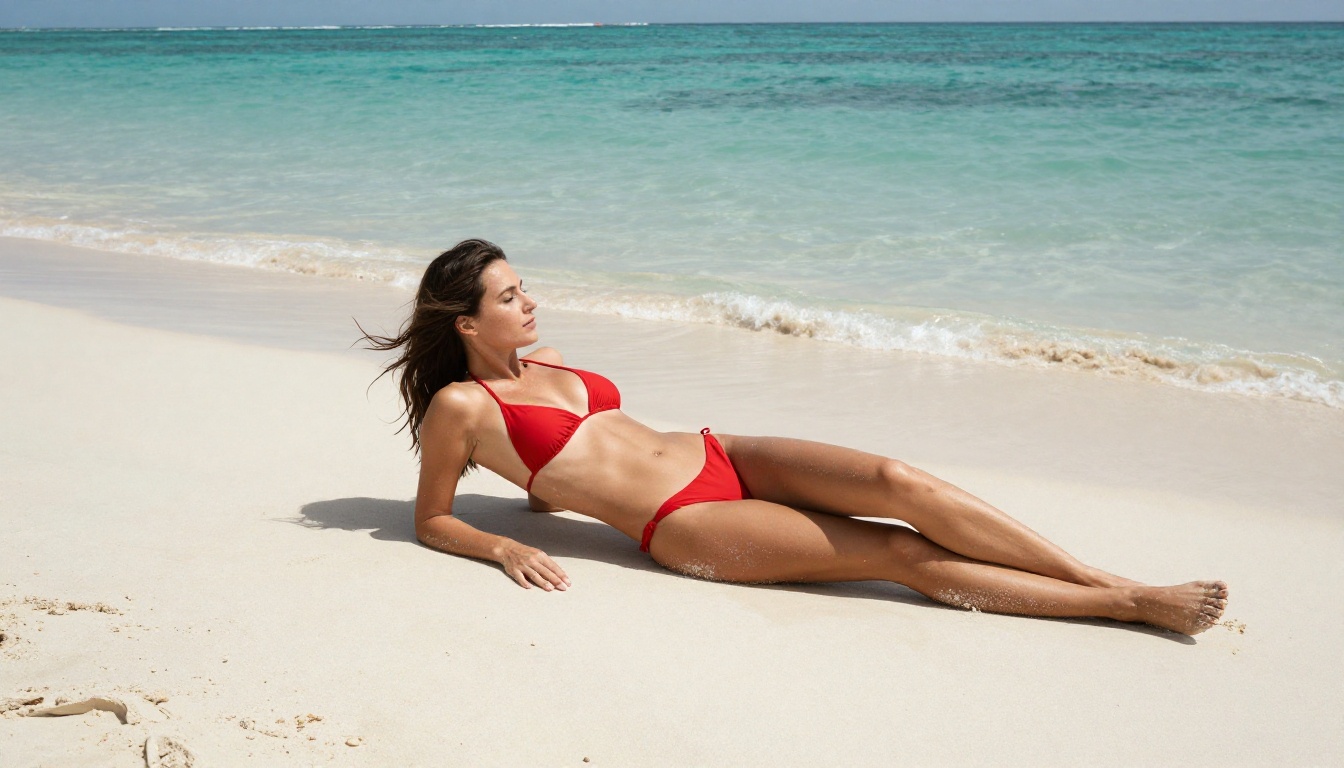
Portrait quality is where Flux Chroma most clearly differentiates itself from alternatives. The model handles several aspects of human subjects with unusual accuracy:
- Skin texture realism: Natural-looking pores, surface imperfections, and variation in skin tone across the face rather than the smooth, plastic look of many AI models
- Lighting coherence: Light sources behave physically correctly, with shadows and highlights consistent across the entire image rather than applied independently to different zones
- Anatomical accuracy: Significantly fewer distorted hands, misaligned facial features, or body proportion errors compared to older diffusion models
- Hair rendering: Individual strand detail and realistic volume rather than the simplified blob-like hair generation common in older approaches
- Eye detail: Realistic iris patterns, natural catchlights, and consistent gaze direction across different viewing angles
Artistic and Creative Scope
Beyond figure work, Flux Chroma performs well across landscape photography, product visualization, architectural rendering, and complex multi-element scenes. The color accuracy improvements that "chroma" refers to benefit all subject matter, not just portraits.
The practical limitation is hardware. Running Flux Chroma locally demands significant GPU VRAM. Cards with 8GB produce usable but slow results. 16GB or 24GB cards produce commercially viable speeds. For most creators, a dedicated platform is the practical choice.

Best NSFW Models on PicassoIA
PicassoIA hosts a curated catalog of uncensored AI models producing results comparable to or better than Flux Chroma, without requiring any local infrastructure. The platform does not impose content restrictions on adult content, and several of its hosted models outperform Chroma on specific tasks.
The Top Picks Ranked
-
Seedream 4.5 ⭐ The best all-around choice. Generates in under 3 seconds, accepts adult content with no refusals, and supports image editing for iterative refinement. Photorealism on portraits is exceptional. Its successor Seedream 5 Lite does not support NSFW. Use 4.5 specifically.
-
PicassoIA Image Editor Pro Img2img model with unlimited generations included in Elite and Infinite plans. 1,000 images cost the same as 10 images. That same volume on models like Nano Banana 2 would cost approximately $100. Accepts adult content, returns results in under one second, and includes a 3-generation free trial with no credit card required.
-
Qwen Image 2 Open-source model for editing or creating any image in seconds with detailed realism. Particularly strong for complex scene construction and character work.
-
Grok Imagine Image Converts reference images to bikini format with striking realism. Effective for fashion and figure transformation projects.
-
Recraft V4 Very realistic text-to-image output with no content refusals on adult prompts.
-
P-Image Uncensored text-to-image generation in under one second. The fastest option for high-volume production work.
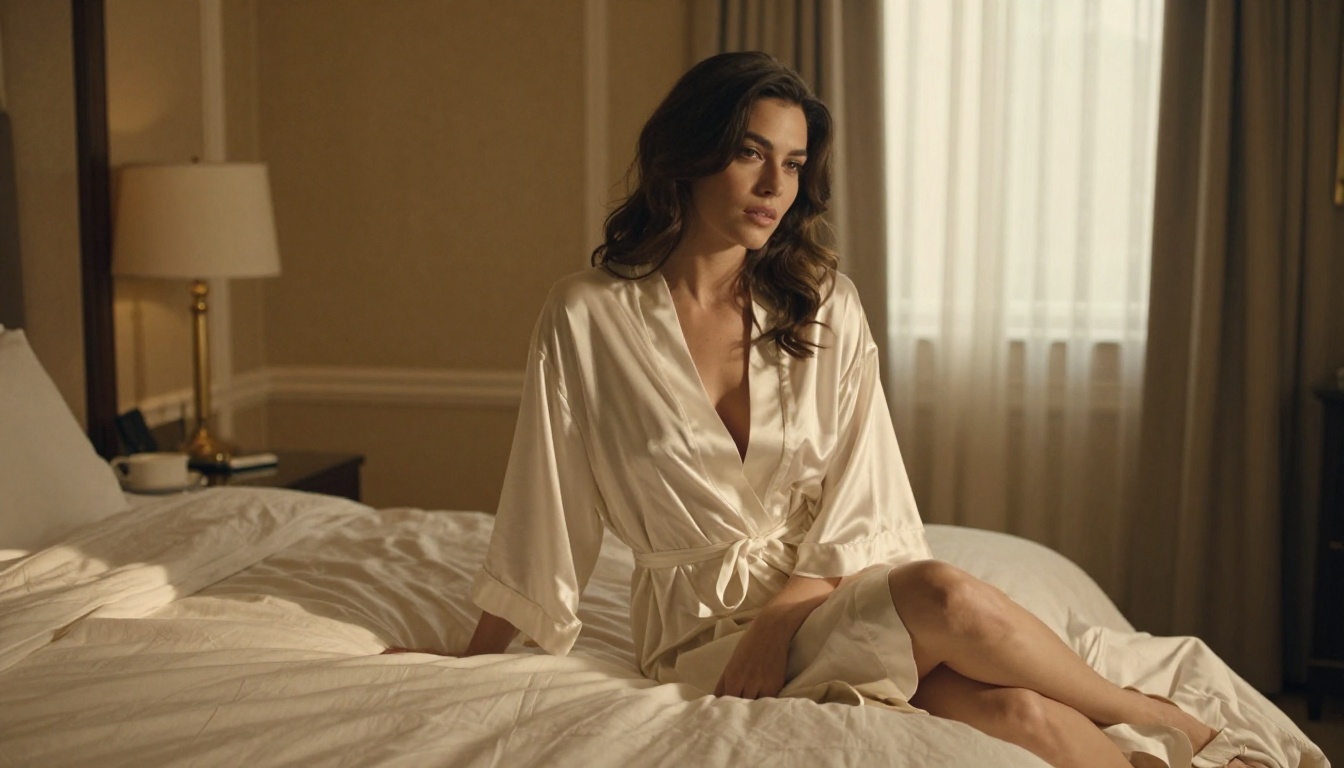
💡 PicassoIA runs all of these models in your browser. No GPU, no installation, no configuration. Just a prompt and a result in seconds.
How to Use Flux Dev on PicassoIA
PicassoIA hosts Flux Dev directly. While Flux Chroma as a specific fine-tune is not in the current catalog, Flux Dev on PicassoIA runs without the restrictive content filtering that Black Forest Labs applies through their official channels. The platform's other models, particularly Seedream 4.5, match or exceed Chroma's results for most use cases.
Step-by-Step Process
Step 1 — Open Flux Dev on PicassoIA or browse everything at picassoia.com/en/all-models.
Step 2 — Write a detailed prompt. Specificity is the single biggest quality driver with Flux models. Vague prompts produce average results. Detailed prompts that describe lighting direction, camera position, surface textures, and the emotional quality of a scene produce substantially better output.
Step 3 — Set aspect ratio. For portrait and figure work, 9:16 gives natural phone-portrait proportions. For wide scenes and environments, 16:9 produces the most cinematic results.
Step 4 — Generate and iterate. Flux Dev responds well to prompt refinement. Small changes in lighting descriptions or camera angle specifications produce noticeably different outputs worth comparing.
Prompt Tips for Realistic Results
These prompt structures consistently produce better results across Flux models on PicassoIA:
- Direction of light: "Warm morning light from the left window" tells the model where to place shadows and highlights. "Good lighting" tells it nothing useful.
- Camera lens specification: "85mm f/1.8" produces shallow depth of field with background bokeh. "35mm f/8" produces street-photography everything-in-focus depth. Camera settings behave like actual photography.
- Surface texture description: "Rough linen fabric," "smooth satin," "matte brushed concrete" all produce distinctly different rendering. Texture language translates directly into model behavior.
- Film stock references: "Kodak Portra 400" shifts the entire palette toward warm, natural photographic colors. "Fujifilm Velvia" produces saturated landscape photography tones. These references shortcut significant color-adjustment iteration.
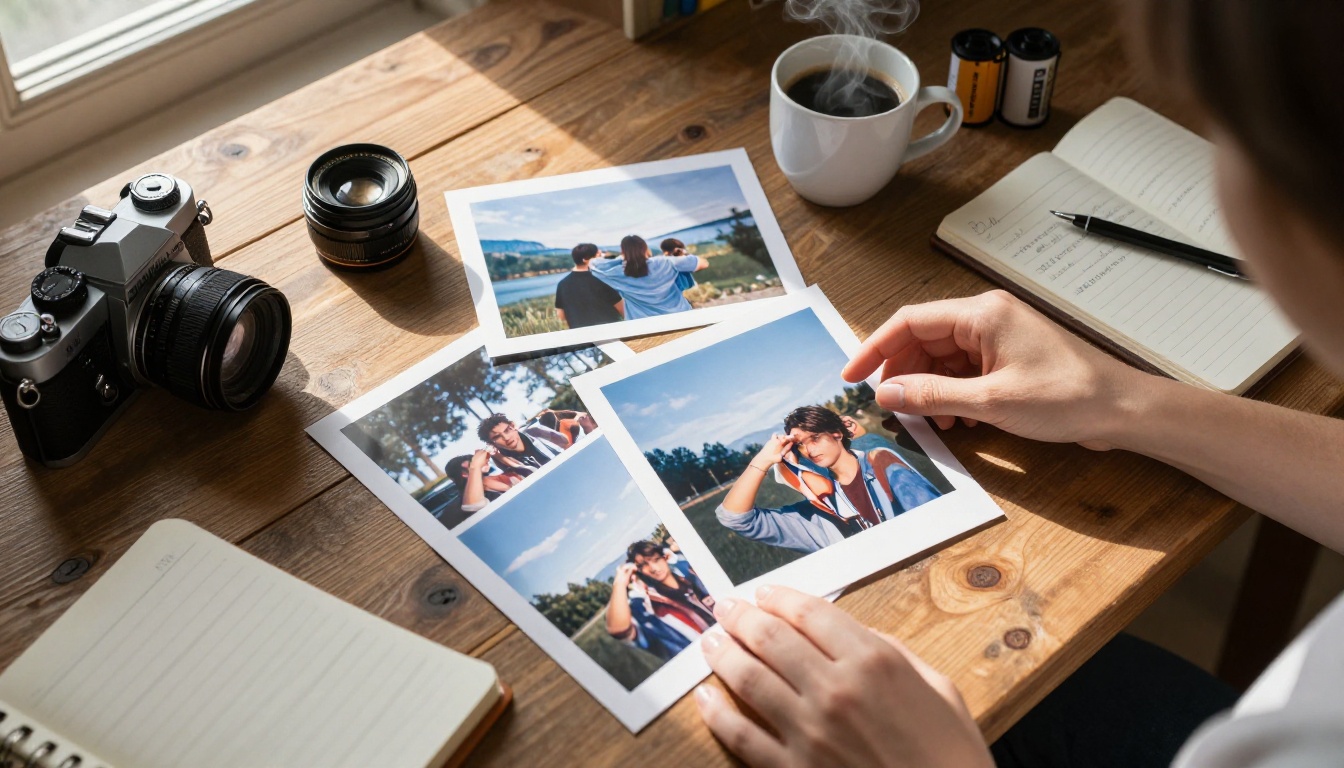
Also worth using: Flux Schnell for rapid prompt testing. It generates in a fraction of Flux Dev's time at slightly reduced quality, which makes it the right choice for testing prompt variations before committing to full-quality renders.
Upscaling After Generation
Generating a great base image is the first step. Getting it to print-ready or commercial resolution requires an upscaler. PicassoIA has several strong options suited to different use cases.
For portrait work from Flux Dev or Seedream 4.5, Clarity Pro Upscaler adds genuine skin texture detail rather than interpolating pixels. The result stays photographic rather than looking sharpened or processed.
For commercial work requiring maximum output resolution, Image Upscale by Topaz Labs reaches 6x and produces results used by professional retouching studios.
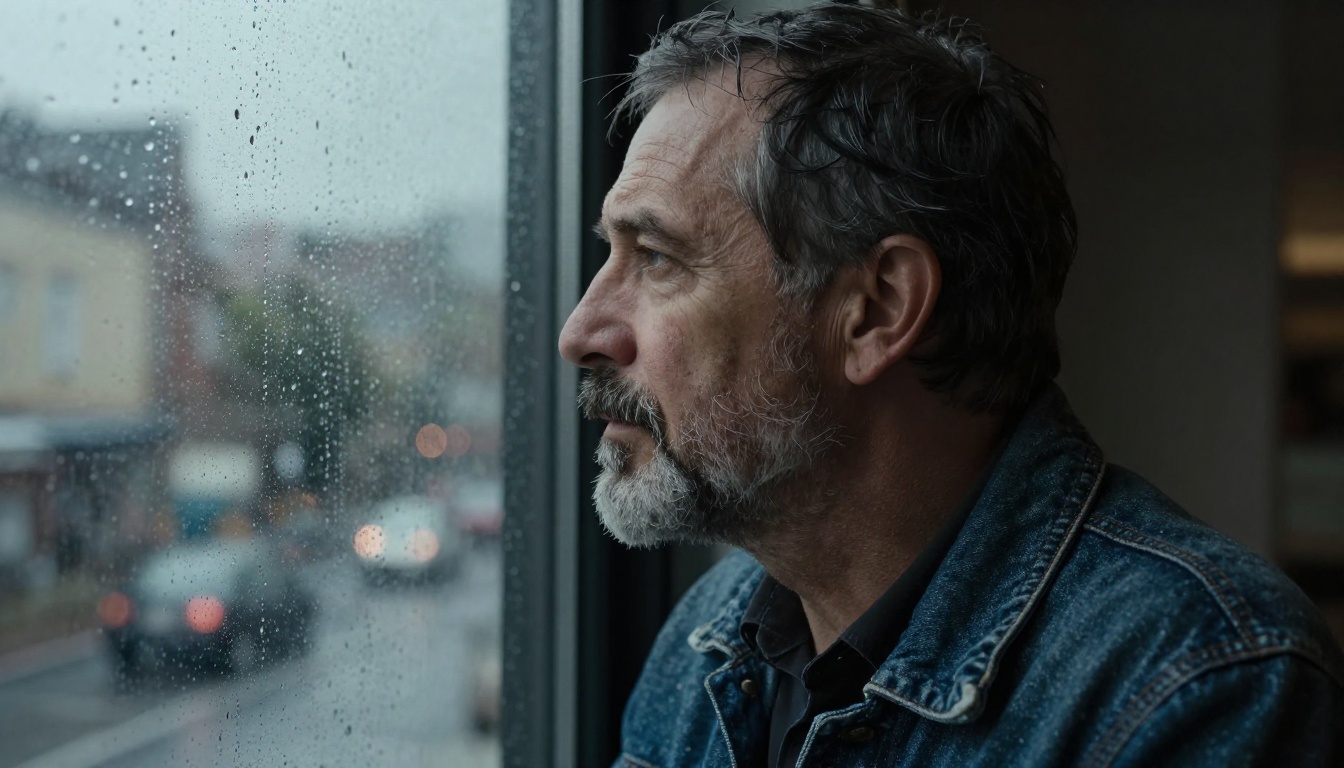
The production workflow that works consistently:
- Generate base image with Seedream 4.5 or Flux Dev
- Upscale 4x with Clarity Pro Upscaler
- Apply P-Image Upscale as a final pass if face detail needs additional refinement after upscaling
What You Can Do Right Now

Flux Chroma made uncensored AI image generation into a mainstream conversation. The demand it revealed was always there. Artists, photographers, fiction illustrators, and adult content creators have always needed tools that do not refuse their prompts. Now the models and the platforms have caught up to serve that demand properly.
PicassoIA gives you access to models that match or exceed Flux Chroma's output quality, with faster generation times and no local hardware requirements. Seedream 4.5 generates in under 3 seconds. PicassoIA Image Editor Pro runs unlimited generations at no extra cost per image on a subscription. Flux Dev is available directly if you want the FLUX.1 architecture specifically. Flux Schnell is there for rapid iteration and testing.
No GPU setup. No configuration. No content filter prompts refusing your creative work.
Start generating at picassoia.com/en/all-models and see what unrestricted, high-performance AI image generation actually produces.


