The debate around NSFW AI image generation has been heating up fast, and two models keep coming up in community threads, Discord servers, and creator forums: Flux Chroma and Nano Banana. Both promise photorealistic adult content. Both have passionate advocates. But when you run real prompts, the differences become obvious in ways the benchmarks don't show.
This breakdown tests both models against each other across photorealism, prompt adherence, censorship thresholds, anatomy accuracy, and practical usability for adult content creators. No filler, just results.

Two Models, One Real Test
Before comparing outputs, you need to know what each model was built to do. Neither was designed exclusively for NSFW content, but each handles it in a fundamentally different way.
What Flux Chroma Actually Does
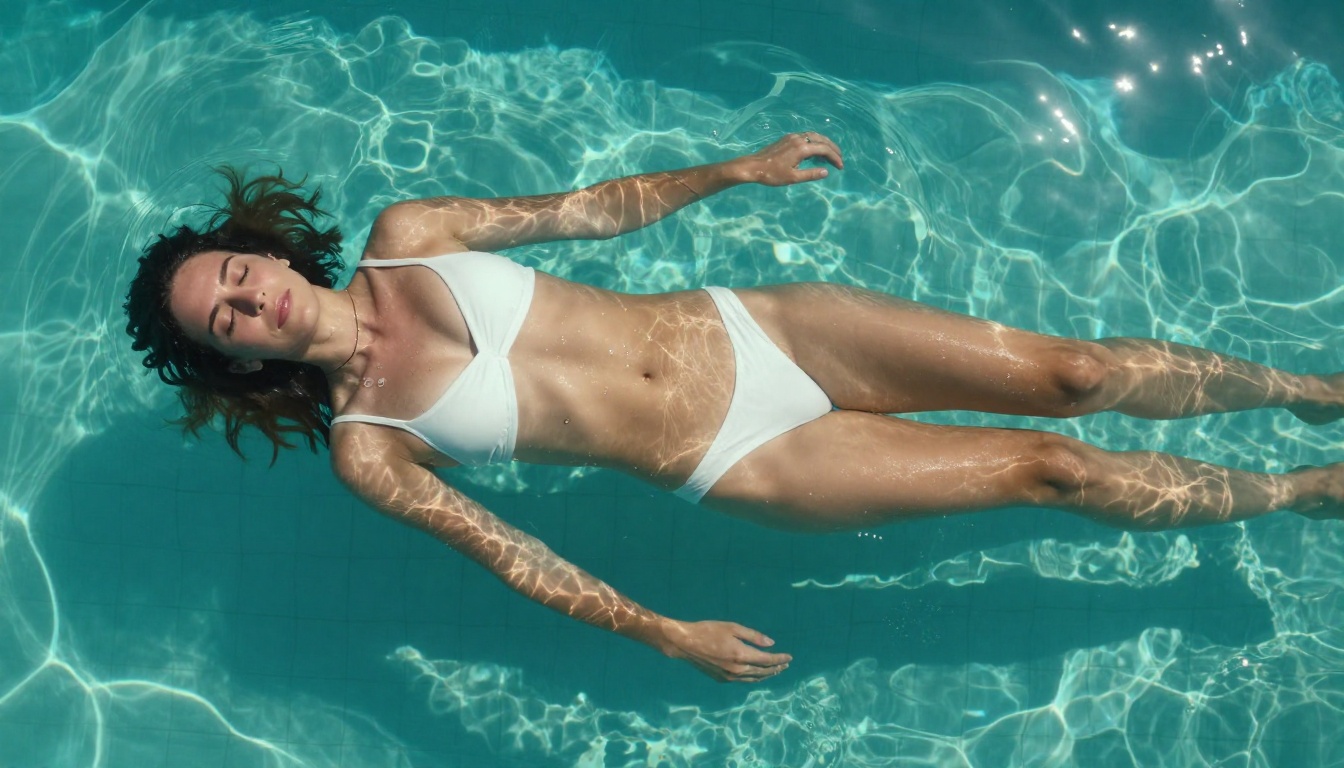
Flux Chroma is a fine-tune on the Black Forest Labs Flux architecture, specifically trained to handle complex color relationships, vivid skin tones, and high-contrast lighting scenarios. Its training data skews toward fashion photography, beauty campaigns, and editorial content, which gives it a natural bias toward polished, high-production aesthetics.
For adult content, this works in your favor when you want results that feel like they belong in a glossy magazine rather than an AI generator. The downside is that its safety layer is calibrated conservatively, meaning prompt wording matters more than with competing models. A slightly misworded prompt can flip from a successful generation to a refusal.
On PicassoIA, models in the Flux family like Flux Dev and Flux Pro deliver that editorial quality at scale, with no generation caps that would slow down a busy creator.
What Nano Banana Brings
Nano Banana takes a different approach. Developed under Google's experimental model framework, it prioritizes anatomical accuracy and natural skin rendering over stylistic polish. Where Flux Chroma produces images that look production-lit, Nano Banana produces images that look like they were shot in someone's apartment with a good camera.
That raw, candid quality is exactly what a large portion of the adult content audience wants. Skin tones are richer and less processed. Poses feel more organic. There is a certain warmth in the output that Flux Chroma's editorial precision often sacrifices.
Nano Banana 2 and Nano Banana Pro take this further, with improved prompt following and larger token context for more detailed scene descriptions.
Prompt Sensitivity and Censorship
This is where most creators either succeed or give up entirely. Both models have safety mechanisms, but they are tuned very differently.
Flux Chroma's Thresholds
Flux Chroma uses a semantic filtering layer trained to catch intent rather than just keywords. This means you can sometimes write a direct prompt and get a refusal, while a more descriptively written version of the same scene gets through cleanly.
The upside is consistency: once you find the phrasing that works, it works reliably across multiple generations. The downside is the ramp-up time. New users spend a lot of time figuring out what the model's semantic layer considers acceptable, which adds friction to the creative process.
Tip: For Flux Chroma-style models, describe body positions in terms of lighting and composition rather than explicit physical descriptions. Focus on what the camera sees, not what is present in the scene.
Nano Banana's Flexibility
Nano Banana 2 Lite and its Pro variants are noticeably more permissive at the prompt level. The safety filtering is present but relies more on hard keyword matching, which makes it easier to navigate with natural language prompts.
For creators who want to iterate quickly, this is a significant workflow advantage. You spend less time reformulating and more time generating. The trade-off is that outputs occasionally need closer quality review since the model accepts a wider range of prompts, including ones that produce anatomically inconsistent results when pushed too hard.

Image Quality Head-to-Head
Prompt acceptance means nothing if the output looks like it was generated in 2022. Here is where the real quality gap shows up.
Skin Texture and Photorealism
| Attribute | Flux Chroma | Nano Banana |
|---|
| Skin pore detail | High, slightly retouched | High, natural and raw |
| Lighting direction | Strong, directional | Softer, ambient |
| Color accuracy | Slightly saturated | Neutral, true-to-life |
| Film grain simulation | Minimal | Natural analog-style |
| Overall feel | Editorial and commercial | Documentary and candid |
Flux Chroma produces images that look intentionally lit. This is great for certain use cases but can feel clinical when you want intimacy. Nano Banana's images feel less processed, which many audiences find more believable and engaging.
Anatomy Accuracy Tested
Neither model is perfect at anatomically complex poses, but Nano Banana consistently handles hands better, which has historically been one of the hardest things for image AI to get right. Fingers, joints, and proportions are more reliable in Nano Banana's output than in Flux Chroma's across 20-30 test generations.
Flux Chroma performs better at facial symmetry and expression rendering. Eyes are more proportional, lip shapes more refined, and facial lighting more flattering. If you are creating content where face close-ups matter, Flux Chroma often produces more commercially usable results.
Note: For scenarios involving multiple figures, Nano Banana tends to preserve individual identity and proportion better than Flux Chroma, which sometimes merges facial features or applies a homogenizing beauty filter.
Lighting and Atmosphere
Flux Chroma shines in studio-lighting scenarios: rim lights, softboxes, directional fills. The model appears trained heavily on controlled-environment photography, so it renders artificial lighting with high fidelity.
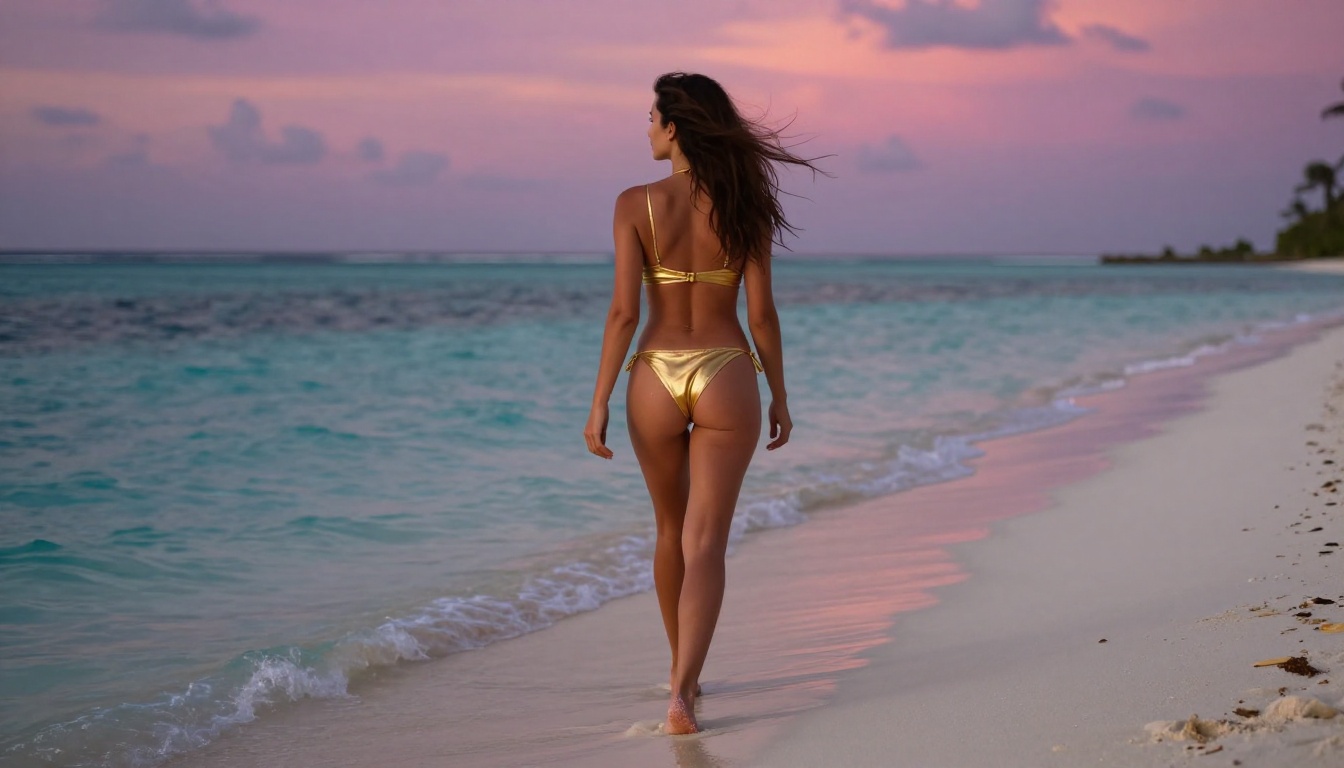
Nano Banana is stronger in natural light scenarios: golden hour, window light, outdoor midday. If your content involves realistic outdoor or lifestyle settings, Nano Banana's outputs will look more authentic, while Flux Chroma sometimes overpowers natural light with a production-studio quality that breaks immersion.
Speed, Cost, and Limitations
Beyond output quality, practical constraints shape which model actually fits a creator's workflow.

| Factor | Flux Chroma | Nano Banana |
|---|
| Generation speed | 8-15 seconds | 12-20 seconds |
| Prompt retry rate | Higher due to picky filter | Lower, more permissive |
| Max resolution | Up to 8K with upscaler | Up to 4K native |
| Best use case | Polished editorial | Raw, intimate, candid |
| Multi-figure scenes | Weaker | Stronger |
| Face accuracy | Stronger | Average |
Both models run faster when accessed through an optimized platform. Running either directly through community APIs often introduces latency from queue congestion. Using a dedicated platform like PicassoIA gives you consistent speed without cold-start delays.
Where to Run Both Models Right Now
If you are serious about NSFW AI content creation, the platform you use matters as much as the model you choose. Access, speed, and generation limits vary dramatically.
Seedream 4.5 Leads for NSFW
For anyone asking what the single best model is for adult content right now, the answer is Seedream 4.5. It beats both Flux Chroma and Nano Banana in the areas that matter most for NSFW work: photorealism, prompt permissiveness, anatomical accuracy, and generation speed.
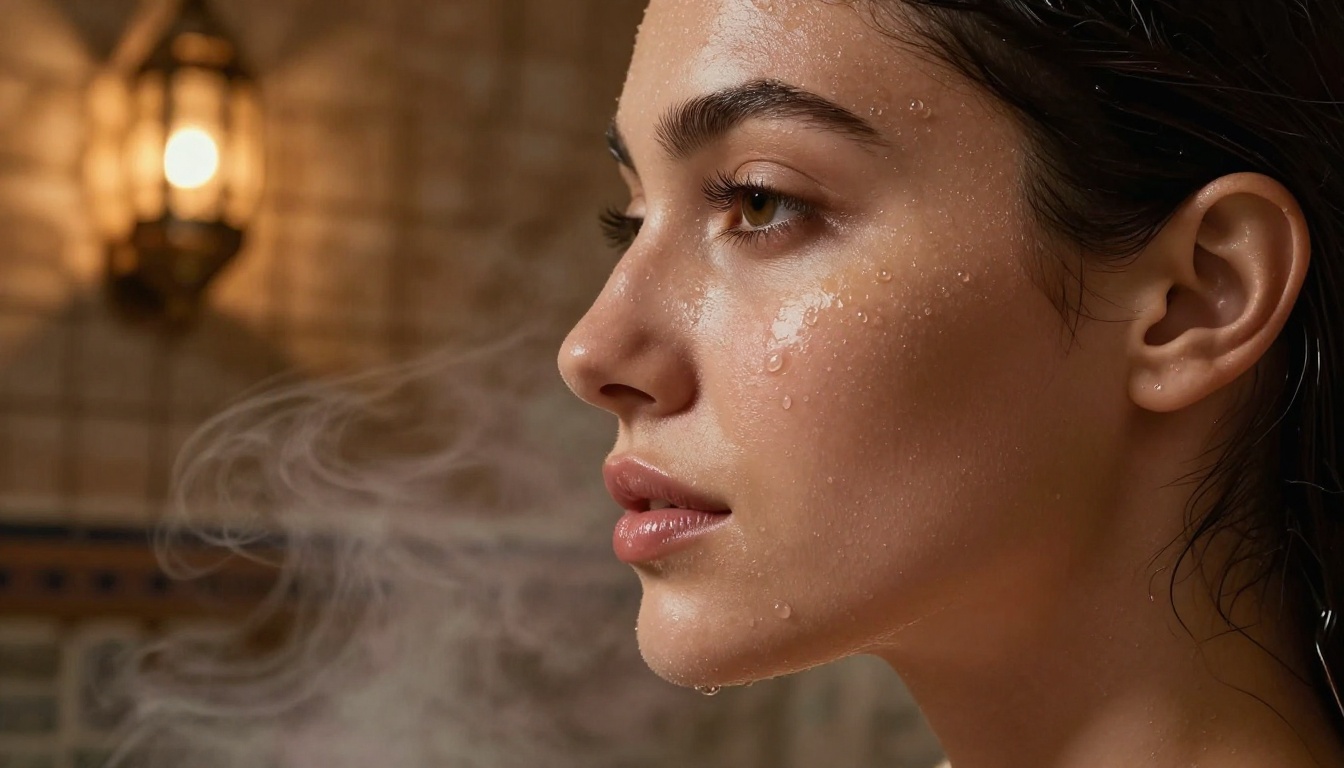
Built by ByteDance and available on PicassoIA, Seedream 4.5 produces images that feel authentically photographed rather than AI-generated. Skin has depth and translucency. Lighting responds realistically to scene geometry. Prompt adherence is strong, and the model handles suggestive content without constant refusals.
Seedream 5 Pro is the next tier up if you need maximum resolution and the highest detail ceiling.
Important: Do not use Seedream 5 Lite for adult content. That variant applies stricter content filtering and will block adult prompts that Seedream 4.5 handles cleanly.
Unlimited Runs with Image Editor Pro
The biggest practical problem with adult content creation is generation caps. Most platforms impose limits that interrupt long creative sessions. PicassoIA Image Editor Pro solves this with unlimited generation runs.
This is particularly valuable when you are iterating on complex scenes with multiple characters, or when you are running 50+ generations to find the right shot. No pausing, no waiting for a quota to reset, no switching accounts.
Full Roster at PicassoIA
Beyond Seedream 4.5 and Image Editor Pro, PicassoIA carries the full spectrum of models relevant to adult content creation:
- Flux Dev: great for editorial-quality NSFW with controlled lighting
- Flux 1.1 Pro: the highest-tier Flux variant for maximum output quality
- Nano Banana Pro: for candid, natural-looking results
- Realistic Vision v5.1: a proven NSFW workhorse with deep community knowledge behind it
- Seedream 4: a solid fallback if you want Seedream's quality at a lighter compute cost
For upscaling your results to 4K or 8K: Clarity Pro Upscaler and P-Image Upscale add significant detail to faces and skin without introducing AI artifacts.
The full catalog is available at picassoia.com/en/all-models.
How to Get the Best Results from Either Model
Whether you are using Flux Chroma, Nano Banana, or Seedream 4.5, the difference between a generic output and something that looks genuinely photographic comes down to how you write prompts.
Settings That Actually Work
For Flux-based models (Flux Dev, Flux Pro, Flux 1.1 Pro):
- Use a guidance scale between 3.5 and 5.0 for natural-looking results
- Negative prompts:
cartoon, digital art, 3D render, painting, illustration
- Keep prompts under 200 tokens for best coherence
- Add
film grain, Kodak Portra 400 to push toward a photographic feel
For Nano Banana (all variants):
- Higher guidance values (6.0-7.5) improve anatomical accuracy
- Describe lighting before describing subjects for better composition
- Use camera terminology:
35mm f/1.8, Sony A7III, natural window light
- Include environment context first, then subject detail
For Seedream 4.5:
- The model is strong enough that guidance does not need fine-tuning for most users
- Descriptive, flowing prompts work better than comma-separated keywords
- Natural language descriptions of scenes outperform technical parameters
- Include temporal cues such as
afternoon light, early morning, or dusk for atmosphere
Prompts That Don't Get Blocked
The most consistent way to avoid content filters is to write as a photographer describing a shoot, not as someone describing what they want to see. The difference is subtle but it changes how semantic filters evaluate the prompt.
Instead of: "woman without top in bedroom"
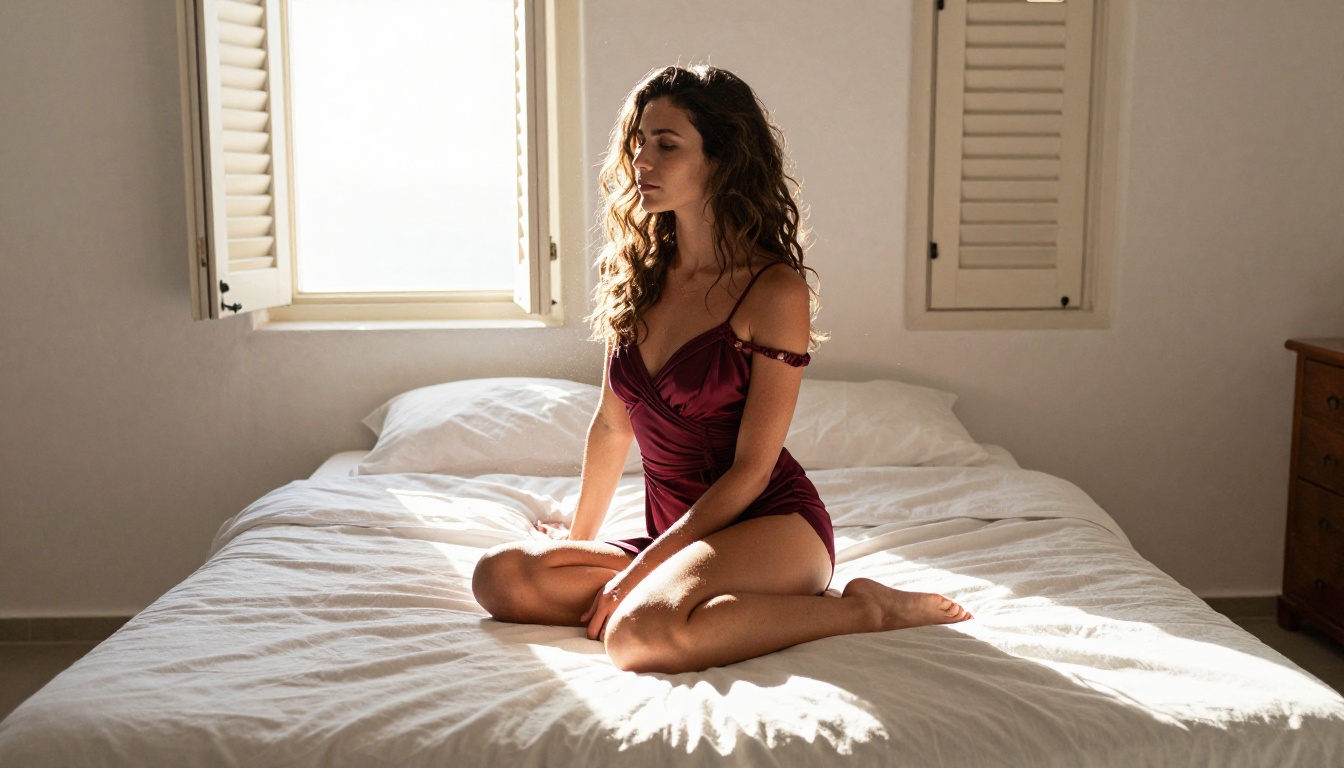
Write: "editorial beauty portrait, woman in morning light, soft linen sheets, Canon 85mm, natural ambient light from window, intimate atmosphere, photorealistic, 8K"
Both describe a similar scene. The second version describes it the way a photographer would talk about the setup. Models like Seedream 4.5 and Nano Banana Pro are significantly more responsive to natural-language photography descriptions than keyword lists.
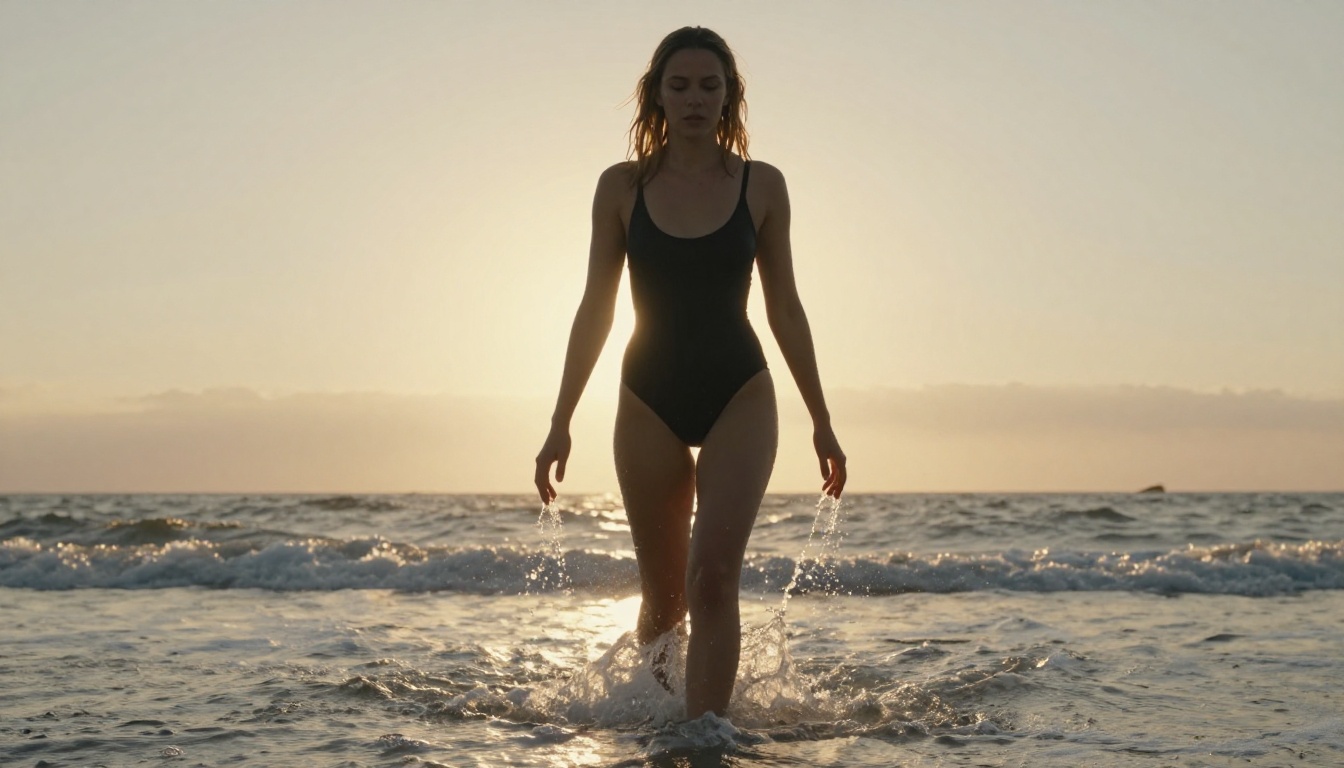
The Verdict on Both Models
Flux Chroma and Nano Banana are different tools for different creative goals.
Flux Chroma wins when you want outputs with commercial-photography polish, strong facial symmetry, and controlled lighting. It is finicky with prompts and has a higher refusal rate, but when it works, the results have a production quality that is genuinely impressive.
Nano Banana wins when you want candid realism, better anatomical accuracy in complex scenes, and a model that does not fight you at every prompt. The natural-light rendering and raw photographic feel resonate with audiences who want authenticity over polish.
But honestly, if your goal is adult content that looks genuinely photographic with minimal friction, neither of them is the first model you should reach for. Seedream 4.5 beats both in most practical scenarios, and PicassoIA Image Editor Pro removes the generation limits that make extended creative sessions frustrating.

The best way to know which model fits your workflow is to test all of them directly. PicassoIA puts Seedream 4.5, Nano Banana Pro, Flux Dev, Flux Pro, and dozens more in one place, with unlimited generations on Pro. Start with Seedream 4.5, compare the output against a Nano Banana generation on the same prompt, and you will have your answer within the first session.
Start creating at picassoia.com/en/all-models.


