Two AI image models have been quietly rewriting what "uncensored realism" means in 2027, and the conversation is getting interesting. Flux Chroma, a fine-tune of the FLUX.1-dev architecture, strips content restrictions while preserving the raw photographic detail FLUX.1 is known for. Qwen Image 2, part of Alibaba's Qwen vision stack, takes a different path: a multimodal approach that excels at coherent scene understanding and stylistically flexible outputs. Choosing between them is not obvious, and the answer depends on what you are actually trying to generate.
What Each Model Actually Is
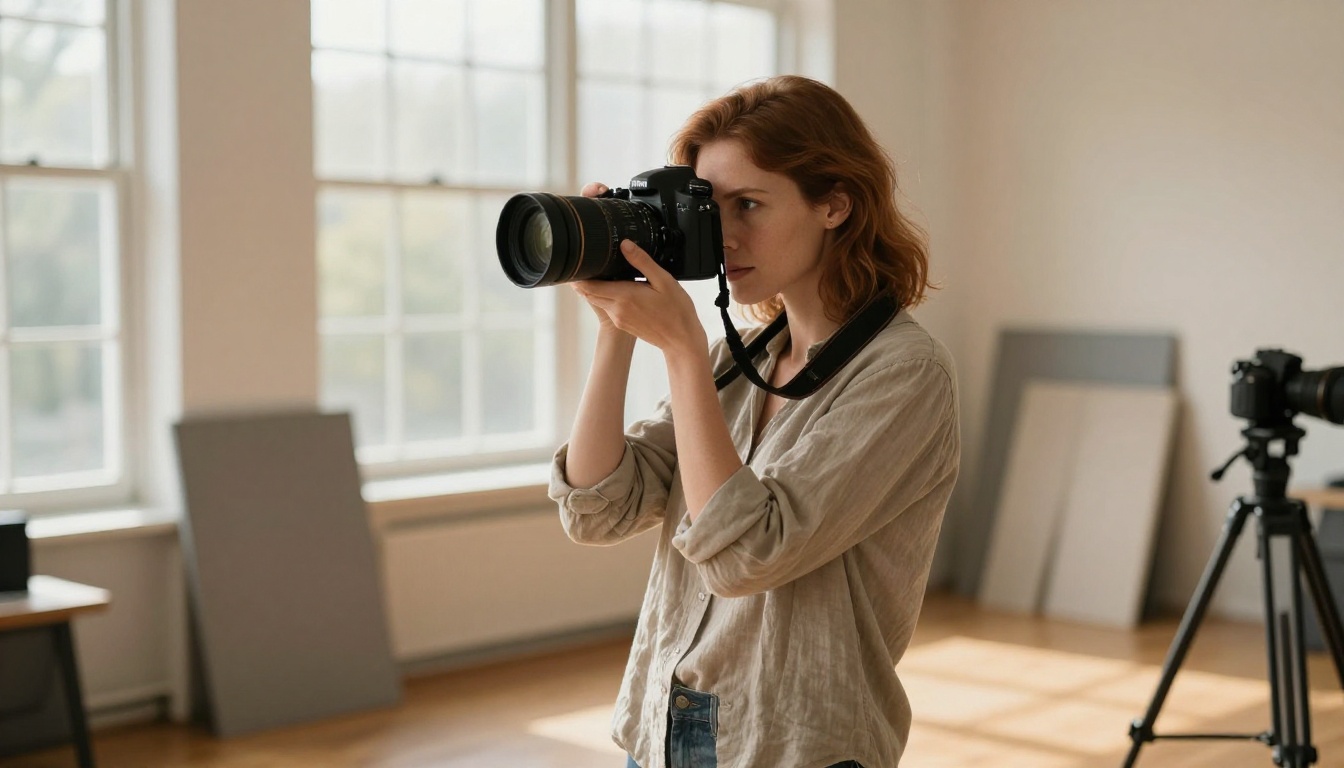
Before running any benchmark, the architectures matter. These two models were built with different goals, on different foundations, and that shapes every output they produce.
Flux Chroma: Built on FLUX.1-Dev
Flux Chroma is a LoRA-based fine-tune built on top of Black Forest Labs' FLUX.1-dev. The original FLUX.1-dev was already one of the strongest open-source text-to-image models at release, notable for its flow-matching diffusion approach and exceptional prompt adherence. Chroma extends this by removing safety filters and retraining the model's internal representations on uncensored datasets.
The result is a model that retains FLUX.1's core strengths: very high-resolution coherence, sharp edges, and nuanced lighting. What it loses, compared to the base, is some of the model's conservative tendencies around skin rendering and anatomy. The Chroma fine-tune was specifically optimized for photographic realism in figure and portrait contexts, which is exactly where it performs best.
One thing worth noting: because Flux Chroma sits on top of FLUX.1-dev, every technique you know from working with standard FLUX models applies directly. ControlNet workflows, negative prompt structures, and resolution scaling all behave the same way. This makes the transition from standard FLUX to Chroma essentially seamless.
💡 Models like Flux Fill Pro and Flux Canny Pro on PicassoIA use the same FLUX.1 architecture, so anything you know about tuning FLUX applies to Chroma-based workflows too.
Qwen Image 2: A Multimodal Contender
Qwen Image 2 comes from Alibaba's Tongyi Qianwen project. Unlike Flux Chroma, which is a pure image generation model, Qwen Image 2 is built on a multimodal foundation: it was trained with vision-language understanding baked in from the start. This gives it unusual strengths in following complex, multi-element prompts where spatial relationships and scene logic matter.
The multimodal training means Qwen Image 2 does not just pattern-match text to visual tokens. It reasons about scene structure, object relationships, and compositional intent before rendering. For straightforward portrait prompts this difference is subtle. For complex environmental scenes with specific object placement, it is significant.
In terms of raw output, Qwen Image 2 tends toward cleaner backgrounds, more coherent scene composition, and faster inference at comparable resolutions. On PicassoIA, the Qwen ecosystem is accessible through Qwen Image Edit Plus, which brings the same multimodal intelligence to image modification workflows.
The Real Differences in Output
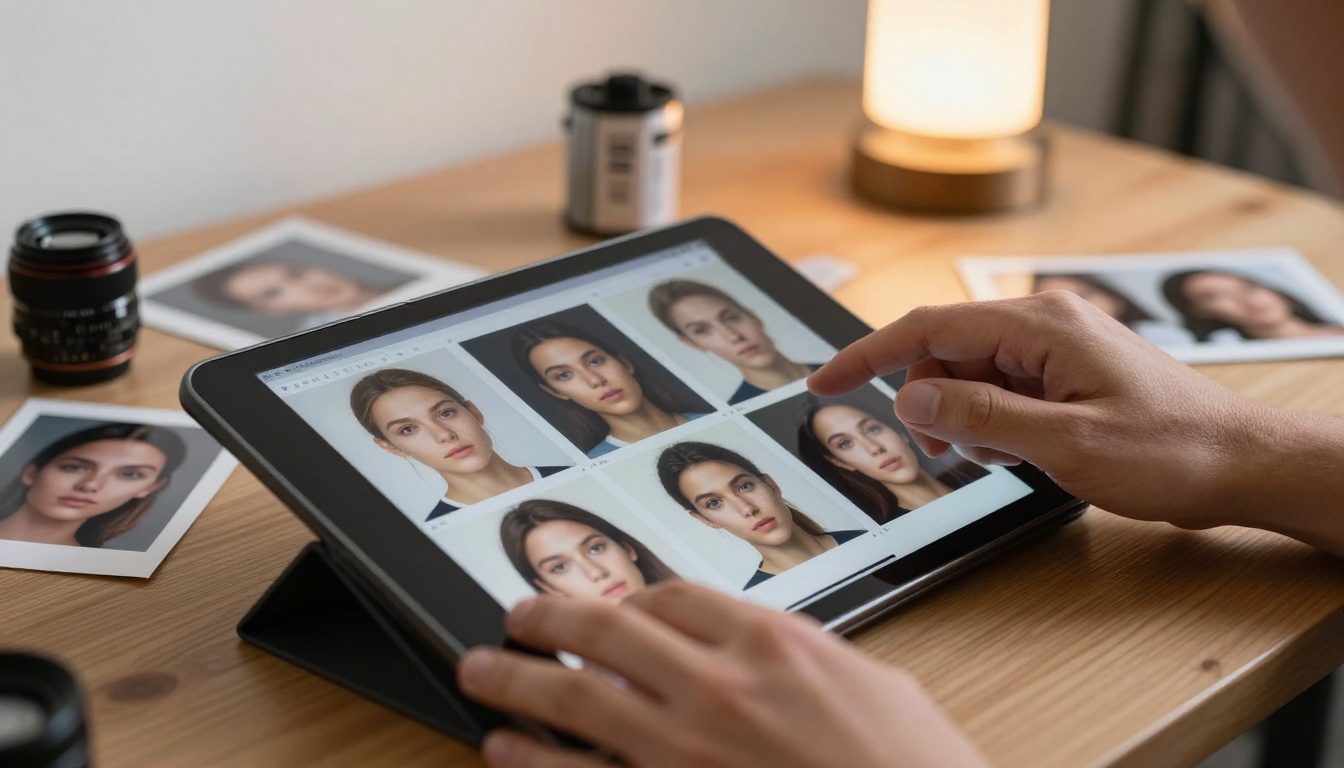
This is where the abstract architecture discussion becomes practical. Here is what each model actually does differently in the outputs you get.
Skin Texture and Photorealism
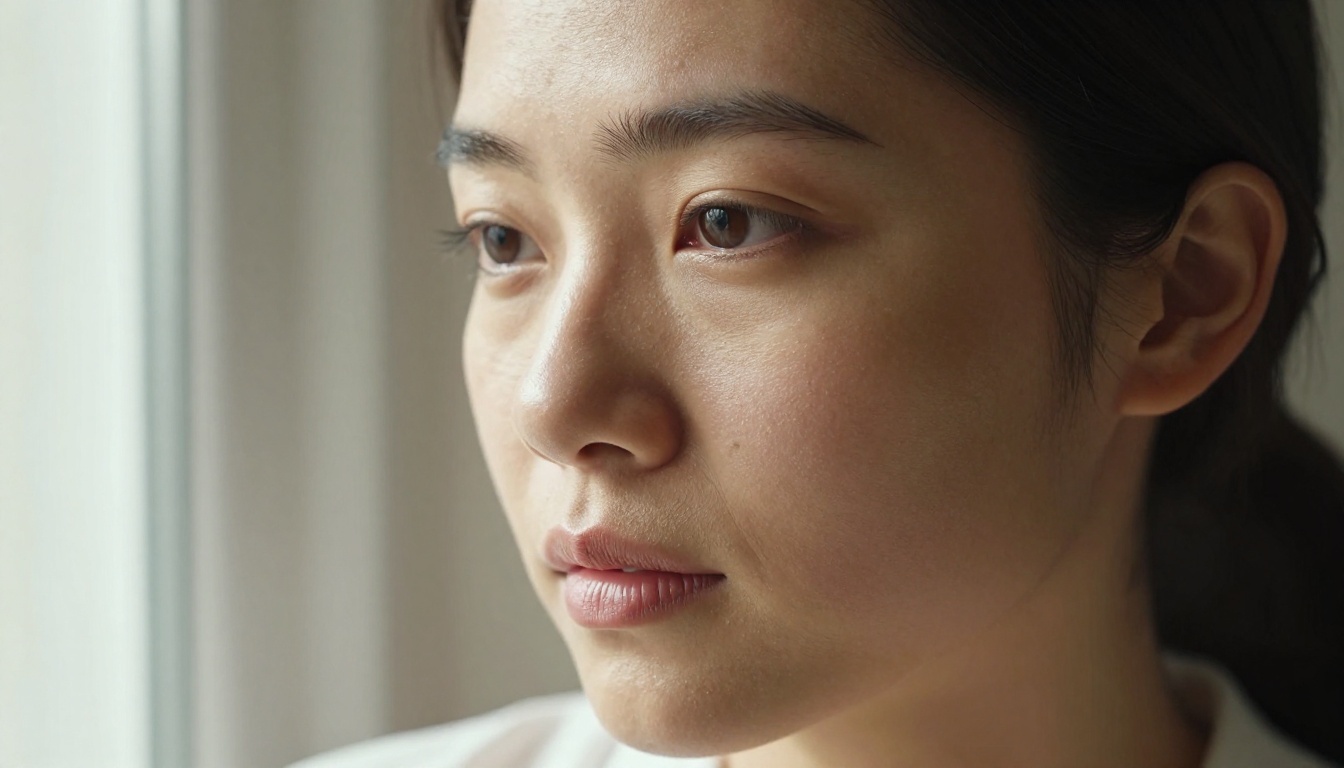
This is where Flux Chroma has a real edge for portrait and figure photography. The FLUX.1 architecture was trained on high-quality photographic datasets, and that shows in pore-level detail, natural subsurface scattering on skin, and the way individual hair strands separate and catch light.
Qwen Image 2 produces smooth, aesthetically appealing skin, but it leans slightly toward cleaned-up representations. The fine-grain photographic imperfections that make an image look like a real photograph (micro-shadows, subtle asymmetry, natural blemishes, fine capillary texture) are sometimes smoothed over. For commercial lifestyle imagery this is not a problem. For uncensored realism specifically, where the goal is maximum believability, Flux Chroma has the advantage at close range.
Portrait realism verdict: Flux Chroma wins.
Scene Composition and Spatial Logic
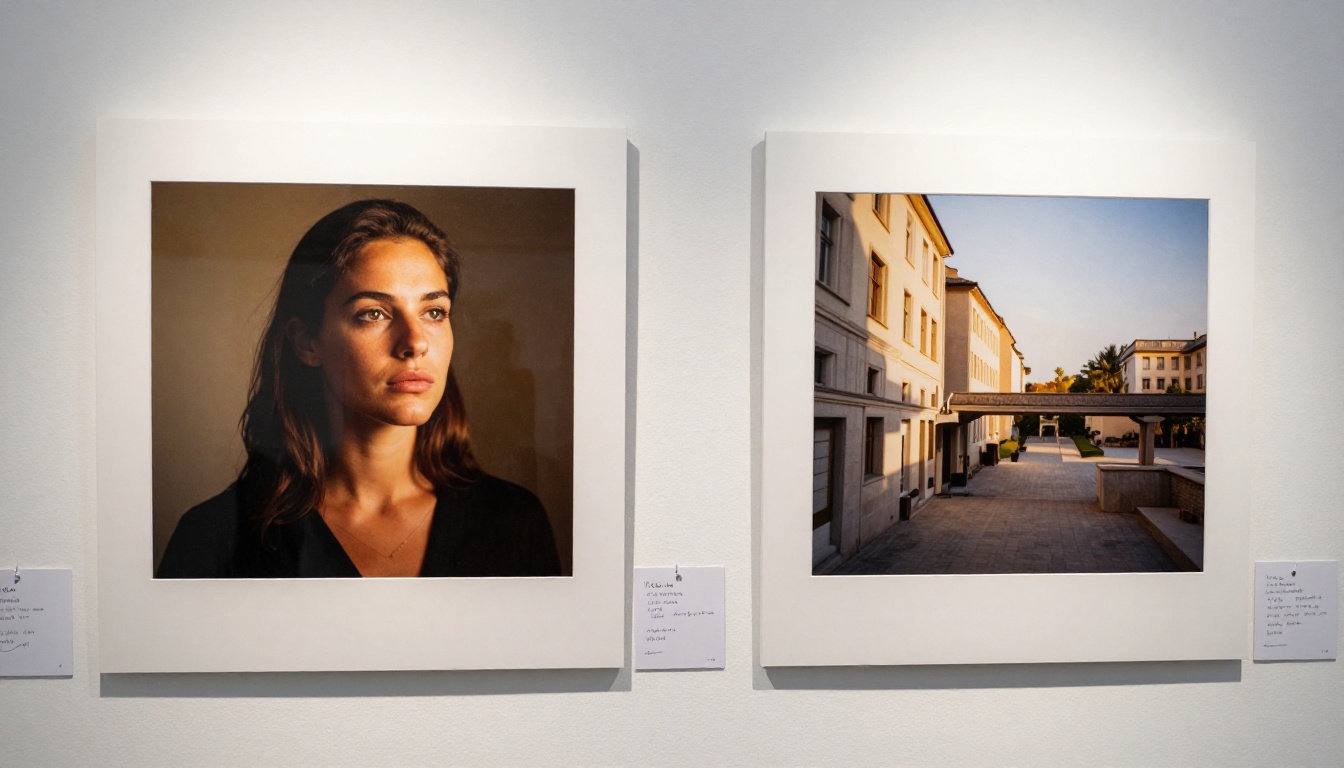
Here the tables turn. Qwen Image 2's multimodal training means it genuinely understands spatial relationships in a way that pure diffusion models often struggle with. Ask it to generate a scene with specific placement ("woman standing to the left, wooden table to the right, large window behind with afternoon light") and it will follow that logic reliably.
Flux Chroma handles composition well for straightforward scenes with one or two subjects. Complex multi-subject or architecturally specific environments can introduce subtle errors in perspective, object overlap, or background coherence. These are fixable with Flux Depth Pro for depth-aware corrections, but Qwen Image 2 requires fewer corrections in the first place.
Scene composition verdict: Qwen Image 2 wins.

Lighting Dynamic Range
Both models handle natural lighting competently. Flux Chroma's outputs tend to have richer tonal range in shadows and highlights, closer to the look of a wide-dynamic-range camera sensor. Shadow detail is preserved with visible texture, and bright areas retain detail rather than clipping to pure white.
Qwen Image 2 produces more even, flattering light. This works well for product-style and lifestyle imagery where consistency across a batch matters more than dramatic tonal range. For editorial or glamour work where lighting drama is a compositional element, Flux Chroma's outputs feel more alive.
💡 For sunset and golden-hour scenes, Flux Chroma's tonal depth gives more visually dramatic results. For interior or studio-style lighting, Qwen Image 2's balanced approach is more consistent across a large batch.
Speed and Generation Efficiency
At 1024x1024, both models run in a similar time window on consumer-grade GPU hardware. The difference appears at scale: Qwen Image 2 scales more efficiently to lower resolutions without obvious quality loss, making it better suited for rapid iteration workflows where you need many variations quickly.
Flux Chroma at its best requires higher resolution to show its full capability. At 512x512, the fine detail that makes Chroma impressive simply is not there. Running it below 1024x1024 meaningfully reduces output quality, which adds to generation time for full-quality results.
Side-by-Side: What the Numbers Say
| Feature | Flux Chroma | Qwen Image 2 |
|---|
| Skin texture realism | Excellent | Good |
| Scene composition accuracy | Good | Excellent |
| Lighting dynamic range | Very High | Balanced |
| Complex prompt adherence | Good | Very Good |
| Inference speed at 1024px | Moderate | Fast |
| Anatomy accuracy | Very Good | Good |
| Hair and fine detail | Excellent | Good |
| Background coherence | Good | Excellent |
| Style flexibility | Moderate | High |
| Uncensored content reliability | High | Moderate |
When to Pick Each Model
Flux Chroma is the right choice when:
- Portrait or figure photography is the primary subject
- Skin detail, hair separation, and anatomy accuracy are the top metrics
- Maximum photographic realism at the pixel level is the goal
- The scene involves one or two subjects in a relatively simple environment
Qwen Image 2 is the right choice when:
- The scene involves multiple elements with specific spatial placement
- You need consistent results across a large batch of generations
- The prompt is architecturally or environmentally complex
- Iteration speed matters more than absolute photographic detail
Best Models for Uncensored Realism on PicassoIA
If you want these capabilities without managing local hardware, PicassoIA gives you access to both architectures alongside models that are specifically suited for uncensored creative and glamour work. Here is how to work through them effectively.
Start with Seedream 4.5
Seedream 4.5 from ByteDance is the first model to reach for when generating photorealistic, uncensored-friendly content. It produces 4K-quality outputs with sharp detail, natural skin rendering, and no content blocking on creative projects. Generation speed is competitive with Qwen Image 2 while producing detail depth closer to Flux Chroma.
For figure photography, Seedream 4.5 delivers results that sit between Flux Chroma's raw texture depth and Qwen Image 2's compositional cleanliness. It handles body and portrait prompts with high consistency, making it the most reliable starting point for adult-safe creative work on the platform. When in doubt, start here.
PicassoIA Image Editor Pro for Unlimited Work
Once you have your base image, PicassoIA Image Editor Pro becomes the essential next tool. It supports unlimited generations, meaning you can iterate without watching credit counts. The Pro editor includes inpainting and outpainting features that let you refine specific areas directly: fix anatomy, adjust lighting, extend the canvas, or replace background elements with the same underlying AI intelligence.
💡 The key advantage: PicassoIA Image Editor Pro does not cap your generations, making it the most cost-effective tool for high-volume creative projects. Pair it with Seedream 4.5 for generation and you have a complete unlimited workflow.
For a clean entry point, PicassoIA Image provides the base unlimited text-to-image experience on the platform.
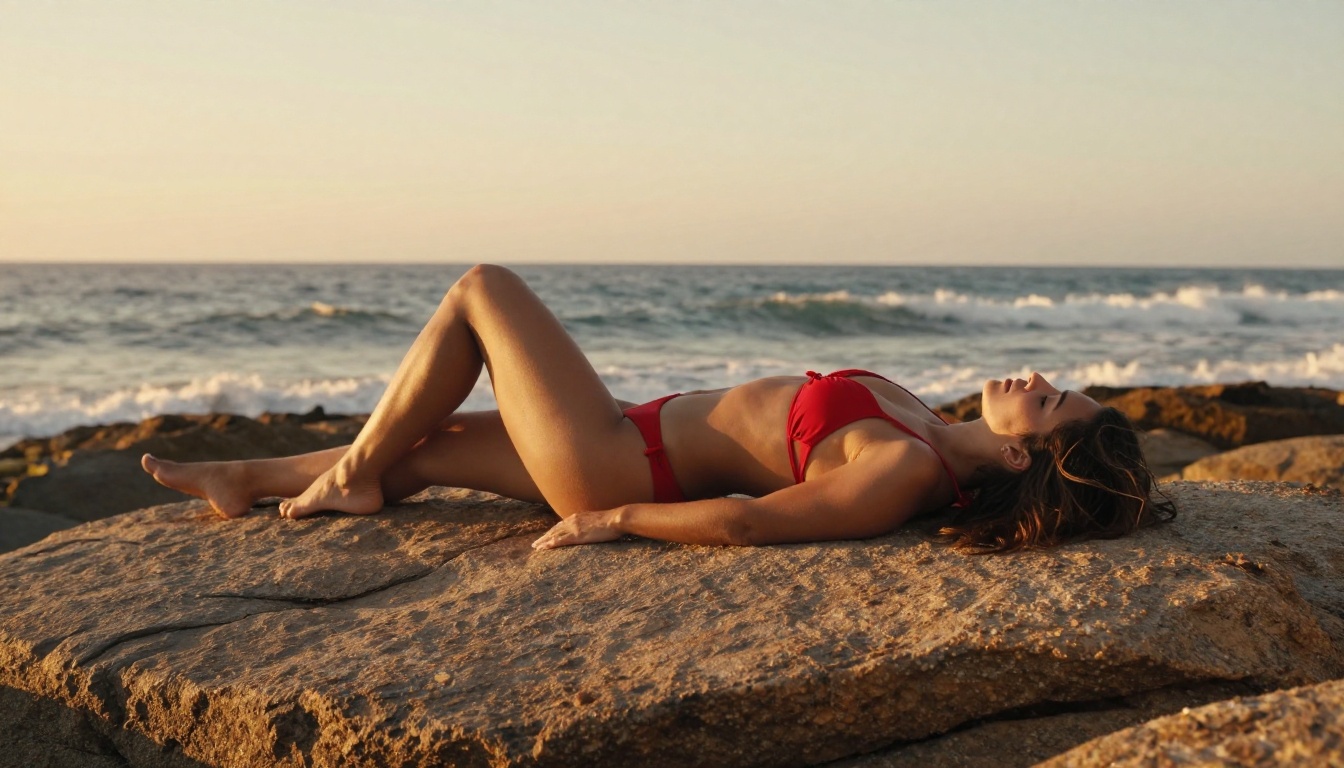
The Supporting Toolkit
Flux Fill Pro: The best tool for fixing anatomy or adding detail to specific image regions without regenerating the whole image. Works inside the FLUX.1 ecosystem so it matches Flux Chroma's visual register naturally.
Flux Depth Pro: When you need precise depth-aware editing, this handles background replacements and scene relighting while preserving subject detail at the original quality level.
Flux Canny Pro: Edge-controlled generation that maintains structure when you need to vary style or lighting while keeping composition fixed. Useful for creating variations on a successful composition.
Qwen Image Edit Plus: For editing existing images using Qwen's spatial intelligence. Excellent for adjusting scene composition, repositioning elements, or modifying background environments post-generation.
Qwen Image Edit Plus LoRA Upscale: Sharpens and upscales images while preserving the original output's stylistic characteristics. Use this to prepare any generation for print or full-screen display at professional quality.

Getting Better Results from Either Model
Both Flux Chroma and Qwen Image 2 respond to the same core techniques. Knowing them separates mediocre output from genuinely impressive results.
Write Photographic Prompts
The biggest quality jump comes from writing prompts that read like a professional photography brief, not a description of what you want to see.
Specificity checklist:
- Name the lens (85mm f/1.4 for portraits, 28mm for wide environmental shots, 135mm for compression effects)
- Set the aperture and its effect (f/1.4 for extreme bokeh, f/8 for full scene sharpness)
- Define the light source direction and quality (soft diffused from a north-facing window, hard directional from the right at 45 degrees, golden backlight from a low horizon)
- Describe skin surface quality explicitly (visible pores, natural subsurface scatter, faint freckles, light body hair)
- Add film simulation language (Kodak Portra 400, natural grain, no digital sharpening, matte highlights)
- Specify camera position (low angle looking up, eye level, slightly above looking down)
This kind of prompt puts both models into a photographic mode rather than a general image generation mode, and the quality difference is substantial.
Fix Anatomy Without Full Regeneration
Both models can produce hand and foot errors at lower resolutions. Practical fixes that avoid throwing away a good image:
- Generate at 1024x1024 minimum for any scene with visible limbs
- Use inpainting through PicassoIA Image Editor Pro to fix specific problem areas
- Reference poses explicitly: "hands resting in lap," "one hand behind back," "arms at sides" are more reliable than complex multi-finger grips
- Use Flux Fill Pro for regional anatomy corrections within the FLUX ecosystem
Upscale for Final Output
Neither model produces print-ready results by default at standard generation resolutions. For professional final output:
- Run through Qwen Image Edit Plus LoRA Upscale for a 2x to 4x resolution increase while preserving stylistic detail
- Use PicassoIA's super-resolution tools to sharpen fine features like hair, skin texture, and fabric after the upscale pass
- For FLUX-generated images, upscaling through a FLUX-native tool preserves the model's tonal characteristics better than a generic upscaler
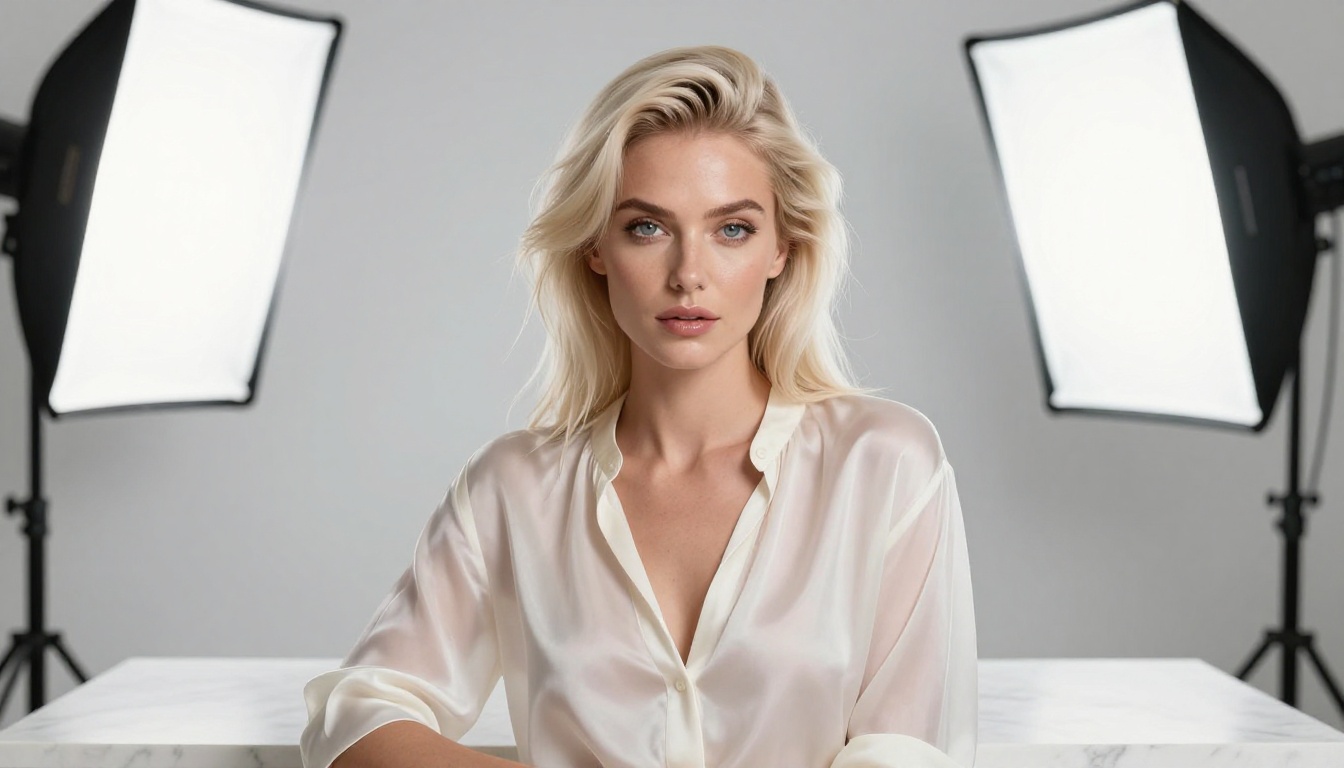
The Full Workflow for Uncensored Realism
Put it all together and the workflow looks like this:
- Generate with Seedream 4.5 for the initial photorealistic base
- Iterate with PicassoIA Image Editor Pro using unlimited generations until the composition and detail are right
- Fix anatomy regionally with Flux Fill Pro when specific areas need correction
- Adjust scenes with Qwen Image Edit Plus for any compositional or environmental edits
- Upscale to final resolution with Qwen Image Edit Plus LoRA Upscale
This stack covers generation, refinement, correction, and output quality at every stage. Flux Chroma and Qwen Image 2 each fit into specific points in this workflow depending on your subject matter and speed requirements.

Try the Models Yourself
The practical test beats any written comparison. PicassoIA gives you immediate access to both the FLUX and Qwen model families, alongside Seedream 4.5 and the full editing stack, without needing local GPU hardware or managing model weights yourself.
Start with Seedream 4.5 for your first generation. Use PicassoIA Image Editor Pro for unlimited refinement. Then bring in the FLUX and Qwen editing tools depending on whether you need anatomy correction or scene adjustment. The difference between a good result and a great one is usually two or three targeted edits rather than a full regeneration.
The full model library, including both Flux and Qwen variants, is at picassoia.com/en/all-models. If you are working on portraiture, glamour, or any creative project requiring high photorealism, everything you need is already there.


