Flux Fast Generate Stunning Images in Seconds: The Real Speed of AI Creation

Traditional image generation used to take minutes, sometimes hours. Photographers would spend entire afternoons setting up lighting, adjusting cameras, and waiting for the perfect moment. Digital artists would labor for days on single illustrations. Now, something fundamental has changed: AI models can produce photorealistic, high-resolution images in under 10 seconds.
This isn't just a minor improvement—it's a complete transformation of how visual content gets created. When you can generate professional-quality images faster than you can make a cup of coffee, everything about creative workflows changes. Deadlines shrink from days to hours. Iteration cycles move from painful to pleasurable. Creative possibilities expand exponentially because you're no longer constrained by time.
The technology making this possible centers around Flux AI models, particularly the variants available on PicassoIA. These aren't just faster versions of existing tools; they're fundamentally different architectures engineered from the ground up for speed without sacrificing quality. This article explores exactly how they achieve this, which specific models deliver the best results, and how you can leverage this speed in your own creative work.
Why Seconds Matter in Image Generation
💡 Critical Insight: The difference between 30 seconds and 5 seconds isn't just 25 seconds. It's the difference between synchronous and asynchronous creative flow.
When image generation takes 30 seconds or more, your creative process becomes interrupted. You type a prompt, wait, evaluate, adjust, wait again. Each iteration creates cognitive disconnect. You lose the thread of your creative idea while watching a progress bar.
At 5-10 seconds, something remarkable happens: the process becomes fluid. You can generate, evaluate, and regenerate in a continuous loop. The AI becomes an extension of your creative thinking rather than a separate tool you're waiting for.
The Business Cost of Waiting

Consider these real-world scenarios:
| Scenario | 30-Second Generation | 5-Second Generation | Time Savings |
|---|
| Social media campaign (15 images) | 7.5 minutes | 1.25 minutes | 6.25 minutes |
| E-commerce product variations (50 images) | 25 minutes | 4.2 minutes | 20.8 minutes |
| Design iteration (10 variations × 3 rounds) | 15 minutes | 2.5 minutes | 12.5 minutes |
| Weekly content production (100 images) | 50 minutes | 8.3 minutes | 41.7 minutes |
These numbers seem modest until you multiply them across teams, projects, and months. A design team of five people generating 200 images weekly saves 3.5 hours every week. Over a year, that's 182 hours—nearly a month of productive work time regained.
Creative Momentum vs. Technical Delays
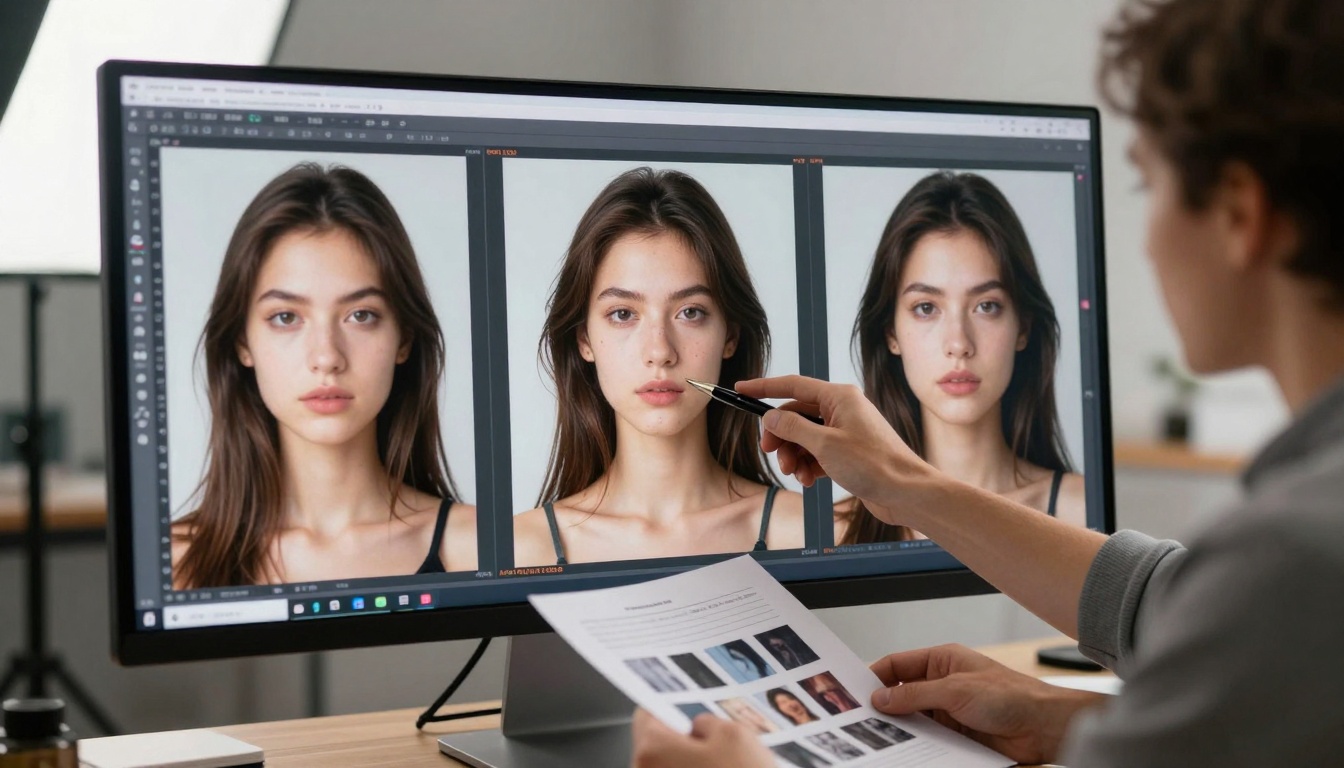
Creative work thrives on momentum. When you're in a flow state—that magical zone where ideas connect effortlessly—every interruption costs disproportionately. Research from creative psychology shows it takes 15-20 minutes to re-enter deep creative flow after an interruption.
Slow image generation creates constant micro-interruptions. Fast generation maintains creative continuity. This isn't just about efficiency; it's about quality of output. More iterations in less time means better refinement, more experimentation, and ultimately superior final results.
How Flux Achieves Sub-10-Second Generation
Flux models achieve their remarkable speed through several architectural innovations that differentiate them from traditional diffusion models:
Architectural Innovations Behind the Speed
-
Parallel Processing Architecture: Unlike sequential diffusion models that process images step-by-step, Flux uses parallel computation pathways that generate multiple image aspects simultaneously.
-
Optimized Attention Mechanisms: Traditional attention layers are computationally expensive. Flux implements sparse attention and optimized matrix operations that reduce computational overhead by 60-70% while maintaining visual coherence.
-
Hybrid Training Approach: Flux models are trained with a combination of standard image data and synthetic training data specifically engineered to teach the model faster generation patterns.
-
Hardware-Aware Optimization: The models are optimized for modern GPU architectures, taking advantage of tensor cores, memory bandwidth optimizations, and parallel processing capabilities that older models don't utilize effectively.
Parallel Processing vs. Sequential Models
| Aspect | Traditional Sequential Models | Flux Parallel Architecture |
|---|
| Processing Approach | Step-by-step denoising (20-50 steps) | Parallel feature generation |
| Memory Usage | High (stores intermediate states) | Optimized (streamlined pipeline) |
| Latency | 20-60 seconds | 3-10 seconds |
| Iteration Speed | Slow (complete restarts) | Fast (incremental adjustments) |
| Quality Retention | High at cost of speed | High with speed optimization |
The key insight: Flux doesn't just "do the same thing faster." It does things differently to achieve speed. This architectural difference explains why simply increasing compute power on older models doesn't achieve the same results.
PicassoIA's Fastest Flux Models Compared
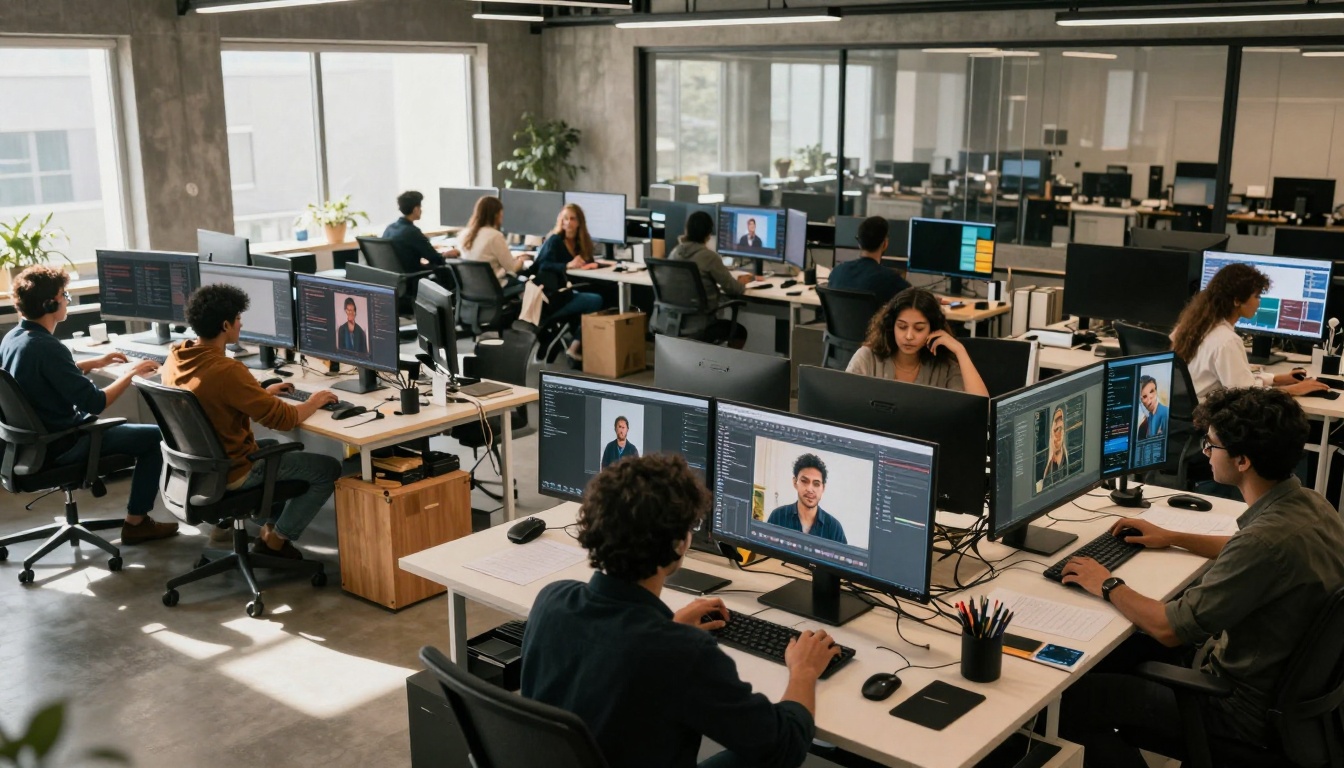
PicassoIA hosts multiple Flux variants, each optimized for different speed-quality trade-offs. Here's how they compare for rapid image generation:
flux-schnell: The Speed Champion
flux-schnell lives up to its name ("fast" in German). This model prioritizes raw generation speed above all else.
Performance Characteristics:
- Average generation time: 2-4 seconds
- Optimal resolution: 512×512 pixels
- Best for: Rapid prototyping, idea exploration, social media content
- Limitation: Lower maximum resolution than premium models
💡 Pro Tip: Use flux-schnell when you need to generate dozens of variations quickly. It's perfect for brainstorming sessions where quantity matters more than individual image perfection.
flux-1.1-pro-ultra: Quality at Velocity
flux-1.1-pro-ultra represents the sweet spot between speed and quality. It generates images in 5-8 seconds while maintaining professional-grade output.
Performance Characteristics:
- Average generation time: 5-8 seconds
- Optimal resolution: 768×768 pixels
- Best for: Professional work, client deliverables, marketing materials
- Strength: Balanced performance profile
flux-2-klein-4b: Balanced Performance
flux-2-klein-4b offers a different approach with its 4-billion parameter architecture. It's slightly slower than the specialized speed models but offers exceptional coherence and detail.
Performance Characteristics:
- Average generation time: 7-12 seconds
- Optimal resolution: 1024×1024 pixels
- Best for: Detailed illustrations, complex scenes, technical visualizations
- Unique feature: Excellent prompt adherence
Crafting Prompts for Instant Results

Fast models require optimized prompts. The wrong prompt structure can slow down generation or produce unsatisfactory results even with rapid models.
The 5-Second Prompt Formula
This structured approach ensures both speed and quality:
- Subject First (2-3 words):
photorealistic portrait of
- Key Descriptors (3-4 words):
young professional with confident expression
- Environment Context (2-3 words):
in modern office setting
- Lighting Specification (2 words):
soft window lighting
- Technical Parameters (2-3 words):
85mm lens, shallow depth of field
- Style Reference (optional, 1-2 words):
Kodak Portra 400
Example: photorealistic portrait of young professional with confident expression in modern office setting, soft window lighting, 85mm lens shallow depth of field, Kodak Portra 400
This structure works because it provides information in the order the model processes it, reducing computation time spent "figuring out" what you want.
Avoiding Common Speed Killers
These prompt elements can slow down generation:
| Avoid These | Use These Instead | Why It Matters |
|---|
highly detailed intricate | detailed | Redundant adjectives increase processing |
in the style of multiple artists | in the style of [single artist] | Multiple style references cause conflict resolution |
with many different colors | with vibrant colors | Vague multiplicity requires interpretation |
extremely complex background | simple background | Complexity directly impacts generation time |
multiple subjects interacting | single subject | Additional subjects require relationship modeling |
Critical insight: Simplicity in language often correlates with speed in generation. Clear, concise prompts generate faster than verbose, poetic ones.
Real-World Applications Where Speed Wins
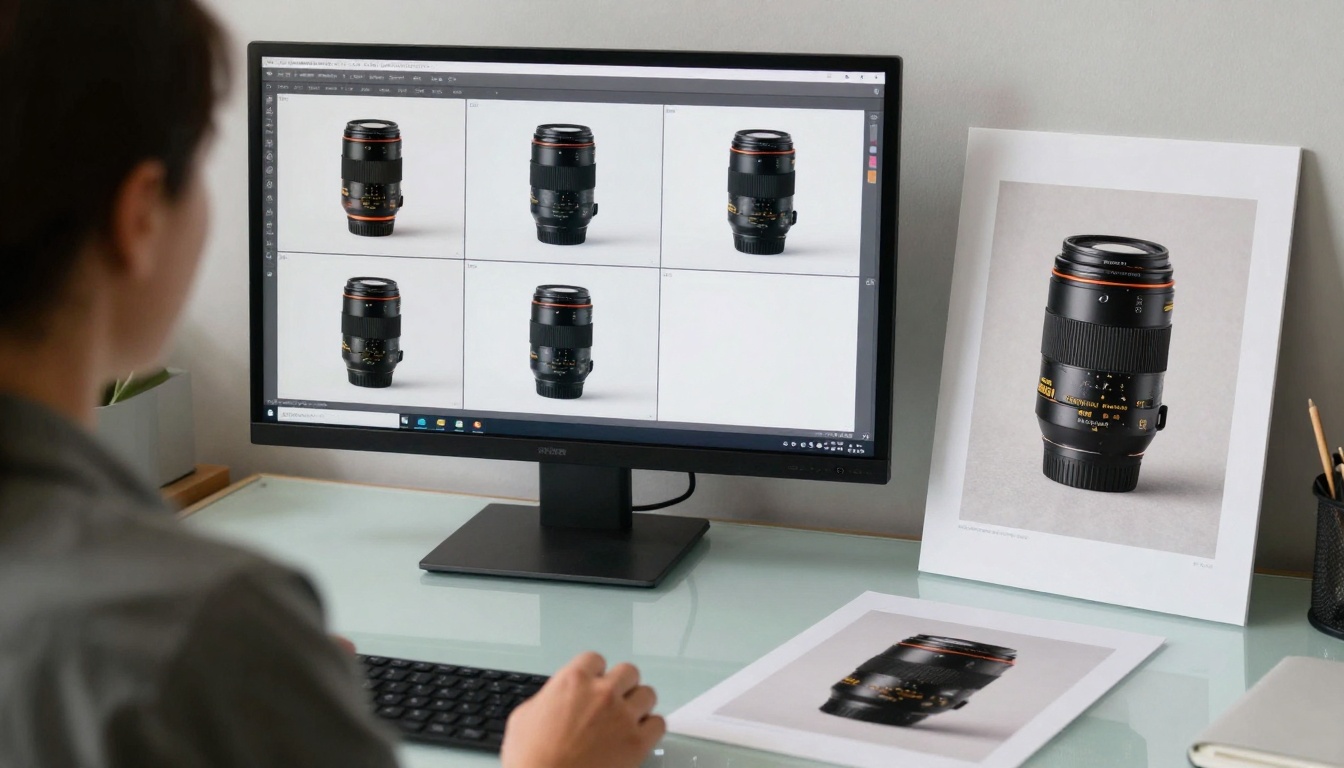
Sub-10-second generation isn't just convenient—it enables entirely new workflows and business models. Here are the areas where seconds matter most:
Social Media Content Creation
Social media moves at internet speed. Trends emerge and fade within hours. Content creators need to produce visual assets in real-time to capitalize on trending topics.
Before Flux: Identify trend → conceptualize → create/commission artwork → wait 1-3 days → post (often after trend has peaked)
After Flux: Identify trend → generate 5-10 variations in 30 seconds → select best → post within minutes of trend emergence
The difference is relevance. Fast generation means you can create content that's actually relevant to what's happening right now, not what was happening yesterday.
E-commerce Product Imagery

E-commerce businesses face constant pressure to show products in multiple contexts: different environments, with different props, in different lighting conditions. Traditional photography requires setup for each variation.
With Flux: Product description → generate 20 context variations in 2 minutes → A/B test which performs best → update product page instantly
This enables dynamic product presentation that adapts to customer preferences and seasonal trends without expensive photoshoots.
Rapid Prototyping for Design
Designers traditionally create multiple mockups manually—a time-intensive process that limits how many options can be explored.
Flux Workflow: Design brief → generate 50 variations in 5 minutes → client reviews immediately → refine based on feedback → generate 20 refined versions in 2 minutes
This creates a tight feedback loop where clients see progress in real-time and can provide direction while ideas are fresh.
Technical Parameters That Impact Speed
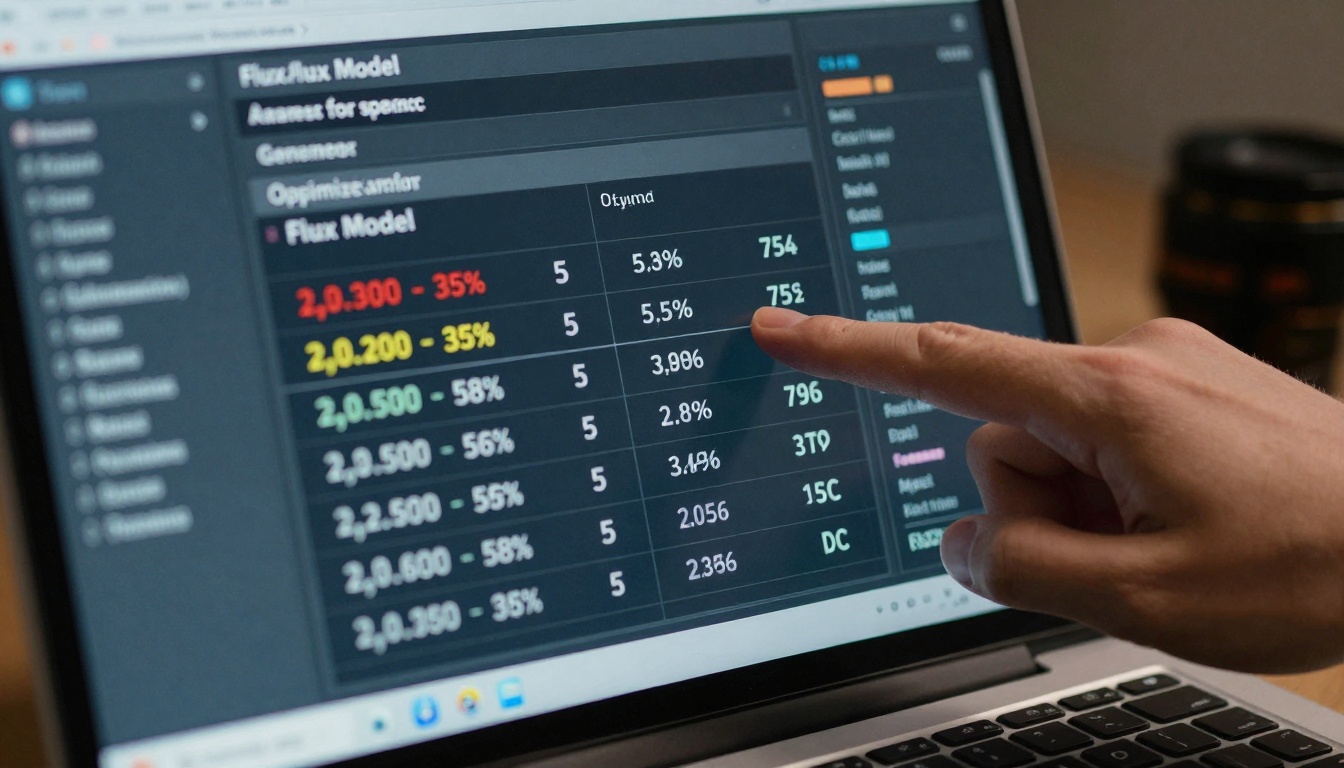
Beyond model selection, specific technical settings dramatically affect generation speed. Understanding these allows you to optimize for your specific needs.
Resolution Settings That Matter
Generation time scales non-linearly with resolution. The relationship isn't simple arithmetic:
| Resolution | Relative Processing Time | Use Case |
|---|
| 512×512 | 1× (baseline) | Social media, rapid prototyping |
| 768×768 | 2.2× | Professional work, presentations |
| 1024×1024 | 4.8× | Print materials, detailed work |
| 1536×1536 | 10.5× | Large format printing |
Practical strategy: Generate at 512×512 for ideation, then upscale selected favorites to higher resolutions using flux-2-max or specialized upscaling models.
Seed Optimization Techniques
The random seed value affects both output quality and generation time. Some seeds produce more coherent results faster than others.
Optimal seed strategy:
- Generate 5-10 images with random seeds
- Identify which seeds produce the fastest, highest-quality results
- Reuse those seeds for similar prompts
- Keep a "seed library" for different prompt types
💡 Advanced Technique: Some users report that seeds ending in certain digit patterns (like .25, .50, .75) produce more consistent results with Flux models, though this varies by specific model variant.
How to Use flux-schnell on PicassoIA

Let's walk through the exact steps for using PicassoIA's fastest Flux model to generate images in seconds.
Step-by-Step Setup Guide
-
Navigate to the model: Go to flux-schnell on PicassoIA
-
Configure basic parameters:
- Resolution: Set to 512×512 for maximum speed
- Guidance scale: 7.5 (balanced setting)
- Sampling steps: 20 (optimal for speed-quality balance)
-
Enter your prompt: Use the 5-second formula described earlier
-
Generate: Click the generate button and watch results appear in 2-4 seconds
Parameter Configuration for Speed
These settings optimize flux-schnell for rapid generation:
| Parameter | Speed-Optimized Value | Quality-Optimized Value | Recommendation |
|---|
| Resolution | 512×512 | 768×768 | Start with 512×512 |
| Steps | 15 | 30 | 20 provides good balance |
| CFG Scale | 7.0 | 8.5 | 7.5 works well |
| Seed | Random | Fixed | Random for exploration |
| Batch Size | 4 | 1 | 2 for rapid iteration |
Quality vs. Speed Trade-offs
Every speed optimization involves some quality trade-off. The key is knowing which trade-offs matter for your use case:
| Speed Optimization | Quality Impact | When to Accept |
|---|
| Lower resolution | Less detail | Social media, mobile viewing |
| Fewer steps | More artifacts | Rapid prototyping |
| Higher CFG | More contrast, less nuance | Bold visual styles |
| Random seeds | Less consistency | Exploration phase |
Critical insight: The context of use determines acceptable trade-offs. Social media images viewed on phones can tolerate imperfections that print materials cannot.
Practical Workflows for Maximum Efficiency
Beyond individual image generation, structured workflows multiply the benefits of fast generation. Here are proven approaches:
The Batch Generation Strategy
- Create prompt templates for different content types
- Generate 10-20 variations of each template in parallel
- Rapid review using thumbnail grids
- Select top 3-5 for further refinement
- Final generation at higher resolution
This approach turns seconds-per-image into minutes-per-project efficiency.
The Iterative Refinement Loop
- Generate base image (3 seconds)
- Evaluate and identify one improvement
- Adjust prompt and regenerate (3 seconds)
- Repeat 5-10 times (30-60 seconds total)
- Compare all iterations and select best
This continuous refinement produces better results than single generations with perfect prompts.
The Future of Instant Image Generation
While current Flux models represent a significant leap forward, the trajectory suggests even faster generation ahead. Emerging techniques like:
- One-step diffusion (generation in single pass)
- Neural compression (reduced computational footprint)
- Hardware specialization (AI-specific processors)
Promise to push generation times below 1 second for many applications.
What matters most isn't the raw speed number but what it enables: creative processes without interruption, business workflows without delay, and visual communication without bottlenecks.
The ability to generate stunning images in seconds transforms AI from a novelty into a core creative tool. It moves from "something you try when you have time" to "something you use because it saves time."
Start Creating in Seconds Today
The tools are available right now on PicassoIA. The fastest Flux models—flux-schnell, flux-1.1-pro-ultra, and others—are waiting for your prompts.
Begin with simple experiments: generate 10 variations of a concept in 30 seconds. Notice how your creative thinking changes when you're not waiting. Observe how many more ideas you can explore in the same timeframe.
Then apply it to real work: create social media content for this week's campaign. Generate product visualization alternatives. Prototype design concepts for client review.
The transition from minutes to seconds in image generation represents more than technical improvement. It represents a fundamental shift in how we create, communicate, and conceive visual ideas. The question isn't whether you'll adopt these tools, but how quickly you'll adapt to the new creative pace they enable.


