You typed "Flux Kontext free" into a search bar because you want to edit a photo with a sentence, not pay for a subscription first. Fair. Kontext is the model that made text based photo editing feel normal: you upload a picture, write "change the jacket to red" or "move her to a beach at sunset", and the face, pose and lighting stay put. The catch is that "free" means three different things depending on where you land: an official playground, an open weights file you run yourself, or a third party site with a trial allowance. This article sorts those out, shows what a credit actually costs, lists the limits that stop people mid session, and points you to alternatives when Kontext refuses an adult or suggestive edit.
What "Free" Really Means
Before you click anything, it helps to know that Flux Kontext is a family, not one model. Black Forest Labs released it in several flavors, and each one has a different price tag and a different license.
The Official Stance
From what I found while researching this in November 2026, Black Forest Labs does not list a free monthly allowance or a signup bonus for the paid Kontext models. Pricing is per image, billed in credits, and the same rate applies whether you call the API or use the hosted playground. I could not confirm the exact current terms of the playground itself, so treat any "free forever" headline with suspicion until you see your own balance on screen.
Where Free Access Comes From
Free access usually arrives through one of four doors:
- Open weights. The Flux Kontext Dev checkpoint can be downloaded, which costs nothing in credits, but it needs a capable GPU and carries a non commercial license by default.
- Third party demos. Some websites wrap Kontext and hand out trial credits, often a few hundred that never refill.
- Community Spaces. Shared demos with a queue, great for a quick test, unreliable for work.
- Platforms with model catalogs. Sites such as PicassoIA host several Kontext variants side by side so you can compare them without setting up anything.
💡 Quick rule: if a page promises unlimited, uncensored Kontext at no cost, the catch is almost always a queue, a watermark, a resolution cap or a hidden paywall after a handful of runs.
Trying the Online Demo
A browser demo is the fastest way to find out whether Kontext suits your photos. You do not need an account on most trial pages, and you can judge the result in under a minute.
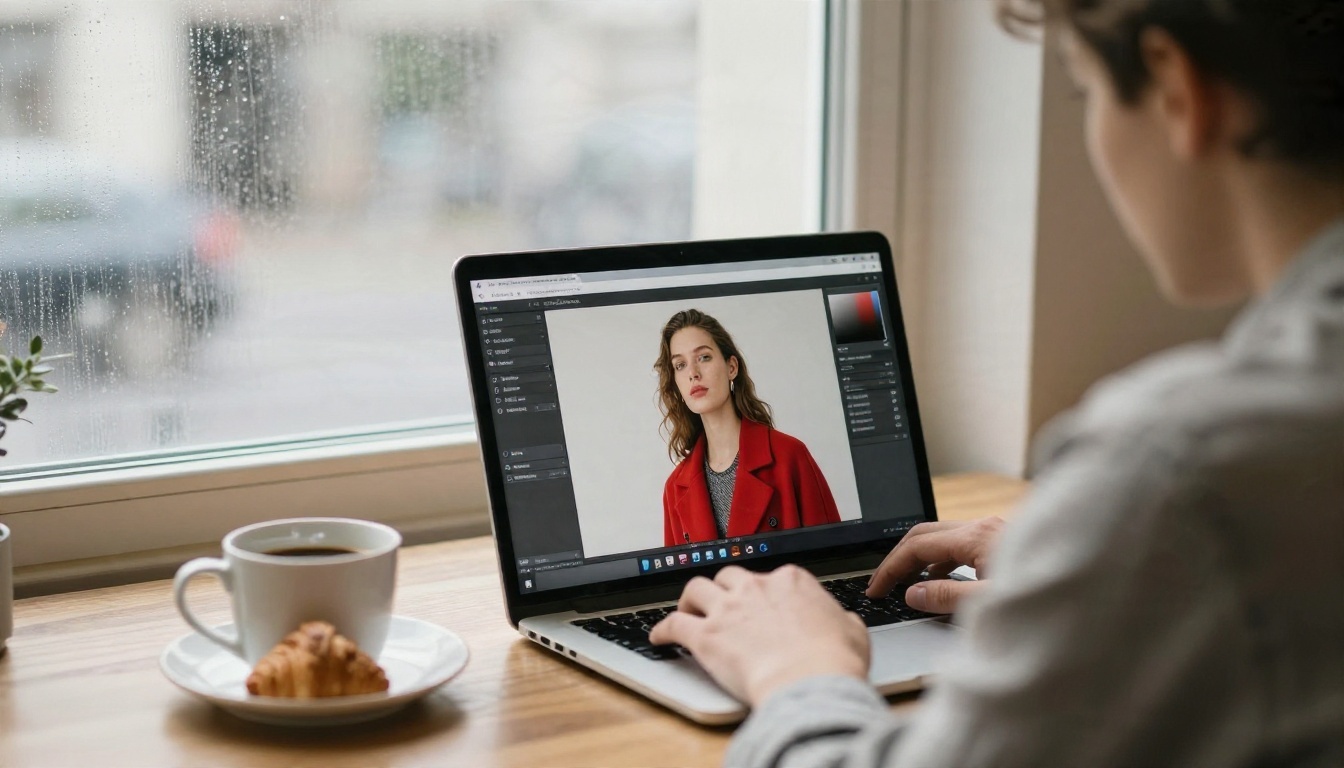
Browser Playground Basics
Every demo follows the same loop. Upload one image, write one instruction, press generate, wait roughly five to fifteen seconds. Kontext was built for instruction based editing, so write like you are talking to a retoucher: "Replace the grey wall with a brick wall, keep her expression and hairstyle unchanged." The last clause matters. Kontext is good at preserving identity, but it preserves it best when you tell it what must not move.
If you want a lighter, quicker option on PicassoIA, Flux Kontext Fast trades a little polish for speed, which is ideal for testing prompts before spending effort on the heavier models.
What to Test First
Run these four quick tests in any demo and you will know what you are dealing with:
- Background swap. Change the setting, keep the subject.
- Clothing change. Swap a color or garment without touching the face.
- Text edit. Ask it to replace a short word on a sign.
- Chained edits. Apply three small changes in a row and check whether the face drifts.
Drift after three or four consecutive edits is normal for every editing model. If the skin looks waxy or the eyes shift, start again from the original instead of piling more edits on top.
Credits and Real Costs
This is where "free" gets expensive if you are not paying attention. Official pricing is simple, and it is cheap per image, but it adds up across a day of experiments.

Per Image Pricing
At the official rates, one credit is worth one cent. Kontext Pro costs 4 credits per image and Kontext Max costs 8. Price does not change with resolution inside the supported range, so a small test image costs the same as a full size one.
Free vs Paid Math
Say you iterate on each final picture eight times. On Pro that is 32 cents per finished image. On Max it is 64 cents. A batch of fifty product photos lands around sixteen dollars on Pro. That is far cheaper than a retoucher, but it is not zero, and it explains why trial credits on third party sites disappear within an afternoon.
Running Kontext Dev locally looks free on paper. In practice you pay with hardware, electricity and setup time.
💡 Tip: write your prompt in a text file first, run it once on a cheap or fast variant, and only send the final wording to Max. Most wasted credits come from vague prompts, not from the model.
Limits You Will Hit
Even when the generation is free or cheap, three walls show up quickly.
Task and Rate Caps
Through the official API, the default ceiling is 24 active tasks at once, and Kontext Max is capped lower, at 6 active tasks. Higher limits exist, but you have to ask support. For a solo creator this rarely matters. For a script that edits a whole product catalog overnight, it matters a lot: you will need a queue and a retry loop.
Size and Resolution Rules
Inputs are limited to roughly 20 MB or 20 megapixels, and outputs land near one megapixel. That is fine for social posts and web pages, but a poster or a large print needs an upscale afterward. Extreme aspect ratios also behave unpredictably, so crop to something normal before uploading.
Content Filters
Hosted Kontext endpoints run safety checks on both the input and the output. Portraits in swimwear, boudoir style lighting, lingerie fashion or anything suggestive can come back blocked, blurred or quietly altered. That is the main reason people go looking for alternatives, and it is a policy choice rather than a bug you can prompt around. Do not waste credits trying to trick a filter. Switch to a model that was built to allow tasteful adult imagery.
| Limit | What happens | Practical fix |
|---|
| Active task cap | Requests queue or fail | Add a retry loop, space calls out |
| Input size | Large files rejected | Resize to under 20 MB before upload |
| Output size | About 1 MP results | Upscale after editing |
| Safety filter | Blocked or altered output | Use an alternative model for adult themes |
NSFW Alternatives That Work
Let us be direct about the content line. This section is about non explicit glamour: bikinis, boudoir lighting, silk, evening wear, beach and pool portraits. It is the territory where Kontext tends to refuse and where other models are more relaxed. Nothing here involves pornographic output, and it should stay that way.

Seedream 4.5 First
Seedream 4.5 is the model to try first for suggestive photography. It produces sharp, photorealistic skin, handles swimwear and glamour prompts without the constant refusals, and outputs up to 4K. It is also strong at following long, detailed prompts, so a request like "white bikini, ankle deep surf, golden hour backlight, 85mm lens look" arrives close to what you pictured.
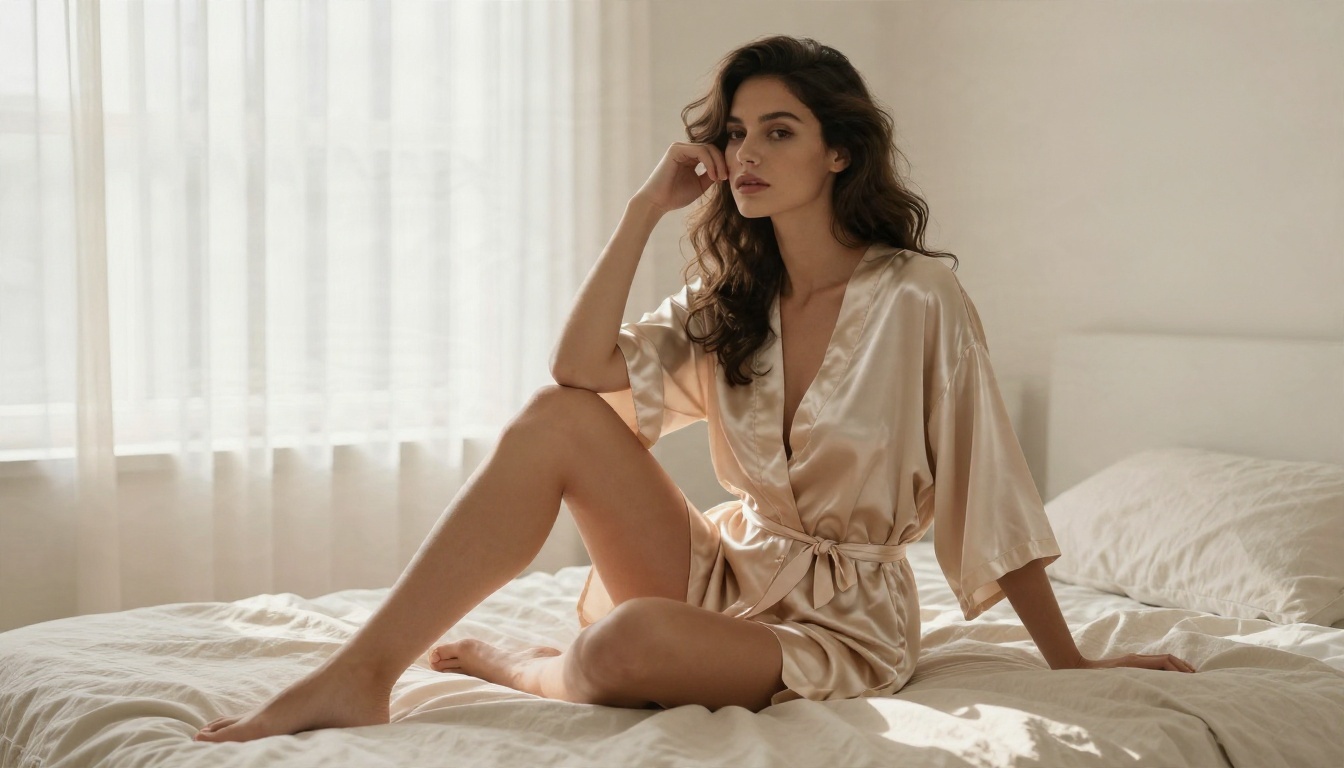
Image Editor Pro for Edits
The reason people want Kontext is editing an existing photo, and for that the closest match on the list is PicassoIA Image Editor Pro. It is built as an unlimited online photo editor, so you can keep iterating on the same portrait without counting credits. Upload your picture, describe the change ("swap the dress for a champagne silk robe, keep her face and the window light"), and refine until it looks right.
Other Models Worth Trying
Once you have the first two in your rotation, a few more are worth keeping nearby:
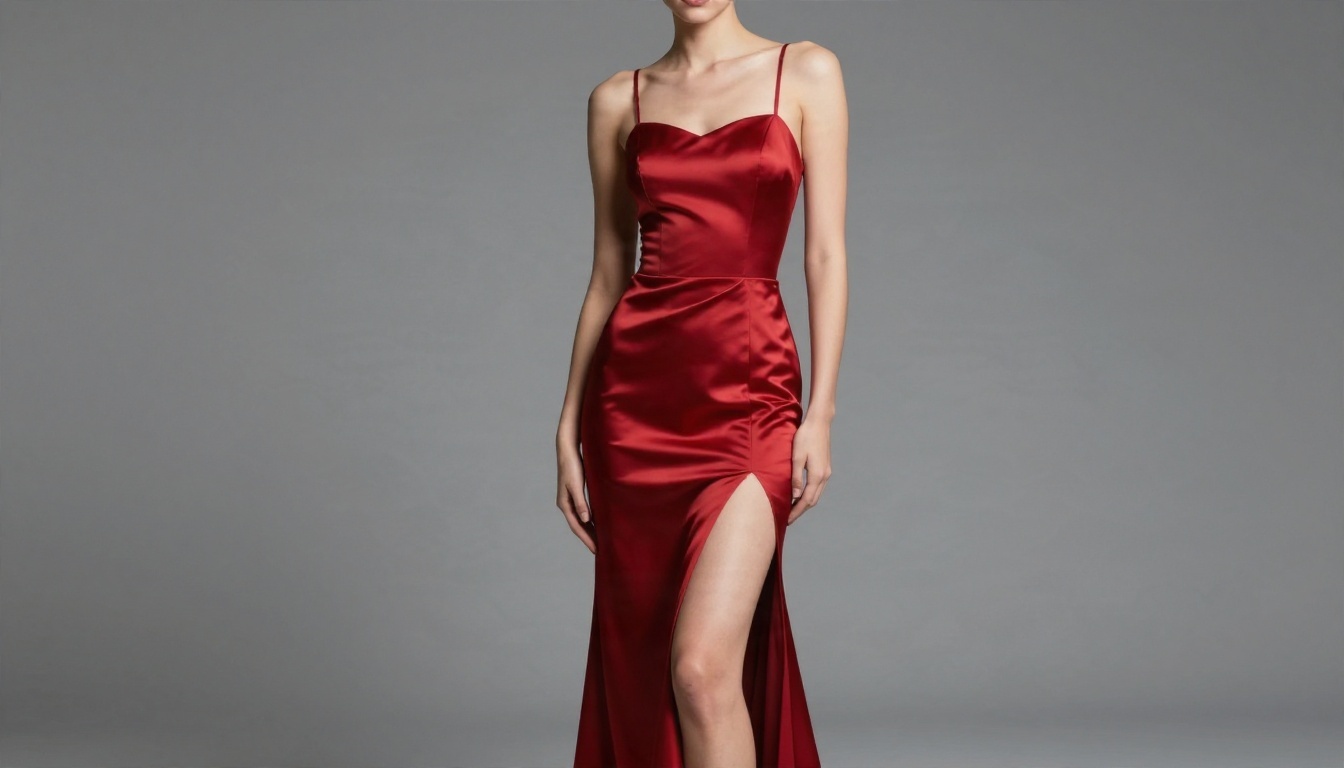
💡 Prompt formula for glamour: subject and wardrobe, setting, light direction, lens, film stock. For example: "woman in a red satin gown, grey paper backdrop, softbox from the right, 50mm f/2.8, Kodak Portra 400 grain". Photographic language beats adjectives like "sexy" or "hot" every time.
The same approach works poolside, on a terrace, at a yacht deck or in a hotel room. Think like a photographer, and keep the frame tasteful.

You can browse every available option at picassoia.com/en/all-models, which lists image, video and editing models in one place.
How to Use Flux Kontext Pro on PicassoIA
If your edit is safe for work and you simply want the Kontext look, here is the fast route using Flux Kontext Pro.
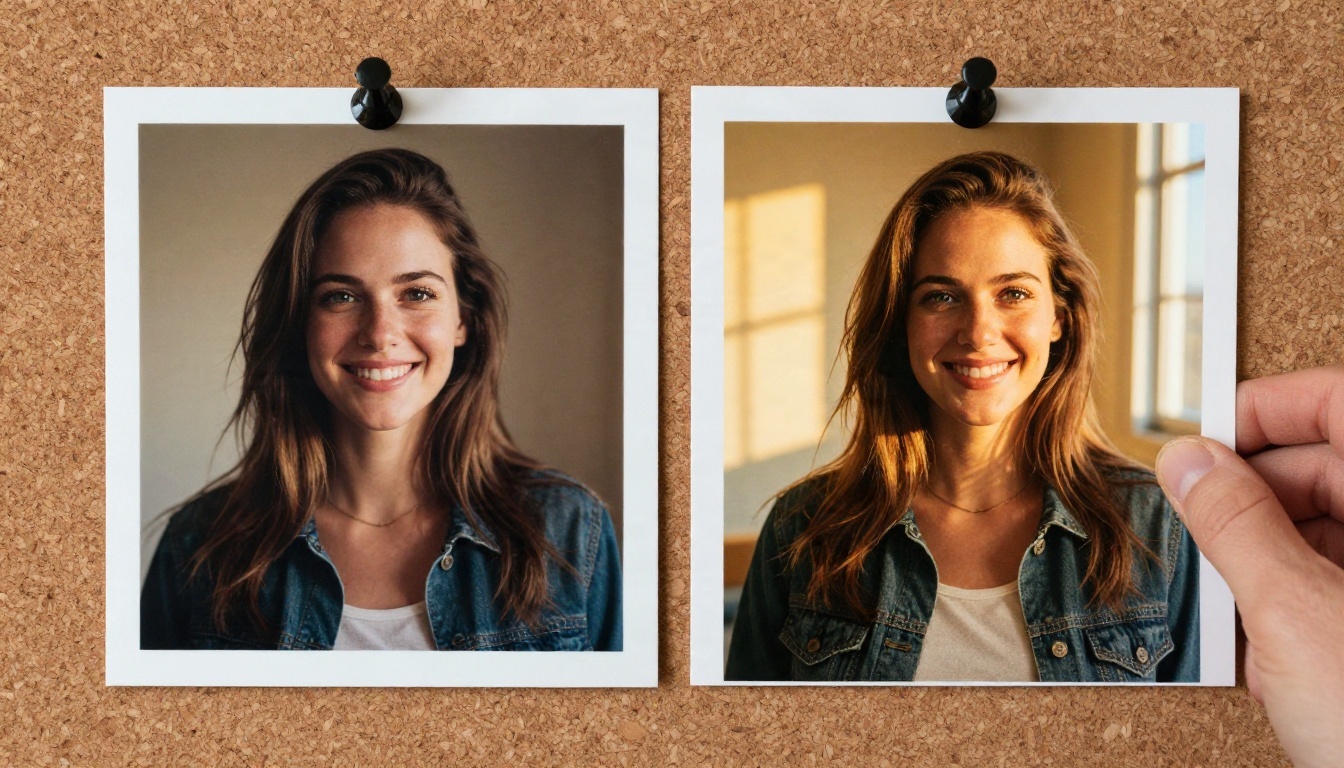
Step by Step
- Open the Flux Kontext Pro page on PicassoIA.
- Upload a clear source photo. Faces should be well lit and not cropped awkwardly.
- Write one instruction in plain language, such as "Change the background to a golden sunset beach, keep the person unchanged".
- Pick your aspect ratio, matching the source if you want the framing preserved.
- Generate, review, then refine with a second short instruction rather than rewriting the whole prompt.
- Download the result you like, or send it to an upscaler if you need print size.
Parameter Tips
- One change per prompt. Pro handles a single edit best. Chain edits instead of stacking five requests into one sentence.
- Name what stays. Add "keep the face, hairstyle and pose unchanged" to protect identity.
- Quote text. For sign or label edits, put the new word in quotation marks and keep it short.
- Step up when stuck. If Pro keeps missing detail, run the same prompt on Flux Kontext Max, which handles typography and subtle instructions more reliably.
- Combine photos. Multi Image Kontext Max merges two source images into one scene.
💡 Shortcut tools: Text Removal, Depth of Field and Professional Headshot are single purpose Kontext apps. They need no prompt writing at all.
Which Kontext Variant Fits You?
A quick decision list so you stop second guessing:
Common Mistakes
- Vague prompts. "Make it better" gives random results. Say what changes.
- Over editing one file. Return to the original after four or five rounds.
- Chasing filters. If a safe prompt is blocked repeatedly, move to another model instead of rewording the request ten times.
- Ignoring the license. Dev weights are fine for experiments, but check the terms before using results commercially.
Make Your Own Images Today
You now have the full picture: Kontext is cheap per edit but not free, the demos are great for testing and bad for volume, the limits are about tasks, size and content rules, and for glamour or suggestive photography you are better off with Seedream 4.5 and PicassoIA Image Editor Pro.
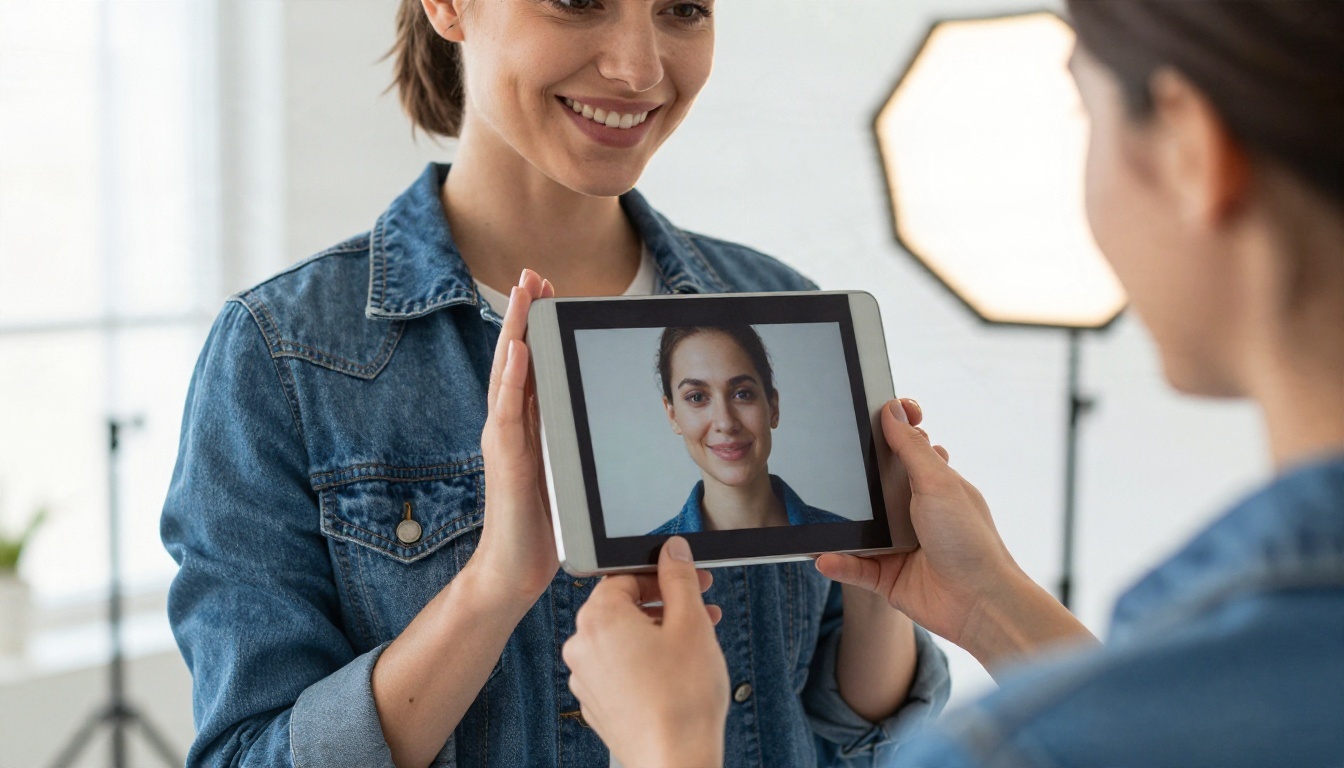
Pick one photo you already own, write a single clear instruction, and run it through Flux Kontext Pro first. Then run the same photo through Image Editor Pro with an unlimited budget and compare the two. In ten minutes you will know which one fits your style, and you will have a few new images to show for it. Head to picassoia.com/en/all-models, open a model, and start creating.


