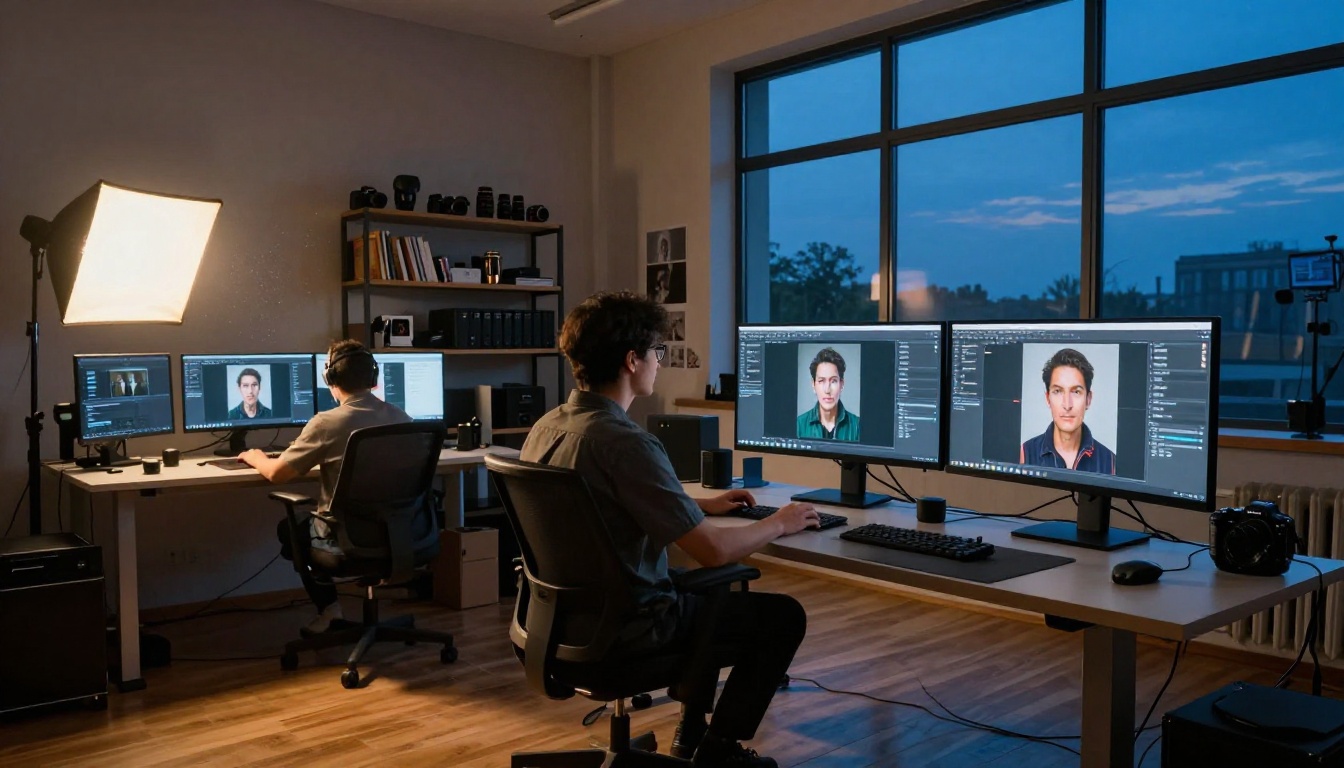
Most AI image generators ignore your reference photo the moment you hit generate. Flux Kontext does the opposite. It treats that reference image as a structural anchor, pulling identity, style, and composition directly from your uploaded photo and weaving it into the output. The result is something that text prompts alone have never been able to deliver: true visual consistency across different scenes, lighting conditions, and contexts.

What Flux Kontext Actually Is
Flux Kontext is a family of AI image generation models developed by Black Forest Labs, the team behind the original FLUX.1 architecture. Released in 2025, Kontext was built specifically to address one of the hardest problems in AI image generation: keeping a subject, character, or visual style consistent across multiple generated images.
Traditional text-to-image models treat every generation as a blank slate. You type a prompt, the model hallucinates an image, and whatever character or object appeared in your last output has no direct influence on the next one. Kontext breaks that pattern by accepting one or more reference images as input, then conditioning the generation process on what it sees in those images.
The Problem It Was Built to Solve
Anyone who has tried to build a consistent character for a comic, brand campaign, or social media series knows the frustration. You generate a beautiful portrait on the first try, then spend hours tweaking prompts trying to get that same face in a different outfit or setting. The face changes. The hair changes. The entire identity drifts.
💡 Kontext was designed for exactly this scenario. Feed it your reference image once, and it carries that visual identity forward into every new generation, regardless of how different the new scene is.
This applies beyond characters. Product photography, architectural renders, fashion shoots, any creative workflow requiring visual consistency across multiple outputs benefits directly from reference image conditioning. The problem has always been that language is an imprecise vehicle for describing visual identity. "Brown hair, high cheekbones, almond eyes" is wildly underspecified compared to showing the model a photograph.
Who Built It and When
Black Forest Labs launched the Kontext family alongside their existing FLUX.1 lineup in early 2025. The models were trained on large datasets of paired images, teaching the architecture to extract and preserve specific visual attributes from reference inputs while still responding flexibly to text prompt instructions. This dual conditioning, text plus image, is what separates Kontext from simple image-to-image tools that just blend your input with a new prompt. Kontext reads the reference. It doesn't just copy it.
How Reference Image Generation Works
The mechanics behind Kontext differ significantly from standard image-to-image generation. Understanding the difference helps you use it more intentionally and get better results from the first generation.
Image Conditioning vs. Text Prompts
In a standard text-to-image model, your prompt is the only instruction. The model interprets words and maps them to visual concepts learned during training. In Kontext, your reference image becomes a second instruction channel running in parallel with your text prompt.
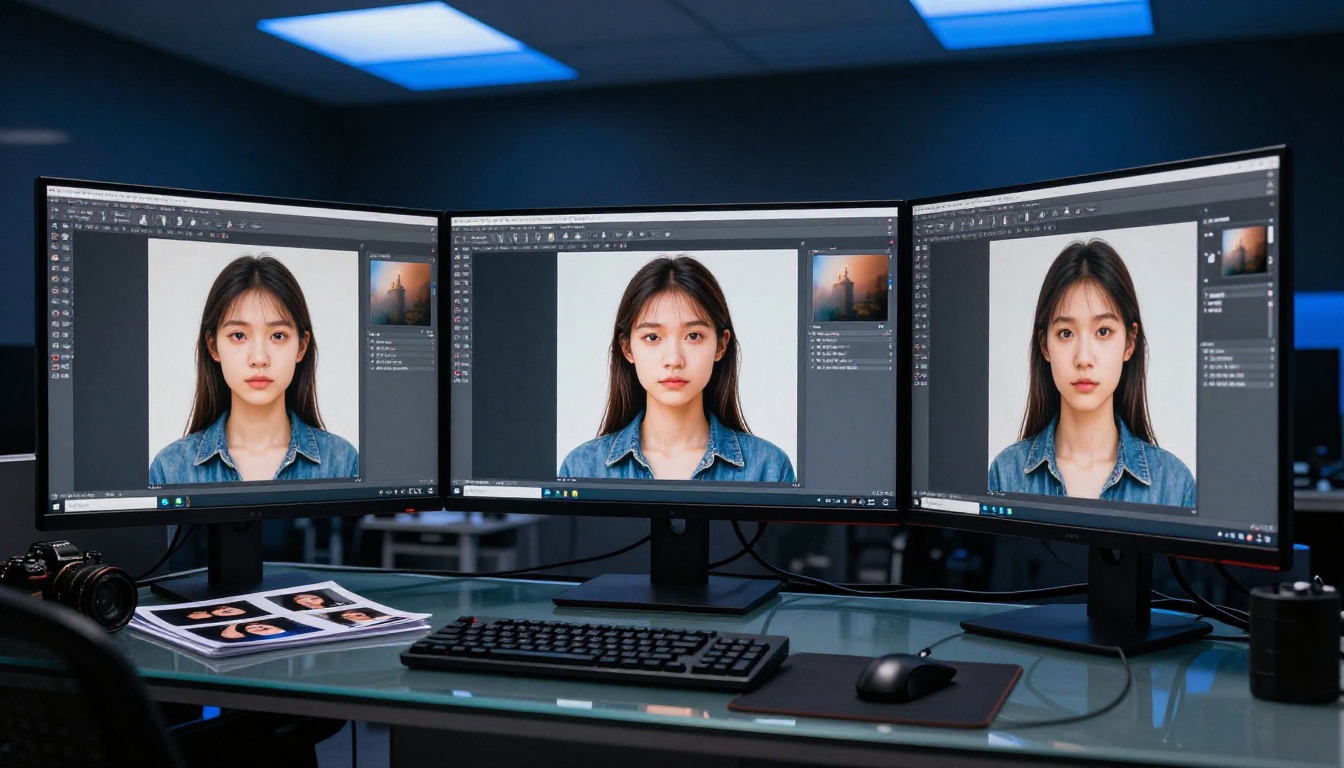
The model encodes your reference image into a latent representation, essentially compressing it into a dense mathematical summary of what it contains: face geometry, color palette, lighting conditions, texture patterns, and stylistic qualities. This encoding gets fed into the generation process alongside your text tokens.
The practical effect: when you prompt "put this character in a rainy Tokyo street at night," the model already has a rich internal model of who this character is. It doesn't have to guess. It uses the reference encoding to maintain the character's visual identity while responding to your new scene description.
What the Model Sees When You Upload a Reference
Kontext does not do simple copy-paste. It does not extract pixels from your reference and stamp them onto the output. Instead, it generates a new image that captures the essence of the original while responding to new context.
This distinction matters because outputs feel coherent rather than like bad composites. Consider what changes and what stays fixed:
- Lighting adapts to the new scene context automatically
- Pose and composition change based on your prompt instructions
- Facial features and identity remain consistent even under different angles and expressions
- Clothing and accessories can be swapped while face and body type persist across generations
- Style and aesthetic can be transferred to entirely new subjects if desired
The model is reading meaning from your reference, not copying pixels. This is why the outputs can show the same character laughing in a cafe and looking serious in a forest, maintaining identity across completely different emotional states and environmental contexts.
Why Text Alone Doesn't Work for Consistency
Describing a face in text is inherently lossy. Natural language simply doesn't have the vocabulary to capture the specific proportions, the exact shade of someone's eyes, or the precise way their features are arranged. "High cheekbones" could describe a thousand different faces. A photograph of one specific face describes exactly one.
This is the core insight behind reference image generation: visual information is denser than text. A single portrait image contains more identity information than a paragraph of descriptive text ever could. Kontext is designed to exploit that density, using it as a precise constraint on the generation process.
Single vs. Multi-Image Input
Flux Kontext Max takes this further by accepting multiple reference images simultaneously. This opens up workflows that simply were not possible before:
- Feed two portrait photos and ask the model to merge their visual elements into a new face
- Provide a character photo plus a background photo and ask for a scene-consistent composite
- Supply three outfit references and generate a new look that blends design elements from each
Multi-image conditioning is particularly powerful for creative directors, game developers, and brand teams who need to synthesize references from multiple sources into a single consistent output.

Flux Kontext Dev vs Pro vs Max vs Fast
The Kontext family includes four models, each targeting different use cases and offering different tradeoffs between speed, quality, and flexibility.
Flux Kontext Fast strips out some quality overhead for rapid generation. If you're testing prompts or iterating on composition, this is where you start. The speed advantage is significant enough that running five Fast generations for exploration before committing to a Pro render is genuinely the smarter workflow.
Flux Kontext Dev is the open-weight version, meaning its weights are publicly available for research and experimentation. It produces high-quality outputs with strong reference adherence and is ideal for developers building on top of the Kontext architecture. If you want to customize Kontext behavior through fine-tuning, Flux Kontext Dev LoRA lets you train lightweight adapters on top of the base Dev model for domain-specific consistency.
Flux Kontext Pro is the commercial-grade model. It offers the best balance of reference fidelity, output quality, and prompt responsiveness. For most professional workflows, this is the right choice.
Flux Kontext Max is the flagship, designed for maximum quality and multi-image conditioning. When you need to fuse two or more references or need the absolute highest consistency possible, Max is the model.
What You Can Do with a Reference Image
The range of applications is broader than most people initially expect. Here are the four categories where reference image generation delivers the most obvious value.
Character Consistency Across Scenes
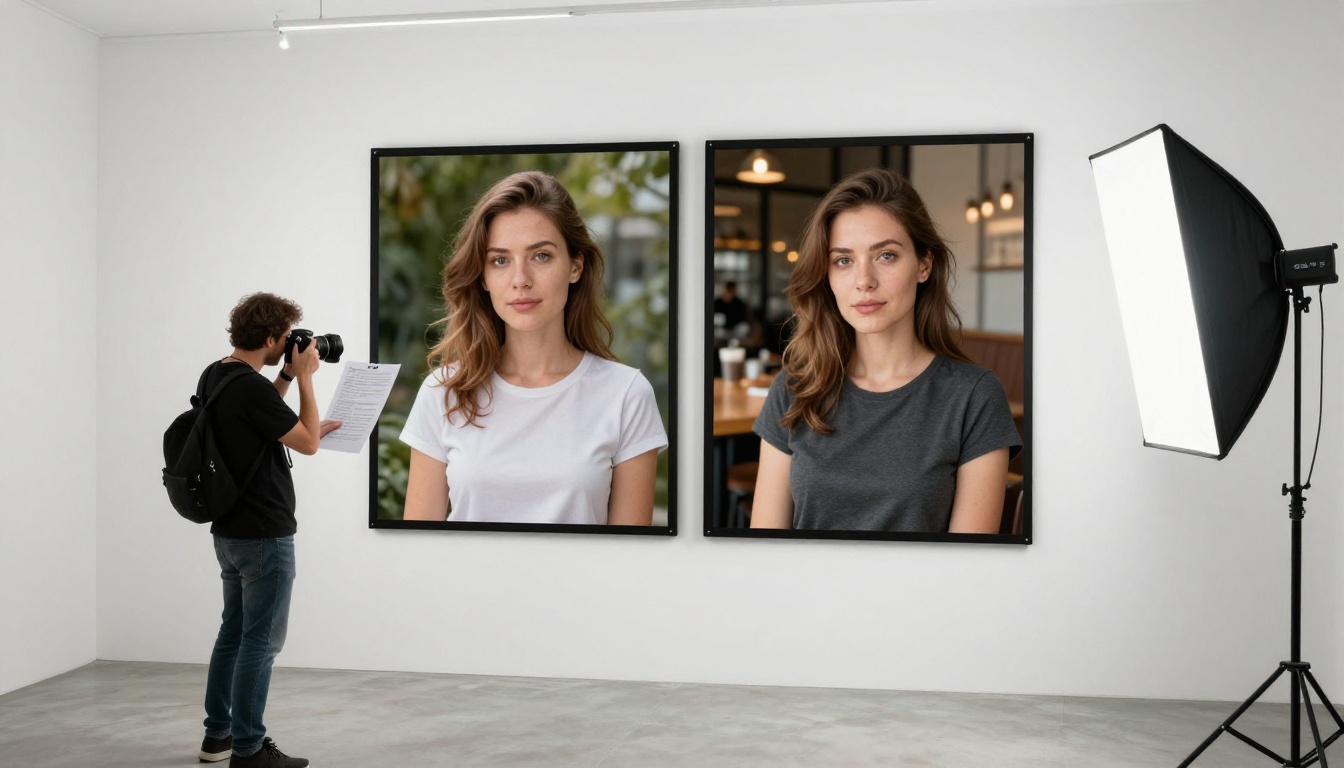
This is the most common use case. You have a character, real or imagined, and you need them to appear in multiple scenarios while looking like themselves. With Flux Kontext Pro, you upload a single portrait and prompt different scenes:
- The character in a winter mountain setting
- The same character in a sun-drenched Italian cafe
- The same character in a dark urban alleyway at night
In all three outputs, the face, the bone structure, the hair color, and the overall identity remain locked. Only the environment and lighting adapt.

Style Transfer Without Losing Identity
Kontext can take the stylistic signature of a reference image and apply it to new content. If you upload a photo with a specific color grading, film look, or compositional approach, the model can generate new images that share that aesthetic while being entirely original in content.
This is particularly valuable for brand photographers who have established a visual language and want to generate additional content that matches their existing portfolio without reshooting.
💡 For style transfer, use your reference primarily for its aesthetic qualities and describe the new content fully in your text prompt. The model will apply the visual grammar of your reference to the newly described scene.
Object and Product Shots
Product photographers can upload a reference shot of their product and prompt new backgrounds, staging scenarios, or lifestyle contexts. The product stays photorealistic and consistent while the environment changes completely. No need to reshoot on location.
A single clean studio shot of a perfume bottle becomes the bottle on a marble bathroom counter at dawn, then in a forest clearing with morning mist, then on a luxury hotel tray with fresh flowers. All from one reference image.
Portrait Series and Campaign Generation
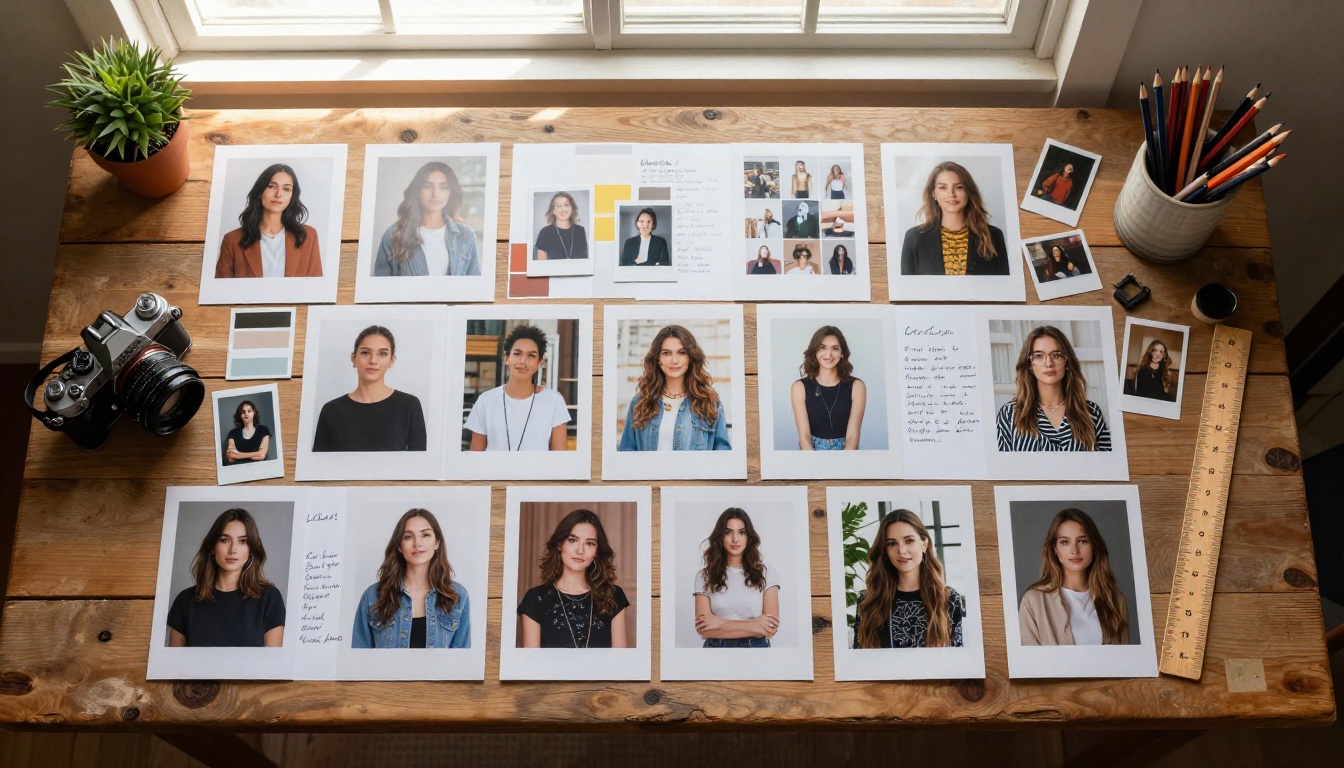
Flux Kontext Max makes generating portrait series straightforward. Upload a headshot and a mood board of desired aesthetics, then generate an entire series of portraits with consistent subject identity across different styled looks. For advertising campaigns, brand content, or editorial series where shooting multiple sessions is cost-prohibitive, this workflow represents a significant shift in what's achievable.
How to Use Flux Kontext on PicassoIA
All four Kontext models are available directly on PicassoIA, ready to use without any local setup or API configuration.
Step-by-Step with Flux Kontext Pro
- Go to Flux Kontext Pro on PicassoIA
- Upload your reference image using the image input field. Use the clearest, highest-resolution photo you have. Avoid heavily filtered or over-compressed images.
- Write your prompt describing the new scene or context. Be specific about lighting, environment, mood, and stylistic details. Do not re-describe the subject, the model handles that from the reference.
- Set your aspect ratio based on intended use. 16:9 for social and web content, 1:1 for profiles and product shots, 9:16 for vertical formats.
- Run the generation and review the output. Adjust your text prompt to refine scene elements without touching your reference image.
For multi-image workflows, switch to Flux Kontext Max and upload your additional reference images using the multi-image input option.
Tips That Actually Work
These refinements separate mediocre results from professional ones:
- Use high-resolution reference images. A 1024x1024 minimum. The model needs detail to work with.
- Front-facing portraits work best for character consistency. Profile shots give the model less to anchor on.
- Be specific in your text prompt about what changes. "In a winter alpine cabin interior, warm firelight, snow visible through window" tells the model exactly what to build around the preserved subject.
- Avoid prompting the subject's appearance. If your reference shows a woman with dark hair, don't describe hair color in your prompt. Extra description of the subject creates conflicting instructions.
- For style transfer, strip the reference of specific subjects. Use a landscape or architectural photo with your desired aesthetic, then describe a new subject in the prompt. The model applies the reference style to newly generated content.
- Start with Flux Kontext Fast for prompt iteration, then switch to Pro or Max when you're satisfied with the composition and scene.

Common Mistakes That Hurt Results
Overloading the Prompt
When using reference images, your text prompt's job changes. You're no longer describing the whole image. You're describing what's new about this generation. Treat the prompt as instructions for the environment, mood, and context, not the subject.
Over-describing the subject creates prompt conflicts where the model tries to satisfy both the reference encoding and your text description, producing outputs where neither fully wins.
Overloaded prompt with reference: "A beautiful woman with dark curly hair, brown eyes, olive skin, wearing a charcoal blazer, in a forest at sunset with golden light"
Better prompt with the same reference: "Forest at sunset, warm golden light, low ground fog, birds in the background"
Let the reference carry the subject. Use the prompt to paint the world around them.
Using Low-Quality Reference Images
The model can only extract what's there. A small, compressed, or heavily filtered reference image gives the conditioning process less to work with, resulting in weaker identity preservation. Reference images that are blurry, backlit, or shot at extreme angles make consistency harder to maintain across generations.
For best results: clean lighting, direct angle, sharp focus, 1024px minimum resolution.
Ignoring Model Differences
Reaching for Flux Kontext Max for every single-reference task wastes generation time. Use Flux Kontext Fast for prompt testing, Flux Kontext Pro for single-reference production work, and Max only when you actually need multi-image conditioning or absolute maximum fidelity. The performance difference between Fast and Pro on a single-reference task is often minimal. Matching the right model to the right task makes your workflow faster without sacrificing output quality.

Start Generating on PicassoIA
Reference image generation is one of those capabilities that makes much more sense once you see it working on your own images. Text descriptions of what Kontext does only go so far.
PicassoIA gives you access to all four Kontext models, Fast, Dev, Pro, and Max, without needing to configure an API, install dependencies, or run local hardware. You can upload a portrait photo you already have and start testing character consistency in minutes.
If you want deeper customization, Flux Kontext Dev LoRA lets you fine-tune the base Dev model on your own dataset, which is the path to truly proprietary consistency for commercial workflows where off-the-shelf results aren't precise enough.
The simplest starting point: grab a clear portrait photo, head to Flux Kontext Pro on PicassoIA, and prompt a completely different scene. See how much identity transfers. That first result usually makes the whole concept click immediately, and from there, the use cases multiply fast.