If you've spent any time looking at AI image generators, you've probably noticed that most of them struggle with the same few things: weird hands, text that looks like gibberish, lighting that feels off, and skin that looks plastic. Flux Pro solves most of these problems in a way that few other models have managed.
Built by Black Forest Labs, Flux Pro sits at the top of the text-to-image hierarchy for a reason. It produces images that don't just look good on first glance, they hold up under close inspection. Pores in skin, grain in wood, fabric weave in clothing, the way light actually wraps around a face. That level of detail is what separates a professional result from a generic placeholder.
This article covers everything you need to know: what Flux Pro is, what it can do, where it genuinely excels, how it stacks up against the rest of the Flux family, and a full step-by-step breakdown for using it on PicassoIA.
What Flux Pro Actually Is
Flux Pro is a text-to-image diffusion model developed by Black Forest Labs, the team behind some of the most significant advances in open-source image generation. It's the flagship model in the original Flux lineup, positioned above Flux Dev and Flux Schnell in terms of output quality.
The model uses a rectified flow transformer architecture, which is a significant departure from the classic U-Net backbone that older diffusion models relied on. In practical terms, this means better handling of complex compositions, more accurate text rendering in generated images, and notably stronger prompt adherence.
💡 Flux Pro is not the same as Flux 1.1 Pro. The original Flux Pro is the base pro-tier model. Flux 1.1 Pro is a later, faster iteration with comparable quality. Both are available on PicassoIA.
One thing that sets it apart from many competing models is that it was built with commercial use in mind from day one. The output quality targets professional workflows, not just hobbyist experimentation.
The Features That Matter
Image Quality at the Micro Level
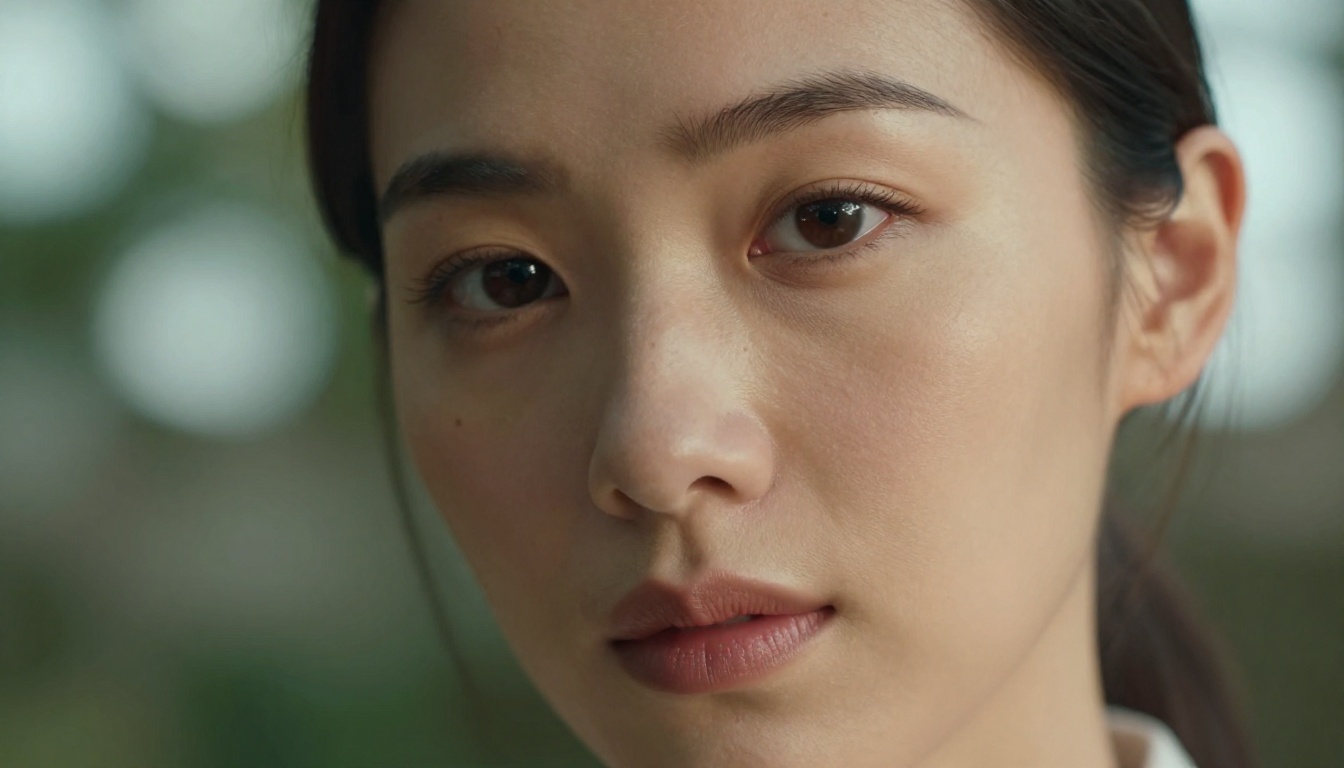
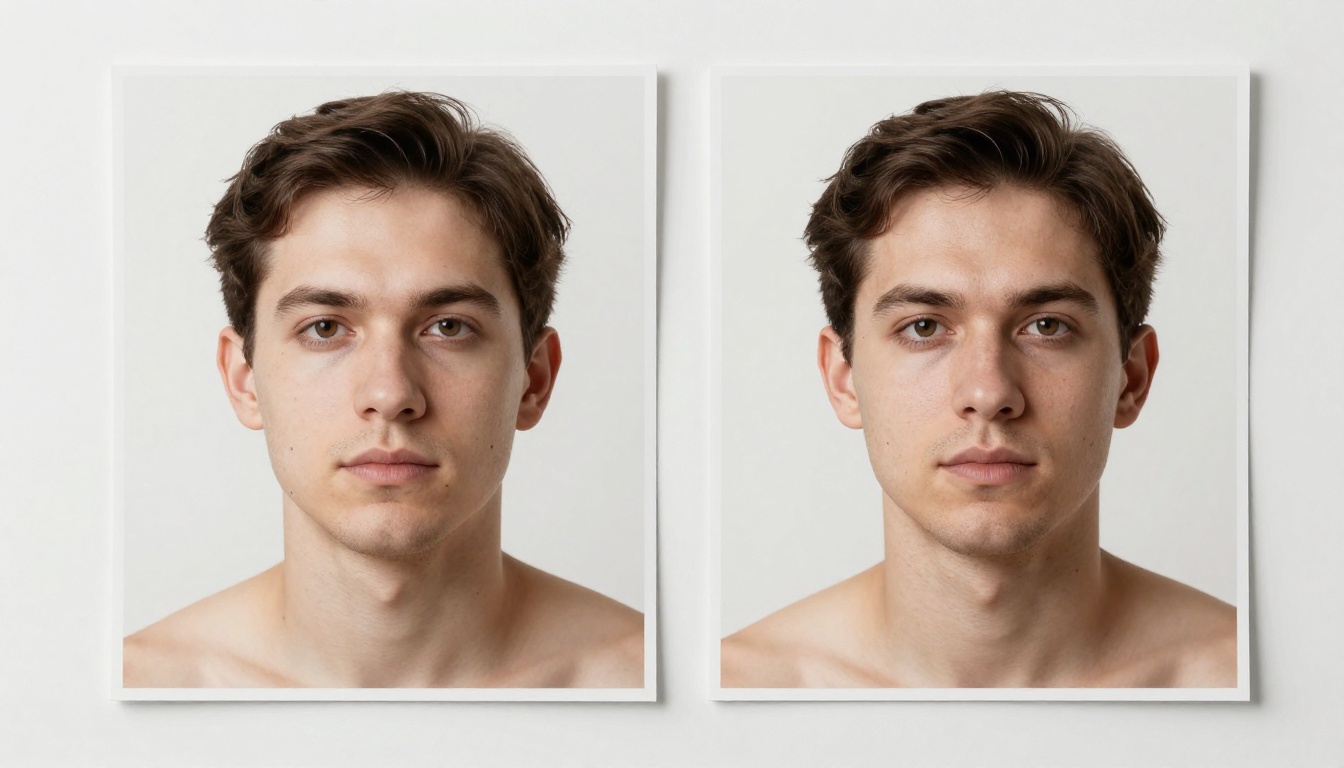
The first thing most people notice about Flux Pro is the texture detail. This isn't a model that smooths everything into a polished render. When you generate a portrait, you get:
- Individual pores in skin, with realistic variation across different areas of the face
- Fine hair strands that separate naturally instead of blending into a single mass
- Fabric grain, including the weave structure of denim, linen, or wool
- Surface imperfections on objects: scratches on metal, grain in wood, variation in stone
That level of micro-detail is what makes the output usable in professional contexts like advertising, editorial photography, and product visualization.
Prompt Adherence
Prompt adherence refers to how accurately the model interprets and executes what you write. Many models get the general idea of a prompt but miss specific details, especially when those details conflict with common training patterns.
Flux Pro handles multi-clause prompts significantly better than most alternatives. If you specify:
- A specific lighting direction ("window light from the left")
- A camera angle ("low angle looking up")
- A mood ("late afternoon melancholy")
- A specific composition ("subject in the left third, empty right space")
...all of those instructions tend to survive into the final output rather than some being silently ignored.
💡 The more specific your prompt, the better Flux Pro performs. Vague prompts produce fine results, but specific prompts produce exceptional ones.
Resolution and Aspect Ratios
Flux Pro supports a full range of aspect ratios suited to every output format:
| Aspect Ratio | Best For |
|---|
| 1:1 | Social media, profile images, product shots |
| 16:9 | Blog headers, video thumbnails, widescreen art |
| 9:16 | Instagram Stories, TikTok, vertical ads |
| 4:3 | Standard editorial, presentation visuals |
| 3:2 | Photography-style output |
The model maintains quality consistently across these ratios. Wide compositions don't lose detail at the edges, and vertical formats don't compress or stretch subjects.
Speed and Quality Trade-offs
Flux Pro is not the fastest model in the family. That position belongs to Flux Schnell and Flux Fast, which trade some output quality for near-instant generation. Flux Pro takes slightly longer but delivers noticeably better results on complex prompts.
For rapid prototyping and iteration, Flux Dev is a solid middle ground. For final-output quality, Flux Pro or Flux 1.1 Pro are the right choices.
Where Flux Pro Excels
Portrait and Fashion Photography
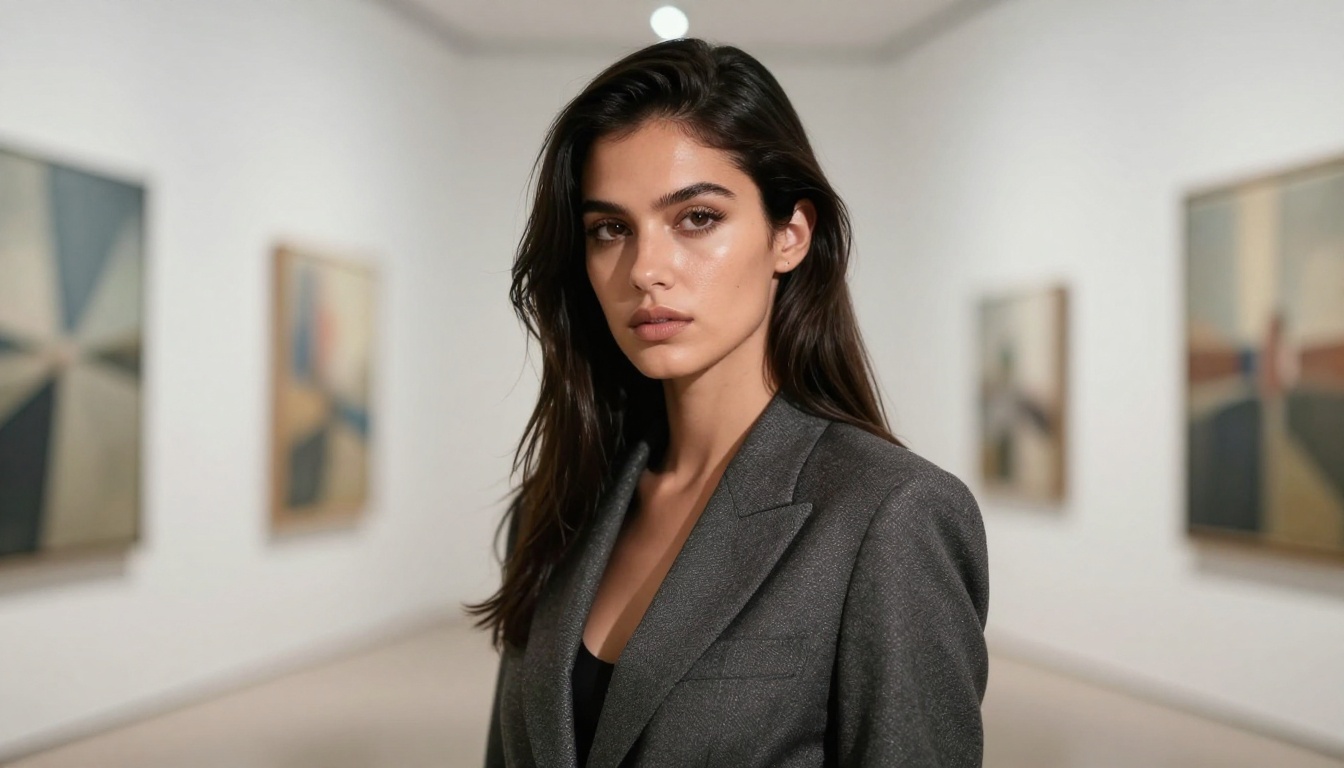
This is arguably where Flux Pro shines brightest. The model's handling of human skin tones and facial anatomy is exceptional. Lighting wraps naturally around faces, eyes have realistic depth, and expressions read as genuine rather than plasticky.

For fashion and editorial work, the model accurately renders:
- Clothing drape and movement in fabric
- Accessory details like jewelry, glasses, or hats
- Studio and location lighting setups from ring lights to golden hour
The photorealistic results make these images strong as reference material for photographers, as social media content, or as mockups for fashion brands before a physical shoot.
Commercial Product Photography
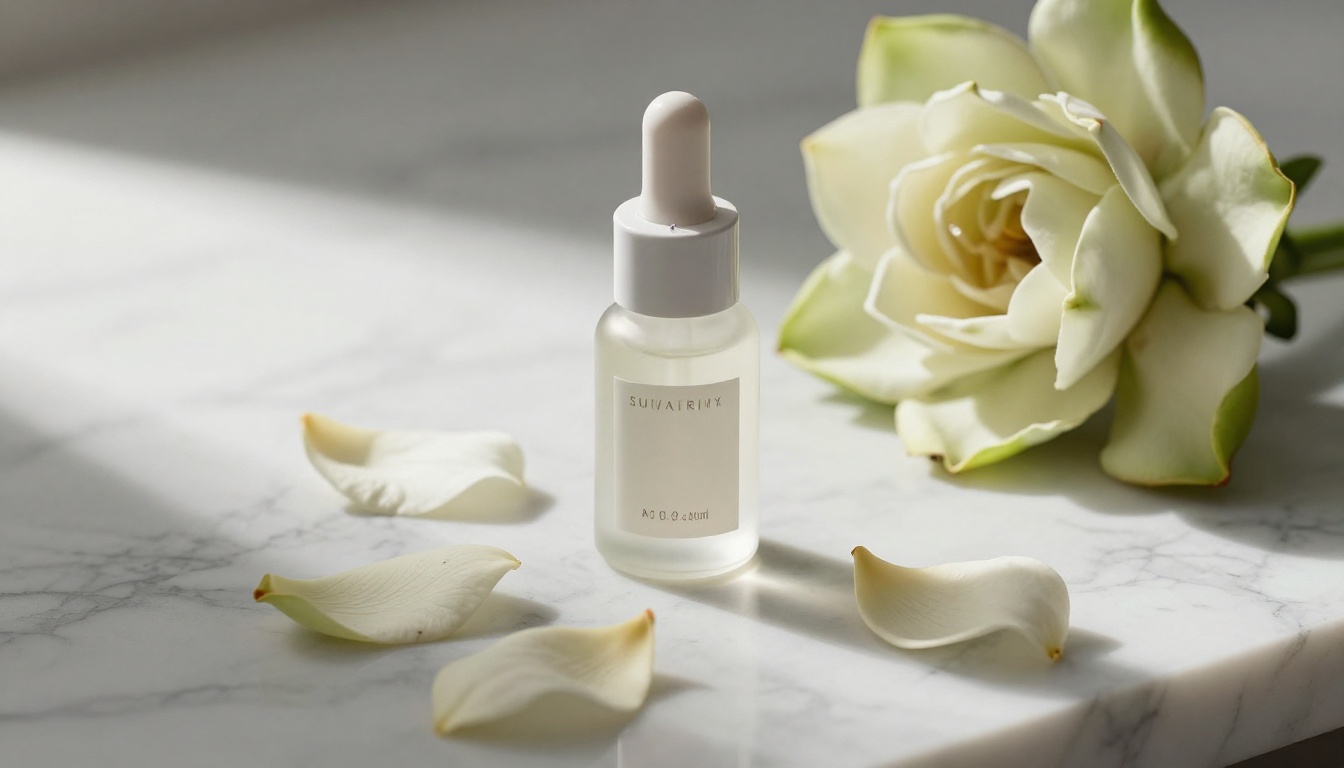
Product photography with Flux Pro produces results that are competitive with real photographic setups. The model handles:
- Reflective surfaces like glass, chrome, and lacquered finishes
- Soft product shadows that ground objects naturally on surfaces
- Detailed label and packaging when specified carefully in the prompt
- Contextual props that reinforce brand positioning: marble surfaces, linen, flowers
For small businesses and independent brands, this means professional-grade visual assets without the cost of a full photographic production.
Landscape and Architecture
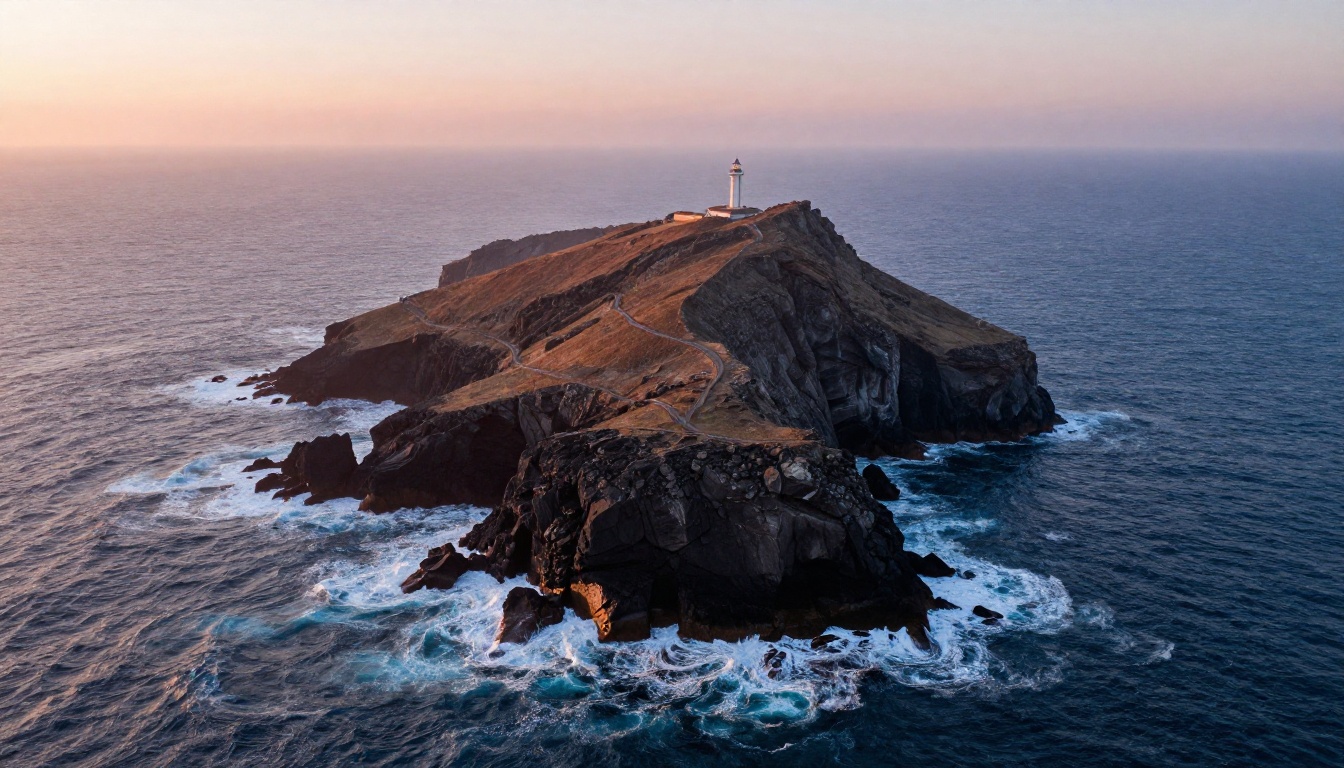
Flux Pro renders natural environments with strong atmospheric depth. Fog, haze, mist over water, the way light diffuses through tree canopies, all of these effects appear with natural realism rather than the artificial sharpness that makes many AI landscapes feel wrong.
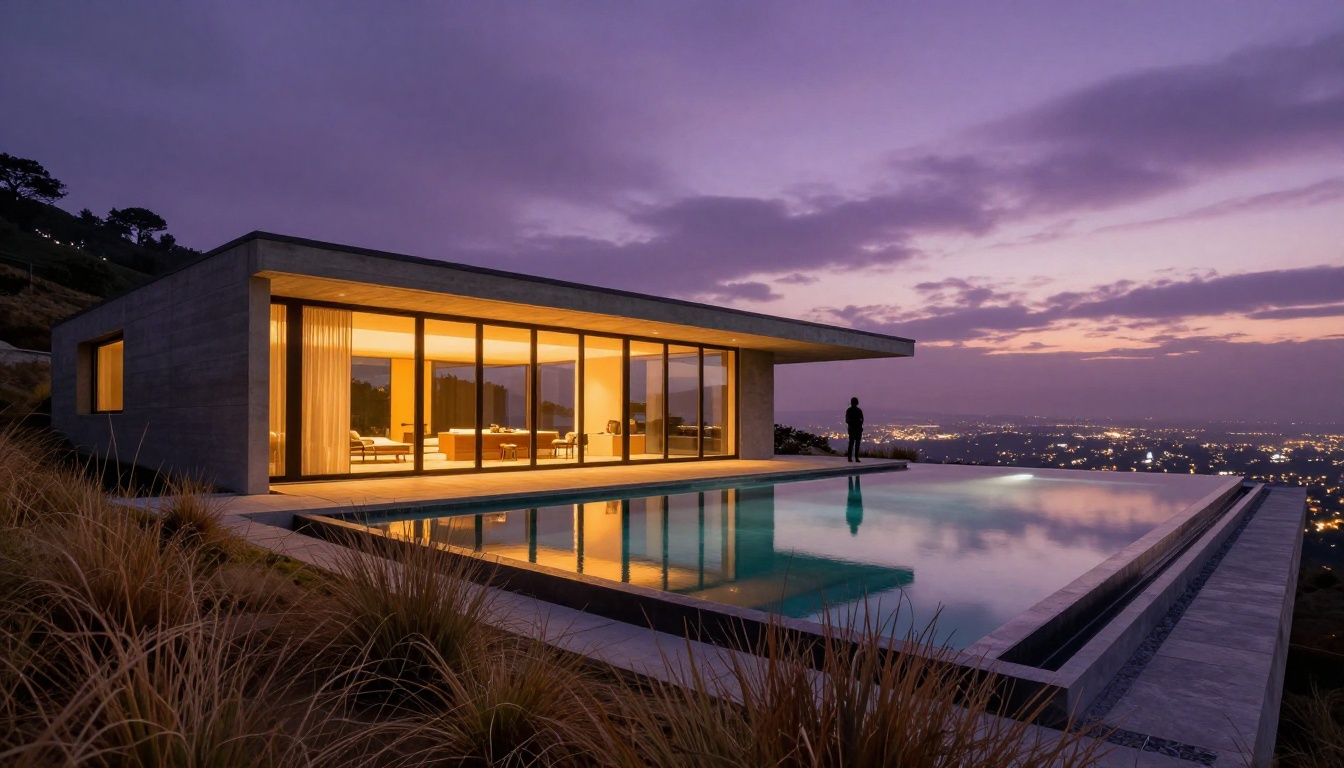
For architectural visualization, the model accurately renders material properties: glass facades with correct reflections, concrete textures with weathering and variation, landscaping with natural randomness in plant placement. Twilight scenes where warm interior light contrasts with cool exterior tones are a particular strength.
Creative Storytelling
Beyond photography simulation, Flux Pro handles cinematic scene-building well. Give it a complex scenario with multiple elements and a specific mood, and it assembles them coherently. This makes it strong for:
- Book jacket art and editorial illustration
- Storyboard reference imagery for film and video projects
- Concept art for products, spaces, or experiences
- Social content that tells a story rather than just displaying a subject

Flux Pro vs. The Family
Black Forest Labs has released several models, each with distinct strengths. Here's how they compare:
| Model | Speed | Quality | Best Use |
|---|
| Flux Schnell | Very Fast | Good | Rapid iteration, prototyping |
| Flux Fast | Very Fast | Good | Quick drafts, bulk generation |
| Flux Dev | Moderate | Very Good | Development, fine-tuning base |
| Flux Pro | Moderate | Excellent | Final outputs, professional work |
| Flux 1.1 Pro | Fast | Excellent | Professional work with speed |
| Flux 1.1 Pro Ultra | Moderate | Exceptional | 4MP ultra-resolution output |
| Flux 2 Pro | Moderate | Exceptional | Latest generation, highest quality |
| Flux Pro Finetuned | Moderate | Excellent | Custom style and character training |
The Flux 2 Pro is the newest iteration and arguably the most capable option if you want the absolute best results today. But the original Flux Pro remains a strong choice for consistent professional output, with a large body of community knowledge around prompting it effectively.
For custom character or style work, Flux Pro Finetuned and Flux Dev LoRA add the ability to train on your own reference images and inject that style into every generation.
How to Use Flux Pro on PicassoIA
PicassoIA provides direct access to Flux Pro with no setup required. Here's how to go from zero to a professional result.
Step 1: Open the Model Page
Go to the Flux Pro model page on PicassoIA. You'll see the prompt input field and the parameter controls. No account is required to try it, though registered users get higher generation limits and access to the full parameter set.
Step 2: Write a Strong Prompt
The most important factor in your output is prompt quality. Flux Pro is capable of interpreting complex instructions, so give it detail. A weak prompt produces mediocre results even from a great model.
Weak prompt:
A beautiful woman on a beach
Strong prompt:
A woman with tousled blonde hair wearing a white sundress standing at the edge of the ocean, waves washing over her bare feet, golden hour backlight creating a rim-lit silhouette, shot from a low angle at knee height, 85mm f/1.8 lens, shallow depth of field, Kodak Portra 400 film grain, warm amber tones
The strong prompt gives the model subject, environment, lighting direction, camera angle, lens characteristics, and color palette. All of these elements survive into the final output.
💡 Structure your prompts as: [Subject + Action] + [Environment] + [Lighting] + [Camera Angle + Lens] + [Style/Atmosphere]
Step 3: Set Your Parameters
Flux Pro on PicassoIA exposes several parameters worth adjusting:
- Aspect Ratio: For blog headers, 16:9 is standard. For vertical social content, 9:16.
- Steps: Higher values (28-50) produce more refined results. Lower values (20-28) are faster but slightly less detailed.
- Guidance Scale: Controls how strictly the model follows your prompt. Values between 3.5 and 7.0 work well. Above 8 can produce oversaturated results.
- Seed: Fix the seed if you want to iterate on a composition without the layout changing entirely between generations.
Step 4: Generate and Refine
Generate your first image, then evaluate it critically:
- Does the lighting match what you specified? If not, make it more explicit in the prompt.
- Are there anatomy issues? Rewrite the relevant part to be more descriptive about position and pose.
- Is the composition wrong? Use terms like "rule of thirds", "centered subject", or "wide shot" to steer it.
- Is the detail level satisfying? Increase steps or add quality modifiers like "sharp focus", "8K", "photorealistic textures".
Run 3-5 iterations adjusting one variable at a time. This produces faster learning about what Flux Pro responds to than making random changes.
Tips for Better Outputs
After extensive work with Flux Pro, certain patterns reliably produce stronger results:
Lighting specificity wins every time. "Good lighting" does nothing. "Volumetric morning light from the left, casting long shadows to the right" gives the model something to work with.
Film stock references work. Specifying "Kodak Portra 400", "Fujifilm Velvia", or "Kodak Ektar 100" produces distinctive color science that feels more natural than generic "photorealistic".
Camera lens descriptions help. "85mm f/1.4" tells the model you want shallow depth of field and classic portrait compression. "24mm f/8" signals a wide landscape with everything in focus.
Avoid conflicting instructions. "A dark moody shot in bright sunlight" will confuse the model. Pick one mood and build everything around it.
For fine-tuned brand results, consider Flux Pro Finetuned, which allows you to bake specific visual styles or subjects into the generation process for consistent branded output.
💡 If you need to modify an existing image rather than generate from scratch, Flux Kontext Pro accepts an input image and a text instruction to edit it directly. Perfect for product retouching, background swaps, or character consistency across a series.
Create Your First Image Now
Flux Pro is one of the few AI image models that produces results you'd be comfortable showing to a professional client. The detail level, prompt adherence, and consistency across generations make it worth spending real time with.
The best way to see what it can do is to use it. Open Flux Pro on PicassoIA, spend 20 minutes running prompts based on the structure in this article, and you'll see the difference immediately compared to lower-tier models.
If you want even higher resolution output, Flux 1.1 Pro Ultra generates at 4MP and is worth the upgrade for print-quality work. For the absolute latest in the Flux family, Flux 2 Pro builds on everything that made the original Flux Pro exceptional, with even stronger performance on complex scenes.
PicassoIA gives you access to all of these models in one place, with no local installation, no GPU required, and a free tier to get started. Pick a subject you've always wanted to photograph but couldn't, write a detailed prompt, and see what Flux Pro does with it.


