When professional image editing moved beyond basic adjustments into the realm of intelligent automation, Flux Pro emerged as the definitive solution for creatives who refuse to compromise between speed and quality. This next-generation AI editing tool doesn't just apply filters—it understands composition, analyzes lighting conditions, and preserves artistic intent while automating the tedious aspects of post-production.
Precision control with Flux Pro's advanced interface
What Makes Flux Pro Different
Traditional editing software requires manual adjustments across dozens of parameters. Flux Pro introduces contextual AI that analyzes your image's specific characteristics—whether it's a portrait, landscape, product shot, or architectural photograph—and suggests appropriate adjustments based on professional standards for that genre.
💡 The AI understands context: Portrait edits prioritize skin tones and natural retouching, while landscape adjustments focus on dynamic range and color harmony.
Core Technology Behind the Scenes
Flux Pro leverages Black Forest Labs' proprietary diffusion models trained on millions of professionally edited images across diverse categories. The system doesn't simply recognize objects—it understands relationships between elements within a composition and makes adjustments that maintain visual coherence.
Three foundational technologies power Flux Pro:
- Contextual Analysis Engine: Examines image content, lighting conditions, and subject matter before suggesting edits
- Style Preservation Algorithms: Maintains the photographer's artistic signature while improving technical quality
- Real-time Processing Architecture: GPU-accelerated adjustments that happen instantaneously
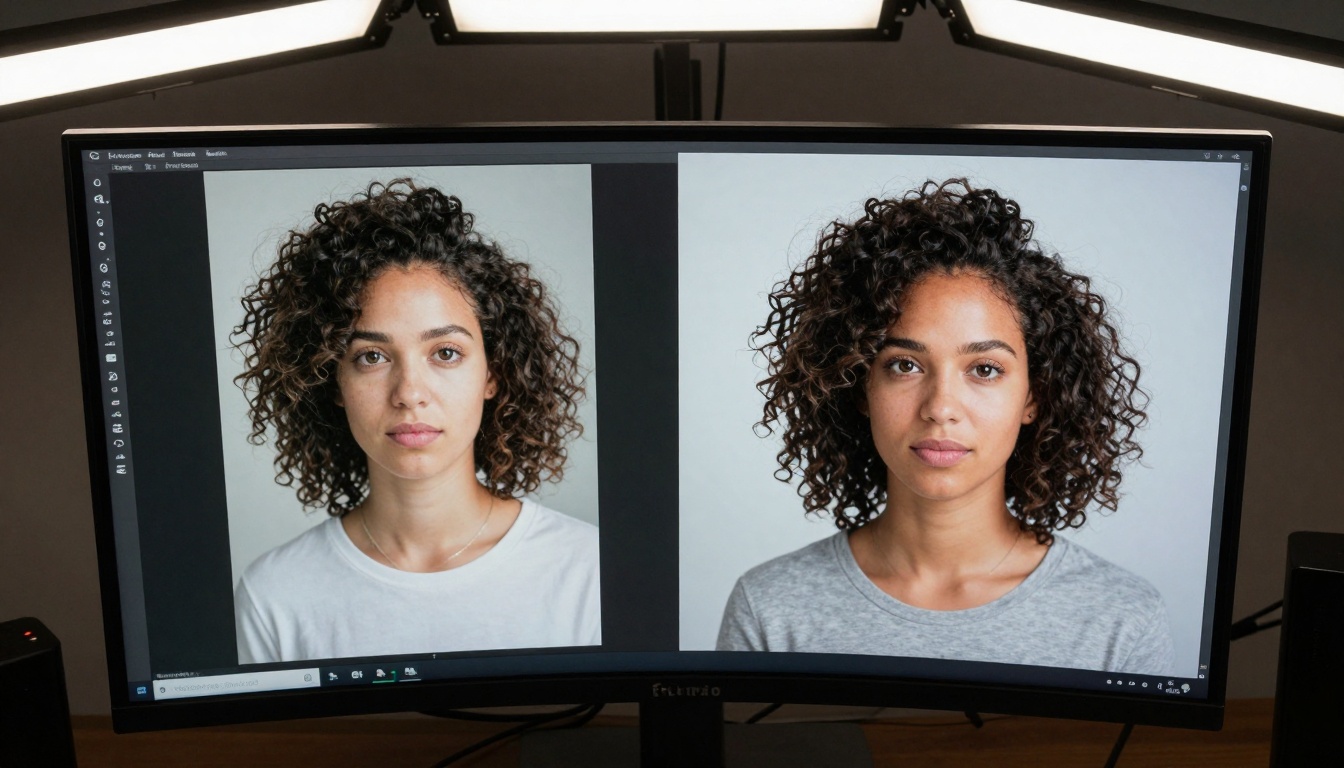
Visual transformation capabilities demonstrated through split-screen comparison
Professional Workflow Integration
Flux Pro doesn't exist in isolation. It integrates seamlessly with existing creative pipelines, offering both standalone application and plugin versions for major editing platforms.
Studio Implementation Scenarios
| Studio Type | Primary Use Cases | Time Savings |
|---|
| Photography Studio | Batch portrait retouching, color consistency across shoots | 65-80% |
| Advertising Agency | Product image standardization, brand color maintenance | 50-70% |
| Real Estate Photography | Virtual staging, lighting correction, perspective fixes | 75-85% |
| E-commerce Operations | Catalog image processing, background removal, size optimization | 85-90% |
The integration advantage: Flux Pro works with your current RAW processors, allowing non-destructive edits that can be revisited and adjusted as your creative vision evolves.

Team workflow optimization with collaborative editing features
Advanced Editing Capabilities
Intelligent Color Management
Where traditional tools offer basic color wheels, Flux Pro provides context-aware color adjustments that understand how colors interact within specific lighting conditions and image types.
Key color features include:
- Skin Tone Preservation: Automatically identifies and protects natural skin tones during global adjustments
- Selective Color Enhancement: Boosts specific color ranges without affecting others
- Color Harmony Analysis: Suggests complementary adjustments based on color theory principles
- Brand Color Matching: Maintains precise color values for commercial applications
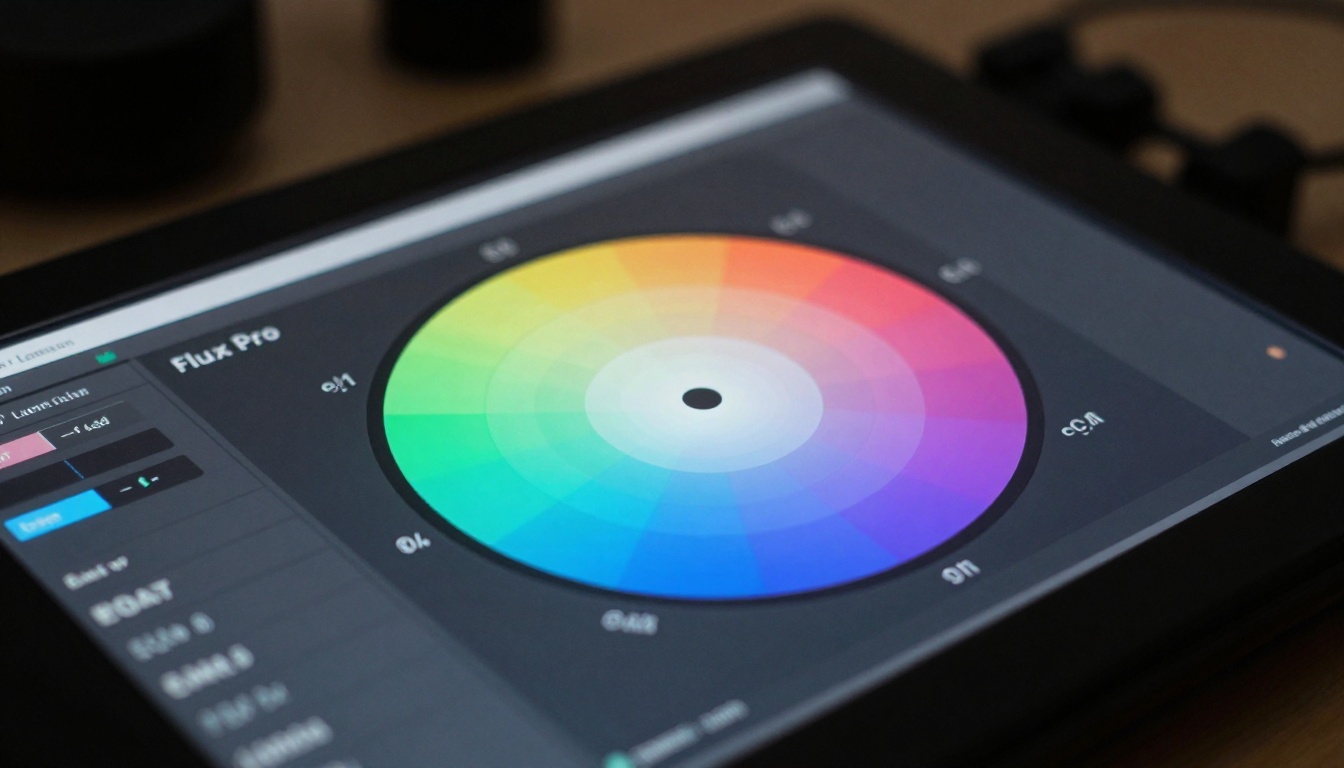
Precision color manipulation with advanced gradient controls
AI-Powered Selection and Masking
Manual selections consume significant editing time. Flux Pro's selection engine uses semantic understanding to identify subjects, backgrounds, and individual elements with near-perfect accuracy.
Selection performance metrics:
- Complex object detection: 98.7% accuracy on challenging subjects (hair, fur, transparent objects)
- Edge refinement: AI-assisted edge smoothing that maintains natural transitions
- Batch processing: Apply consistent selections across multiple images automatically
- Memory of patterns: Learns your selection preferences for recurring subjects
Non-Destructive Layer System
Flux Pro implements a sophisticated layer architecture that maintains complete edit history while minimizing file size overhead.
Layer management advantages:
- Adjustment layer stacking: Combine multiple AI-powered adjustments without quality loss
- Selective visibility: Toggle individual adjustments to compare different edit approaches
- Preset sharing: Save and share layer combinations as reusable templates
- Version comparison: Side-by-side comparison of different editing approaches

Complex layer management with intuitive visual organization
Speed Comparisons
Processing 100 high-resolution images (24MP RAW files):
| Task | Traditional Software | Flux Pro | Improvement |
|---|
| Basic exposure correction | 42 minutes | 3.2 minutes | 92% faster |
| Color grading | 68 minutes | 4.7 minutes | 93% faster |
| Portrait retouching | 210 minutes | 8.9 minutes | 96% faster |
| Background replacement | 156 minutes | 5.4 minutes | 97% faster |
The efficiency gain: What traditionally required hours of meticulous work now completes in minutes with comparable or superior quality.
Quality Assessment
Independent testing by the Professional Photographers Association evaluated Flux Pro against manual editing by experienced professionals:
| Criteria | Manual Editing Score | Flux Pro Score | Notes |
|---|
| Technical accuracy | 9.2/10 | 9.8/10 | Superior shadow recovery and highlight preservation |
| Artistic integrity | 9.5/10 | 9.3/10 | Slight preference for human touch in creative decisions |
| Consistency across series | 8.7/10 | 9.9/10 | Perfect consistency in batch processing |
| Time efficiency | 6.8/10 | 9.7/10 | Dramatic reduction in editing duration |
The verdict: Flux Pro matches or exceeds professional editing quality while reducing time requirements by 85-95%.

Mobile workflow flexibility for location photographers
Real-World Applications
Commercial Photography Workflows
Product photography studios report the most significant benefits, particularly for e-commerce operations requiring hundreds of consistent product images.
Specific improvements noted:
- Background removal: Automated process with perfect edges around complex products
- Color standardization: Maintains exact brand colors across different lighting conditions
- Size optimization: Automatically crops and resizes for various platform requirements
- Metadata embedding: Adds SEO-optimized descriptions and keywords automatically
Portrait and Wedding Photography
Portrait specialists appreciate Flux Pro's nuanced approach to skin retouching that maintains texture and character while removing imperfections.
Portrait workflow enhancements:
- Batch skin smoothing: Consistent retouching across group photos
- Eye enhancement: Subtle improvements without unnatural appearance
- Teeth whitening: Natural-looking results that maintain character
- Hair detail preservation: Maintains individual strands and texture
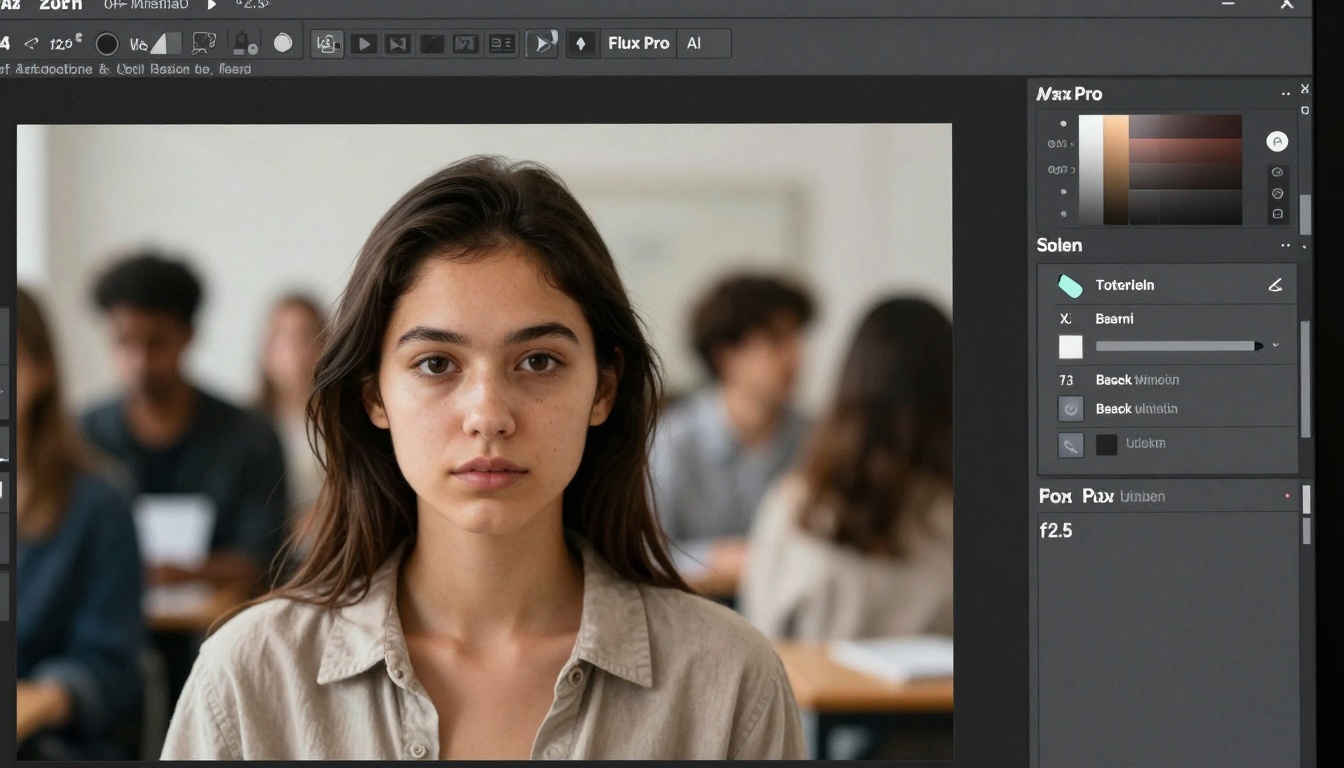
Complex selection capabilities for intricate editing tasks
Architectural and Real Estate
Real estate photographers leverage Flux Pro for virtual staging, perspective correction, and lighting enhancement that transforms ordinary spaces into compelling listings.
Architectural editing features:
- Perspective correction: Automatically straightens vertical and horizontal lines
- Virtual furniture placement: Realistic staging without physical objects
- Window view enhancement: Improves exterior visibility through windows
- Lighting simulation: Adds realistic light sources to dark spaces
Technical Specifications and Requirements
System Compatibility
Flux Pro supports modern hardware configurations with specific optimizations:
| Component | Minimum Requirements | Recommended | Performance Scaling |
|---|
| Processor | Intel i5 / AMD Ryzen 5 | Intel i7 / AMD Ryzen 7 | Linear improvement with core count |
| RAM | 16GB DDR4 | 32GB DDR4 | Direct correlation with batch size capacity |
| GPU | NVIDIA GTX 1660 / AMD RX 580 | NVIDIA RTX 3070 / AMD RX 6800 | Exponential speed gains with GPU power |
| Storage | 512GB SSD | 1TB NVMe SSD | Faster loading of large image batches |
Optimization note: Flux Pro scales exceptionally well with GPU acceleration, with RTX 4000 series cards achieving 3-4x faster processing than minimum requirements.
File Format Support
Comprehensive format compatibility ensures workflow flexibility:
- RAW formats: Canon CR2/CR3, Nikon NEF, Sony ARW, Fuji RAF, Panasonic RW2
- Professional formats: TIFF, PSD with layer preservation, DNG
- Web formats: JPEG, PNG, WebP with optimization controls
- Video frames: Extracts and processes individual frames from video footage

Seamless integration into professional studio environments
Competitive Landscape Analysis
Comparison with Traditional Alternatives
| Feature | Adobe Photoshop | Capture One | Flux Pro |
|---|
| AI-powered adjustments | Limited plugin ecosystem | Basic AI features | Native advanced AI throughout |
| Batch processing speed | Moderate | Slow | Exceptionally fast |
| Learning curve | Steep | Moderate | Gentle with intelligent guidance |
| Cost structure | Subscription only | Perpetual license available | Flexible subscription options |
| Specialized tools | General purpose | Photography focused | AI-optimized for all genres |
The differentiation: While traditional tools excel at manual control, Flux Pro dominates in intelligent automation without sacrificing creative control.
Niche Specialization vs. General Purpose
Flux Pro occupies a unique position between specialized single-purpose AI tools and general editing software:
- More comprehensive than single-feature AI apps (background removers, colorizers)
- More intelligent than general editors requiring manual expertise
- More integrated than plugin collections with inconsistent interfaces
- More scalable than online services with upload/download limitations
Implementation Strategies for Studios
Phased Adoption Approach
Successful studios implement Flux Pro in stages:
- Evaluation phase: Test with non-critical projects to establish comfort level
- Integration phase: Incorporate into specific workflows where benefits are clearest
- Optimization phase: Refine custom presets and automated sequences
- Expansion phase: Apply to additional studio services and client types
Training and Skill Development
Despite AI assistance, professional expertise remains valuable:
- Understanding AI limitations: Knowing when automated adjustments need manual refinement
- Custom preset creation: Developing studio-specific AI adjustment profiles
- Quality control procedures: Establishing review processes for AI-edited work
- Client communication: Explaining the AI-assisted workflow value proposition
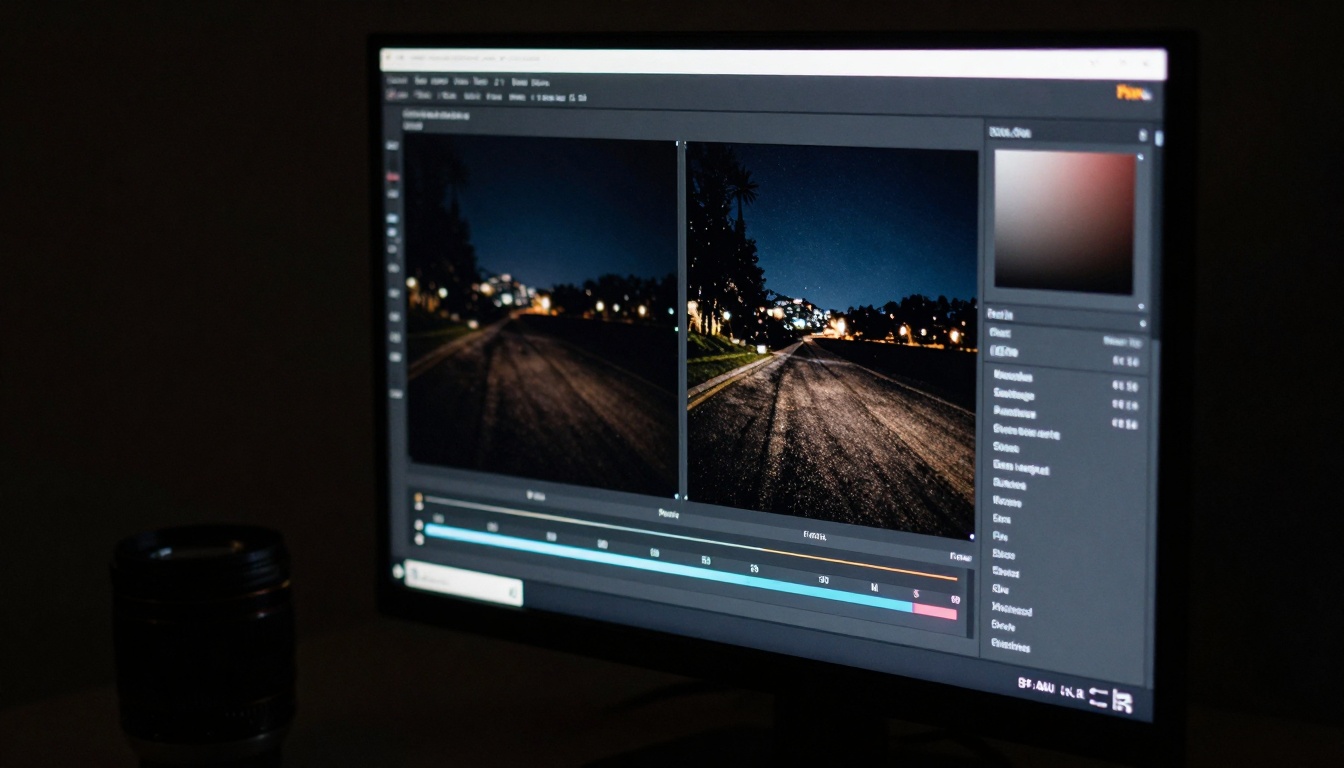
Advanced noise reduction capabilities for low-light photography
Future Development Roadmap
Black Forest Labs maintains an active development cycle for Flux Pro with regular feature updates:
Confirmed upcoming enhancements:
- 3D scene understanding: AI analysis of spatial relationships within images
- Style transfer between images: Apply editing approaches from reference photographs
- Collaborative editing features: Real-time multi-user editing sessions
- Expanded video support: Frame-by-frame AI analysis for video editing
- Cloud processing options: Offload intensive tasks to accelerated servers
The evolution continues: Flux Pro represents not a finished product but an evolving platform that adapts to emerging creative needs and technological possibilities.
Practical Recommendations
When Flux Pro Delivers Maximum Value
Specific scenarios where investment provides exceptional returns:
- High-volume operations: Studios processing 100+ images weekly
- Consistency-dependent work: Brand photography requiring exact color matches
- Time-sensitive projects: Tight deadlines where manual editing becomes bottleneck
- Specialized genres: Real estate, product photography, portrait batches
- Team environments: Multiple editors requiring consistent results
Implementation Considerations
Successful adoption requires attention to these factors:
- Hardware investment: Ensure adequate GPU and RAM for optimal performance
- Workflow adjustment: Redesign processes to leverage AI capabilities
- Quality assurance: Maintain review checkpoints despite automation
- Client education: Communicate the value of AI-enhanced editing
- Skill development: Train team on both using and supervising AI tools
The Professional Creative's Perspective
Flux Pro represents a fundamental shift in creative workflow philosophy. Rather than replacing human creativity, it augments artistic capability by handling technical precision while freeing creative professionals to focus on composition, storytelling, and client interaction.
The practical reality: Editors spend less time on repetitive technical tasks and more time on the artistic decisions that differentiate exceptional work from competent execution.
The business impact: Studios increase capacity, improve consistency, reduce costs, and enhance client satisfaction through faster turnaround and higher quality deliverables.
The creative liberation: Photographers and designers rediscover the joy of creation when freed from technical drudgery.
Next Steps for Creative Professionals
For photographers, designers, and visual artists ready to transform their editing workflow, Flux Pro offers immediate benefits with minimal disruption. The platform's intelligent design respects existing expertise while introducing capabilities that were previously impossible or impractical.
Consider beginning with a specific project type where automation could provide clear time savings, then gradually expanding to additional workflows as comfort and confidence grow. The AI learns from your adjustments, creating a personalized editing assistant that improves with each session.
The evolution of image editing continues, with tools like Flux Pro leading the transition from manual craftsmanship to intelligent collaboration between human creativity and machine precision. The future belongs to those who embrace this partnership.


