The landscape of AI image generation has evolved dramatically, but adult content creators face a unique challenge. Most commercial platforms enforce strict content policies that limit artistic expression. This creates a significant gap for photographers, digital artists, and content creators working in the adult entertainment industry.
Open-source AI models have emerged as a solution, providing powerful tools without the restrictive filters found in mainstream platforms. These models enable creators to generate high-quality, sophisticated imagery while maintaining creative control.
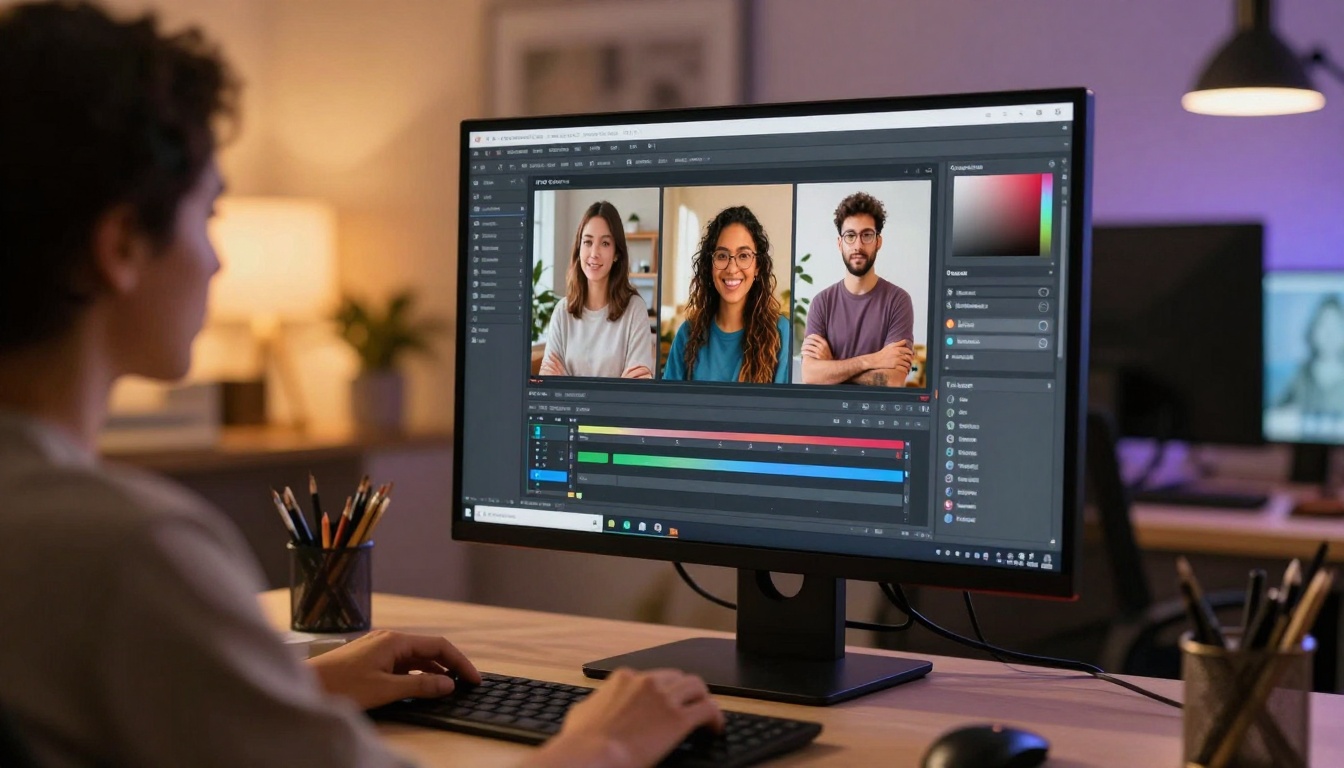
Mainstream AI image generators implement aggressive content filters to avoid controversy and maintain advertiser relationships. While understandable from a business perspective, these restrictions create problems for legitimate creators:
- Fashion photographers can't generate reference images for lingerie or swimwear campaigns
- Digital artists working on mature-themed projects face arbitrary censorship
- Content creators in adult entertainment lack access to AI tools that serve other industries
- Fine art photographers exploring the human form hit unexpected barriers
These limitations aren't just inconvenient. They represent a genuine barrier to professional work in legal, regulated industries.
Open-Source Models Change the Game
The rise of open-source AI models has fundamentally shifted this dynamic. Models like p-image-edit, wan-2.2-image, and others provide professional-grade capabilities without built-in content restrictions.
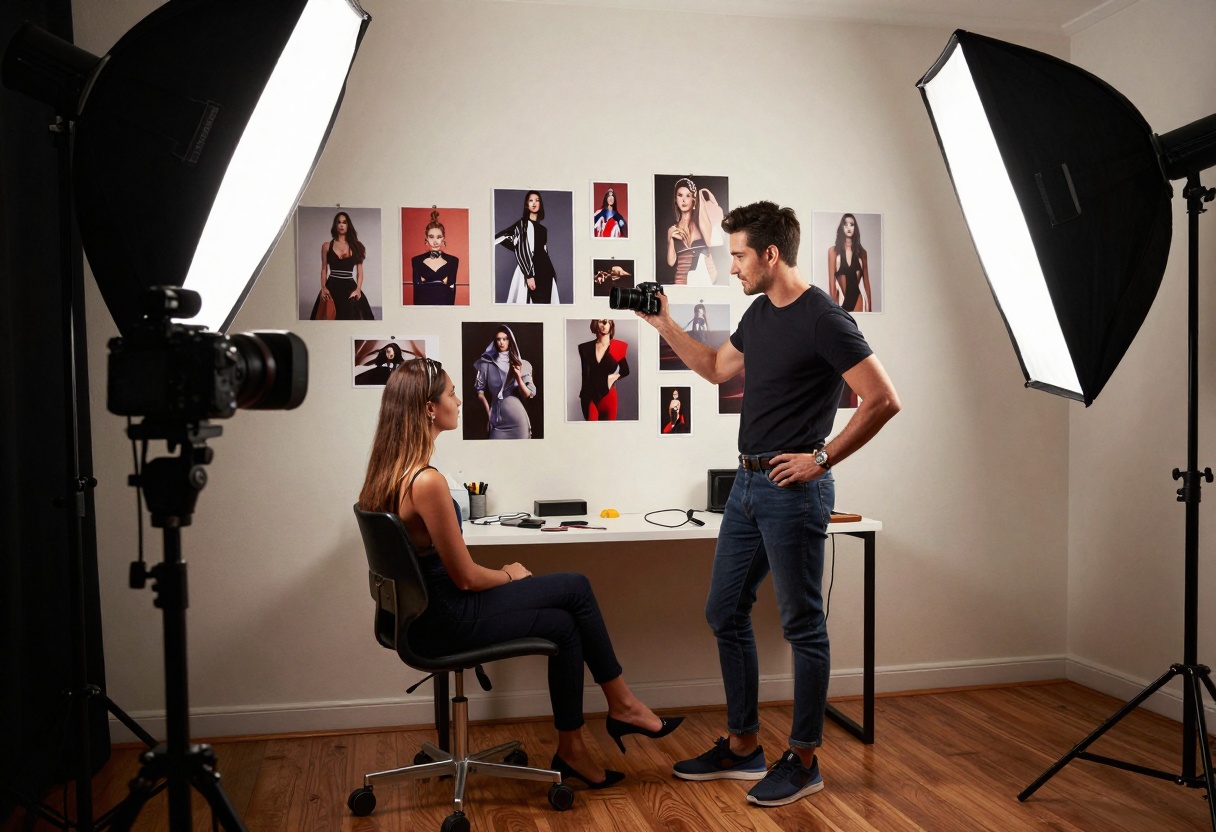
These models offer several advantages:
- No arbitrary content filtering - create what you need for your professional work
- Full creative control - your vision isn't limited by someone else's policies
- Professional quality - outputs match or exceed restricted commercial alternatives
- Privacy - generate sensitive content without submitting it to corporate servers
PicassoIA's Approach to Adult Content
PicassoIA takes a different approach by hosting open-source models that respect creator autonomy. The platform provides access to powerful AI tools while allowing users to determine appropriate use cases for their own projects.
This philosophy recognizes that adult content creation is legitimate work requiring professional tools. Fashion photographers need to prototype concepts. Digital artists explore mature themes. Content creators in regulated industries require AI assistance just like any other professional field.
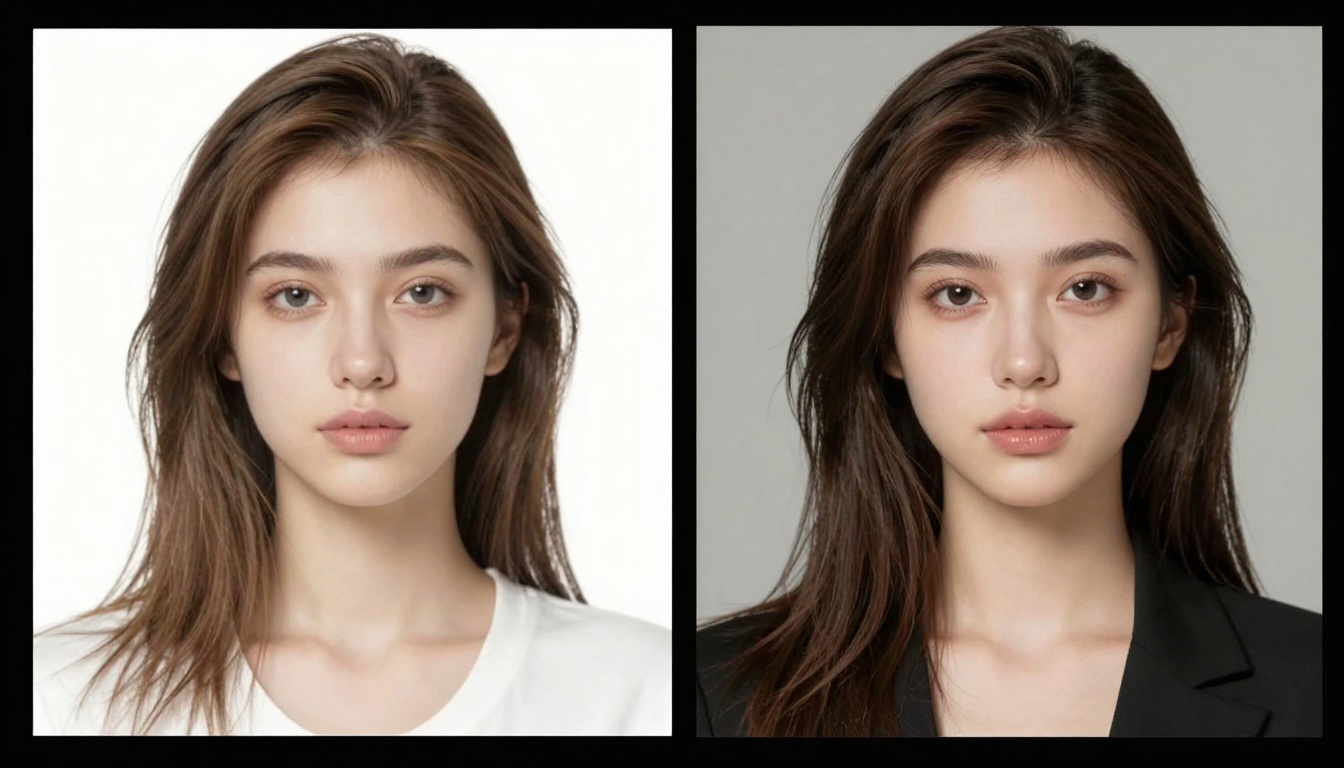
Recommended Models for Adult Content
PicassoIA hosts several open-source models particularly well-suited for mature content generation:
p-image-edit
The p-image-edit model excels at rapid image transformation and editing. This model processes images in under a second, making it ideal for iterative creative work.
Key features include:
- Multi-image reference support for complex editing tasks
- Aspect ratio flexibility to match any project requirements
- Turbo mode for even faster generation when speed matters most
- No built-in safety filters restricting adult content
This model works exceptionally well for retouching existing photography, creating variations, or building entirely new compositions from reference images.
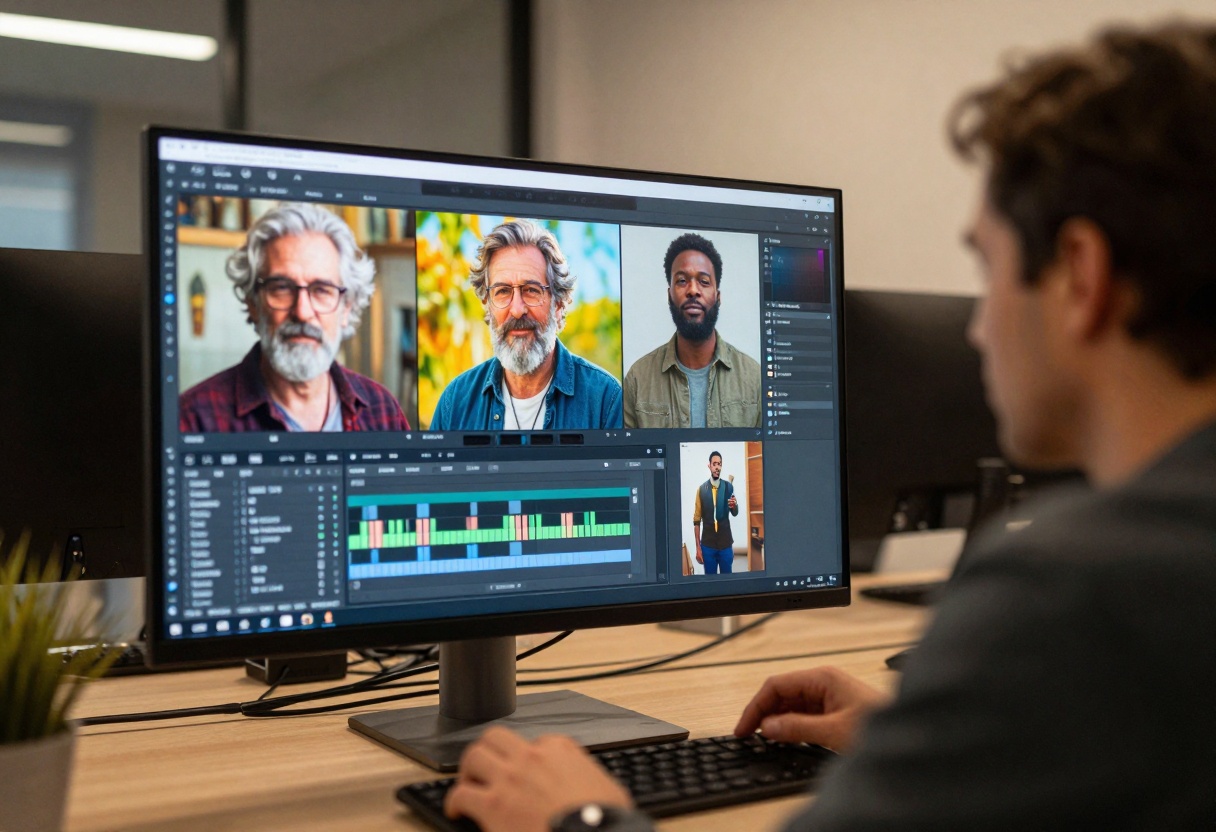
wan-2.2-image
The wan-2.2-image model specializes in cinematic, visually striking imagery. It generates 2-megapixel images in just 3-4 seconds with impressive detail and composition.
Notable capabilities:
- Multiple aspect ratio options from square to ultra-wide
- Cinematic lighting and composition that rivals professional photography
- Flexible output formats including PNG, JPG, and WebP
- Reproducible results through seed control for consistent outputs
This model shines when creating mood boards, concept art, or finished pieces requiring dramatic visual impact.
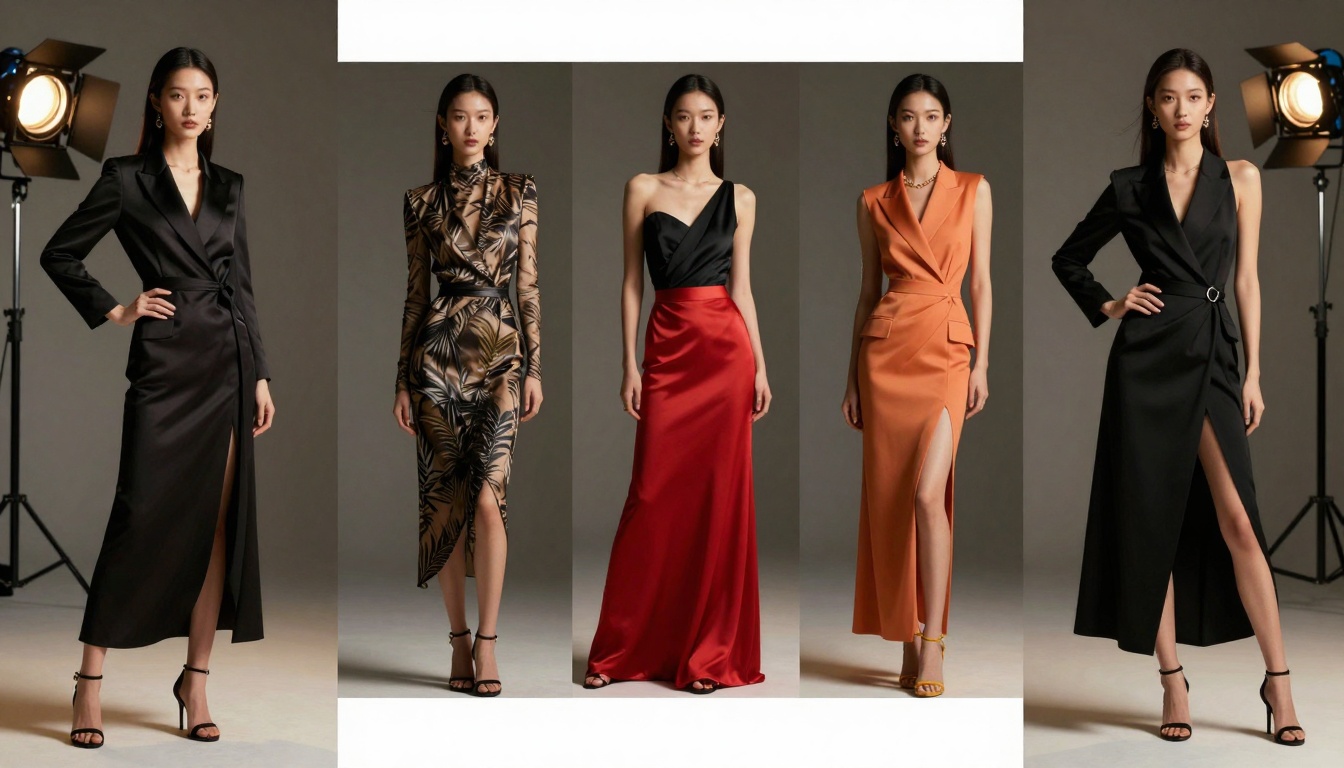
Writing Effective Prompts for Adult Content
Creating quality outputs requires thoughtful prompt construction. Adult content generation demands the same attention to detail as any other AI image work.
Be Specific About Composition
Vague prompts produce mediocre results regardless of content type. Instead of "attractive person," describe exactly what you envision:
- Lighting conditions - "soft window light," "dramatic rim lighting," "golden hour backlight"
- Composition choices - "shallow depth of field," "medium close-up," "environmental portrait"
- Styling details - "minimalist aesthetic," "vintage glamour," "contemporary fashion editorial"
- Mood and atmosphere - "intimate and warm," "bold and confident," "ethereal and dreamy"
Include Technical Photography Terms
These models respond well to professional photography vocabulary:
- Aperture descriptors: "f/1.8 bokeh," "deep focus f/16"
- Lens characteristics: "85mm portrait lens," "wide-angle 24mm"
- Film stocks: "Kodak Portra 400," "Fuji Velvia," "black and white film grain"
- Color grading: "warm color palette," "cool blue tones," "vintage sepia"
Reference Art Styles and Periods
Historical and contemporary art movements provide useful shorthand:
- "Renaissance painting style"
- "1970s fashion photography aesthetic"
- "Helmut Newton-inspired composition"
- "Contemporary fine art photography"
- "Art nouveau illustration style"
Avoid Generic Descriptors
Words like "beautiful," "attractive," or "stunning" add little value. Models interpret these terms inconsistently. Focus instead on concrete visual details that define your intended outcome.
Technical Considerations for Best Results
Generating professional-quality adult content requires understanding how these models process information and produce outputs.
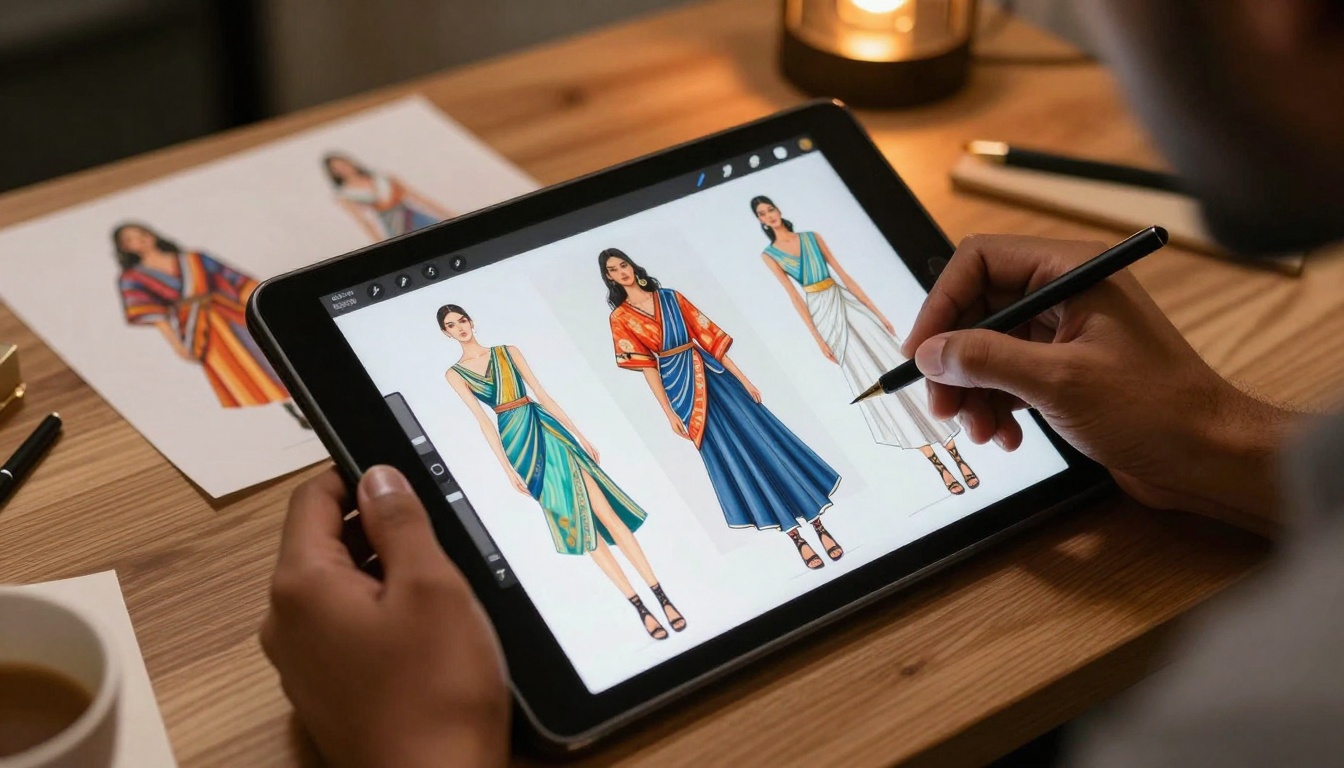
Aspect Ratio Selection
Choose aspect ratios that match your intended use:
- 1:1 - Social media posts, profile images
- 3:2 - Traditional photography format, print-friendly
- 16:9 - Widescreen displays, video thumbnails
- 9:16 - Vertical mobile content, stories format
Resolution and Quality Settings
Higher megapixel counts produce more detail but take longer to generate. Match resolution to your actual needs:
- 1 megapixel - Quick concepts and drafts
- 2 megapixels - Most professional applications
- Higher resolutions - Print work or large-format displays
Seed Values for Consistency
Using fixed seed values lets you generate variations while maintaining certain characteristics. This proves invaluable when clients request minor adjustments without losing the overall aesthetic.
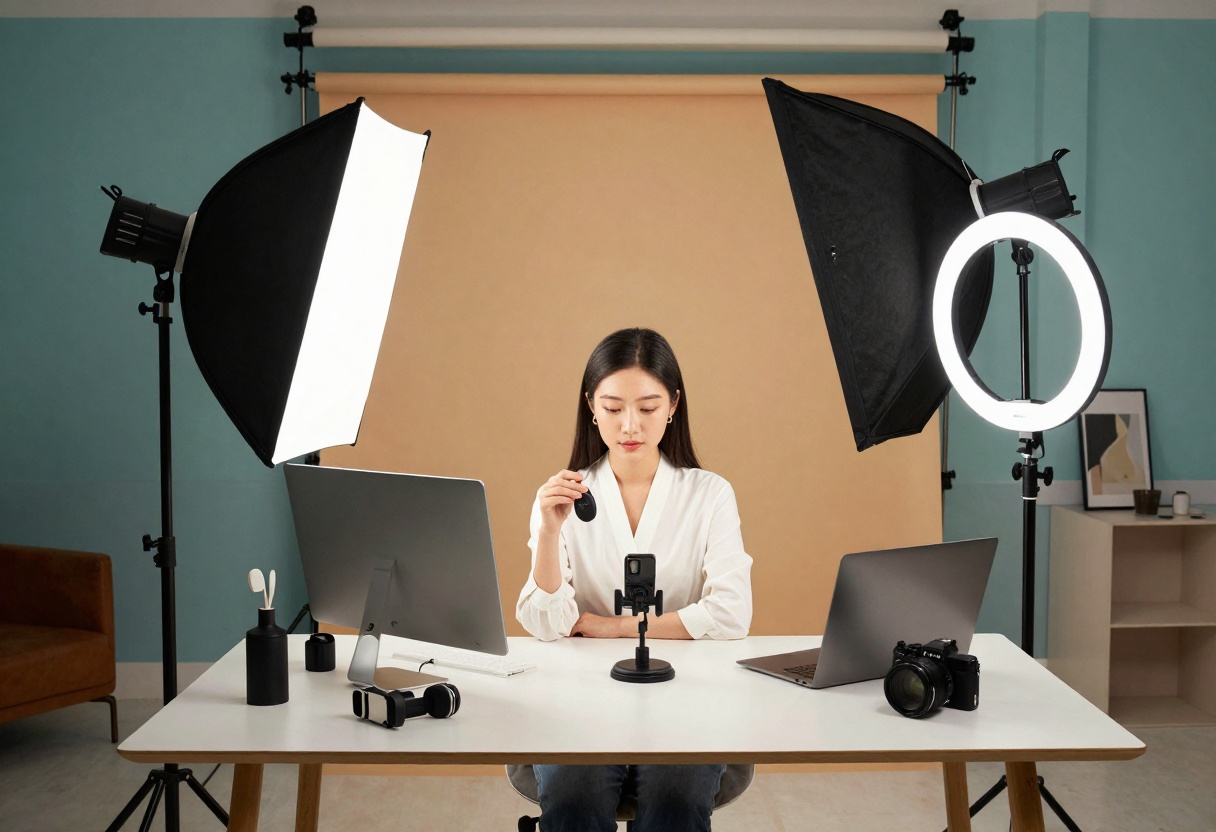
Iterative Generation Workflow
Professional results rarely emerge from a single generation. Treat AI image creation like traditional photography - expect to shoot many frames before finding the perfect one.
Start Broad, Then Refine
Begin with simpler prompts to establish basic composition and mood. Once you identify promising directions, add specific details to refine the output.
Initial prompt: "Fashion portrait with dramatic lighting"
Refined prompt: "Fashion portrait of woman in black outfit, dramatic rim lighting from left, shallow depth of field f/1.4, 85mm lens, dark moody atmosphere, professional photography, cinematic composition"
Use Reference Images Strategically
Models like p-image-edit accept multiple reference images. This lets you combine elements from different sources:
- Lighting setup from one image
- Pose and composition from another
- Color palette from a third reference
The model synthesizes these inputs to create something new while maintaining the characteristics you specified.
Batch Generation for Options
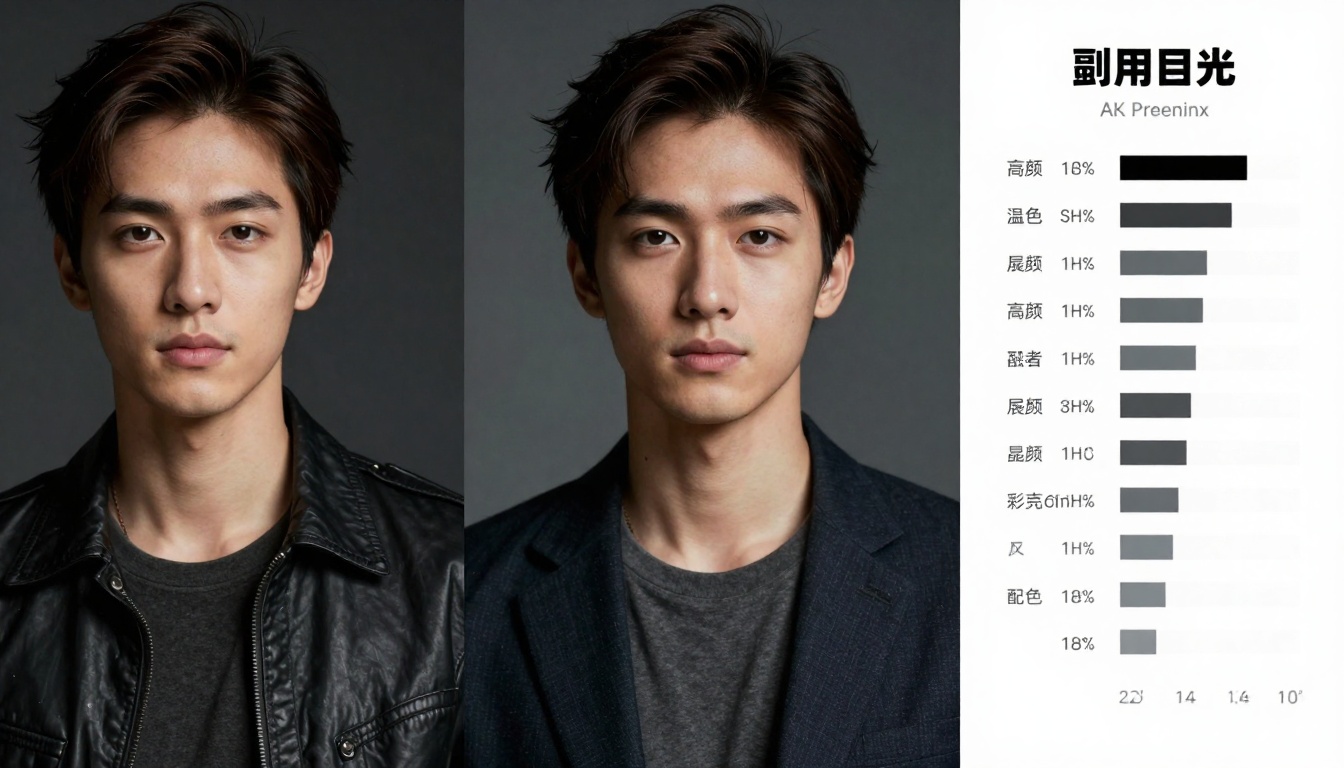
Generate multiple variations simultaneously. Even with identical prompts, models produce different interpretations due to random initialization. Creating 5-10 variations gives you choices for selecting the strongest result.
Legal and Ethical Considerations
Working with AI-generated adult content requires awareness of legal frameworks and ethical responsibilities.
Verify Local Regulations
Content laws vary significantly by jurisdiction. Research applicable regulations in your area:
- Age verification requirements for adult content distribution
- Obscenity standards that may apply to your work
- Platform-specific policies for content hosting
- Commercial use restrictions and licensing requirements
Maintain Professional Standards
AI tools don't eliminate professional responsibility. Apply the same ethical standards you would to traditional photography:
- Ensure content aligns with your intended audience and platform
- Consider how your work represents bodies and relationships
- Respect privacy even with synthetic subjects
- Maintain boundaries around depictions that could normalize harm
Clear Communication With Clients
When creating adult content for clients, establish clear expectations:
- What constitutes acceptable output
- How revisions will be handled
- Usage rights and licensing terms
- Delivery formats and resolutions
How to Use p-image-edit on PicassoIA
The p-image-edit model provides the fastest path to professional results. Here's a step-by-step walkthrough for getting started.
Step 1: Access the Model Page
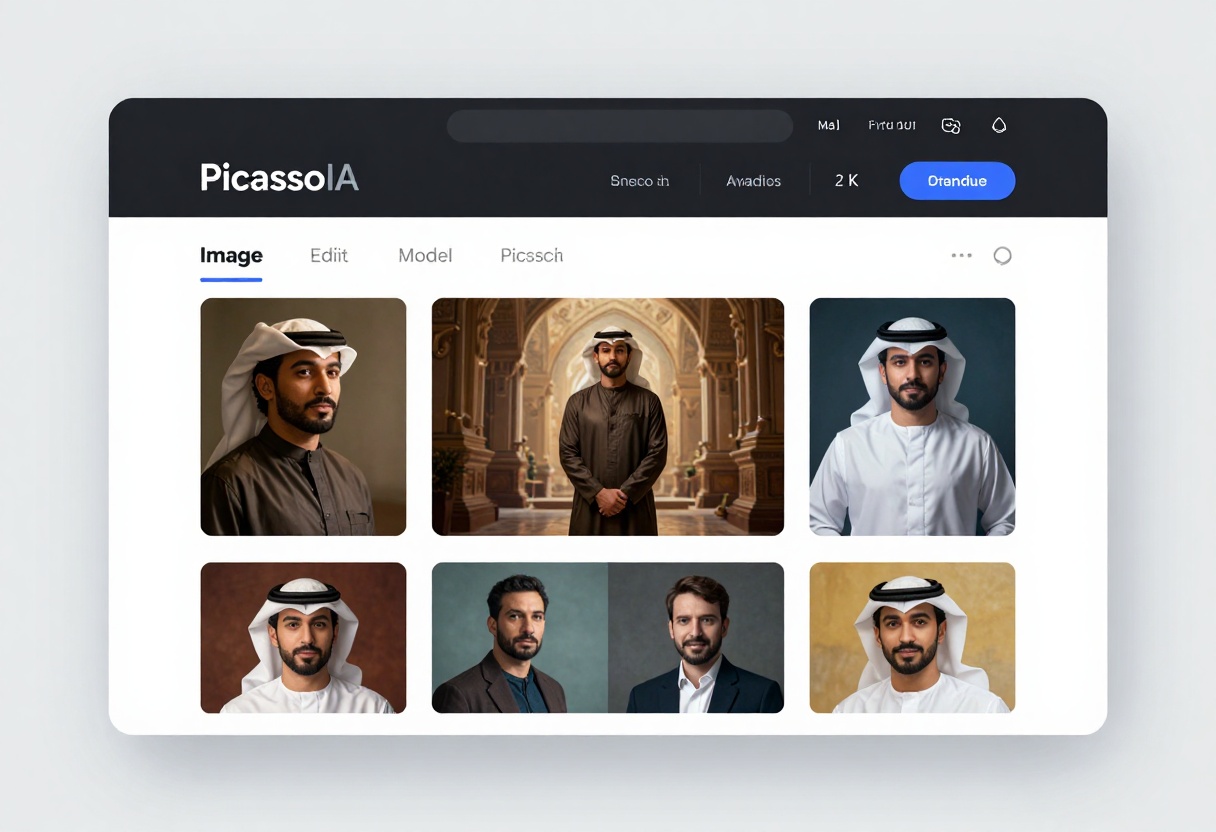
Navigate to the p-image-edit model page on PicassoIA. The interface displays all available parameters and example outputs showing the model's capabilities.
Step 2: Upload Your Reference Images
The images parameter accepts one or more reference images. For editing tasks, place your primary image first. Additional images can provide styling references or elements to incorporate.
Supported formats include JPG, PNG, and WebP. The model automatically processes images regardless of their original dimensions.
Step 3: Write Your Edit Prompt
Describe the changes you want to make in the prompt field. Be specific about what should change and what should remain consistent.
For example: "Change the lighting to soft window light from the left, adjust the pose to be more relaxed, maintain the same outfit and background, increase overall contrast"
You can reference uploaded images by number: "Combine the lighting from image 1 with the pose from image 2"
Step 4: Configure Optional Settings
Aspect ratio - Choose "match_input_image" to maintain original proportions, or select a specific ratio for your needs
Turbo mode - Keep enabled for faster processing. Disable for complex edits requiring maximum quality
Seed - Leave blank for random results, or specify a number to reproduce previous generations
Safety checker - Can be disabled for adult content that would otherwise trigger false positives
Step 5: Generate and Download
Click the generate button to begin processing. Most edits complete in under a second with turbo mode enabled. The output appears in your browser, ready for download or further iteration.
For batch work, generate multiple variations by running the process several times with slight prompt modifications.
Comparing Quality Across Models
Different models excel at different aspects of image generation. Understanding these strengths helps you choose the right tool for each project.
Speed vs. Quality Tradeoffs
p-image-edit prioritizes speed, making it ideal for rapid iteration and real-time creative decisions. The model produces clean, professional results in under a second.
wan-2.2-image takes slightly longer but delivers more cinematic results with enhanced lighting and composition. The extra processing time yields images that feel more polished and artistically complete.
For most workflows, starting with p-image-edit for concept development, then moving to wan-2.2-image for final outputs provides an efficient balance.
Detail and Resolution
Models handling higher megapixel outputs naturally capture more detail. However, more detail isn't always better - it depends on your use case.
For web content or social media, 1-2 megapixel outputs provide sufficient quality while generating faster. For print work or large displays, opt for the highest resolution your chosen model supports.
Consistency and Reproducibility
Seed values provide reproducibility, but results still vary based on model architecture. Some models maintain stronger consistency across generations even without identical seeds.
Test this by generating several images with the same prompt but different seeds. Models showing less variation between outputs work better when clients need options within a narrow aesthetic range.
Optimizing Your Workflow
Professional content creators develop efficient workflows that maximize quality while minimizing time investment.
Build a Prompt Library
Maintain a collection of effective prompts organized by style, mood, and technical requirements. When a particular prompt produces excellent results, save it with notes about what worked well.
Over time, this library becomes invaluable for quickly generating consistent outputs matching specific aesthetic requirements.
Use Batch Processing
Generate multiple variations in sequence rather than one at a time. This parallel approach lets you review options side-by-side, making it easier to identify the strongest results.
Many creators generate 10-20 variations, then narrow to the top 3-5 for final consideration.
Develop Style Consistency
When working on a series or campaign, establish visual consistency early. This might mean:
- Using the same reference images across generations
- Maintaining identical lighting descriptions
- Keeping color palette specifications consistent
- Referencing the same artistic influences
Consistency makes your work feel cohesive and professional rather than randomly generated.
Common Challenges and Solutions
Even experienced users encounter obstacles when working with AI image generation. Here are solutions to frequent issues.
Unwanted Elements in Outputs
AI models sometimes introduce unexpected elements. Address this by explicitly stating what should NOT appear:
"Fashion portrait, no background clutter, no additional people, clean composition"
Inconsistent Quality Across Generations
Some prompts produce wildly variable results. Increase consistency by:
- Adding more specific technical details
- Using reference images
- Specifying seeds for reproducibility
- Breaking complex requests into multiple steps
Difficulty Achieving Specific Poses
Models struggle with unusual or specific poses described in text. Instead, provide reference images showing the desired pose, then describe other aspects you want changed.
Lighting That Looks Unnatural
Generic lighting descriptions often produce flat or artificial-looking results. Use specific photography terminology:
- "Rembrandt lighting with fill light" instead of "dramatic lighting"
- "Soft octabox positioned camera left" instead of "soft light"
- "Backlit with rim light" instead of "bright background"
The Business Case for Unrestricted AI
For creators in adult entertainment industries, access to uncensored AI tools represents more than convenience - it's a competitive necessity.
Time Savings
Traditional photography requires extensive setup, coordination, and post-production. AI generation compresses this timeline from days to minutes, letting creators focus on creative decisions rather than logistics.
Cost Reduction
Professional photo shoots involve significant expenses: model fees, studio rental, equipment, assistants, post-production editing. AI generation eliminates most of these costs while maintaining quality.
Rapid Prototyping
Test concepts and approaches without committing resources to full production. Generate dozens of variations to explore different directions before investing in traditional photography.
Competitive Differentiation
Creators leveraging AI tools can produce more content faster while maintaining or improving quality. This volume and variety advantage translates directly to market position.
Future Developments in Adult AI Content
The field continues evolving rapidly. Several trends suggest where the technology is headed.
Improved Consistency
Next-generation models will likely maintain stronger consistency across generations, making it easier to produce series of related images with matching aesthetics.
Better Pose Control
Current models struggle with specific pose requirements. Future versions will probably offer more precise control through improved reference image processing or explicit pose parameters.
Enhanced Resolution
As computing costs decline, models will generate higher-resolution outputs as standard. This will make AI generation more viable for print and large-format display work.
Video Generation
Image-to-video models are emerging, and adult content creators will benefit from the ability to animate still images. This opens new creative possibilities while maintaining the advantages of AI generation.
Taking Action
Adult content creation deserves access to professional tools without arbitrary restrictions. Open-source models on PicassoIA provide that access, enabling creators to work efficiently and effectively.
Start with p-image-edit for rapid iteration and concept development. The sub-second generation times let you explore ideas quickly without technical overhead. Once you've identified promising directions, switch to wan-2.2-image for more polished, cinematic final outputs.
Remember that AI tools augment rather than replace creative skills. The most effective results come from creators who understand composition, lighting, and storytelling - and use AI to execute their vision faster and more efficiently.
The models are available now on PicassoIA. Try p-image-edit to see what's possible when creative tools respect your autonomy rather than limit your expression.


