The rise of AI image generation has opened incredible creative possibilities, but many platforms impose strict content filters that limit artistic expression. Flux Turbo stands out as a fast, powerful alternative that respects creator freedom while delivering professional-quality results.

If you're searching for an AI tool that can generate mature content without arbitrary restrictions, you're in the right place. This article covers everything you need to know about using Flux Turbo for adult AI image generation, including practical techniques, parameter optimization, and where to access uncensored models.
What Makes Flux Turbo Different
Flux Turbo is an optimized variant of the Flux family of models, designed specifically for speed without sacrificing image quality. Unlike many commercial platforms that impose heavy content moderation, open-source implementations of Flux Turbo available on platforms like PicassoIA allow creators to generate adult content freely.
The model excels at producing photorealistic images with fine details, making it particularly well-suited for creating mature content that looks authentic rather than cartoonish. Its fast inference time means you can iterate quickly on your prompts, experimenting with different styles and compositions until you achieve exactly what you're looking for.
Why Choose Uncensored AI Models
Many popular AI image generators automatically filter or reject prompts containing adult themes. This creates frustration for legitimate artists and content creators who need tools that respect their creative vision. PicassoIA offers several uncensored models that don't impose these limitations:
- p-image-edit: Transform and edit images with advanced AI capabilities
- wan-2.2-image: Generate highly realistic images from text descriptions
- Flux Schnell: Fast, local image generation with flexible controls
These models process your prompts without judgment, allowing you to create the content you need for personal projects, artistic exploration, or professional work.

Getting Started with Adult AI Image Generation
Before diving into specific prompting techniques, it's helpful to understand the basics of how AI image generators interpret your instructions. The model analyzes your text prompt and generates visual content based on patterns it learned during training.
For adult content, being specific about what you want yields better results than vague descriptions. Think about lighting, composition, poses, and mood rather than just listing subjects.
Setting Up Your First Generation
When you first start working with Flux Turbo or similar models on PicassoIA, you'll want to familiarize yourself with the basic interface and parameters. Most models offer similar controls, but understanding how they work will save you time and frustration.
The essential parameters you'll encounter include:
Aspect ratio: Choose dimensions that match your intended use (1:1 for social media, 16:9 for desktop wallpapers, 9:16 for mobile content)
Output quality: Higher quality settings produce more detailed images but take slightly longer to generate
Inference steps: More steps generally improve quality but increase generation time
Seed value: Use the same seed to reproduce results or experiment with variations
Writing Effective Prompts for Adult Content
The quality of your generated images depends heavily on how well you communicate your vision through text. Effective prompting is both an art and a science, requiring specificity while leaving room for the model's creative interpretation.
Start with clear subject descriptions, then layer in details about composition, lighting, and style. For example, instead of writing "attractive person," try "confident woman in elegant pose, soft natural lighting, professional photography style, cinematic composition."
Prompt Structure That Works
Successful prompts typically follow this structure:
- Main subject: What or who is in the image
- Action or pose: What they're doing or how they're positioned
- Setting: Environment and background elements
- Lighting: Type and direction of light sources
- Style modifiers: Photography type, artistic style, rendering quality
- Mood: Emotional tone and atmosphere
Here's an example of a well-structured prompt: "elegant woman reclining on velvet sofa, intimate boudoir setting, warm candlelight creating soft shadows, professional portrait photography, cinematic composition, sophisticated and sensual mood."
Notice how each element adds specific information without being overly verbose. The model can interpret these details to create a cohesive image that matches your vision.
Common Pitfalls to Avoid
When writing prompts for adult content generation, certain mistakes can lead to disappointing results:
Being too vague: Generic descriptions produce generic images. Add specific details about appearance, setting, and mood.
Overloading with keywords: While detail is good, cramming too many conflicting ideas into one prompt confuses the model. Focus on a clear concept.
Ignoring composition: Don't forget to specify camera angle, framing, and perspective. These technical elements dramatically affect the final image.
Neglecting lighting: Light sets the mood and affects realism. Always include lighting information in your prompts.
Advanced Parameter Optimization
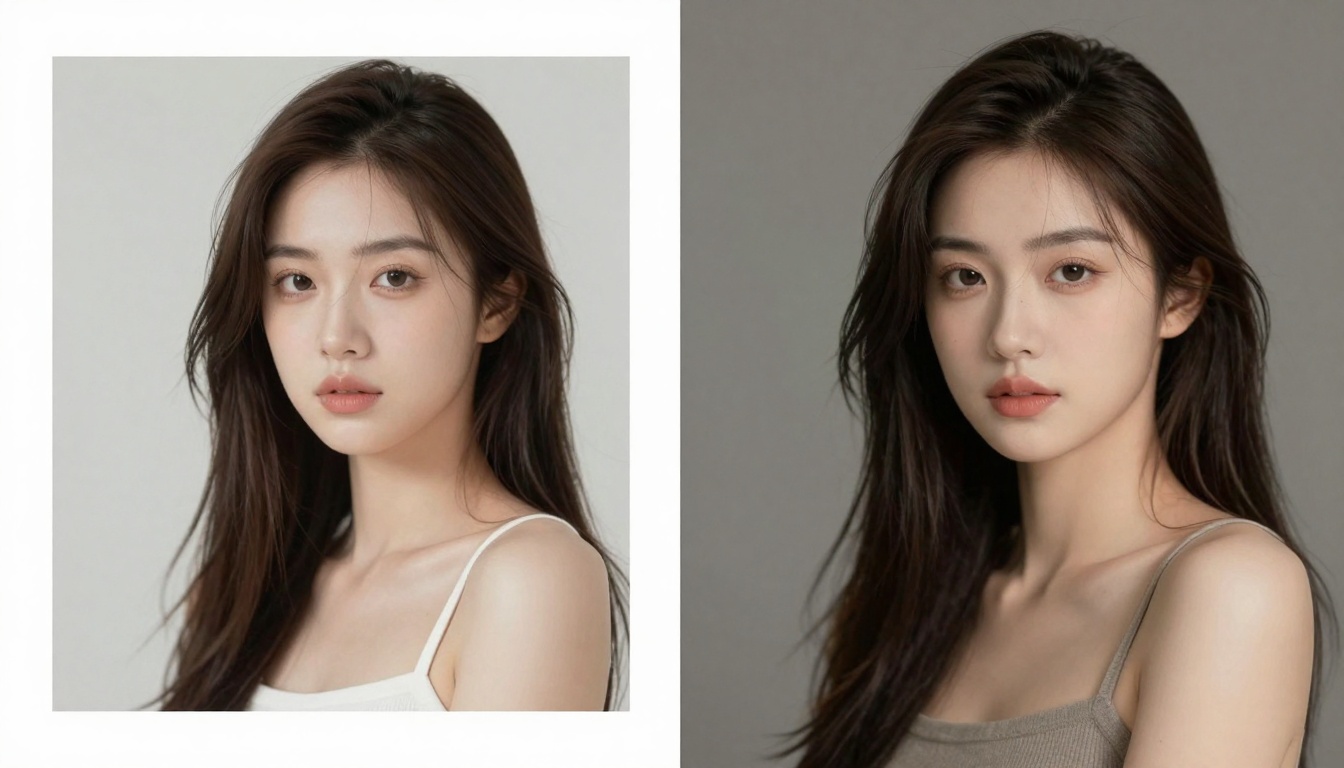
Once you've mastered basic prompting, fine-tuning generation parameters can take your results from good to exceptional. Different settings work better for different types of content, and understanding these nuances gives you more control over the final output.
Balancing Speed and Quality
Flux Turbo is optimized for fast generation, but you can adjust settings to prioritize either speed or quality depending on your needs:
For quick previews and experimentation, use lower inference steps (4-6 steps) and standard quality settings. This lets you iterate rapidly on different prompt variations without waiting.
For final renders or high-quality output, increase inference steps (8-12 steps) and set quality to maximum. The additional processing time produces more detailed, polished results suitable for professional use.
Working with Seeds for Consistency
The seed parameter controls randomness in image generation. Using the same seed with the same prompt produces nearly identical results, which is incredibly useful when you want to:
- Create variations of a successful image
- Maintain character consistency across multiple generations
- Document your process for reproducible results
- Make subtle adjustments to a near-perfect image
Leave the seed blank (random) when exploring new concepts. Set a specific seed once you find something you like and want to refine.
Creative Possibilities and Use Cases
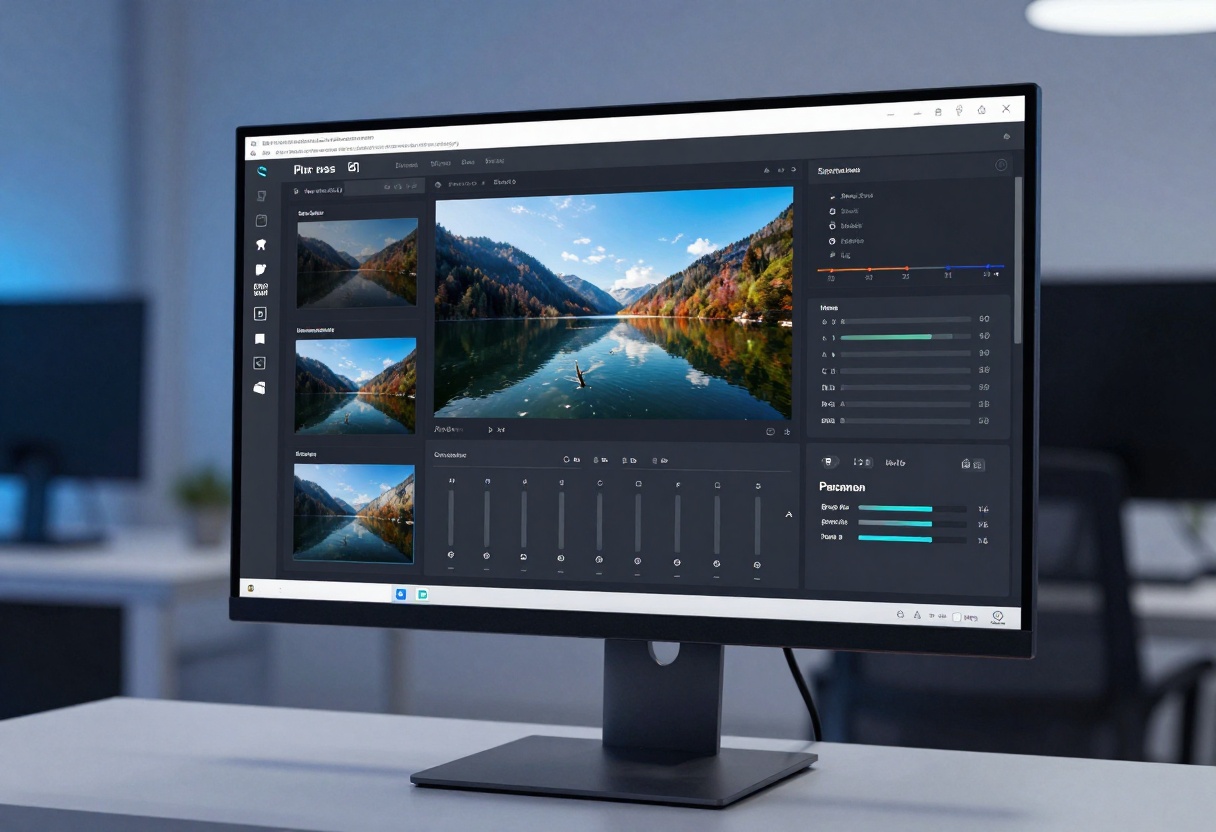
AI image generation isn't just about producing individual images. Smart creators use these tools to streamline workflows, explore concepts, and create content that would be impossible or impractical through traditional means.
Professional Content Creation
Many adult content creators use AI generation to:
Produce reference images for photography sessions, giving models and photographers clear direction before the shoot.
Create promotional materials without the logistics of organizing full photoshoots.
Generate custom backgrounds that can be composited with real photography.
Explore concepts before committing resources to production.
The key is treating AI generation as one tool in a broader creative toolkit rather than a complete replacement for human creativity.
Artistic Exploration
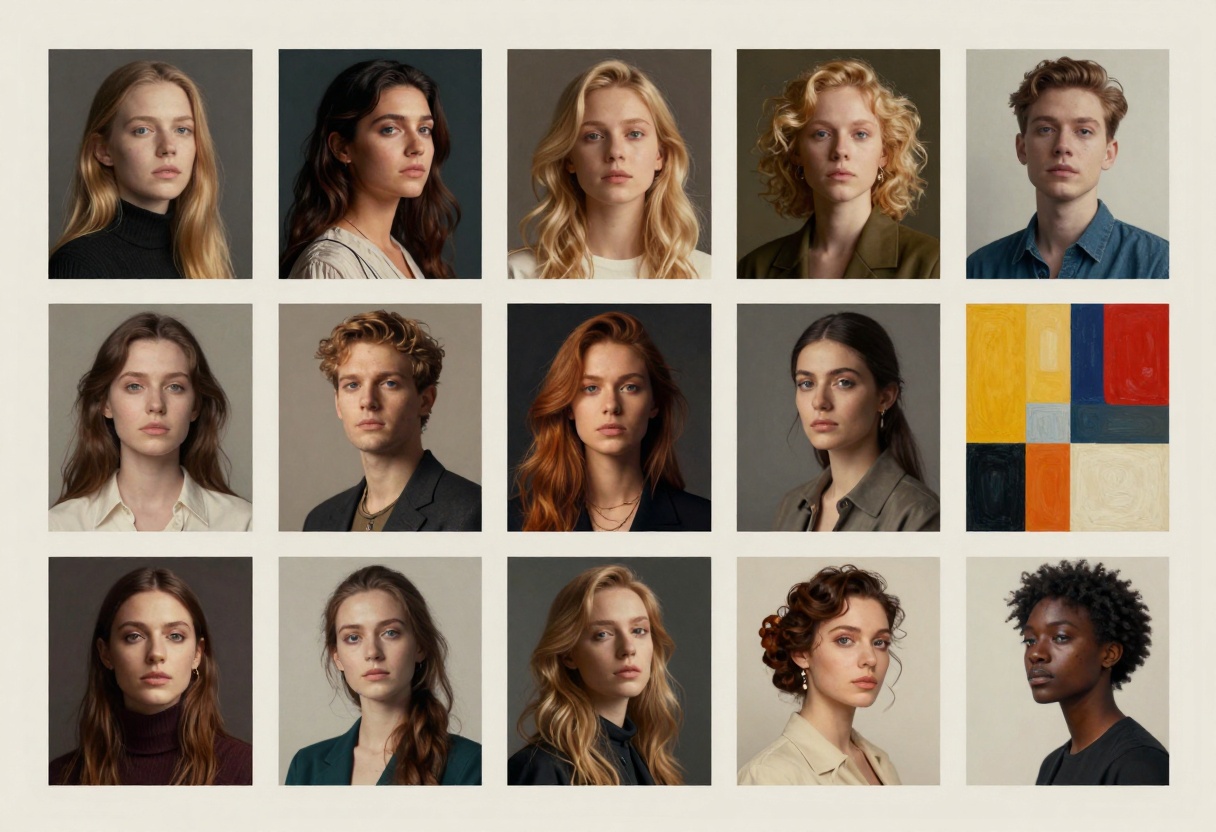
Digital artists find AI generation valuable for pushing creative boundaries and exploring styles they might not attempt manually. The technology enables rapid iteration and experimentation, turning ideas into visuals in seconds rather than hours.
You can generate dozens of variations on a theme, identifying which elements work best before investing time in detailed manual creation. This experimental approach often leads to unexpected discoveries and creative breakthroughs.
Privacy and Safety Considerations
When working with adult content generation, privacy matters. Unlike some platforms that store all generated images on their servers, PicassoIA respects user privacy by allowing you to download your images locally.

Always consider these privacy best practices:
Use secure connections: Ensure you're accessing the platform through HTTPS to protect your data in transit.
Download important images: Save final renders to your local device rather than relying solely on cloud storage.
Be mindful of prompts: While uncensored models don't judge content, avoid including personally identifiable information in your prompts.
Respect legal boundaries: Ensure your generated content complies with local laws and platform terms of service.
Ethical Content Creation
With the power to generate realistic adult imagery comes responsibility. Consider these ethical guidelines:
Never create content that depicts real individuals without consent. While AI-generated images aren't photographs, creating deepfakes or unauthorized likenesses causes real harm.
Avoid generating content that could be confused with images of minors. Responsible platforms and creators maintain clear boundaries around age representation.
Be transparent about AI-generated content when sharing publicly. Audiences deserve to know when imagery is synthetic rather than photographed.
Best Practices for Consistent Results
Developing a systematic approach to AI image generation helps you achieve consistent quality and reduces frustration. These practices have proven effective for creators working with adult content.

Building a Prompt Library
As you experiment with different prompts, save successful ones for future reference. Organize them by category: portraits, full body shots, specific styles, lighting setups, and so on.
When you find prompt elements that consistently produce good results, note them down. These building blocks can be recombined in new ways to create fresh content without starting from scratch each time.
Iterative Refinement Process
Rarely does the first generation produce perfect results. Professional creators use an iterative process:
- Start with a basic prompt to establish the core concept
- Generate several variations to see what the model produces
- Identify successful elements and note what needs improvement
- Refine the prompt with more specific details
- Adjust parameters like aspect ratio or quality settings
- Generate new variations based on the refined prompt
- Repeat until satisfied with the results
This methodical approach produces better outcomes than hoping for perfect results on the first try.
Learning from the Community
While PicassoIA focuses on individual creation, studying examples from other creators helps develop your skills. Look at successful AI-generated images and analyze what makes them work:
What prompt structure might have produced this result? How is the lighting described? What style modifiers create this particular aesthetic?
Deconstructing effective images trains your eye and improves your ability to craft prompts that achieve similar quality.
Troubleshooting Common Issues
Even experienced users encounter problems when generating adult content with AI. Understanding common issues and their solutions saves time and frustration.
When Images Don't Match Your Vision
If generated images consistently miss the mark, the problem usually lies in one of these areas:
Prompt ambiguity: Add more specific details about what you want. Instead of "woman in lingerie," specify "woman in black lace lingerie, standing pose, full body view, elegant bedroom setting, soft window light."
Conflicting elements: Check your prompt for contradictions. Requesting both "soft romantic lighting" and "harsh dramatic shadows" confuses the model.
Wrong parameters: Aspect ratio affects composition significantly. A portrait in 16:9 format may not work as well as one in 2:3 or 4:5.
Handling Unexpected Results
Sometimes the model generates something completely different from what you imagined. This happens when:
The model interprets ambiguous words differently than you intended. Use more specific synonyms or add clarifying details.
Style modifiers conflict with your main subject. Certain artistic styles work better for specific types of content.
The seed produced an outlier result. Try changing the seed or generating multiple variations.
Quality Issues
If images appear blurry, distorted, or low-quality despite your settings, try:
Increasing inference steps: More processing time often resolves quality issues.
Adjusting quality settings: Ensure output quality is set to maximum for final renders.
Simplifying complex prompts: Sometimes less is more. Remove unnecessary details and regenerate.
Checking aspect ratio: Extreme aspect ratios (like 21:9) can sometimes produce distorted results.
Tutorial: Using Flux Schnell on PicassoIA
Ready to start creating? Here's a step-by-step tutorial for using Flux Schnell, one of the best uncensored models available on PicassoIA for adult content generation.
Flux Schnell delivers rapid, high-quality image generation for creators who value speed and flexibility. Designed with personal use in mind, it balances fast performance with customizable settings, giving you creative control over every output.
Step 1: Access the Model
Navigate to the Flux Schnell model page on PicassoIA. You'll see the interface for entering your prompt and adjusting generation parameters.
Step 2: Write Your Prompt
In the prompt field, enter a detailed description of what you want to generate. Remember the principles we discussed earlier: be specific about subject, pose, setting, lighting, and style.
Example prompt: "confident woman in elegant black dress, standing near window, soft natural daylight, professional fashion photography, cinematic composition, sophisticated mood, high detail, photorealistic."
Step 3: Configure Basic Settings
Set your preferred aspect ratio based on how you plan to use the image:
- 1:1 for social media posts
- 16:9 for desktop wallpapers
- 9:16 for mobile-optimized content
- 2:3 or 4:5 for portrait-style images
Choose your output format: WebP for smallest file size, PNG for maximum quality without compression, or JPG for broad compatibility.
Step 4: Adjust Quality Parameters
Megapixels: Start with 1 megapixel for testing, increase to 2 for final renders.
Inference steps: Use 4 steps for quick previews, increase to 8-12 for higher quality.
Output quality: Set between 80-100 for final images (this setting only affects JPG and WebP formats).
Number of outputs: Generate 2-4 variations at once to see different interpretations of your prompt.
Step 5: Optional Advanced Settings
Seed: Leave blank for random results, or enter a specific number to reproduce previous results.
Go Fast mode: Enable for fastest generation using optimized processing. Disable for slightly higher quality with longer processing time.
Disable safety checker: Enable this option if you're generating adult content, as it prevents the model from blocking mature imagery.
Step 6: Generate and Refine
Click the generate button and wait for your images to process. Flux Schnell typically produces results in just a few seconds.
Review the generated images and identify what works and what needs adjustment. Modify your prompt based on the results and generate again. This iterative process quickly hones in on exactly what you're looking for.
Step 7: Save Your Work
Once satisfied with a generation, download the images to your local device. Save prompts that worked well so you can reuse successful techniques in future projects.
Taking Your Skills Further
Mastering adult AI image generation takes practice, but the learning curve is worth it. Start with simple prompts and gradually incorporate more advanced techniques as you become comfortable with the tools.
Experiment with different models on PicassoIA to find which ones suit your style and needs. p-image-edit excels at refining existing images, while wan-2.2-image produces highly realistic photographic results, and Flux Schnell offers the best balance of speed and quality.
The technology continues evolving rapidly. Stay curious, keep experimenting, and don't be afraid to try unconventional approaches. Some of the most interesting results come from unexpected prompt combinations or parameter settings.
Most importantly, enjoy the creative process. AI image generation opens up possibilities that would have seemed like science fiction just a few years ago. Use these tools to bring your visions to life, whether for artistic expression, professional content creation, or personal exploration.
Ready to start creating stunning adult AI images? Visit PicassoIA today and explore the uncensored models that give you the creative freedom you deserve.


