Why Traditional Platforms Fall Short for Adult Content
Most mainstream AI image generators impose heavy content restrictions that block adult themes, artistic nudity, and provocative imagery. These safety filters often trigger on legitimate artistic work, making it frustrating for professional creators in fashion, adult entertainment, and fine art photography.
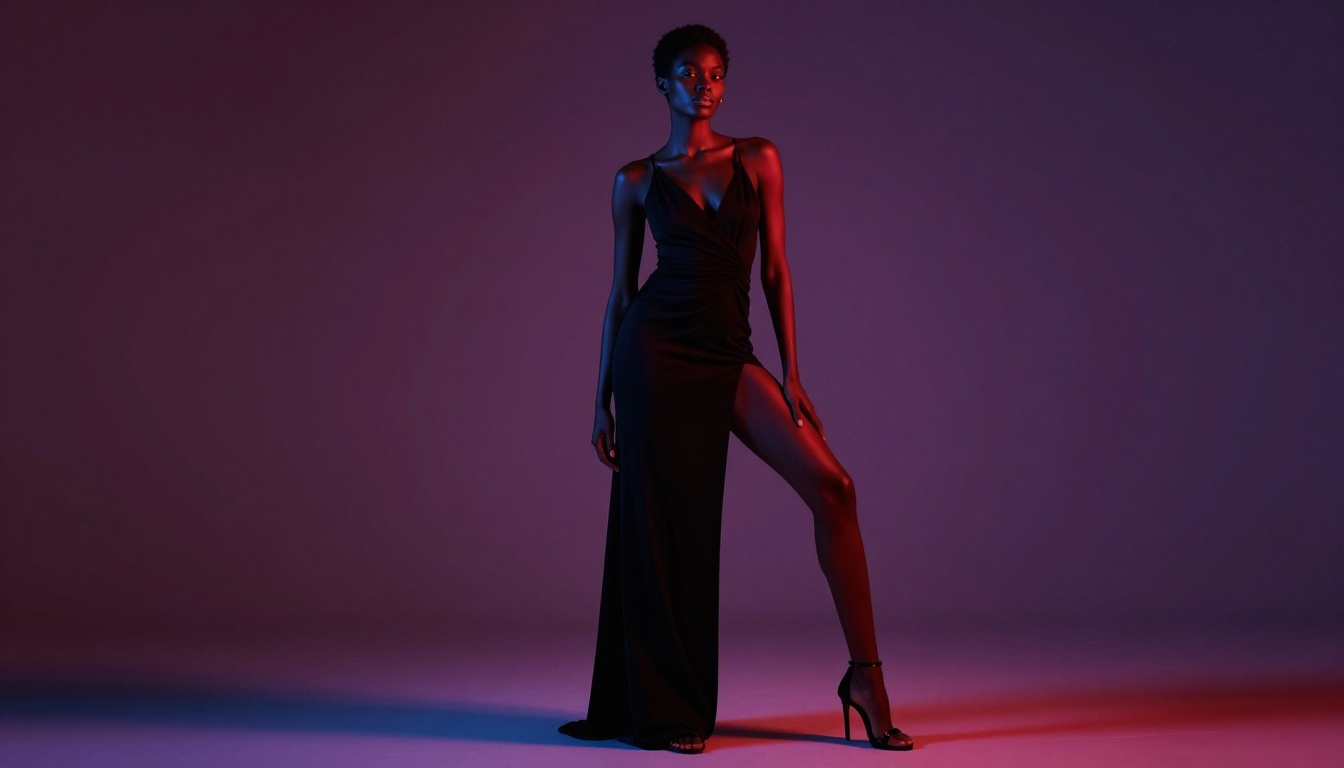
The problem with restricted platforms:
- Overly aggressive content filters that block artistic expression
- Inconsistent enforcement that wastes time and credits
- No transparency about what's allowed or prohibited
- Limited appeal options when content is wrongly flagged
For creators who need reliable access to uncensored generation, open-source models provide the solution.
Open-Source Models on PicassoIA
PicassoIA hosts several open-source AI models that don't impose artificial content restrictions. These models give you creative freedom while maintaining professional quality output.
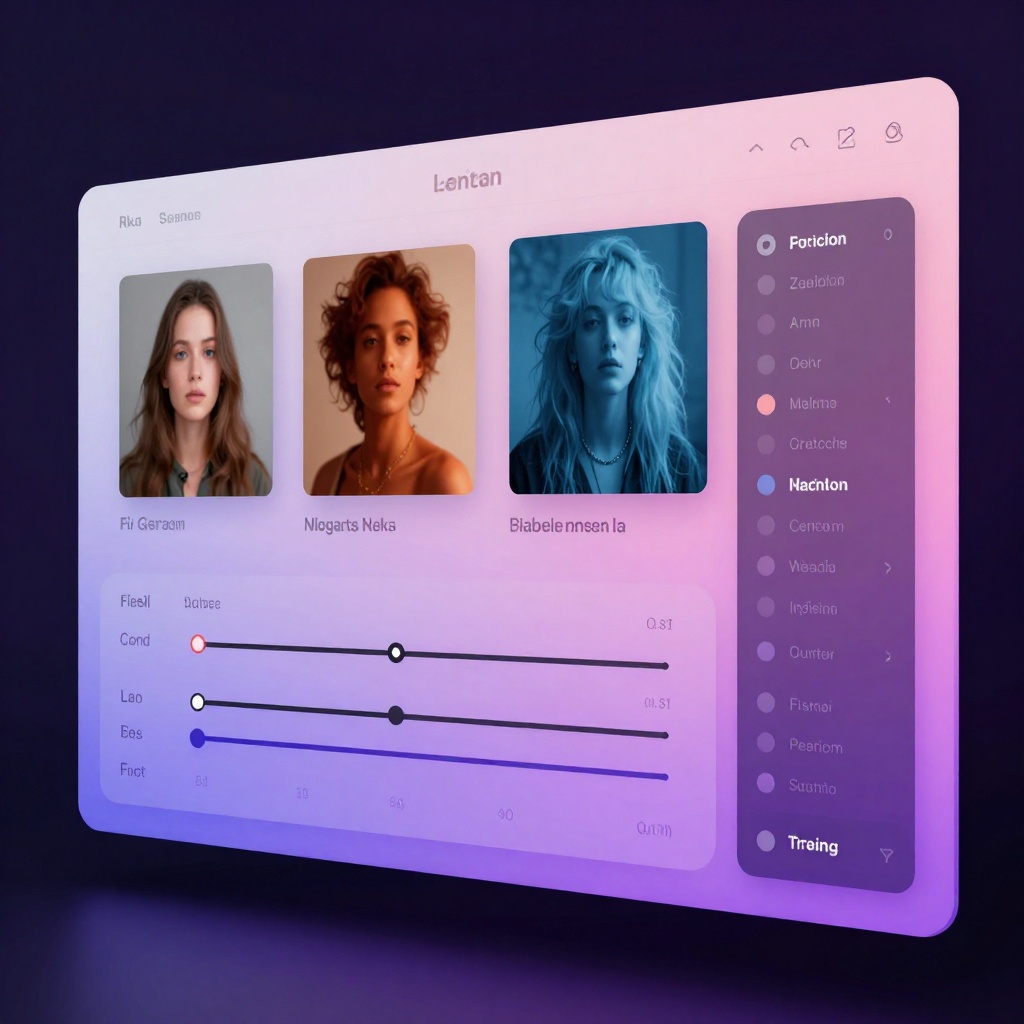
Recommended Models for Adult Content
| Model | Type | Best For |
|---|
| flux-dev | Text-to-Image | High-quality artistic generation with 12B parameters |
| p-image-edit | Image Editing | Fast editing and transformation of existing images |
| wan-2.2-image | Text-to-Image | Cinematic realistic images in 3-4 seconds |
These models process your prompts without content filtering, making them ideal for adult content creators, boudoir photographers, and artists working with the human form.
Writing Effective Prompts for Provocative Content
The quality of your generated images depends heavily on how you structure your prompts. Here's what works for creating compelling adult-oriented artwork.
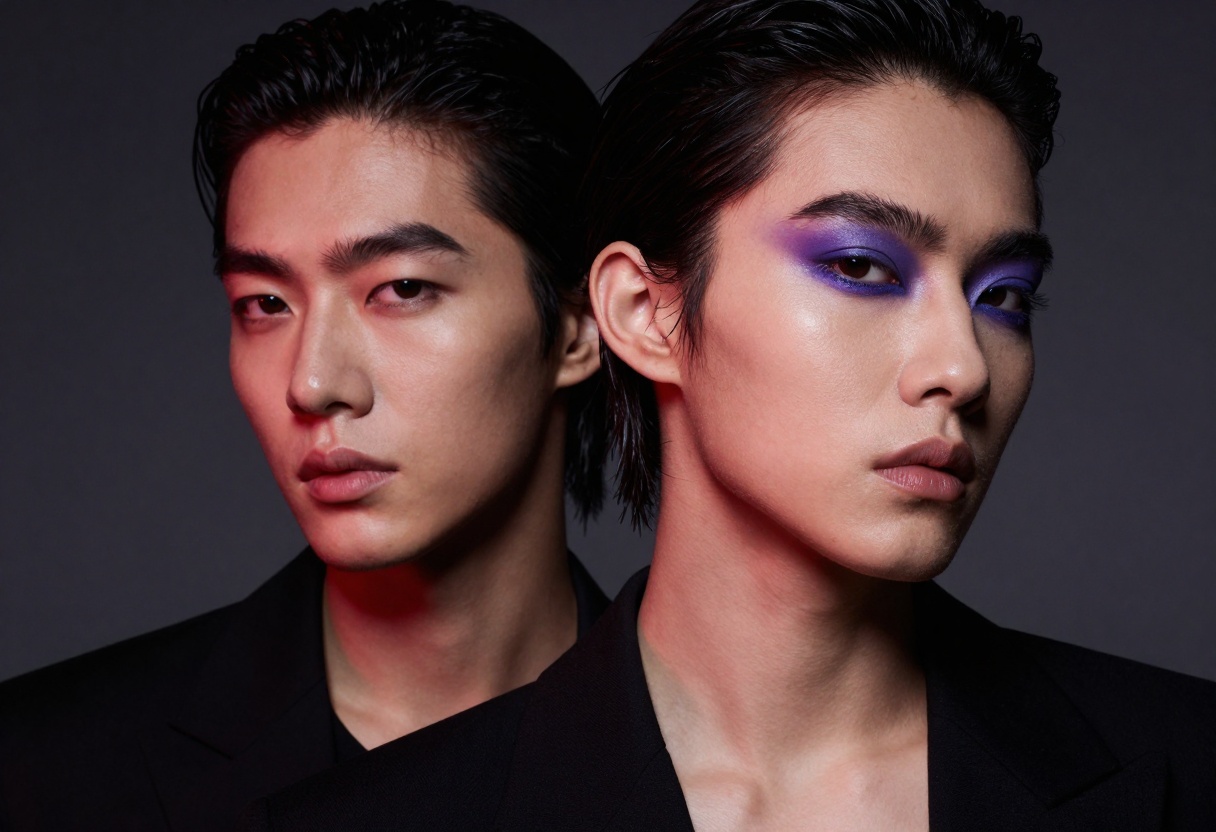
Prompt Structure for Best Results
Start with the subject and pose, then add styling details, lighting setup, and quality modifiers. This order helps the AI understand your vision more clearly.
Example structure:
- Subject description (figure, model, pose)
- Clothing or styling details
- Setting and environment
- Lighting and mood
- Technical quality terms
Working example:
"Professional fashion model in elegant evening wear, dramatic pose with confident expression, luxury bedroom setting with velvet furniture, moody purple and red lighting, photorealistic 8k rendering, cinematic composition, shallow depth of field"
Style Keywords That Work
These terms consistently produce high-quality results:
- Lighting: "moody lighting", "dramatic shadows", "warm golden hour", "studio lighting with softbox"
- Quality: "photorealistic", "8k resolution", "high detail", "professional photography"
- Mood: "intimate atmosphere", "sophisticated", "elegant", "provocative but tasteful"
- Technical: "shallow depth of field", "cinematic composition", "fashion magazine aesthetic"
What to Avoid
Certain prompt elements produce inconsistent or poor results. Skip these:
- Overly explicit anatomical terms (use artistic language instead)
- Multiple conflicting style directions in one prompt
- Vague descriptions like "sexy" or "hot" (be specific about pose, lighting, mood)
- Too many subjects or complex scenes (keep focus clear)
Technical Settings for Quality Output
Beyond prompts, adjusting generation parameters significantly impacts your final images. Here's how to optimize each setting.
Aspect Ratio Selection
Choose your aspect ratio based on intended use:
- 1:1 (Square): Social media posts, profile images
- 3:2: Standard photography ratio, versatile for print
- 16:9: Widescreen format, great for backgrounds and banners
- 9:16: Vertical/portrait format for mobile-first content
Resolution and Quality
Higher megapixel settings produce more detail but take longer to generate. For most purposes, 1-2 megapixels provides excellent results.
Output format recommendations:
- JPEG: Best for social media sharing (smaller file size)
- PNG: When you need transparency or maximum quality
- WebP: Modern format with good compression and quality balance
Set quality between 80-90 for the best balance of file size and visual fidelity.
Working with Image-to-Image Generation
Starting from an existing image gives you more control over composition and style. This technique works especially well for creating variations or refining generated outputs.
Prompt Strength Settings
The prompt strength parameter controls how much the AI transforms your input image:
- 0.3-0.5: Subtle changes, maintains most of original composition
- 0.6-0.8: Moderate transformation, balances input and prompt
- 0.9-1.0: Heavy transformation, input mainly guides composition
For fashion and boudoir work, staying in the 0.6-0.8 range typically produces the best results.
Best Practices for Reference Images
Your input image quality directly affects output quality. Follow these guidelines:
- Use well-lit reference photos with clear subjects
- Avoid overly compressed or low-resolution inputs
- Match your input aspect ratio to your desired output
- Choose references with similar composition to your goal
Creating Series and Variations
Generating multiple variations helps you explore different artistic directions and find the perfect shot. Use seeds for reproducible results when you want to make small adjustments.
Using Seeds for Consistency
Set a specific seed number to generate reproducible outputs. This lets you tweak prompts while maintaining consistent composition and style.
When you find a generation you like, note the seed value. You can then modify other parameters (lighting, styling, etc.) while keeping the same base composition.
Batch Generation Strategy
Generate multiple outputs simultaneously to save time:
- Start with 3-4 variations using different prompts
- Identify the strongest results
- Generate refinements of winners with adjusted parameters
- Use image-to-image to polish final selections
Editing and Refining Generated Images
Raw AI outputs often benefit from post-processing. The p-image-edit model excels at quick refinements and adjustments.
Common Editing Tasks
Color grading and mood adjustment:
"Adjust color temperature to warm golden tones, increase contrast slightly, enhance skin tones, cinematic color grading"
Background replacement:
"Replace background with luxury hotel suite interior, maintain subject lighting and composition, photorealistic integration"
Style transfer:
"Apply fashion magazine editorial style, high-end retouching, professional beauty photography aesthetic"
The editing model processes changes in under a second, making iterative refinement fast and efficient.
Legal and Ethical Considerations
Creating adult content with AI requires awareness of legal frameworks and platform policies.
Age Verification and Consent
Never generate images depicting minors in any context. Even aged-up or fictional representations can violate laws in many jurisdictions.
When using reference images, ensure you have appropriate rights and releases. Stock photos typically prohibit AI training or generation purposes.
Platform Distribution Guidelines
Different platforms have varying policies for AI-generated adult content:
- Social media: Most ban explicit content (Instagram, Facebook, TikTok)
- Adult platforms: Generally allow AI content with proper disclosure
- Subscription services: Policies vary by platform
Always disclose when content is AI-generated. Many platforms require this transparency.
Copyright and Commercial Use
Images generated on PicassoIA can be used commercially, but verify the specific licensing terms for each model. Open-source models typically allow commercial use, but always confirm before selling generated work.
Practical Workflow for Content Creators
Develop a consistent process to maximize efficiency and quality.
Recommended Daily Workflow
Morning session (idea generation):
- Review trending styles and poses in your niche
- Create prompt templates for common themes
- Generate test batches with different models
- Save successful prompts and seeds
Afternoon session (production):
- Generate content batches using proven prompts
- Select best outputs for refinement
- Use p-image-edit for quick adjustments
- Export in appropriate formats for distribution
Evening session (scheduling):
- Organize generated assets by theme
- Schedule posts across platforms
- Track performance metrics
- Note which prompts and styles perform best
Building a Prompt Library
Save your successful prompts in organized categories:
- Poses and compositions that work well
- Lighting setups that produce desired mood
- Style combinations for different content types
- Quality modifiers that enhance realism
This library becomes invaluable for consistent content production. Update it regularly as you discover new techniques.
How to Use flux-dev on PicassoIA
flux-dev is a powerful transformer-based model with 12 billion parameters, designed for high-quality text-to-image generation. It offers extensive customization options and produces detailed, artistic results without content restrictions.
Step 1: Access the Model
Visit the flux-dev model page on PicassoIA. The interface provides access to all generation parameters.
Step 2: Write Your Prompt
Enter your text description in the prompt field. Be specific about subject, pose, lighting, and style. Follow the prompt structure guidelines covered earlier in this article.
Example prompt:
"Professional fashion model in dramatic pose, elegant styling with flowing fabric, moody studio lighting with purple and red gels, photorealistic 8k quality, cinematic composition, shallow depth of field"
Step 3: Configure Generation Settings
Required parameter:
- Prompt: Your text description
Key optional parameters:
- Aspect Ratio: Choose from 1:1, 16:9, 9:16, 3:2, 4:3, or other ratios
- Guidance: Controls prompt adherence (default 3, range 1-20)
- Num Inference Steps: More steps = higher quality (recommended 28-50)
- Output Format: WebP, JPG, or PNG
- Output Quality: 0-100 (recommend 80-90 for best balance)
- Seed: Set for reproducible results
- Disable Safety Checker: Enable for unrestricted content
Step 4: Advanced Options
For image-to-image generation:
- Upload a reference image
- Adjust Prompt Strength (0.6-0.8 recommended)
- Output matches input aspect ratio automatically
For batch generation:
- Set Num Outputs to 2-4 for variations
- Each output uses same parameters with slight variation
For speed vs quality:
- Enable Go Fast for faster generation (uses fp8 quantization)
- Disable for maximum quality and deterministic outputs
Step 5: Generate and Download
Click the generate button to start processing. Generation typically takes 5-15 seconds depending on settings.
Once complete, preview your results and download in your chosen format. Save successful parameters for future use.
Tips for Best Results with flux-dev
- Start with default settings, then adjust incrementally
- Use higher inference steps (40-50) for complex scenes
- Disable safety checker for adult content generation
- Set seeds when you want reproducible variations
- Try 3-4 outputs per prompt to explore options
The model excels at realistic photography styles, fashion imagery, and artistic compositions. Experiment with different guidance values to find your preferred balance of creativity and prompt adherence.
Getting Started Today
PicassoIA provides the tools and freedom you need for unrestricted creative generation. The open-source models hosted on the platform give you professional-quality results without arbitrary content restrictions.
Start with flux-dev for high-quality generation, use p-image-edit for quick refinements, and leverage wan-2.2-image when you need fast turnaround times. Each model has strengths that complement different workflows.
Build your prompt library, experiment with parameters, and develop a consistent production process. With practice, you'll generate compelling content efficiently while maintaining the artistic vision that sets your work apart.


