Three models. Three completely different approaches to the same problem. Before you generate your next image, it's worth knowing which one actually fits your workflow.
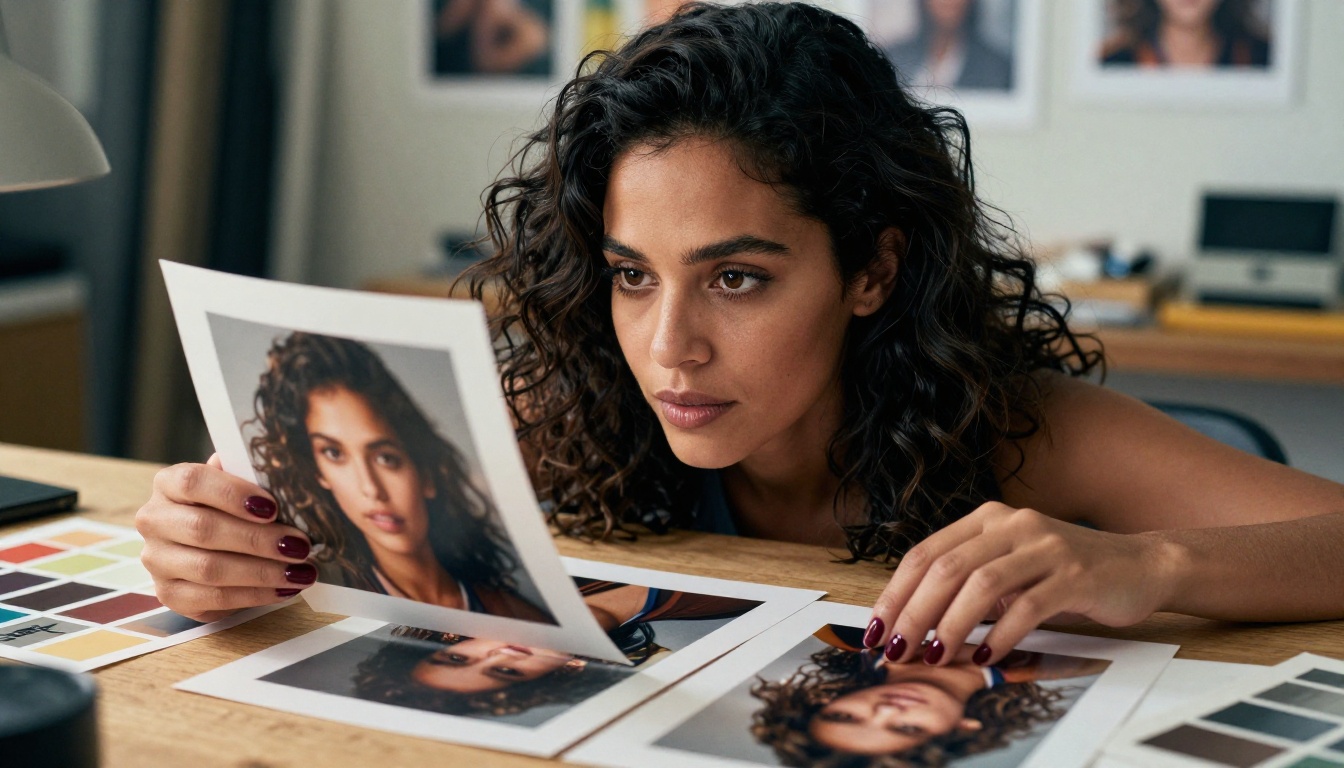
Flux Dev (Black Forest Labs), Seedream 4.5 (ByteDance), and Nano Banana (Google) represent three distinct engineering philosophies applied to AI image generation. Each one handles prompts, reference images, aspect ratios, and output resolution differently enough that choosing the wrong one wastes time on projects where another would perform immediately.
This breakdown tells you what each model actually does, what it does better than the others, and where it struggles.
What Sets These Three Apart
These models don't compete for the same use case. Their architectures, defaults, and strengths point in different directions.
The Flux Family
Flux Dev is a 12-billion parameter model from Black Forest Labs built on a flow-matching architecture. That architecture choice matters practically: it produces clean edges and consistent details without the ringing artifacts common in older diffusion pipelines. The model handles both text-to-image generation and img2img editing, supports 11 aspect ratios from 1:1 to 21:9, and outputs at 1 megapixel by default in WebP, JPG, or PNG.
Flux Schnell is the speed variant. Where Flux Dev takes 28 to 50 denoising steps, Flux Schnell processes in as few as 4 steps, cutting generation time to under 5 seconds. On PicassoIA, it runs without credit caps or usage quotas, which makes it the right tool for running dozens of prompt variations in a single session before committing to a final direction.
Flux Redux Dev is the image variation specialist within the Flux family. It takes an existing photo as input and generates new versions of it, keeping the original's composition, style, and core visual elements while shifting texture, detail, or atmosphere. No text prompt is required. You upload your reference, adjust aspect ratio and quality settings, and receive variations that stay visually faithful to the source.
💡 The three Flux variants solve different problems. Use Flux Schnell for fast iteration, Flux Dev for final high-quality generation, and Flux Redux Dev when consistency with an existing visual is the priority.
Seedream 4.5

Seedream 4.5 from ByteDance is built around one differentiator: native high-resolution output. Where most models generate at 1 megapixel and rely on post-processing upscalers to reach print-ready sizes, Seedream 4.5 outputs directly at 2K or 4K, up to 4096x4096 pixels. That means the detail and sharpness in the output are actual generated detail, not interpolated pixels.
The model accepts text prompts as the primary input, but also takes 1 to 14 reference images simultaneously. You can blend multiple visual references into a single output or apply a reference alongside a descriptive prompt to get outputs that combine both. A sequential generation mode produces up to 15 related images in one run, which works well for character variation sets or connected story scenes.
Custom pixel dimension support lets you set exact width and height values between 1024 and 4096 pixels, which is useful when you are generating assets for a specific layout that does not match a standard aspect ratio.
Nano Banana

Nano Banana from Google is the most flexible of the three in terms of input types. It treats image creation and image editing as a single workflow: you write a text description of what you want, optionally upload one or more reference photos, and the model either creates from scratch or modifies the existing images according to your instructions.
The editing mode is conversational rather than parameter-based. Instead of adjusting sliders or setting specific values, you describe what should change in plain language: "remove the person on the right", "change the background to a foggy harbor", "make the jacket green". The model reads the full prompt and applies changes while attempting to preserve what you did not mention.
Multi-image input support allows you to upload several photos simultaneously and blend or edit across all of them in one generation step.
Speed, Output Quality, and Resolution
These three attributes pull in different directions. Optimizing for one typically costs you on another.
Who Generates Fastest
| Model | Steps | Typical Generation Time |
|---|
| Flux Schnell | 4 steps | Under 5 seconds |
| Nano Banana | Auto | 8-10 seconds |
| Flux Dev | 28-50 steps | 15-30 seconds |
| Seedream 4.5 (2K) | Auto | ~15 seconds |
| Seedream 4.5 (4K) | Auto | 30-60+ seconds |
Flux Schnell has no close competitor on raw speed. Nano Banana is competitive for simple generations and edits. Seedream 4.5 at 4K can take over a minute depending on complexity, which is the direct cost of generating at that resolution natively rather than upscaling afterward.
Resolution Wars
| Model | Maximum Output | Native Output | Custom Dimensions |
|---|
| Seedream 4.5 | 4096x4096 px (4K) | 2K or 4K | Yes (1024-4096px) |
| Nano Banana | Standard | Standard | No |
| Flux Dev | ~1 megapixel | 1MP | Toggle only |
| Flux Schnell | ~1 megapixel | 0.25MP to 1MP | Toggle only |
Seedream 4.5 is the only model here that outputs 4K natively. If your project requires files large enough for large-format print or detailed display without additional upscaling, it is the only option in this comparison that delivers that at the generation stage.
For web, social, and digital-first projects, 1 megapixel from Flux or Nano Banana is more than sufficient, and the significantly faster generation times are the better tradeoff.
💡 Before defaulting to 4K, ask whether you actually need the pixels at this stage. Most digital work does not. Save the 4K generations for final deliverables, not concept drafts.
Prompt Accuracy and Control
Text Rendering in Images

Generating legible text inside an AI image is one of the hardest problems in this space. Most generators produce letter-shaped blurs or phonetically plausible but incorrect words. Flux Dev is notably strong here. The model's examples include multi-word phrases on signs, spelled-out text on food items, and text across multiple characters in a single frame, all reading correctly. This is not trivial. Most generators corrupt or stylize text beyond readability.
Seedream 4.5 handles styled text in contextual scenes well, particularly when the text is part of signage or environmental design rather than isolated. Nano Banana's prompt-accuracy focus means it attempts to reflect fine details in your description including text, though complex compositions with many simultaneous elements can introduce drift.
For projects where text inside the image must be legible and accurate, Flux Dev is currently the most reliable choice among the three.
Multi-Image and Reference Inputs
| Model | Reference Input | Max References | Editing Mode |
|---|
| Seedream 4.5 | Yes | 14 images | Blend with text prompt |
| Nano Banana | Yes | Multiple | Text-described edits |
| Flux Redux Dev | Yes (required) | 1 image | Variation generation |
| Flux Dev | Yes | 1 image | img2img |
| Flux Schnell | No | None | None |
Seedream 4.5 accepts the most reference images simultaneously, making it the strongest choice when you need to blend multiple visual sources into a single output. Nano Banana is more expressive in its editing mode: instead of just blending references, it modifies specific elements based on plain-language instructions.

Flux Dev and Flux Schnell both support 11 preset aspect ratios: 1:1, 16:9, 21:9, 3:2, 2:3, 4:5, 5:4, 3:4, 4:3, 9:16, and 9:21. You pick the ratio before generation and the model fits the composition to that frame. Output formats are WebP, JPG, or PNG, with adjustable quality from 0 to 100. This makes it straightforward to produce platform-specific assets in one generation without post-crop work.
Seedream 4.5 supports nine aspect ratios plus full custom dimension control. Setting precise pixel values within the 1024-4096px range gives you exact control when you are generating for a specific layout that does not fit a standard ratio. Outputs arrive clean, watermark-free, and at the resolution you specified.
Nano Banana does not expose explicit ratio controls. The output format choice is JPG or PNG. The composition is shaped by your prompt and reference images rather than geometric presets, which means your prompt needs to carry that compositional intent directly.
💡 If you are producing content for multiple platforms simultaneously, Flux Dev or Seedream 4.5 give you the ratio controls to avoid resizing work after generation.
How to Use These Models on PicassoIA
All three models run directly in your browser on PicassoIA without installation or API setup.
Using Flux Dev on PicassoIA
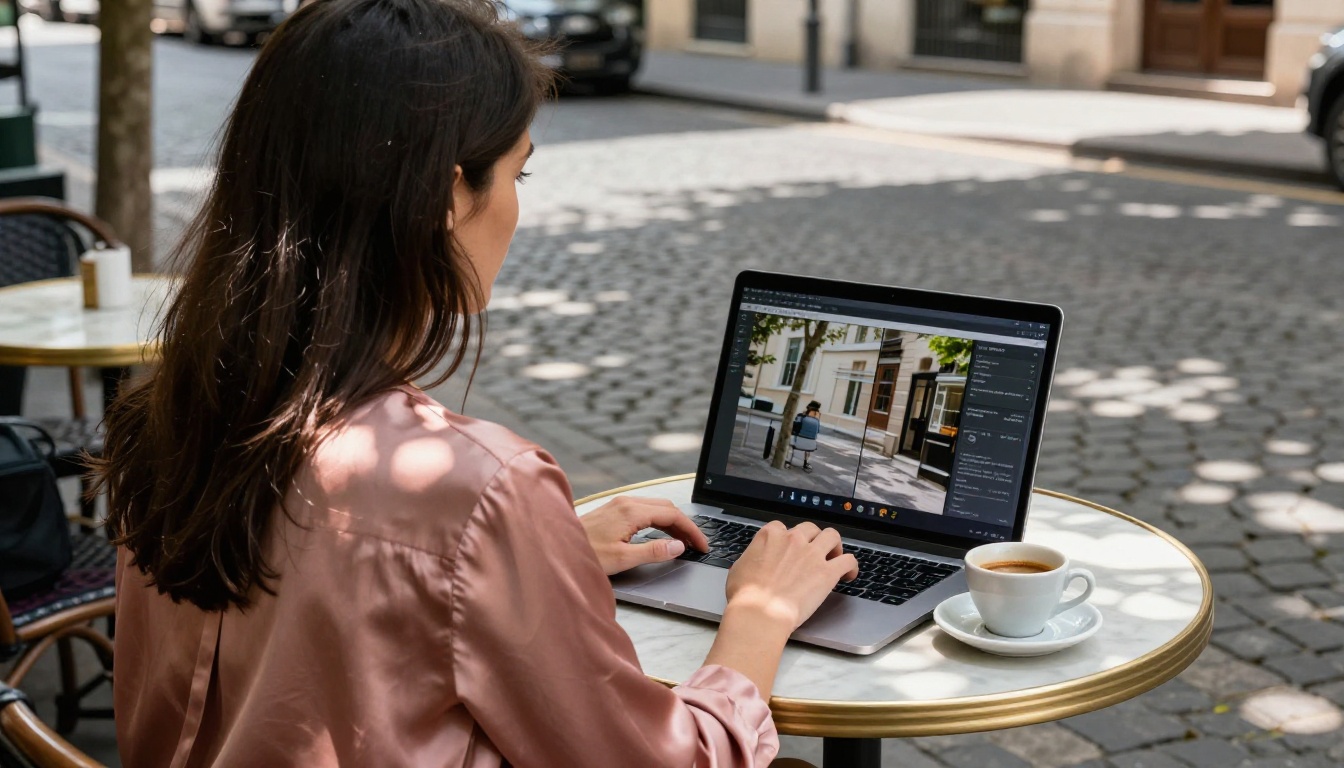
- Open Flux Dev on PicassoIA.
- Write your prompt. Flux Dev benefits from specificity: describe the subject, setting, lighting direction, and mood explicitly.
- Select one of the 11 aspect ratios to match your target format.
- Enable go_fast for quicker results or disable it for maximum fidelity with the full bf16 model.
- Set inference steps between 28 and 50. Higher steps refine detail but increase generation time.
- Upload a reference image to activate img2img mode. Adjust
prompt_strength (0 to 1) to control how much the model departs from the reference.
- Fix the seed when you find a strong direction and want to iterate without losing the overall composition.
- Download in WebP, JPG, or PNG at your chosen quality level.
Tip: For rapid prompt testing, switch to Flux Schnell first. Run variations at 4 inference steps until the concept is clear, then bring the winning prompt to Flux Dev for the final higher-quality generation.
Using Seedream 4.5 on PicassoIA
- Open Seedream 4.5 on PicassoIA.
- Write your prompt with scene-specific language: materials, lighting conditions, color palette, and spatial arrangement.
- Select 2K for web or digital use, 4K for print. 4K takes longer; only request it when the file size actually matters.
- Choose from nine aspect ratio presets or set exact pixel dimensions in custom mode.
- Upload reference images (up to 14) if you want to blend visual inputs with your prompt.
- Set sequential_image_generation to auto for batch outputs, up to 15 related images per run.
- Download clean, watermark-free files.
Tip: When generating product imagery, upload a hero photo alongside a prompt describing the target background or setting. Seedream 4.5 blends the reference with your text description rather than ignoring one in favor of the other.
Using Nano Banana on PicassoIA
- Open Nano Banana on PicassoIA.
- For text-to-image creation: write your prompt in plain language describing the scene, subject, and specific visual details. No reference image needed.
- For photo editing: upload your source image or images, then write a prompt describing what should change and what should remain the same.
- Select JPG or PNG output format.
- Click generate.
Tip: For editing tasks, include preservation instructions alongside change instructions. "Keep the person and pose exactly the same but change the background to a rainy street" performs better than just "change the background to a rainy street."
Which Model Fits Your Project

There is rarely a single right answer for an entire workflow. Most production pipelines benefit from using more than one model at different stages: Flux Schnell for fast initial concepts, Flux Dev or Seedream 4.5 for final quality generation, and Nano Banana for targeted post-generation edits.
Start Generating Now
The performance data above is a starting point, not a verdict. AI image generation is highly prompt-dependent, and each of these models responds differently to the same input. The only way to know which one suits your specific subject matter, style, and level of prompt detail is to run them directly.
All three are available on PicassoIA without installation, API configuration, or credit tracking on most tiers. Open Flux Schnell for a sub-5-second first result. Run the same prompt through Seedream 4.5 when you need the resolution ceiling raised. Use Nano Banana to refine specific elements without restarting from scratch. And when an existing photo needs variations that stay faithful to its original composition, Flux Redux Dev handles that without any prompt writing at all.
The comparison tells you the theory. Pick a model and let the results tell you the rest.


