Flux vs Stable Diffusion for Realistic Faces: Which One Actually Wins?
A head-to-head breakdown of Flux and Stable Diffusion for generating realistic human faces. We compare skin texture fidelity, facial symmetry, eye detail, hair rendering, and prompt adherence so you can choose the right model for portrait work.
Picking between Flux and Stable Diffusion for realistic faces is not a simple question. Both architectures produce stunning portraits, but they do it in fundamentally different ways, and the results show clearly when you push them to their limits with complex skin textures, asymmetric features, and natural lighting conditions. This breakdown cuts through the noise with a direct, metric-by-metric comparison so you can stop guessing and start generating.
Two Models, One Real Problem
What Makes a Face Look Real?
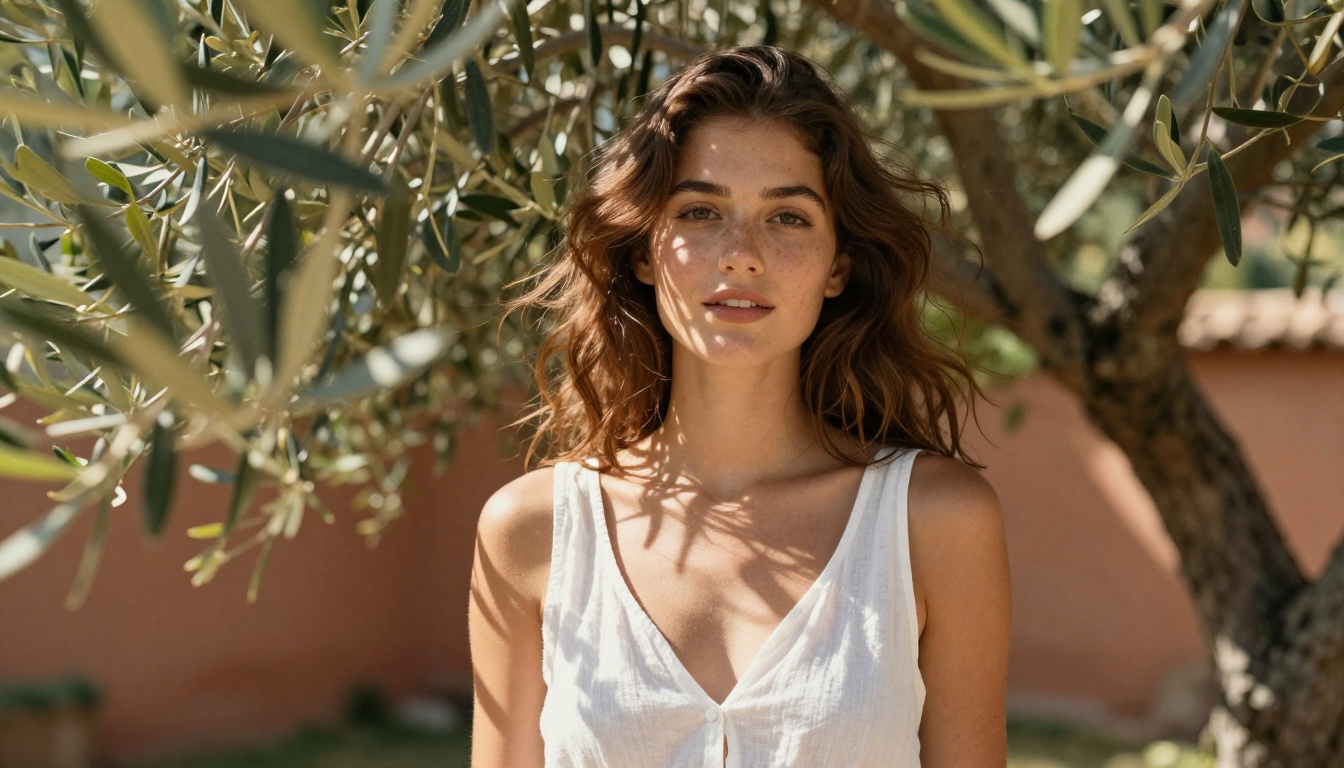
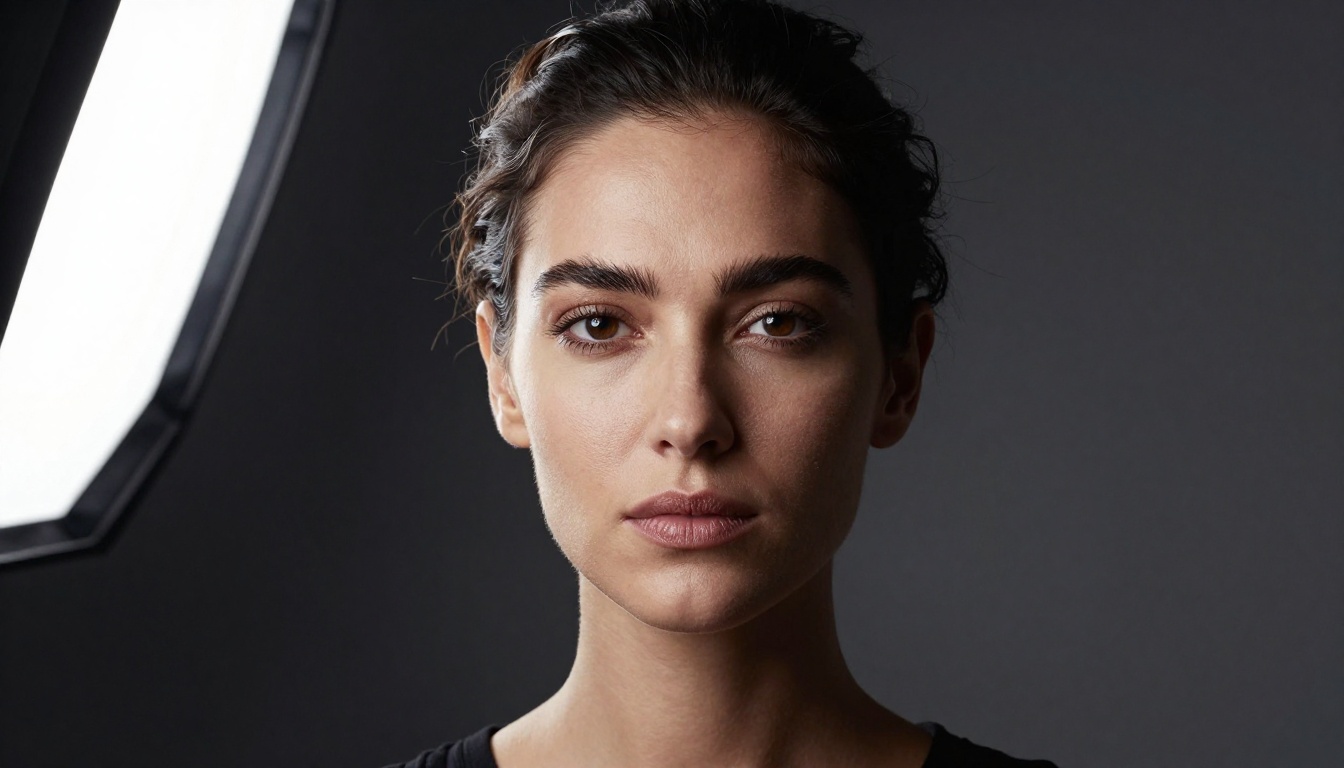
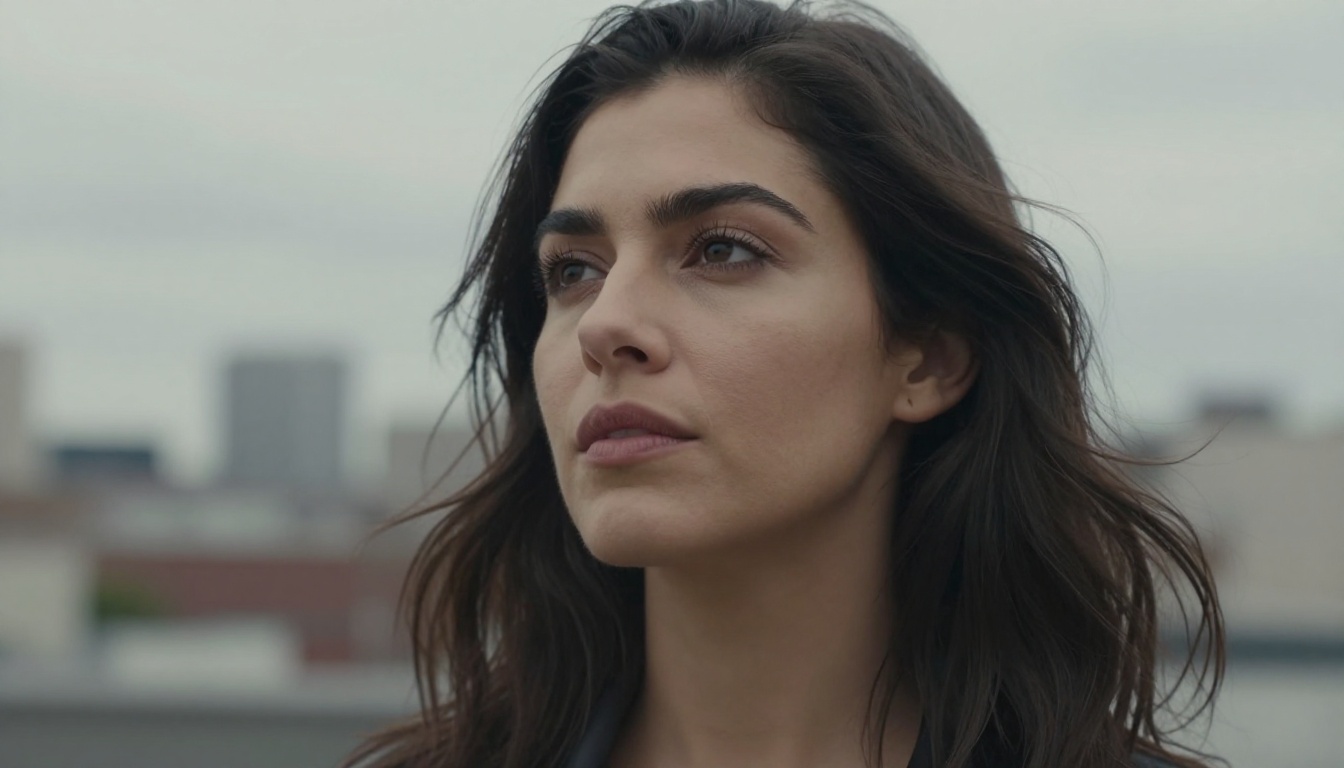
A realistic face in AI image generation comes down to five critical elements: skin and pore texture, eye catchlights and iris detail, hair strand separation, facial symmetry without perfection, and subsurface scattering — the warm glow visible through thin skin around ears, nose, and cheeks. Any model can produce a "pretty face" with clean symmetry. A believable face needs imperfections: a nose pore here, a slightly asymmetric eyelid there, and micro-hair catching sidelight at a specific angle.
Why This Comparison Matters Now
In 2027, the gap between both model families has narrowed but not disappeared. Flux Dev arrived with a flow-matching architecture that processes images differently than traditional diffusion, while Stable Diffusion 3.5 Large brought a multimodal diffusion transformer that changed how SD handles complex portrait prompts. The race for realistic faces is more competitive than ever.
Flux for Realistic Faces
Flux Dev from Black Forest Labs uses a 12-billion parameter rectified flow transformer. That architecture produces genuinely impressive results for portrait work, particularly in areas where previous models consistently struggled.
What Flux Gets Right
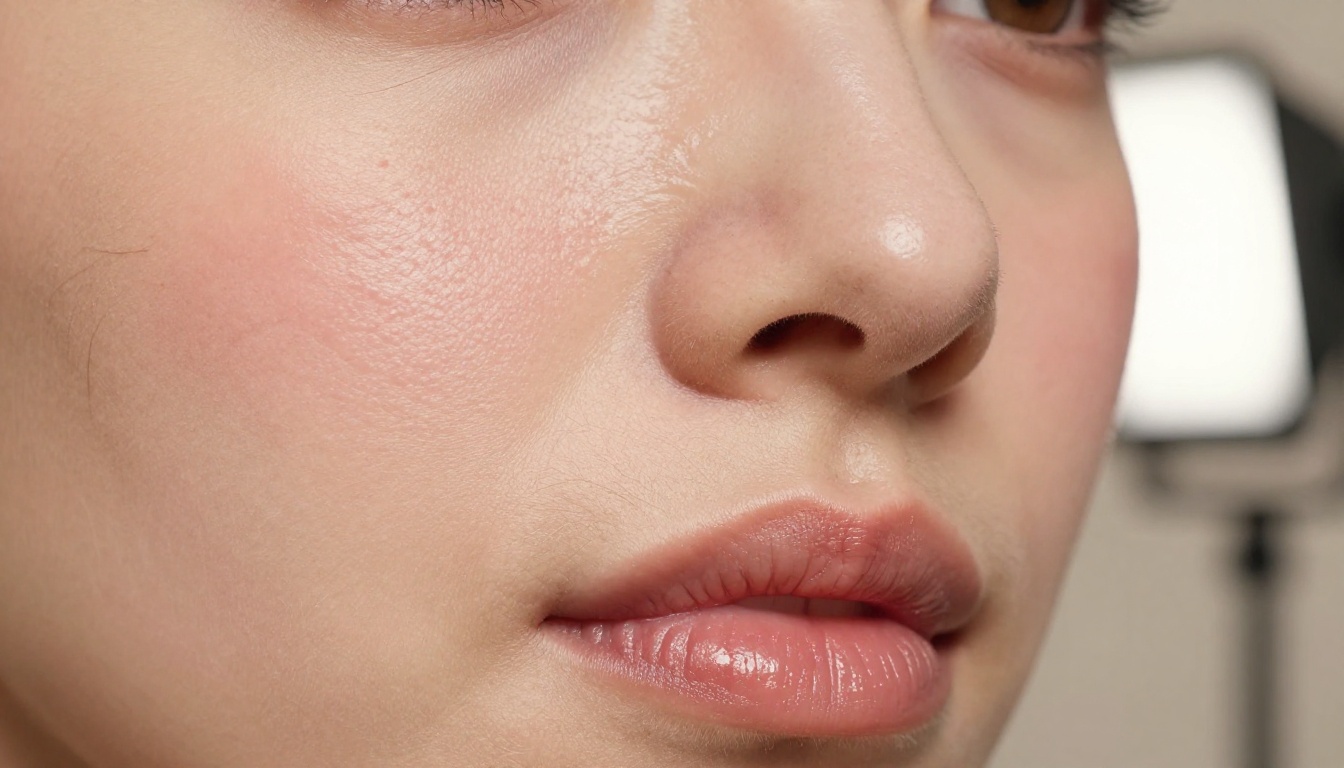
Skin subsurface scattering is where Flux consistently outperforms older SD versions. The warm translucency visible under thin facial skin — around the nostrils, ear lobes, and along the jaw — renders with a naturalness that SDXL and earlier SD checkpoints rarely replicate without fine-tuning.
Prompt adherence for facial features is also significantly stronger with Flux. If you specify "slight asymmetry in left eye, natural frown lines, weathered skin," Flux interprets these instructions with precision. SDXL tends to idealize and smooth these details toward a more conventionally attractive average.
The three areas where Flux specifically excels for faces:
Micro-texture rendering: pores, fine facial hair, and skin roughness appear naturally
Lighting response: specular highlights fall realistically on foreheads and noses without prompting
Age accuracy: wrinkles, age spots, and skin laxity render without being softened away
Flux 1.1 Pro Ultra pushes this further with 4MP output resolution, meaning facial detail stays sharp even when cropped to a tight head-level frame. For final portrait delivery, the difference is visible.
Where Flux Falls Short
Flux is not perfect for faces. The model sometimes struggles with:
Teeth rendering: occasional extra teeth, irregular spacing, or an unnatural rigidity in the smile
Hair at the roots: scalp-to-hair transitions can look disconnected from skin, especially with fine or short hair
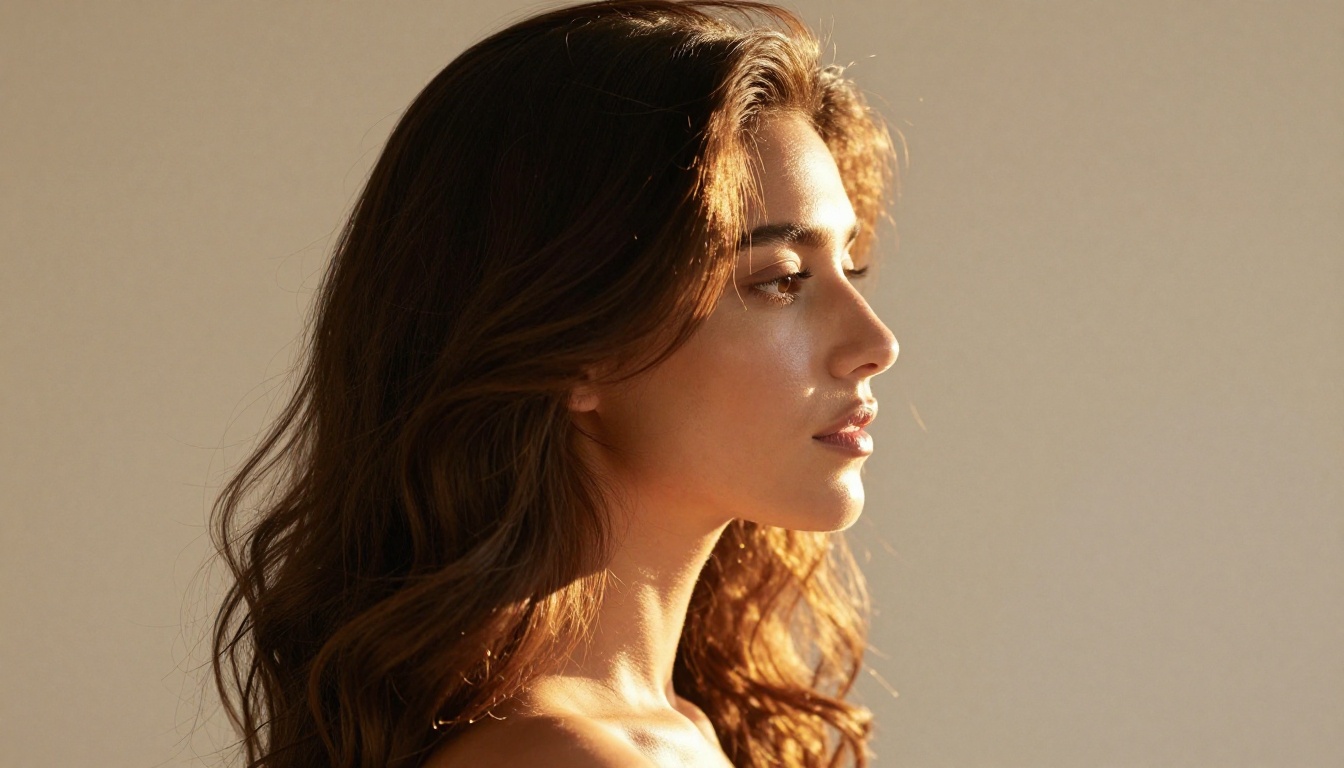
Extreme angles: low-angle or profile shots occasionally produce geometric distortions in ear shape or jaw structure
Flux Schnell, the speed-optimized variant, shows these weaknesses more prominently. It sacrifices detail fidelity for generation speed, and that tradeoff shows most on faces.
Stable Diffusion for Realistic Faces
The Stable Diffusion family carries years of fine-tuning history behind it, which creates both an advantage and a complication for portrait work.
The SDXL Advantage
SDXL introduced a two-stage generation pipeline that substantially improved face resolution at higher image sizes. For portrait photography, this matters: faces rendered at 1024x1024 in SDXL show significantly more coherent structure than faces from SD 1.5 at the same resolution.
The real portrait power in the SD ecosystem comes from fine-tuned checkpoint models built on SDXL. Realistic Vision v5.1 is a standout example: trained specifically on photorealistic portrait data, it generates faces with a documentary-photography quality that feels genuinely human, particularly for headshots with neutral backgrounds.
Similarly, RealVisXL v3.0 Turbo combines SDXL architecture with turbo sampling to produce portraits in fewer steps while maintaining skin quality that rivals much slower models.
Tip: For SDXL portrait work, always anchor your prompt with "natural skin texture, visible pores, photorealistic, 85mm portrait lens." Without these, SDXL defaults to a slightly airbrushed, polished look.
SD 3.5 Changes the Game
Stable Diffusion 3.5 Large is a different beast from SDXL. Its multimodal diffusion transformer handles text prompts more accurately and produces noticeably better facial proportions, especially in three-quarter and profile shots where SDXL sometimes introduced subtle jaw or ear distortions.
SD 3.5 Medium runs faster with less VRAM and still shows the improved facial geometry of the 3.5 architecture. On PicassoIA's cloud infrastructure, the generation speed difference between Medium and Large is minimal, and for portrait crops the quality gap narrows considerably.
Face to Face: The Real Numbers
Both models measured across six key portrait quality metrics:
Quality Metric
Flux Dev
SDXL
SD 3.5 Large
Skin pore detail
★★★★★
★★★☆☆
★★★★☆
Eye catchlight accuracy
★★★★☆
★★★☆☆
★★★★☆
Hair strand separation
★★★★☆
★★★★☆
★★★★★
Facial proportions
★★★★☆
★★★☆☆
★★★★★
Prompt adherence (features)
★★★★★
★★★☆☆
★★★★☆
Generation speed (cloud)
★★★☆☆
★★★★☆
★★★★☆
Flux Dev wins on texture and prompt fidelity.SD 3.5 Large wins on structural accuracy and hair. SDXL in base form trails both on most metrics but recovers strongly when portrait-specific fine-tunes like Realistic Vision are applied.
Skin Texture and Pore Detail
Skin is where this debate gets genuinely interesting, and where the architectural differences between Flux and SD become visible to the naked eye.
Flux Wins on Micro-Detail
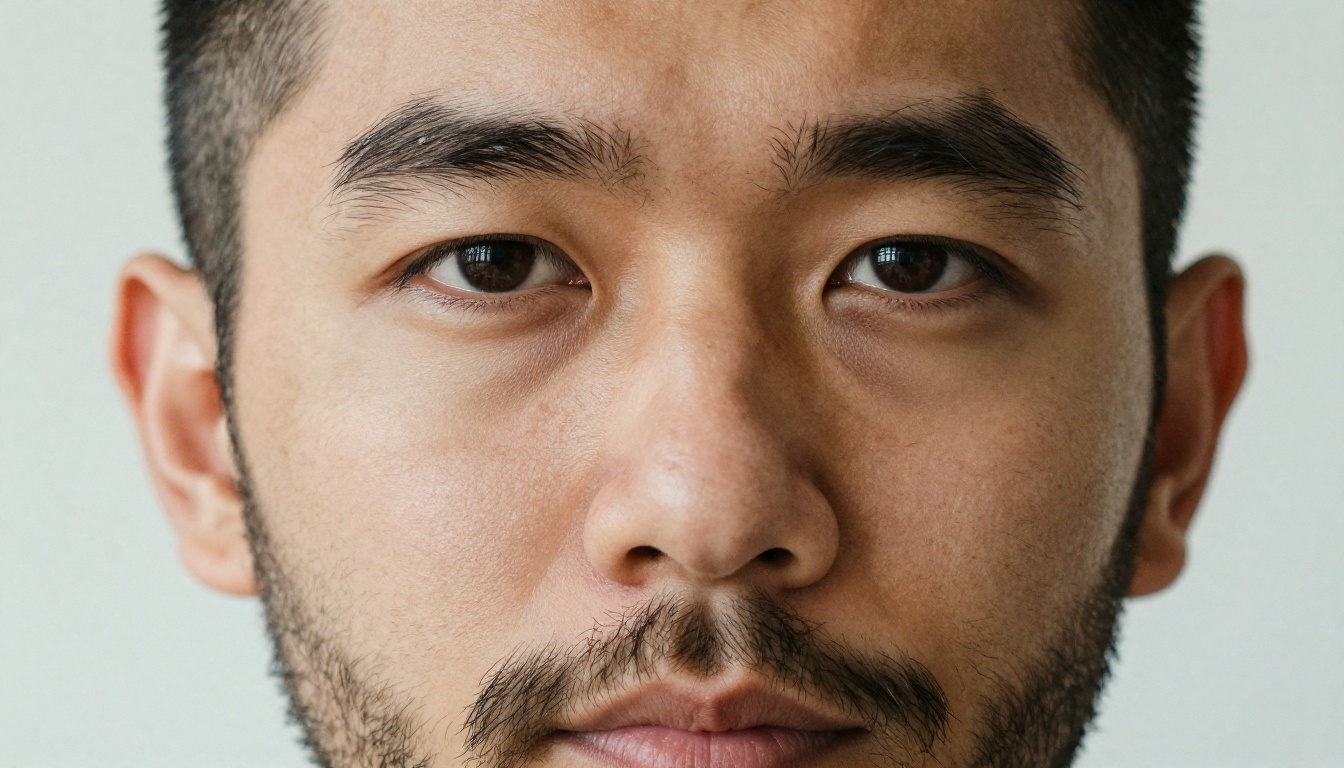
Flux's flow-matching architecture encodes higher-frequency spatial information more reliably than diffusion-based models. In practical terms: skin pores, peach fuzz, and fine wrinkles appear more consistently in Flux output without requiring specific prompt engineering to trigger them.
When you prompt Flux Dev for "a 45-year-old man with sun-damaged skin, deep nasolabial folds, and visible capillaries on his cheeks," you get exactly that. The model does not sanitize or smooth toward a default "attractive" preset.
Flux 2 Dev extends this further with an updated architecture showing even finer micro-texture control and improved consistency across multiple generations of the same subject. If skin accuracy is your primary concern, this is the model to test first.
SD's Smoothing Problem
Standard SDXL has a well-documented tendency toward what portrait photographers call "plastic skin": an overly smooth, pore-free surface that looks natural at small sizes but falls apart under close inspection. This is partly a training data artifact and partly an architectural quirk.
The workaround is negative prompts. A solid negative prompt for SDXL portrait work:
Adding this consistently improves texture output. SD 3.5 Large handles this better natively, without as much negative prompt dependency, which is one of its most practical advantages for portrait workflows.
Eyes, Hair, and Facial Structure
Eye Realism Breakdown
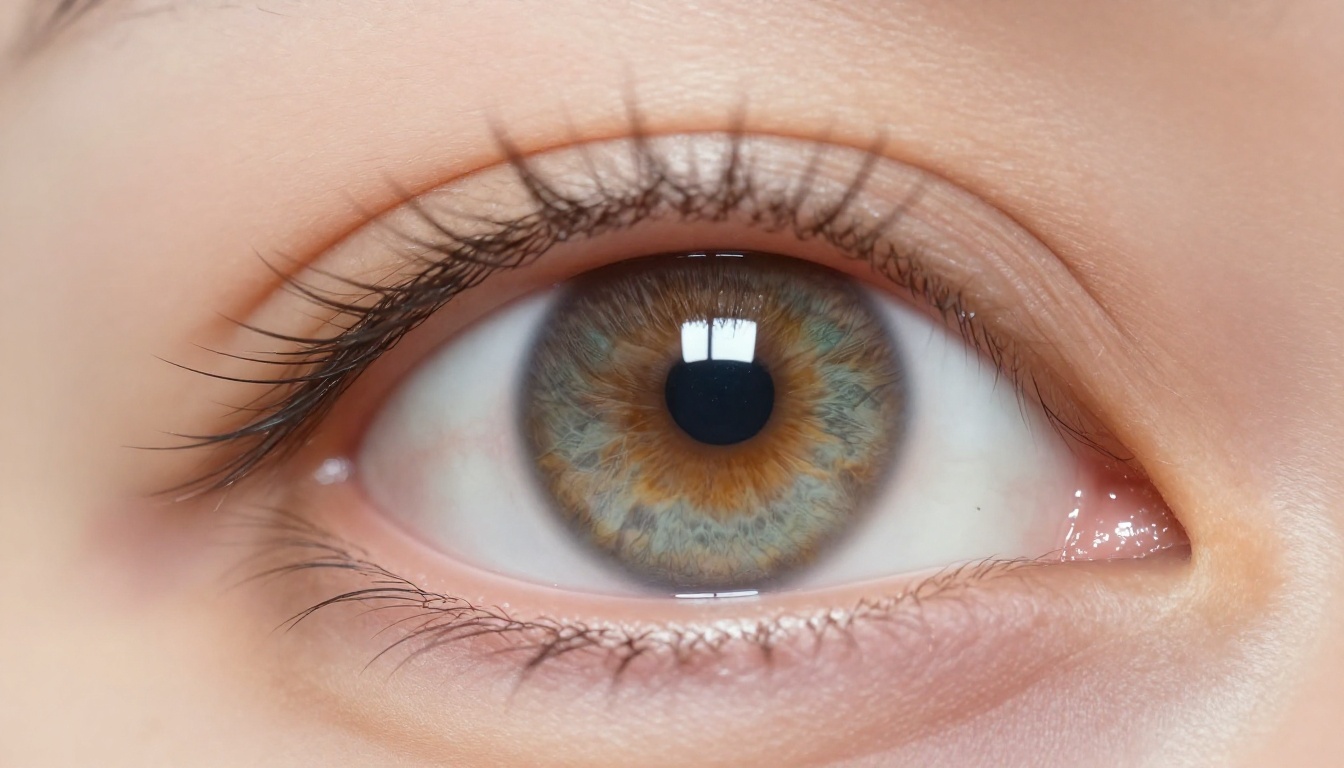
The eye is the hardest element of any face to render convincingly. It requires accurate catchlight placement, believable iris texture, correct sclera color (slight yellowish-cream, never pure white), and natural eyelash clustering with gaps and asymmetry.
Flux Dev handles the iris consistently well. Its stroma patterns (the fine fiber-like texture inside the iris) appear naturally rendered without explicit prompting. Catchlights land in plausible positions relative to the stated light source direction.
SD 3.5 Large matches Flux on iris quality but shows a stronger advantage in eyelid structure: the fine skin crease detail, the way lashes emerge from follicles, and subtle eyelid asymmetry all read more anatomically correct. For close-cropped eye shots, SD 3.5 Large has a slight structural edge.
For full face portraits where the eye is one element among many, both Flux Pro and SD 3.5 Large are genuinely competitive.
Hair Strand Rendering
Hair is where AI portrait generation fails most visibly. Individual strands must be coherent rather than clumping into painted blobs, catch light from the correct direction, and show natural variation in width and curvature.
SD 3.5 Large has a clear edge here. Its training appears to include more photographic hair reference data, and the results show: flyaways, baby hairs at the hairline, and the natural way hair separates at the scalp all look more convincing than equivalent Flux Dev outputs.
Flux Dev LoRA closes this gap significantly when using a hair-focused LoRA adapter. If hair quality is critical for your portrait use case, this combination delivers results comparable to SD 3.5 Large with the added benefit of Flux's superior skin texture handling.
Speed vs Quality Trade-offs
Flux Schnell vs SD Turbo
Both families offer speed-optimized variants. Flux Schnell generates images in 1-4 steps using a distilled version of the full Flux architecture. Stable Diffusion 3.5 Large Turbo uses adversarial training to achieve similar speed gains for the SD 3.5 family.
For portrait work, both fast variants show meaningful quality drops compared to their full counterparts. Facial features become less specific, skin texture flattens, and eye detail gets compressed. Flux Schnell retains slightly more structural accuracy than SD 3.5 Turbo at equivalent step counts, but neither is the right choice for final portrait output.
When You Need Both
A common professional workflow uses fast models for rapid iteration and full models for final delivery:
Draft with Flux Schnell: test composition, lighting direction, and general facial features at high speed
Refine with Flux Dev: once the concept is locked, switch to the full model for skin texture and detail
Cross-check with SD 3.5 Large: for hair-heavy shots or three-quarter profiles, compare outputs before committing to final render
How to Use These Models on PicassoIA
Both Flux and Stable Diffusion families are available directly on PicassoIA. Here is how to get the best portrait results from each.
Flux Dev for Portraits
Flux Dev works best with descriptive, naturalistic prompts. Unlike older diffusion models, it does not benefit from keyword stacking or "magic word" lists. Write your prompt as you would describe a photograph:
Effective prompt structure:
"Portrait photograph of a woman in her late thirties, natural morning light from window on left, slightly asymmetric nose, light freckles across cheeks, dark brown eyes with visible catchlights, unretouched skin with visible pores, Kodak Portra 400 film grain, 85mm f/1.8 lens"
Key parameters for portrait work:
Steps: 28-35 for full quality output
Guidance scale: 3.5 (Flux's optimal default, do not push above 4.5)
Resolution: 1024x1024 minimum for any face-focused output
For even sharper results, Flux 1.1 Pro adds a quality refinement step that specifically benefits facial detail rendering at larger resolutions.
Realistic Vision v5.1 for Portraits
Realistic Vision v5.1 is specifically engineered for photorealistic portrait output and responds well to photography-specific keywords:
Effective prompt structure:
"RAW photo, portrait of a man, 8k uhd, high quality, film grain, Fuji XT3, photorealistic, natural skin, visible pores, dramatic side lighting, dark background"
For glamour and beauty portrait work, combining Realistic Vision v5.1 with PicassoIA's Super Resolution upscaling recovers significant facial detail at larger output sizes, particularly for eye and pore texture that compresses at standard generation resolution.
Which One Should You Pick?
The answer depends on what your portrait project needs most:
Choose Flux if:
Skin texture and micro-detail are the priority
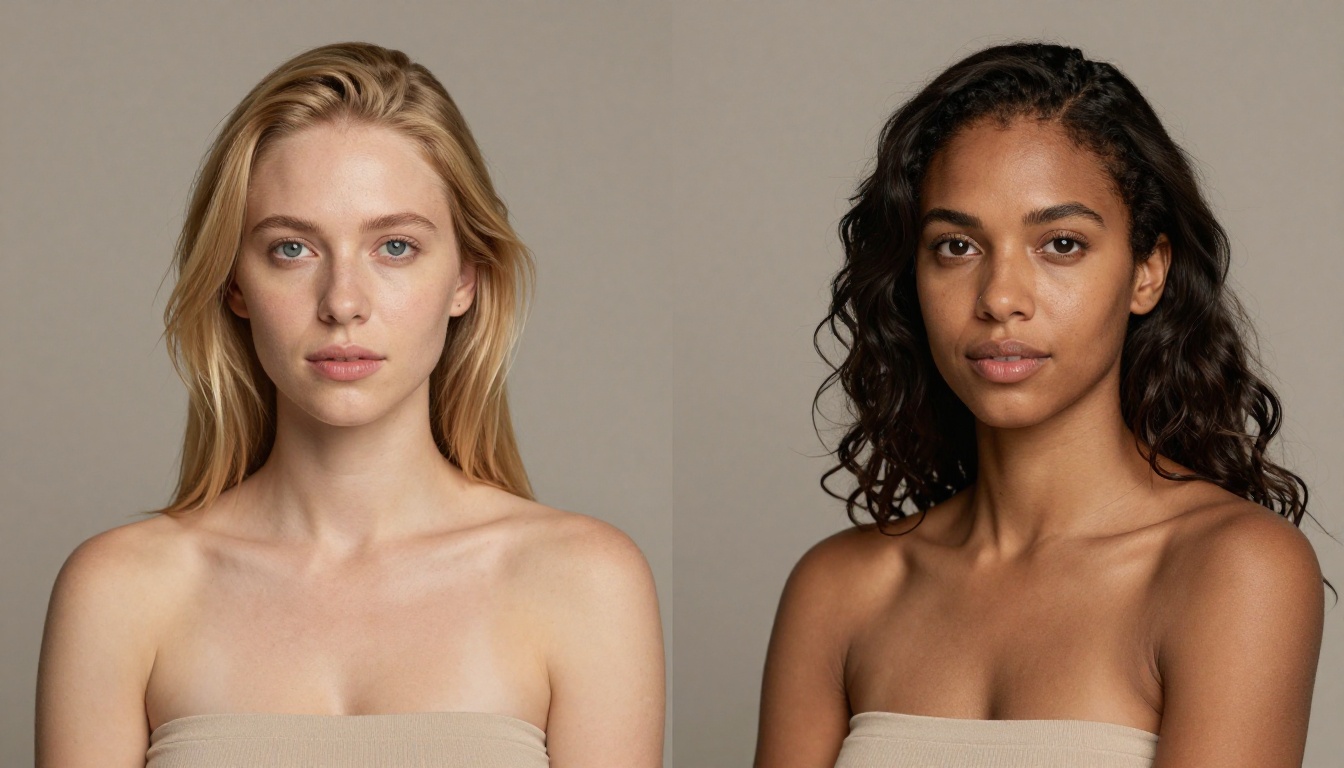
You need strong prompt adherence for specific facial characteristics (age, character, ethnicity accuracy)
You are generating faces in complex or dramatic lighting scenarios
Neither model wins unconditionally. A professional portrait workflow in 2027 uses both, selecting based on the specific demands of each shot. The competitive photographer in any vertical — commercial, editorial, or personal — runs comparison tests before committing to a single model for a project.
Tip: For both models, running Super Resolution upscaling after generation recovers significant facial detail at larger print sizes. PicassoIA supports this workflow natively without needing a separate tool.
Start Creating Your Own Portraits
The best way to settle this debate is to run both models against the same prompt and compare results side by side. PicassoIA gives you immediate access to the full Flux family (Flux Dev, Flux Pro, Flux 1.1 Pro Ultra) and the complete Stable Diffusion lineup (SDXL, SD 3.5 Large, Realistic Vision v5.1) in one place, with no local setup or GPU required.
Run the same portrait prompt through Flux Dev and SD 3.5 Large back to back. Look at the skin around the nose, the individual eyelashes, the hairline at the temple. That hands-on comparison will tell you more than any article can. Your next portrait project will be better for it.