The internet is overflowing with AI art generators that promise freedom but deliver restrictions. You create something beautiful, then a platform logo appears across it. Or worse, you hit a login wall before you can type your first prompt. For anyone searching for a free +18 AI art generator with no login and no watermark, the process can feel exhausting. The good news is that the tools actually worth your time exist, and this article maps exactly where to find them and how to use them properly.
Why Most Free AI Art Generators Disappoint
It sounds compelling on paper: "free AI art." But the fine print tells a different story. Between hidden paywalls, forced registrations, and watermarks on every output, most platforms that claim to be free are anything but.
The Login Wall Problem
Registration forms, email verifications, two-factor authentication. Most platforms treat you like a security threat before you've made a single image. The friction kills creative momentum. You have an idea, you want to act on it now, and instead you're buried in a signup flow asking for your birthdate, country, and phone number.
A genuinely free, no-login AI art generator removes that barrier entirely. You arrive, you prompt, you create. No account required. No form to fill out before your first generation.
Watermarks Kill Usability
A watermarked image is not a free image. It is a billboard for the platform that generated it. If you want to use your creation as a profile picture, in a personal project, or simply as a piece of private art, a watermark makes it unusable without paying for removal. True free AI art with no watermark means ownership without conditions.
Mainstream Tools Over-Censor
Most of the well-known generators are locked down for anything beyond the most conservative content standards. Words like "bikini," "sensual," or "suggestive" can trigger refusals that feel arbitrary and inconsistent. For adult creators working in NSFW AI art, glamour photography styles, or tasteful artistic nudity, these restrictions make the tools fundamentally inadequate for the work.
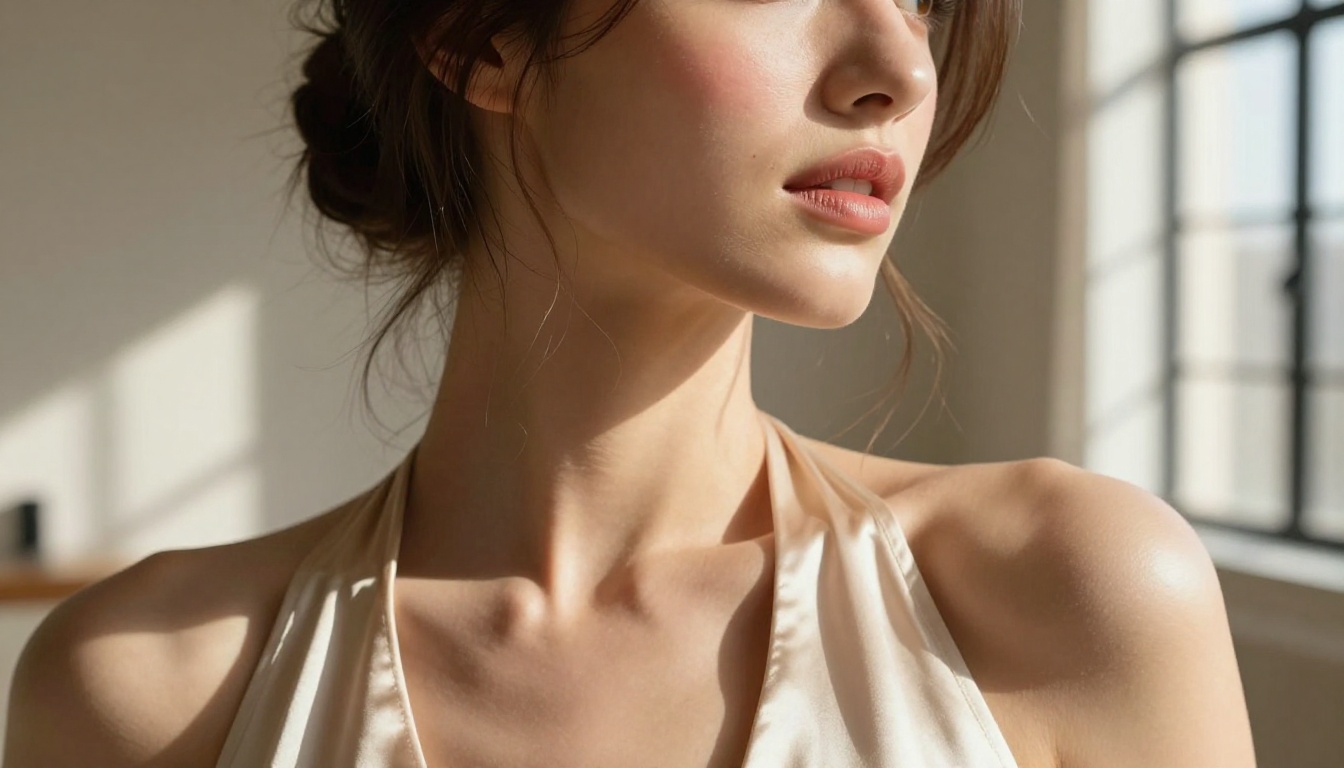
What a Real +18 AI Generator Actually Needs
Not all adult AI art tools are built to the same standard. These are the qualities that separate the ones worth using from the ones that waste your time and test your patience.
Image Quality That Holds Up
A generator that allows adult content but produces blurry, low-resolution, or anatomically distorted results is no better than useless. The baseline expectation in 2027 is at least 1024x1024 output with accurate anatomy, realistic skin textures, proper fabric rendering, and prompt adherence that does not randomly hallucinate extra fingers or misshapen limbs.
The models that consistently meet this bar include Flux 1.1 Pro Ultra, Realistic Vision v5.1, and Stable Diffusion 3.5 Large. Each handles complex prompt instructions with real precision and produces outputs that feel genuinely photographic rather than artificially rendered.
Prompt Flexibility Without Refusals
You need a system that reads what you write and generates what you mean, not one that flags half your creative vocabulary as problematic. The best uncensored AI art generators give you full control over framing, lighting, subject styling, and compositional intent without arbitrary interruptions mid-workflow.
No Account, No Commitment
The ideal experience is stateless. You open the tool, you create, you download. No history tracked, no user profile being built, no marketing emails arriving the next morning. That freedom is the definition of a true no-login AI art generator, and it matters more than most users initially realize.
The Best Models for Adult AI Art Right Now
These models have been evaluated specifically for adult and NSFW content quality, prompt responsiveness, anatomical accuracy, and output realism. Each one is available to use directly through PicassoIA.
Flux 1.1 Pro Ultra
Flux 1.1 Pro Ultra is the current gold standard for photorealistic image generation. Developed by Black Forest Labs, it handles detailed prompts with exceptional fidelity. Skin texture, hair behavior, fabric drape, and environmental lighting all come through with a level of realism that makes outputs genuinely indistinguishable from photography at first glance.
For adult AI art generation, this model's particular strength is anatomical accuracy. Proportions are correct, poses read naturally, and there is no uncanny valley distortion even with complex body positions or overlapping limb geometry.
Tip: Use lighting descriptors in your prompt. Phrases like "warm golden hour backlight" or "diffused overcast studio light" dramatically improve realism across all skin tones.
Flux 1.1 Pro
Flux 1.1 Pro is the slightly more accessible version in the same family, running faster while maintaining excellent quality. It is ideal for iterating quickly on a concept before committing to a final high-quality render.
Realistic Vision v5.1
Realistic Vision v5.1 was specifically trained on photographic datasets with a focus on human subjects. For NSFW AI image generation in a glamour or artistic style, this model produces results with warm, natural skin tones and professional-level compositional instincts.
It responds particularly well to camera and lens specifications in prompts. Mentioning "85mm f/1.4 bokeh" or "natural window light at 45 degrees" moves the output significantly toward a true photography aesthetic rather than a generated one.
DreamShaper XL Turbo
DreamShaper XL Turbo sits in the sweet spot between speed and quality. It generates at SDXL resolution quickly, making it excellent for rapid concept exploration. When you want to test multiple outfit styles, poses, or environments before committing to a full quality render, DreamShaper handles that workflow effortlessly.
Stable Diffusion 3.5 Large
Stable Diffusion 3.5 Large brings the reliability of the Stability AI ecosystem with a major architectural upgrade over previous iterations. Its text understanding is substantially improved, meaning longer, more detailed prompts translate accurately into the final output rather than being partially ignored in favor of simpler interpretations.
How to Use PicassoIA for Free +18 AI Art
PicassoIA provides access to the full roster of models described here, directly in your browser, with no mandatory account creation required to start and no watermarks on what you generate.
Step 1: Pick Your Model
Navigate to the text-to-image collection and choose your model based on your specific goal. For maximum photorealism, start with Flux 1.1 Pro Ultra. For faster iteration across multiple concepts, use Flux 1.1 Pro or DreamShaper XL Turbo.
Step 2: Build a Detailed Prompt
Vague prompts produce generic results. Specific prompts produce extraordinary ones. Structure your prompt in this order:
- Subject: Who is in the image, what are they wearing, what is their pose or action
- Environment: Where the scene takes place, time of day, season, specific location type
- Lighting: Direction, quality, and temperature of the light source
- Camera: Lens focal length, aperture, shooting angle and height
- Style: Film stock, grain, color science, overall mood
Example: "A confident woman in a white linen blazer on a sunlit marble balcony at golden hour, looking over her shoulder toward camera, warm side light from the left, Canon 85mm f/1.4, Kodak Portra 400, photorealistic RAW, no CGI"
Step 3: Set Your Aspect Ratio
For portraits, use 9:16. For editorial or scene shots, use 16:9. For social media square formats, use 1:1. Matching the ratio to your creative intent saves time in any post-processing workflow.
Step 4: Download Instantly
Once your image generates, download it directly to your device. No watermarks are applied. The image belongs to you.
Writing Prompts That Actually Work
Prompt writing is the single biggest skill gap between people who get mediocre results and people who consistently create stunning adult AI art. The principles below close that gap fast.
Subject First, Style Second
Start your prompt with the most important element: the person. Describe them before you describe the scene or any stylistic preference. Generators weight the beginning of a prompt more heavily, so if style descriptors come first, the subject becomes secondary and the output suffers for it.
Weak: "Photorealistic, cinematic, natural light, beautiful woman in a bikini on a beach"
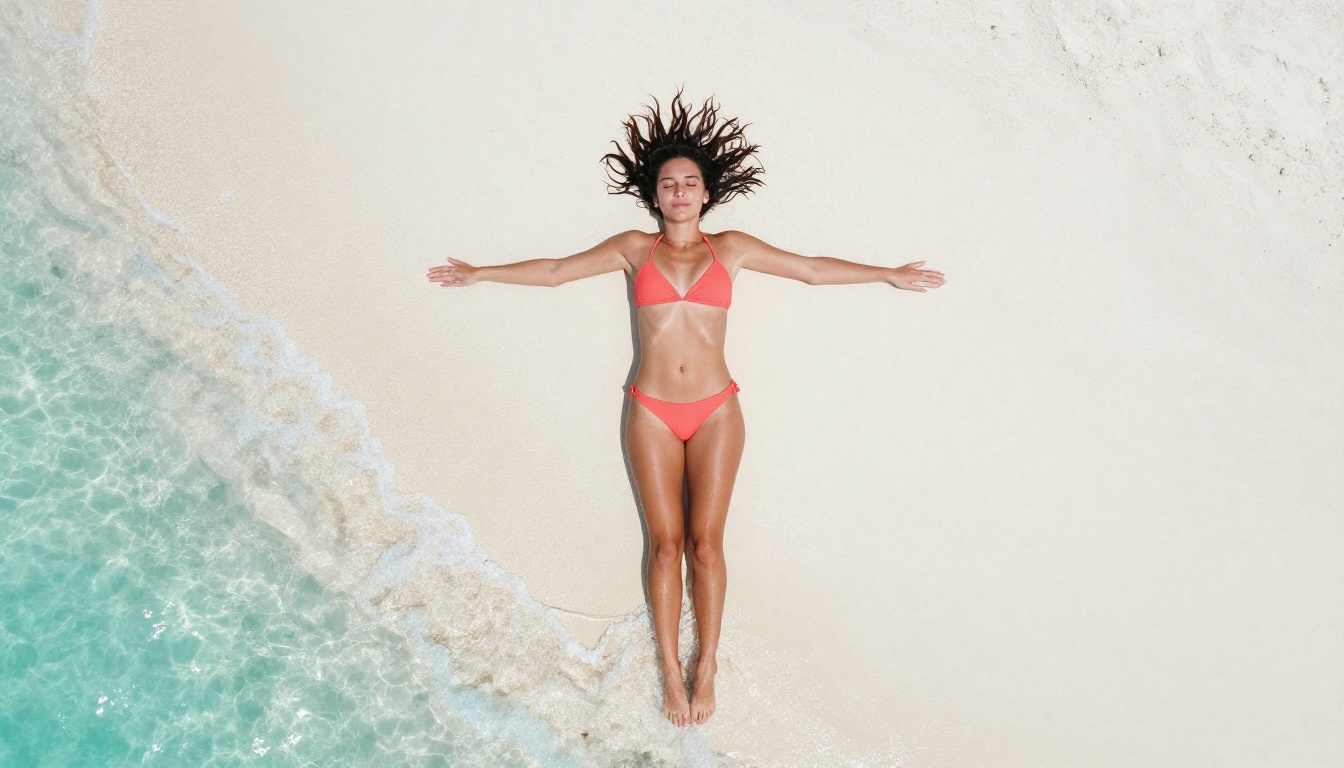
Strong: "A woman in a coral bikini lying on white sand, arms relaxed at her sides, looking at camera, aerial overhead perspective, noon sunlight, individual sand grain detail, Fuji Velvia 50, photorealistic RAW 8K"
Lighting Is the Most Underrated Variable
Two identical prompts with different lighting instructions produce radically different visual results. These descriptors reliably push output quality upward:
- "Volumetric golden hour light from the left"
- "Diffused overcast studio light, no harsh shadows"
- "Strong rim light from behind, silhouette edge effect"
- "Natural window light at 45 degrees, soft shadow fill"
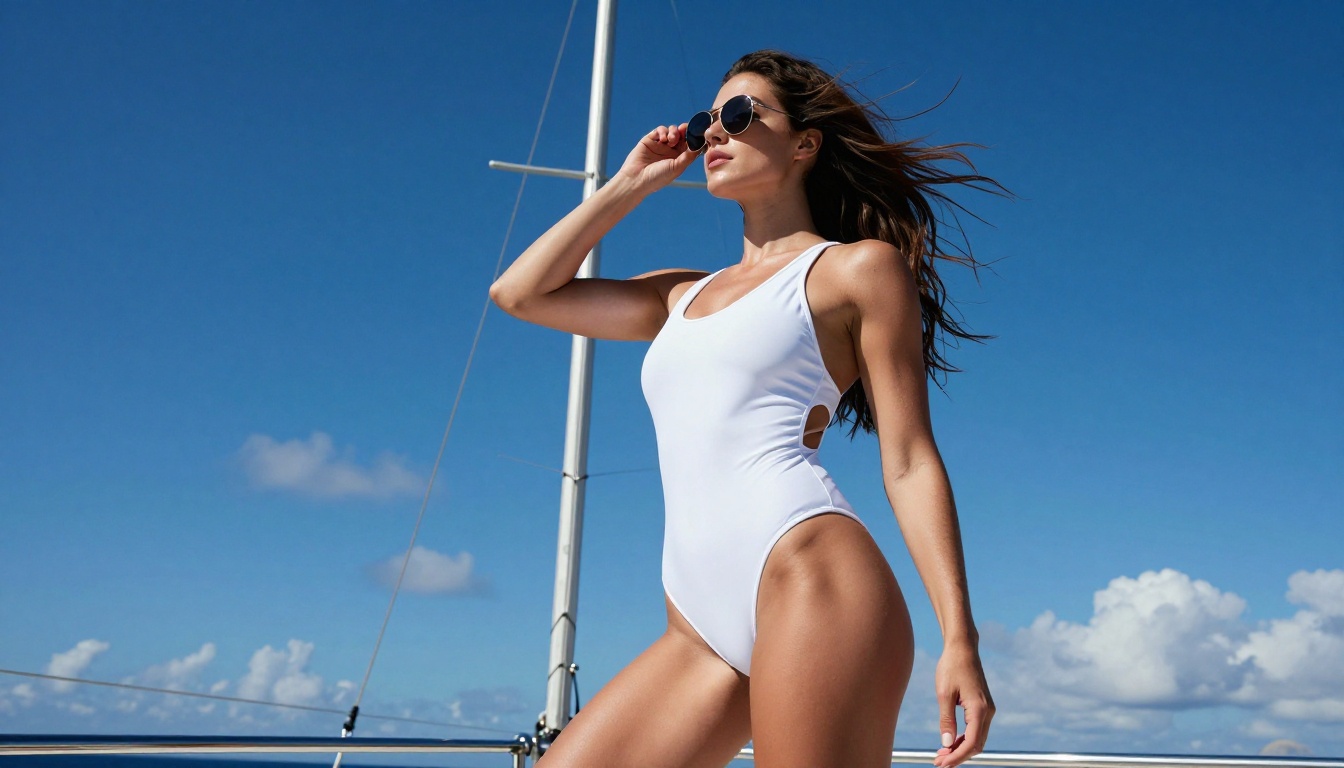
- "Noon overhead sun, minimal shadow, high contrast skin highlights"
Camera Specs Signal Realism
Naming specific camera equipment signals to the model that you want photographic output, not illustrated or rendered output. Use real camera bodies and real lenses.
| Camera Body | Best For |
|---|
| Canon EOS R5, 85mm f/1.4 | Portraits, bokeh backgrounds |
| Nikon Z9, 105mm f/2.0 macro | Close-up skin detail |
| Sony A7R V, 135mm f/1.8 GM | Fashion, editorial |
| Hasselblad H6D, 80mm f/2.8 | Medium format aesthetic |
| Leica Q3, 28mm f/1.7 | Environmental, wide scenes |
What to Avoid in Your Prompt
| Phrase to Avoid | Why It Hurts | Use Instead |
|---|
| "digital art" | Triggers illustration rendering | "photorealistic RAW" |
| "3D render" | Produces artificial CGI look | "natural photography" |
| "glowing effects" | Creates neon or artificial light | "natural light halo, film grain" |
| "futuristic setting" | Pulls away from realism | Describe a real, named location |
| "anime style" | Forces non-photographic output | Omit any animation style modifiers |
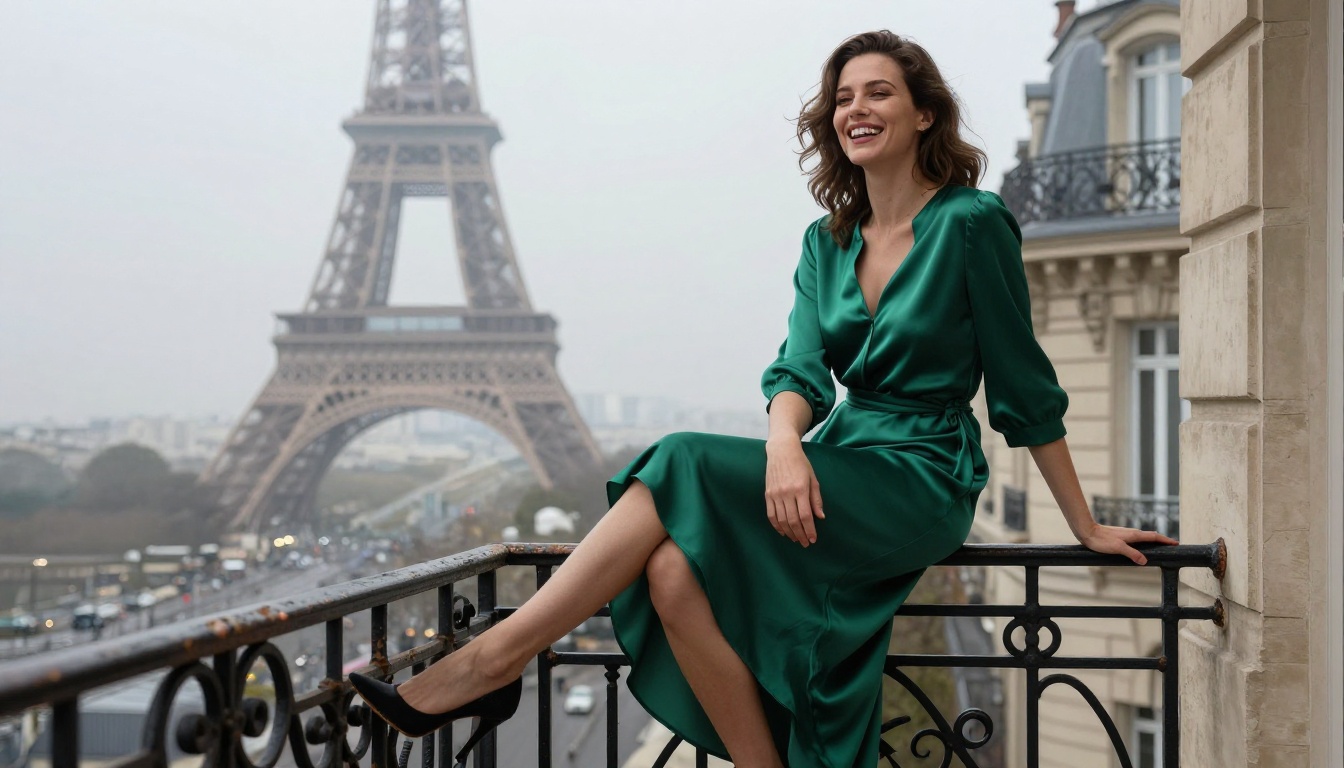
Not every tool is worth the investment of your time. Here is an honest breakdown of how the main options compare across the criteria that actually matter.
| Platform Type | Login Required | Watermark | NSFW Support | Image Quality |
|---|
| PicassoIA | Optional | No | Yes | Premium |
| Large Mainstream Platforms | Yes | Yes | Very Limited | Good |
| Random Free Generators | No | Often | Inconsistent | Low |
| Paid Specialty NSFW Tools | Yes | No | Yes | High |
PicassoIA hits the top tier across every criterion that matters: no mandatory login, no watermarks, access to the best photorealistic models available, and adult content support within tasteful artistic guidelines. No other free option in this comparison matches that combination.
Note: Always check that any platform you use is transparent about its content policies. Platforms that are vague about what they allow often apply inconsistent moderation that flags content without warning.
Beyond Text-to-Image: Tools That Expand Your Workflow
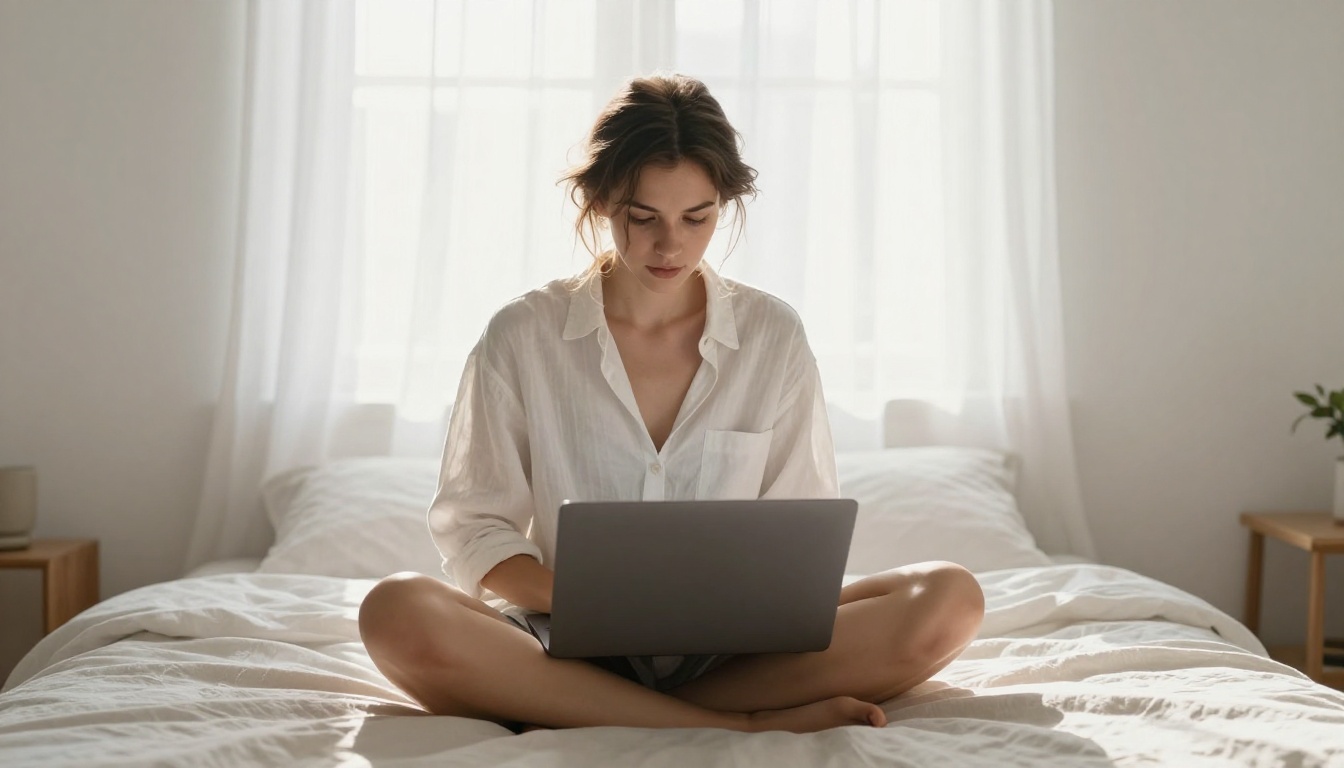
If you are creating adult AI art seriously, the basic text-to-image workflow is only the starting point. The broader toolkit is what separates one-off generations from a real creative process.
SDXL for Pose-Controlled Generation
SDXL paired with ControlNet's pose control system lets you define the exact body position before the generation runs. This eliminates the randomness problem in pose outputs and gives you consistent compositional control across multiple images. The SDXL Multi ControlNet LoRA model on PicassoIA enables this directly in the browser, no additional software required.
Super Resolution for Print-Ready Output
Once you have an image you love, running it through a super resolution model upscales it 2x to 4x without quality degradation. This is important if you want to use your AI-generated adult art for anything beyond screen display. The super-resolution collection on PicassoIA handles this in a single step.
Face Swap for Character Consistency
One persistent challenge in AI art generation is maintaining the same face across multiple images in a series. Face swap AI solves this by letting you define a reference face and apply it consistently across new generations. For adult creators working on character series or building a consistent persona across content, this is a significant workflow improvement.
Flux 2 Pro and Where Realism Is Headed
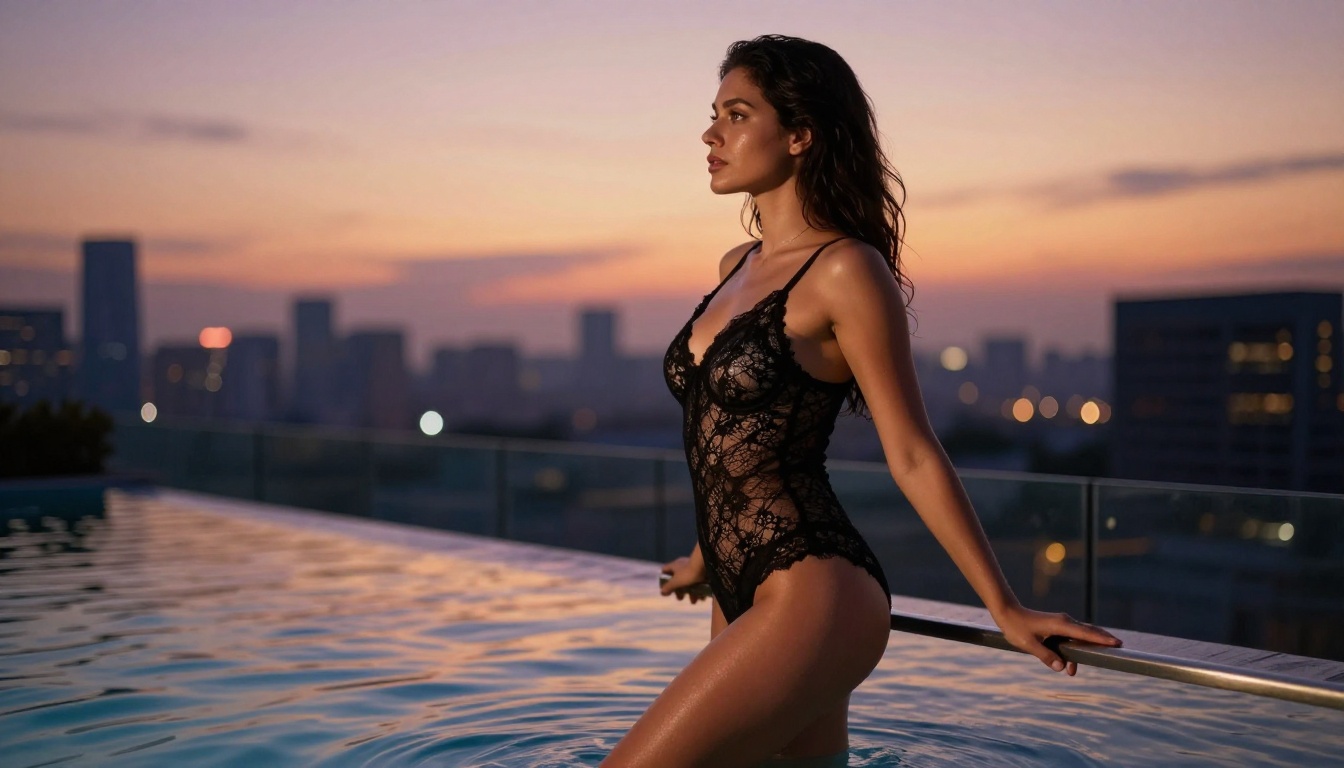
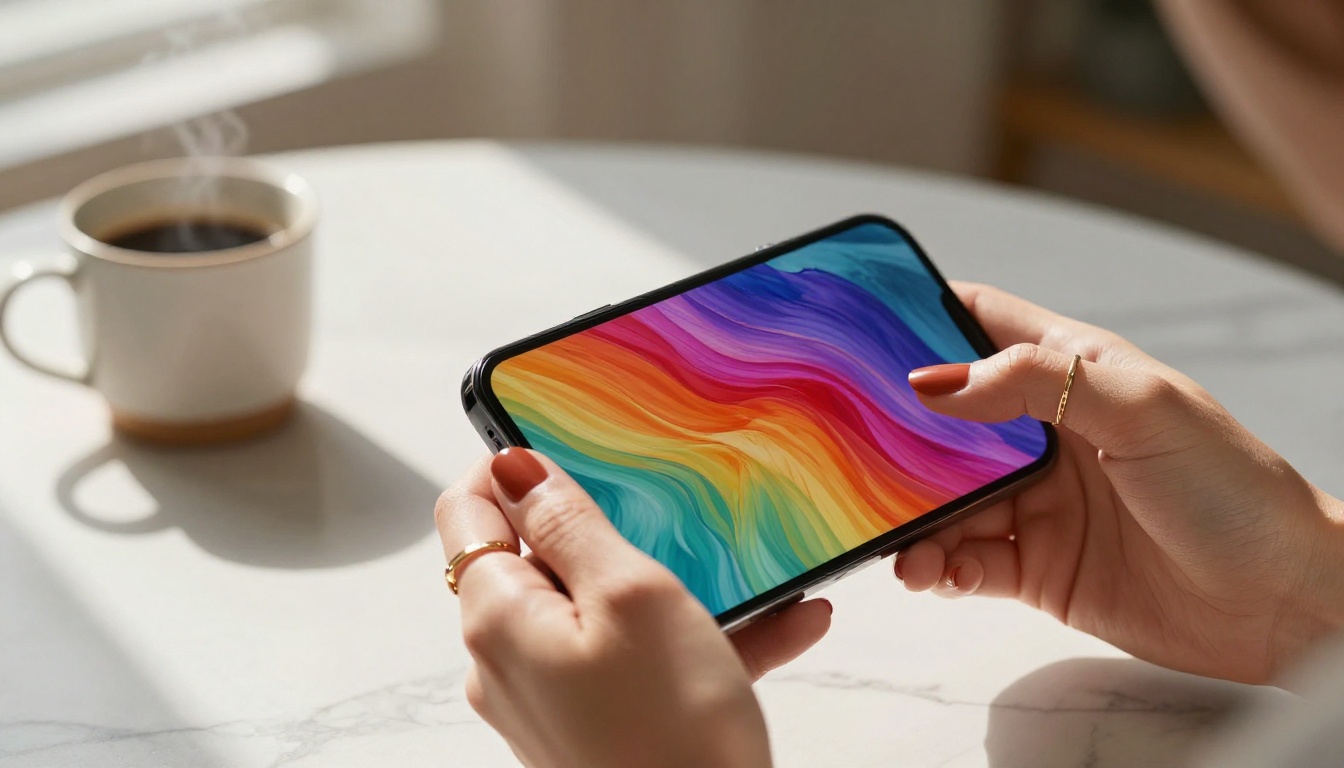
Flux 2 Pro represents the next iteration in the Black Forest Labs model lineup. It pushes photorealism further with improved lighting simulation and better handling of complex fabric textures. For NSFW AI generators focused on glamour and high-fashion aesthetics, Flux 2 Pro renders materials like silk, lace, leather, and sheer fabrics with a tactile quality that earlier models consistently struggled to achieve.
Flux Kontext Pro opens up text-based editing workflows, where you can modify specific elements of a generated image through natural language instructions without regenerating the entire scene from scratch. Change the background, adjust the outfit color, or alter the lighting, all without losing the composition you already built.
The Models That Shifted Adult AI Art
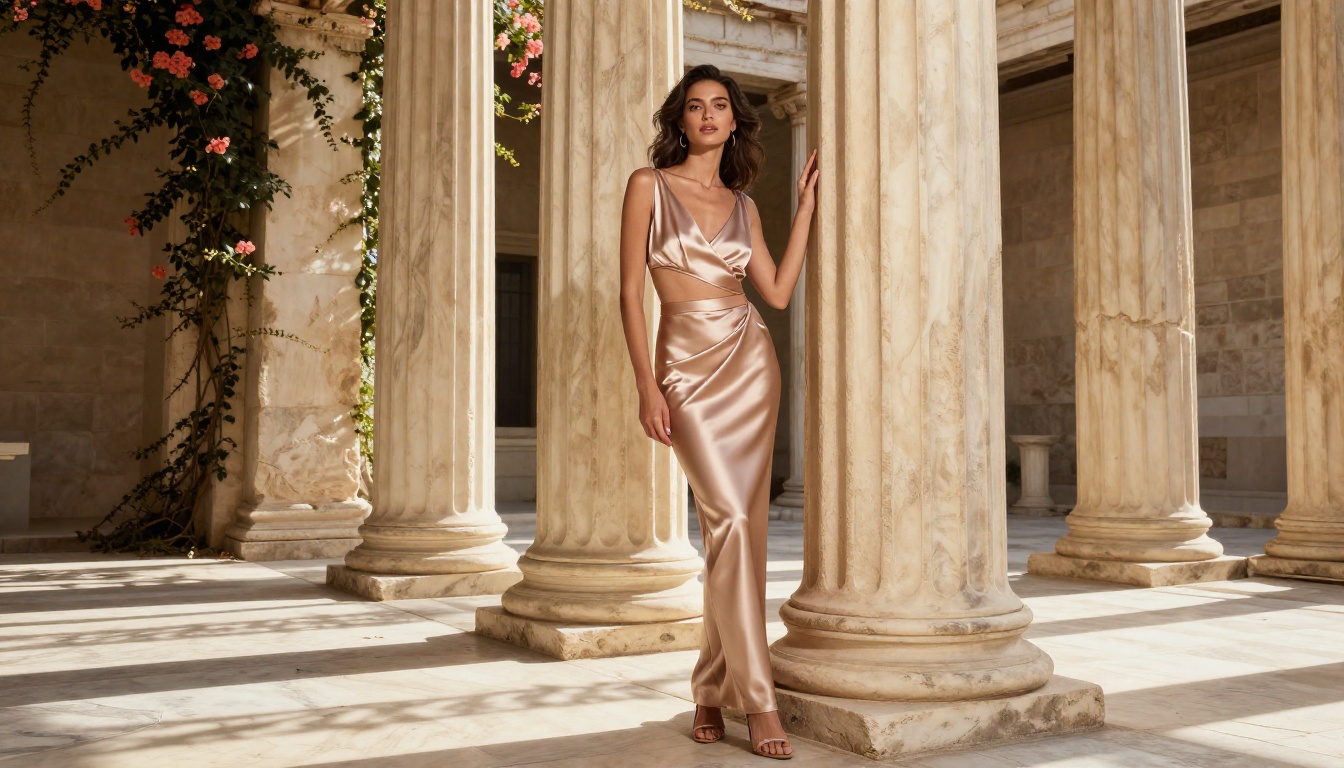
Early NSFW AI generators were often rough fine-tunes that sacrificed output quality for permissiveness. You could get content, but it looked artificial, distorted, and immediately obvious as AI-generated.
The arrival of Flux Dev and Flux Schnell as open-architecture models changed that equation. High-quality realistic generation and creative freedom could finally coexist in the same tool. Seedream 4 from ByteDance pushed ultra-high-resolution output forward, and Ideogram v3 Quality demonstrated that strong prompt comprehension and photorealism were not in conflict.
The result is a 2027 ecosystem where a free, no-login, no-watermark +18 AI art generator can produce genuinely stunning output that would have required professional studio photography and skilled post-production just a few years ago.
The real shift: Quality is no longer a tradeoff for creative freedom. You can have both at the same time, right now, at no cost.
Start Creating Right Now
Everything above is context. What actually matters is what you do next.
PicassoIA gives you access to every model in this article, directly in your browser, without requiring an account to begin and without placing watermarks on anything you create. Pick Flux 1.1 Pro Ultra when you want maximum photorealism. Use Realistic Vision v5.1 when your focus is warm, natural-looking human subjects. Reach for DreamShaper XL Turbo when you want to iterate fast across a dozen concepts before committing to a final direction.
Write your first prompt using the structure from this article. Describe your subject first. Add specific lighting. Name a real camera lens. Set your aspect ratio before generating.
The difference between a forgettable result and a striking one is almost always in the prompt. You now know exactly how to write one. Go create something worth downloading.


