Most AI image generators that allow adult content are either locked behind expensive subscriptions, produce obvious AI artifacts, or block anything more revealing than a swimsuit. That gap between "free" and "actually useful" is what this article closes.
Below is an honest breakdown of the free 18+ image generators that actually produce professional-quality output in 2027, what makes them different from the blocked mainstream tools, and how to get the best results from each.
Why Most Free AI Generators Block 18+ Content
The mainstream platforms (Midjourney, DALL-E 3, Adobe Firefly, Stable Diffusion online) all share one thing in common: aggressive safety filters that err heavily on the side of refusal. A prompt mentioning "bikini" gets flagged. A request for "artistic nudity" gets rejected. Even tasteful glamour photography prompts return censored results.
This isn't accidental. These platforms serve broad consumer audiences, including minors, and their terms of service reflect liability concerns more than creative freedom.
The result? Creators working in adult content, glamour photography, fashion, or artistic domains get pushed toward one of two options: either work around filters with increasingly convoluted prompt engineering, or pay premium prices for specialized platforms.
There's a third option most people overlook.
The Real Problem with "Free" Options
Free doesn't mean quality. Several NSFW AI generators exist as free tools, but they produce:
- Low resolution output (512x512 or 768x768 maximum)
- Anatomical errors (distorted hands, misaligned eyes, incorrect proportions)
- Obvious AI artifacts (plastic-looking skin, unnatural lighting, fake bokeh)
- Watermarks that make the image unusable professionally
What you actually want is photorealistic output at high resolution, with natural lighting, real skin texture, and zero watermarks. That combination is rarer than the marketing suggests.
What "Looks Pro" Actually Means in AI Images
Before recommending specific tools, it's worth defining what separates a professional-looking AI image from amateur output. Because every generator claims "photorealistic" results, and most of them lie.
Professional AI images share specific technical characteristics:
| Quality Marker | Amateur AI | Pro-Quality AI |
|---|
| Skin texture | Smooth, plastic, uniform | Pores visible, natural variation |
| Lighting | Flat or artificial | Directional with natural fall-off |
| Eyes | Glassy, symmetric | Natural asymmetry, realistic catch lights |
| Background | Blurred uniformly | Realistic depth of field with natural bokeh |
| Resolution | 512-1024px | 1024-2048px+ |
| Hands | Often distorted | Correct finger count and proportion |
| Fabric | Flat texture | Wrinkle patterns, material specificity |
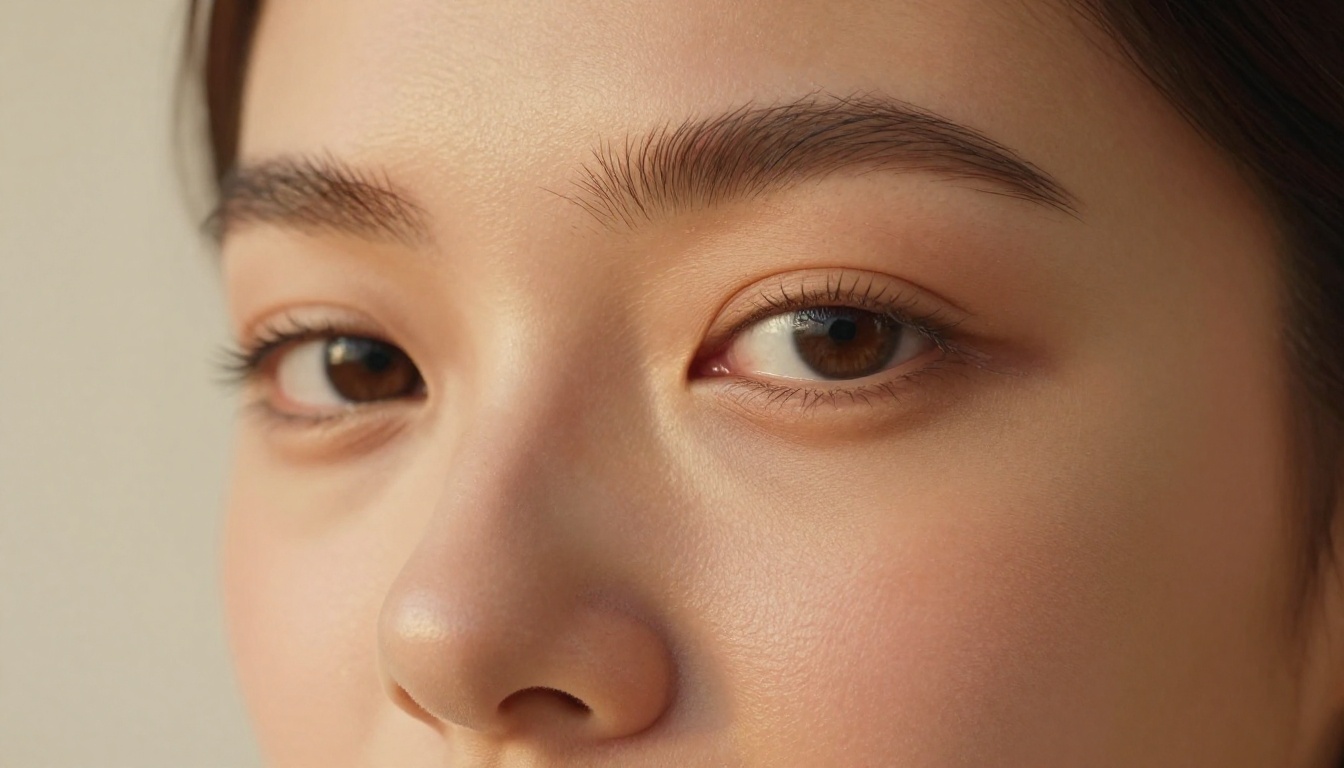
💡 The clearest test: zoom in to 200% on a generated face. Professional AI output holds detail at that magnification. Amateur output collapses into blurry, inconsistent noise.
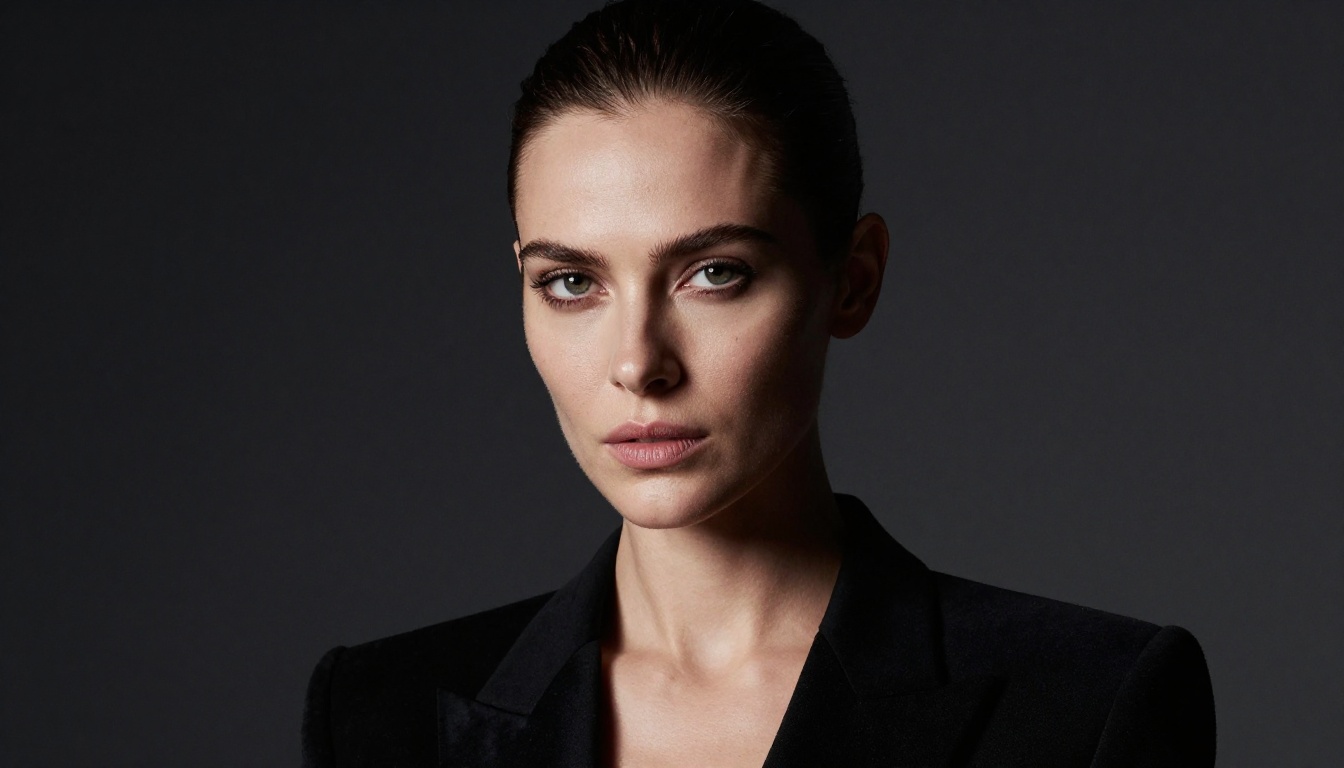
When you generate images with the tools below and apply these standards, you'll immediately see the difference. The models listed here actually pass the 200% zoom test.
The Best Free 18+ AI Image Generators Right Now
These tools are ranked by output quality, not alphabetically. Each one has been selected because it produces genuinely photorealistic results at 18+ content without aggressive filtering.
1. Seedream 4.5 (Top Pick)
Seedream 4.5 is the strongest free option available right now. Developed by ByteDance, this model generates ultra-realistic images in under 3 seconds and explicitly supports adult content.
What sets it apart from every other option on this list:
- Speed: Results in under 3 seconds, not minutes
- Realism: Skin texture, lighting interaction, and fabric detail that rivals professional photography
- NSFW support: No content filtering on adult content
- Image editing: You can also edit existing images with the same model, making it versatile for retouching and modifications
It also outperforms the newer Seedream 5 Lite on adult content. The Lite version blocks NSFW prompts entirely, so stick with Seedream 4.5 for this use case.
Try it free: picassoia.com/en/collection/text-to-image/bytedance-seedream-45
2. PicassoIA Image Editor Pro (Unlimited Generations)
PicassoIA Image Editor Pro operates differently from every other tool here. It's an image-to-image model, meaning you provide a starting image and it transforms it based on your prompt. Results come back in under 1 second.
The biggest advantage isn't speed. It's cost structure.
With most AI generators, each image costs credits. Generate 1,000 images and you're spending significant money. Nano Banana 2, for example, would cost approximately $100 for 1,000 generations.
PicassoIA Image Editor Pro operates on unlimited generations within Elite or Infinite subscription tiers. That means 1,000 images costs the same as 10. For high-volume workflows, that difference is enormous.
Free trial: 3 generations with no credit card required.
3. Qwen Image 2
Qwen Image 2 is an open-source model that handles both text-to-image creation and image editing. Open-source in this context means no proprietary safety filters baked into the model weights.
The realism output is impressive for an open-source model. Very detailed skin rendering, natural lighting interpretation, and strong prompt adherence on complex scene descriptions.
4. Grok Imagine Image
Grok Imagine Image from xAI specializes in converting any image to a different style realistically, with particular strength in bikini and swimwear transformations. If you have a reference photo and want to reimagine it in a specific context, this model handles that with exceptional realism.
5. Recraft V4
Recraft V4 is a text-to-image only model (no image editing) but delivers very realistic results. Strong choice for portrait work where you're working from a text prompt rather than a reference image.
6. P-Image by PrunaAI
P-Image generates results in under 1 second. At that speed, iteration is practical in a way it isn't with slower models. Run 20 variations in the time it takes other generators to produce one image, and cherry-pick the best result.
It supports NSFW content and outputs at sufficient resolution for most use cases.
💡 Speed tip: P-Image's sub-1-second generation makes it ideal for rapid prompt iteration. Use it to test prompt variations quickly, then run your final prompt through Seedream 4.5 for maximum quality.
All 6 Models Side by Side
How to Use Seedream 4.5 for 18+ Photos on PicassoIA
Since Seedream 4.5 produces the best results, it's worth going deeper on how to actually use it for professional-quality output.
Writing Prompts That Get Pro Results
The difference between mediocre and professional AI output is almost always the prompt. Most people write short, vague prompts and wonder why results look generic.
Generic prompt: woman in bikini on beach
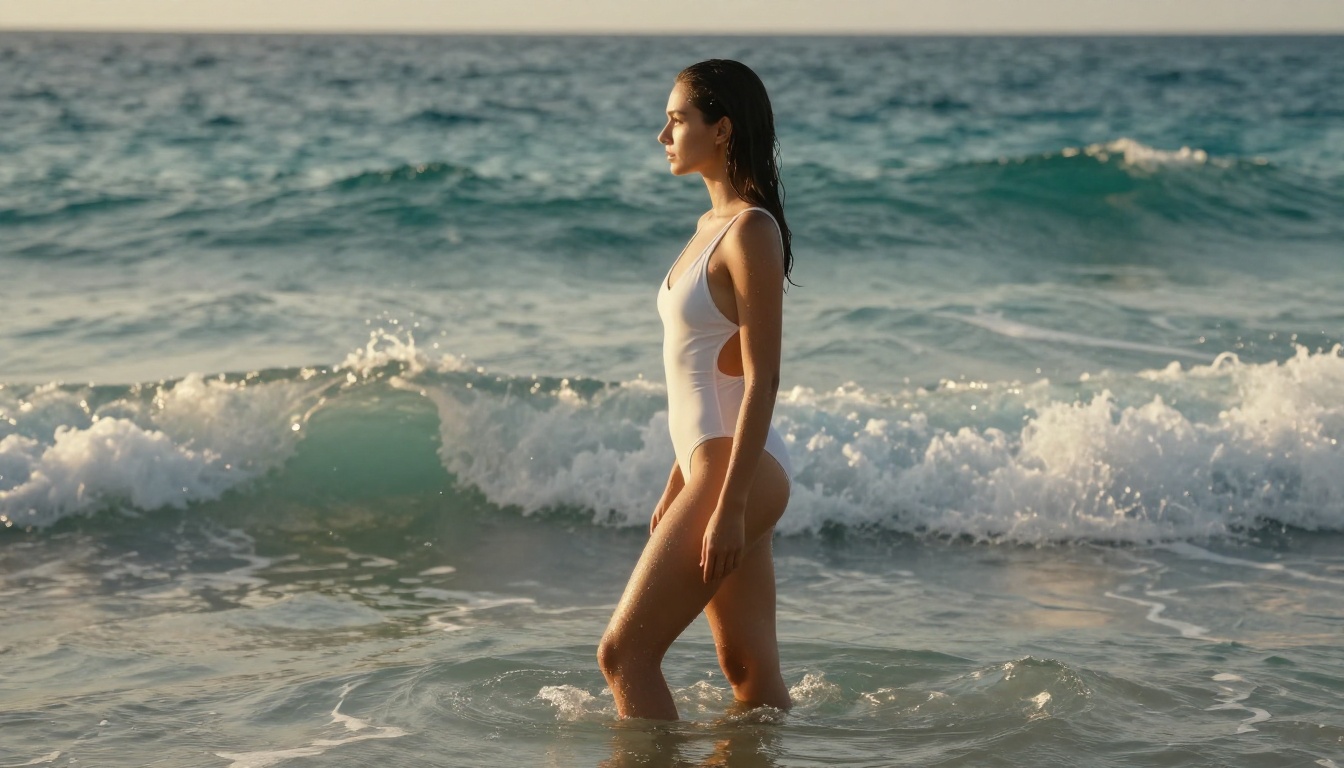
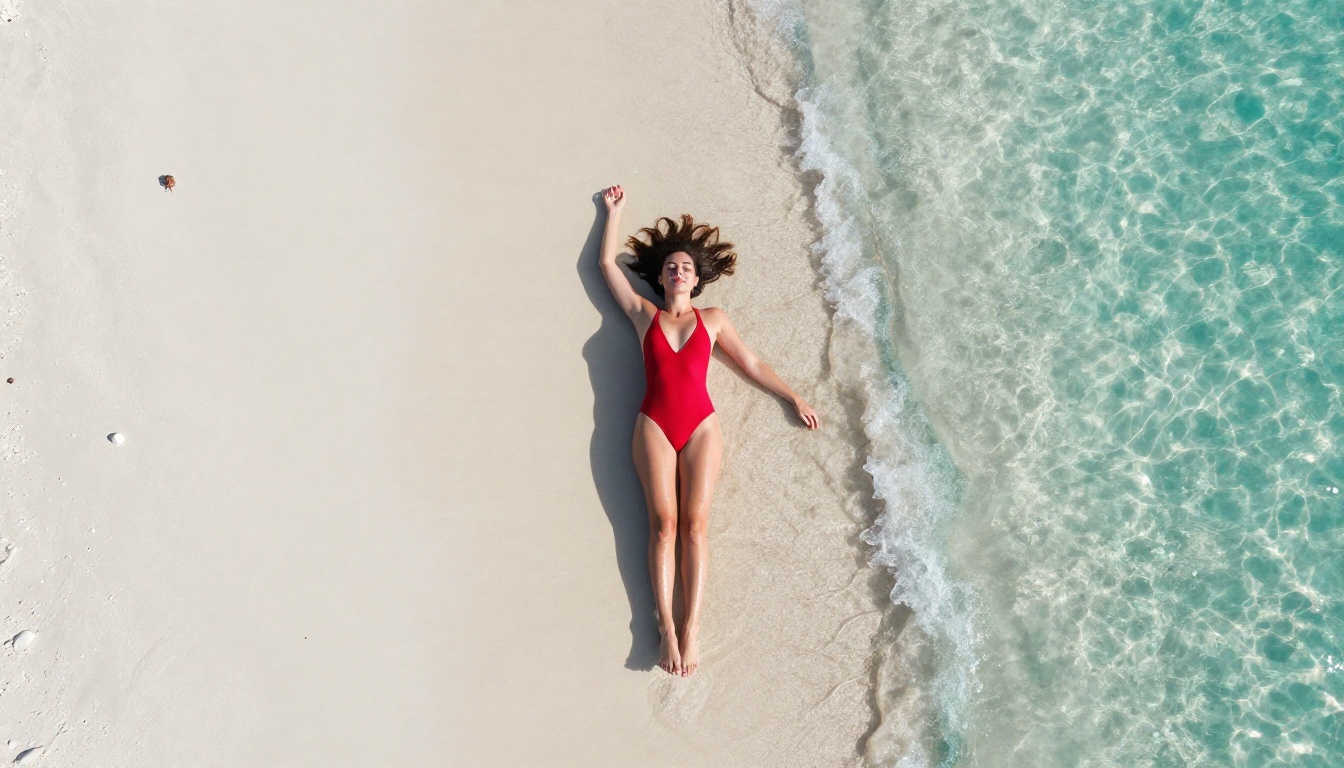
Professional prompt: photorealistic young woman in white lace bikini standing on white sand beach at golden hour, warm amber light casting volumetric shadows, Canon EOS R5 85mm f/1.4 lens, shallow depth of field, Kodak Portra 400 film grain, fashion editorial quality, natural skin texture with visible pores, 8K RAW photography
The second prompt specifies:
- Camera equipment (EOS R5, 85mm f/1.4)
- Lighting conditions (golden hour, volumetric shadows)
- Film simulation (Kodak Portra 400)
- Quality markers (8K RAW, fashion editorial)
- Realism anchors (natural skin texture, visible pores)
These technical photography terms guide the model toward photorealistic output rather than stylized AI art.
Settings That Matter
When using Seedream 4.5 on PicassoIA, pay attention to these parameters:
- Aspect ratio: 16:9 for horizontal editorial shots, 9:16 for portrait/vertical
- Seed: Save seeds from generations you like to reproduce similar lighting and composition
- Negative prompts:
cartoon, anime, illustration, digital art, 3D render, watermark, blurry, low quality to enforce photorealistic style
💡 Pro tip: Add --style raw at the end of your prompt. This forces the model away from stylized interpretations and toward straight photography output.
3 Prompt Structures That Work Every Time
Structure 1 (Beach/Outdoor):
[Subject + clothing] + [location at specific time of day] + [lighting conditions] + [camera + lens] + [film stock] + [quality descriptors]
Structure 2 (Studio):
[Subject + clothing] + [studio environment] + [lighting setup: key light position and quality] + [medium format camera] + [background details]
Structure 3 (Intimate/Indoor):
[Subject + clothing] + [interior environment] + [natural light source: window direction and quality] + [35mm/50mm lens] + [mood descriptors]
Upscaling Your 18+ AI Images to Pro Quality
Even with the best generators, output sometimes benefits from upscaling. A 1024px image can reach 4096px with the right upscaler, revealing texture detail that wasn't visible at the original size.
Clarity Pro Upscaler
Clarity Pro Upscaler is the best option for photorealistic upscaling. It doesn't just enlarge the image — it adds texture detail and enhances edge definition during the upscaling process. The result is an image that looks sharper and more realistic at 4x the original size.
Best for: Portrait photography, skin texture enhancement, fashion imagery.
Real-ESRGAN
Real-ESRGAN is a free 4x upscaler with strong results on photographic content. It handles hair, fabric, and background detail well without introducing artificial sharpening artifacts.
Best for: General-purpose upscaling, batch processing at 4x.
P-Image Upscale
P-Image Upscale returns results in under 1 second. If speed matters more than maximum quality, this is the upscaler to use.
Best for: Quick upscaling when you need results fast.
💡 Workflow tip: Generate at 16:9 with Seedream 4.5, then upscale with Clarity Pro Upscaler for print-quality output. That combination takes under 10 seconds total and produces images that print cleanly at A3 size.
What's Really Free vs. What Costs Credits
This is where most tools are misleading about "free." Here's an honest breakdown:
| Tool | Free Tier | What You Get | Limitation |
|---|
| Seedream 4.5 | Free credits on signup | ~10-30 images | Credits run out |
| Image Editor Pro | 3 generations free | 3 images, no card required | Unlimited on Elite/Infinite plan |
| P-Image | Free credits | ~10-30 images | Credits run out |
| Clarity Pro Upscaler | Free credits | Several upscales | Credits run out |
| Real-ESRGAN | Free credits | Several upscales | Credits run out |
The honest answer: for occasional use (10-30 images), the free tier covers it. For high-volume production (100+ images), the Elite or Infinite subscription on PicassoIA unlocks unlimited Image Editor Pro generations, making it cost-effective at scale.
5 Prompt Mistakes That Kill Realism
Knowing what to avoid is as important as knowing what to add. These are the five most common prompting errors that produce obviously AI-generated output:
- No camera specifications: Without lens and equipment details, models default to a generic digital art look
- No lighting direction: "Good lighting" is meaningless. Specify "window light from the left" or "golden hour from behind"
- Requesting perfection: Phrases like "perfect skin" or "flawless" often produce plastic, artificial results. Use "natural skin" instead
- Short prompts: Under 30 words rarely produces professional output. Aim for 60-100 words
- Wrong style keywords: Adding "HDR" or "vivid" often introduces unnatural saturation. Prefer "Kodak Portra 400" or "natural color grading"
Privacy and Content Ownership
One common concern with adult AI content: who owns the output, and where is it stored?
PicassoIA generates images through server-side processing and uploads results to your account. Generated content belongs to you. The platform does not use your generations for model training without consent.
For maximum privacy in adult content generation, avoid using real person's names or likeness descriptions in prompts. Generate original character descriptions instead.
The Gap Between "AI Image" and "AI Photography"
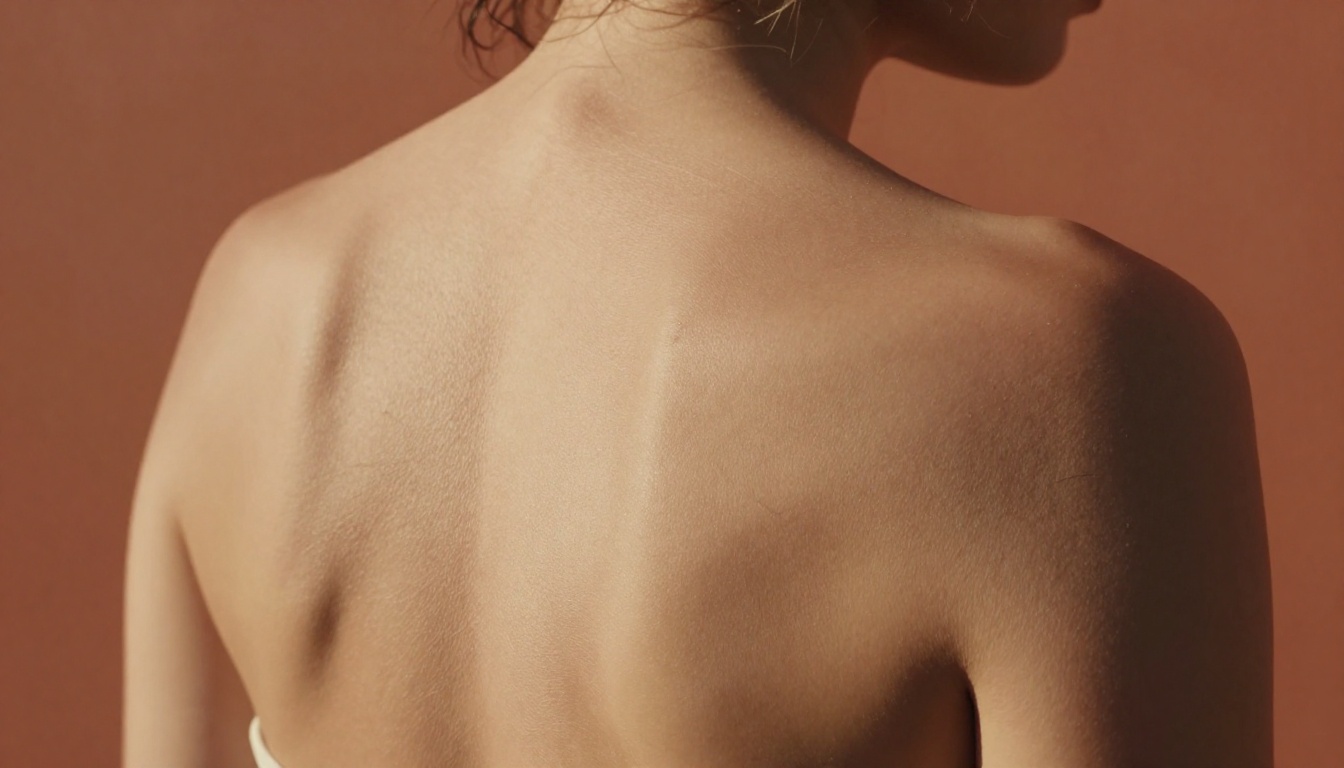
There's a terminology distinction worth making explicit. Most AI generators produce "AI images," which look generated. The tools above, used correctly, produce what's better described as "AI photography," which looks shot.
The difference comes down to three things:
1. Light physics: Professional AI output respects how light actually behaves: directional, with natural falloff, creating shadows that match the light source position. AI art typically uses decorative lighting that doesn't correspond to any real light setup.
2. Camera optics: Real lenses create specific distortions, compression effects, and depth-of-field characteristics. Specifying camera and lens in your prompt tells the model to simulate those optical properties.
3. Film characteristics: Specifying Kodak Portra 400 or Fujifilm Pro 400H instructs the model to emulate the color science, grain structure, and tonal response of those specific films. The result is images that feel analog rather than digital.
Combine these three elements in your prompts and the output shifts from "generated" to "photographed."
The Best Models for NSFW AI Generation on PicassoIA
PicassoIA offers several models designed for unrestricted, realistic content creation:
- Seedream 4.5 The best all-around NSFW model. Accepts adult content, supports image editing, and generates ultra-realistic results in under 3 seconds. Its successor, Seedream 5 Lite, does not allow NSFW.
- PicassoIA Image Editor Pro Img2img with unlimited generations. Need 1,000 images? They're free with your Elite or Infinite plan. Accepts NSFW, returns results in under a second, and includes a 3-generation free trial with no credit card required.
- Qwen Image 2 Open-source model that edits or creates any image in seconds with very detailed realism.
- Grok Imagine Image Realistically converts any image to a bikini format.
- Recraft V4 Very realistic results for text-to-image generation.
- P-Image NSFW text-to-image generation in under 1 second.
Unlike many mainstream AI platforms, PicassoIA gives creators full creative freedom with uncensored, high-performance models.
Start Generating Right Now
If you've been using mainstream tools and hitting content filters, or paying for platforms that don't deliver professional results, the tools above remove both problems simultaneously.
Seedream 4.5 is the best starting point. Sign up, load a prompt using one of the structures above, and run your first generation. The quality difference from filtered mainstream tools is immediately apparent.
For high volume, PicassoIA Image Editor Pro's unlimited plan changes the economics of AI content creation. The 3-generation free trial requires no credit card — try it before committing to anything.
Beyond image generation, PicassoIA offers tools across the entire production workflow:
Everything you need to go from prompt to print-ready output is in one place.
👉 The full catalog of AI models, including 91 text-to-image models and options across video, audio, and editing, is at picassoia.com/en/all-models.


