You don't need Photoshop, a drawing tablet, or any design background to create strikingly realistic adult AI art. The tools available today have quietly become good enough that a complete beginner typing a single sentence into a text box can produce an image that looks like it came from a professional photo shoot. That shift happened faster than most people realize, and the best part is that several of the most capable models are completely free to use.
This article ranks the best models for adult AI art generation, explains what makes each one different, and walks through exactly what to type to get results worth keeping.
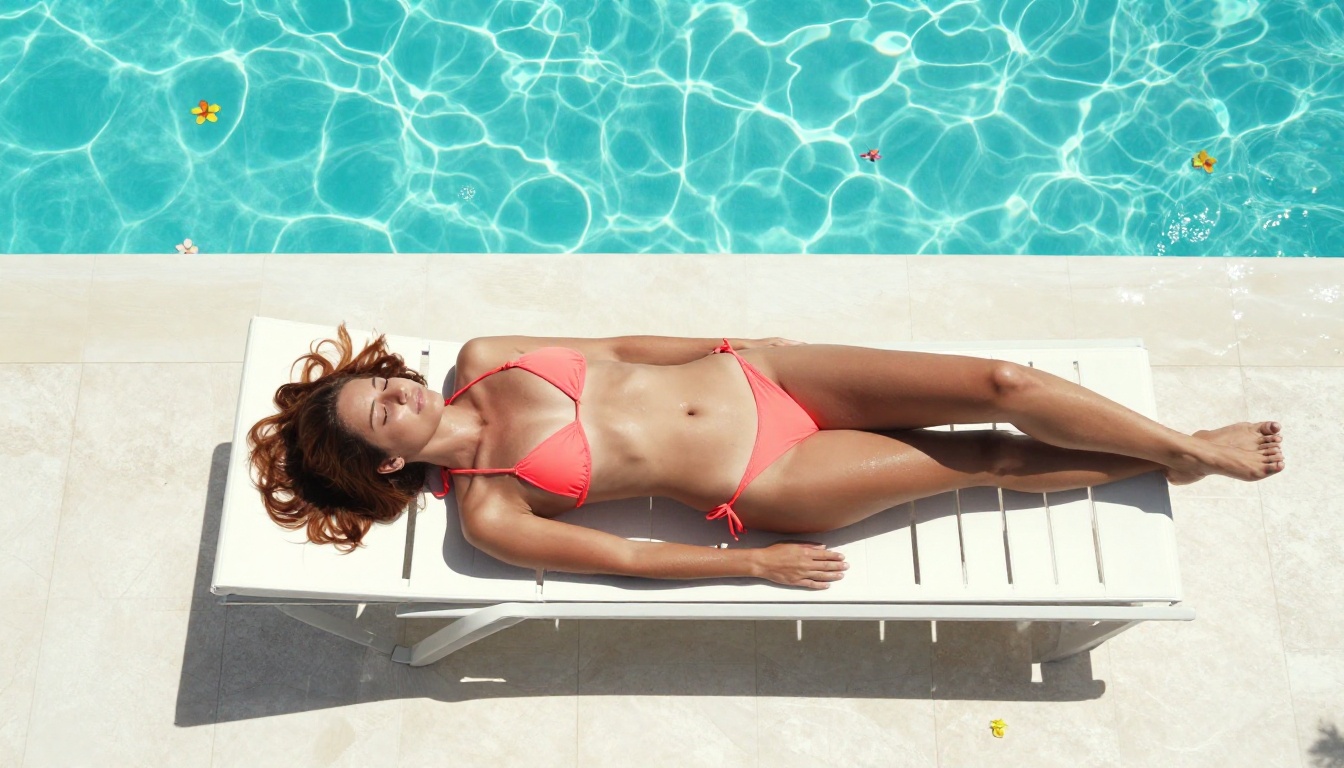
Adult AI Art Is Now Zero-Skill
What Was Blocking People Before
For years, generating anything resembing a realistic human figure required either expensive software, technical knowledge of neural networks, or access to hardware most people don't own. The models that existed were either heavily censored, produced results that looked obviously artificial, or required users to write complex configuration files just to get the model running locally.
That's no longer the case. Modern text-to-image models accept a plain description in everyday language. You type what you want to see, press generate, and within seconds you have a photorealistic image. The training data behind these models has scaled to the point where realistic human anatomy, natural skin texture, and believable lighting are now default outputs, not optional settings.
The other change is access. In 2022, running a capable image model required a high-VRAM GPU and comfort with command-line tools. In 2025, the same capability runs in a browser tab. You don't install anything. You don't configure anything. You type and click.
No Drawing Skills, No Problem
The creative input in adult AI art is the prompt: the text description you type before hitting generate. Writing a good prompt is a learnable skill, but even a poorly written first attempt on most of the models listed below will produce something usable. The model fills in the gaps.
Unlike traditional digital art, where every line and shadow is placed manually, AI generation works the other way around. You describe the outcome you want, and the model figures out how to get there. If your description is vague, the model makes plausible assumptions. If your description is precise, the model follows it closely.
That's what makes free adult AI art with zero skills needed a real, practical reality right now, not a future promise.
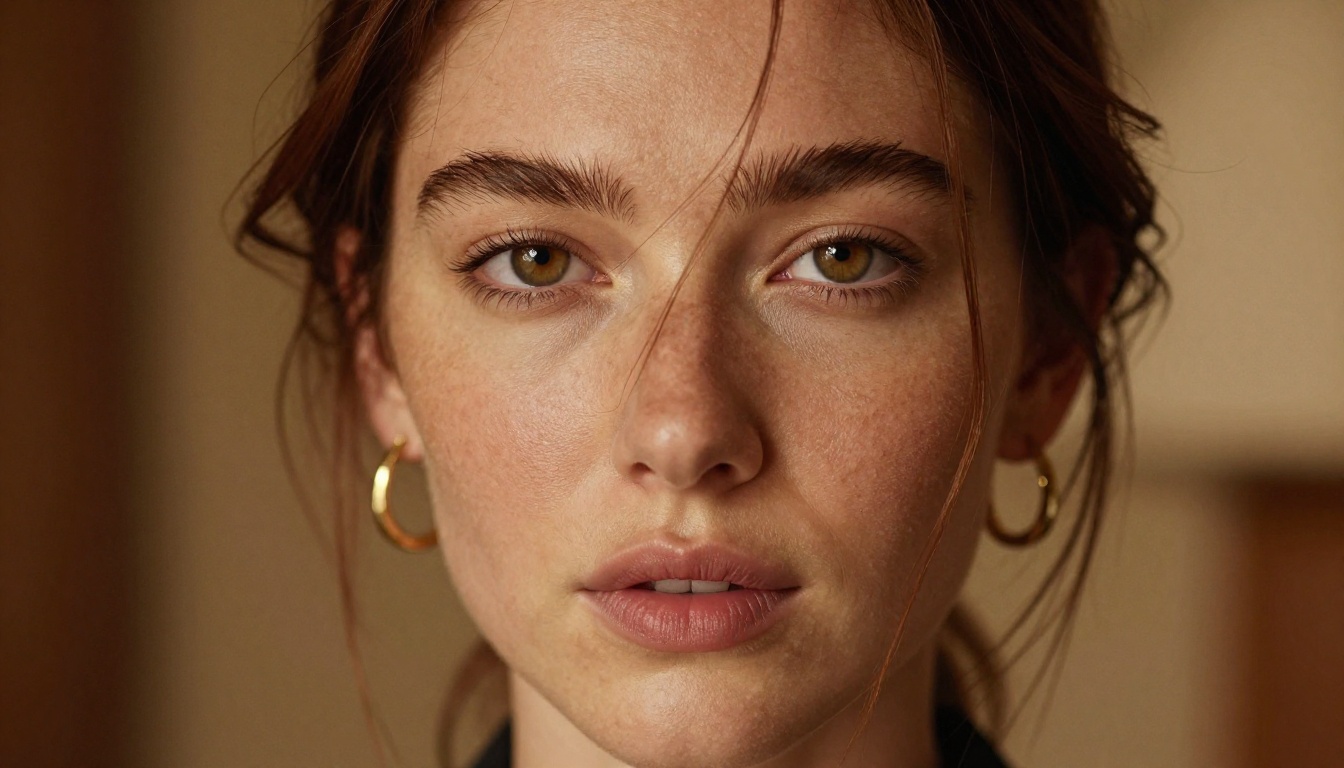
Best Free Models for Adult AI Art
Not every AI image model supports adult content. Many of the most widely advertised platforms apply strict content filters that will reject or heavily modify any prompt with a suggestive element. The models below are specifically chosen because they accept adult content and produce realistic, high-quality results without filtering your creative intent.
💡 Important: Do not confuse Seedream 4.5 with Seedream 5 Lite. The newer Seedream 5 Lite does not support NSFW content. Always use Seedream 4.5 for adult AI art.
Seedream 4.5: Best All-Around NSFW Model
Seedream 4.5 is the top recommendation for adult AI art, and the gap between it and everything else is noticeable. The realism of the skin texture alone places it ahead of most alternatives. It also supports image editing, meaning you can start from an existing photo and modify specific elements without regenerating the entire image from scratch.
Speed is genuinely impressive: most generations complete in under three seconds. For a model that produces results at this quality level, that's exceptional. Prompts are processed as written, with no content filter modifying or refusing suggestive descriptions.
What makes Seedream 4.5 particularly useful for beginners is that it handles ambiguous prompts well. A short, imprecise description still produces a strong result. As you get more comfortable writing prompts, the quality scales with your specificity.
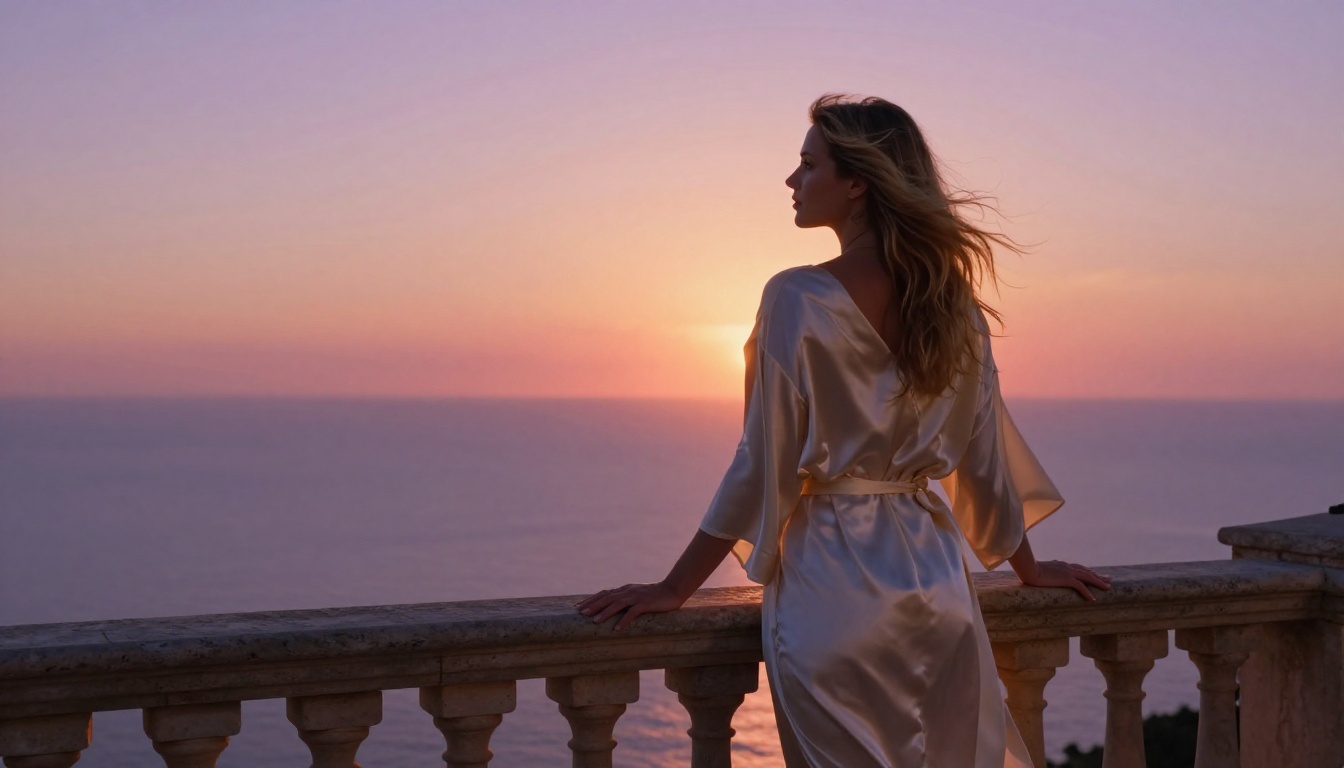
PicassoIA Image Editor Pro: Unlimited Generations
PicassoIA Image Editor Pro works as an image-to-image model: you upload a source image and describe what you want changed. The model applies those modifications while keeping the core structure of the original intact. Results arrive in under one second.
The defining advantage is the pricing model. On Elite and Infinite subscription plans, generations are unlimited. There is no per-image cost and no credit counter ticking down. Want 500 images? Generate 500. Want 1,000? That's available too. For context: generating 1,000 images on some competing models like Nano Banana 2 would cost around $100. On PicassoIA Image Editor Pro with an Elite or Infinite plan, that same volume costs nothing extra.
The model also accepts NSFW content without restriction, and for first-time users there's a free trial of three generations with no credit card required.
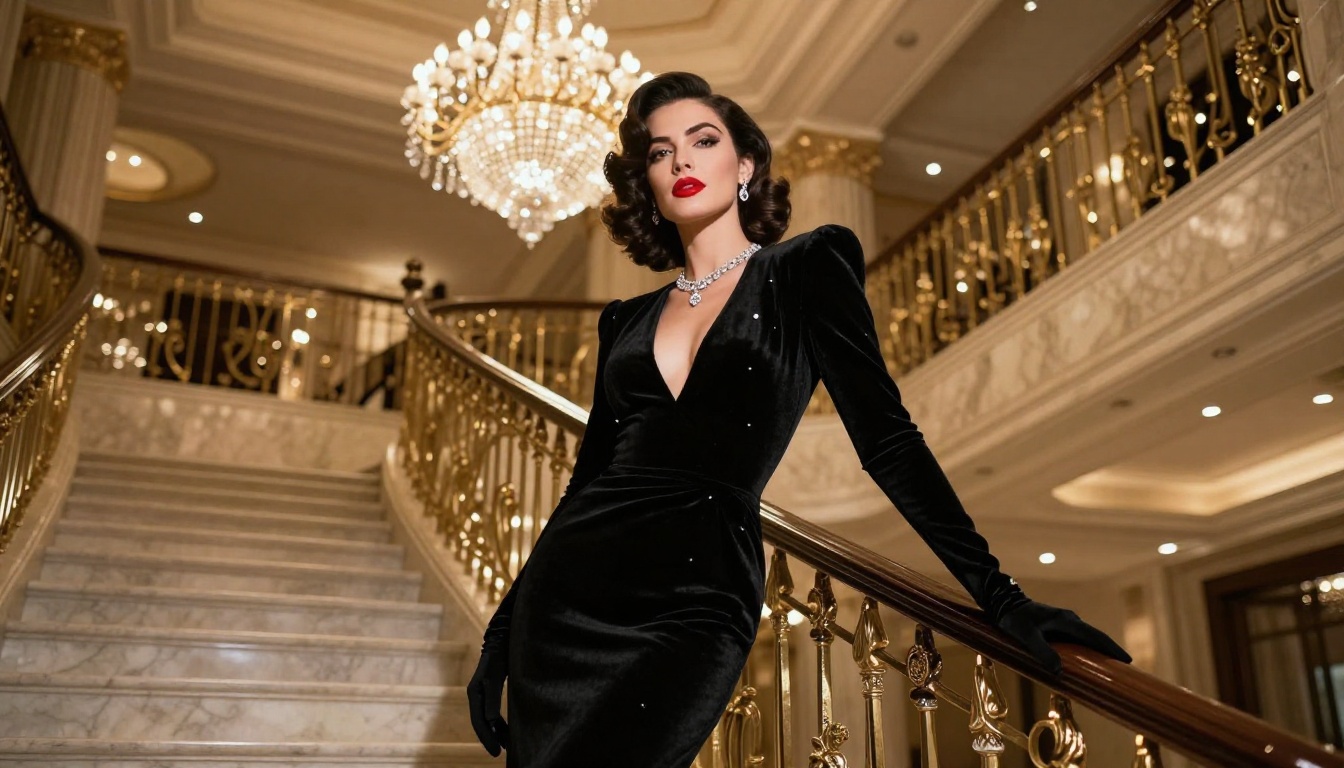
Qwen Image 2: Open Source, No Restrictions
Qwen Image 2 is an open-source model, which means its weights are publicly available and no central company is policing what you generate. On PicassoIA, you access it directly in the browser without any local installation. It supports both text-to-image and image editing workflows, and the detail quality is strong, particularly for skin and hair texture.
Being open source also means the community has had time to test its capabilities thoroughly. The model's behavior is well-documented, and its acceptance of adult content prompts is consistent.
Grok Imagine Image: Photo Conversion in Seconds
Grok Imagine Image excels at a specific use case: converting any uploaded image into a realistically depicted version of the subject in different clothing, including bikinis and swimwear. The conversion maintains facial likeness, body proportions, and lighting from the source image, producing results that are difficult to distinguish from real photography.
This makes it particularly useful if you have a reference image and want to see a modified version rather than generating from a blank prompt.
Recraft V4 and P-Image
Recraft V4 is text-to-image only, but the photorealism it produces is consistently high. The model handles complex scenes and multiple subjects well, and the color rendering tends to be natural rather than oversaturated.
P-Image is the fastest NSFW-capable model on the list, with most images completing in under one second. For rapid iteration or high-volume generation where you want to test many prompt variations quickly, P-Image is the practical choice. The quality doesn't match Seedream 4.5 for fine portrait detail, but the speed advantage is significant when you're in early exploration mode.
How to Use Seedream 4.5 on PicassoIA
Since Seedream 4.5 produces the strongest adult AI art results, here's a step-by-step walkthrough for your first generation on the platform.
Step 1: Go to the Model Page
Navigate to picassoia.com/en/collection/text-to-image/bytedance-seedream-45. No account is required to browse the model page, but you'll need to sign in to generate. Registration takes under a minute and doesn't require a credit card.
Step 2: Write Your First Prompt
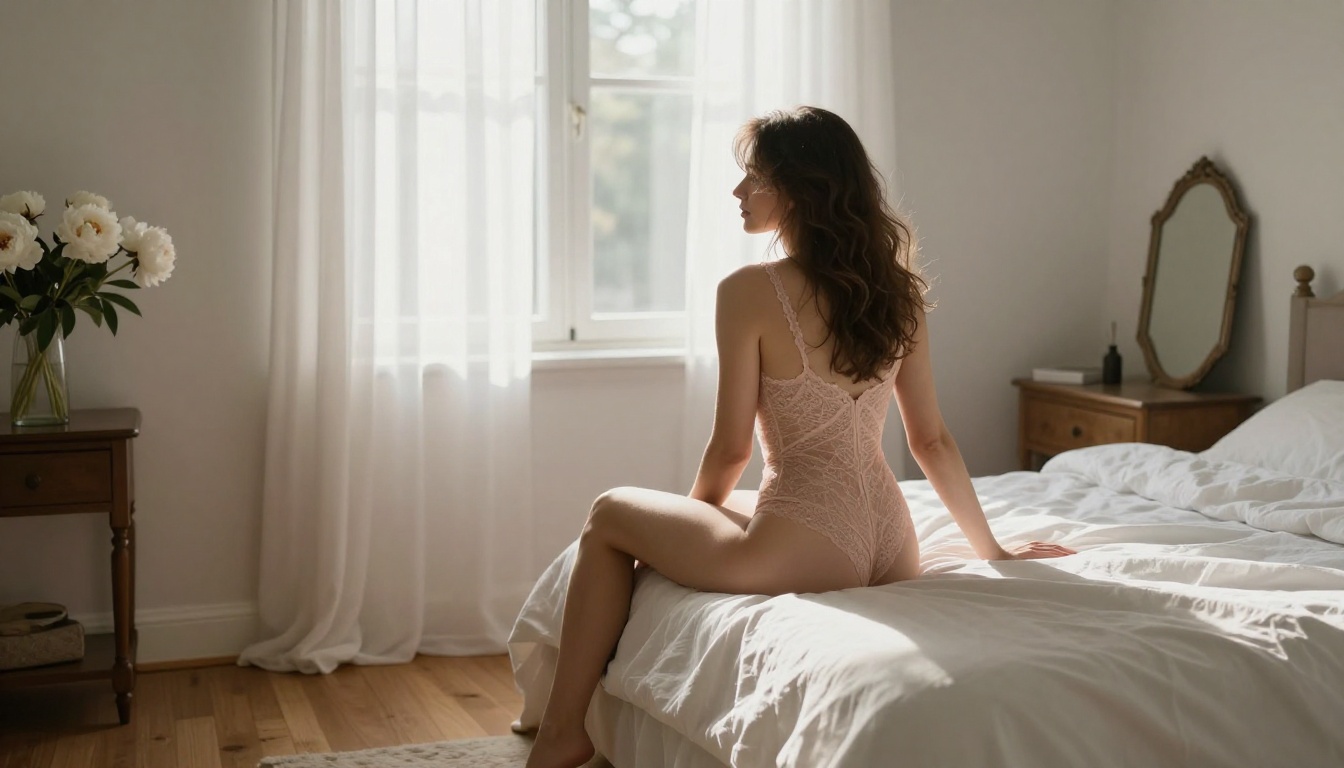
Type your description into the prompt field. Start simple. A working first prompt might be:
"A beautiful woman in a white bikini standing on a sunny beach, golden hour light, photorealistic, 8K, shallow depth of field"
That's enough to produce a strong result. The model understands natural language, so you don't need special syntax, tags, or codes. Write as if you're describing the image to someone on the phone.
Step 3: Adjust Parameters
For most adult AI art, the default settings work well. Aspect ratio defaults to square (1:1). If you want a cinematic widescreen look, switch to 16:9. You can also set a specific seed number if you want to reproduce a particular result later.
Click Generate and wait two to three seconds for the result.
Step 4: Iterate Freely
If the first result isn't quite right, change one element of your prompt and generate again. Describe the lighting differently. Be more specific about the subject's features. Add a location or mood detail. With Seedream 4.5's speed, each iteration costs you almost no time.
💡 Tip: Regenerate the same prompt three to five times before changing it. AI generation has natural variance across different random seeds, and a significantly better result often comes from the exact same prompt, just a different generation run.
Prompts That Actually Get Realistic Results
The single biggest factor separating good adult AI art from bad is the prompt. Two people using the same model can get dramatically different results based purely on how they describe the image.
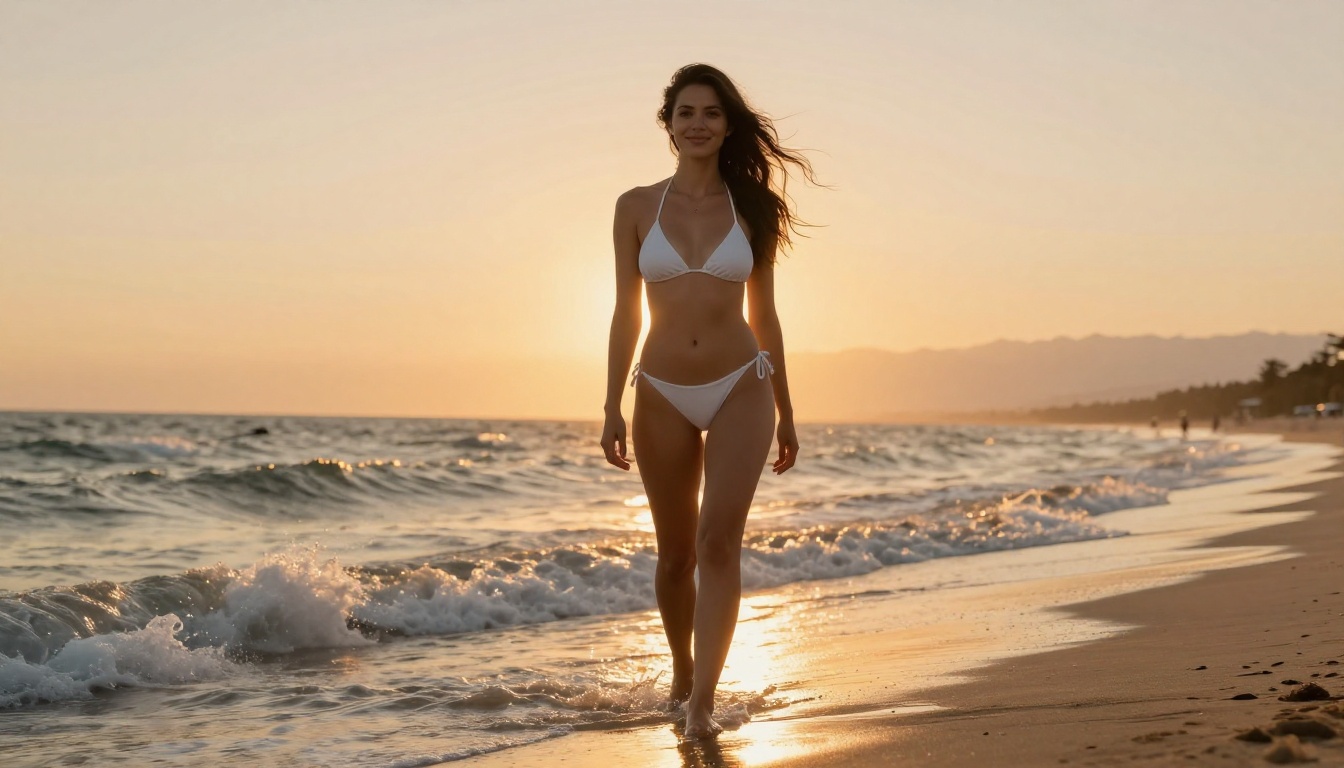
The Anatomy of a Good Prompt
A prompt that reliably produces photorealistic results follows this structure:
[Subject + Description] + [Setting/Environment] + [Lighting] + [Camera/Style] + [Quality Modifiers]
Breaking that down with a real example:
"A confident woman in her late 20s wearing a form-fitting red dress [Subject] standing in a dimly lit hotel bar [Environment] with warm amber backlighting from behind [Lighting] shot on 85mm f/1.4, shallow depth of field [Camera] Kodak Portra 400 film grain, photorealistic, 8K" [Quality]
Each element adds specificity. The more specific your prompt, the more control you have over the output. But specificity doesn't have to mean length: a 15-word prompt with precise details often outperforms a 50-word prompt full of vague adjectives.
Lighting Modifiers That Change Everything
Lighting is the single most impactful variable in adult AI art. The same subject, same clothing, same environment will produce a completely different emotional result depending on the lighting description you include.
These phrases reliably produce distinct moods:
- "golden hour backlighting": warm, flattering, romantic
- "Rembrandt lighting from left": dramatic, high-contrast, sculptural
- "diffused morning window light": soft, natural, intimate
- "studio three-point lighting": even, professional, commercial
- "candlelight, warm low-key": moody, intimate, high contrast
- "blue hour twilight": cool, cinematic, editorial
| Lighting Type | Mood | Best For |
|---|
| Golden hour backlight | Warm, romantic | Outdoor, beach |
| Rembrandt from left | Dramatic, sculptural | Close-up portraits |
| Diffused morning light | Soft, intimate | Boudoir, bedroom |
| Candlelight | Sensual, moody | Interior, evening |
| Studio three-point | Clean, professional | Fashion, editorial |
| Blue hour twilight | Cool, cinematic | Urban, rooftop |
Adding any one of these to a prompt will noticeably improve the realism and artistic quality of the result, even without changing anything else.
Camera and Lens Details That Add Realism
Specifying camera equipment tells the model what kind of depth of field, grain, and perspective you want. These phrases are particularly effective:
- "85mm f/1.4": classic portrait compression, beautiful background blur
- "35mm f/2.8": natural perspective, slight environmental context
- "Shot on Canon EOS R5": signals high-resolution, professional quality
- "Kodak Portra 400 film grain": adds warmth and organic texture
- "Fujifilm Velvia": rich, vivid, slightly saturated colors
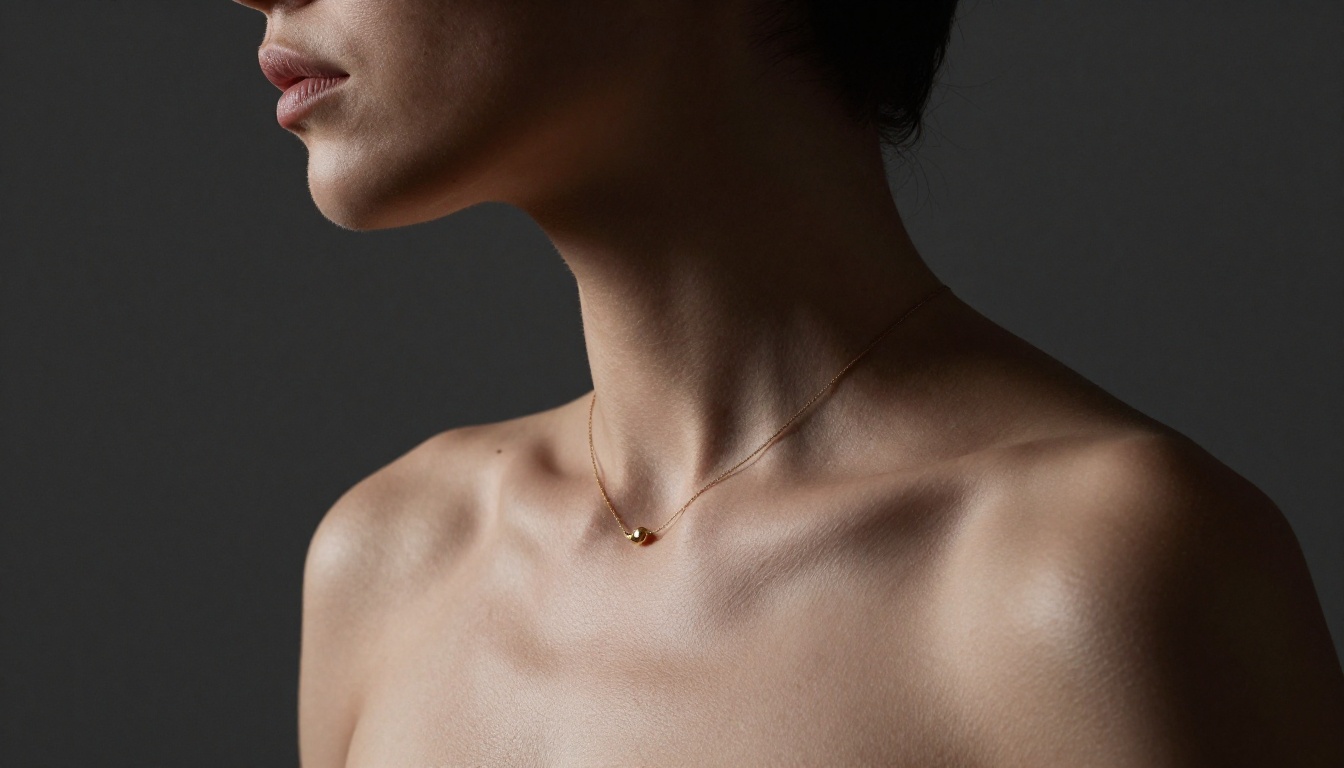
Upscaling: Making Your Images Print-Ready
Most AI-generated images come out at 1024x576 pixels or 1024x1024 pixels depending on the aspect ratio. That resolution is fine for screen use, but if you want to print at large format, crop into a detail, or use the image for professional purposes, you'll want to upscale.
When to Upscale
Upscale your adult AI art when:
- You plan to print at A3 size or larger
- You need to crop tightly into a face or detail without losing clarity
- The source image has soft areas or slight artifacts you want to sharpen
- You're preparing the image for commercial or editorial use
- You want to zoom into texture details that need more resolution
Best Upscaling Tools on PicassoIA
PicassoIA offers several dedicated upscaling models suited to different image types:
- Crystal Upscaler: Optimized specifically for portrait photography and human subjects. Skin, hair, and facial detail are sharpened without the over-processed look that some general upscalers produce. The best first choice for adult AI art.
- Clarity Pro Upscaler: The most capable upscaler for photorealistic images overall. Adds real texture and detail rather than just resizing pixels.
- Real ESRGAN: Free 4x upscaler, reliable for most use cases.
- Image Upscale by Topaz: Up to 6x enlargement with strong detail preservation.
- P Image Upscale: Fast, sharp results in under one second.
Getting More From PicassoIA Image Editor Pro
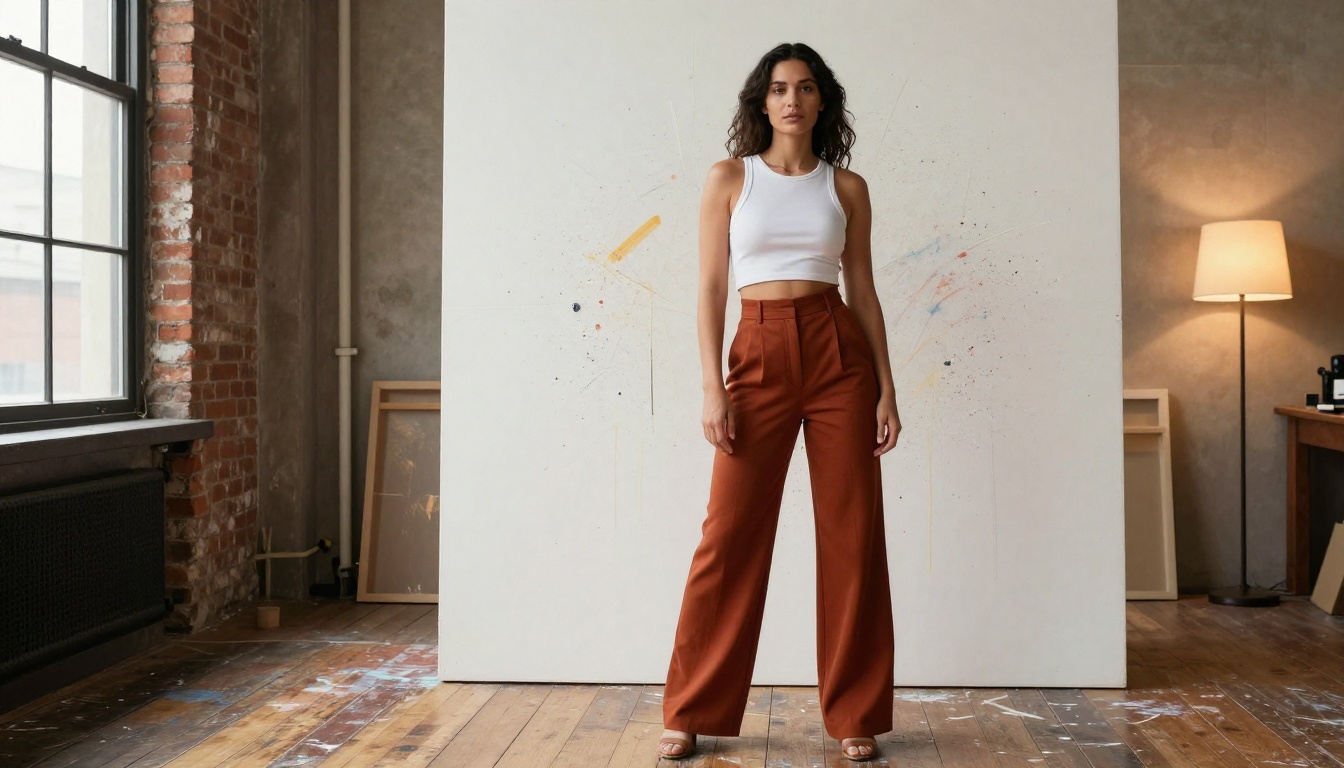
Img2Img: The Shortcut to Better Results
Image-to-image generation works differently from text-to-image. Instead of creating an image from nothing, the model starts from an existing photo and applies your prompt as a set of modifications. This means you can:
- Take a reference photo and change the clothing or environment
- Modify lighting while keeping the subject unchanged
- Add or remove elements from an existing scene
- Adjust the style or mood while preserving the composition
With PicassoIA Image Editor Pro, all of this happens in under one second. Upload your source image, type what you want changed, and the modified version appears immediately.
This workflow is particularly useful if you have a generated image you like but want to iterate on specific elements. Instead of regenerating from scratch and hoping the model recreates the same composition, use Image Editor Pro to modify exactly what you want to change.
The Unlimited Generations Advantage
On most AI platforms, every image generation costs credits. At scale, that adds up fast. A serious creator generating 50 to 100 images per session to find the best results will burn through credits quickly on platforms that charge per generation.
PicassoIA's Elite and Infinite subscription plans include unlimited generations on the Image Editor Pro model. There is no counter ticking down and no surprise charge. This changes how you work: instead of being conservative with iterations and second-guessing every generation, you generate freely and pick the best result from many attempts. That approach consistently produces better final images.
💡 Free Trial: PicassoIA Image Editor Pro includes three free generations with no credit card required. That's enough to test the model's output quality before choosing a plan.
Why PicassoIA Stands Out for Adult Content
Many mainstream AI platforms apply content filters that make it effectively impossible to generate adult AI art, even artistic or glamour content that isn't explicitly sexual. Prompts get refused, results get heavily modified, or accounts get flagged after a few attempts. For creators who want to work in this space, that friction is real and frustrating.

PicassoIA takes a different approach. The models available on the platform are selected specifically to offer creative freedom. Content filtering is not applied at the blanket level that makes most mainstream platforms unusable for adult content creation. In practice, this means:
- Your prompts are processed as written
- Results reflect what you described rather than a censored version
- Artistic nudity and suggestive content generates without modification
- You maintain creative control over the output
The platform also supports the full workflow from creation to refinement: generate with Seedream 4.5, iterate with Image Editor Pro, upscale with Crystal Upscaler or Clarity Pro, and the final image is print-ready, all within the same platform.
The full catalog of models, including every one listed in this article, is available at picassoia.com/en/all-models.
Start Creating Right Now
The barrier to creating adult AI art in 2027 is genuinely low. Pick a model from the list above, type a description of what you want to see, and generate. The first result might not be exactly what you imagined, but it will be close enough to refine. Within a few iterations, you'll have an image that would have required a professional photographer, a studio, and significant post-production work to produce through traditional means.
Seedream 4.5 is the best starting point for most people. The speed and realism are the best combination available at any price point in this category, and it accepts adult prompts without filtering. If you want unlimited iterations without watching a credit balance, PicassoIA Image Editor Pro is the practical long-term workflow choice.
For those who want open-source freedom with no content restrictions, Qwen Image 2 is worth adding to your rotation. And if you have a reference image and want to modify it rather than generate from scratch, Grok Imagine Image handles that specific workflow better than any other model on the list.
All of these models are available right now at picassoia.com/en/all-models. Pick one, write a prompt, and see what comes back. The only prerequisite is knowing what you want to see.


