Free adult AI art used to require paying for subscriptions, navigating waitlists, or working around aggressive content filters that blocked everything remotely suggestive. That is no longer the case. Today, with the right platform and the right models, you can produce photorealistic glamour portraits, artistic adult imagery, and genuinely beautiful NSFW content in under five minutes, at no cost.
This breakdown covers exactly which models to use, how to write prompts that actually generate what you envision, and why PicassoIA is the platform that makes this possible without paywalls, credit cards, or content blocks.
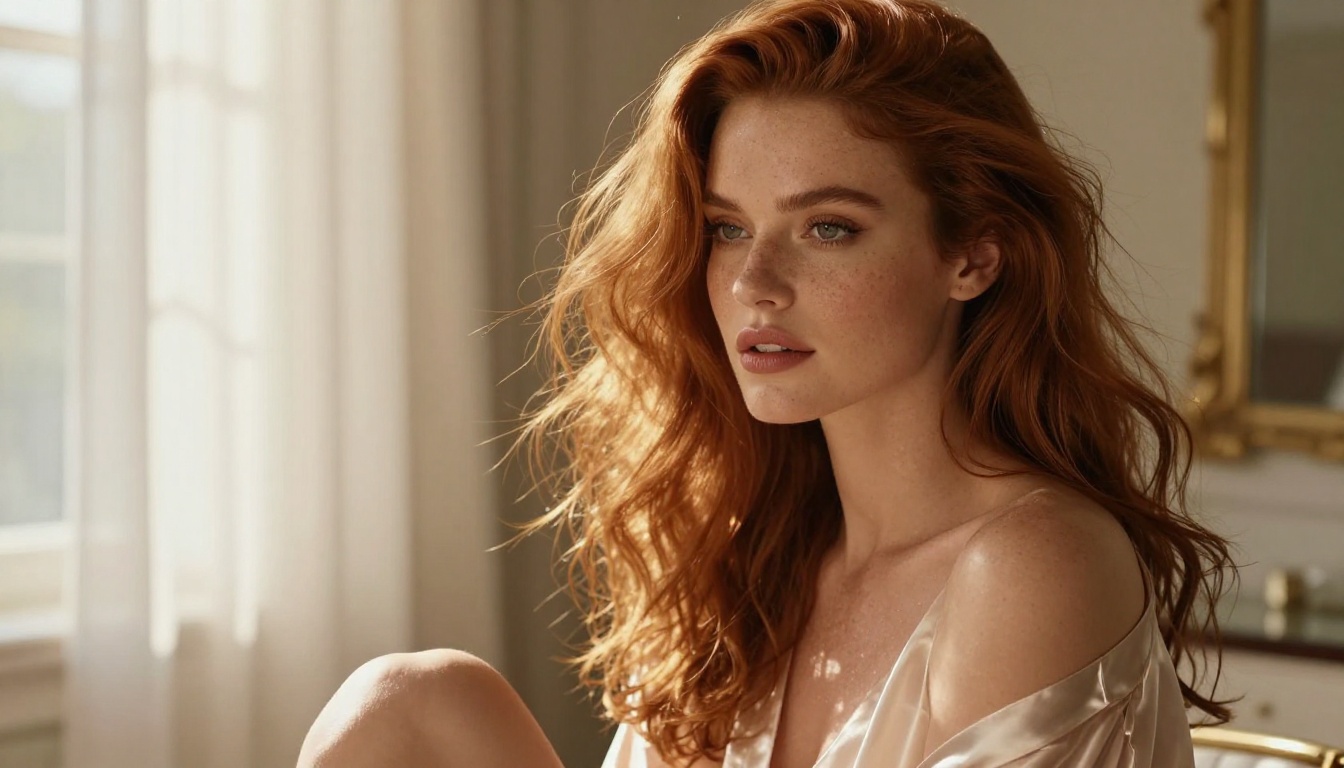
Why PicassoIA Handles What Others Block
Most mainstream image generators have tightened their safety filters significantly over the past two years. Platforms that once allowed creative freedom now reject prompts that include words like "lingerie," "revealing," or even certain artistic photography terms. The result is a frustrating experience where the AI produces something technically safe but creatively useless.
PicassoIA operates differently. It hosts over 91 text-to-image models in a single interface, and a significant portion of them are built specifically for photorealistic, adult-oriented, and NSFW content. The platform does not impose blanket content bans across all models, which means the creative space stays open.
The practical difference: when you type a detailed prompt describing a glamorous figure in a specific lighting scenario on PicassoIA, you get that image. On a restricted platform, you get a refusal or a watered-down result that looks nothing like what you wanted.
Free Generation Without Limits
PicassoIA Image Editor Pro is the fastest way into unlimited free AI art generation on the platform. Unlike subscription models that meter every generation, Image Editor Pro gives you access to a wide range of photorealistic models with no per-image credit cost. You can iterate, experiment, and refine without watching a credit counter.
This matters for adult AI art specifically because getting the output you want often takes several attempts. Lighting needs adjusting. The composition might need a tighter crop. The model might need a slightly reworded prompt to capture the exact aesthetic you have in mind. With unlimited generations, that iteration process costs nothing.
Seedream 4.5: The Best Starting Point for NSFW AI Art
Why Seedream 4.5 Leads the Field
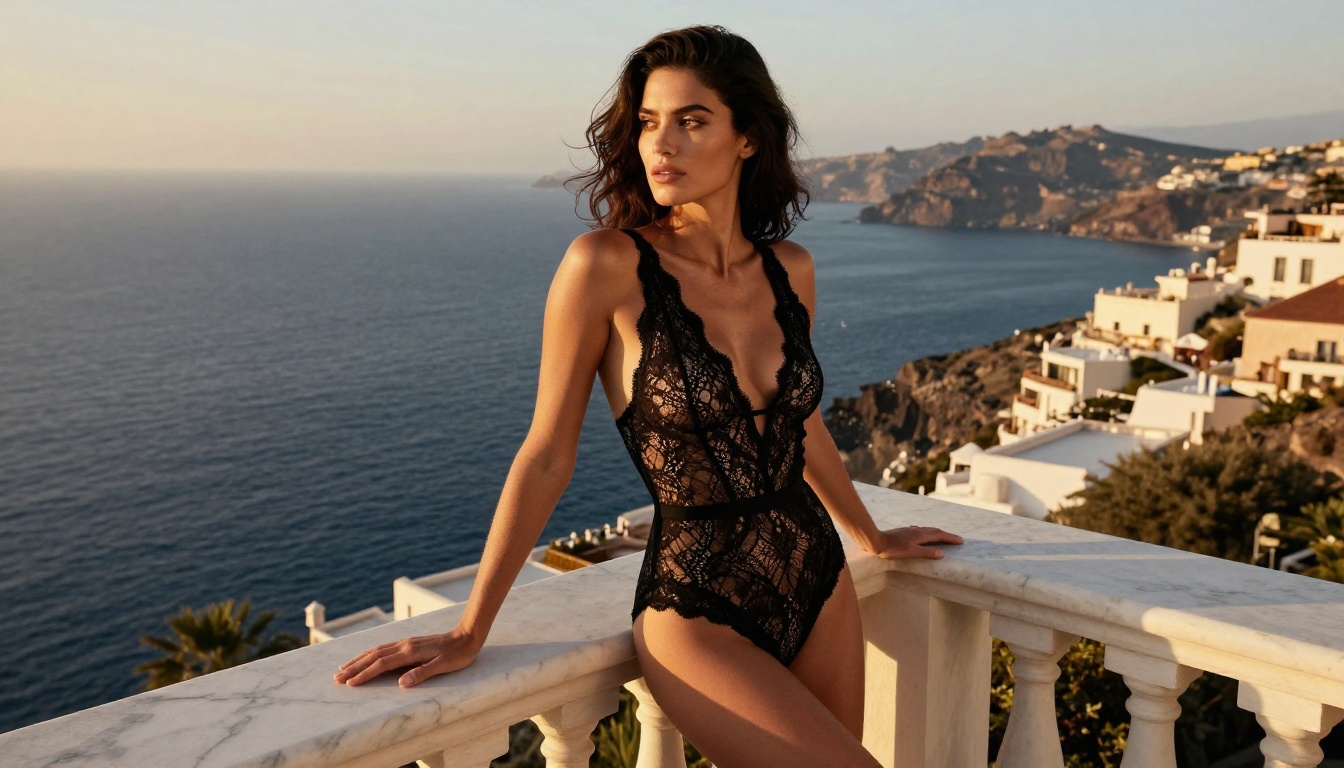
If you only use one model for free adult AI art, use Seedream 4.5. This model from ByteDance consistently produces the most photorealistic skin textures, the most natural lighting responses, and the most believable depth of field of any free model currently available.
What separates Seedream 4.5 from alternatives is its handling of skin. Most AI models generate a plasticky, too-smooth skin surface that immediately reads as artificial. Seedream 4.5 renders pores, fine hairs, micro-shadows in skin folds, and the subtle variation in skin tone that makes a portrait look like a photograph rather than a render. For adult art where realism is the goal, this is not a minor detail. It is the entire point.
The model also responds extremely well to detailed prompts. When you describe a specific lighting direction, a particular lens focal length, or a precise composition, Seedream 4.5 follows those instructions with a fidelity that most models cannot match. This makes it ideal for users who already have a vision in mind and want to execute it accurately.
Key strengths of Seedream 4.5:
- Photorealistic skin texture and micro-detail
- Accurate lighting direction and shadow response
- Strong prompt adherence for composition and angle
- High output resolution suitable for print or large display
- Uncensored creative range for adult content
💡 One important note: Do not use Seedream 5 Lite for NSFW content. That version has content filters that will block adult prompts. Stick with Seedream 4.5 for unrestricted results, or Seedream 4 as a close alternative.
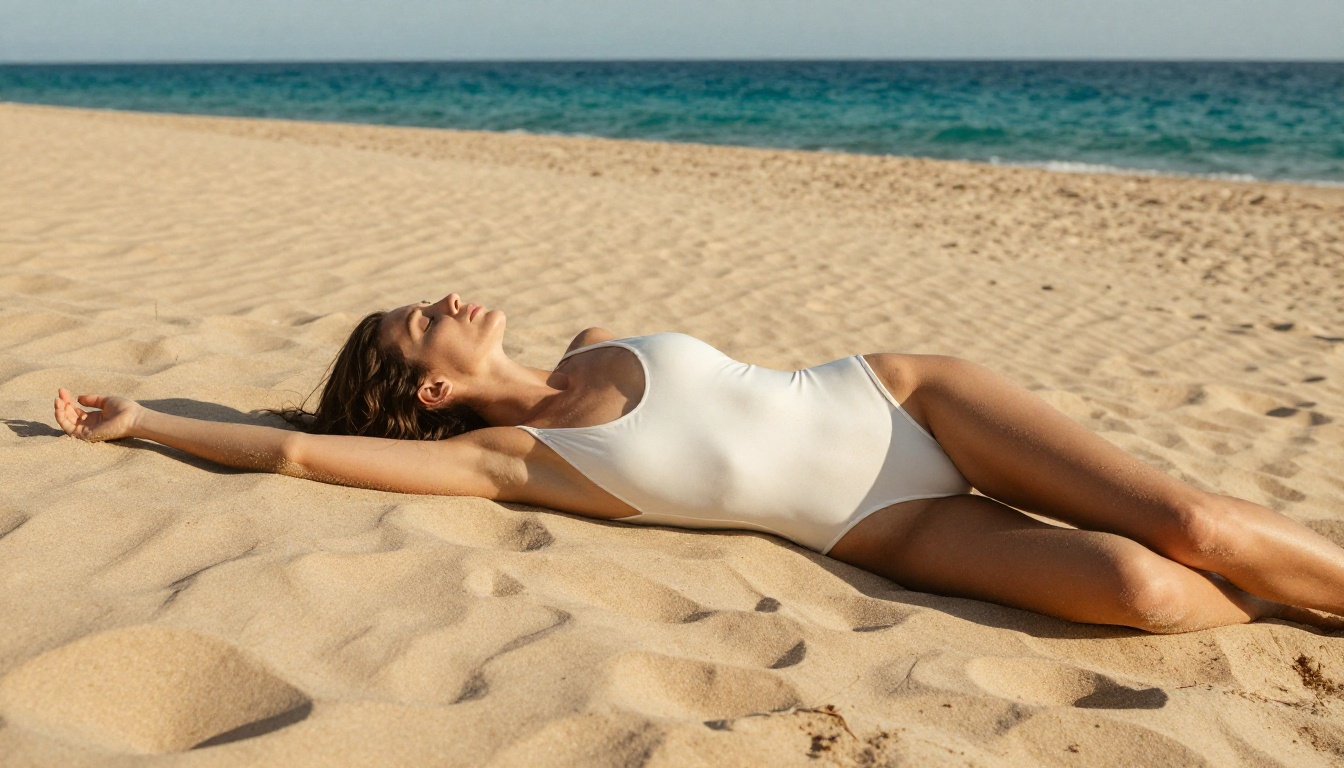
How to Prompt Seedream 4.5 for Glamour Results
The prompting approach for Seedream 4.5 is different from what works in more abstract AI models. Because it is built for realism, it responds best to photography-style prompts rather than artistic or painterly descriptions.
Think of your prompt as a photography direction sheet. Specify:
- Subject: Who or what you are photographing, including physical details
- Clothing or state of dress: Be specific about fabric, fit, and coverage
- Environment: The exact location and its visual characteristics
- Lighting: Direction, quality, color temperature, and source
- Camera and lens: Focal length, aperture, resulting depth of field
- Film stock or post-processing look: Kodak Portra 400, RAW format, etc.
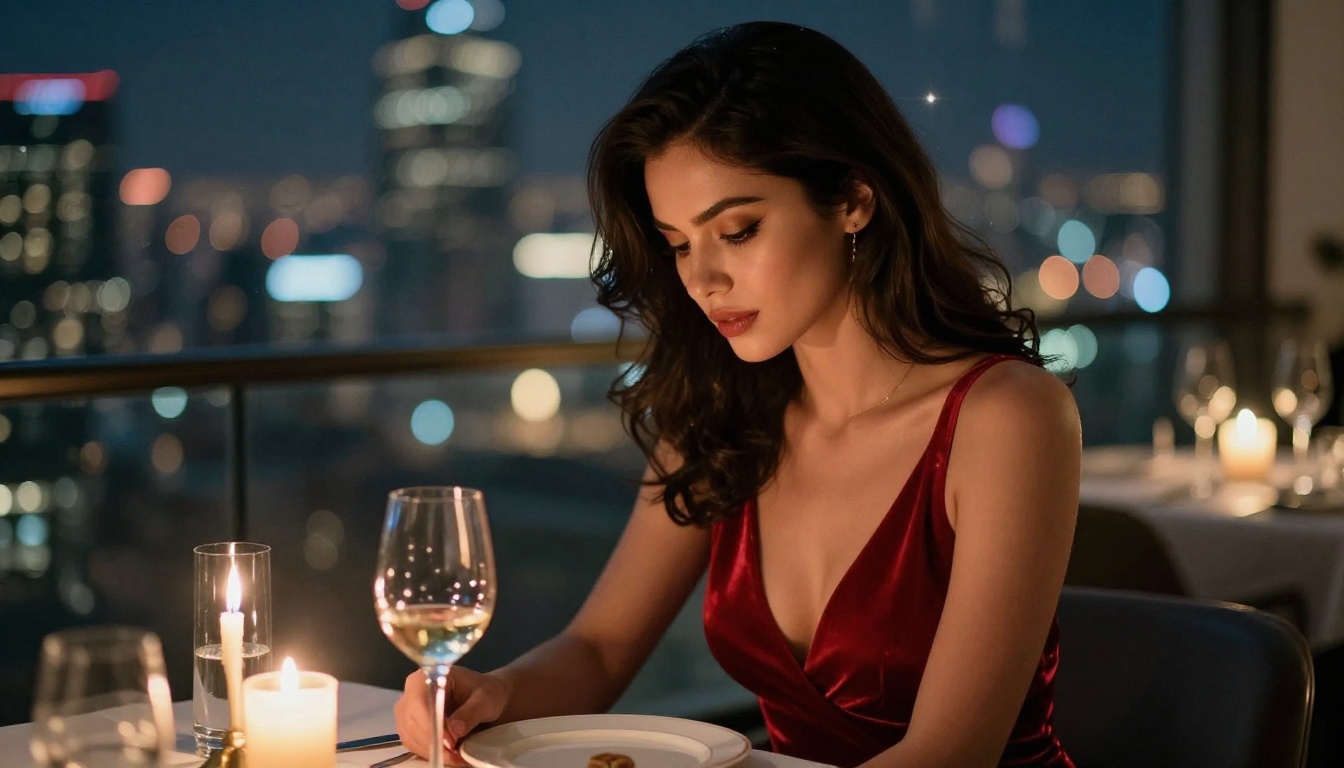
A prompt structured this way will produce dramatically better results than a vague description. "Beautiful woman in lingerie" produces a generic output. "Beautiful woman with dark wavy hair wearing a silk slip dress photographed in a candlelit room, side lighting from the left, 85mm f/1.4 shallow depth of field, skin pores visible, Kodak Portra 400 film grain" produces something that looks like a professional photograph.
The Other Free Models Worth Using
Realistic Vision for Maximum Skin Authenticity
Realistic Vision v5 and its follow-up Realistic Vision v5.1 are the most established photorealistic models in the stable diffusion ecosystem. They have been fine-tuned specifically for human figure photography and carry years of community optimization for exactly the type of output adult AI art requires.
These models shine in situations where Seedream 4.5 might over-sharpen or add too much clarity. Realistic Vision renders a slightly warmer, more analogue-feeling image that works particularly well for close-up portraits and boudoir-style compositions. The skin tones are rich, the lighting feels natural, and the overall aesthetic skews toward the classic glamour photography look rather than the high-definition editorial style.
When to choose Realistic Vision:
- Close-up portraits where skin warmth matters
- Indoor scenes with soft ambient lighting
- Compositions inspired by film photography aesthetics
- When you want a slightly softer, more romantic finish
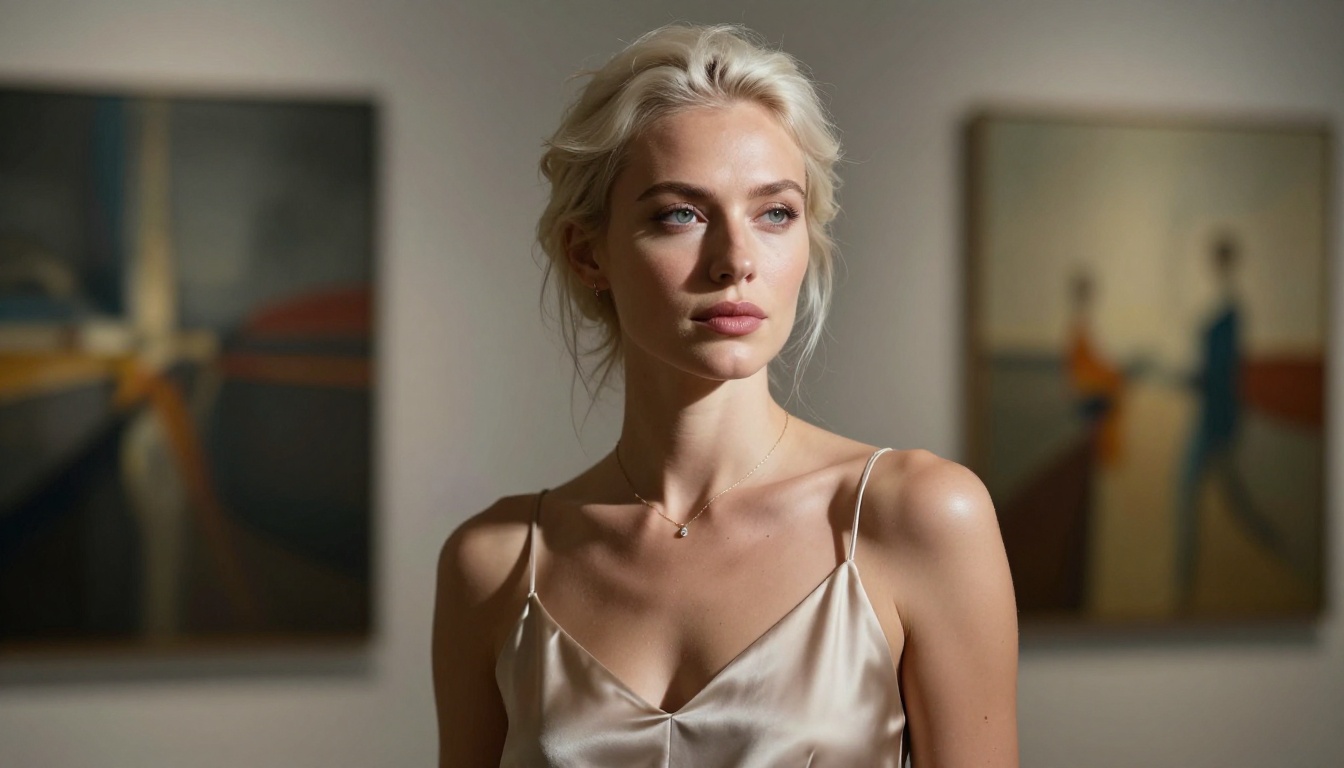
Flux Dev and Flux Pro for Creative Range
The Flux family of models from Black Forest Labs takes a different approach. Where Seedream and Realistic Vision prioritize photorealism, Flux Dev and Flux Pro offer broader creative range. They handle complex compositions more reliably, respond well to unusual lighting scenarios, and produce strong results when you want something that sits between editorial photography and fine-art imagery.
For adult content specifically, Flux Kontext Pro adds image editing capabilities on top of generation, meaning you can take an image you already like and refine specific elements. This is useful for adjusting clothing, modifying a pose, or changing the background without regenerating the entire image from scratch.
Writing Prompts That Actually Produce Results
The Anatomy of an Effective Prompt
Poor prompts produce poor results. This is the single most common problem people encounter when trying free adult AI art for the first time. The AI generator is capable of producing what you want, but without the right instructions, it defaults to its training data averages, which means generic, unremarkable output.
The highest-performing prompts for photorealistic adult AI art share these characteristics:
Physical specificity: Instead of "attractive woman," write "woman in her late 20s with high cheekbones, naturally arched brows, and olive skin." The more specific the physical description, the more distinct and realistic the output.
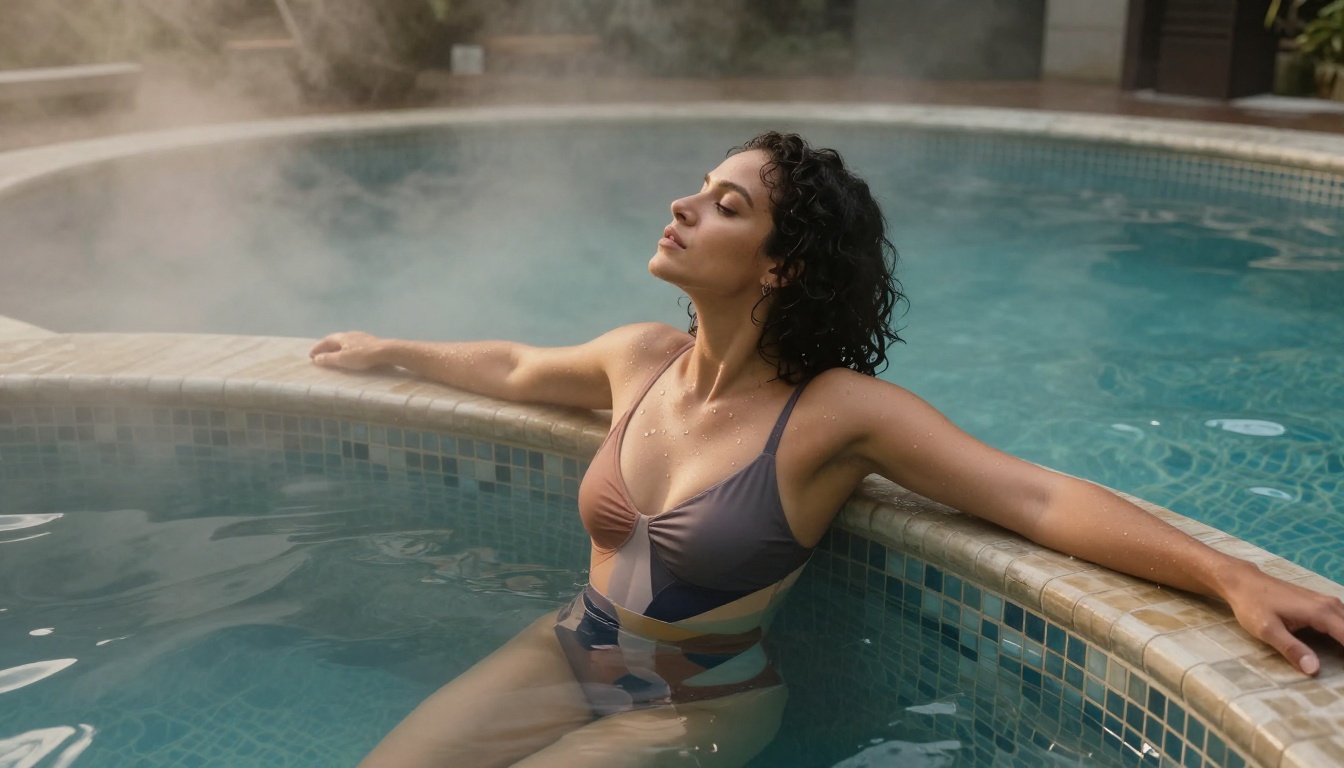
Environmental grounding: The setting should be as detailed as the subject. "Warm spa with mosaic tile walls, steam rising from the water surface, soft diffused overhead lighting through frosted skylights" creates a much stronger context than "relaxing pool."
Lighting as a primary element: Lighting direction, quality, and color temperature should appear in almost every prompt. "Volumetric morning light from the upper left casting long soft shadows" tells the model exactly how to light the scene. "Good lighting" tells it nothing.
Technical photography language: Mentioning lens type, aperture, and film stock signals to models trained on photography that you want a photographic result. "85mm f/1.4 with creamy background bokeh, Kodak Portra 400 film grain" is a photography brief that a realistic model knows how to interpret.
Prompt Mistakes That Kill Your Output
Stacking too many concepts: "Beautiful woman at a beach in a bikini in a forest at night with rain and dramatic lighting" gives the model conflicting environments. Pick one coherent scene.
Using vague or blocked terms: Some models avoid certain explicit terms even when they support adult content. If a prompt fails, rephrase using descriptive, visual language. Focus on the aesthetic rather than explicit descriptions.
Neglecting composition: Without composition instructions, the model defaults to a static centered shot. Add "low-angle shot from ground level," "three-quarter profile from the right," or "overhead aerial view" to break from the generic.
Forgetting negative prompts: Most generation interfaces accept negative prompts where you can list things to exclude. Standard exclusions for adult photorealistic art: "cartoon, illustration, 3D render, CGI, digital art, watermark, blurry, distorted anatomy, extra limbs."
Fast Results in Under Five Minutes
Here is a speed-run workflow that reliably produces high-quality output:
- Go to Seedream 4.5 on PicassoIA
- Write a 40-60 word positive prompt using the structure above
- Add negative prompt:
cartoon, illustration, 3D render, blurry, watermark, distorted
- Set aspect ratio to 16:9 for widescreen or 9:16 for portrait
- Generate, then iterate on the lighting or composition if the first result is not quite right
Five minutes from opening the browser to having a high-quality, photorealistic adult AI image. No payment details. No account waitlist.
Going Further: Editing, Upscaling, and Refining
When Your First Image Is Almost Right
Getting a near-perfect result on the first generation is satisfying, but getting a result that is 80% there and then refining it to 100% is the real power move. PicassoIA's editing tools make this possible without starting over.
Flux Kontext Pro and Flux Fill Pro let you inpaint specific regions of an image. If the face looks slightly off, you can mask just the face and regenerate it while keeping everything else. If the clothing does not match your vision, the same approach applies. This is significantly more efficient than regenerating the entire composition from scratch, especially when the lighting and environment of your original image are exactly what you wanted.
Upscaling for Print and Large Display
AI-generated images are often produced at resolutions that work well for screens but fall short for large prints or detailed display. PicassoIA's super-resolution tools can upscale a 1024x576 output to 4K without introducing the blurring or artifact generation that simple interpolation produces.
For adult AI art specifically, super-resolution upscaling also improves fine details that matter most: hair strands, skin texture, fabric weave patterns. The difference between a 1K and 4K version of the same Seedream 4.5 output is significant when viewed at full size.
💡 Workflow tip: Generate at standard resolution first to iterate quickly, then apply super-resolution once you have the composition and lighting exactly right. This saves generation time during the creative phase.
Artistic Approaches Beyond the Obvious
Beyond the Single Portrait
Most people generating free adult AI art start with single portrait compositions, and that is a reasonable starting point. But the same models and prompting techniques produce impressive results for more complex creative approaches.
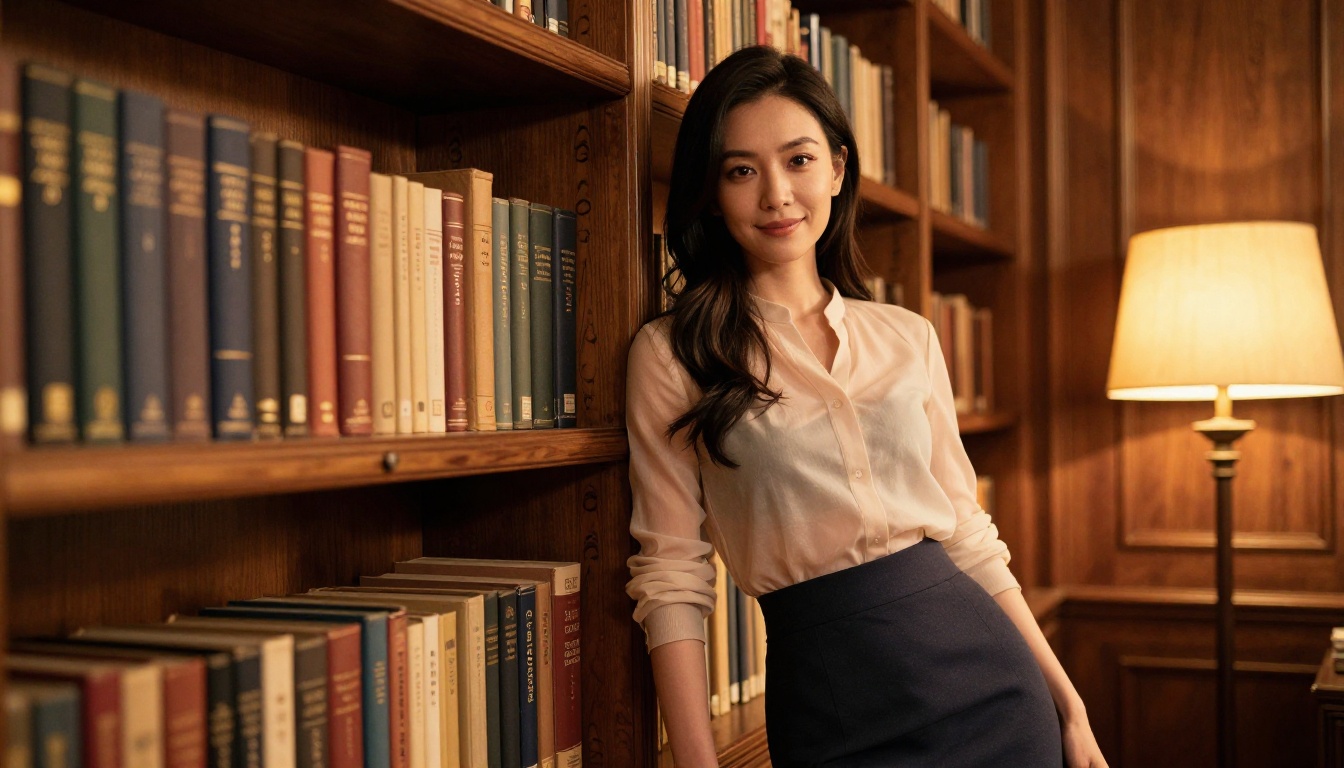
Environmental storytelling: Place your subject in a rich, specific environment that creates narrative. A woman reading a worn paperback in a sunlit Paris apartment creates a more compelling image than a neutral backdrop.
Series compositions: Generate three or four images with the same character description but different environments or lighting conditions. Maintaining consistency across a series is possible by keeping your core subject description identical and varying only the scene.
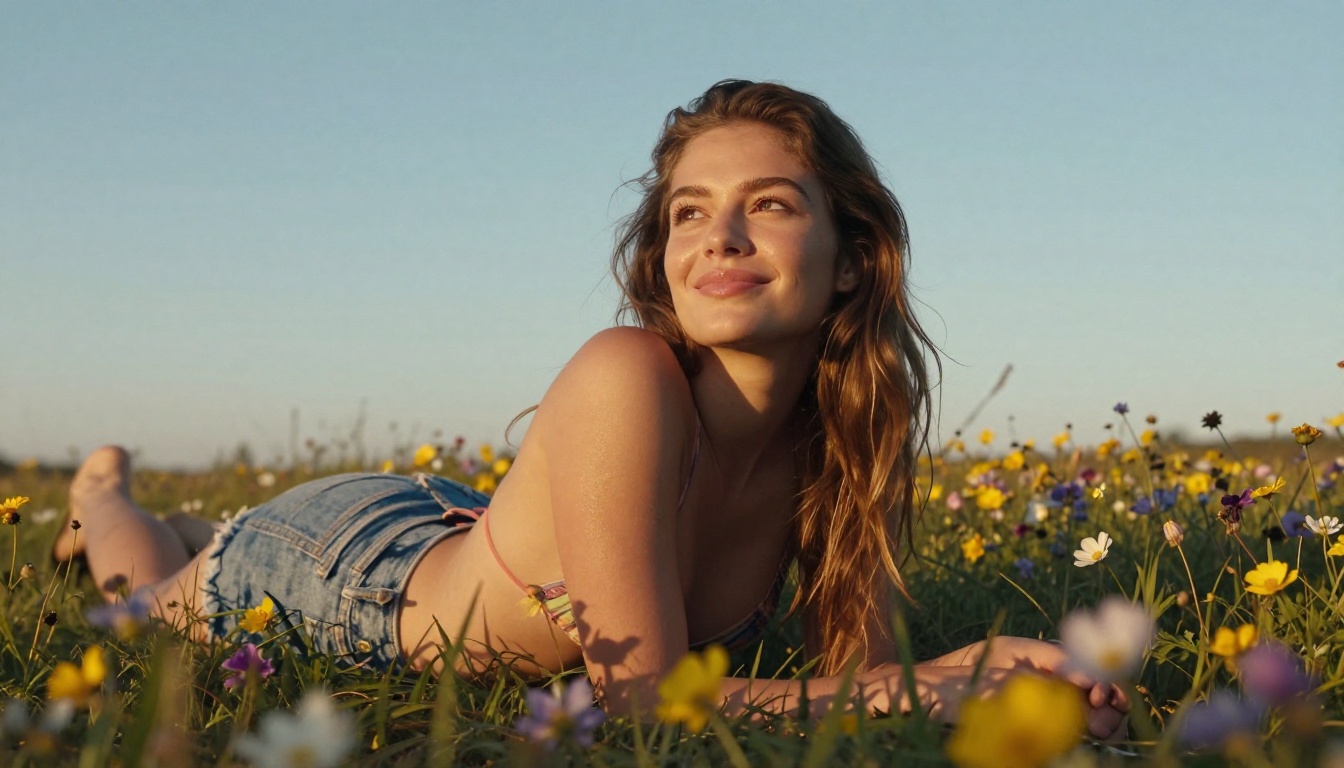
Mood and atmosphere: Lighting choice completely changes the emotional tone of an adult AI image. Golden hour light creates warmth and intimacy. Blue-toned night lighting creates mystery. Studio strobe creates editorial crispness. The same subject prompt with different lighting specifications produces dramatically different moods.
Macro and close-up compositions: Do not default to full-body or mid-body shots. A close-up of hands, the curve of a shoulder, or a profile portrait at 85mm produces just as compelling adult AI art as a full-length composition, often with better fine-detail rendering.
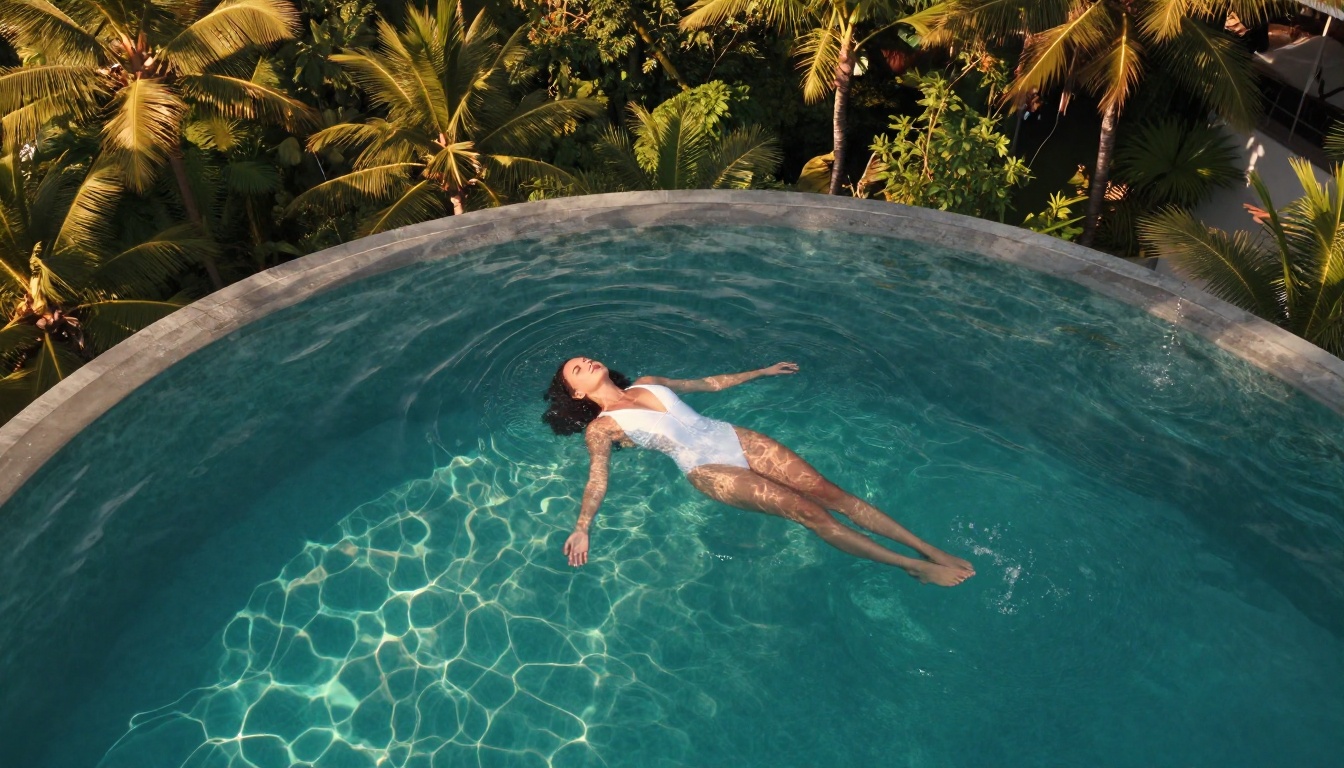
The Full PicassoIA Model Roster for NSFW Creation
PicassoIA hosts 91 text-to-image models, and not all of them are equally suited for adult content. The most reliable performers, in order of recommendation:
- Seedream 4.5 - Best overall for photorealistic adult AI art
- PicassoIA Image Editor Pro - Unlimited generations, no credit restrictions
- Realistic Vision v5.1 - Warm film-style portraits and boudoir compositions
- Realistic Vision v5 - Established community favorite for figure photography
- Flux Dev - Creative range and editorial styling
- Flux Pro - Complex, multi-element compositions
- Seedream 4 - Slightly softer version of the 4.5 aesthetic
- Seedream 3 - Reliable alternative when 4.5 is at capacity
💡 Reminder: Seedream 5 Lite is not on this list because it applies content filters that block adult prompts. For unrestricted NSFW creation, always choose from the models above.
For the complete directory of all available models, including less common options that may suit specific creative requirements, visit picassoia.com/en/all-models.
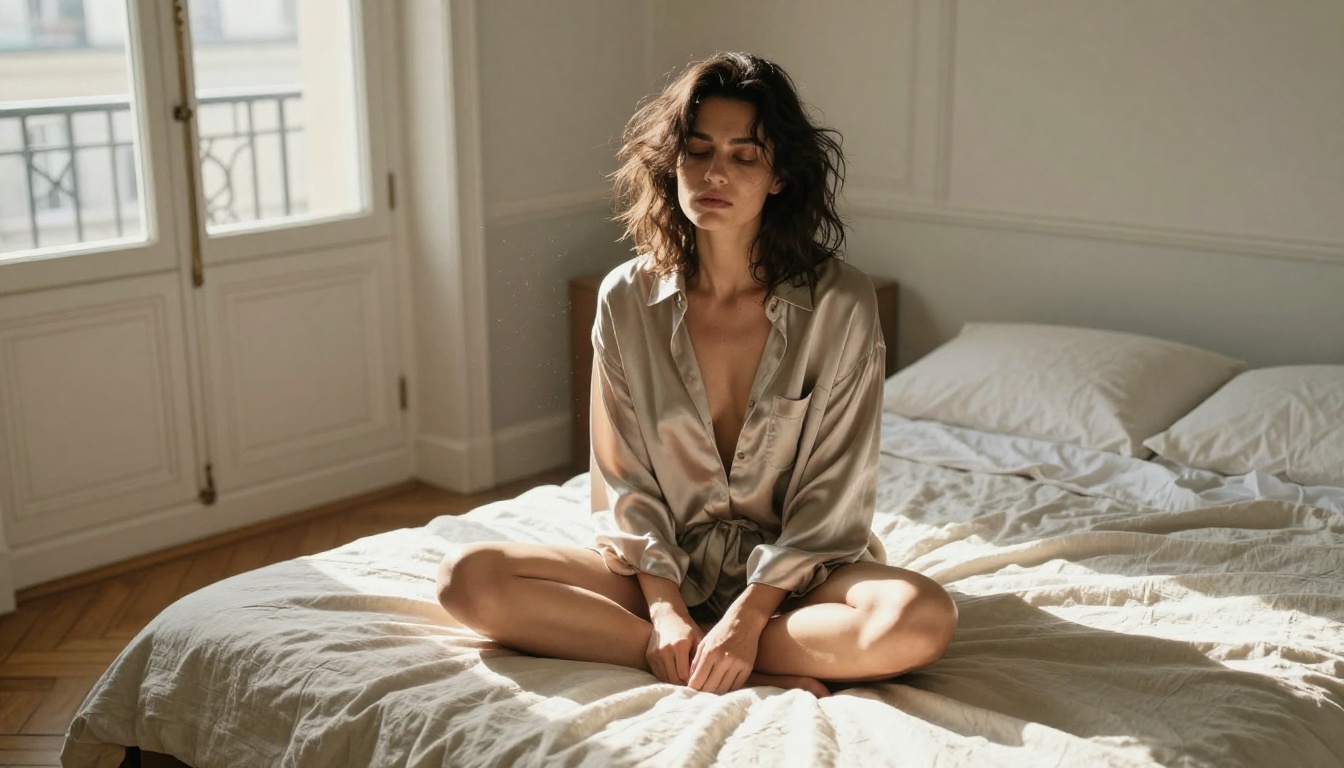
Start Creating Right Now
The gap between "wanting to make adult AI art" and "actually having a finished image" is about four minutes. Open Seedream 4.5 on PicassoIA, write a detailed photography-style prompt, generate, and iterate once or twice. That is the entire process.
If you plan to generate more than a few images, switch to PicassoIA Image Editor Pro for unlimited access. If you want film-warmth aesthetics, run Realistic Vision v5.1. If you want editorial range, use Flux Dev or Flux Pro.
The full suite of models, editing tools, super-resolution upscaling, and video generation is waiting at picassoia.com/en/all-models. There is no faster or more complete platform for free adult AI art right now.


