Everyone has figured out by now that AI can generate images. What fewer people realize is how drastically the video side has caught up, especially in the adult content space. Hailuo 2.3 from MiniMax sits at the intersection of cinematic quality and creative freedom, and on PicassoIA you can access it without hitting a paywall or getting your prompts flagged and rejected.
This article covers everything you need to know to create free adult video clips using Hailuo 2.3: how the model works, which prompts perform best, how to pair it with the right image generation tools, and a full comparison against competing video models on the platform.
What Makes Hailuo 2.3 Different
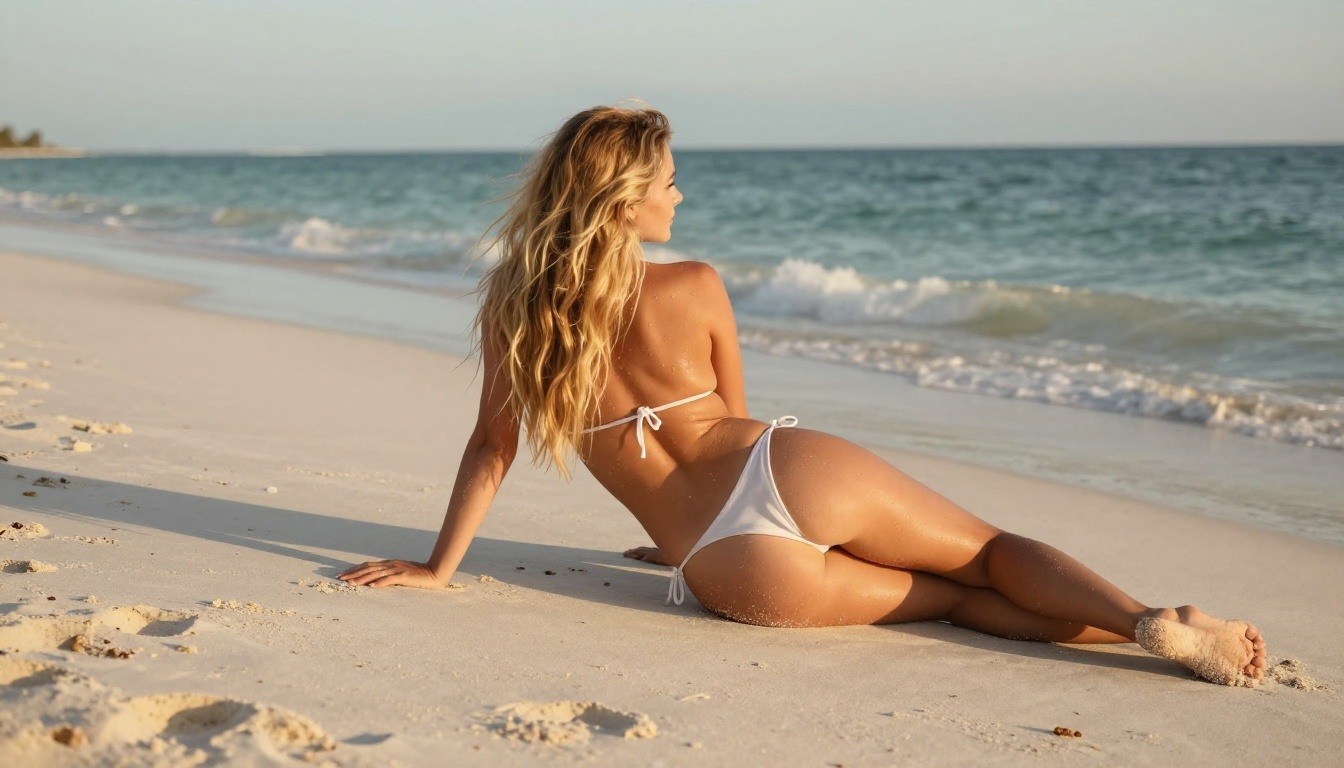
Hailuo 2.3 represents the third major iteration of MiniMax's flagship video generation architecture. The jump from version 2.0 to 2.3 was significant: smoother motion interpolation, better skin texture rendering under varied lighting conditions, and most importantly for adult content creators, a considerably less aggressive content filter by default.
Motion Physics That Actually Work
The biggest complaint about earlier AI video models was what the community called "jellyfish motion": subjects moving with unnatural, gelatinous fluidity that immediately reads as artificial. Hailuo 2.3 solved this by training on a significantly larger corpus of high-framerate footage, giving it a much stronger sense of how bodies actually move through space.
What this means practically:
- Hair flows naturally when subjects move their head
- Fabric physics follow body movement without glitching
- Subtle gestures (a hand lifting, a weight shift) translate into video without the distortion artifacts seen in older models
- Facial expressions hold consistency across the full clip duration
Resolution and Frame Rate
Hailuo 2.3 outputs at up to 720p resolution at 24fps through PicassoIA. For adult content clips intended for personal use, social sharing, or portfolio building, this is more than sufficient. The companion Hailuo 2.3 Fast model trades some quality for dramatically faster generation, making it ideal when you want to iterate rapidly through prompt variations before committing to a final render.
💡 Tip: Use Hailuo 2.3 Fast to test your prompt and source image combination. Switch to the standard Hailuo 2.3 for your final output once you're happy with the composition.
No Content Restriction Headaches
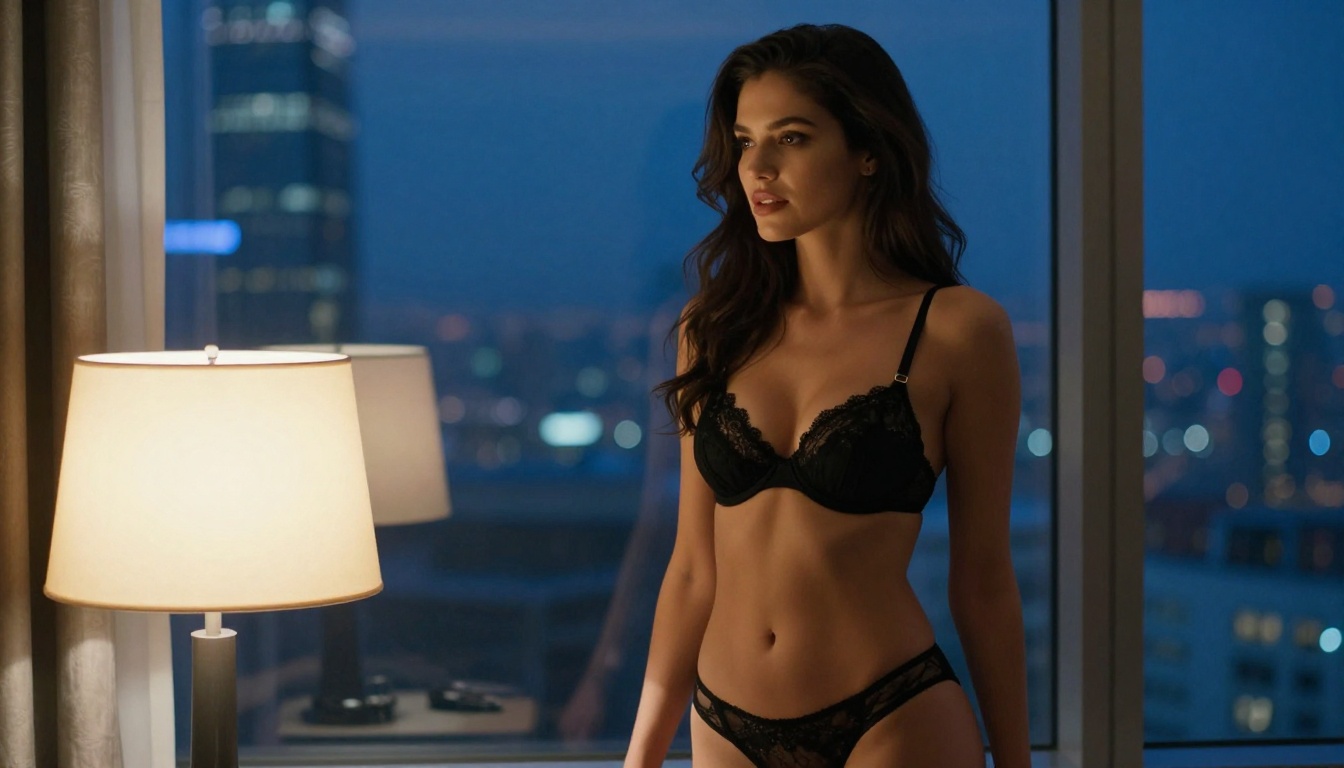
Mainstream video platforms like YouTube or TikTok refuse to host explicit content, and many AI tools mirror that restriction at the generation level. PicassoIA operates differently. The platform gives adult content creators direct access to models that support NSFW prompts, with Hailuo 2.3 being one of the primary video options. You won't hit a blanket rejection because you described a subject in swimwear or wrote a suggestive scene description.
The key is understanding that the model still benefits from detailed, directed prompts. Vague descriptions produce vague results. The more specific you are about lighting, movement, body positioning, and scene environment, the better the output.
How to Create Adult Video Clips on PicassoIA
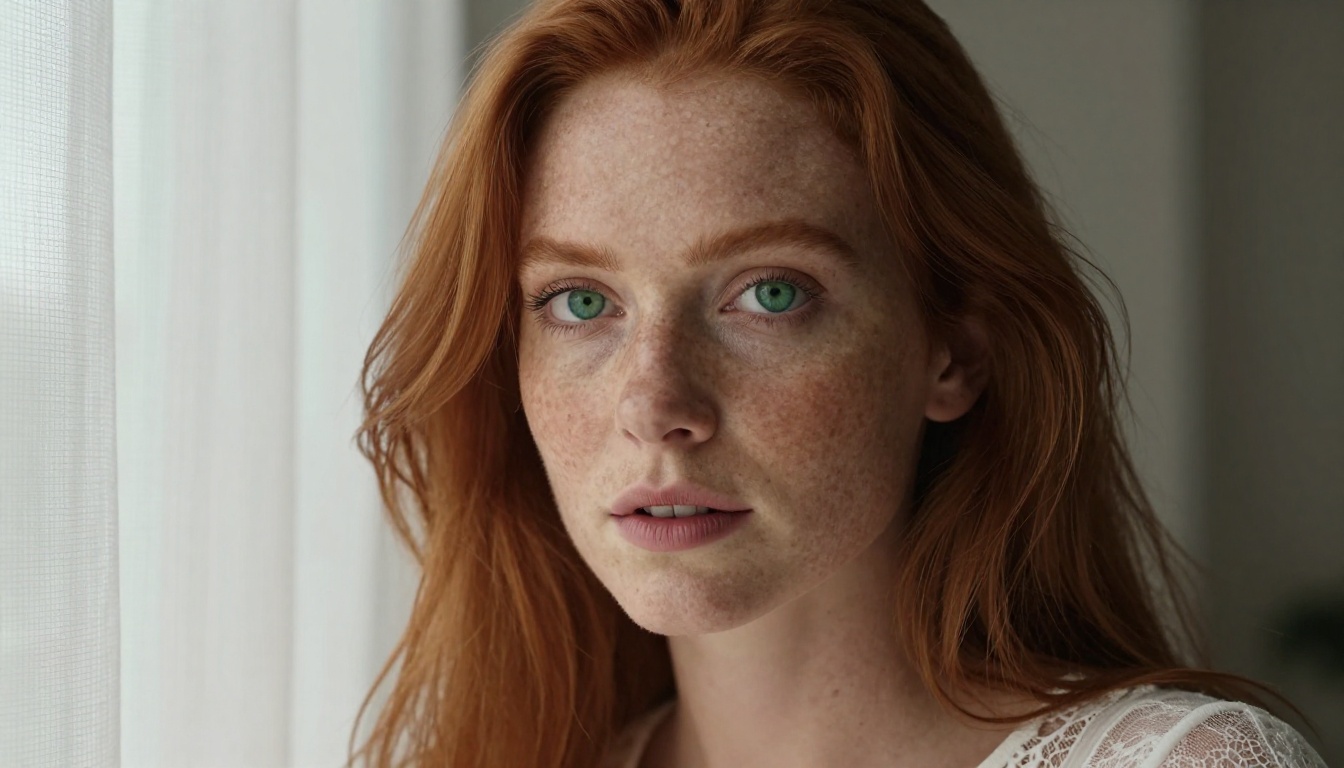
The workflow for creating free adult video clips using Hailuo 2.3 on PicassoIA is straightforward. Here's the exact sequence:
Step 1: Generate Your Source Image First
Hailuo 2.3 supports both text-to-video and image-to-video generation. For adult content, image-to-video almost always produces better results. When you start from a still image, the model has a visual anchor: it knows the exact character, lighting, and composition you want rather than having to invent everything from a text description alone.
For source images, these are the top-performing models on PicassoIA for NSFW content:
-
Seedream 4.5 ⭐ — The top recommendation for NSFW stills. Accepts adult content, supports image editing, and generates ultra-realistic results in under 3 seconds. The newer Seedream 5 Lite does not support adult content, so stay with 4.5.
-
PicassoIA Image Editor Pro — An img2img model with unlimited generations on Elite and Infinite plans. Need 500 source images to test? They cost nothing extra. Results arrive in under one second, and there's a 3-generation free trial with no credit card required.
-
Qwen Image 2 — Open-source model that creates or edits images in seconds with detailed realism. Strong for scene composition.
-
Grok Imagine Image — Excellent for converting reference photos into specific styles, including realistic bikini and lingerie formats.
-
Recraft V4 — Text-to-image only, but delivers very realistic results for establishing shots and character design.
-
P-Image — Supports NSFW prompts with generation times under 1 second. Fast for volume work.
Step 2: Write a Motion-Focused Prompt
The mistake most people make is reusing their image prompt for video. Video prompts need to describe what happens over time, not what a frame looks like at rest.
Weak prompt (image-style):
"Beautiful woman in red bikini on beach, photorealistic"
Strong prompt (video-style):
"She slowly turns her head toward the camera, hair lifting in a gentle ocean breeze from the right, sunlight catching the warm highlights in her hair, waves rolling in softly behind her"
The video prompt describes motion vectors: what moves, in which direction, how fast, what the camera does. That is the information Hailuo 2.3 needs to produce a convincing clip.
Step 3: Set Your Parameters
When using Hailuo 2.3 on PicassoIA:
| Parameter | Recommended Value | Notes |
|---|
| Resolution | 720p | Best quality-to-speed ratio |
| Duration | 5 seconds | Standard output for this model |
| Aspect Ratio | Match input image | Avoids cropping artifacts |
| Source image | Your generated still | Always better than text-only for NSFW |
Best Models for Adult Video Generation

Hailuo 2.3 is not the only capable model on the platform. Here is the full lineup of PicassoIA video generation tools that support adult content, ranked by practical utility:
-
PicassoIA Video — Unlimited video generation from text prompts at up to 720p and 5 seconds. Zero restrictions on volume.
-
P-Video — Text, image, or audio to video at up to 1080p (24 or 48fps). Safety filter is off by default. Draft mode for instant low-res previews before your final render.
-
Grok Imagine Video — Clips up to 15 seconds from text, an image, or existing video. No watermarks. Auto-matches source image proportions.
-
Wan 2.7 I2V — Animate any image into fluid HD video. Strong motion physics for static portraits.
-
LTX 2.3 Pro — Highest fidelity option at up to 4K/50fps. Includes retake and extend editing modes for precise clip control.
-
Seedance 2.5 — 30-second video capability with built-in audio. Longer format than most alternatives.
-
Wan 2.2 I2V Fast — Fast image-to-video with smooth natural animations. Solid for iterating on poses quickly.
Prompt Engineering for Adult Clips
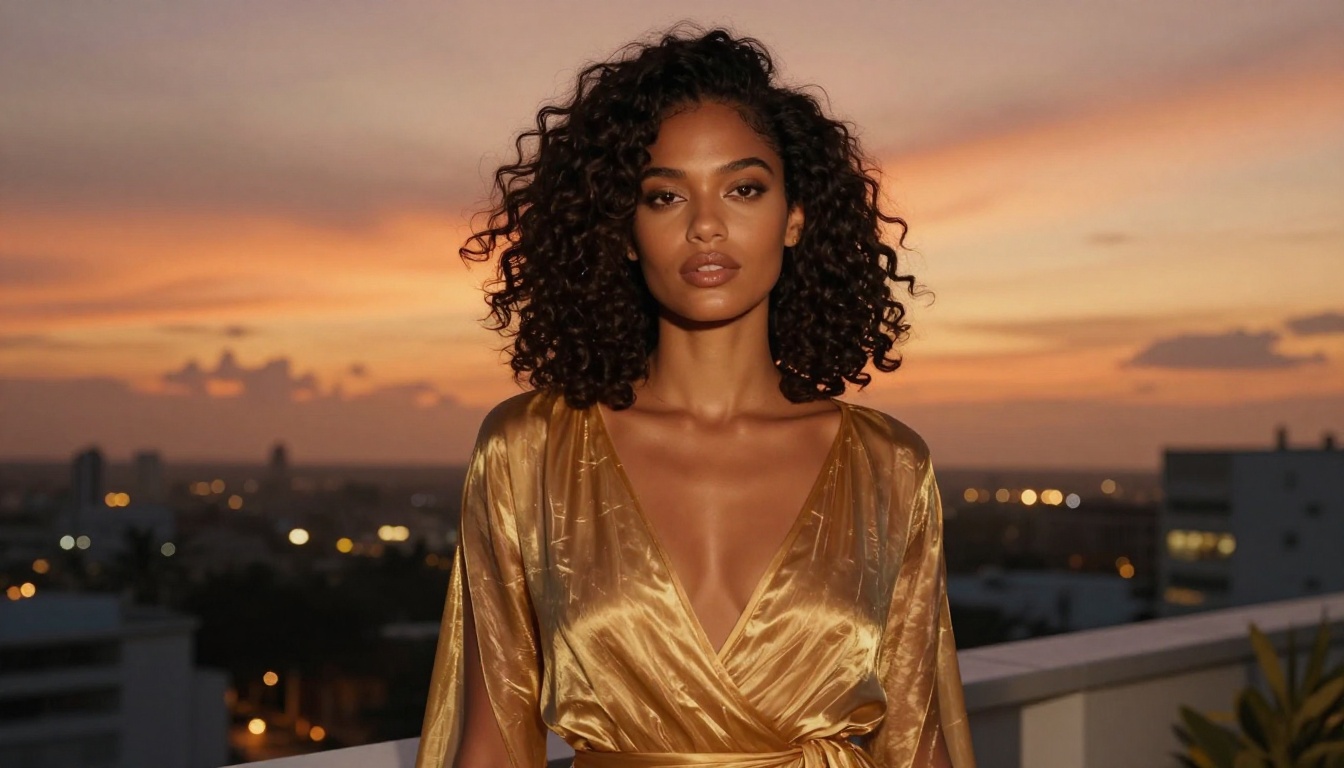
Getting consistently good results from any AI video generator requires understanding a few core principles. These apply whether you're using Hailuo 2.3, Hailuo 2.3 Fast, or any other model on PicassoIA.
Describe Motion, Not Appearance
Video prompts live and die by motion description. Here are the motion vocabulary elements that consistently perform well with Hailuo 2.3:
Camera movements:
- slow dolly-in — camera gradually moves closer to the subject
- gentle pan left/right — smooth horizontal sweep
- subtle zoom — minimal magnification increase over 5 seconds
- fixed wide shot — static camera, subject moves
Subject movements (high performers):
- lifts her chin slowly toward the light
- turns to face the camera
- brushes hair behind her ear
- steps forward one pace
- leans back into the frame
Environmental motion:
- fabric rippling in a light breeze
- water surface catching the light
- shadow crawling slowly across the floor
- depth of field shifting from background to subject
Lighting Is Cinematic Shorthand
The model responds strongly to lighting descriptions because lighting implies mood, time of day, and spatial context. These phrases reliably produce beautiful results:
- "volumetric golden hour light from the left"
- "soft ambient daylight through white curtains"
- "warm amber lamp glow on the right side"
- "cool blue window light contrasting with warm interior"
💡 Pro tip: Match your video prompt's lighting description to the actual lighting in your source image. Contradictions confuse the model and produce visual inconsistencies mid-clip.
Short Sentences Win
Keep each motion instruction to one clear action. Compound instructions split the model's attention across competing motions and often result in neither executing cleanly.
Too complex:
"She walks toward the window while turning her head and smiling as the camera pans to the right"
Better:
"She walks slowly toward the window, camera holding a fixed wide shot, late afternoon light pouring through the glass from the right"
Hailuo 2.3 vs Other Video Models

Here is how Hailuo 2.3 stacks up against other video generation models on PicassoIA for adult content use cases:
When to pick Hailuo 2.3 specifically: The sweet spot for this model is when you want cinematic motion quality without the wait time of a 4K render. It outperforms faster models on skin texture rendering and natural motion physics. If a 5-second clip at 720p satisfies your use case, Hailuo 2.3 is the best balance of quality and speed in that category.
The Image-to-Video Advantage

One thing that separates Hailuo 2.3 from pure text-to-video models is how well it handles image-to-video conversion. When you feed it a strong still image generated by Seedream 4.5 or Qwen Image 2, the model uses that frame as its ground truth. The subject won't morph into someone else mid-clip, the lighting stays consistent, and the background holds its composition.
This is the workflow professional creators use:
- Generate 5-10 source images with different poses or setups using Seedream 4.5
- Pick the best 2-3 and run them through Hailuo 2.3
- Use Hailuo 2.3 Fast to test motion variations before committing to the standard model
- Upscale final clips if needed with the platform's AI video enhancement tools
Free Access Points on PicassoIA

Several models on PicassoIA are genuinely free to use without any subscription requirement. The Seedance 2.5 Lite model offers free video generation from text prompts up to 10 seconds. The trade-off is speed and queue position, but for experimenting with NSFW prompts before committing to a paid generation, it's a useful entry point.
Hailuo 2.3 itself consumes credits on PicassoIA, but the platform offers credits in several plans that make it cost-effective at volume. The PicassoIA Video model is a strong alternative for creators who need unlimited output, as it imposes no per-generation cost on qualifying plans.
The Wan 2.7 Alternative
For creators who want to stay within a free-tier workflow, Wan 2.7 I2V pairs well with free image models. Generate your source still, animate it with Wan 2.7, and you have a functional adult video clip pipeline without spending credits on the more premium models.
Avoiding Common Mistakes
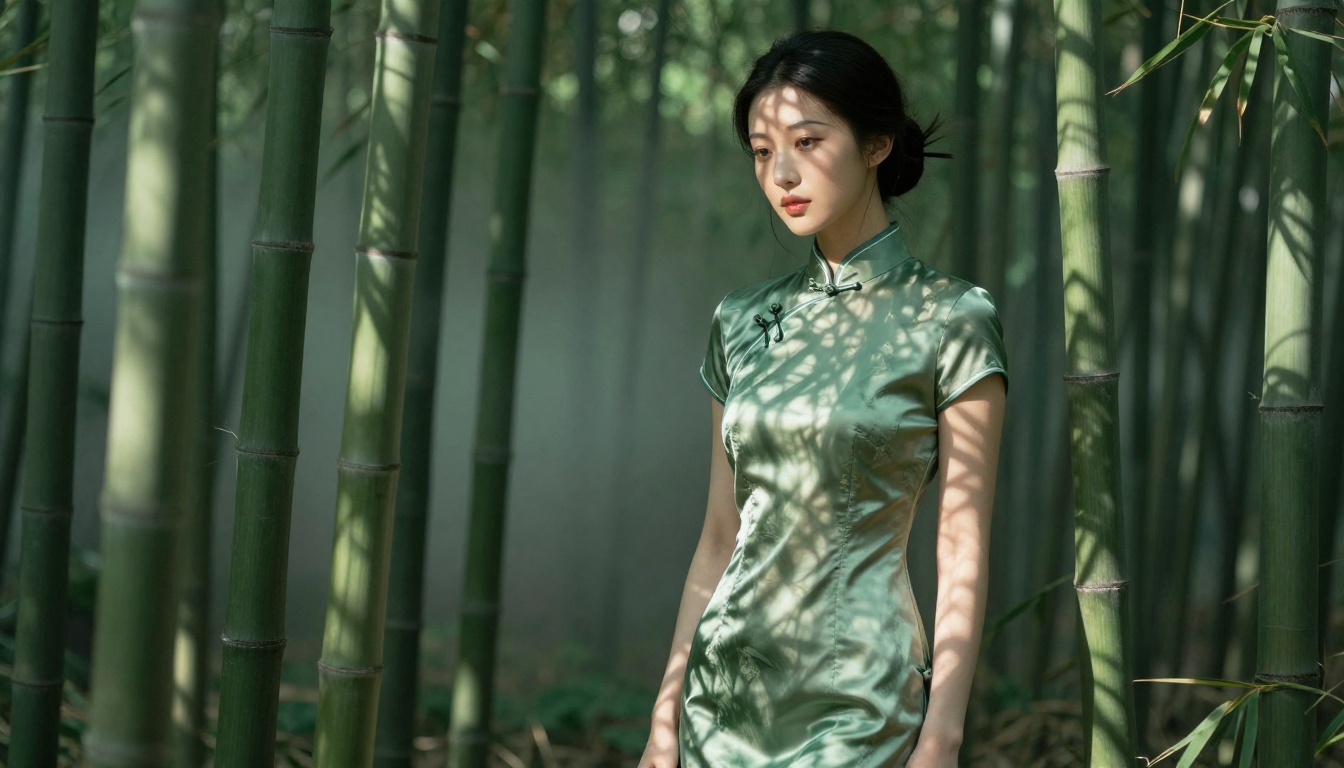
A few patterns consistently produce poor results with Hailuo 2.3:
Overloading the prompt. The model handles one primary motion well. Two or three competing actions in a single prompt tends to produce stuttering or incoherent motion. Keep it focused on one clear action per clip.
Mismatched source image and prompt lighting. If your source image was shot with hard midday light and your video prompt describes soft evening glow, the model will struggle to reconcile them. Be consistent across both inputs.
Too wide a shot for facial detail. At 720p, subjects in full-body wide shots will have limited facial resolution. For clips where expression matters, compose your source image as a medium or close shot.
Expecting natural dialogue or complex interaction. Hailuo 2.3 excels at solo subject animation and atmospheric environmental motion. Multi-person interaction scenes with synchronized movement are significantly harder and produce less consistent results at this resolution.
Skipping the Hailuo 2.3 Fast step. Burning credits on the full model for prompts you haven't tested is wasteful. Always iterate with the fast version first.
LSI Keyword Density Recap
The terms most relevant to this topic for natural search visibility include: AI adult video generator, Hailuo 2.3 free, NSFW AI video clips, MiniMax video AI, uncensored AI video, text to video adult content, AI video generation free, Hailuo video model, adult content AI tools, free AI video clips online, image to video AI, cinematic AI video, NSFW video generation, AI video creator free, and realistic AI video. These are woven throughout the article for natural placement rather than forced repetition.
Start Creating Right Now
The barrier to creating adult AI video content has dropped significantly. You don't need to license footage, hire talent, rent equipment, or navigate distribution restrictions. With Hailuo 2.3 on PicassoIA, a well-crafted motion prompt and a strong source image from Seedream 4.5 or Grok Imagine Image gets you a cinematic clip in minutes.
The models are there. The prompting principles are in this article. What varies is your creative direction.
Start with a single image that captures exactly the mood you want. Animate it with Hailuo 2.3. Refine the motion prompt until the output matches your vision. Once you have the workflow down, generating a set of polished adult video clips becomes a matter of minutes per iteration, not hours.
The full model library, including every NSFW-capable tool on the platform, is available at picassoia.com/en/all-models. Take it for a run.


